 Video preview
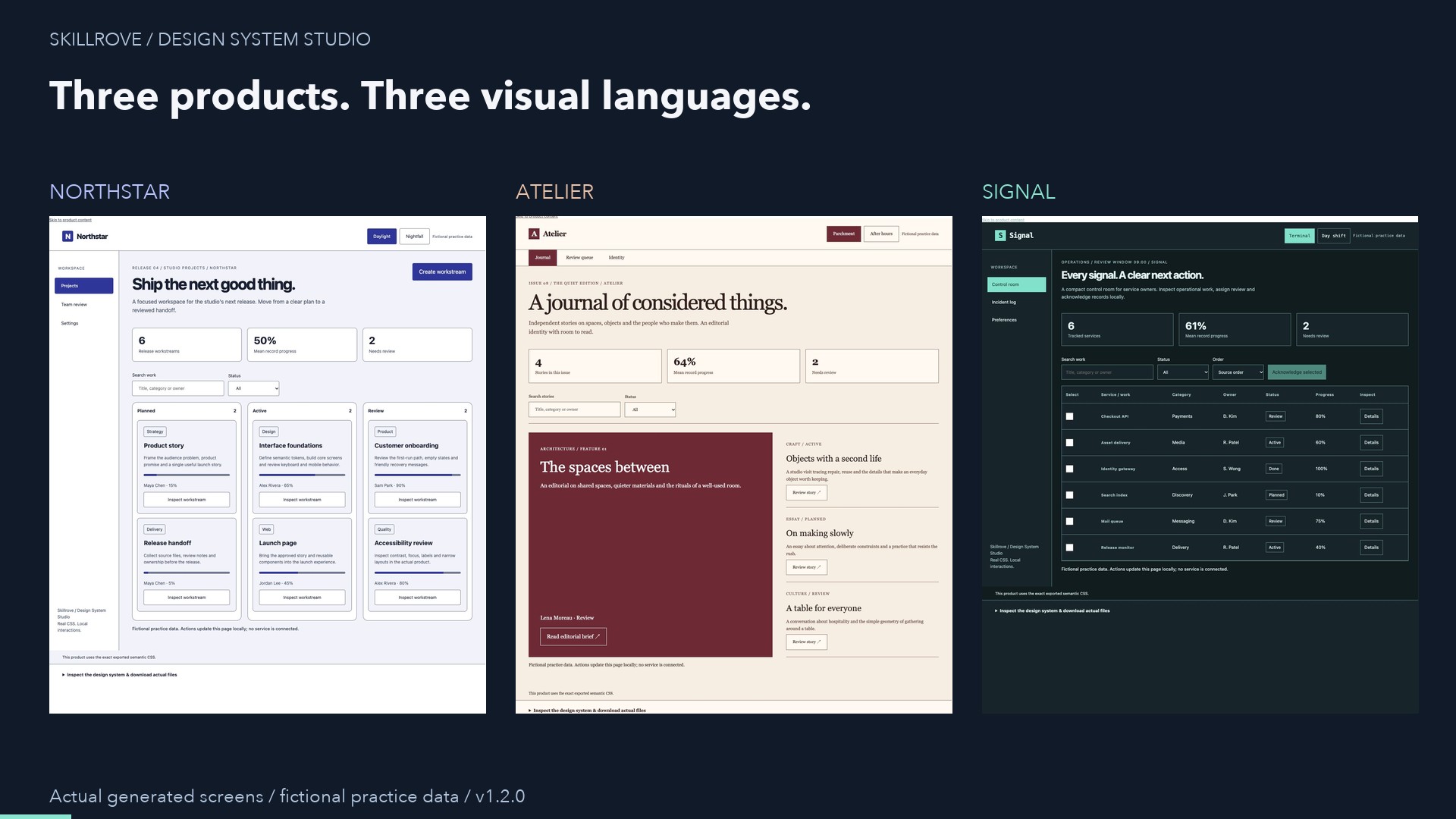
Design System Studio
A working interface and reusable design tokens.


 Codex +2
CHOSEN FOR YOUR ROLE
Document an API from its OpenAPI contract, collect debugging evidence, replay an incident and build product pages and tools. Each skill below is a released package you can inspect before installing.
See 25 skillsREAL OUTPUT, PREVIEW BEFORE YOU INSTALL
Video previewDesign System Studio
A working interface and reusable design tokens.
Codex +2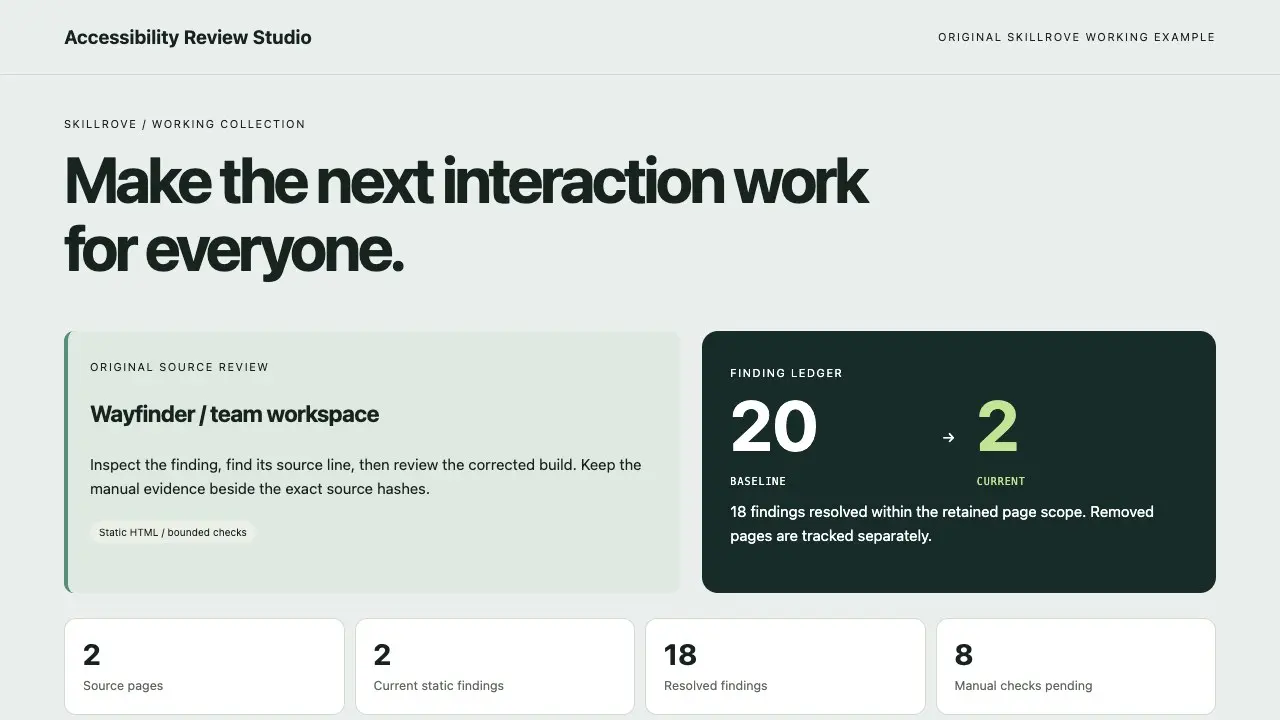 Video preview
Accessibility Review Studio
A source finding ledger and remediation comparison
Codex +2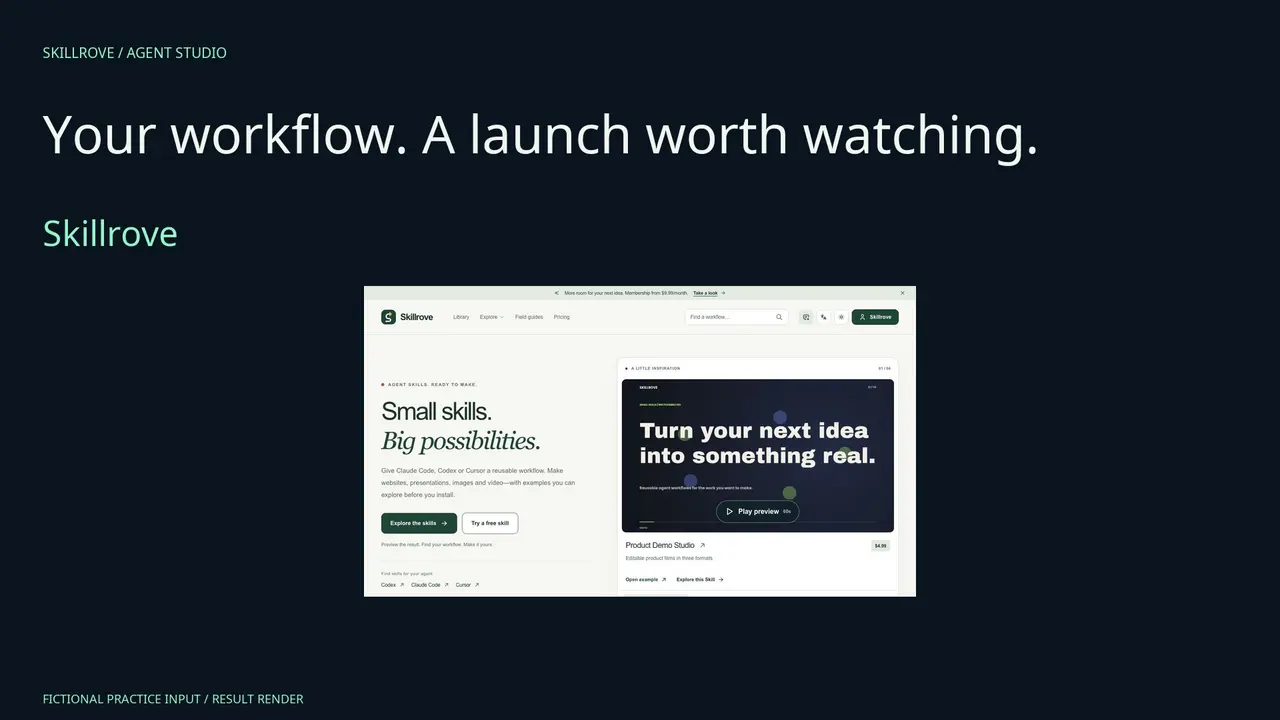 Video preview
Agent Workflow Film
An evidence-linked agent film and complete delivery
Codex +2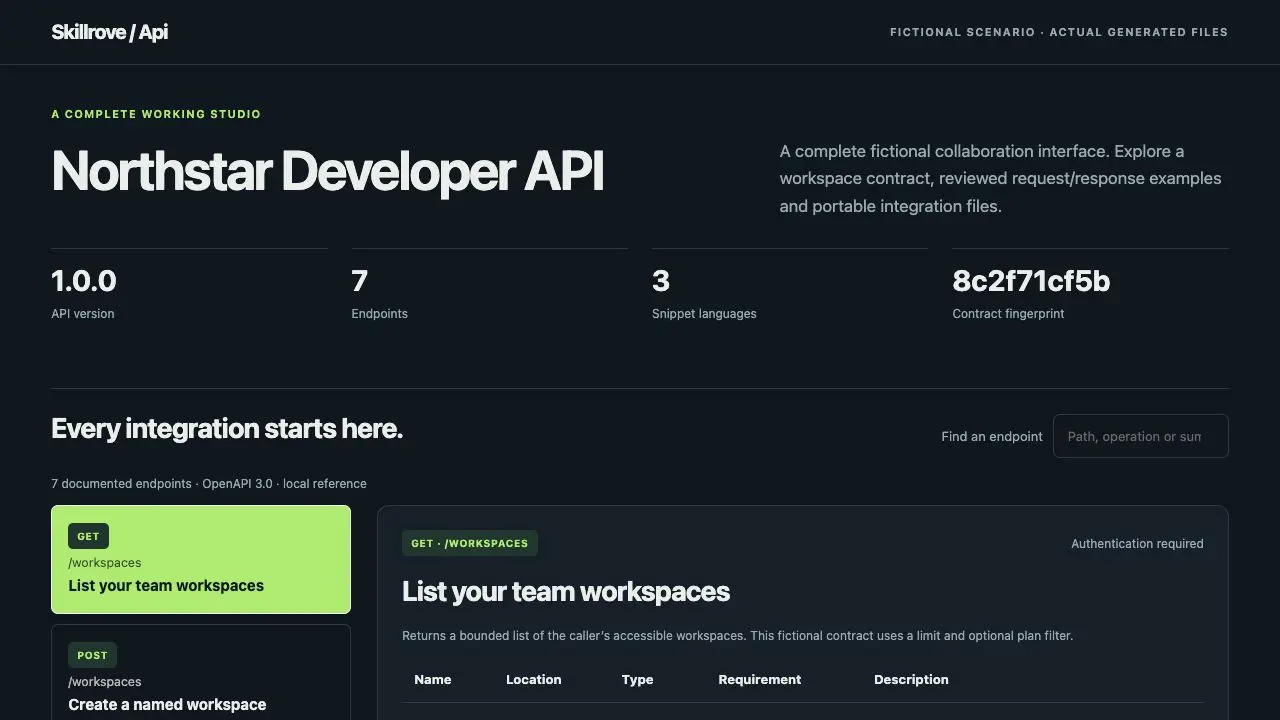
API Docs Studio
A searchable API reference and portable request pack
Codex +2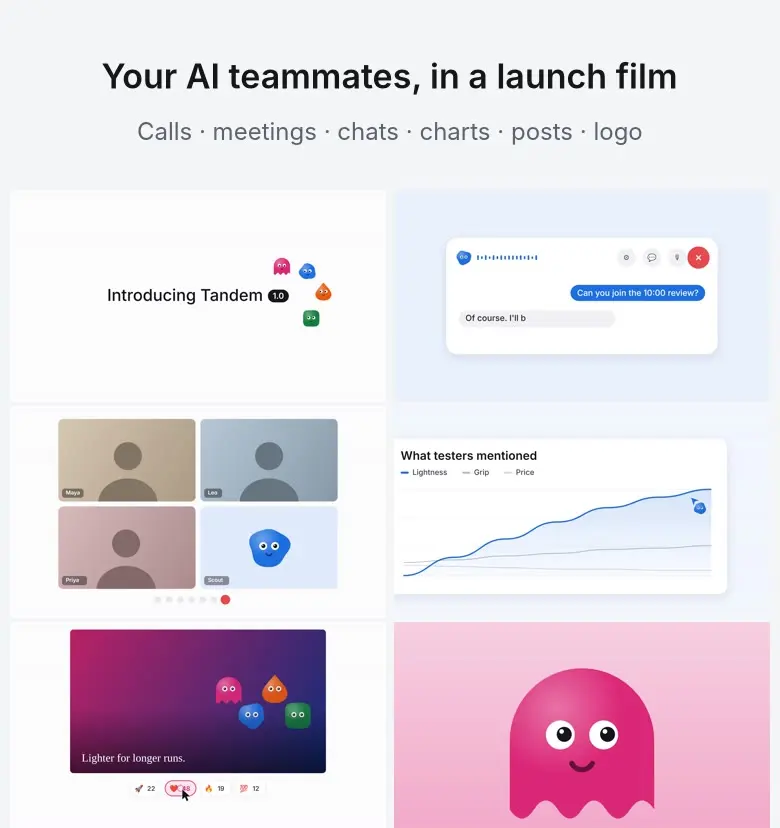 Video preview
BotReel
A launch film where your AI bots have faces and do the work.
Codex +2
Changelog Studio
A filterable static changelog site
Codex +2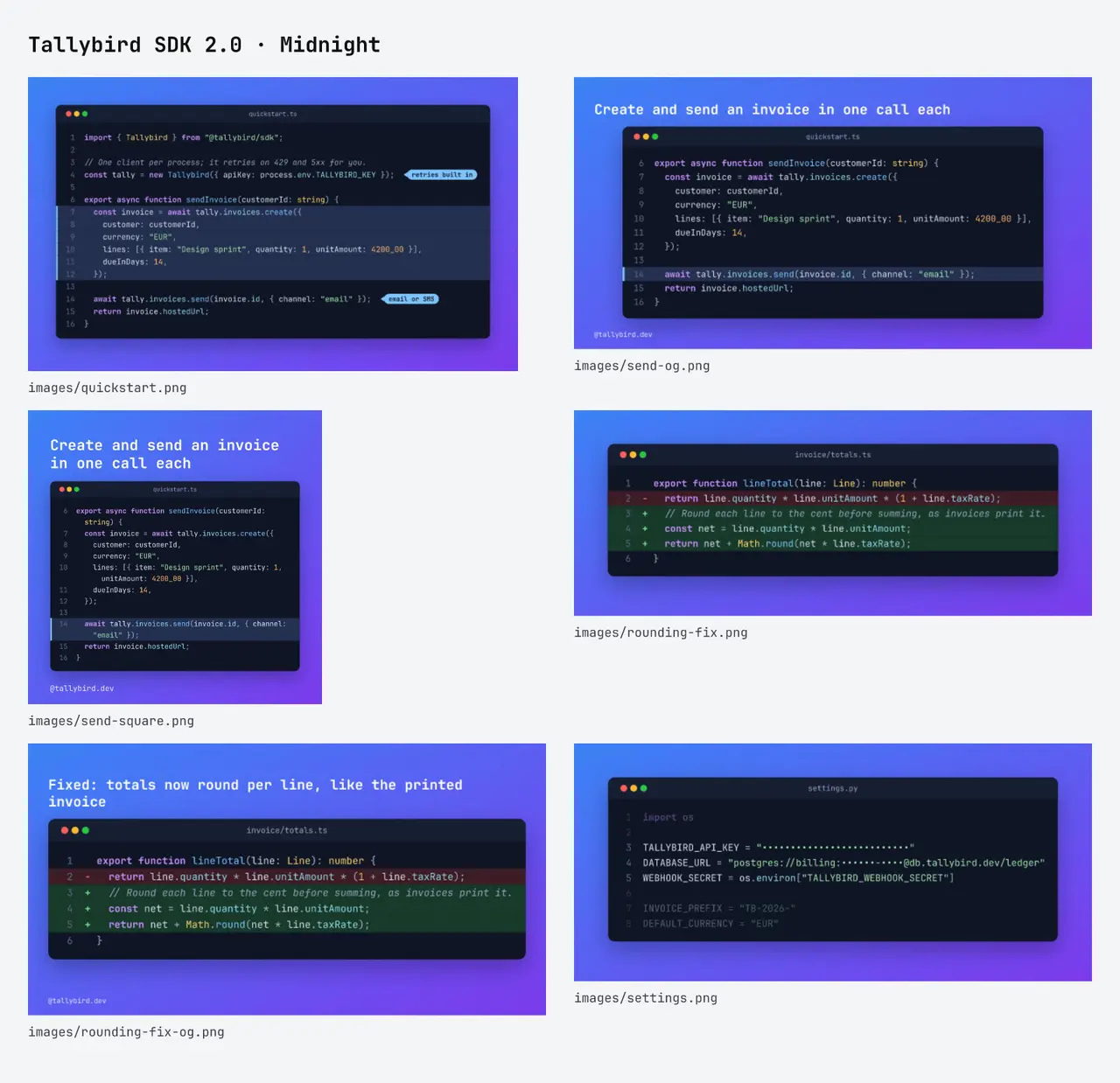 Video preview
CodeShot
Turn code into images people can read.
Codex +2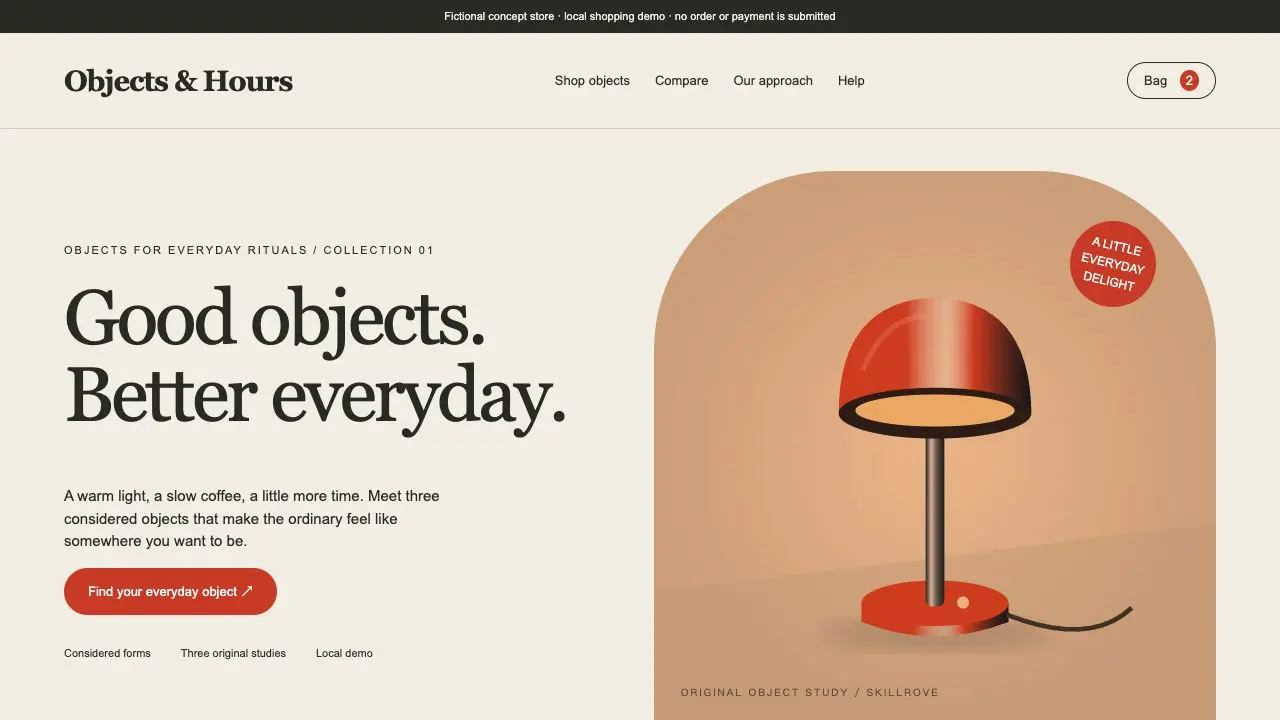 Video preview
Commerce Product Studio
A complete product storefront and order-draft handoff
Codex +2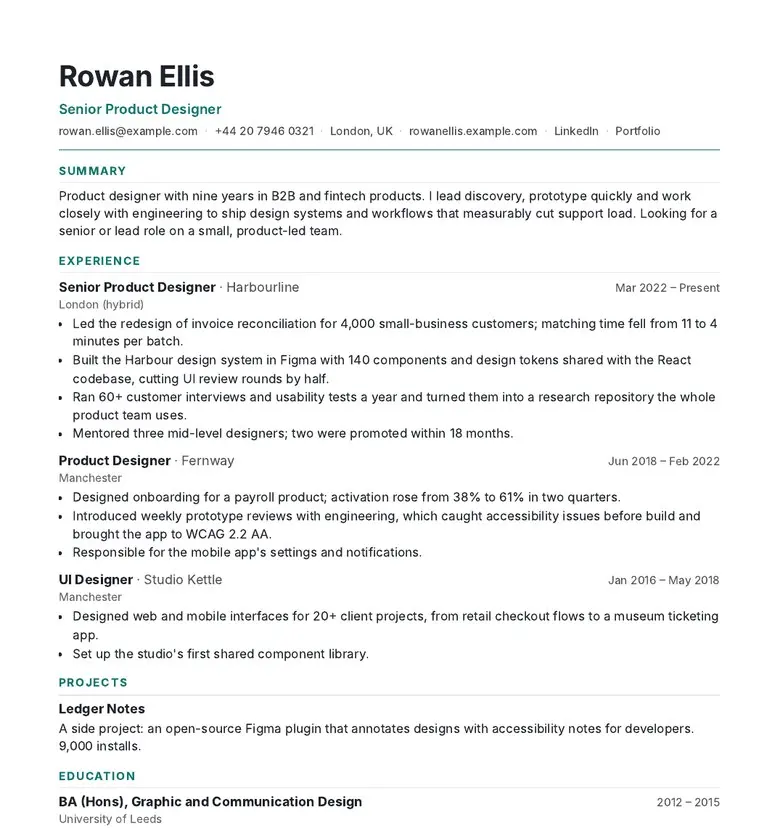 Video preview
CVForge
A resume that fits the page and the job.
Codex +2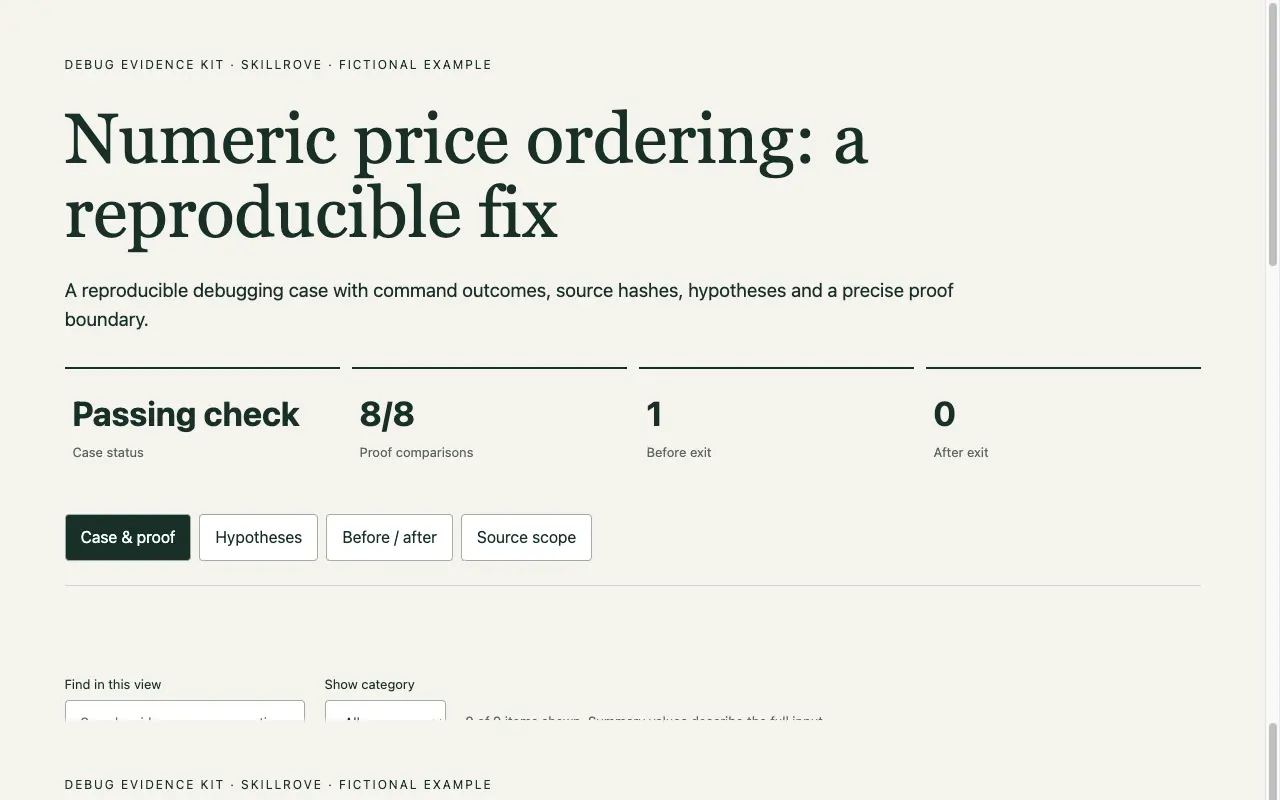
Debug Evidence Kit
A reproducible fix and proof handoff
Codex +2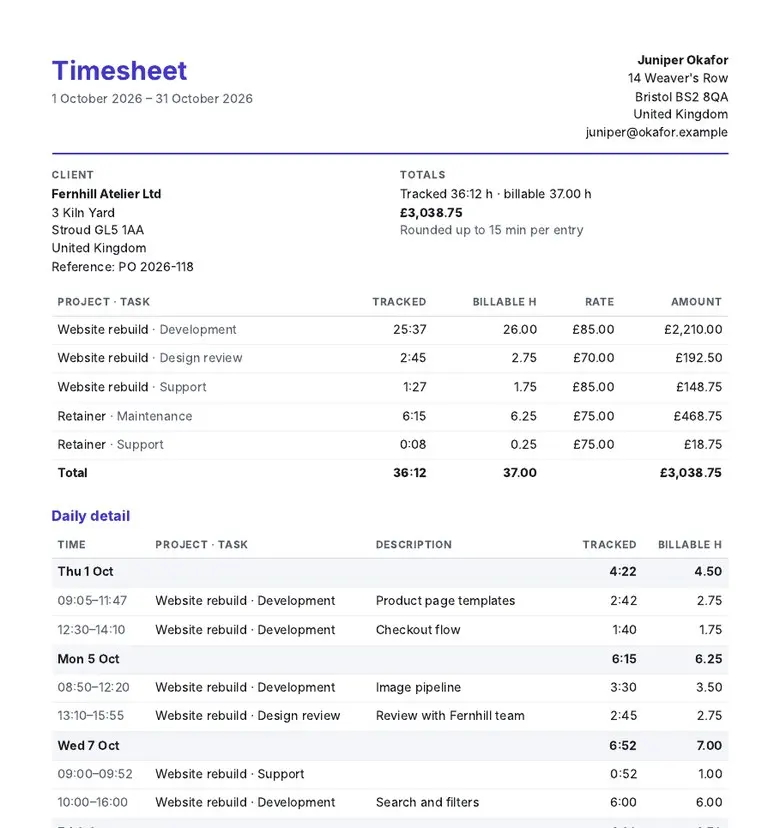 Video preview
HoursKit
Turn time logs into timesheets clients sign.
Codex +2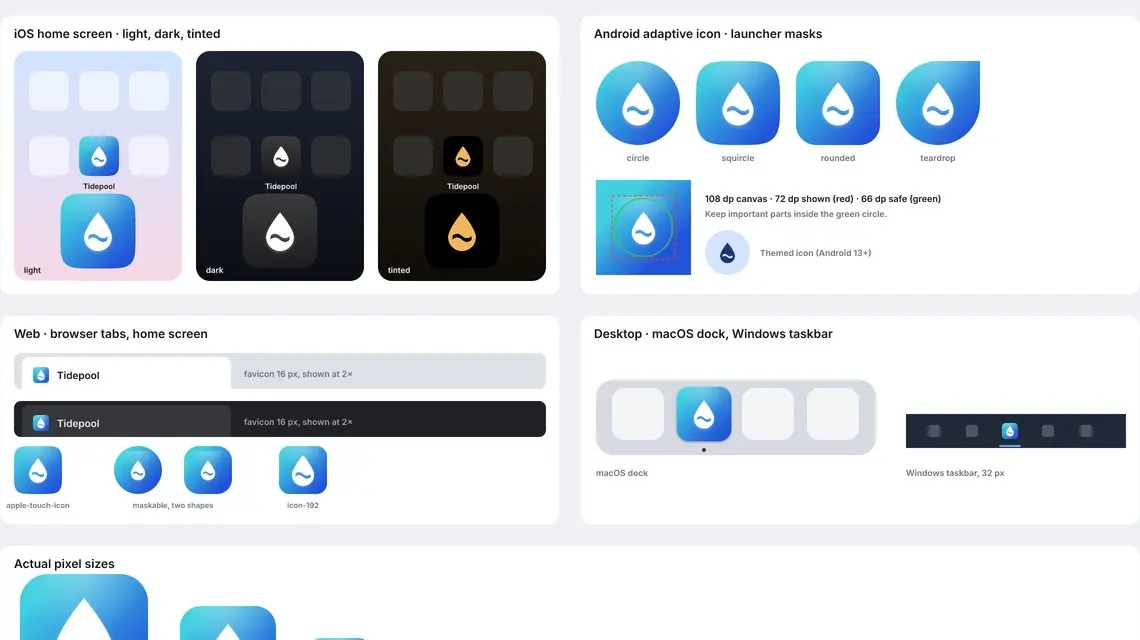 Video preview
IconForge
Make every app icon and favicon from one design.
Codex +2 Video preview
Incident Replay Studio
A replayable evidence timeline and owned follow-ups
Codex +2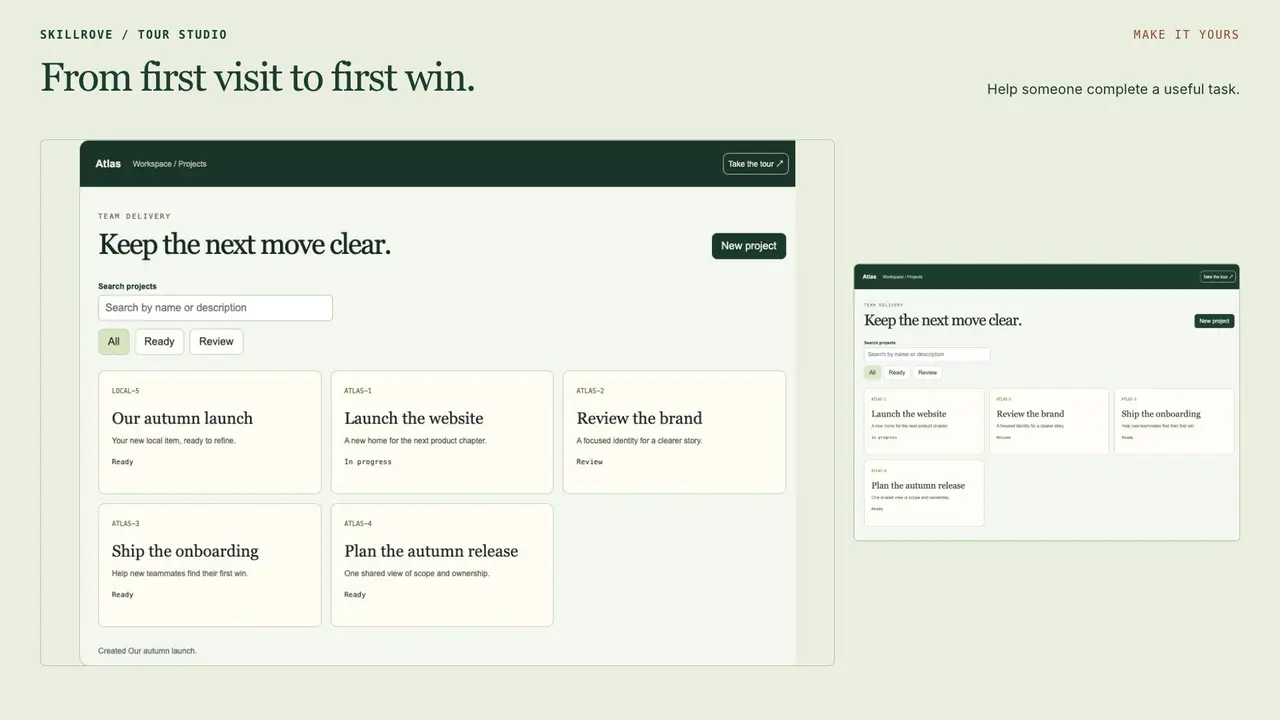 Video preview
Interactive Tour Studio
A working product tour and portable integration
Codex +2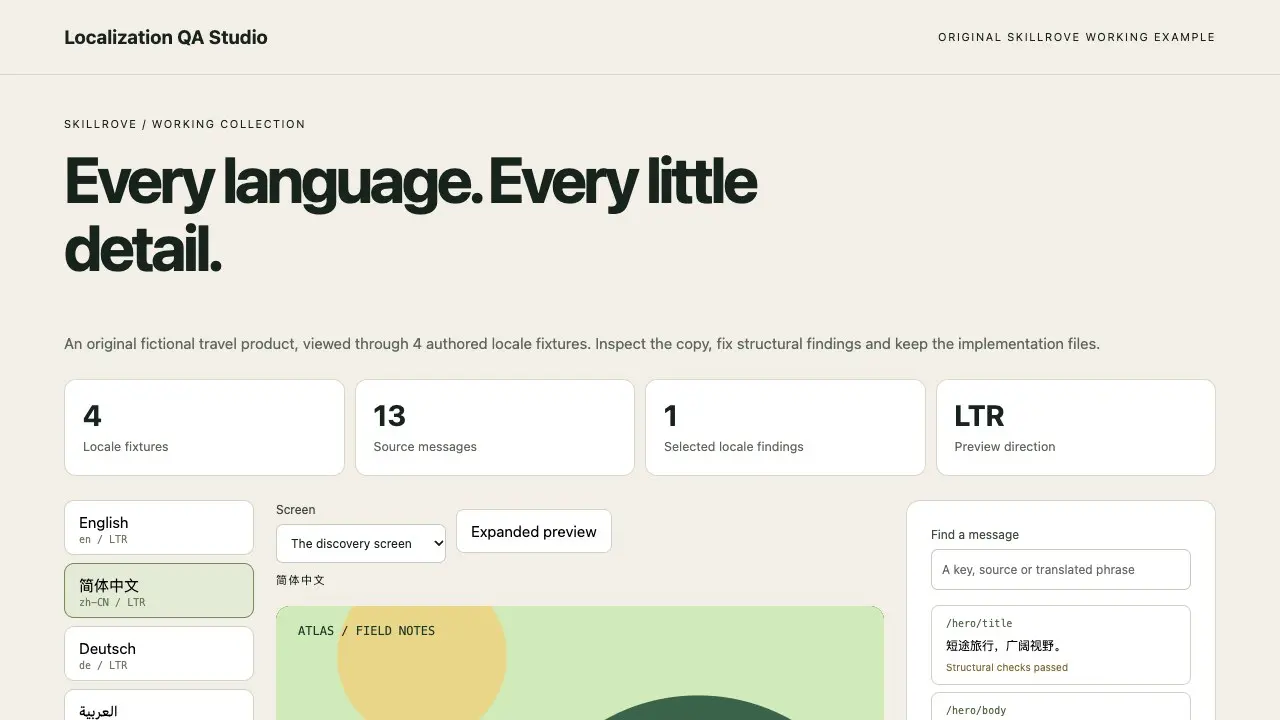 Video preview
Localization QA Studio
An editable multilingual review and translation handoff
Codex +2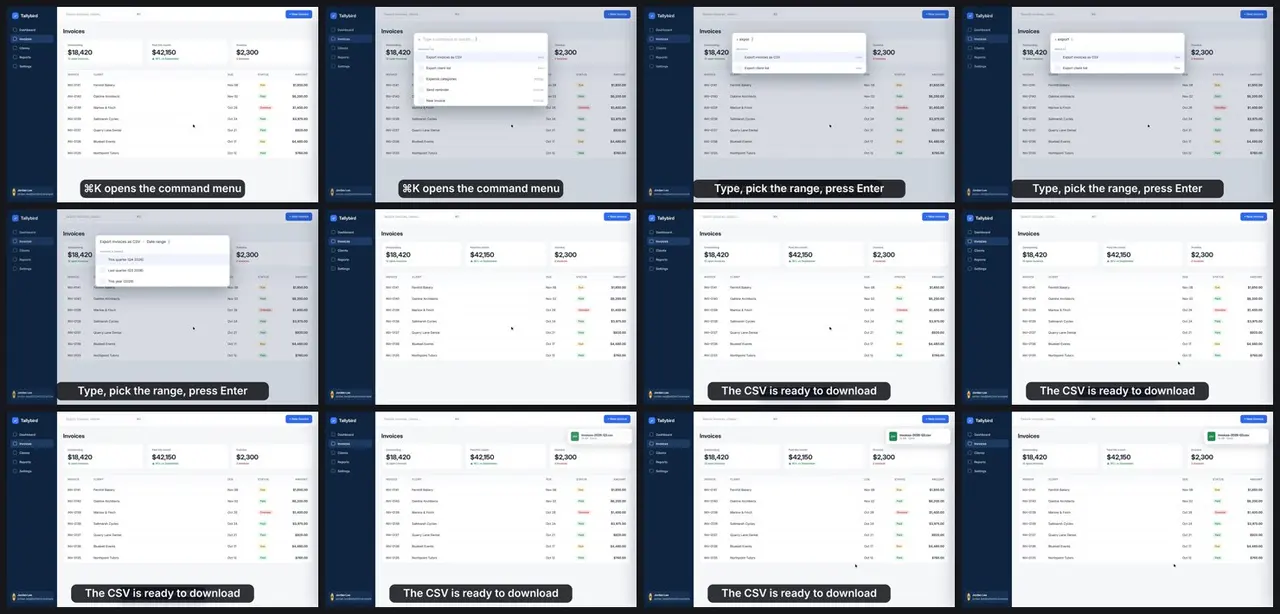 Video preview
LoopCast
Turn a screen recording into a README loop.
Codex +2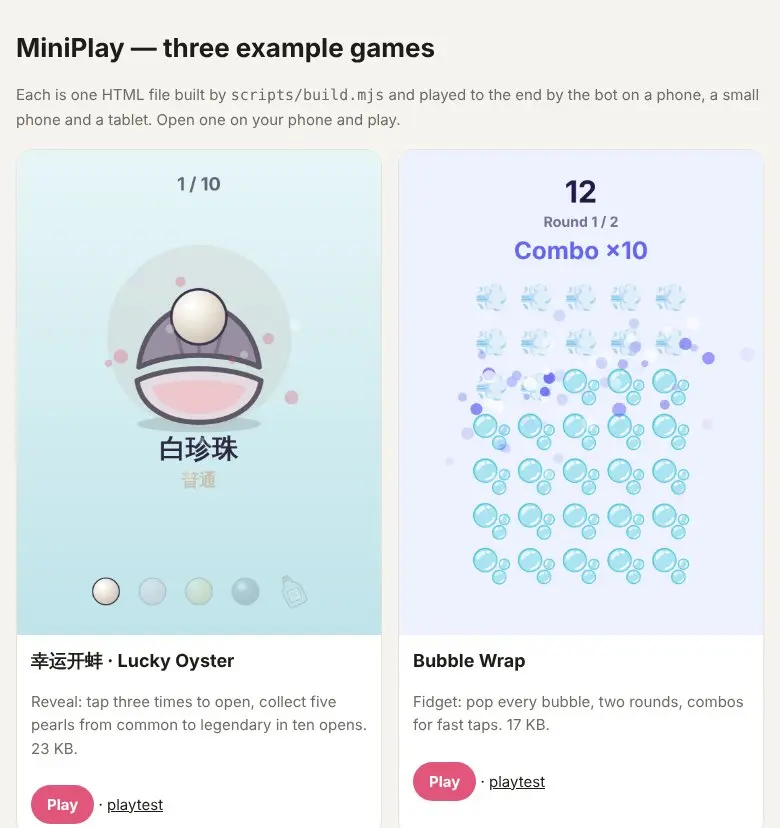 Video preview
MiniPlay
A mini game for a post, in one HTML file, bot-tested.
Codex +2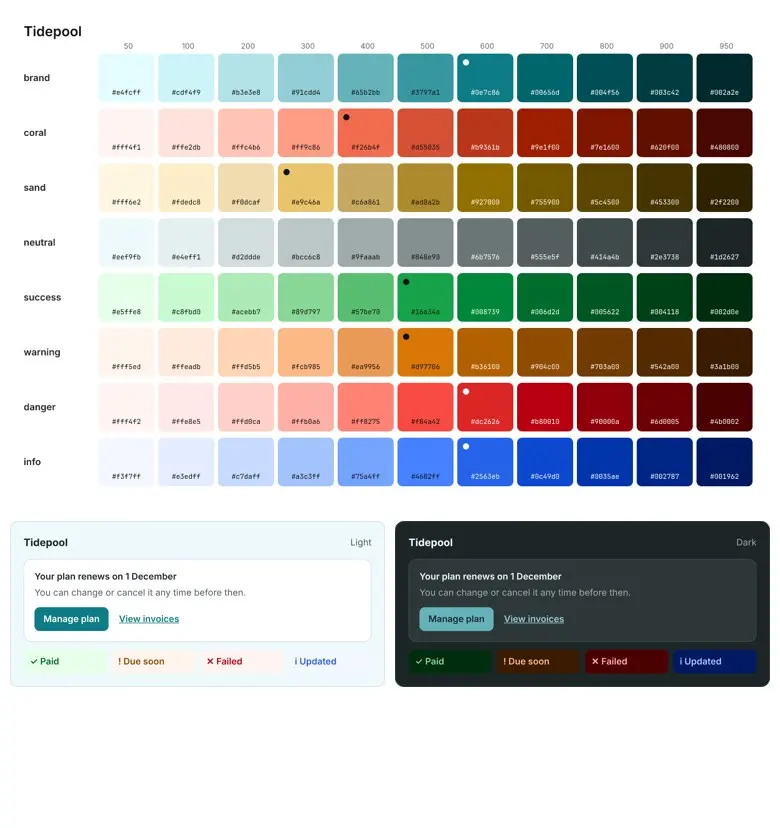 Video preview
PaletteForge
Turn brand colors into an accessible color system.
Codex +2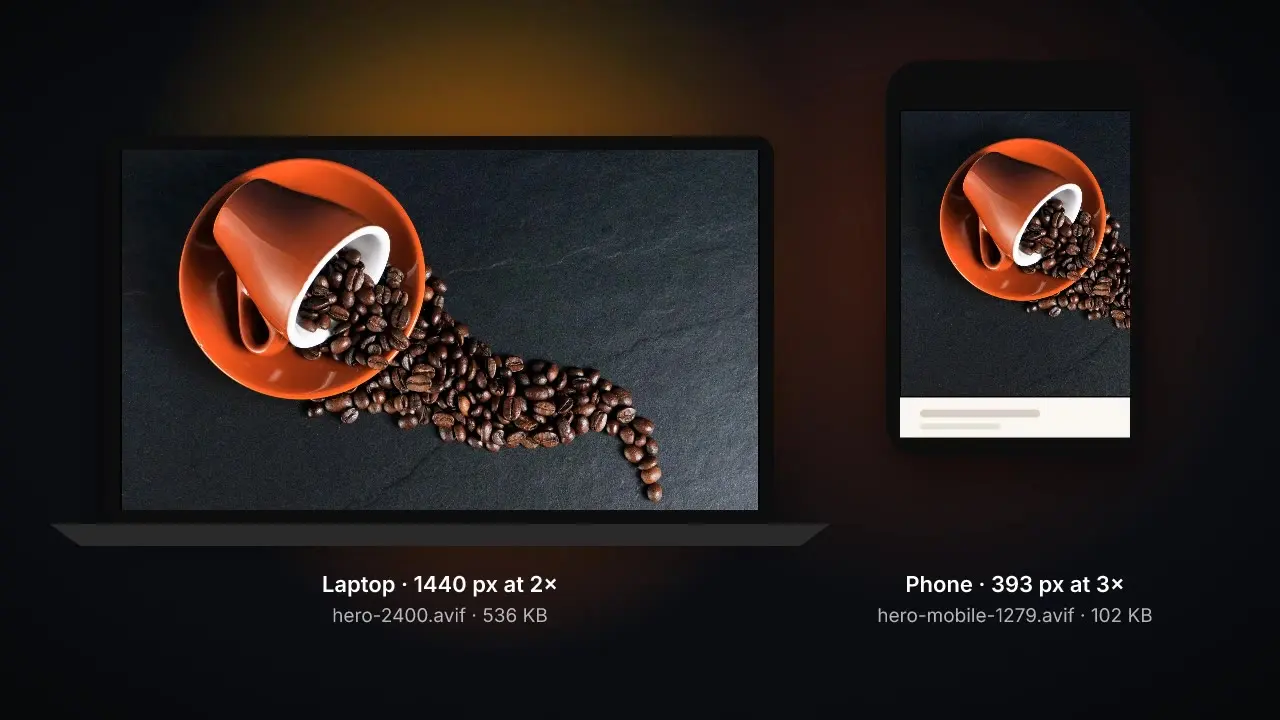 Video preview
PicturePress
Serve every screen the smallest sharp image.
Codex +2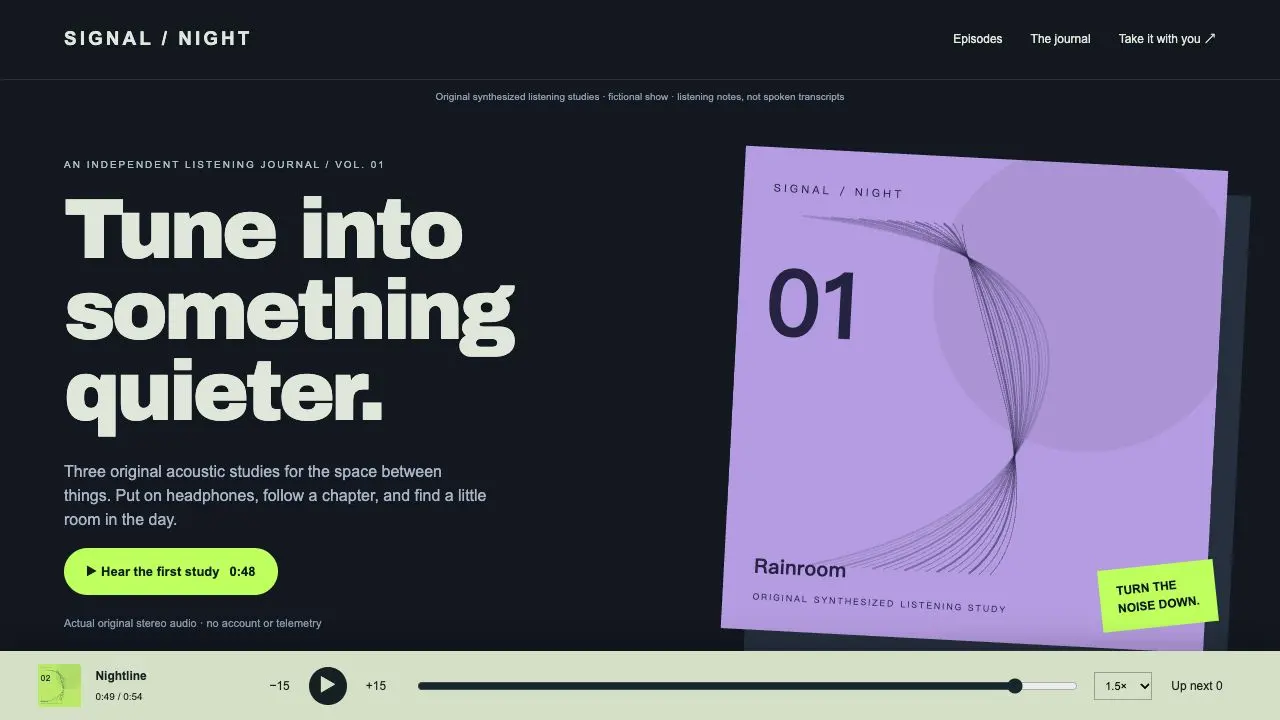 Video preview
Podcast Publisher Studio
A real-audio episode site and feed handoff
Codex +2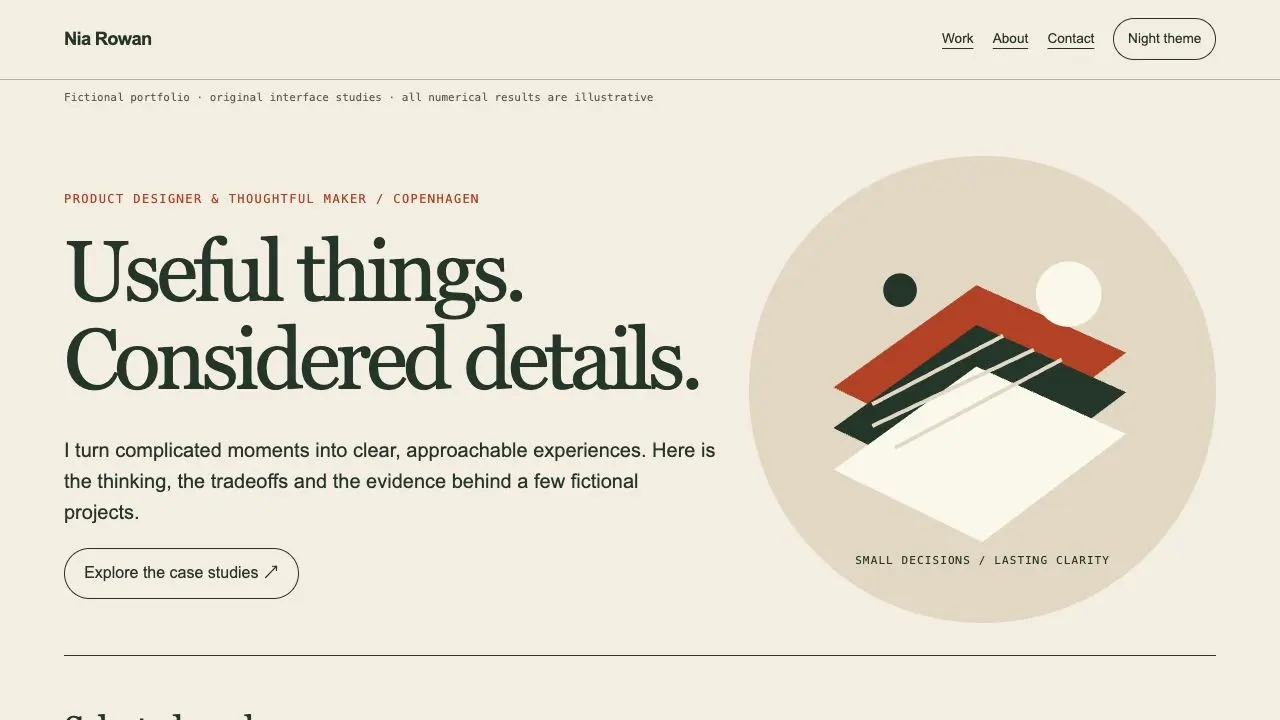
Portfolio Case Study Studio
A complete case-study portfolio and public handoff
Codex +2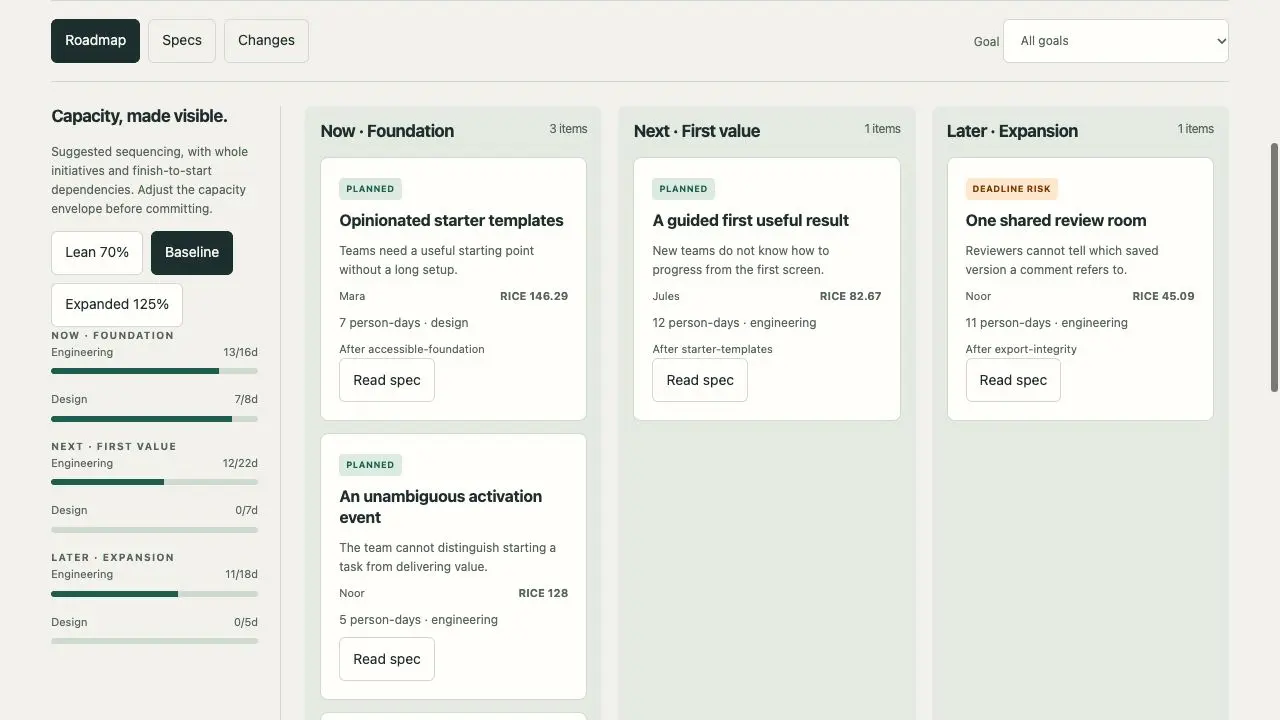
Product Roadmap Studio
A scoped roadmap and engineering handoff
Codex +2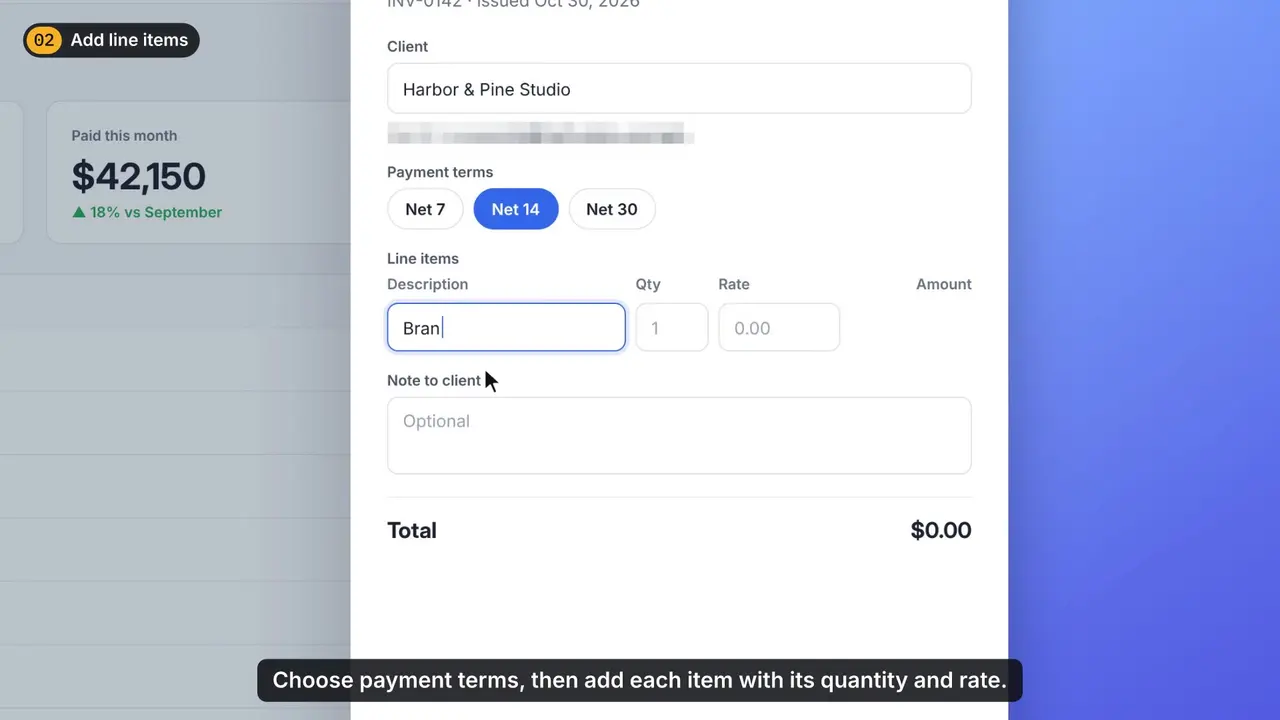 Video preview
ScreenPolish
Turn a raw screen recording into a polished tutorial.
Codex +2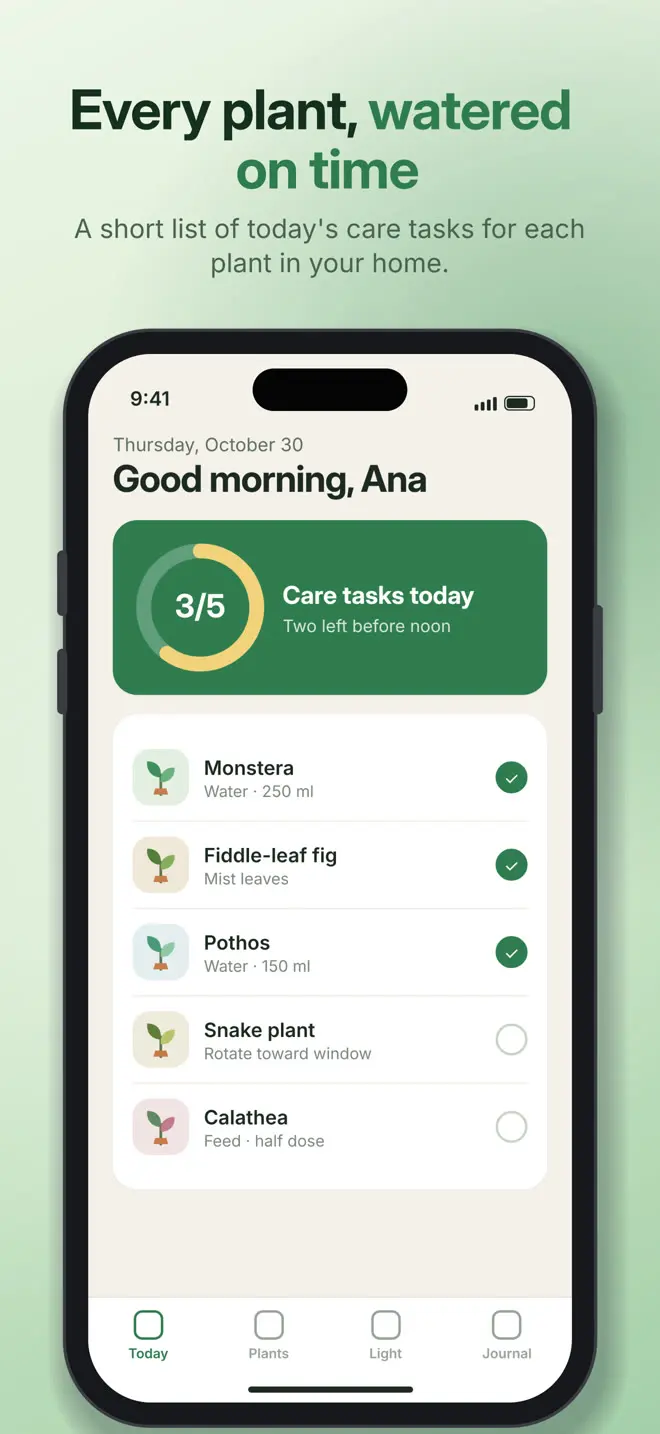 Video preview
StoreShots
Turn app screenshots into a store-ready set.
Codex +2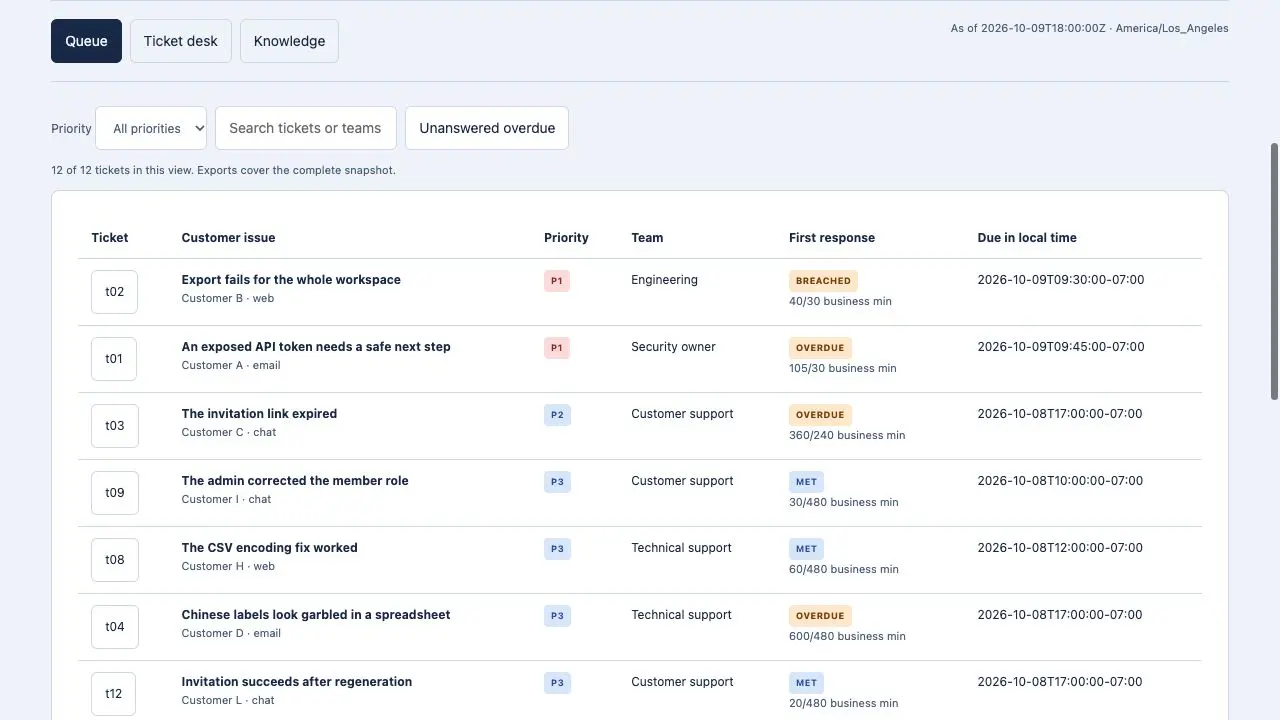
Support Operations Studio
A prioritized support queue and response handoff
Codex +2Only when you ask your agent to. Each package documents the files it reads and writes and the commands it runs; review them, and run it on a branch or a copy first.
The list shows released packages tagged for this audience, with featured picks first and the rest by name. Every skill page shows real output, the package version and its requirements, so you can compare before installing.
Download the package and put the whole folder in your project's .claude/skills or your personal ~/.claude/skills directory, then call the skill by name in Claude Code. Codex and Cursor use their own skill folders; the installation guide has the steps.