A consistent branded carousel
Create a coordinated card series with editable SVGs, actual PNG exports and content/brand inputs.
Brand Carousel Studio →CHOOSE THE RESULT. THEN THE WORKFLOW.
Choose the visual’s job: carry a sequence, explain an idea or give a story a recognizable face. Bring your own content and identity, then choose a workflow that preserves both through the final export.
Explore released skills Find your starting point →Image skills guide an agent through layout, illustration or a series of branded visuals. Some packages render editable vector or raster files locally; others need an image model, provider credits or external tools. Pick by the deliverable and setup rather than by a single attractive thumbnail. Check readability, consistency and asset permissions in the actual export, and keep editable source files if you expect to make changes later.
MATCH THE PACKAGE TO THE JOB
Create a coordinated card series with editable SVGs, actual PNG exports and content/brand inputs.
Brand Carousel Studio →Explore an illustration workflow for a single idea and review its model or provider requirements.
Claude Style Illustration →Turn a structured explanation into visual notes; inspect the included format and instructions.
Hand-Drawn Visual Notes →EXPLORE THE RELEASED COLLECTION
These packages have an active release. Open a skill to review its actual version, price, compatible agents and setup. Your model account, provider fees and local tools are separate.
 AvailableVideo preview
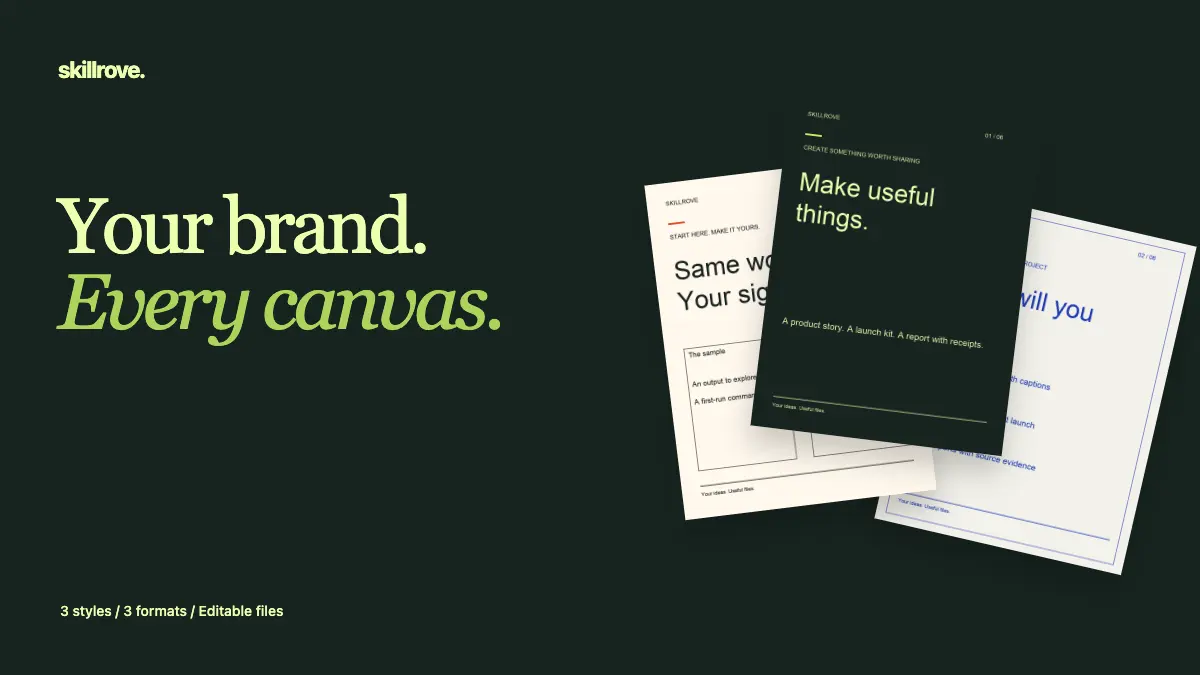
Brand Carousel Studio
Create a coherent branded carousel with seven card layouts, three visual styles and portrait, square and wide exports. Includes actual PNG renders, editable SVGs, reusable brand/content JSON and measured text-fit evidence. Original Skillrove tools.


 Codex +2
 Available
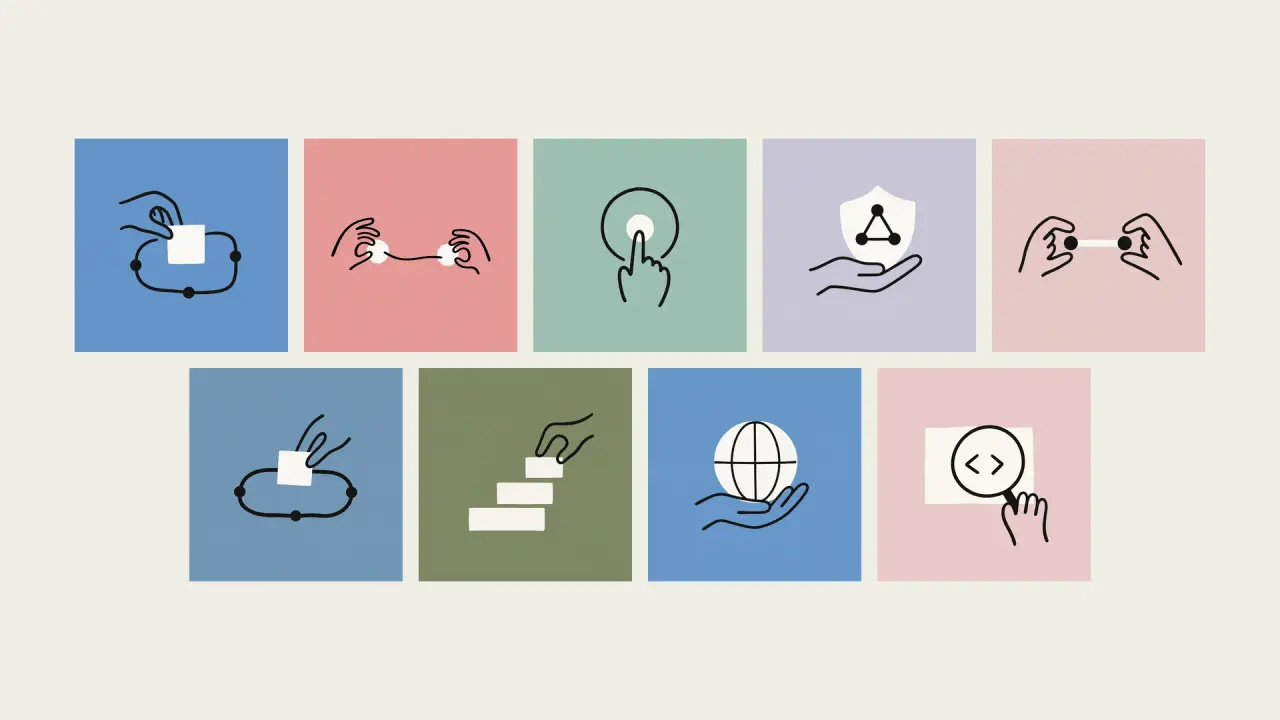
Claude Style Illustration
Create an Anthropic Style editorial illustration that turns one idea into an immediately readable visual metaphor. This independent workflow helps writers and product teams add a warm, human focal image and is not affiliated with or endorsed by Anthropic.
Claude Code +8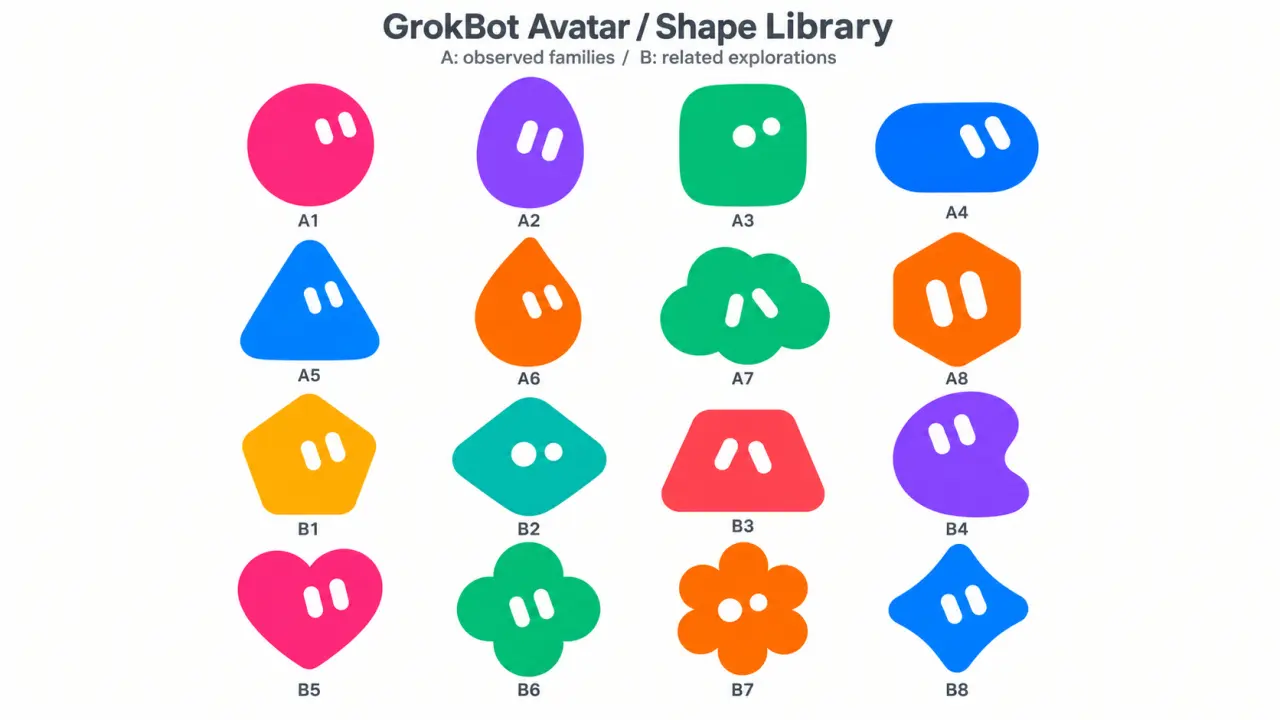 Available
GrokBot Avatar
Create rounded Original mascots or cute soft-vinyl Anime avatars with simple solid eyes and vivid colors. Follow explicit character requests first, use reliable user memories to personalize missing details for a personal avatar, and turn an approved shape into a matching toy-like character when requested.
Codex / ChatGPT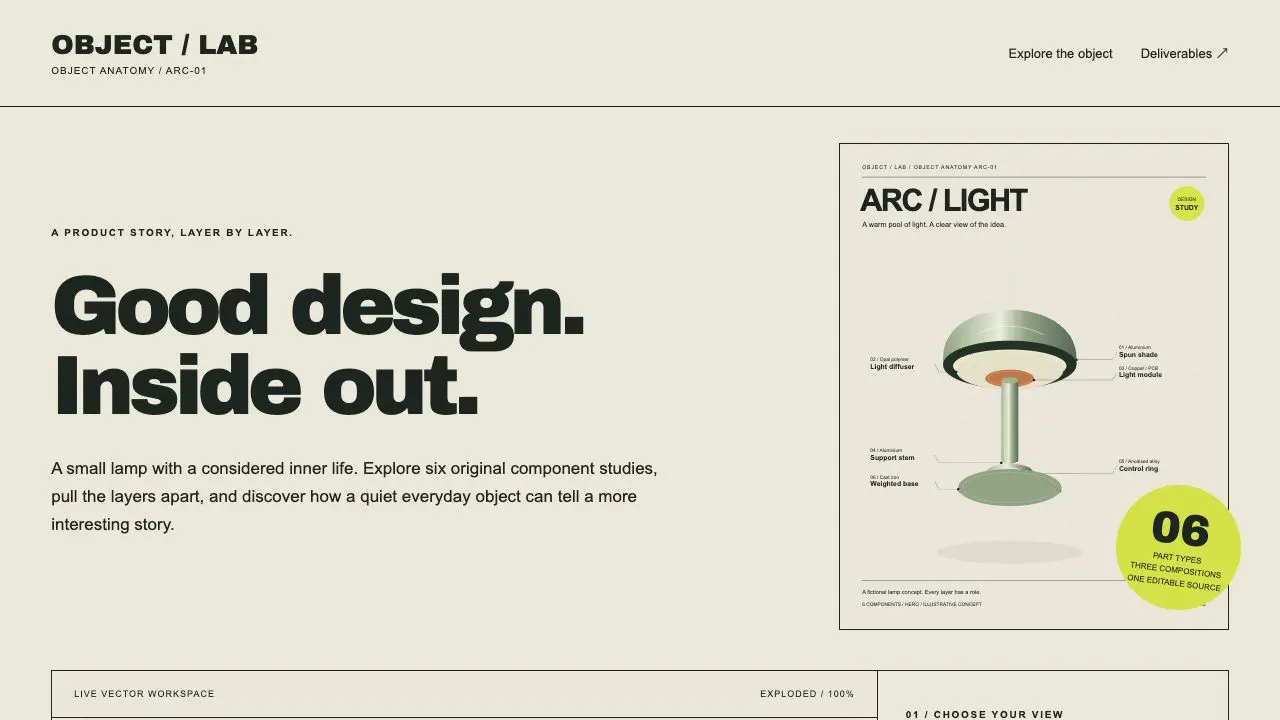 AvailableVideo preview
Product Cutaway Studio
Tell the product story from the inside out. Create original parametric component artwork, an interactive assembled/exploded viewer and three designed compositions, then export editable SVG, high-resolution PNG and an actual three-page PDF.
Codex +2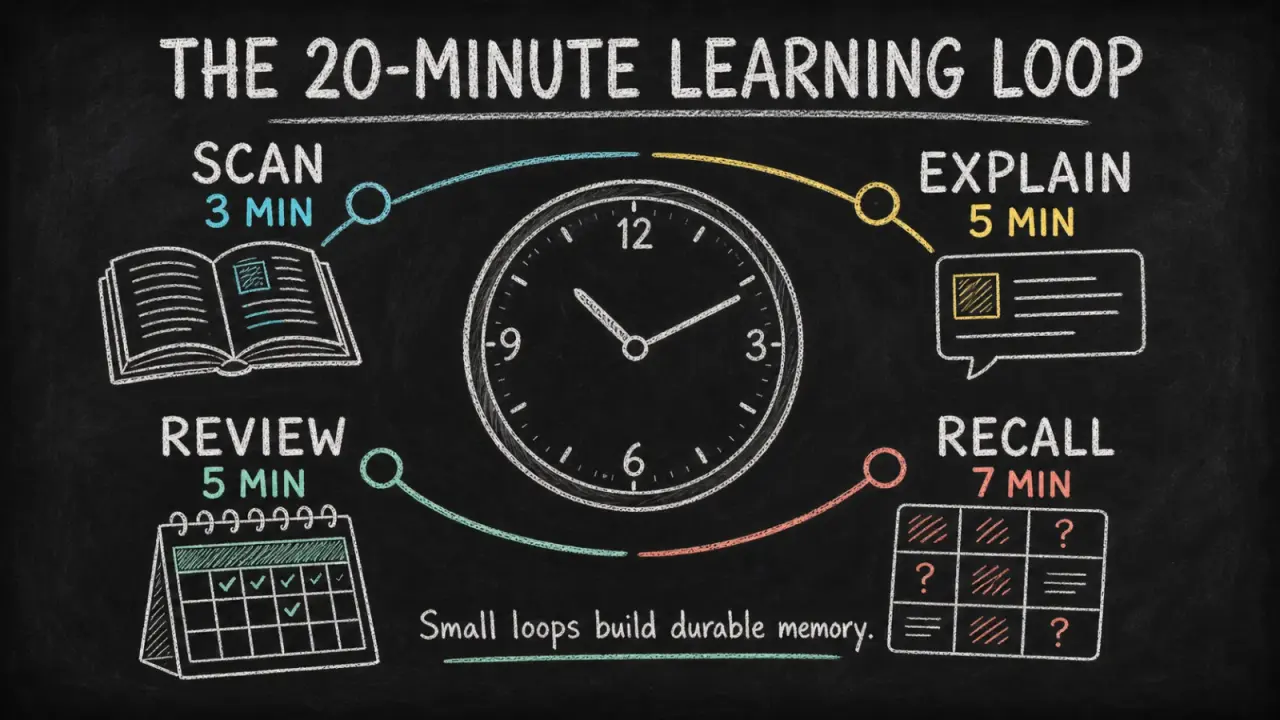 Available
Chalkboard Infographic
Turn a lesson, process, or data story into a readable chalkboard-style infographic with clear hierarchy, concise copy, and original illustrations. It helps educators, creators, and teams make one takeaway easier to grasp and share without turning the image into a dense slide.
Claude Code +8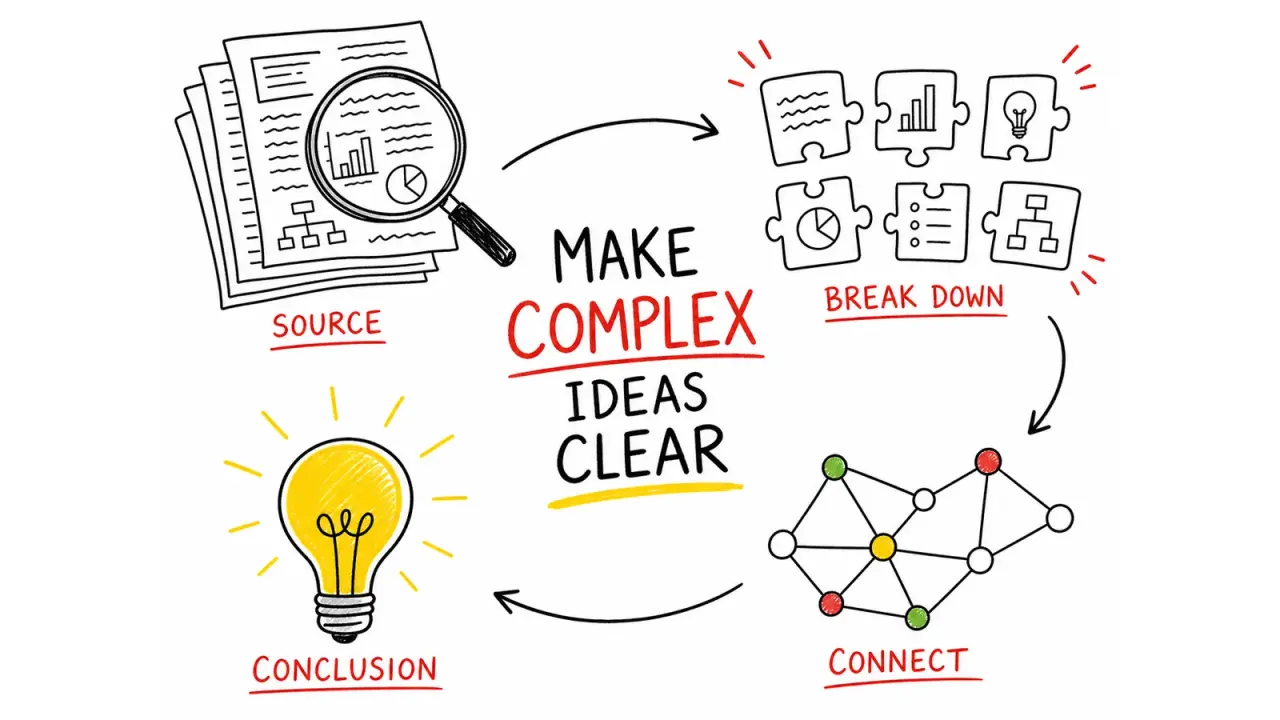 Available
Hand-Drawn Visual Notes
Turn source material into one focused 4:3 visual note, using hand-drawn illustrations, a strong English title, and a small set of accurate labels. It helps educators, creators, and teams make a process or idea easier to understand at a glance without reducing it to a dense slide.
Claude Code +8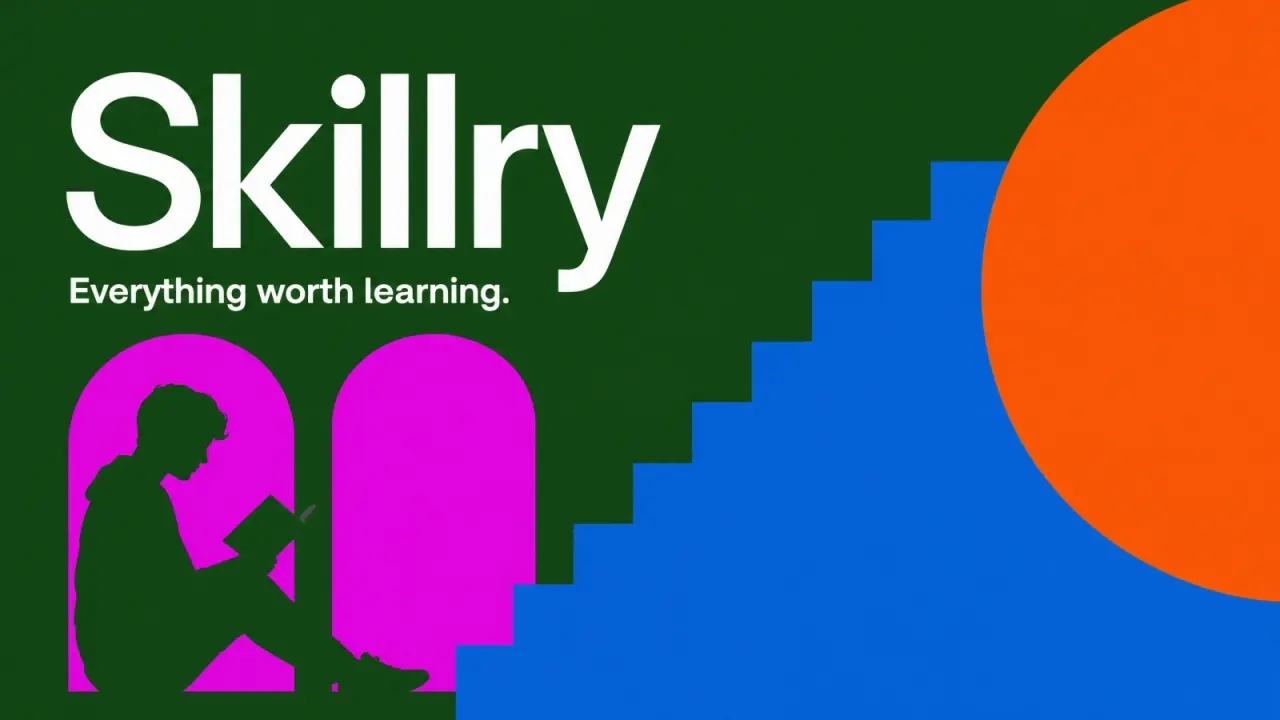 Available
Linktree Style OG Image
Create Linktree-style OG images. Use them for social media posts.
Claude Code +8 Available
Monochrome Studio Portrait
Transform an authorized portrait into a refined black-and-white studio half portrait with soft directional light, natural texture, subtle grain, and deliberate negative space. It gives editors and personal brands a calm, distinctive image for profiles and social use while preserving the subject's identity and glasses on a best-effort basis.
Claude Code +8 Available
Notion Style OG Image
Create Notion-style OG images. Use them for social media posts.
Claude Code +8LOOK BEYOND THE COVER
A public example shows one supplied brief and package version. Review its context and limits, then use your own facts. Sample pages are linked for inspection; downloads and installation start from the skill page.
Three authored practice briefs · actual exports · local editing and generation
index.htmlportrait-01.png + .svg (six cards)square-01.png + .svg (six cards)REVIEW THE RESULT YOU WILL ACTUALLY USE
It depends on the package. Brand Carousel Studio uses a local export workflow with documented dependencies. Other image skills can require a model account or generation service. The skill purchase does not include external subscriptions or credits.
Check the files and license included with the skill, together with the rights to your own content, fonts and images. Editable SVG, brand JSON and content inputs are available in Brand Carousel Studio; other packages may deliver different sources or formats.
Use the package under its included license. Check dependencies and your agent’s setup before running scripts or calling a service.
Compare access and pricing →