More room for your next idea. Membership from $9.99/month.Take a look

YOUR AGENT. YOUR WAY OF WORKING.

Codex skills for creative work

Give a coding task a clearer starting point. Use Codex to inspect a skill’s instructions, adapt its editable files to your project, and check the result with the tools the package requires.

Browse released packages Installation guide →

What are Codex skills?

An Agent Skill is a folder centered on SKILL.md, with instructions and any supporting templates, examples or scripts. Install it in the directory your agent reads, then give the agent your task. Skillrove provides the package; your agent runs the workflow in your own environment.

Available here
86 released packages
Free packages
47 · verified account required
Premium packages
39 · purchase or active membership

Installation locations

Repository scope
.agents/skills/SKILL_SLUG/SKILL.md
Personal scope on this machine
~/.agents/skills/SKILL_SLUG/SKILL.md

Find the skill in your Codex workspace

Codex scans repository .agents/skills directories between its working directory and the repository root. Open the intended checkout; a skill in another checkout or a personal folder belongs to a different filesystem scope.

In Codex CLI or the IDE extension, use /skills or type $ to select a discovered name. In ChatGPT, the official guide describes @ selection; these terminal/editor controls are not universal ChatGPT commands.

Invoke a named skill in CLI or IDE

Select seo-site-clinic from the skill list, then give it a bounded page question. A task matching its description may also trigger selection. Review the installed instructions and the proposed checks before running scripts.

$seo-site-clinic Audit the included offline snapshots into a new folder. Explain source evidence and limits before proposing changes.
Codex documentation ↗

Host documentation checked on 14 October 2026. Verify the controls in the product and version you actually use.

A reproducible first run

Read the package and inspect its real output before trying the included example in your own agent.

SEO Site Clinic · v1.0.0 →

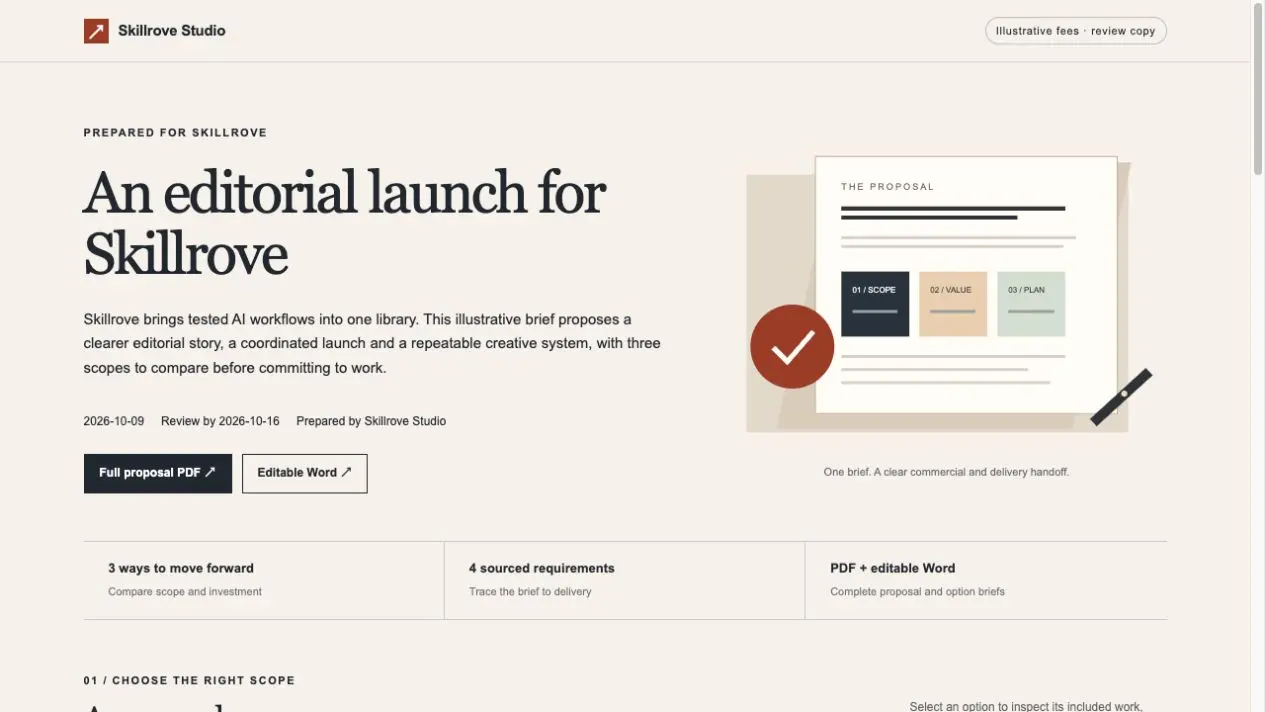
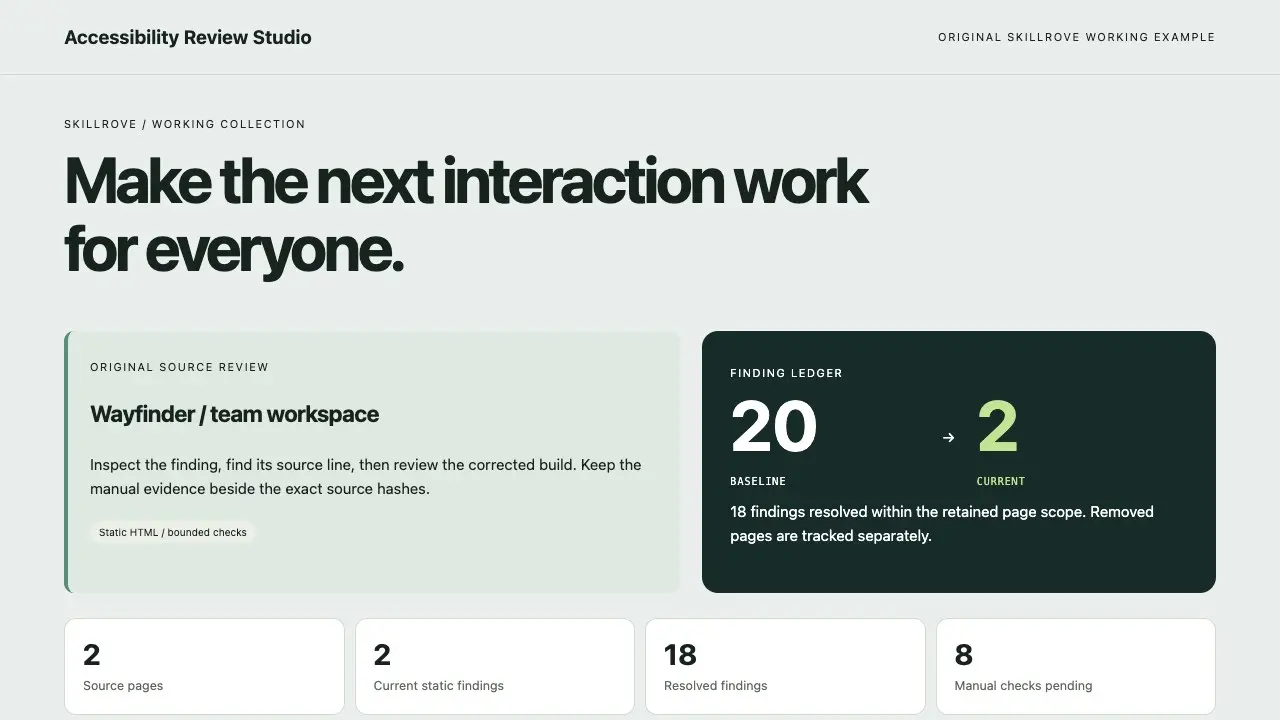
A sourced SEO repair backlog

  • index.html
  • audit.json
  • repair-backlog.csv
  • repair-plan.md
  • delivery-manifest.json
Open the real output →

Use the bundled fictional snapshots for an offline first run with Python 3.10+ standard library. The linked public report uses an actual five-page Skillrove capture. Compare issue locations and source hashes; raw HTML evidence does not establish rankings or rendered behavior.

Run from the installed package directory into a fresh output folder.

python3 scripts/audit-pages.py --input examples/snapshots.json --output ./sample-audit
Read the task guide →

CHOOSE BY THE RESULT

Skills for Codex

These published packages list Codex as an installation host. Check each skill’s setup and dependencies; labels do not certify every workflow has been tested in every agent.

Filter the full library ↗

ZIP or CLI: choose how to download

The ZIP route needs no Node.js installer. Extract the complete package into the chosen host folder. Node.js 24+ is required by the standalone Skillrove CLI; the workflow itself may have additional runtime requirements.

After browser authorization, install into an unused project folder. The CLI target is explicit; this is not a host-discovery check or a script execution.

node skillrove-cli.mjs login
node skillrove-cli.mjs install seo-site-clinic .agents/skills/seo-site-clinic

Read the installation instructions →

Codex discovery and compatibility details →

Check package access →

Repository instructions and execution are separate

AGENTS.md contains project rules; a skill packages a particular workflow. Keep both. For a remote task, confirm the package and dependencies exist in that task's checkout; a local personal installation does not establish availability there.

Claude-specific tool names, dynamic shell injection or subagent frontmatter require review before reuse. A discovered SKILL.md does not provide Python, browser tools, API credentials or permission to execute every step.

Compare host compatibility →
Find the stage that failed

Separate download access, discovery, invocation, dependencies and exported output. A visible skill or browser preview is only one stage; use the linked troubleshooting guide to inspect the first failing check.