More room for your next idea. Membership from $9.99/month.Take a look

Brand Strategy Studiov1.0.0

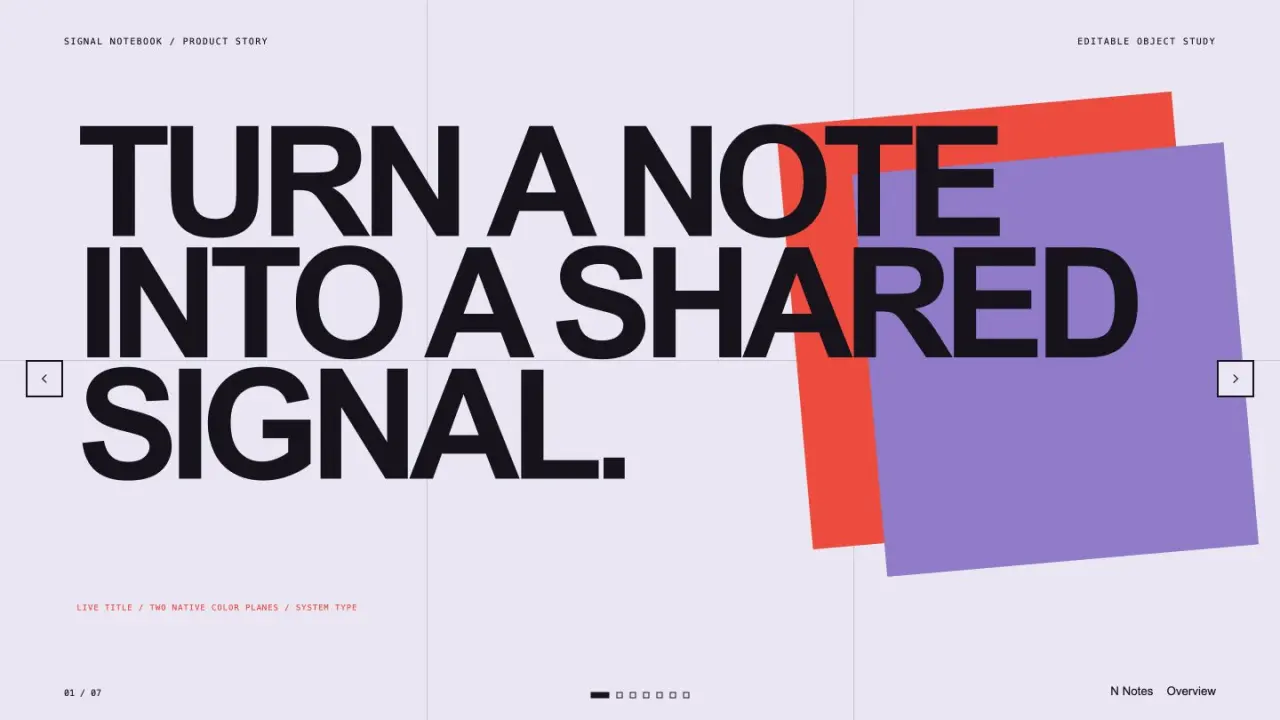
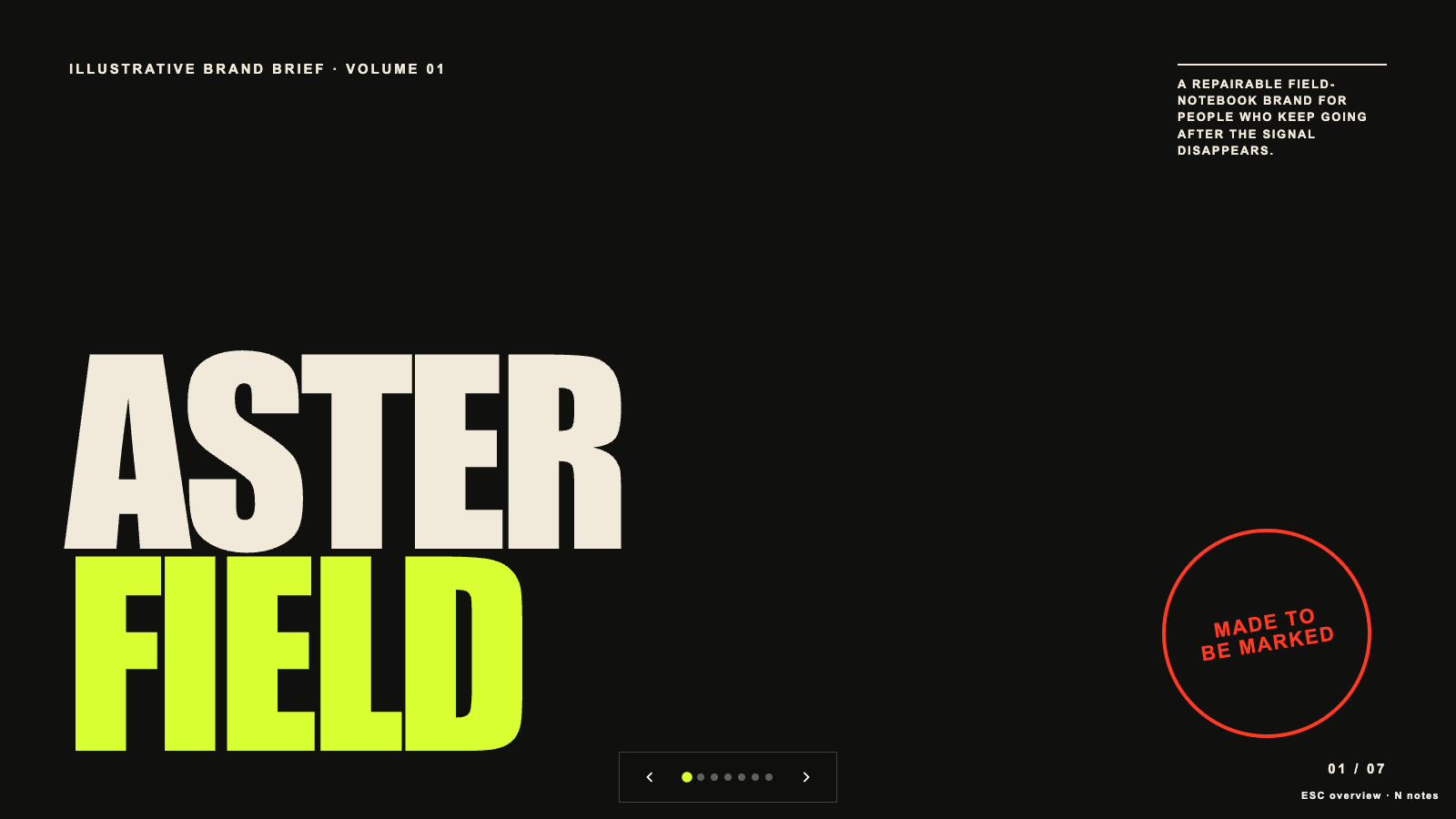
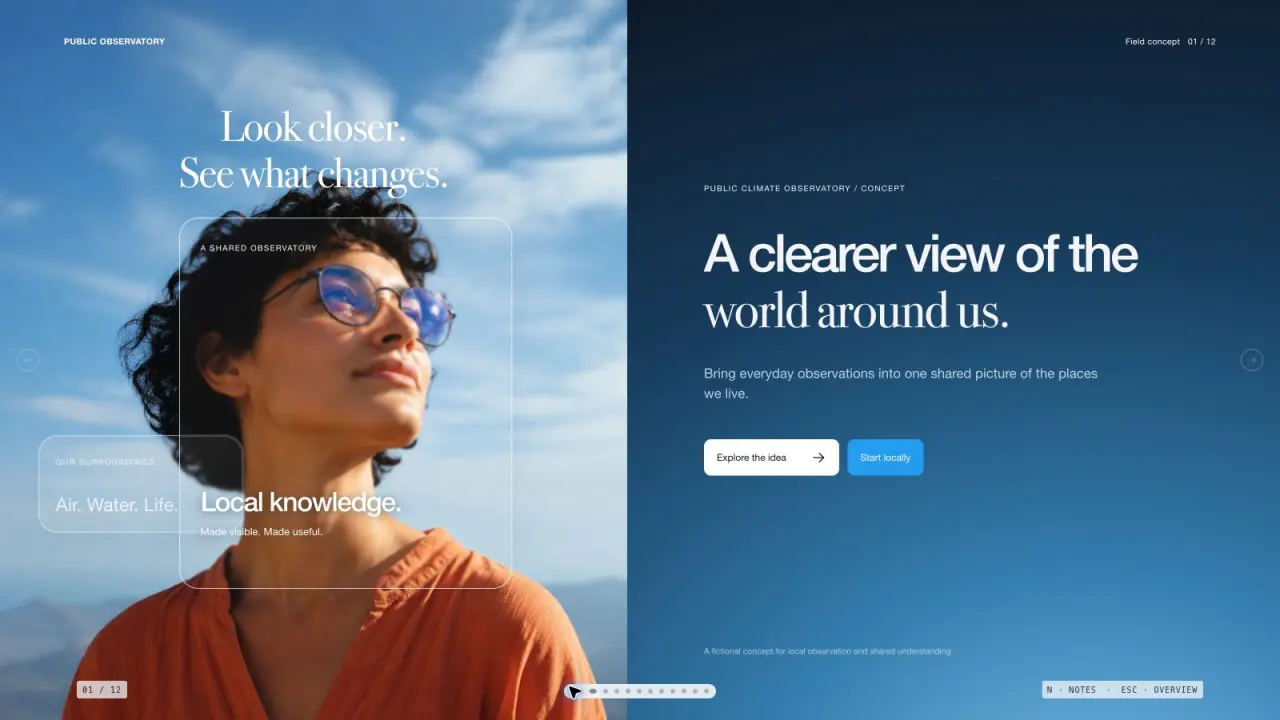
Create a complete brand strategy and presentation from reviewed evidence. Connect positioning, audience jobs, messaging pillars, voice choices and channel drafts, then revise a coherent deck and export native editable PowerPoint with speaker notes.

See what you can make

Skip the interactive example

Loading the working example…

Open example
Interact with the sample. Scroll inside to explore.
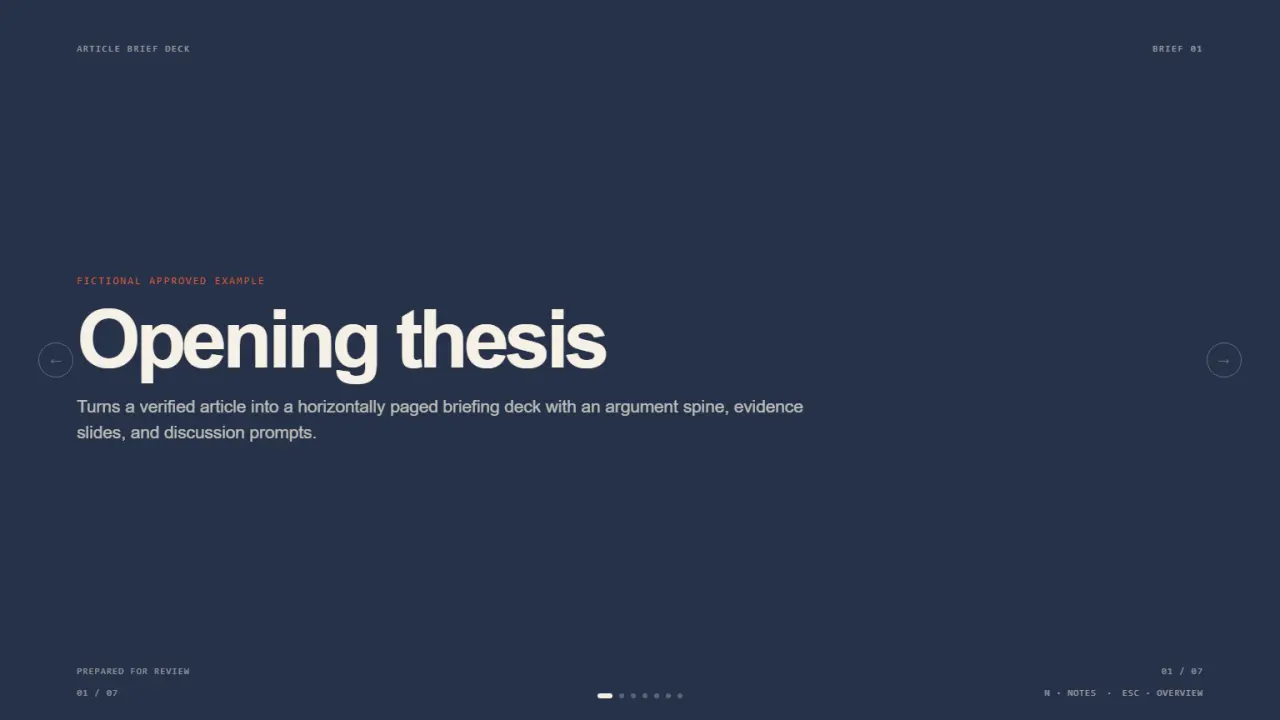
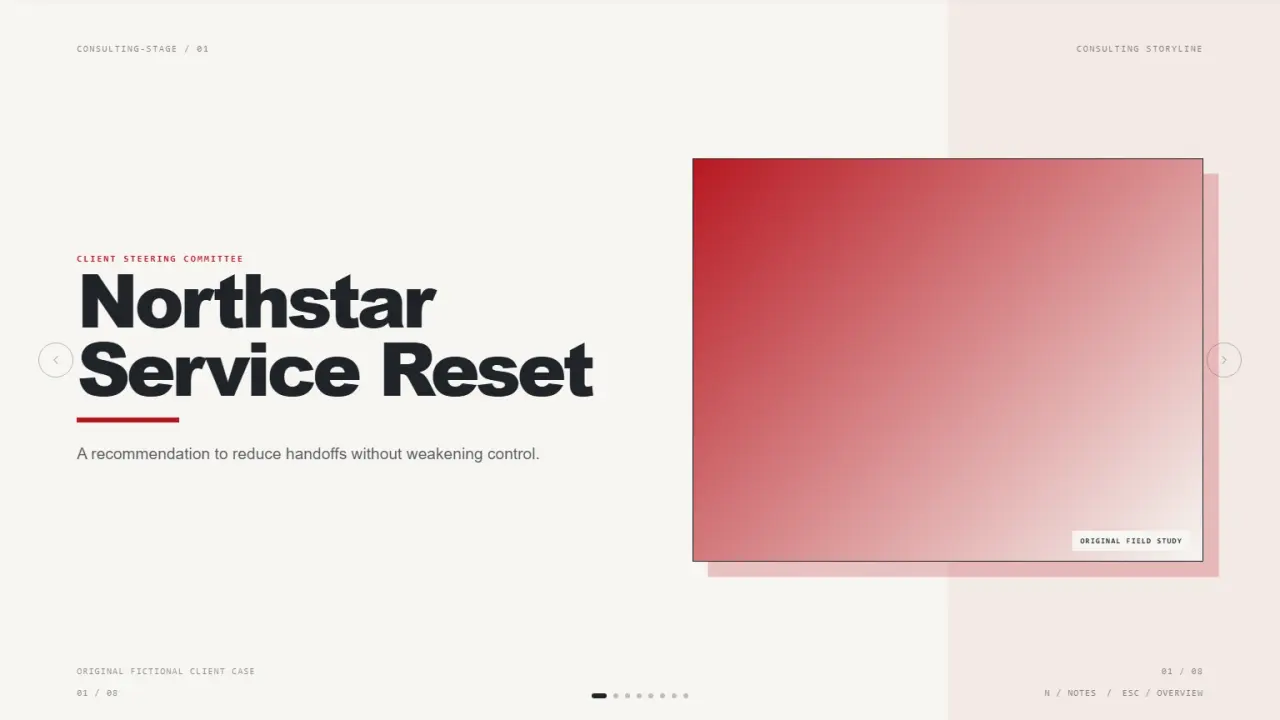
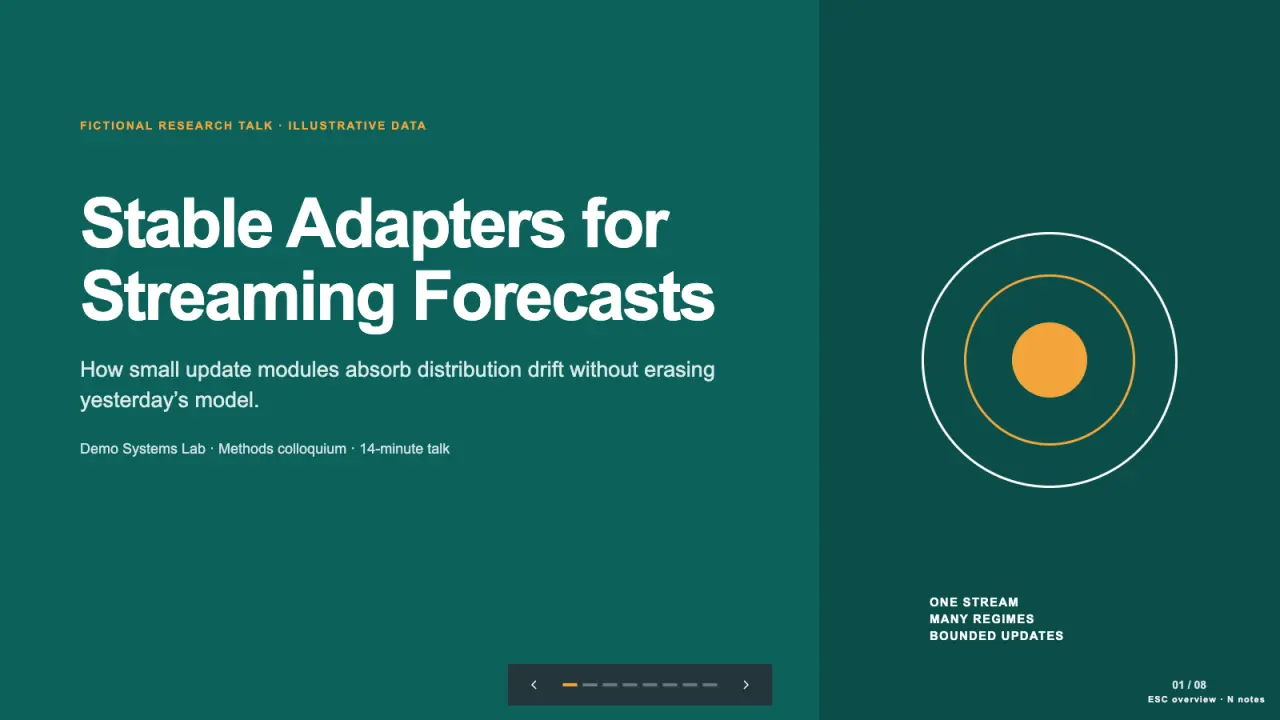
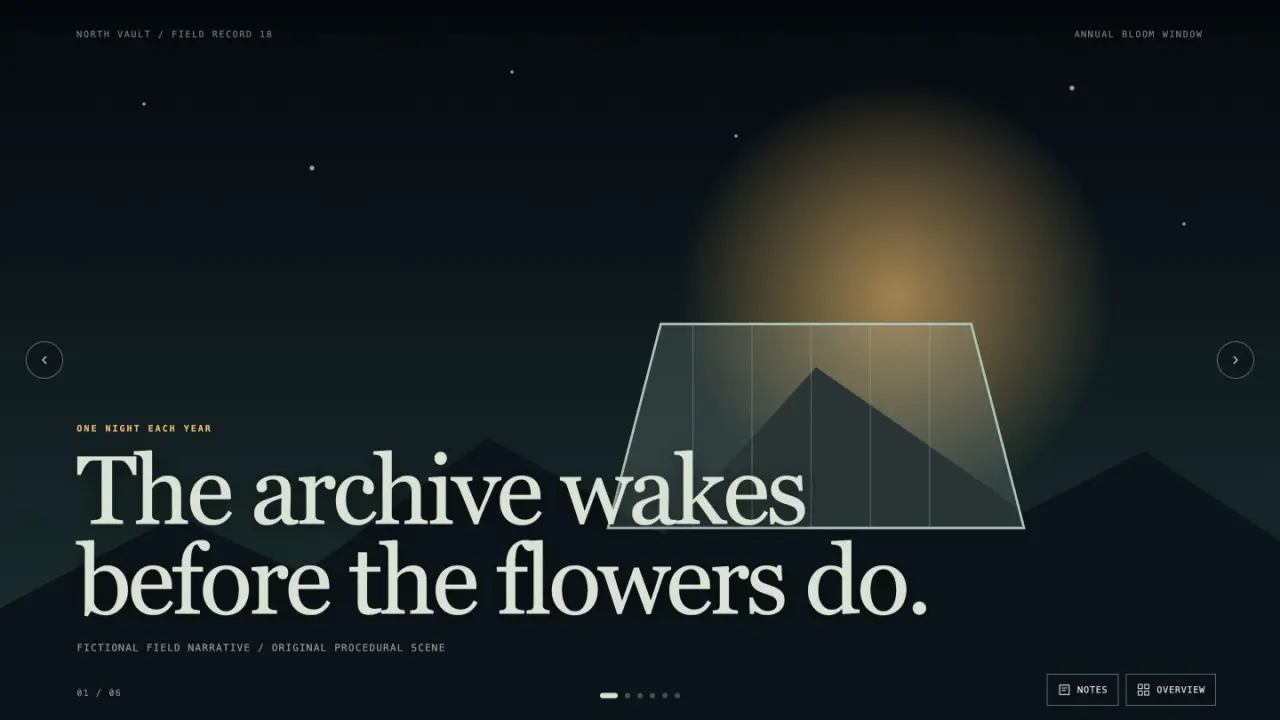
Made with this SkillA brand decision, editable presentation and channel handoff

Twelve editable slides · complete channel drafts · explicit evidence boundaries

Open full example

What you get

A brand decision, editable presentation and channel handoff

What you can make

  • Connect positioning, audience jobs and messaging pillars to reviewed evidence.
  • Develop voice choices, full channel drafts and a phased rollout handoff.
  • Revise themed slides and speaker notes, then rebuild editable PowerPoint.
Explore delivered files7 groups
  • index.html + presentation.pptx
  • speaker-notes.md + deck.json
  • brand-brief.md + audiences.md + voice-guide.md
  • channels/<id>.md + messaging.csv
  • evidence.csv + alternatives.csv + touchpoints.csv
  • measurement-plan.md + input.json + quality.json
  • delivery-manifest.json

Good fit

Brand teams aligning strategy, presentation and channel execution.

Know the limits

Scores and targets need review; browser edits require rebuilding the exported deck.

About this skill

Capabilities: evidence statuses, audience jobs and tensions, estimated alternative comparisons, positioning, proof-linked messaging pillars, voice write/avoid examples, full channel drafts, consecutive rollout windows, baseline-first measurement targets, three themes, slide overview, keyboard navigation and browser editing.

Deliverables: twelve-slide fictional Root & Ritual example, interactive index.html, native presentation.pptx, speaker notes, deck JSON, brand brief, audience and voice guides, four channel drafts, messaging/evidence/alternatives/touchpoints CSVs, measurement plan, editable input, quality notes and a SHA-256 manifest.

Read the full workflow

First run: Python 3.10+ and python-pptx 1.0.2 in a virtual environment. Run scripts/build-brand.py --input examples/brand.json --demo --output ./brand-room. Edit a slide, download edits JSON, then rebuild into a new folder with --edits to update PowerPoint and the browser deck.

Validation: actual PowerPoint generation and PDF rendering, native editable text and notes, source and pillar references, independent cumulative twelve-week arithmetic, real browser edit/download/rebuild, three themes, keyboard views, mobile layout, inert text and deterministic file hashes.

Version 1.0.0: original Skillrove workflow, implementation, examples and artwork under MIT, informed by public competitor feature benchmarks. Source IDs do not establish factual support. Scores and targets are reviewed inputs; no customer results, outreach or publication are invented. $4.99 one-time; active Premium memberships cover this package.

FROM PACKAGE TO FIRST RESULT

Your first complete brand strategy presentation.

Build the fictional Root & Ritual strategy with twelve slides, three audience segments, four channel drafts and a twelve-week handoff. Replace the authored hypotheses with reviewed sources before using it for a real brand.

View example result
US$4.99 · MIT licensePython 3.10+ · python-pptx 1.0.2 · offlineNo API key or paid provider
  1. 01

    Choose your agent

    These steps use a project folder. Open the project in your agent and run terminal commands from its root.

    Codex directory guide

    Package folder .agents/skills/brand-strategy-studio

  2. 02

    Add the package

    Download and unzip the package into the folder above. Keep all its files together, with SKILL.md directly inside that folder.

    Downloads require a verified account and purchase access. Choose a new folder if this Skill is already installed.

  3. 03

    Run the included sample

    Manual sample commands and technical details

    Read SKILL.md, review the generator and check its runtime requirements before running:

    cd .agents/skills/brand-strategy-studio
    python3 -m venv .venv
    .venv/bin/python -m pip install -r requirements.txt
    .venv/bin/python scripts/build-brand.py --input examples/brand.json --demo --output ./brand-room
    Your first result

    Navigate all twelve slides, use overview and speaker notes, switch Citrus/Midnight/Ocean, then edit a title and notes. Download the real edits JSON and rebuild the native PowerPoint. Reconcile full channel drafts, source statuses and the 1–3, 4–8 and 9–12 week rollout windows.

    Python 3.10+ with pinned python-pptx 1.0.2; opening the files needs only a browser. The builder is offline. Browser edits update the deck only after an explicit rebuild; strategy files retain input wording. Sources, scores and targets require review. No ad, message or paid image service is executed.

    If brand-room already exists, change the output to ./brand-room-2. Existing files are never overwritten.

    Prefer to ask your agent?

    Use Brand Strategy Studio at .agents/skills/brand-strategy-studio. Read SKILL.md and review scripts/build-brand.py. Run examples/brand.json into a new output folder and show me all generated files. Keep fictional sample content clearly labeled.

Ready to use your own facts?

Copy examples/brand.json to a new input file, replace all fictional facts, and generate into a new folder. Review the content before using or publishing it; the generator does not independently verify claims.

Reviews0

Share your first result

Tried this workflow? Help others decide with an honest review.

Before you choose this Skill

How do I get Brand Strategy Studio?

The listed individual package price is USD 4.99. Premium downloads require a confirmed purchase or active membership. Your agent subscription, model access and external provider credits are separate.

Which agents can use this skill?

This release lists Codex, Claude Code, Cursor as intended installation hosts. Check the package’s dependencies and permissions before running it. These labels do not certify that every workflow has been tested in every agent.

What files can this workflow generate?

The documented 1.0.0 workflow lists: index.html + presentation.pptx; speaker-notes.md + deck.json; brand-brief.md + audiences.md + voice-guide.md; channels/<id>.md + messaging.csv; evidence.csv + alternatives.csv + touchpoints.csv; measurement-plan.md + input.json + quality.json; delivery-manifest.json. Some files or exports are optional; follow the package’s setup and inspect the delivered result.

What should I check before using the result?

Python 3.10+ with pinned python-pptx 1.0.2; opening the files needs only a browser. The builder is offline. Browser edits update the deck only after an explicit rebuild; strategy files retain input wording. Sources, scores and targets require review. No ad, message or paid image service is executed.

$4.99One-time purchase