A product launch or feature film
Author an editable shot sequence and render product films in landscape, portrait and square formats.
Product Demo Studio →CHOOSE THE RESULT. THEN THE WORKFLOW.
Give the film a purpose before you give it a style. Use a product walkthrough to show how something works, an explainer to make a sequence clear, or an art journey when the visual experience is the story.
Explore released skills Find your starting point →Video skills package a motion workflow so your agent can plan scenes, adapt assets and run the required render tools. Skillrove includes locally rendered product films, procedural art and focused motion scenes. These differ from hosted text-to-video services: check whether the package renders locally or calls an external provider. An editor preview, storyboard or script is not the final exported video; review the rendered file in every format you intend to publish.
MATCH THE PACKAGE TO THE JOB
Author an editable shot sequence and render product films in landscape, portrait and square formats.
Product Demo Studio →Build procedural worlds or explanation layouts with storyboards, captions and local video exports.
Art Motion Studio →Try a smaller motion workflow and inspect its setup before planning a complete film.
CreatorMotion · Title Scene Takeover →EXPLORE THE RELEASED COLLECTION
These packages have an active release. Open a skill to review its actual version, price, compatible agents and setup. Your model account, provider fees and local tools are separate.
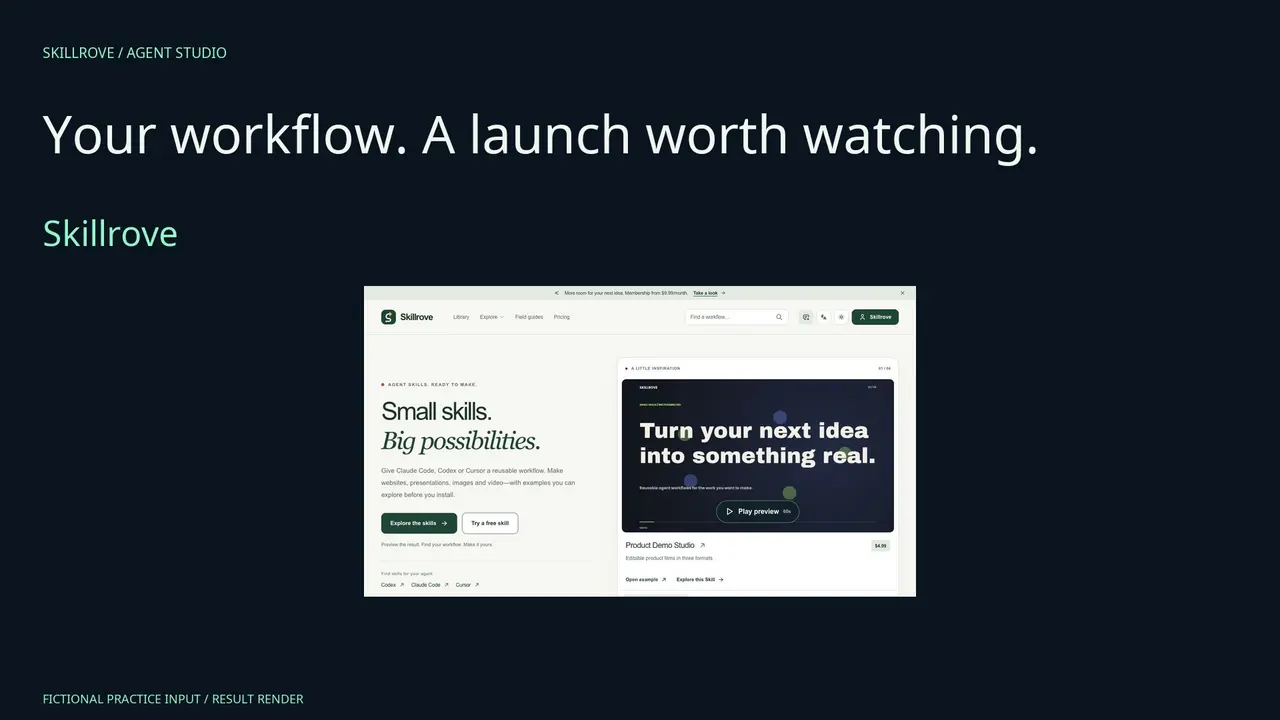 AvailableVideo preview
Agent Workflow Film
Make a product launch film from reviewed tasks and your actual result screenshot. Edit ordinary fields locally, export a source ZIP, then render three canvas formats and native editable PowerPoint. Includes a real editing walkthrough.


 Codex +2
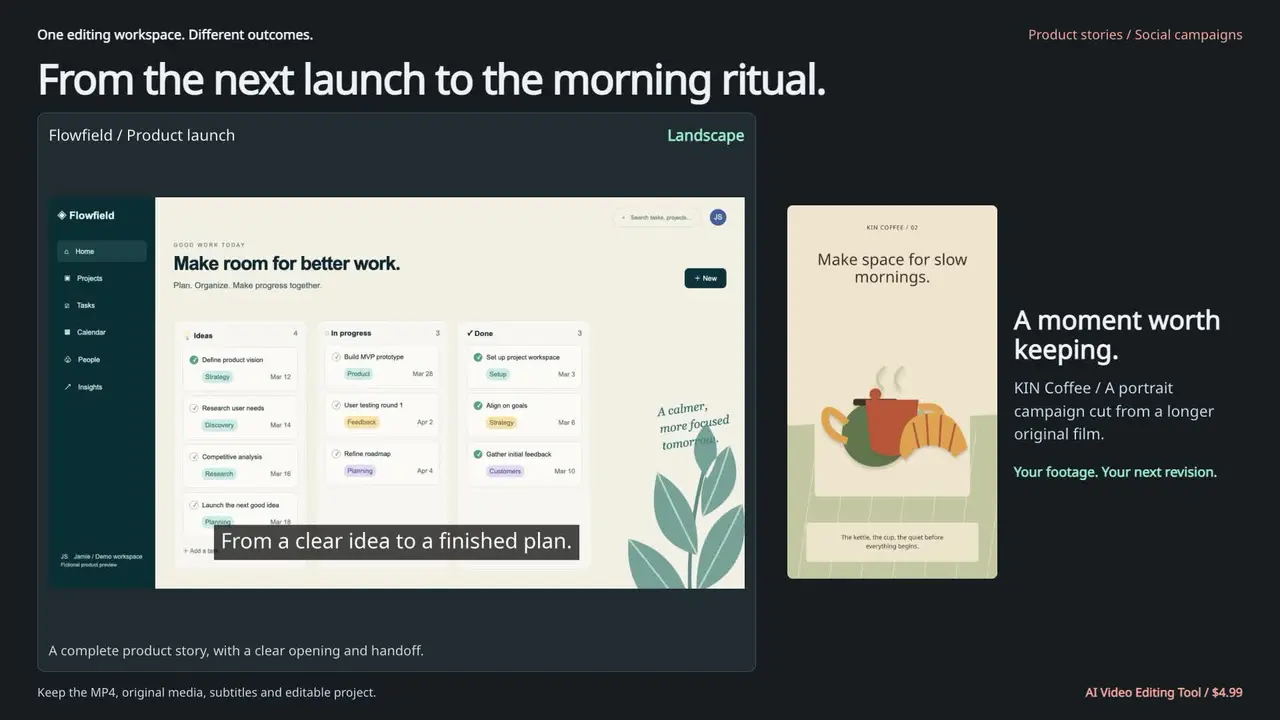 AvailableVideo preview
AI Video Editing Tool
Turn your footage into a focused demo, walkthrough or social cut. Start with your videos, keep the lines that matter, style the captions and export a story you can keep refining.
Codex +2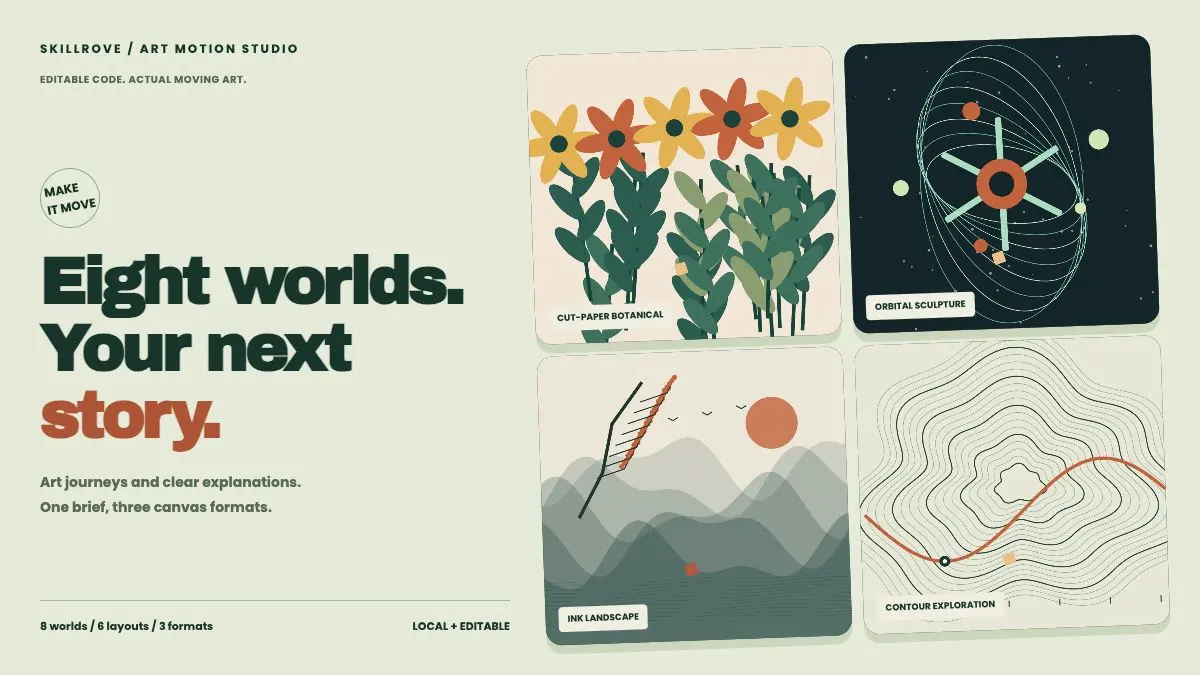 AvailableVideo preview
Art Motion Studio
Create moving art journeys and clear animated explanations with eight procedural worlds, six layouts and three canvas formats. Deliver editable storyboards, a local studio, captions, actual MP4s and optional transparent MOV overlays.
Codex +2 AvailableVideo preview
Kinetic Caption Studio
Give your words a visual rhythm. Import timed subtitles, shape emphasis and compose polished typographic clips in three distinct styles.
Codex +2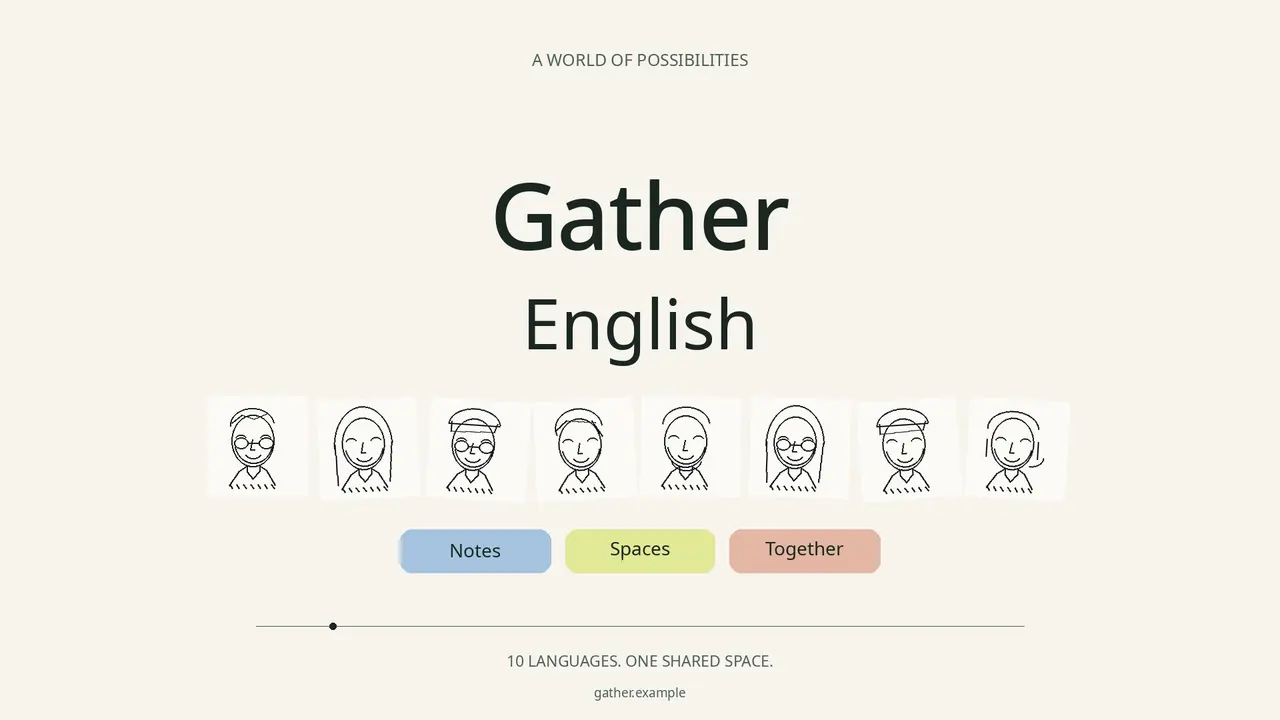 AvailableVideo preview
Language Launch Film
Turn a multilingual product launch into a warm editorial film: native language names roll beside a stable product identity, original hand-drawn people and pastel badges. Export landscape, portrait and square MP4s, with reviewed website language evidence, editable source and optional local music or voice clips.
Codex +2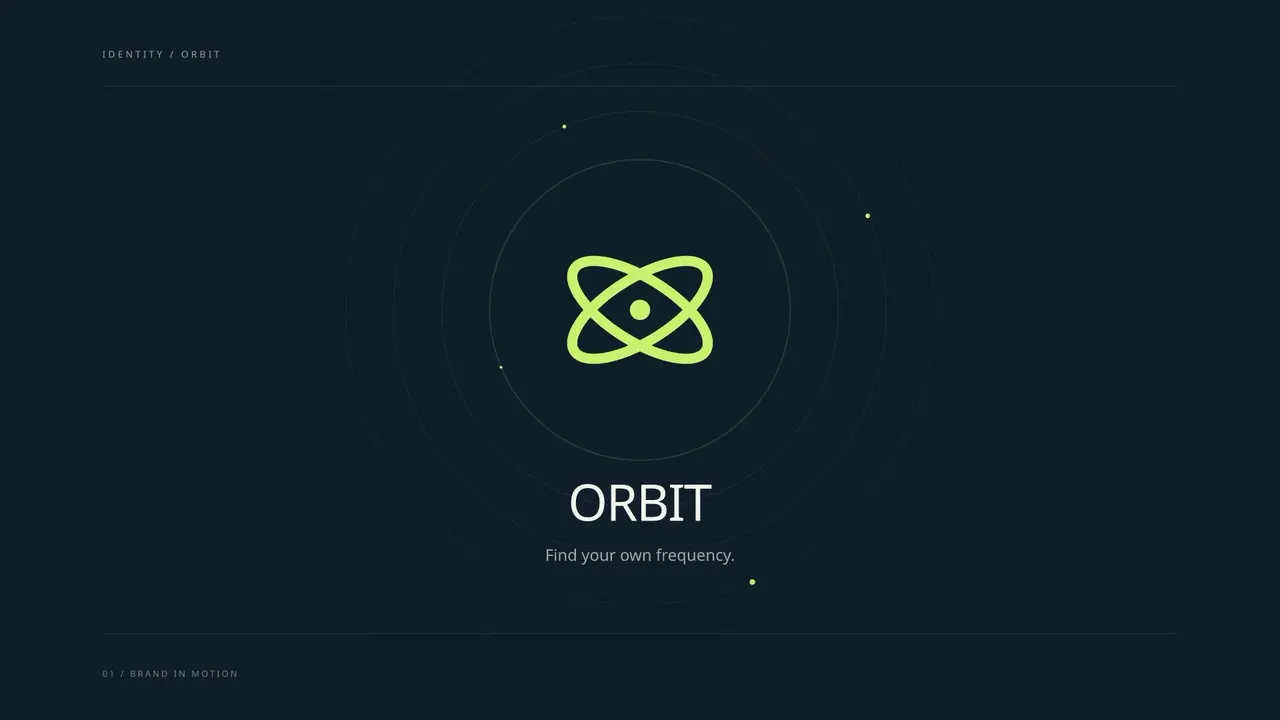 AvailableVideo preview
Logo Motion Studio
Turn your logo into a memorable brand reveal. Shape three distinct motion styles, import your artwork and export a complete identity sting for every screen.
Codex +2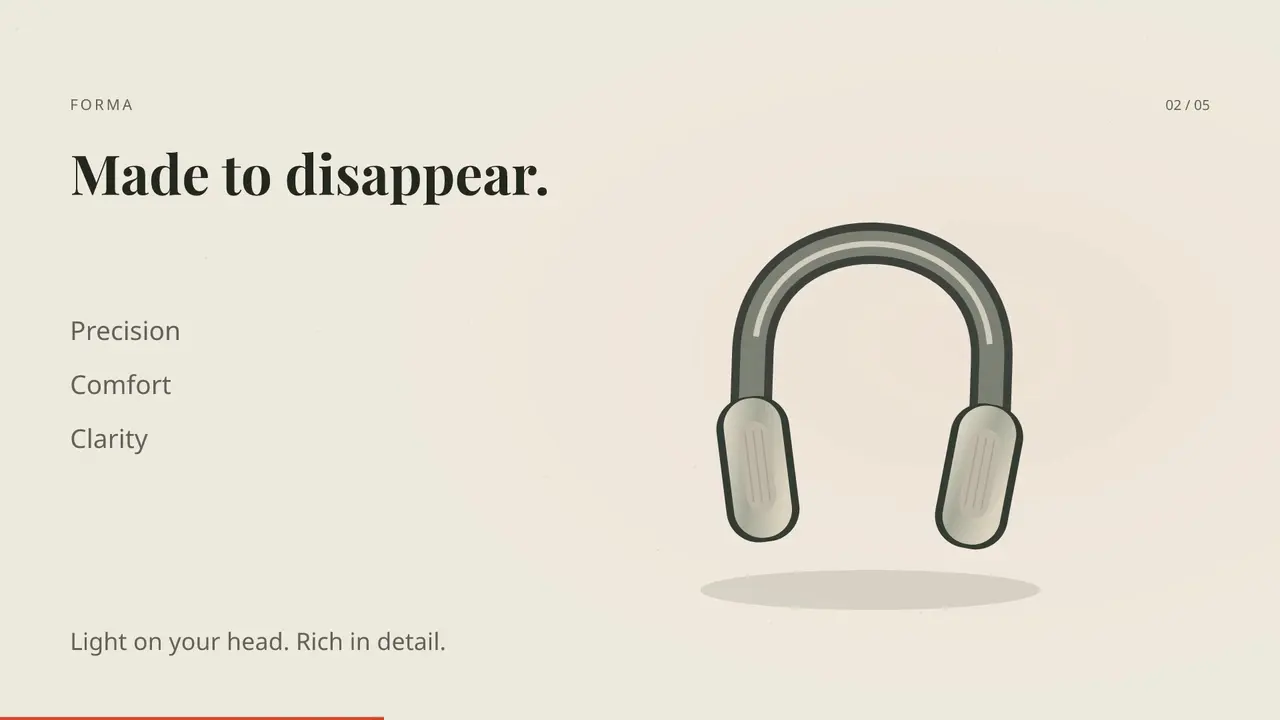 AvailableVideo preview
Motion Launch Studio
Turn your product story into a launch film with kinetic type, product details, connected workflows and sourced data. Shape every shot, add your images and soundtrack, then export for every screen.
Codex +2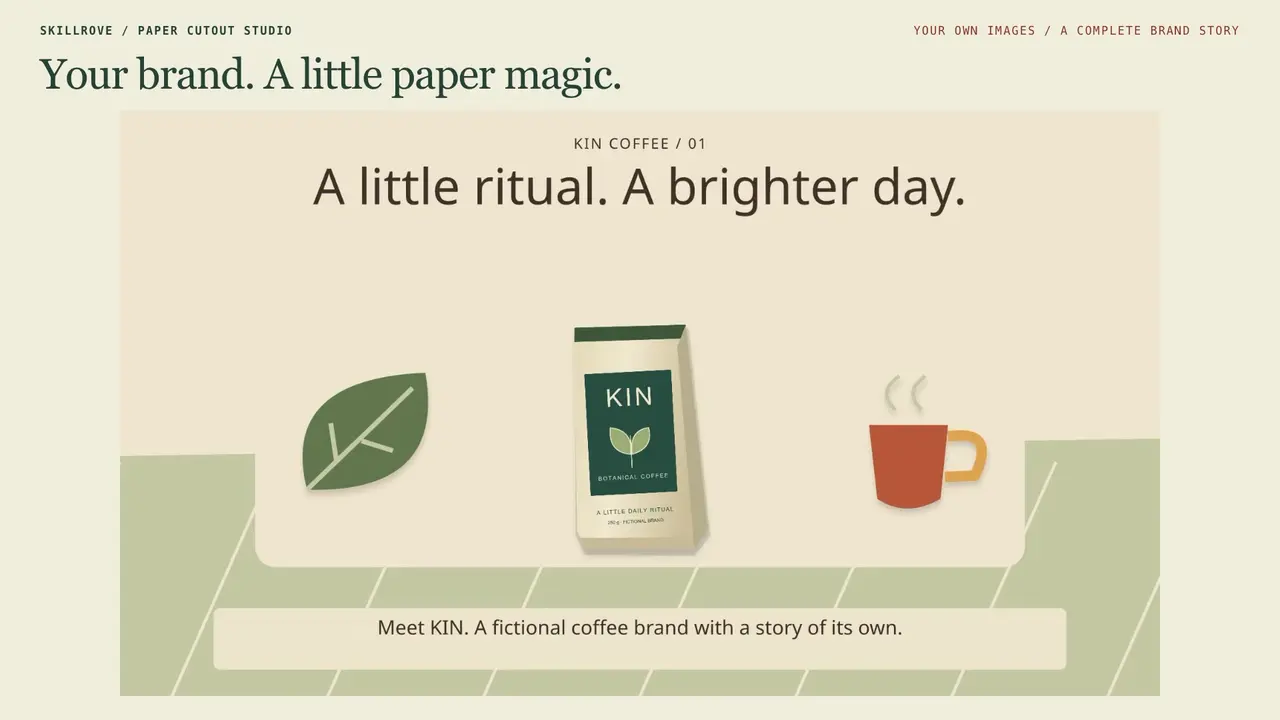 AvailableVideo preview
Paper Cutout Studio
Create a paper world around your brand, lesson or story. Explore 80 original illustrations, import your own images and export Full HD, QHD or 4K films in three formats.
Codex +2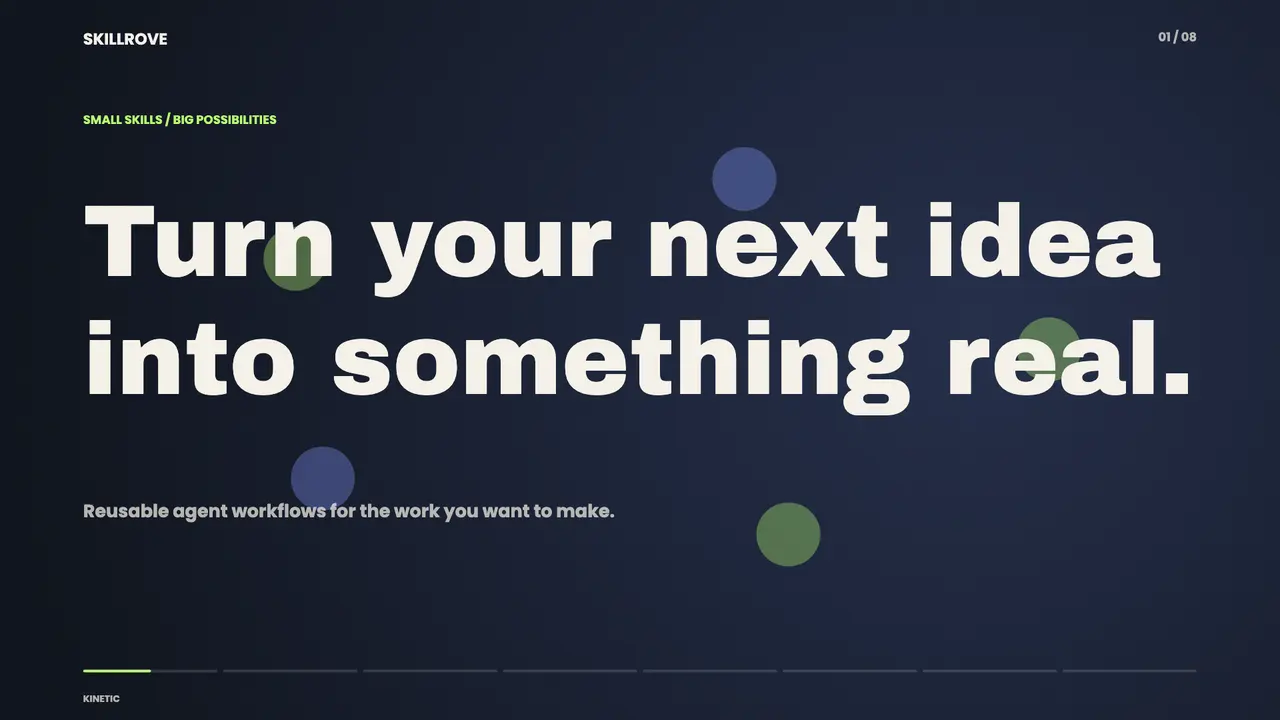 AvailableVideo preview
Product Demo Studio
Create complete product launch films with nine shot types, editable scenes and landscape, portrait and square exports. Includes device reveals, focused product detail, feature sequences, saved project edits, captions and original pulse audio. Original Skillrove workflow.
Codex +2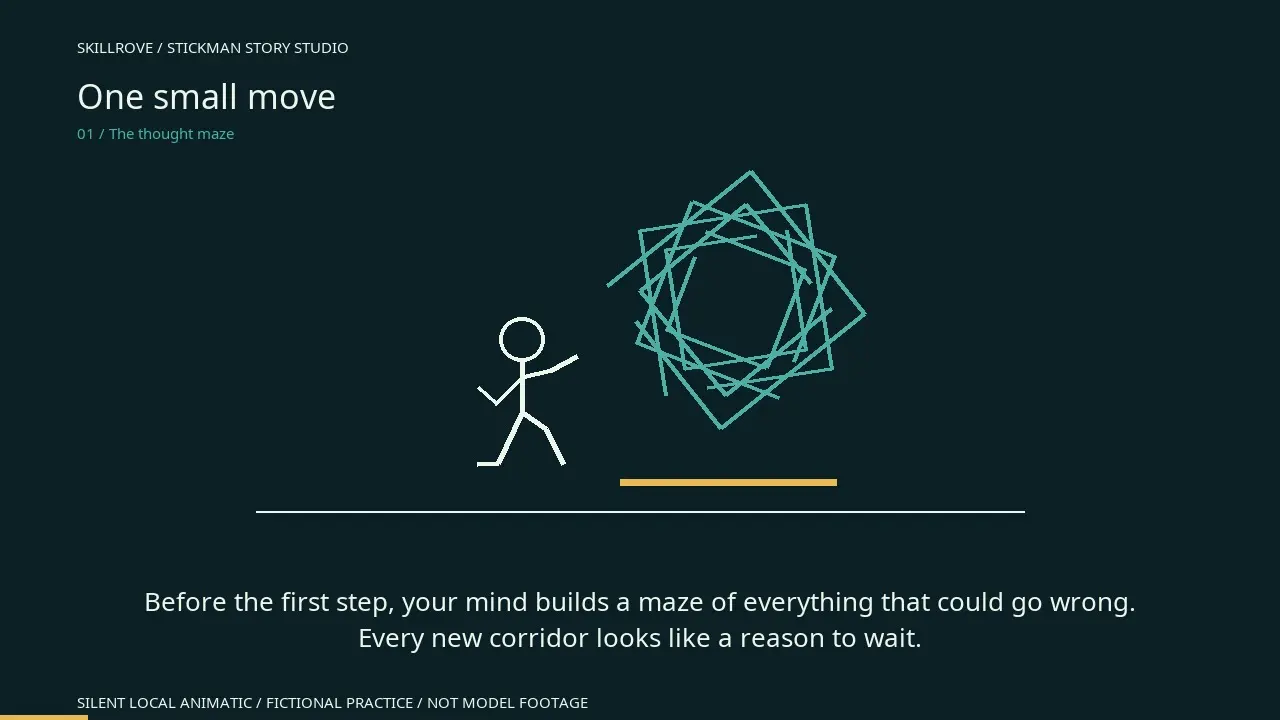 AvailableVideo preview
Stickman Story Studio
Turn an idea into a complete reviewed stick-figure video handoff. Write narration, direct three action beats per shot, keep character and voice consistent in every prompt, edit a local storyboard and export ready-to-use prompts and subtitles.
Codex +2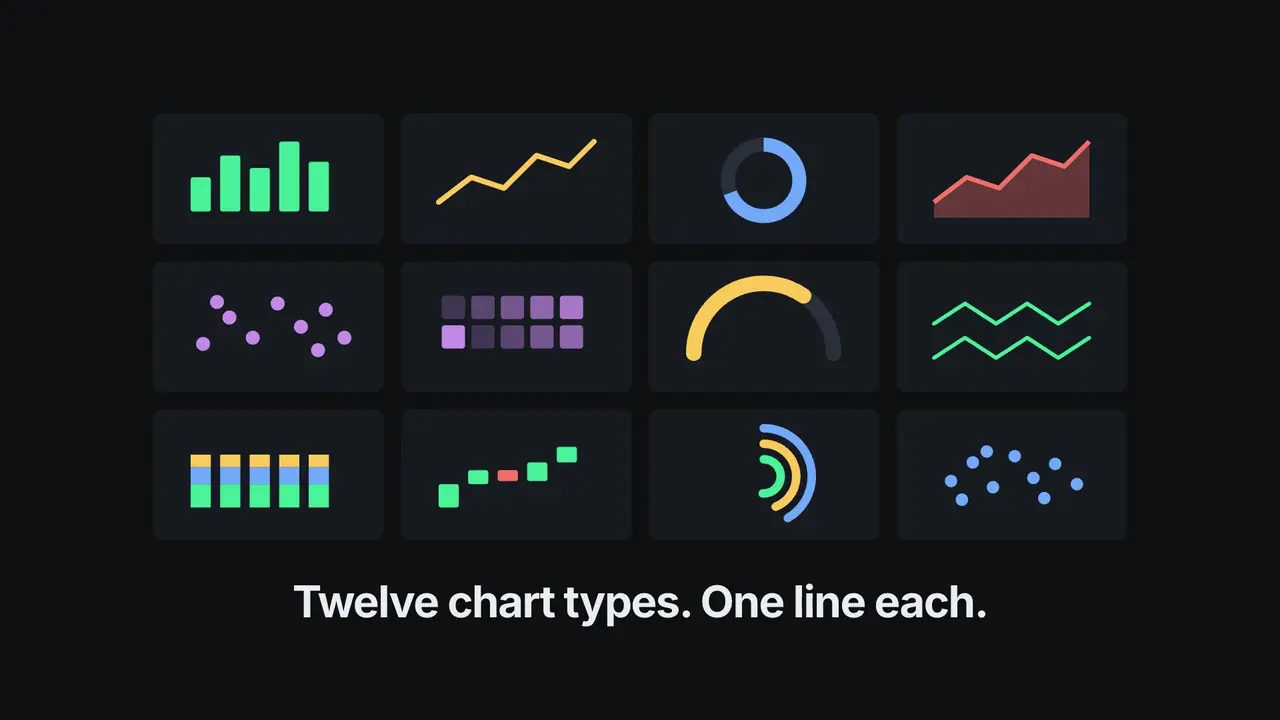 AvailableVideo preview
Agent-Chorus Capability Reel
Build a launch film that proves a capability works everywhere by showing four different surfaces typing the identical prompt, then drops into a beat-cut reel of what came out and closes on the install command. Delivered as a rendered MP4 plus the editable project.
Claude Code +8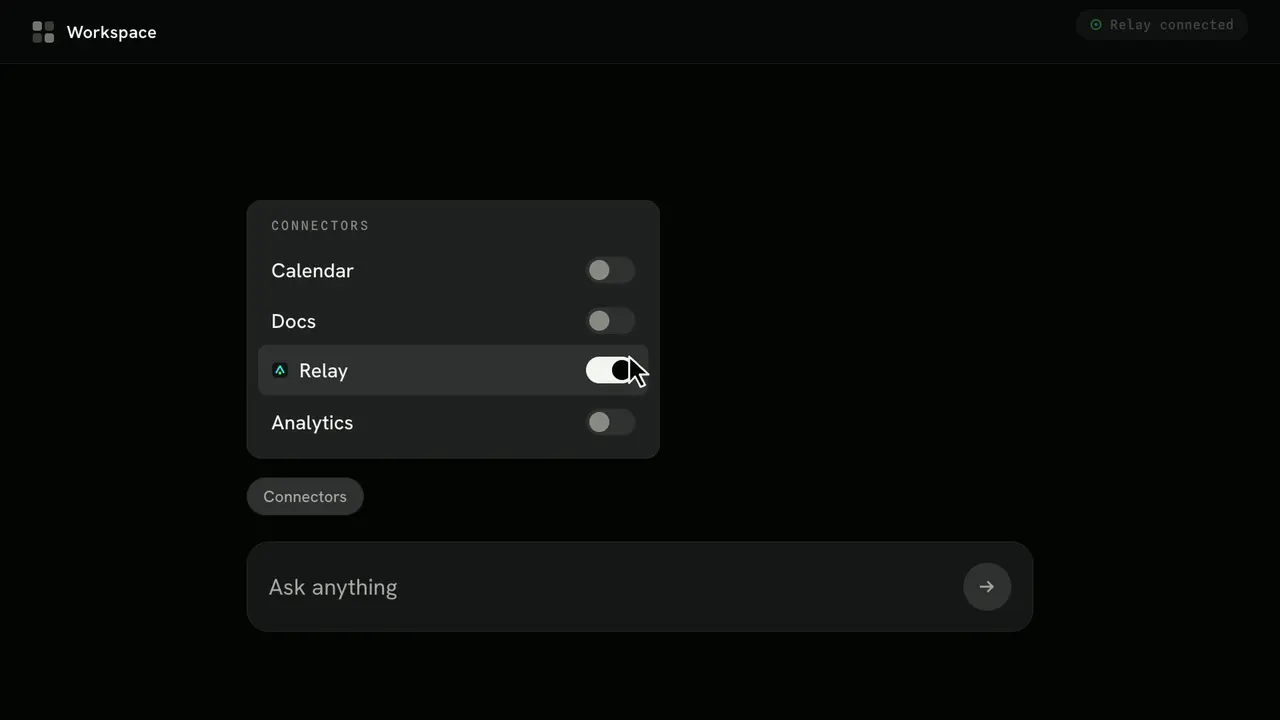 AvailableVideo preview
Chat-to-Result Launch Film
Build a narrated launch film that plays out entirely inside a dark app interface — a prompt is typed, an answer streams back, a follow-up triggers your product, and the finished result lands with a count-up headline number. You get the seven-scene storyboard, the interface system, and a rendered MP4.
Claude Code +8LOOK BEYOND THE COVER
A public example shows one supplied brief and package version. Review its context and limits, then use your own facts. Sample pages are linked for inspection; downloads and installation start from the skill page.
Two actual product films · editable scenes · three formats
index.html + film-engine.jsproject.json + copied assetslandscape/ + portrait/ + square/: MP4, poster, contact sheetActual art and explanation exports · three canvas formats
index.html + engine.jslandscape/ + portrait/ + square/: video.mp4, poster, contact sheetlooks/*.pngREVIEW THE RESULT YOU WILL ACTUALLY USE
Audio varies by package. Art Motion Studio’s documented export is silent. Product Demo Studio supports selected audio settings, but it does not generate voice or buy music rights. Read the specific setup and bring licensed assets where required.
An editable project and an exported video are separate files. In Product Demo Studio, save the edited project and rerun the builder to produce a new delivery. Review that export; changing the local editor does not rewrite the existing MP4.
Use the package under its included license. Check dependencies and your agent’s setup before running scripts or calling a service.
Compare access and pricing →