Skillrove Owner★★★★★Oct 8, 2026
good!!!!
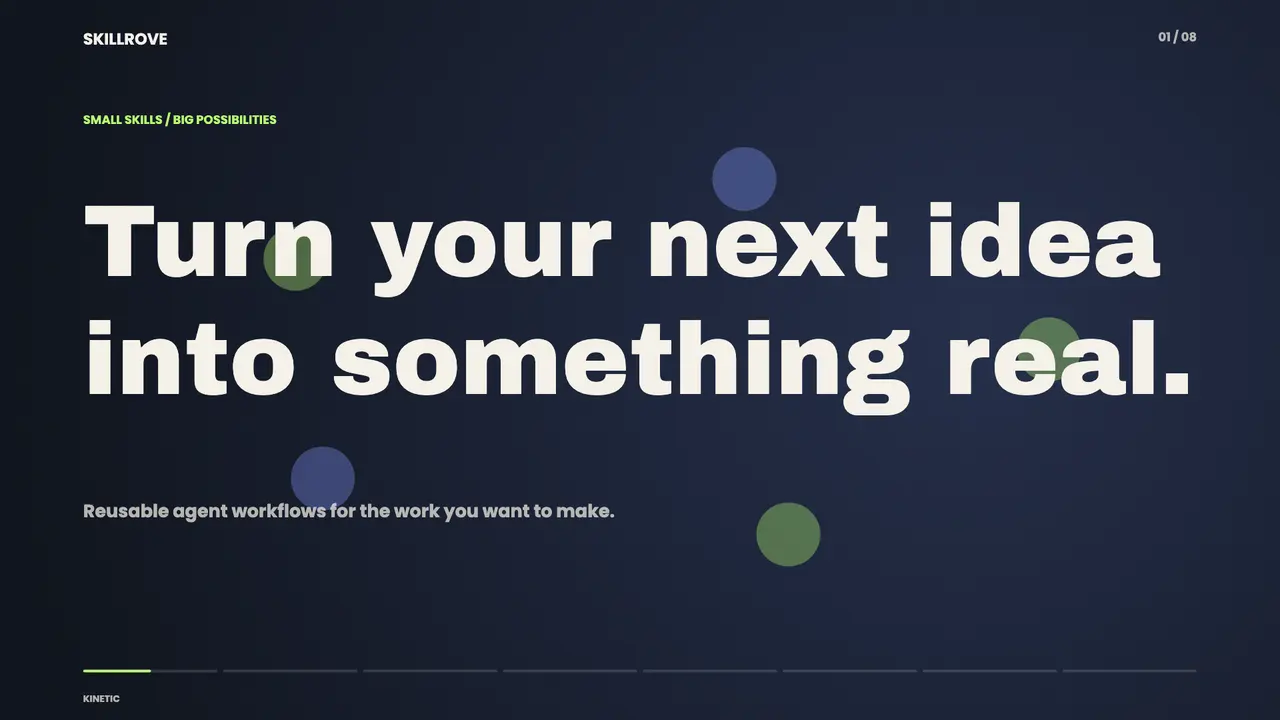
An oversized condensed headline punches in behind a presenter. A clean edit removes the presenter while the same lettering holds its scale and position.
An oversized condensed headline punches in behind a presenter. A clean edit removes the presenter while the same lettering holds its scale and position.
Check SKILL.md for requirements and limitations before running the workflow.
An oversized condensed headline punches in behind a presenter. A clean edit removes the presenter while the same lettering holds its scale and position.
FROM PACKAGE TO FIRST RESULT
Choose your agent, add the package to your project, then confirm the Skill is visible.
These steps use a project folder. Open the project in your agent and run terminal commands from its root.
Package folder .agents/skills/bs-creatormotion-type-title-takeover
Download and unzip the package into the folder above. Keep all its files together, with SKILL.md directly inside that folder.
Downloads require a verified account. Choose a new folder if this Skill is already installed.
Ask Codex to read .agents/skills/bs-creatormotion-type-title-takeover/SKILL.md, confirm it sees CreatorMotion · Title Scene Takeover, and check the requirements before running a small example.
If it is missing, check the project root and folder nesting, then restart your agent. Follow its directory guide for remote environments.
good!!!!
The package is free to download with a verified Skillrove account. Your agent subscription, model access and external provider credits are separate.
This release lists Claude Code, Claude Desktop / Cowork, Codex / ChatGPT, Cursor, GitHub Copilot, OpenClaw, Hermes, OpenCode, Kilo Code as intended installation hosts. Check the package’s dependencies and permissions before running it. These labels do not certify that every workflow has been tested in every agent.
The exact files and formats are defined by this package’s instructions. Review SKILL.md and its supporting files; an output category does not guarantee a particular export format.
Read the package’s license and requirements, review generated content and check the rights to your input assets. A preview does not certify your own facts, exports or production integration.