A focused product page
Start from a small responsive HTML page and editable content. Suitable for testing a message and primary link.
One-Page Site Builder →CHOOSE THE RESULT. THEN THE WORKFLOW.
Start with the job your page needs to do: explain an offer, demonstrate a workflow, or let someone explore information. Choose an editable starting point, then give your agent the content and behavior that make it yours.
Explore released skills Find your starting point →Website skills give your agent instructions and supporting files for building pages or browser interfaces. Skillrove’s Web collection also includes HTML reports and workspaces, so choose by the task rather than the file extension. A static page can show a product and link to your service; accounts, submitted forms, databases and checkout need an actual backend. Review the package’s files and working example before deciding how to integrate it.
MATCH THE PACKAGE TO THE JOB
Start from a small responsive HTML page and editable content. Suitable for testing a message and primary link.
One-Page Site Builder →Use landing, workflow and press pages with a shared visual system and publishing handoff.
Launch Campaign Kit →Compare scoped offers in a browser and hand over matching delivery briefs and native documents.
Client Proposal Studio →EXPLORE THE RELEASED COLLECTION
These packages have an active release. Open a skill to review its actual version, price, compatible agents and setup. Your model account, provider fees and local tools are separate.
 AvailableVideo preview
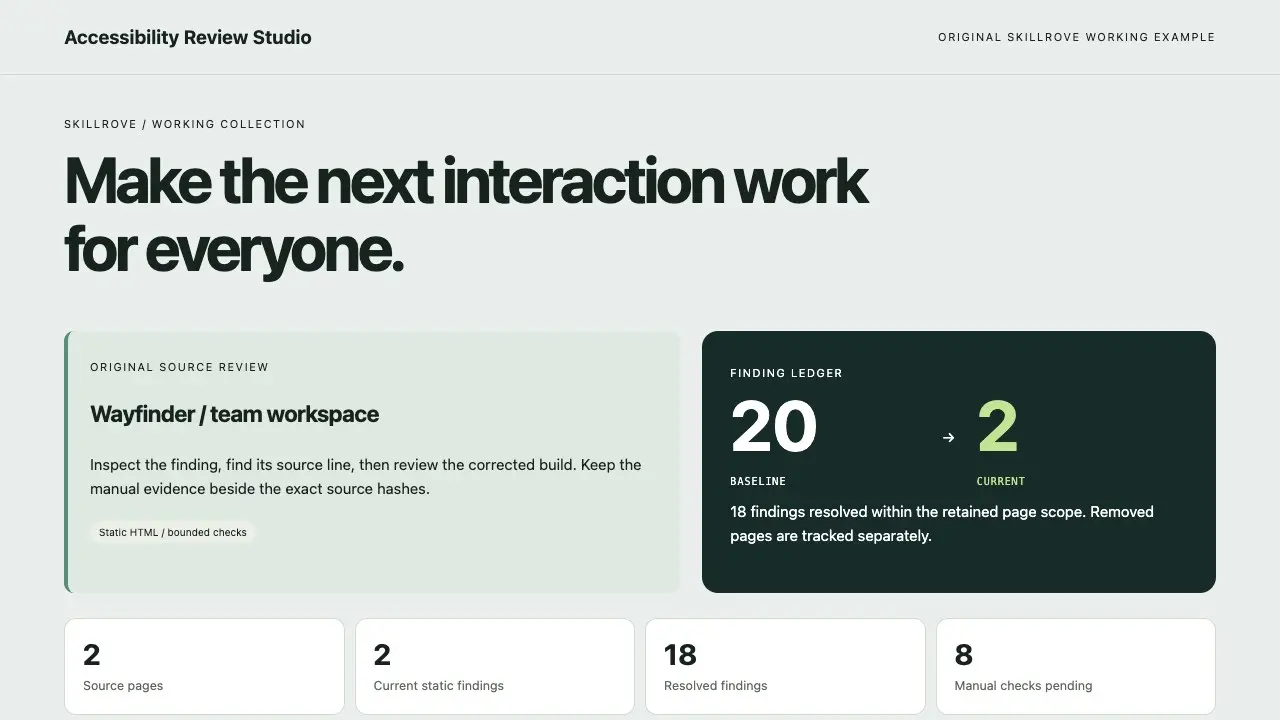
Accessibility Review Studio
Turn authorized HTML into a traceable accessibility worklist. Inspect source lines and bounded naming/structure checks, compare actual remediation with a baseline, keep removed pages separate and collect manual browser observations tied to exact source hashes.


 Codex +2
 Available1
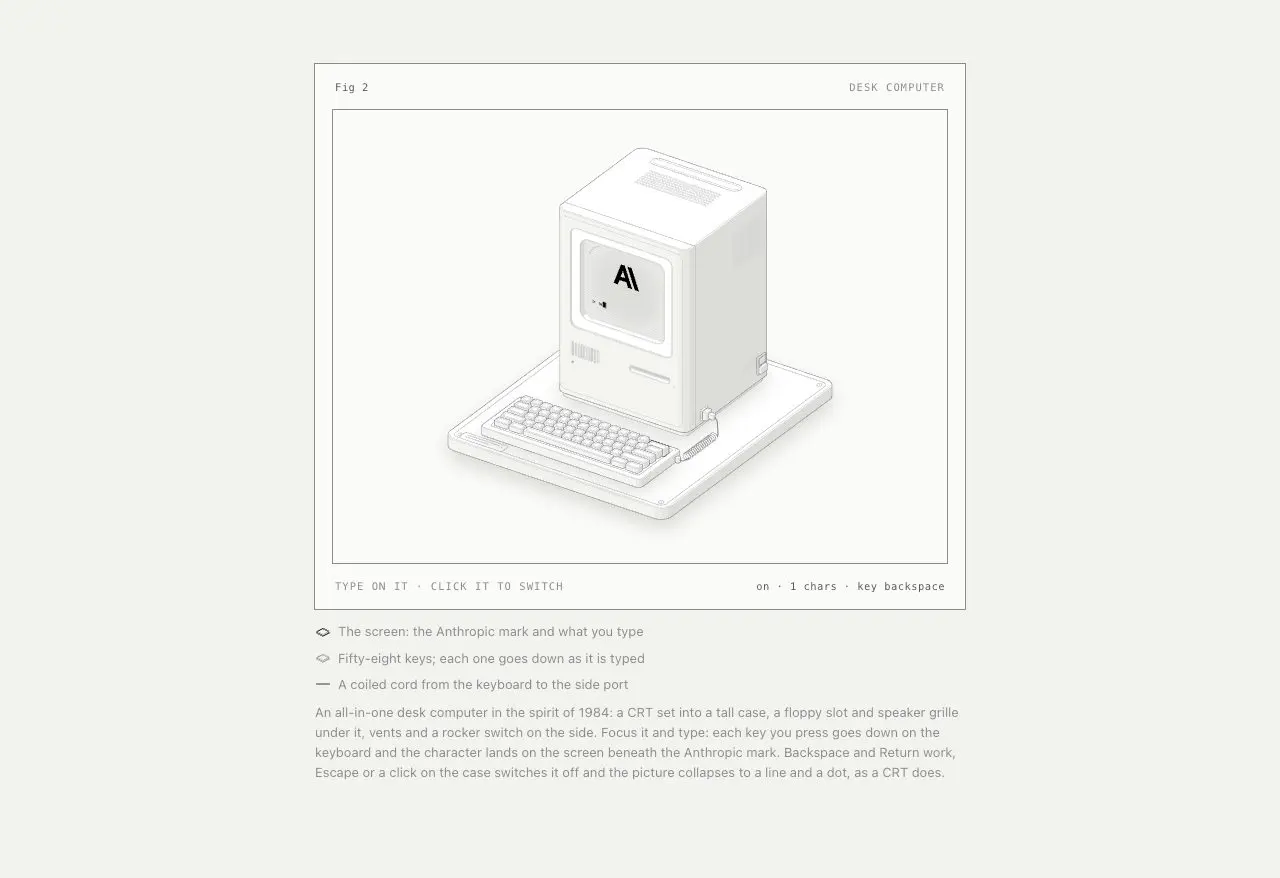
Anatomy
Build detailed, interactive isometric machine illustrations for technical ideas, documentation and product pages. Free open-source Anatomy skill by Ryan, with SVG, optional WebGL and React examples.
Codex +1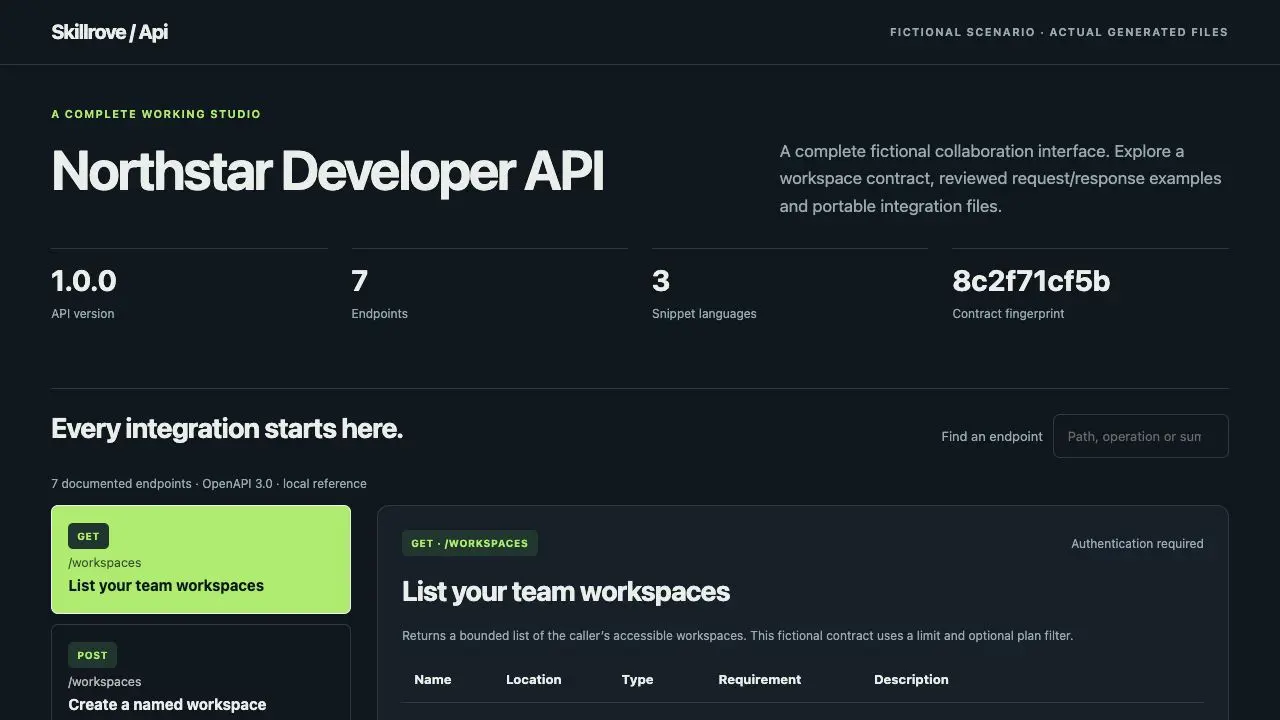 Available
API Docs Studio
Turn a supplied OpenAPI 3.0 JSON contract into a searchable developer reference, portable request snippets and Postman collection. Check explicit examples and captured JSON-object responses against a documented schema subset.
Codex +2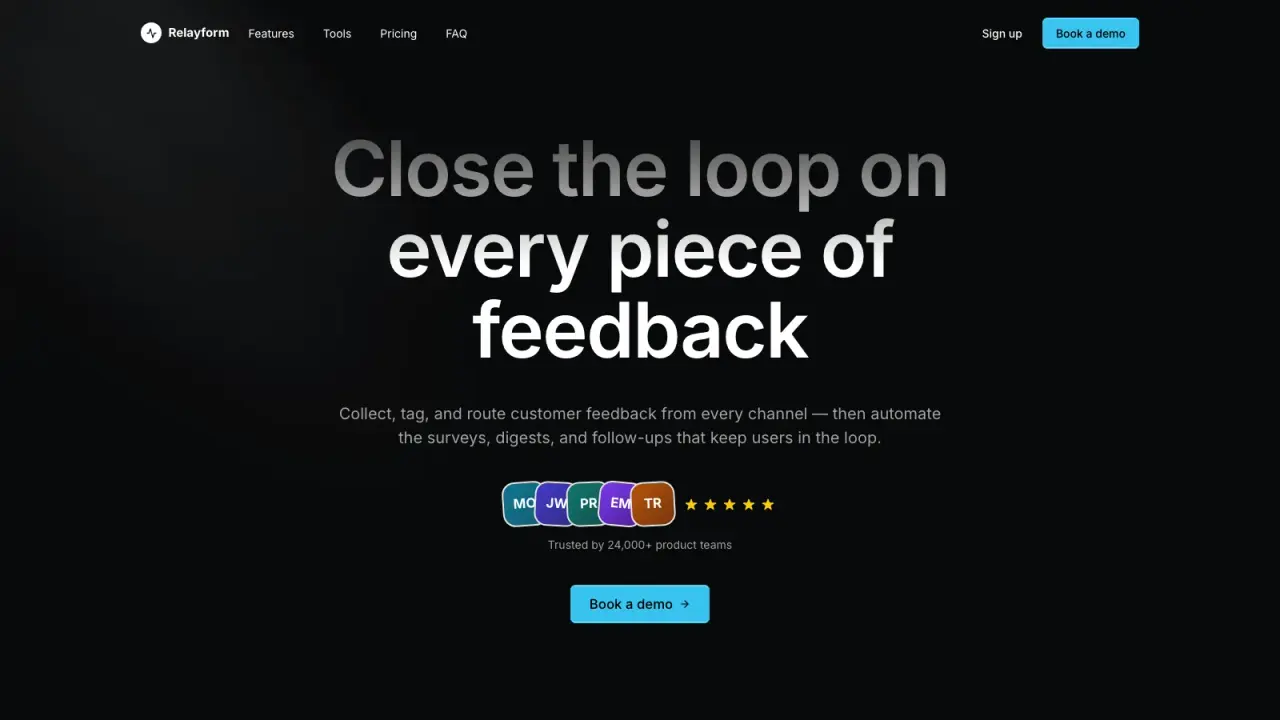 AvailableVideo preview
Cadence Marketing Landing
Create a dark, motion-rich SaaS landing page that guides visitors through a continuous product story with focused calls to action. It helps launch teams make a modern software offer feel distinctive and easy to understand without relying on generic sections or inflated claims.
Claude Code +8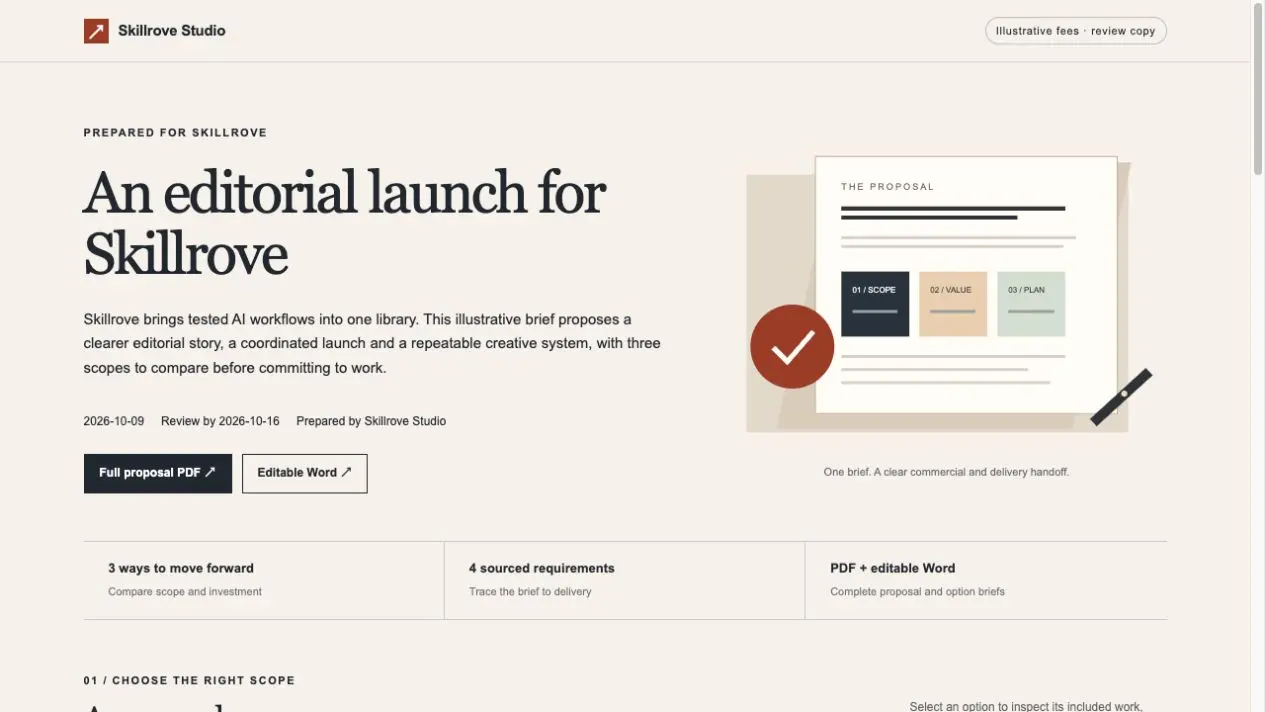 AvailableVideo preview
Client Proposal Studio
Build a client proposal people can compare and a delivery brief a team can execute. Includes scoped options, exact estimates, payment milestones, calendar planning, source traceability and editable PDF/Word exports. Original Skillrove workflow.
Codex +2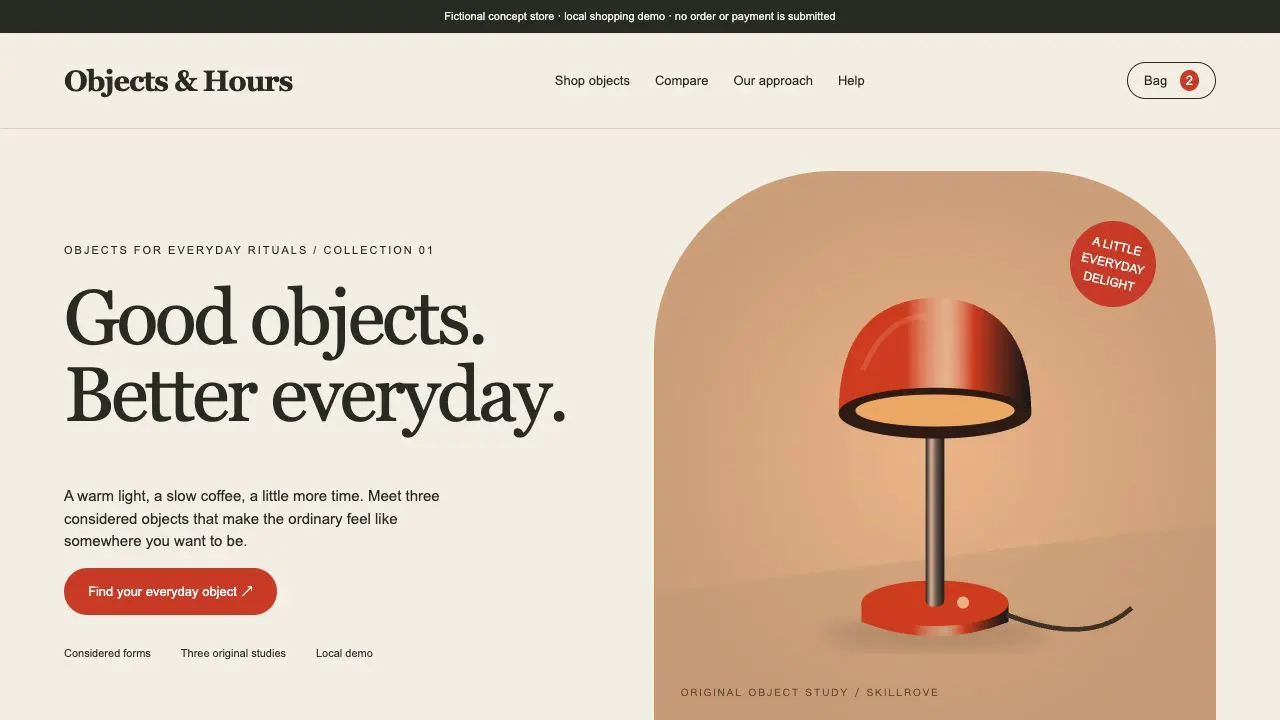 AvailableVideo preview
Commerce Product Studio
Build a complete concept storefront that makes products worth exploring. Create original product studies, searchable collections, finish variants, stock-aware bags, comparison views and a real downloadable order draft.
Codex +2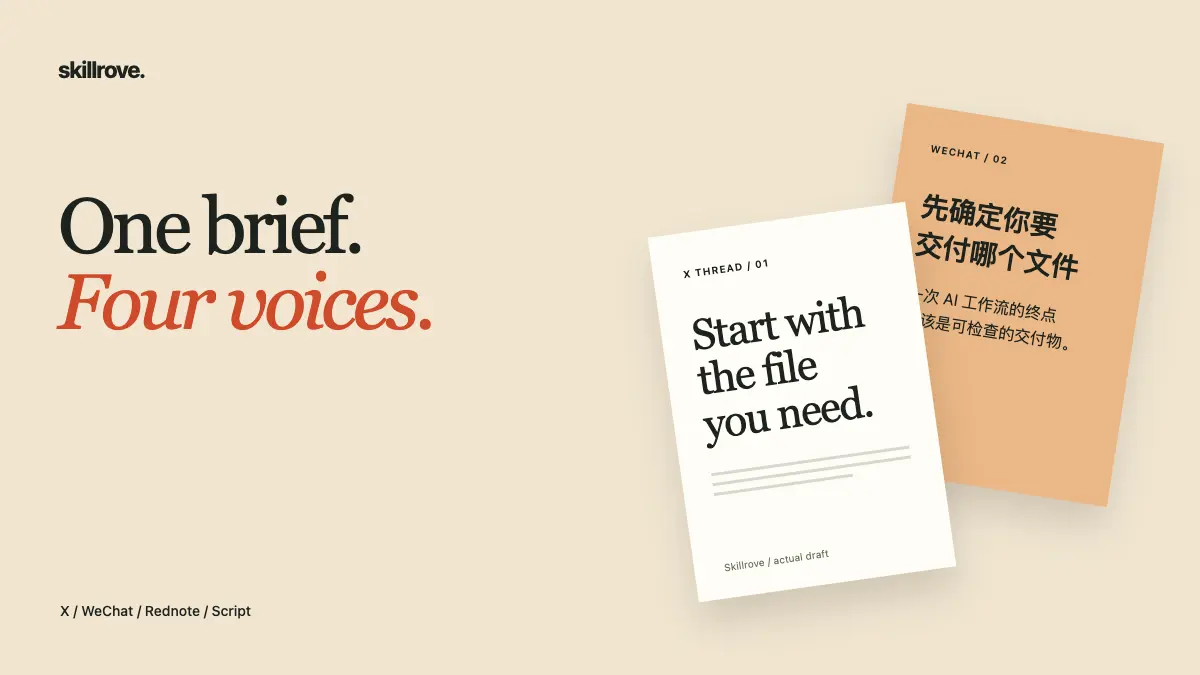 Available
Content Repurpose Studio
Turn one owned article or subtitle file into separately authored platform drafts with source maps, checked quotes, cover briefs and a review studio. Supports X, WeChat, Rednote, short scripts, LinkedIn and newsletters. Original Skillrove workflow.
Codex +2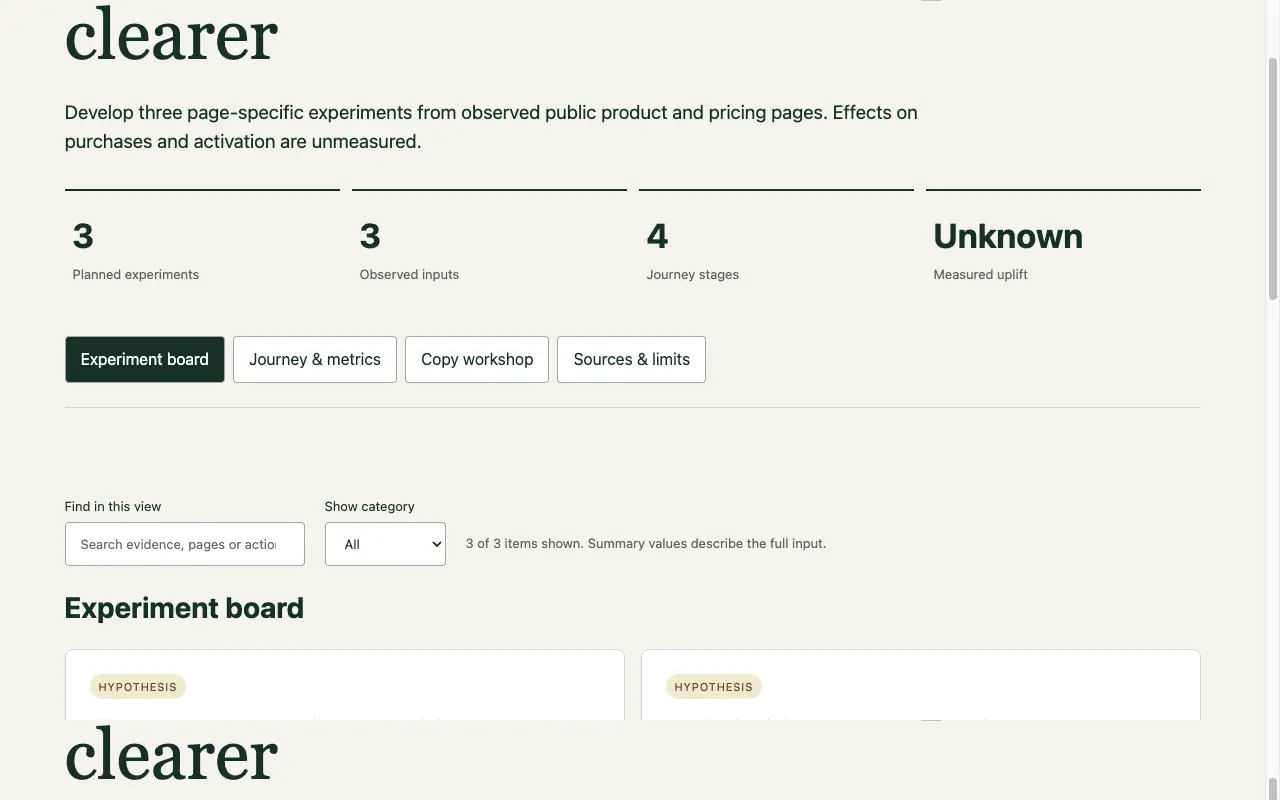 Available
Conversion Experiment Lab
Turn page observations into a conversion experiment backlog, control/variant copy, nested-cohort metrics and a tracking contract. Work from evidence, define one change and hand off a measurable experiment. Original Skillrove workflow.
Codex +2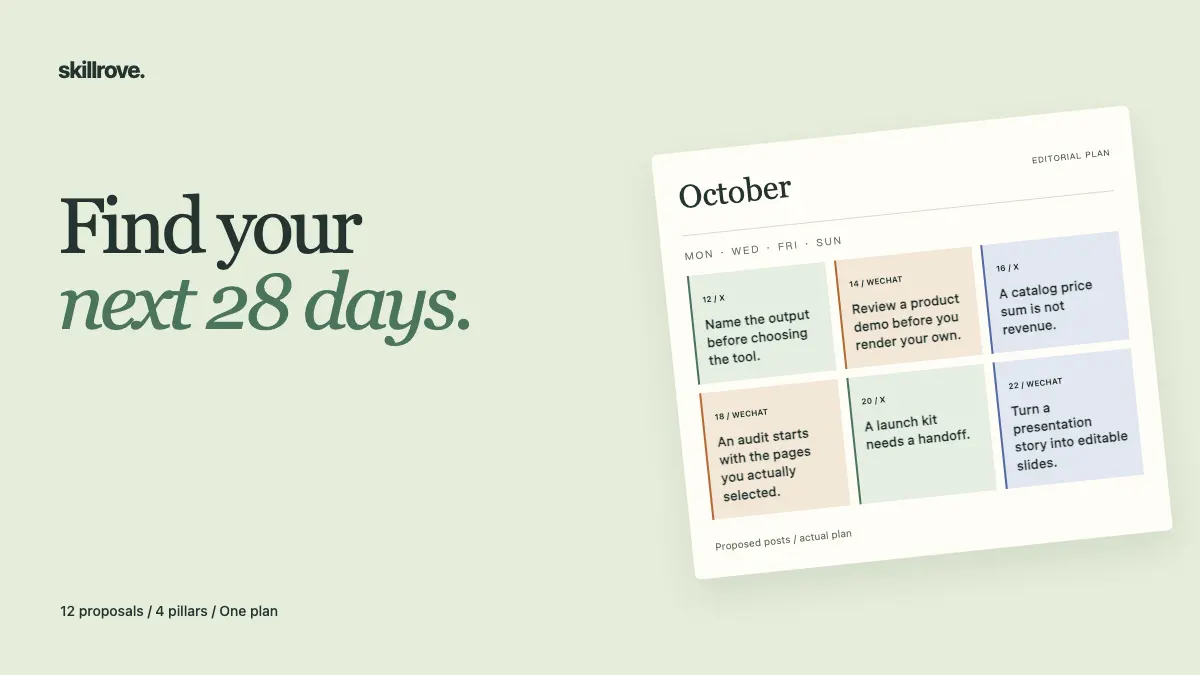 Available
Creator Strategy Lab
Analyze supplied content records with comparable observation windows, then create source-linked content pillars, an account voice guide and an editorial calendar. Includes interactive reports, editable CSV/JSON, Markdown and optional all-day ICS. Original Skillrove workflow.
Codex +2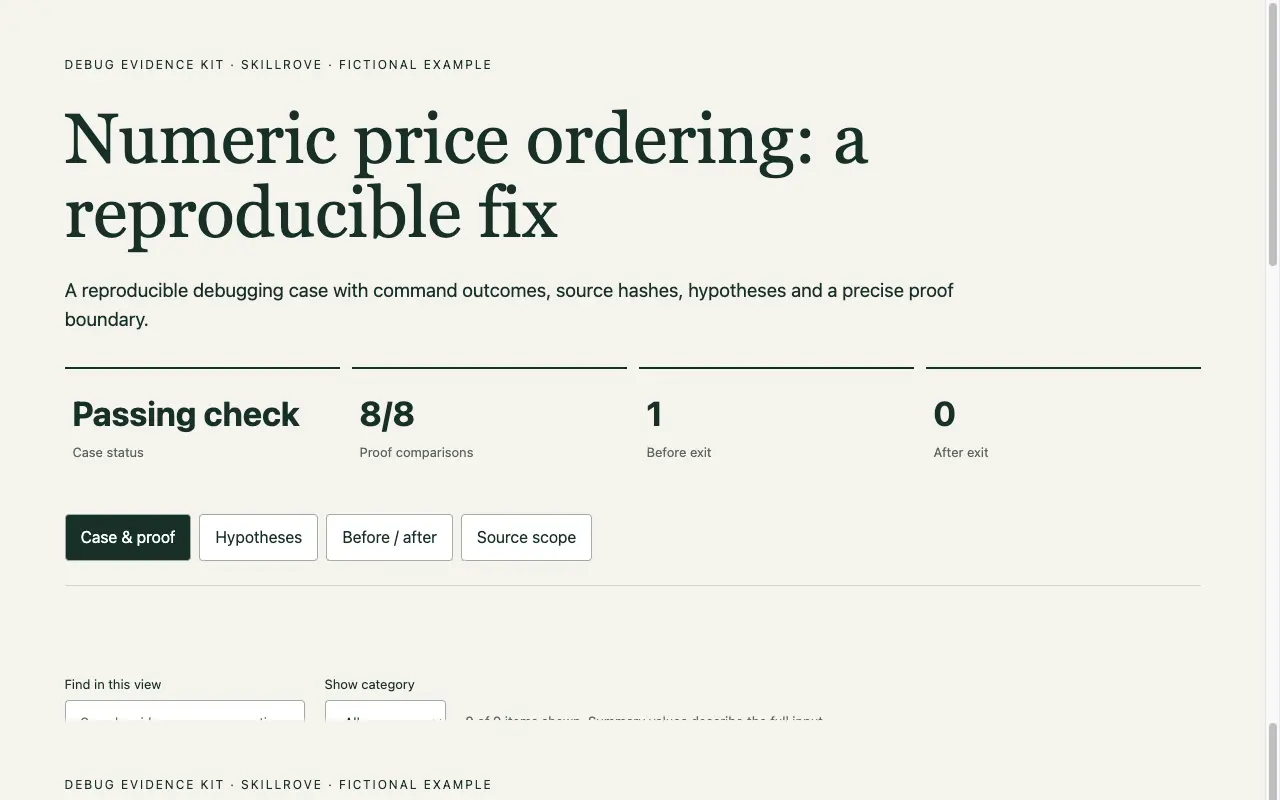 Available
Debug Evidence Kit
Reproduce a defect, test competing causes, apply a scoped correction and capture fresh before/after evidence. Compare identical commands, changed source and preserved regression tests in a portable interactive case. Original Skillrove workflow.
Codex +2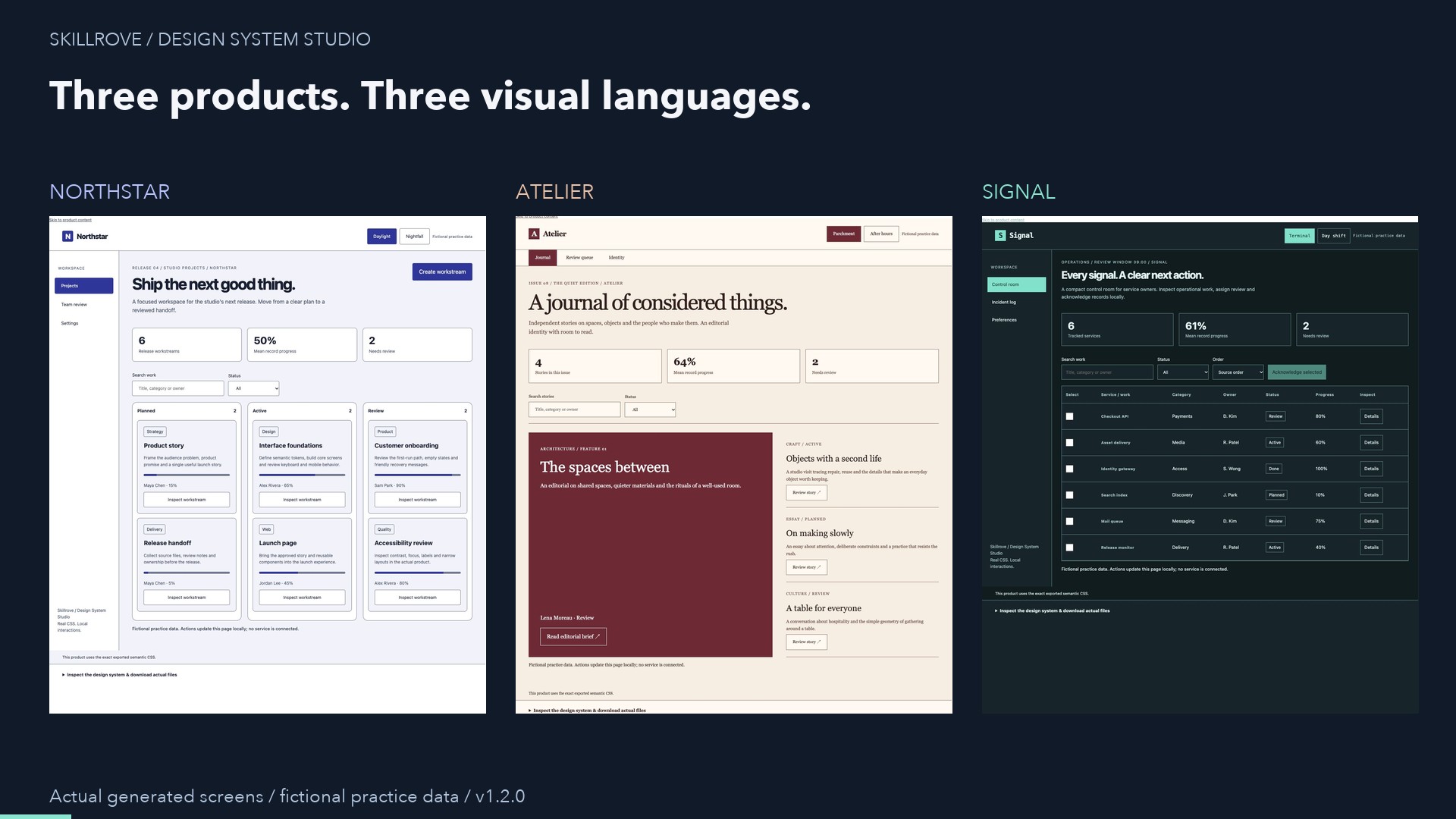 AvailableVideo preview
Design System Studio
Create a coherent product design system with three distinct starting points: project planning, editorial publishing and operations. Author your brand and content, test complete responsive screens, and deliver independently usable semantic CSS.
Codex +2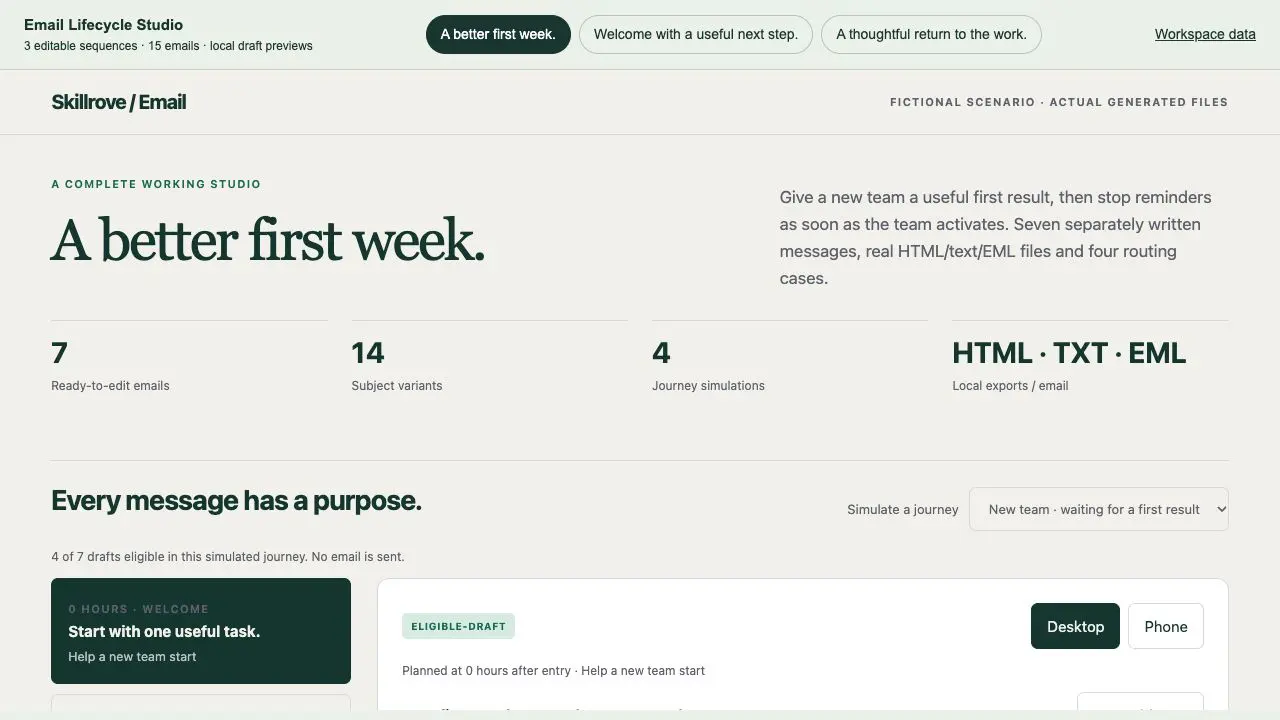 Available
Email Lifecycle Studio
Create welcome, activation and win-back journeys with distinct copy, subject variants and brand palettes. Simulate consent, suppression and exit events; export actual HTML, plain-text and multipart EML drafts in a switchable workspace.
Codex +2LOOK BEYOND THE COVER
A public example shows one supplied brief and package version. Review its context and limits, then use your own facts. Sample pages are linked for inspection; downloads and installation start from the skill page.
Use the fictional product brief to create a responsive website. Then replace the copy and primary action with your own.
index.htmlcontent.mdGenerated from real Skillrove product facts
index.htmlworkflow.htmlpress.htmlREVIEW THE RESULT YOU WILL ACTUALLY USE
Only when the package explicitly implements them. One-Page Site Builder and Launch Campaign Kit export static pages; they do not implement account storage or payment processing. Link to your existing service or plan a separate backend integration.
Inspect the generated HTML, assets and scripts, then adapt them to your framework. A standalone preview is not a ready-made React or Next.js integration. Test navigation, styles and any data handling inside your actual application.
Use the package under its included license. Check dependencies and your agent’s setup before running scripts or calling a service.
Compare access and pricing →