 Available1
One-Page Site Builder
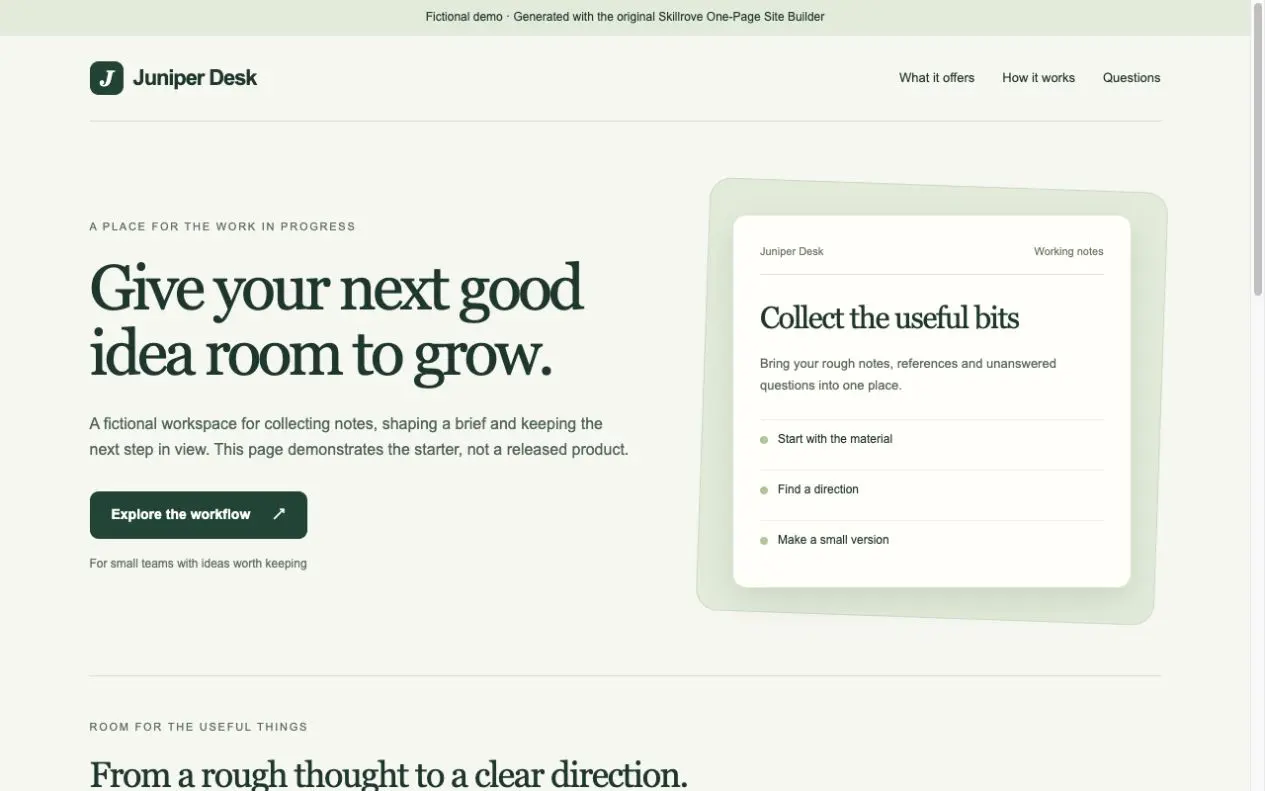
Turn your product brief into a responsive one-page website and a portable content document. An original, free Skillrove workflow with an editable fictional example.


 Codex +2
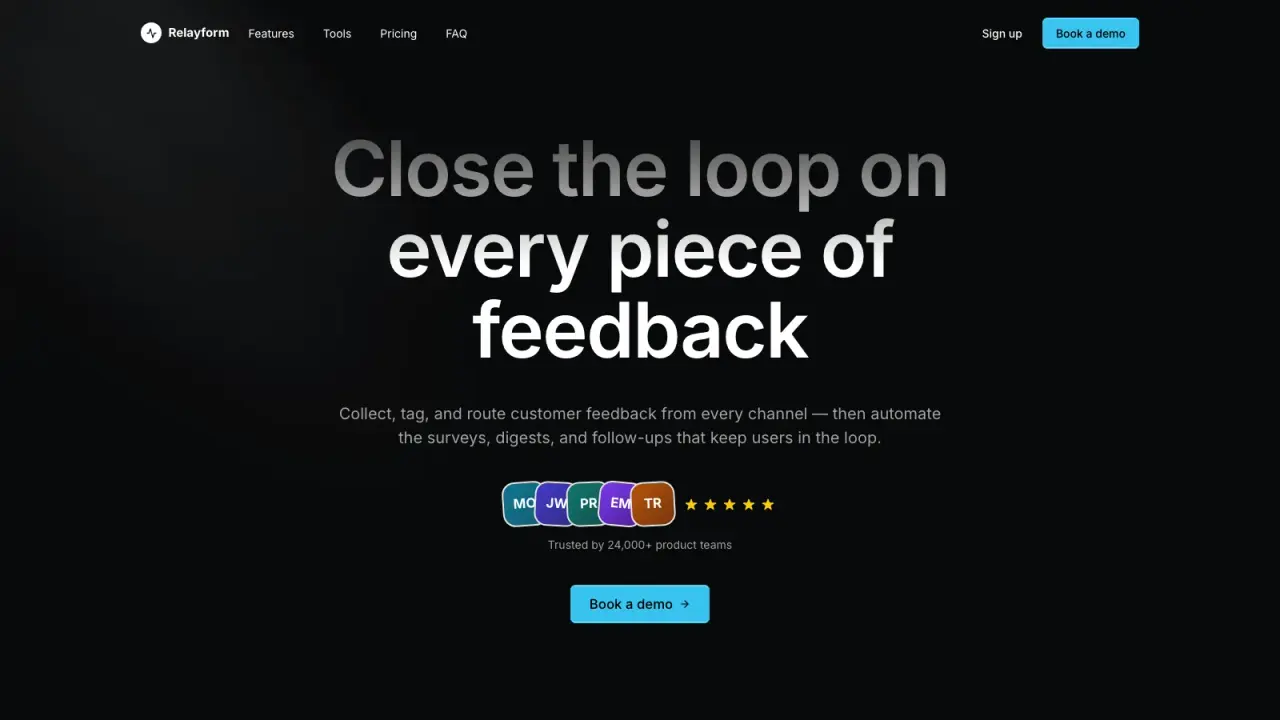
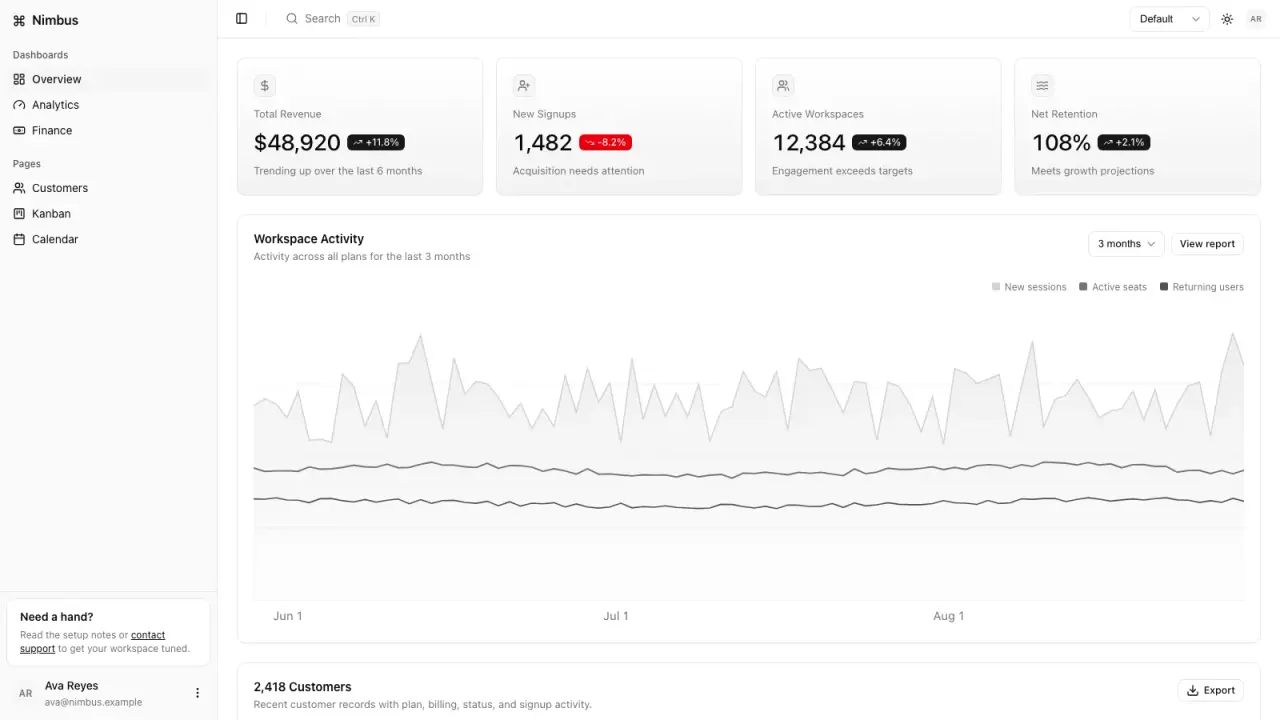
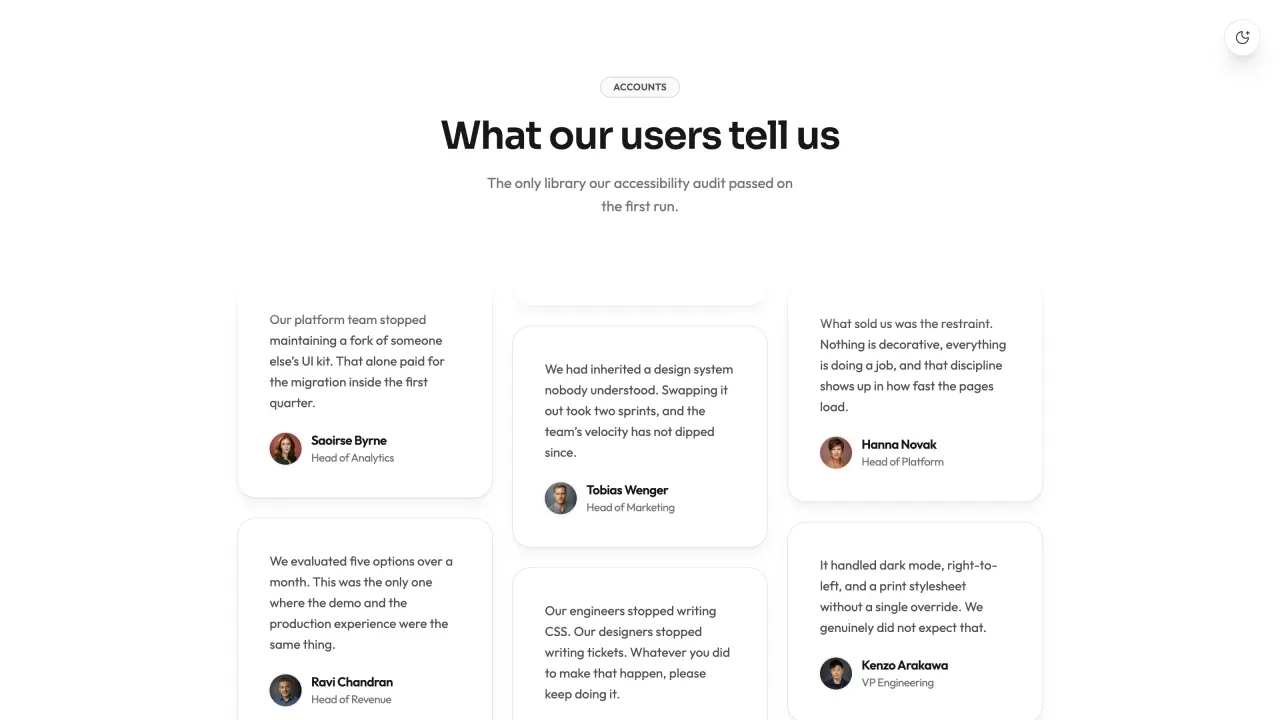
Create a branded three-page campaign with two layouts, three palettes, light/dark themes, an owned product showcase and recurring or one-time pricing. Includes channel copy, editable share card and publishing handoff. Original Skillrove workflow.
Generated from real Skillrove product facts
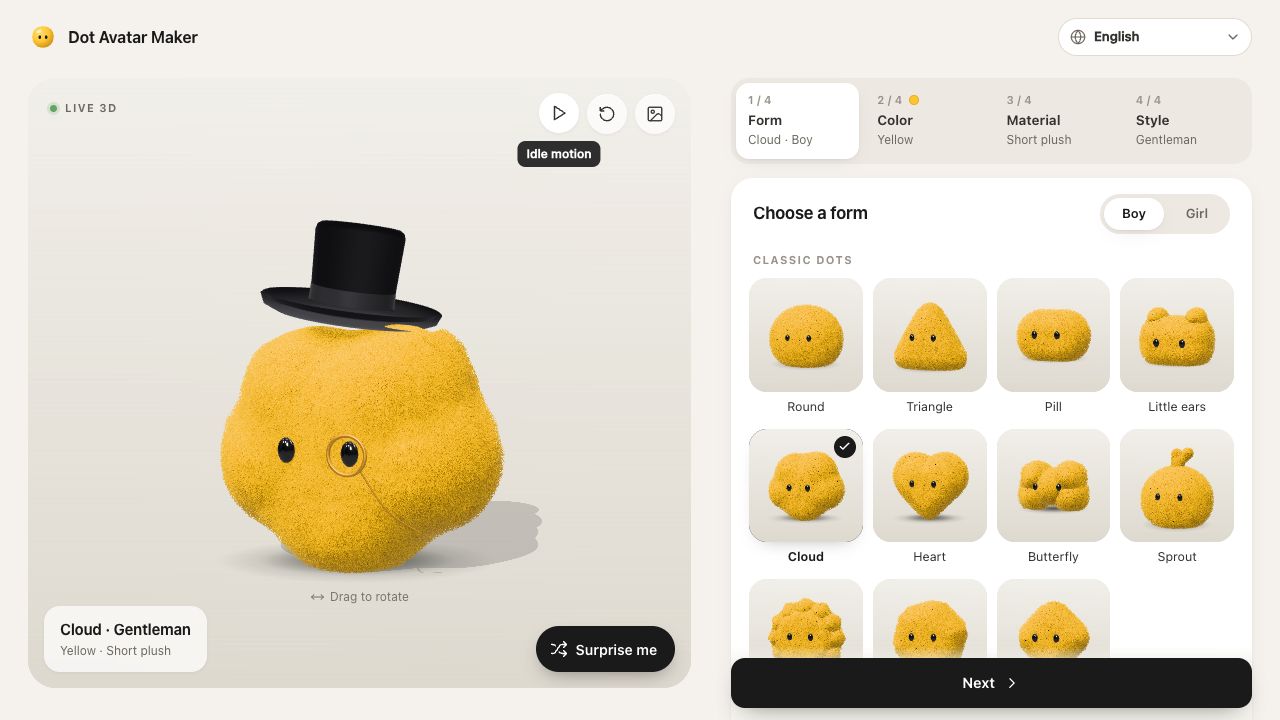
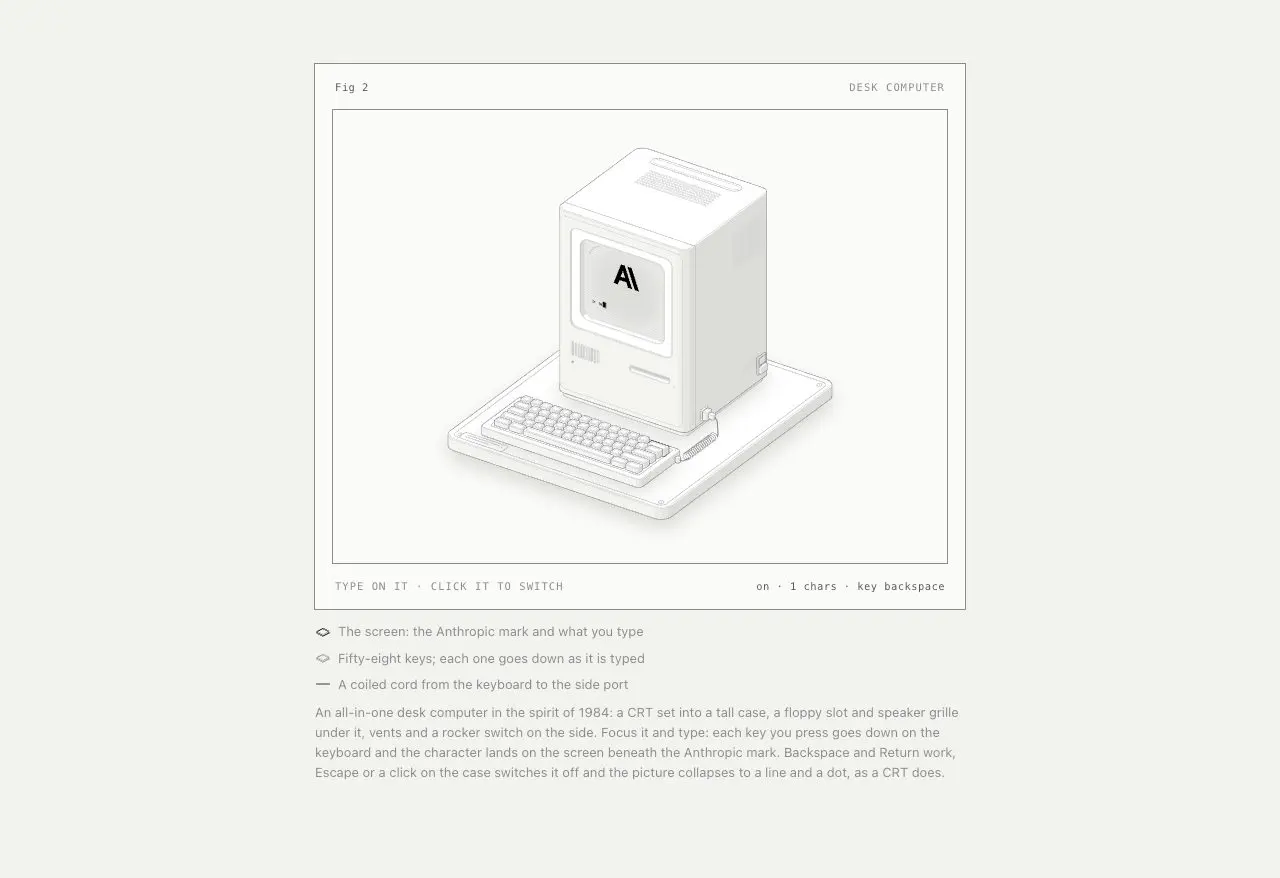
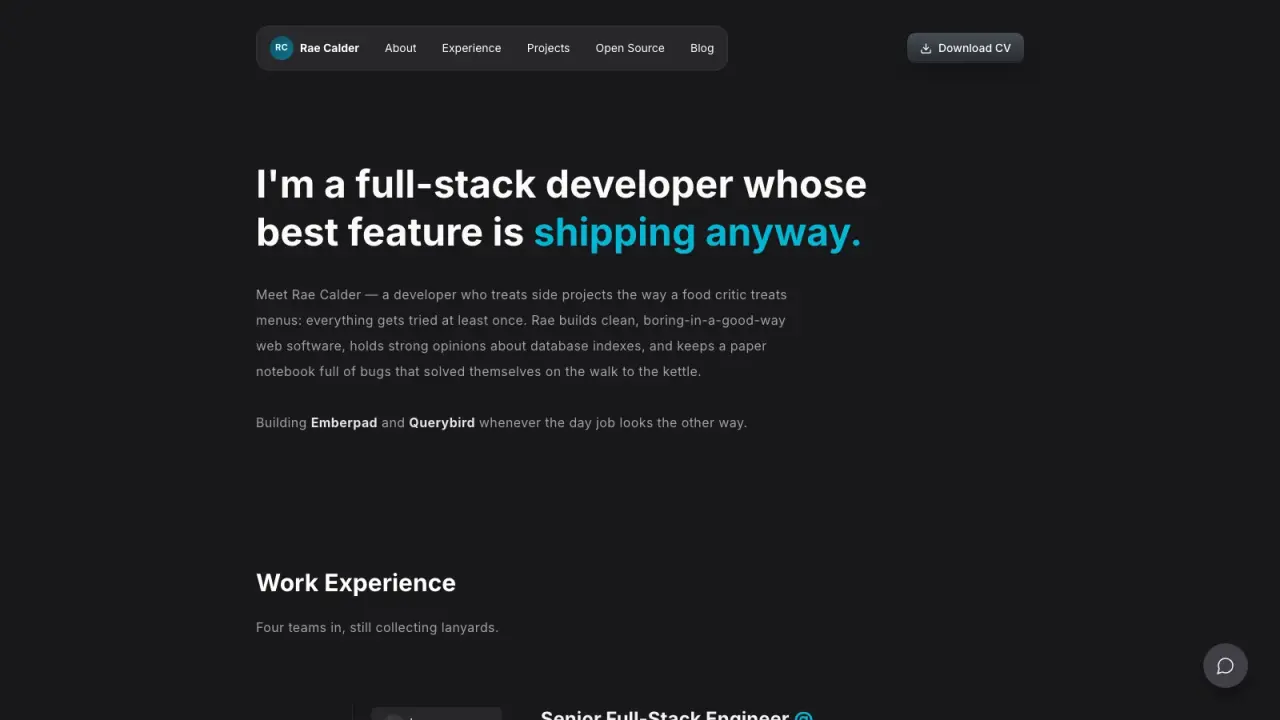
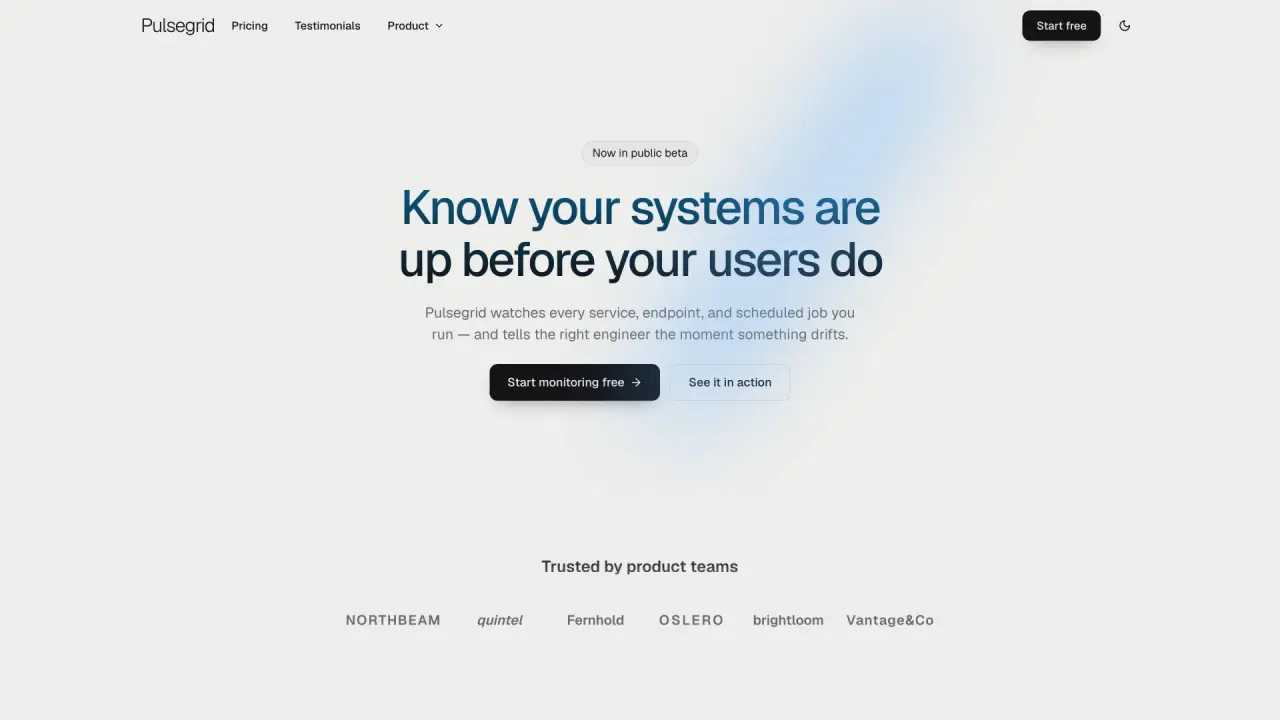
index.htmlworkflow.htmlpress.htmlcampaign.mdshare-card.svgtokens.jsonhandoff.mddelivery-manifest.jsonCapabilities: editorial and spotlight layouts; forest, midnight and cobalt palettes; light/dark toggle; animated workflow board with reduced-motion support; product screenshot embedding with alt text; feature bento, keyboard workflow tabs and FAQ. Optional 2–4 plans switch between monthly and annual USD totals while one-time offers retain their prices.
Deliverables: three self-contained HTML pages, draft channel copy, matching editable vector share card, design tokens, preview/publish checklist and SHA-256 manifest. Customization guidance covers product/service/event narratives and adaptation to a user's framework.
Requirements and run: Node.js 24+, offline without dependencies. node scripts/build-campaign.mjs --input examples/campaign.json --output ./sample-campaign. Optional owned PNG/JPEG/WebP up to 2 MiB stays inside the input folder and is embedded locally.
Validation: real Skillrove brief, owned product screenshot and current offers generated the full kit. Theme, annual/one-time prices, keyboard tabs, FAQ, file hashes and mobile layout tested. Independent fictional offer also exercised multiple plan types and palette exports.
Limits: plan and signup actions link to the supplied service. The generator does not provide authentication, checkout, storage or automatic framework export. Channel copy stays a draft; nothing is sent. Replace fictional example claims and prices before publication.
Version 1.2.0 expands branding, product presentation and offer configuration. Earlier packages remain in version history. Existing purchases and active memberships receive the active version. MIT license included.
FROM PACKAGE TO FIRST RESULT
The fictional example exercises a spotlight layout, cobalt palette and recurring offers. The public result uses actual Skillrove facts, an owned product screenshot and current prices.
These steps use a project folder. Open the project in your agent and run terminal commands from its root.
Package folder .agents/skills/launch-campaign-kit
Download and unzip the package into the folder above. Keep all its files together, with SKILL.md directly inside that folder.
Downloads require a verified account and purchase access. Choose a new folder if this Skill is already installed.
Read SKILL.md, review the generator and check its runtime requirements before running:
cd .agents/skills/launch-campaign-kit
node scripts/build-campaign.mjs --input examples/campaign.json --output ./sample-campaignTest both themes, yearly/monthly prices and the unchanged one-time prices. Try workflow keyboard tabs and FAQ, inspect the product screenshot, and visit workflow/press pages. Choose two layouts and three brand presets in the brief; verify matching share-card and token exports.
Read references/customization.md for product/service/event adaptation and existing-framework integration. The generator exports static pages; its actions link to your service. It does not implement signup or billing.
If sample-campaign already exists, change the output to ./sample-campaign-2. Existing files are never overwritten.
Use Launch Campaign Kit at .agents/skills/launch-campaign-kit. Read SKILL.md and review scripts/build-campaign.mjs. Run examples/campaign.json into a new output folder and show me all generated files. Keep fictional sample content clearly labeled.
Tried this workflow? Help others decide with an honest review.
The listed individual package price is USD 4.99. Premium downloads require a confirmed purchase or active membership. Your agent subscription, model access and external provider credits are separate.
This release lists Codex, Claude Code, Cursor as intended installation hosts. Check the package’s dependencies and permissions before running it. These labels do not certify that every workflow has been tested in every agent.
The documented 1.2.0 workflow lists: index.html; workflow.html; press.html; campaign.md; share-card.svg; tokens.json; handoff.md; delivery-manifest.json. Some files or exports are optional; follow the package’s setup and inspect the delivered result.
Read references/customization.md for product/service/event adaptation and existing-framework integration. The generator exports static pages; its actions link to your service. It does not implement signup or billing.