 Available1
One-Page Site Builder
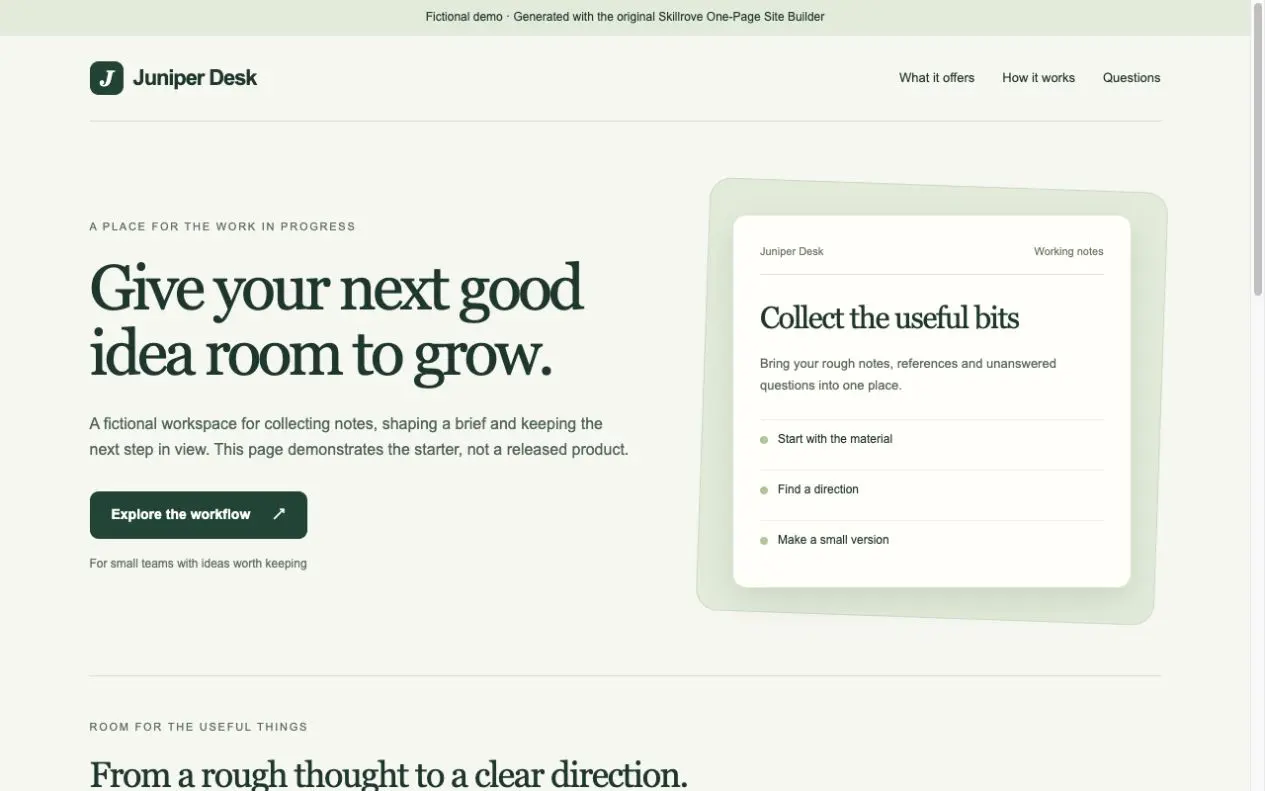
Turn your product brief into a responsive one-page website and a portable content document. An original, free Skillrove workflow with an editable fictional example.


 Codex +2
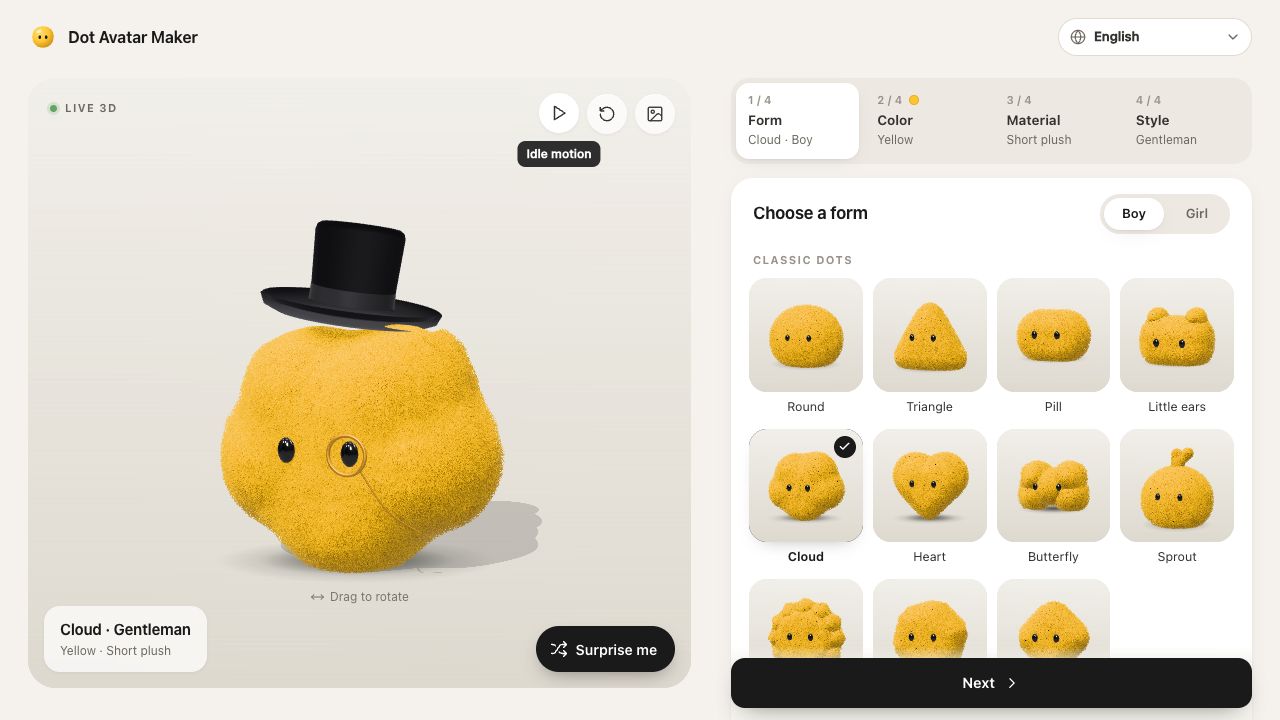
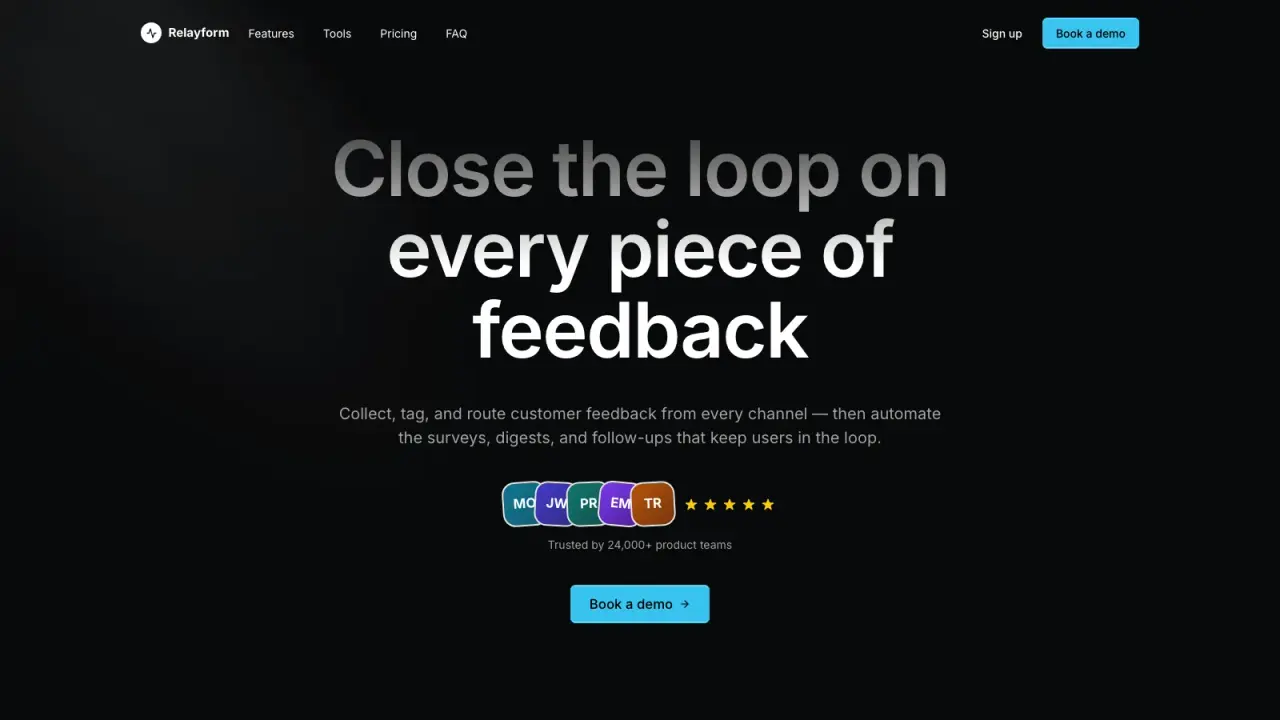
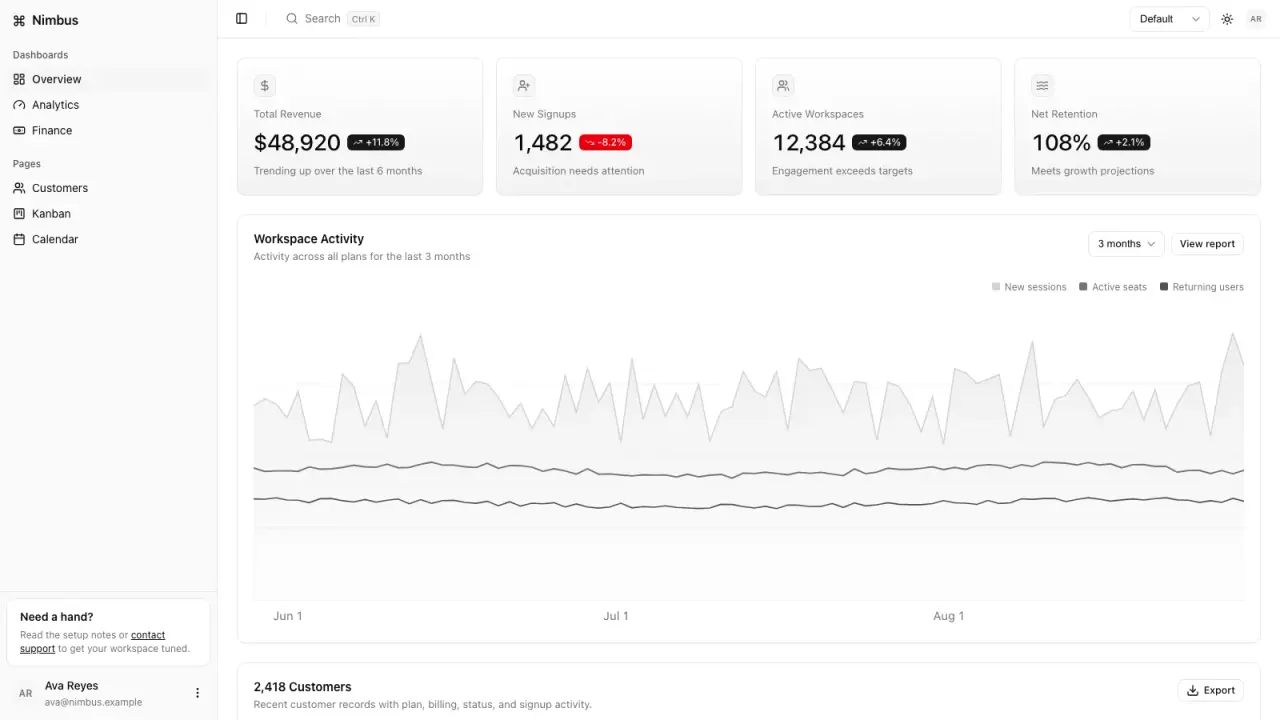
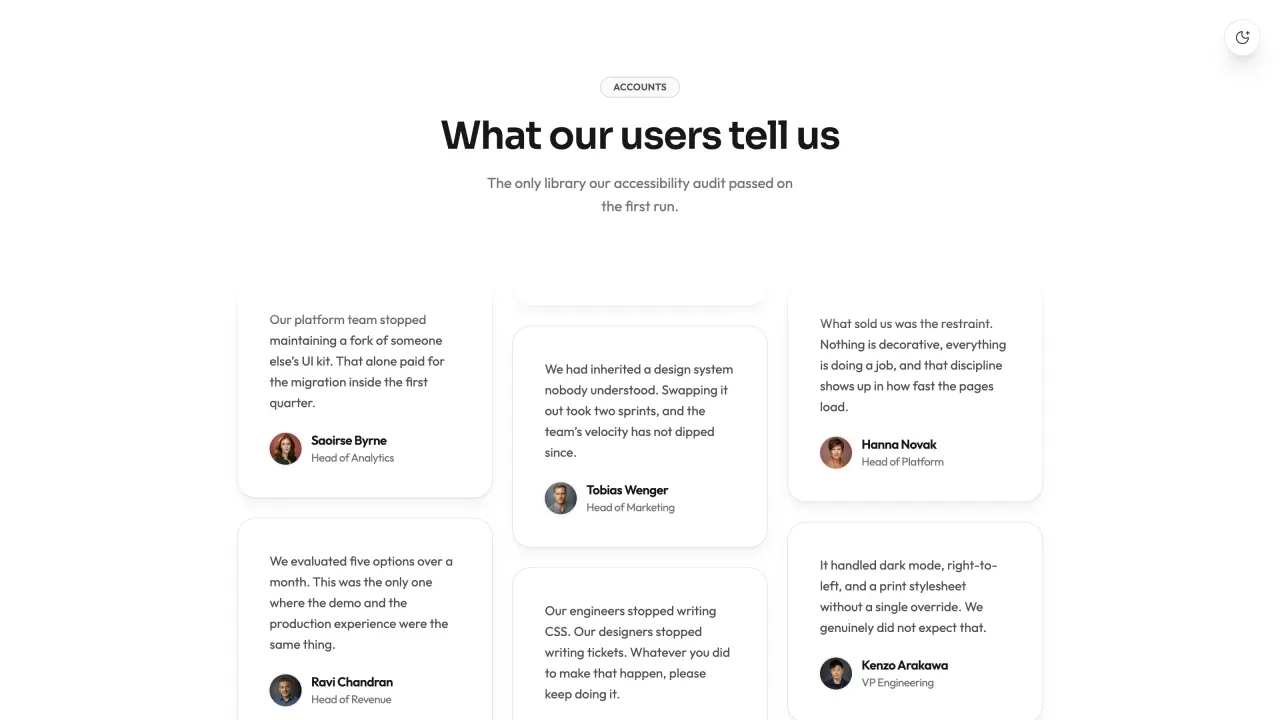
Create a coherent product design system with three distinct starting points: project planning, editorial publishing and operations. Author your brand and content, test complete responsive screens, and deliver independently usable semantic CSS.
Three distinct product recipes · complete screens · actual generated CSS
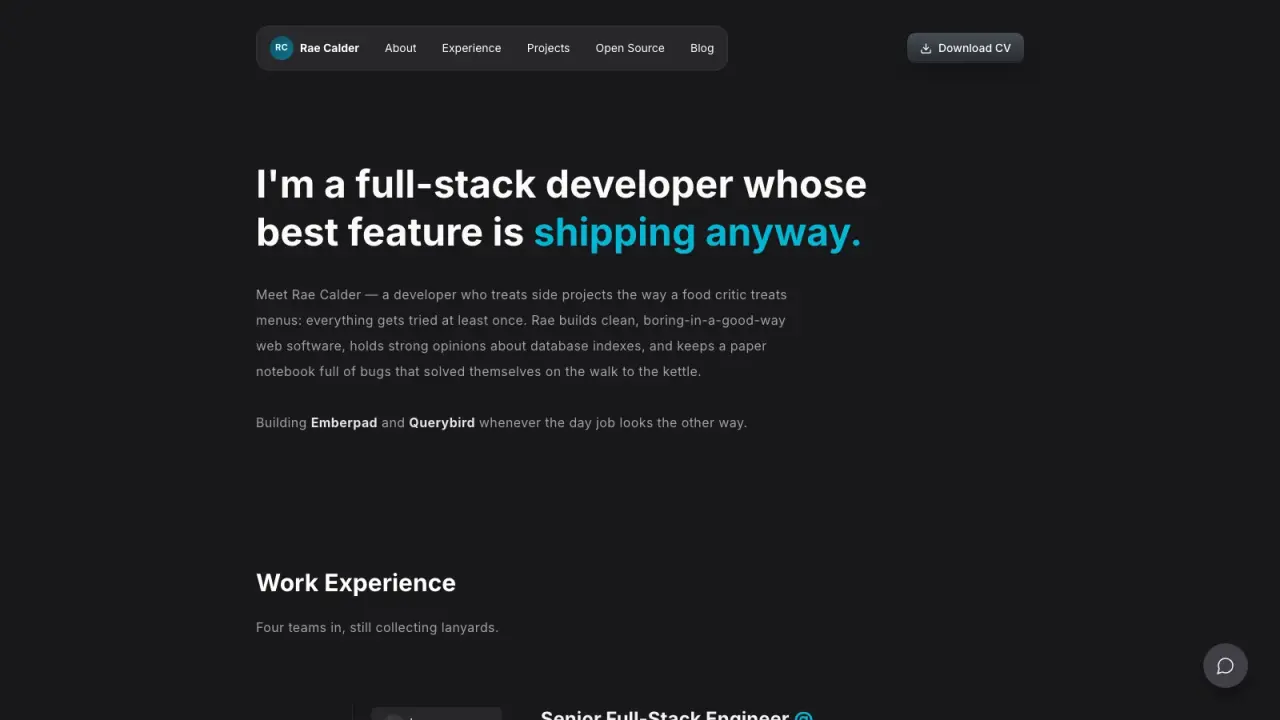
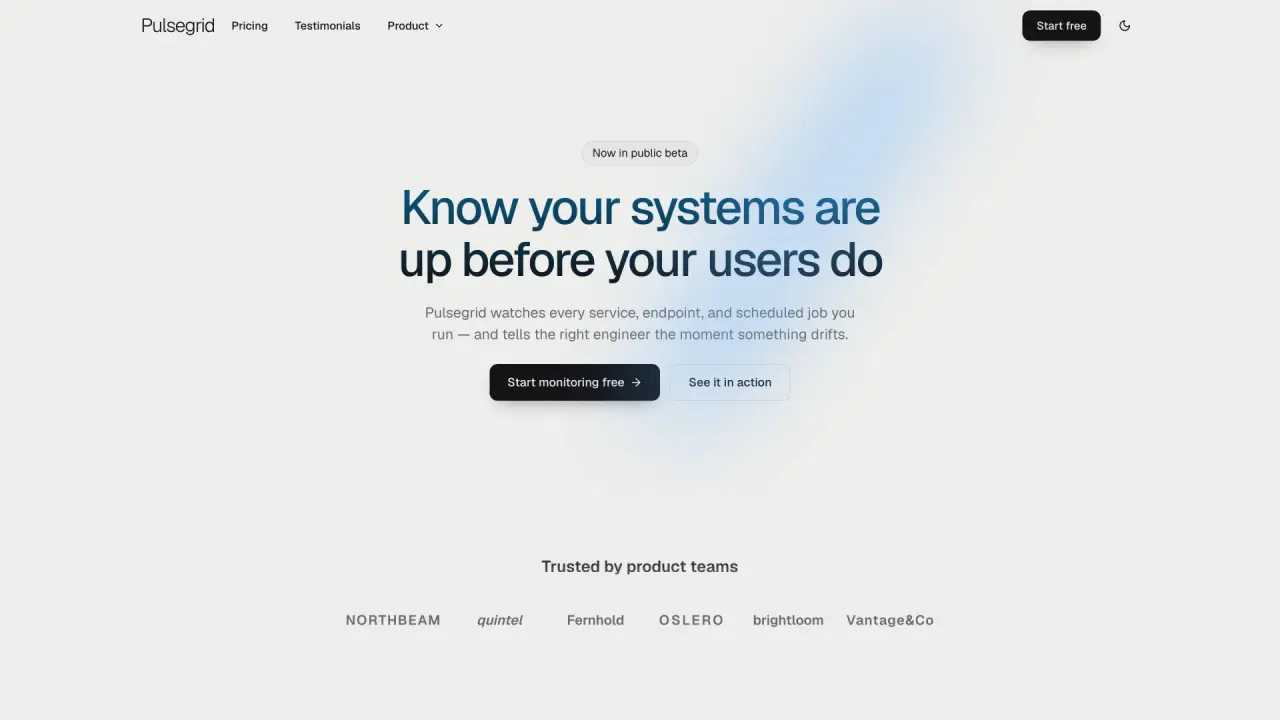
Three-screen product room + independent CSS integrationNative tokens / components / application CSS + behaviorDESIGN.md + editable brief + app.jsonExact contrast CSV/JSON + token change reviewLocal editor + quickstart + verified delivery ZIPCapabilities: three distinct product recipes with authored content, planning boards and local draft creation, editorial features and review queues, compact operations tables with sorting and local bulk acknowledgment, light/dark themes, native dialogs, filters, empty states and recoverable identity forms. Theme changes preserve current input, errors and selection.
Deliverables: complete product room and independent CSS integration, editable brief and app JSON, semantic tokens, components and application CSS, application behavior, design contract, contrast JSON/CSV, token changes, Tailwind v4 adapter, integration notes and a verified delivery manifest. Each generation produces 18 files plus a downloadable ZIP.
First result: tell your agent your product name, audience and primary task; choose planning, editorial or operations. The offline quickstart generates a complete starter without hand-writing JSON. The local editor exposes the essential fields first, with content and visual rules under optional details. Python 3.10+ standard library; no dependency installation, API key or paid provider.
Validation: actual generation of all three recipes, a fresh independently authored brief, all 60 sample opaque contrast pairs, ZIP download and integrity, invalid input and alias rejection, non-overwrite checks, real browser search, dialogs, local review, bulk acknowledgment, short-name recovery, preserved state on theme changes, keyboard dismissal, 390px layouts and independent computed CSS values. Result film shows the complete generated interfaces; authentic browser recording is explicitly slowed for reading.
Version 1.2.0: original Skillrove code and examples under MIT, with retained Apache-2.0 methodology notices. All presets are fictional. Local actions are temporary demonstrations; production backend, screen-reader audit and target-framework integration remain separate work. Pair checks do not establish full WCAG conformance. No external service is called. $4.99 one-time; active Premium memberships cover this package.
FROM PACKAGE TO FIRST RESULT
Choose a project workspace, editorial journal or operations control room. Tell your agent what you want; start with a complete result, then refine it in the local editor.
A brand system with an independently verifiable CSS handoff.
Use Design System Studio at .agents/skills/design-system-studio. Read SKILL.md. Build a design system for Northstar, a fictional project-planning app for independent studios. Define coherent light and dark themes, clear semantic roles, comfortable spacing and readable controls. Use the Northstar planning recipe, author the product name and workstream content, then generate complete screens and CSS. Open the independent integration page and verify the computed styles. Ask for essential missing facts, preserve unknowns, and prepare a reviewed input. Check dependencies, generate into a new folder, inspect the actual files and explain any failed checks. You may open the bundled local studio for editing. Do not publish or purchase external services.Copy this request to your agent after installing the package. The local studio runs on your computer; the public preview is an example, not a hosted generation service.
These steps use a project folder. Open the project in your agent and run terminal commands from its root.
Package folder .agents/skills/design-system-studio
Download and unzip the package into the folder above. Keep all its files together, with SKILL.md directly inside that folder.
Downloads require a verified account and purchase access. Choose a new folder if this Skill is already installed.
Your agent can prepare the product brief and generate a complete first result. Python 3.10+ is the only runtime needed; no package dependencies are required.
Paste your request above into the chosen agent. It can choose a starter, prepare your brief and generate the first result. The local editor and manual commands are optional below.
Read SKILL.md, review the generator and check its runtime requirements before running:
Optional local editor: choose a product starting point, edit visible fields and generate without writing JSON.
cd .agents/skills/design-system-studio
python3 scripts/start-studio.py --output ./my-design-studio
cd .agents/skills/design-system-studio
python3 scripts/quickstart.py --preset northstar --name "Your product" --output ./sample-designOpen result/index.html. Inspect the board, journal or operations table, switch themes, filter records and test form recovery. Open integration.html to verify the independently loaded CSS. Every generation preserves earlier deliveries.
Presets contain fictional practice data. In-page actions are temporary local demonstrations; a production backend and target-framework integration remain separate work.
If sample-design already exists, change the output to ./sample-design-2. Existing files are never overwritten.
Use Design System Studio at .agents/skills/design-system-studio. Read SKILL.md and review scripts/build-system.py. Run examples/northstar.json into a new output folder and show me all generated files. Keep fictional sample content clearly labeled.
Tried this workflow? Help others decide with an honest review.
The listed individual package price is USD 4.99. Premium downloads require a confirmed purchase or active membership. Your agent subscription, model access and external provider credits are separate.
This release lists Codex, Claude Code, Cursor as intended installation hosts. Check the package’s dependencies and permissions before running it. These labels do not certify that every workflow has been tested in every agent.
The documented 1.2.0 workflow lists: Three-screen product room + independent CSS integration; Native tokens / components / application CSS + behavior; DESIGN.md + editable brief + app.json; Exact contrast CSV/JSON + token change review; Local editor + quickstart + verified delivery ZIP. Some files or exports are optional; follow the package’s setup and inspect the delivered result.
Presets contain fictional practice data. In-page actions are temporary local demonstrations; a production backend and target-framework integration remain separate work.