 Available1
One-Page Site Builder
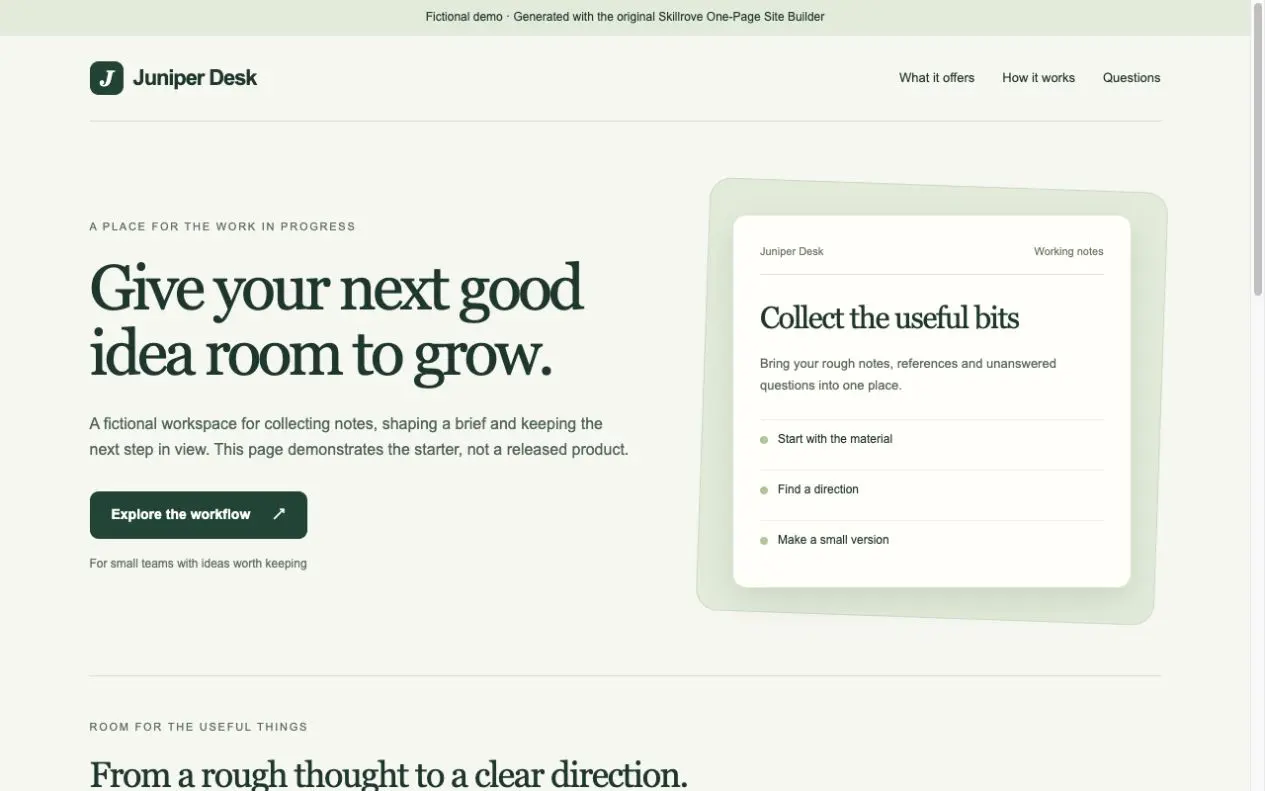
Turn your product brief into a responsive one-page website and a portable content document. An original, free Skillrove workflow with an editable fictional example.


 Codex +2
Create welcome, activation and win-back journeys with distinct copy, subject variants and brand palettes. Simulate consent, suppression and exit events; export actual HTML, plain-text and multipart EML drafts in a switchable workspace.
Three fictional journeys · 15 actual email drafts · consent and exit simulation
index.html + workspace.jsonjourneys/<id>/index.html + sequence.json15 HTML emails + plain-text + multipart EMLsimulation.json + .csv per journeyhandoff.md per journeyper-journey and workspace delivery-manifest.jsonLifecycle marketers preparing reviewed copy and journey rules before provider integration.
The workspace produces drafts and simulations; it does not send a campaign.
Capabilities: 2–12 emails per sequence and 2–6 sequences per workspace; forest, violet and clay palettes; subject A/B previews, desktop/phone views, editable CTAs and UTM tags. Three worked journeys include fifteen authored messages.
Routing: delay is calculated from the first entry event; no consent or suppression blocks every draft. Completed goals stop later messages. Required and excluded events are evaluated at the calculated message time, with an inspectable decision for every profile and message.
Deliverables: switchable workspace, complete HTML/TXT/EML files, editable sequence.json, simulation.json and .csv, provider handoff and per-sequence/workspace SHA-256 manifests. EML uses subject A and has no sender or recipient.
First run: Python 3.10+ standard library only. Run scripts/build-workspace.py with repeated --input examples/activation.json, --input examples/welcome.json and --input examples/winback.json, followed by --output ./email-studio. Serve that folder locally for nested previews.
Validation: all fifteen drafts generated, multipart EML parsed, twenty-eight activation decisions reconciled, delayed entry/exact-time exits checked, real export downloads and workspace switching exercised. URLs, headers and existing output directories are guarded.
Limits: this is an offline authoring and route-simulation tool. Consent/suppression are fixed per fixture. Your provider must reevaluate live permissions, local scheduling and deduplication before sending. Browser previews do not verify Gmail/Outlook rendering, inbox placement or measured A/B uplift.
Version 1.0.0: original Skillrove tools and examples under MIT, informed by an MIT-licensed email workflow with its notice and pinned attribution included. $4.99 one-time; active Premium memberships cover this package.
FROM PACKAGE TO FIRST RESULT
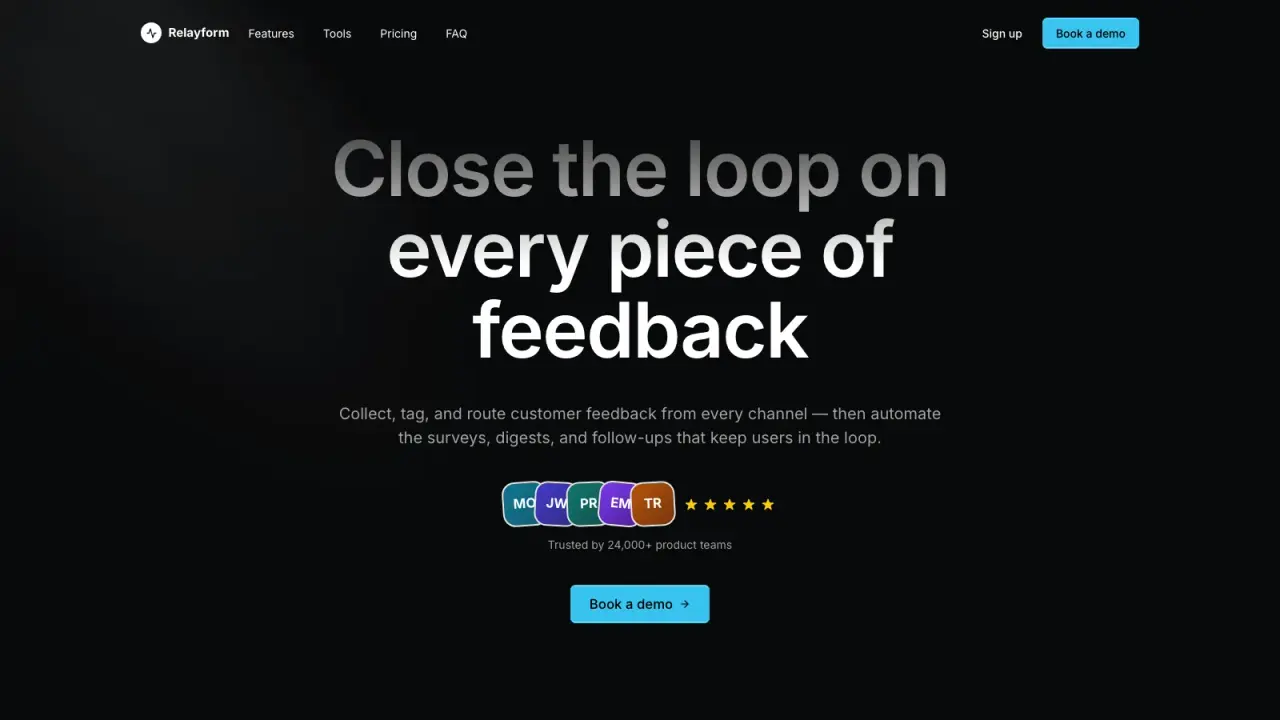
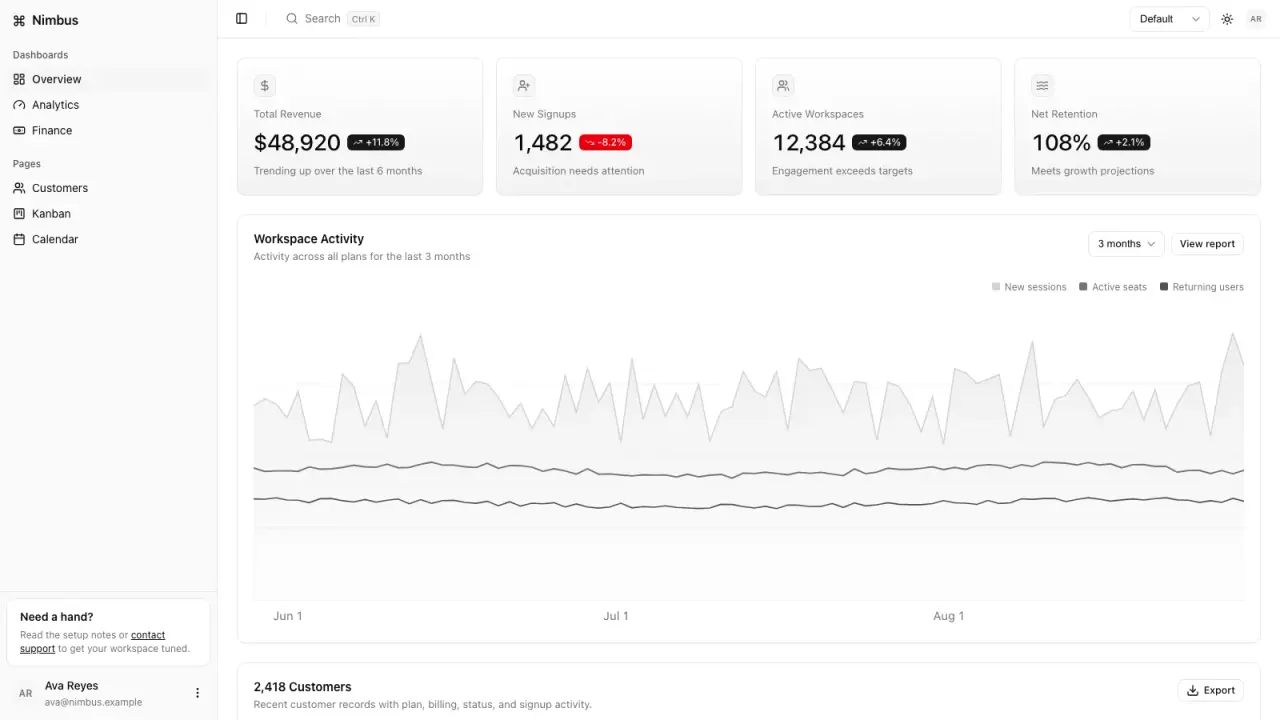
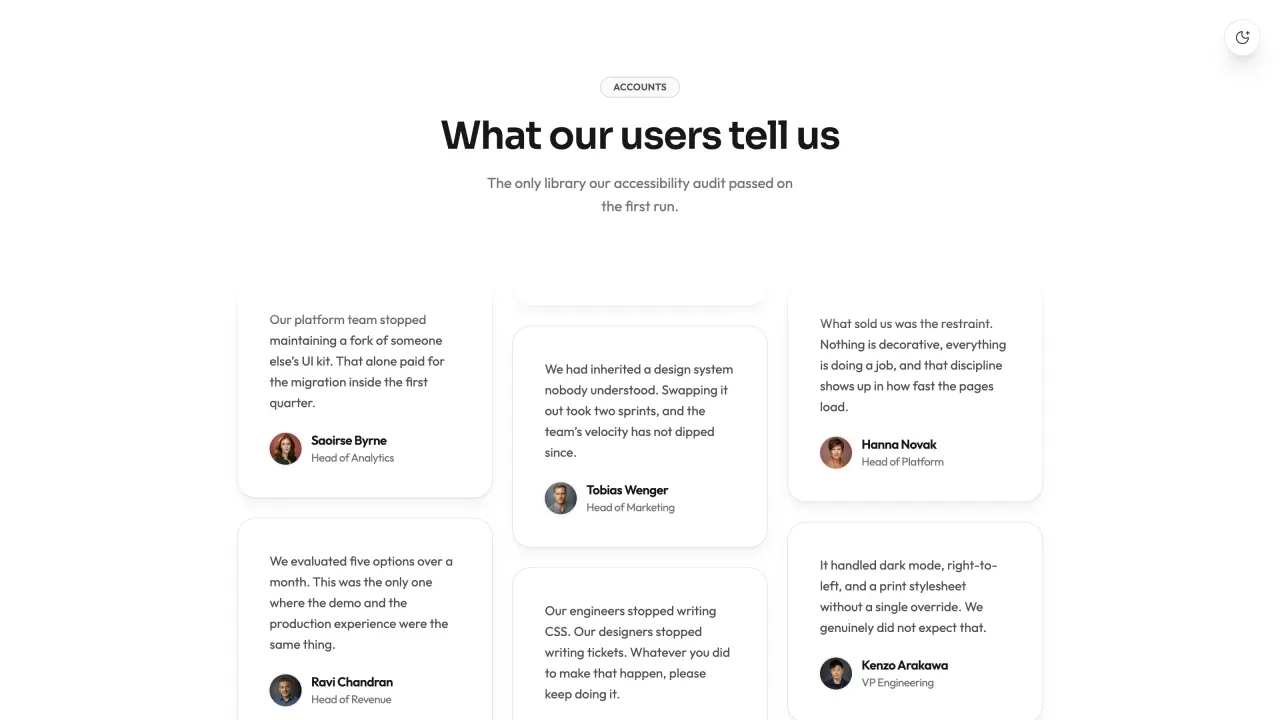
Generate three distinct fictional Northstar journeys in one workspace: seven activation emails, five welcome emails and three win-back emails. These are actual exported files with editable source and local route simulations.
These steps use a project folder. Open the project in your agent and run terminal commands from its root.
Package folder .agents/skills/email-lifecycle-studio
Download and unzip the package into the folder above. Keep all its files together, with SKILL.md directly inside that folder.
Downloads require a verified account and purchase access. Choose a new folder if this Skill is already installed.
Read SKILL.md, review the generator and check its runtime requirements before running:
cd .agents/skills/email-lifecycle-studio
python3 scripts/build-workspace.py --input examples/activation.json --input examples/welcome.json --input examples/winback.json --output ./email-studioServe email-studio locally. Switch all three sequences, change journey profiles, compare subject A/B and Desktop/Phone previews, then download the matching email. In activation, the quick-starter profile stops at the goal and leaves one of seven drafts eligible. Inspect exact decision times and all exported files; edit an input and regenerate into a fresh folder.
Python 3.10+ standard library, offline. A local static server is required for nested previews. EML exports use subject A without transport headers. No email is sent. Provider scheduling, live consent, deduplication, Gmail/Outlook rendering and inbox placement need separate checks.
If email-studio already exists, change the output to ./email-studio-2. Existing files are never overwritten.
Use Email Lifecycle Studio at .agents/skills/email-lifecycle-studio. Read SKILL.md and review scripts/build-workspace.py. Run examples/activation.json + welcome.json + winback.json into a new output folder and show me all generated files. Keep fictional sample content clearly labeled.
Tried this workflow? Help others decide with an honest review.
The listed individual package price is USD 4.99. Premium downloads require a confirmed purchase or active membership. Your agent subscription, model access and external provider credits are separate.
This release lists Codex, Claude Code, Cursor as intended installation hosts. Check the package’s dependencies and permissions before running it. These labels do not certify that every workflow has been tested in every agent.
The documented 1.0.0 workflow lists: index.html + workspace.json; journeys/<id>/index.html + sequence.json; 15 HTML emails + plain-text + multipart EML; simulation.json + .csv per journey; handoff.md per journey; per-journey and workspace delivery-manifest.json. Some files or exports are optional; follow the package’s setup and inspect the delivered result.
Python 3.10+ standard library, offline. A local static server is required for nested previews. EML exports use subject A without transport headers. No email is sent. Provider scheduling, live consent, deduplication, Gmail/Outlook rendering and inbox placement need separate checks.