HoursKitv1.0.0

Reads Toggl Track, Clockify and Harvest exports or a plain CSV, and applies rounding up or to the nearest increment, per entry or per day, with a minimum.

See what you can make

Made with this SkillClient timesheets and an invoice-ready project

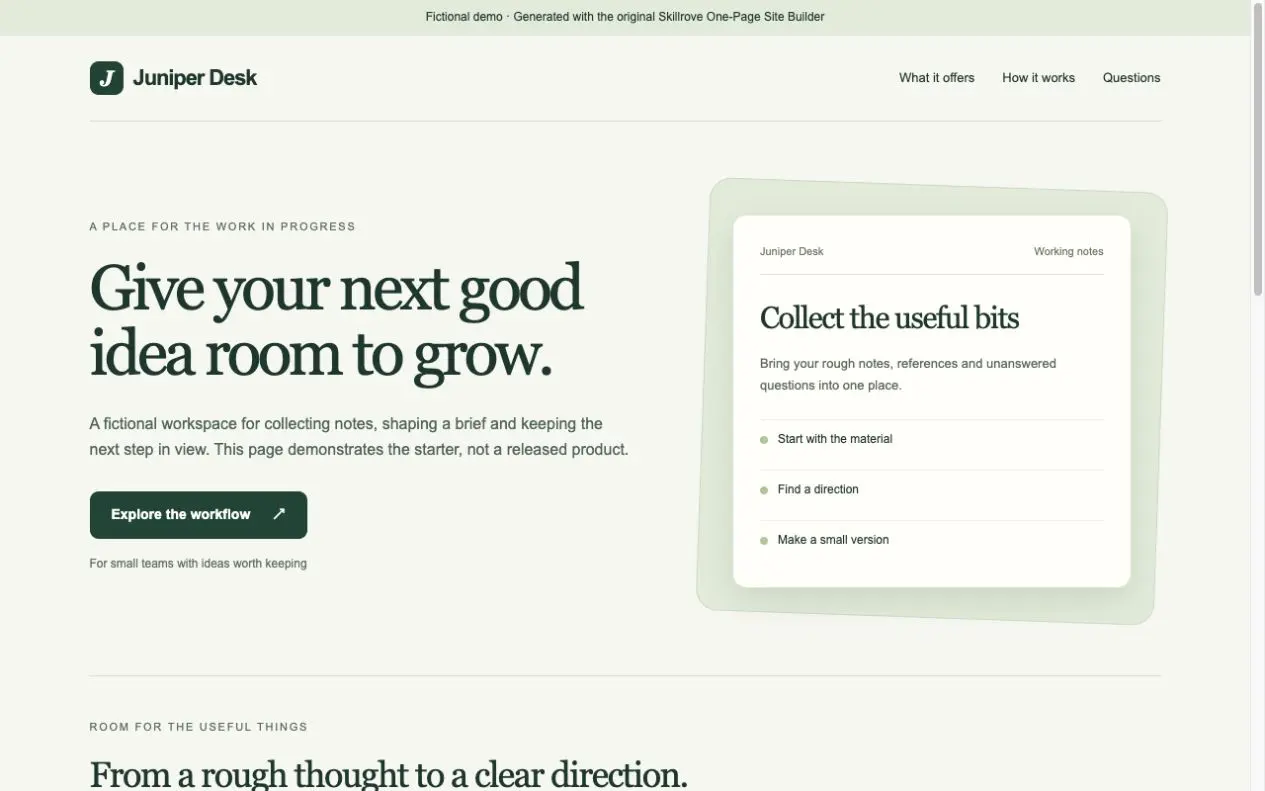
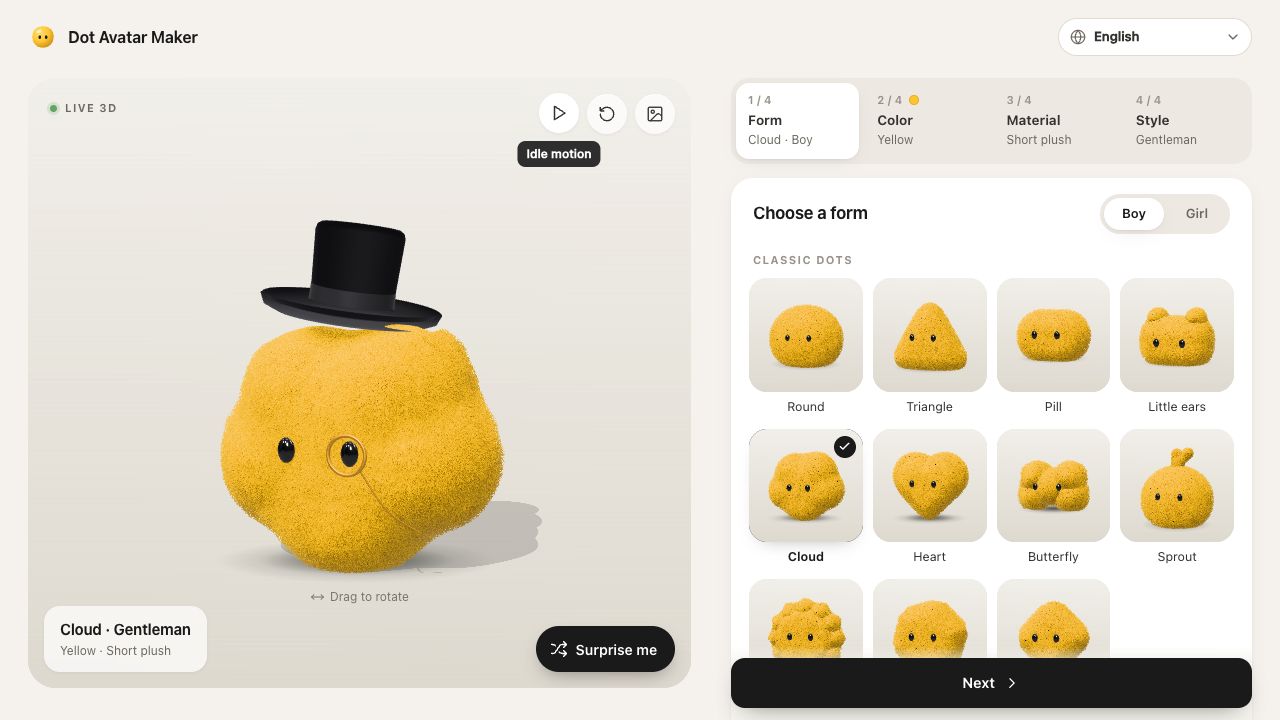
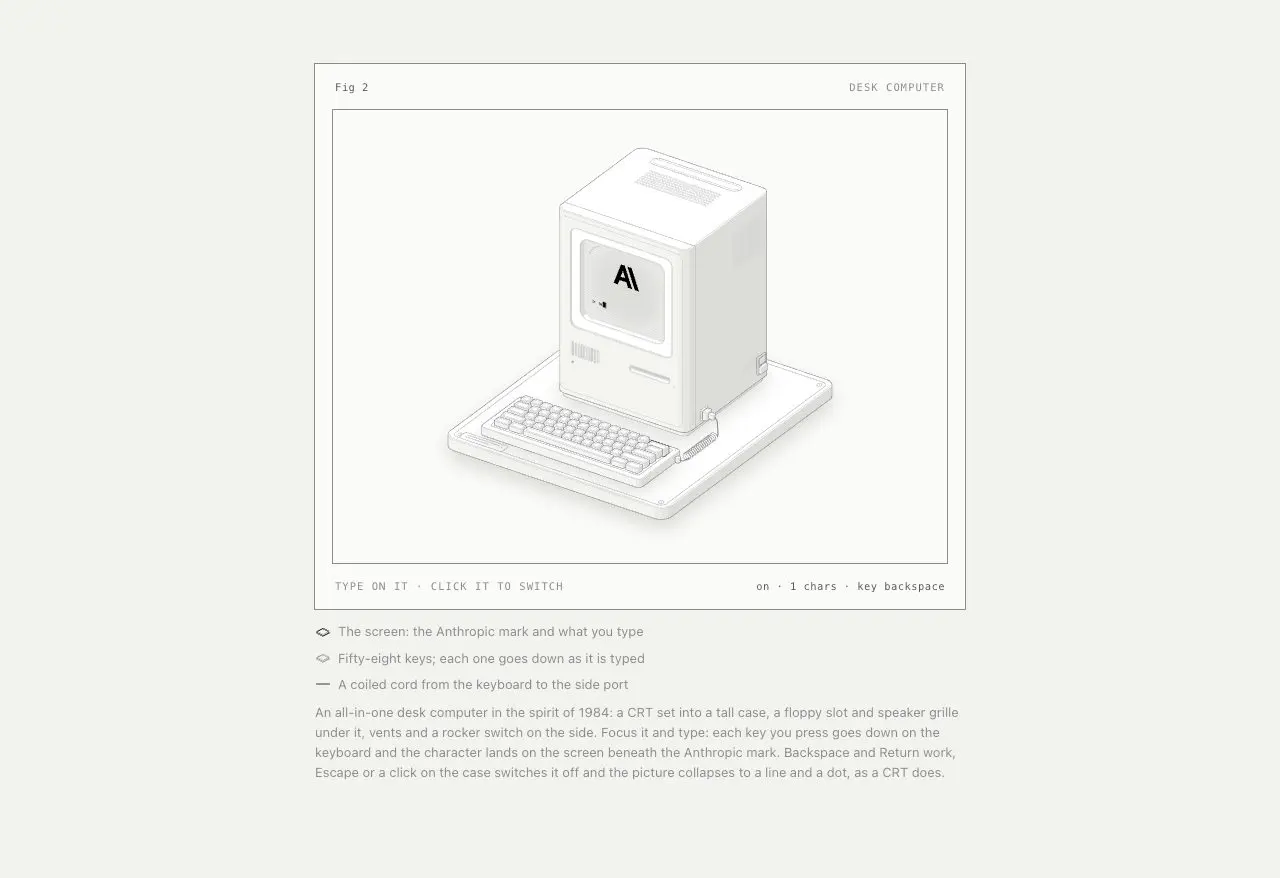
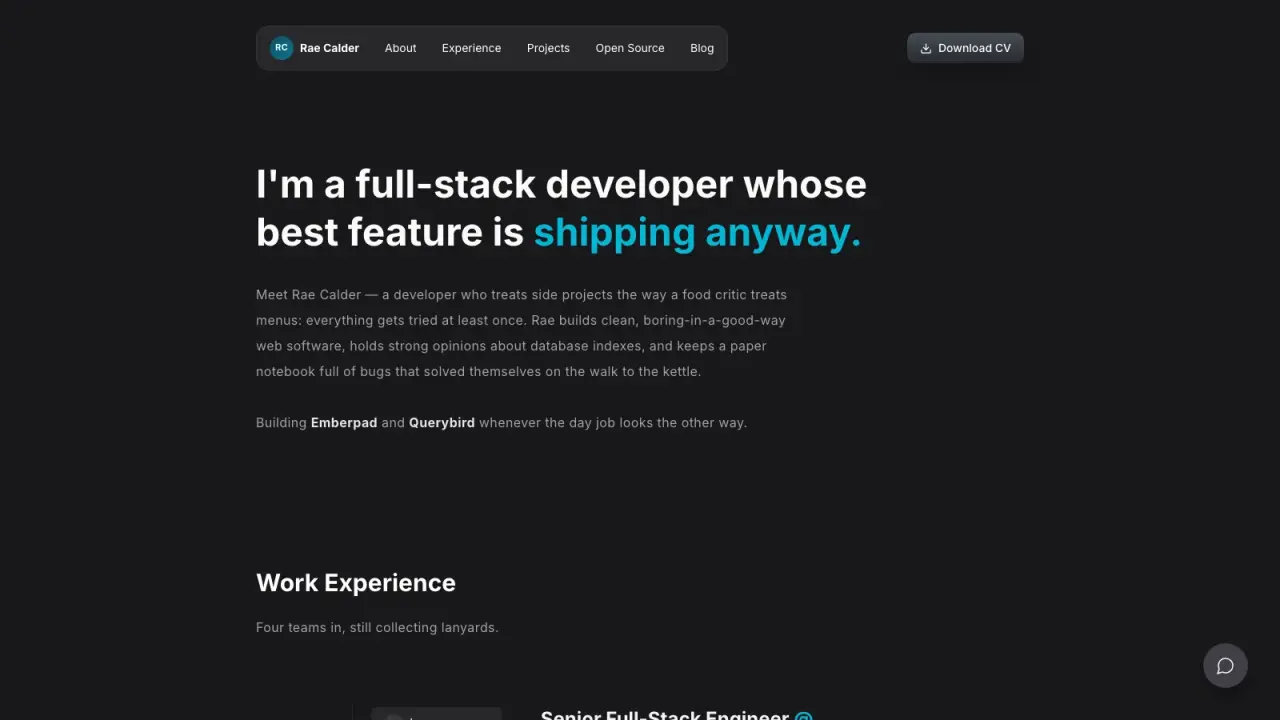
Two clients, £6,346.25

Open full example

What you get

Client timesheets and an invoice-ready project

What you can make

  • Reads Toggl Track, Clockify and Harvest exports or a plain CSV, and applies rounding up or to the nearest increment, per entry or per day, with a minimum.
  • Prices by client, project or task in whole minutes and cents, tracks budgets, and records every correction with its reason.
  • Flags overlaps, duplicates, runaway timers and entries without descriptions, and writes timesheet PDFs, a summary CSV and a BillPress project.
Explore delivered files7 groups
  • pdf/ with a timesheet per client
  • html/ versions
  • summary.csv
  • billpress-project.json to invoice with BillPress
  • index.html overview with hours per day
  • report.md with corrections and checks
  • Offline studio to try rules and rates

Good fit

Freelancers, agencies and consultants who bill by the hour and need timesheets clients will approve.

Know the limits

Reads exports; it does not connect to time-tracking accounts, track time or decide what is billable beyond the rules given.

About this skill

Your agent reads the detailed time export and HoursKit detects Toggl Track, Clockify or Harvest columns, or uses a plain CSV. It applies your rounding rule, up or to the nearest 1 to 60 minutes, per entry or per day, with an optional minimum, and prices each entry from the most specific hourly rate for the task, project, client or a default, in whole minutes and cents so the totals add up exactly. Entries outside the period are left out and counted. Checks flag overlapping entries, duplicate rows, timers left running, entries without descriptions, missing rates and budgets near or over their limit. Corrections such as removing a duplicate or ending a runaway timer are kept in the settings with a reason and printed in the report. You get a timesheet PDF per client with a project summary, daily detail and signature lines, HTML versions, a summary CSV, an overview page with hours per day, and a BillPress project whose totals match the timesheets. Includes an offline studio. Requires Node.js 20+ and Google Chrome or Chromium.

FROM PACKAGE TO FIRST RESULT

Your first result, with your agent

Choose a starting point, add the content you already have, then let your agent check the setup and create one result.

View example result

Purchase access is required. Unzip the package into the project folder below, or let your agent follow the installation guide. .agents/skills/hourskit

Your project name, audience and the content or images you already have are enough to start. Your agent will ask for anything essential that is missing.

3. Let your agent guide the first result

Package location: .agents/skills/hourskit

Use HoursKit to turn my Toggl export for last month into timesheets for each client. Start from examples/october.json.

Use a new output folder and preserve existing files. Inspect the actual deliverables (pdf/ with a timesheet per client, html/ versions, summary.csv), open the visual result and explain failed checks. An incomplete dependency check is not a successful result. Ask before paid services and do not publish automatically.
Before calling it done
  • Dependencies checked before rendering
  • Actual files open and work with your content
  • Editable source saved in a new folder
Made your first result? Share your experience →
Installation options & technical requirements

Start with your agent

Give this request to Claude Code, Codex or Cursor. Your agent can collect the missing details and guide your first result.

Use HoursKit to turn my Toggl export for last month into timesheets for each client. Start from examples/october.json.

Purchase access is required to install the package. Technical commands are available below when you need them.

US$4.99 · MIT licenseNode.js 20+ · Google Chrome or Chromium · no API keyNo API key or paid provider
  1. 01

    Choose your agent

    These steps use a project folder. Open the project in your agent and run terminal commands from its root.

    Codex directory guide

    Package folder .agents/skills/hourskit

  2. 02

    Add the package

    Download and unzip the package into the folder above. Keep all its files together, with SKILL.md directly inside that folder.

    Downloads require a verified account and purchase access. Choose a new folder if this Skill is already installed.

  3. 03

    Run the included sample

    Manual sample commands and technical details

    Read SKILL.md, review the generator and check its runtime requirements before running:

    cd .agents/skills/hourskit
    npm install
    node scripts/render.mjs --input examples/october.json --log examples/toggl-october.csv --output ./timesheets
    Your first result

    Fix what report.md flags, send each client their PDF for approval, then render billpress-project.json with BillPress to invoice.

    Juniper Okafor and the clients are fictional. HoursKit reads exports; it does not connect to time-tracking accounts or decide what is billable beyond the rules given.

    If timesheets already exists, change the output to ./timesheets-2. Existing files are never overwritten.

    Prefer to ask your agent?

    Use HoursKit to make my timesheets. Read my time export, apply my rounding rules and rates, show me overlaps, duplicates and runaway timers to fix, then give me a PDF timesheet per client and a BillPress project to invoice from.

Reviews

Share your first result

Tried this workflow? Help others decide with an honest review.

Before you choose this Skill

How do I get HoursKit?

The listed individual package price is USD 4.99. Premium downloads require a confirmed purchase or active membership. Your agent subscription, model access and external provider credits are separate.

Which agents can use this skill?

This release lists Codex, Claude Code, Cursor as intended installation hosts. Check the package’s dependencies and permissions before running it. These labels do not certify that every workflow has been tested in every agent.

What files can this workflow generate?

The documented 1.0.0 workflow lists: pdf/ with a timesheet per client; html/ versions; summary.csv; billpress-project.json to invoice with BillPress; index.html overview with hours per day; report.md with corrections and checks; Offline studio to try rules and rates. Some files or exports are optional; follow the package’s setup and inspect the delivered result.

What should I check before using the result?

Juniper Okafor and the clients are fictional. HoursKit reads exports; it does not connect to time-tracking accounts or decide what is billable beyond the rules given.

$4.99One-time purchase