Add your screens
Choose an image or recording for each display. Mirror the inner screen when you want one source on both.
Turn screenshots and screen recordings into a folding device presentation. Set the angle, style the background, then save a PNG or an animated MP4. Free, right in your browser.
Your screenshots stay on your device throughout the process.
Choose an image or recording for each display. Mirror the inner screen when you want one source on both.
Drag the preview, click to open or close, or set an exact angle with the slider.
Pick the frame, device finish and backdrop. Add a separate reveal layer for a richer presentation.
Download a transparent PNG or a silent fold video, with a choice of sizes up to a 3840-pixel long edge.
Explore three finished scenes, exported directly from this editor.
Ask your agent to prepare the screen artwork, then import the files and choose your scene. The editor also accepts preset settings in its URL.
Create a landscape app screen and a matching portrait cover for a calm travel journal. Keep the typography large and leave room around the edges.
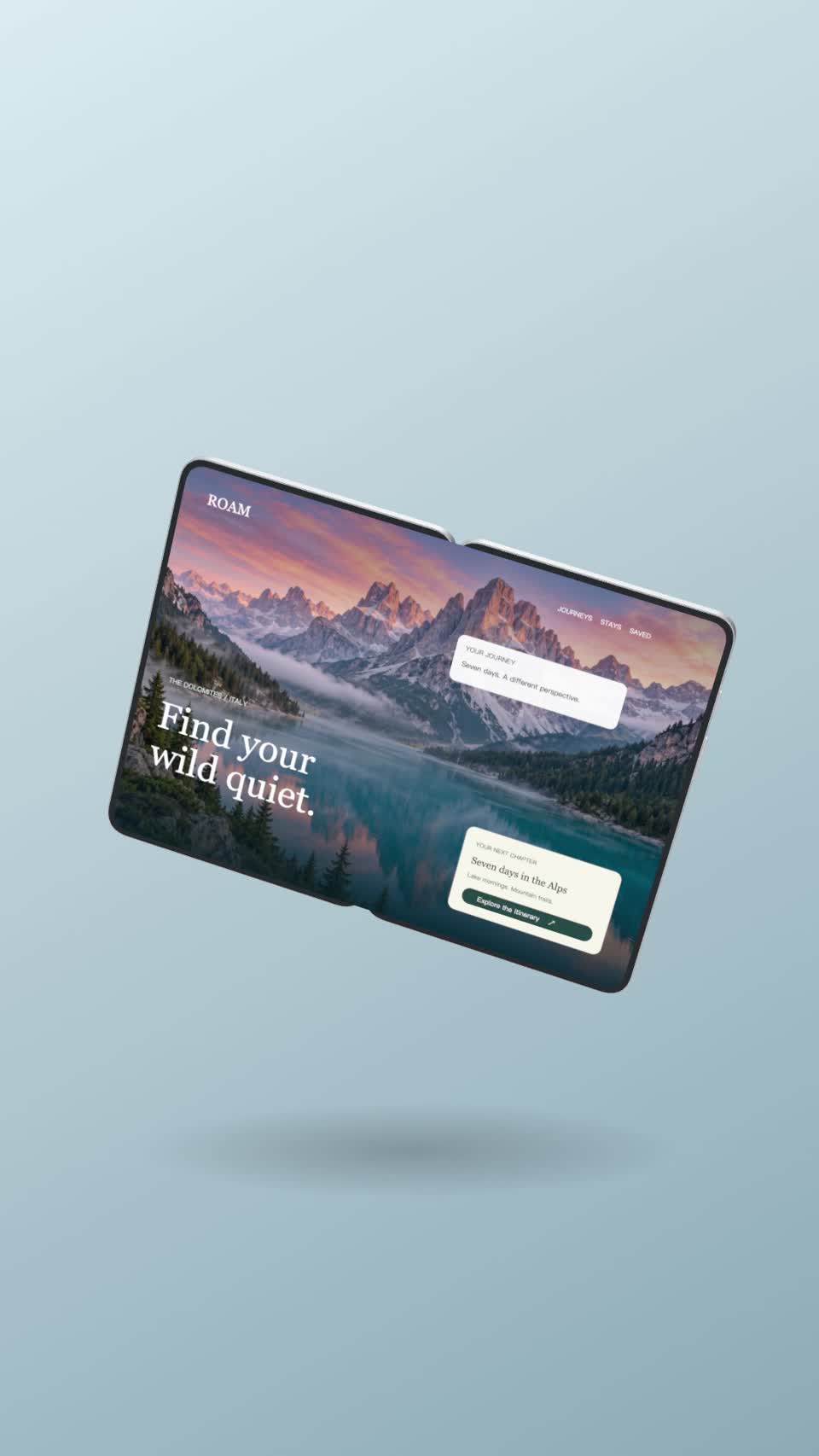
Landscape artwork for the open device.
A separate composition for the closed device.
Three photographic scenes and seven original studio backdrops, plus transparent, solid-color and custom image options.
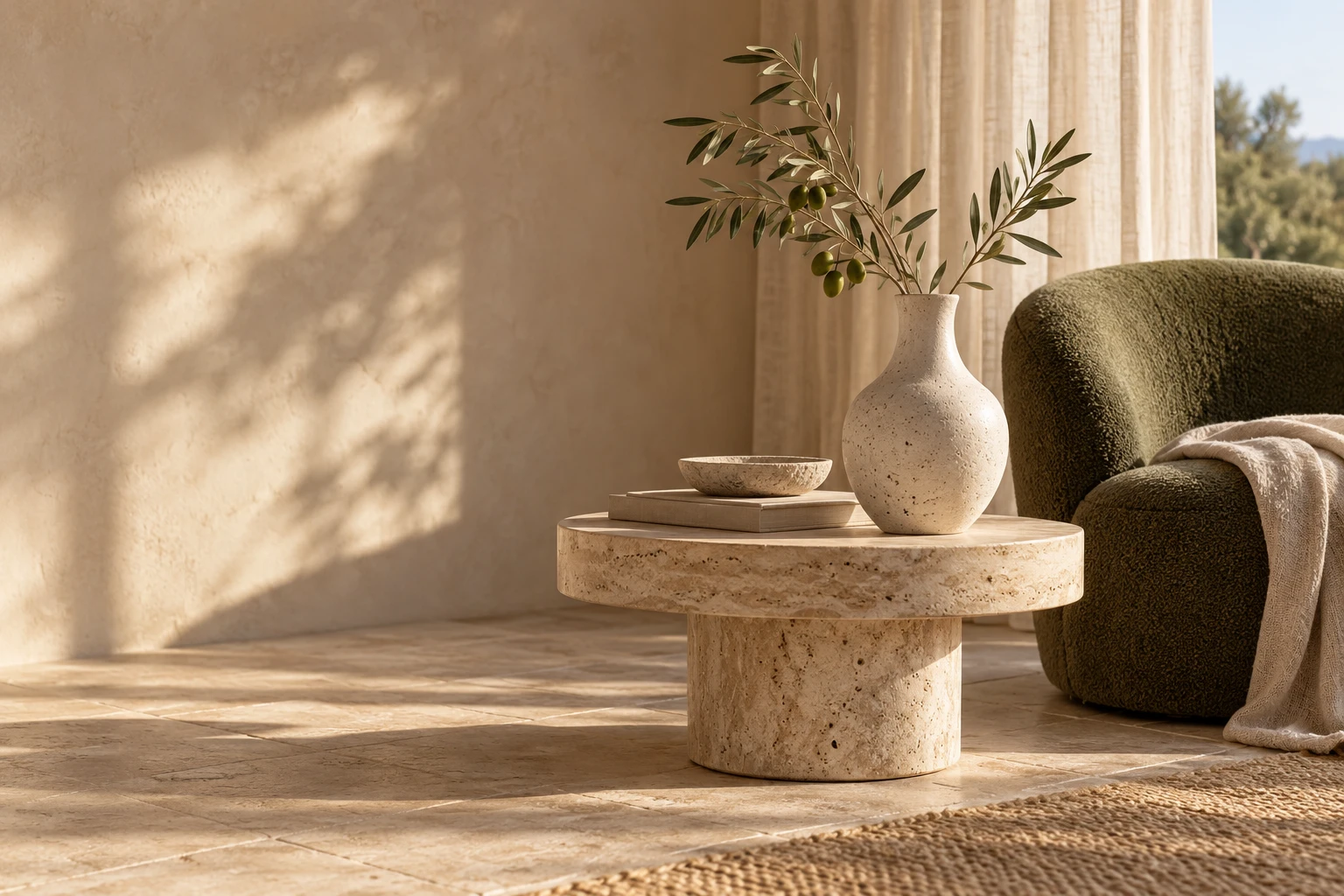









Reflective metal, glass optics and a working hinge, with three finishes.
Use browser-supported images or videos on either display.
Crop, fit and position inner and cover content separately.
Keep the background clear for slides, product pages and app artwork.
Combine folding motion, independent layers and optional camera sway.
The editor processes media on your device without uploading your files.
Yes. The browser editor requires no account and adds no watermark.
Use 2048 × 1440 for the inner screen. The cover is portrait; other sizes can be fitted or cropped.
Yes, when your browser can decode it. H.264 MP4 is a practical choice. Audio is not included in exports.
Choose Transparent and export PNG. Video uses an opaque background.
Choose 30 or 60 fps and a 2–12 second duration. MP4 is used where supported, with WebM fallback where available.
No. Skillrove is independent. This tool uses an original generic foldable model; iPhone is an Apple trademark.
Find tools and skills for videos, presentations and product stories.
Browse Skills ↗