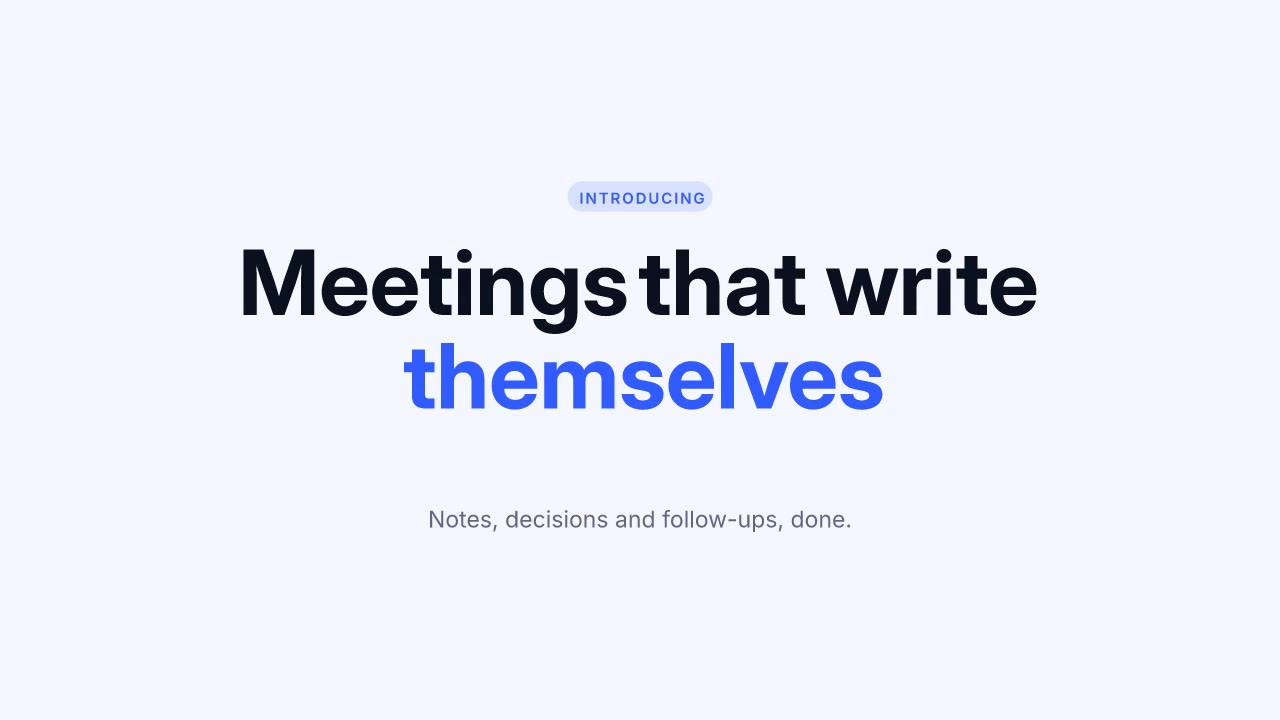
 0:04
0:04Word Stack
LaunchMotion · Kinetic type
LaunchMotion gives Claude Code, Codex and Cursor 24 editable launch scenes. Describe the product; your agent storyboards, writes and renders the video locally, up to 4K, with one music bed under the whole film.
Three fictional launches rendered with LaunchMotion, with their music beds. Each is a project.json you can open, change and render again.
Blue by default, black & white for an editorial launch, orange for a warm and bold one. Or hand your agent a hex code.
A tight launch video runs 30–45 seconds with one scene per beat. Pick the beats, choose a scene for each and copy the brief for your agent.
Use LaunchMotion to make a 40-second product launch video for my product.
Brand color: #c7ff53
Storyboard:
1. Hook (9s) · LaunchMotion, like “Word Stack”
2. Product demo (13s) · LaunchMotion, like “Prompt to Cards”
3. Proof (9s) · LaunchMotion, like “Live Dashboard”
4. Close (9s) · LaunchMotion, like “Typed Headline”
Ask me for the logo, screenshots and anything missing; do not invent numbers or customer names. Show me the storyboard before rendering, then export the MP4 and the editable project.
Paste this into Claude Code, Codex or Cursor after installing the skills it names.
The 24 LaunchMotion scenes come first, followed by finished films and clips from 12 other video skills. Every card is a real render. Hover to preview.
0:04LaunchMotion · Kinetic type
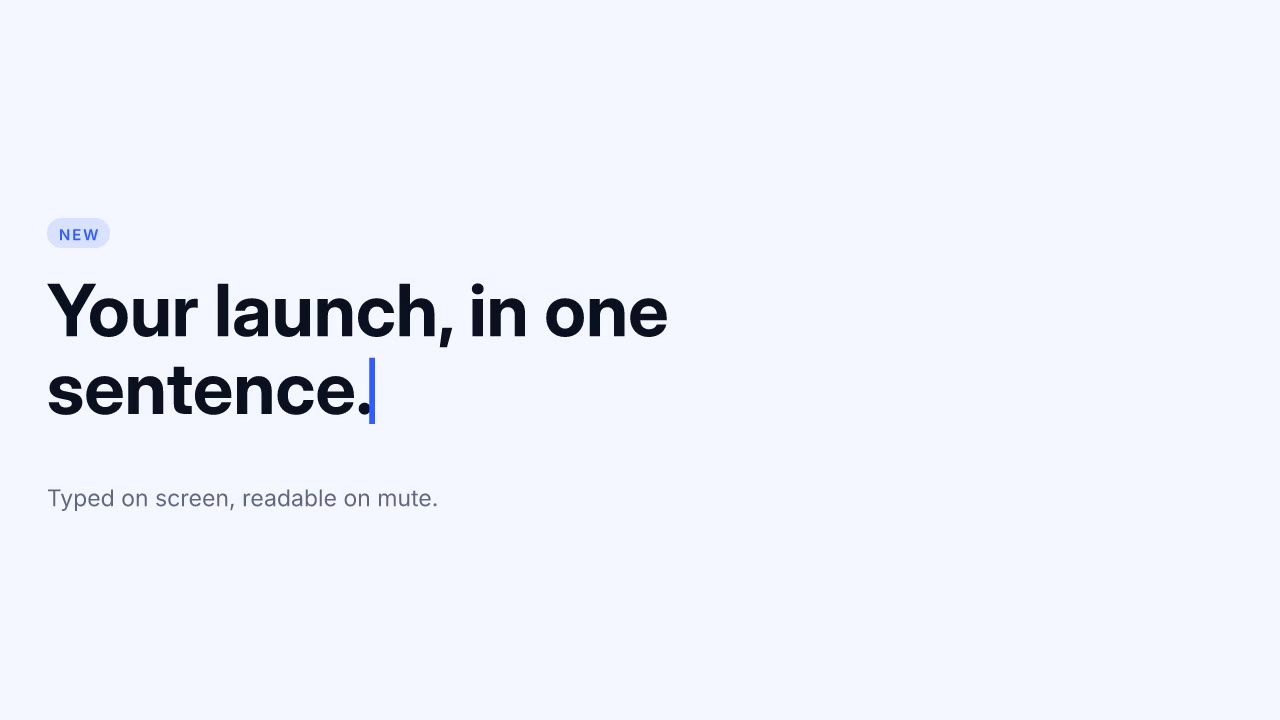 0:04
0:04LaunchMotion · Kinetic type
 0:04
0:04LaunchMotion · Kinetic type
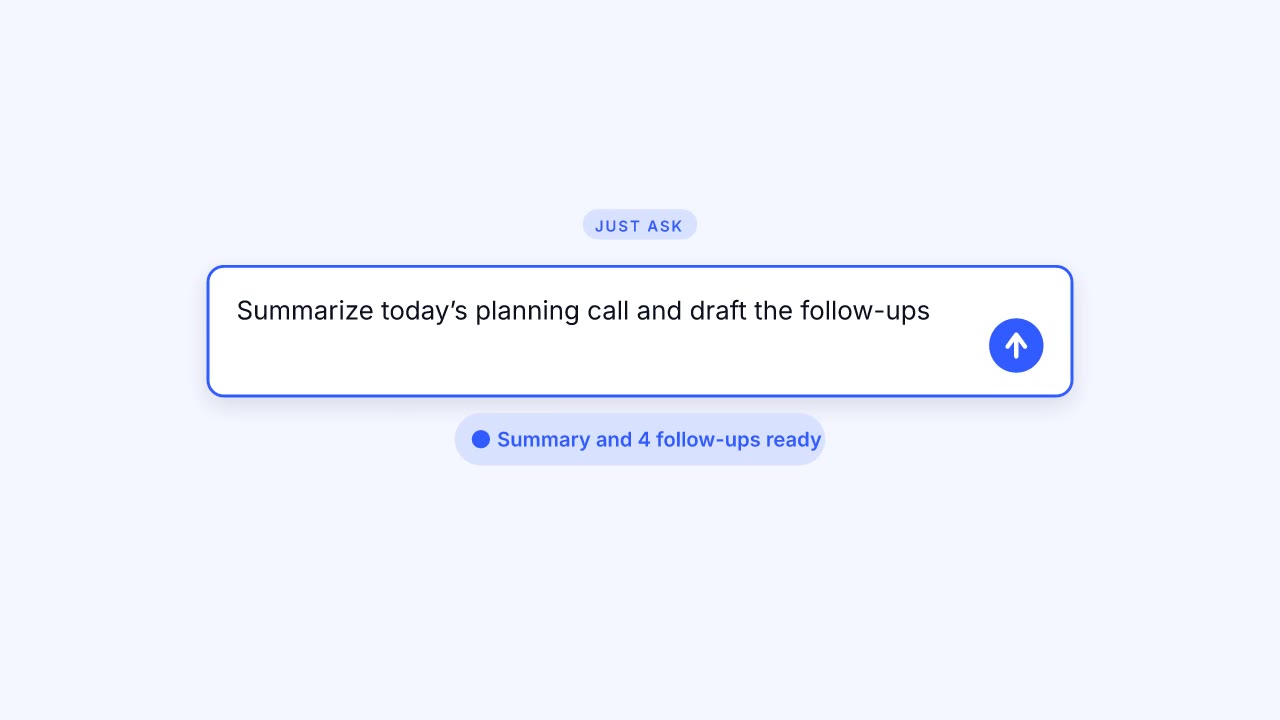 0:05
0:05LaunchMotion · Prompt boxes
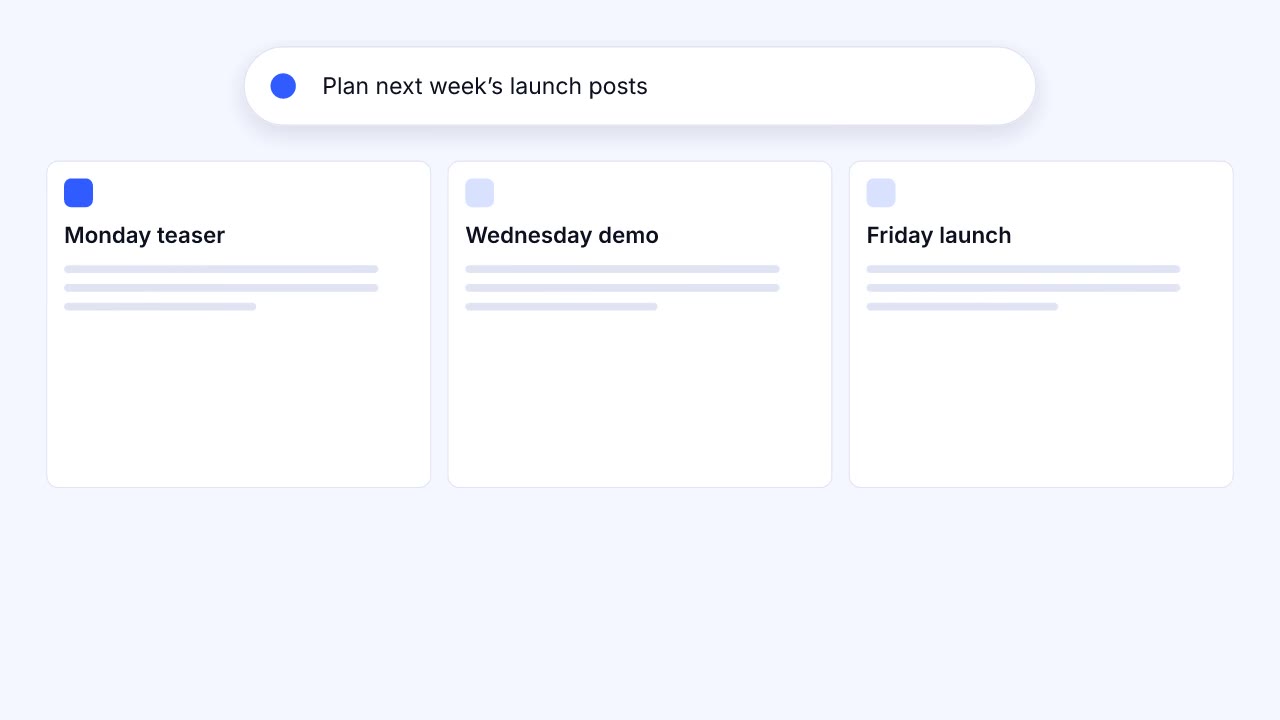 0:05
0:05LaunchMotion · Prompt boxes
 0:04
0:04LaunchMotion · Prompt boxes
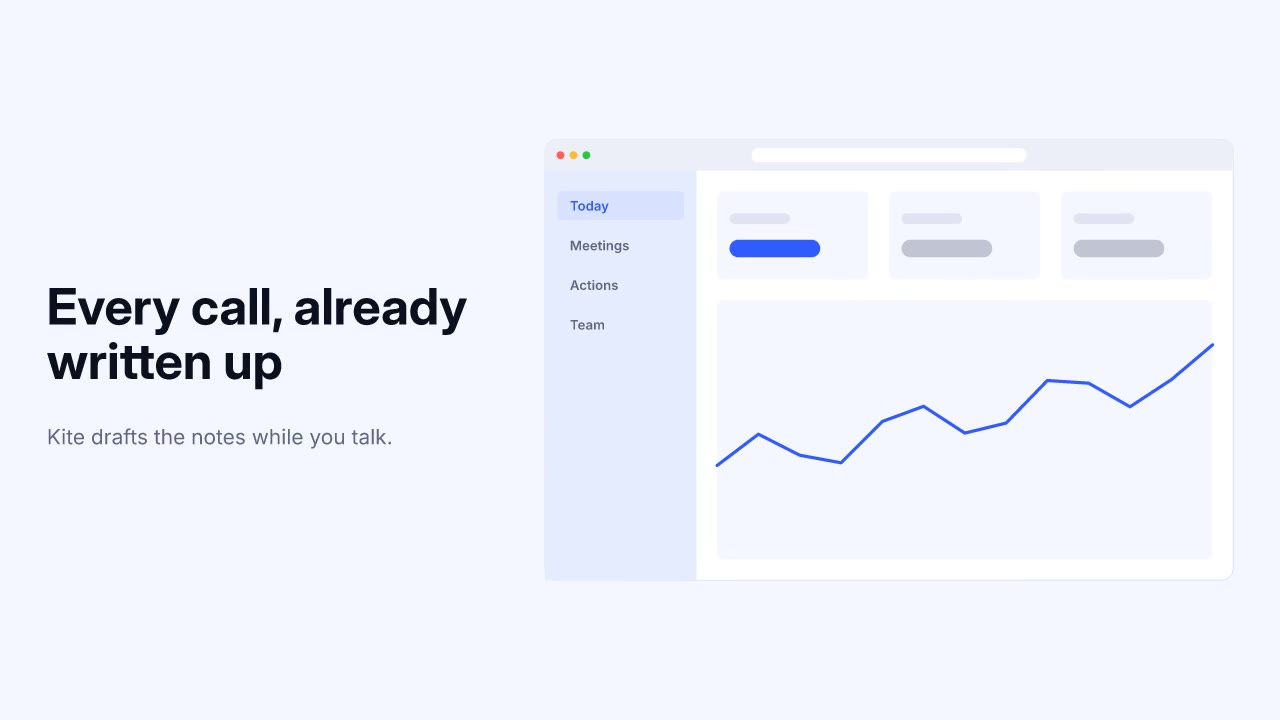 0:05
0:05LaunchMotion · Product UI
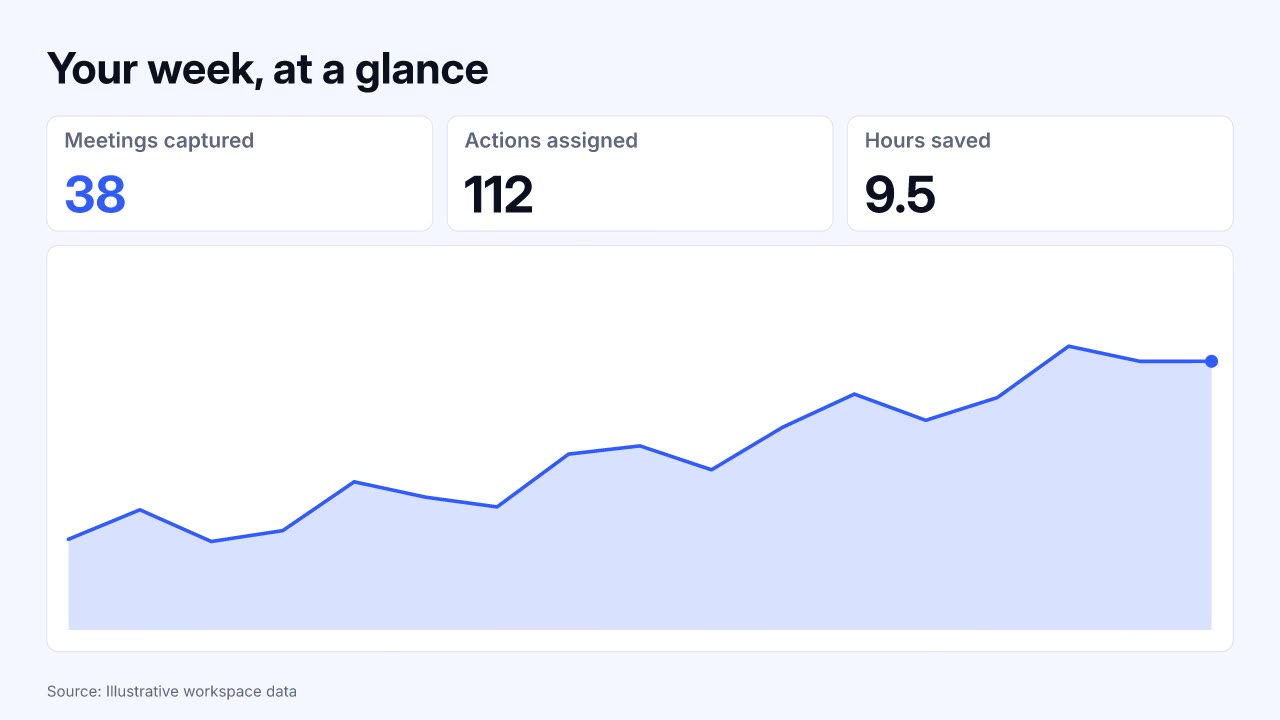 0:05
0:05LaunchMotion · Product UI
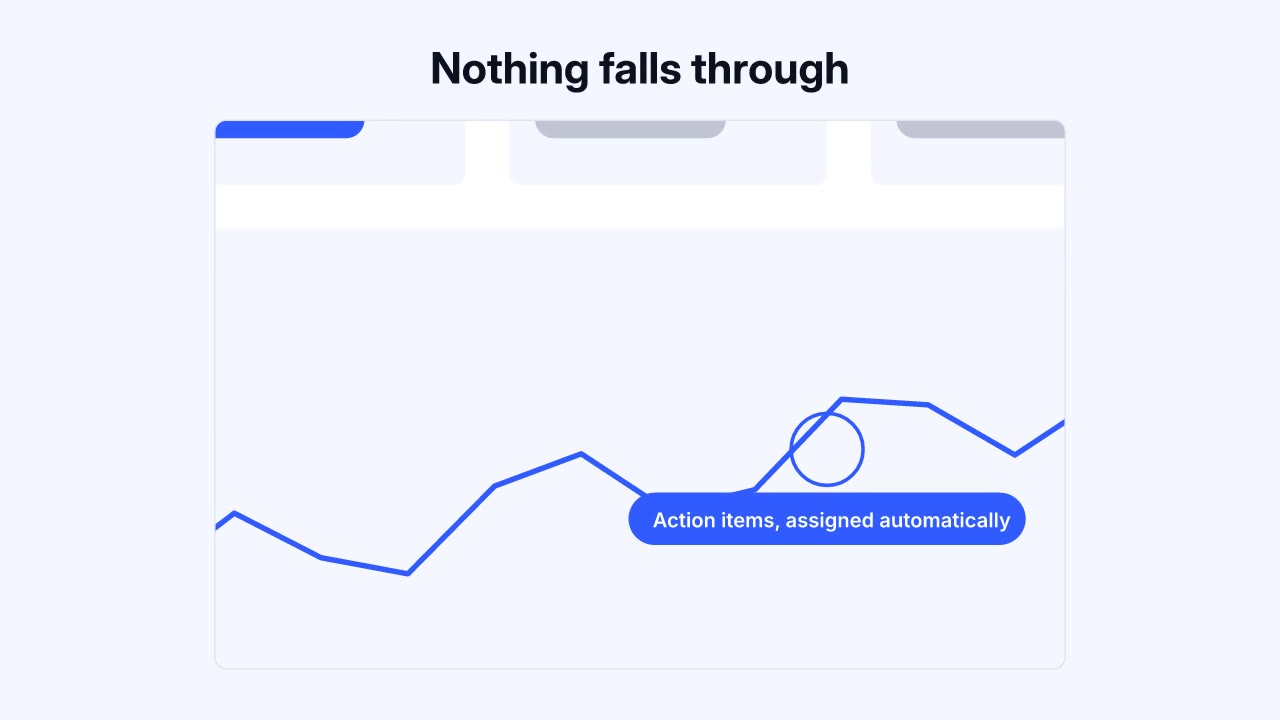 0:05
0:05LaunchMotion · Product UI
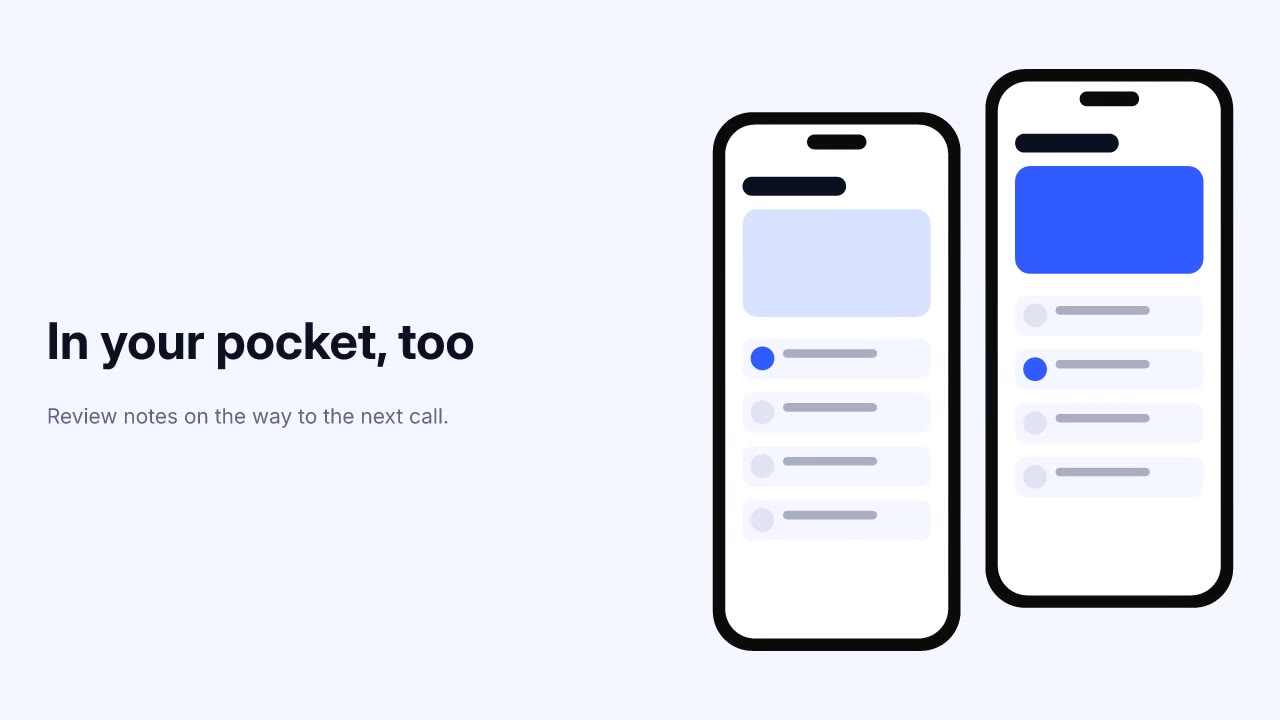 0:05
0:05LaunchMotion · Product UI
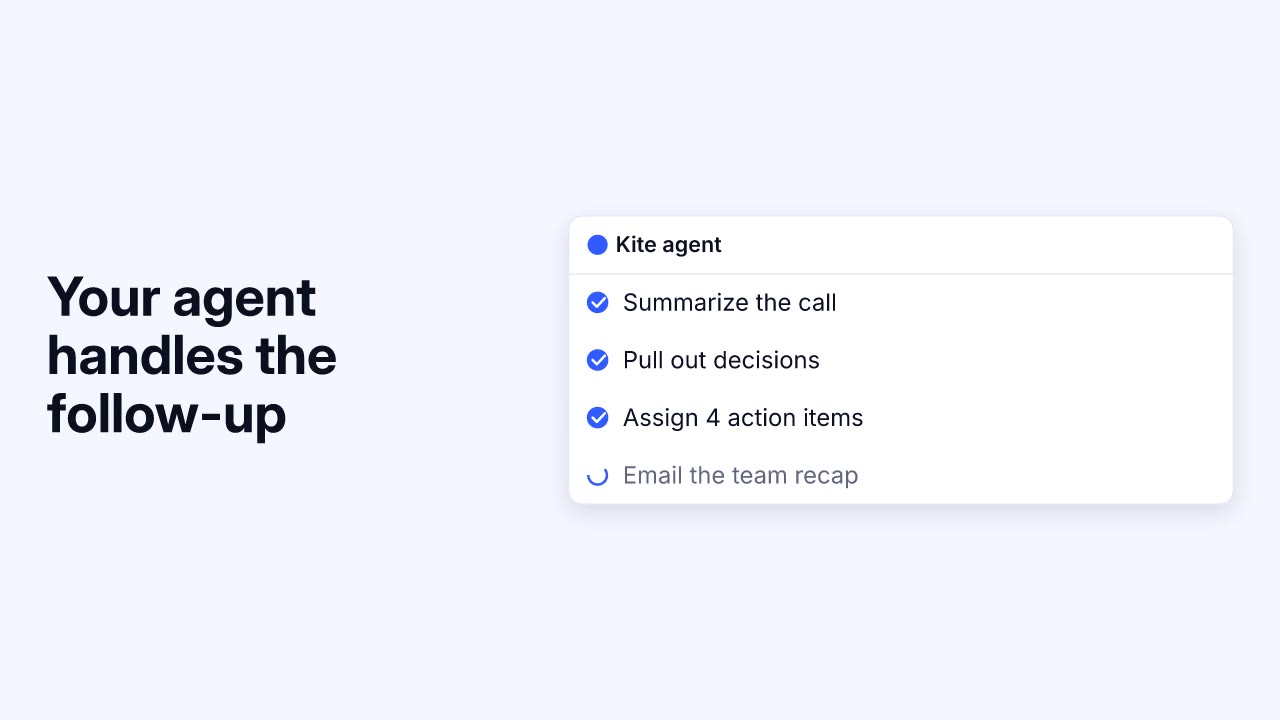 0:05
0:05LaunchMotion · Agents & flows
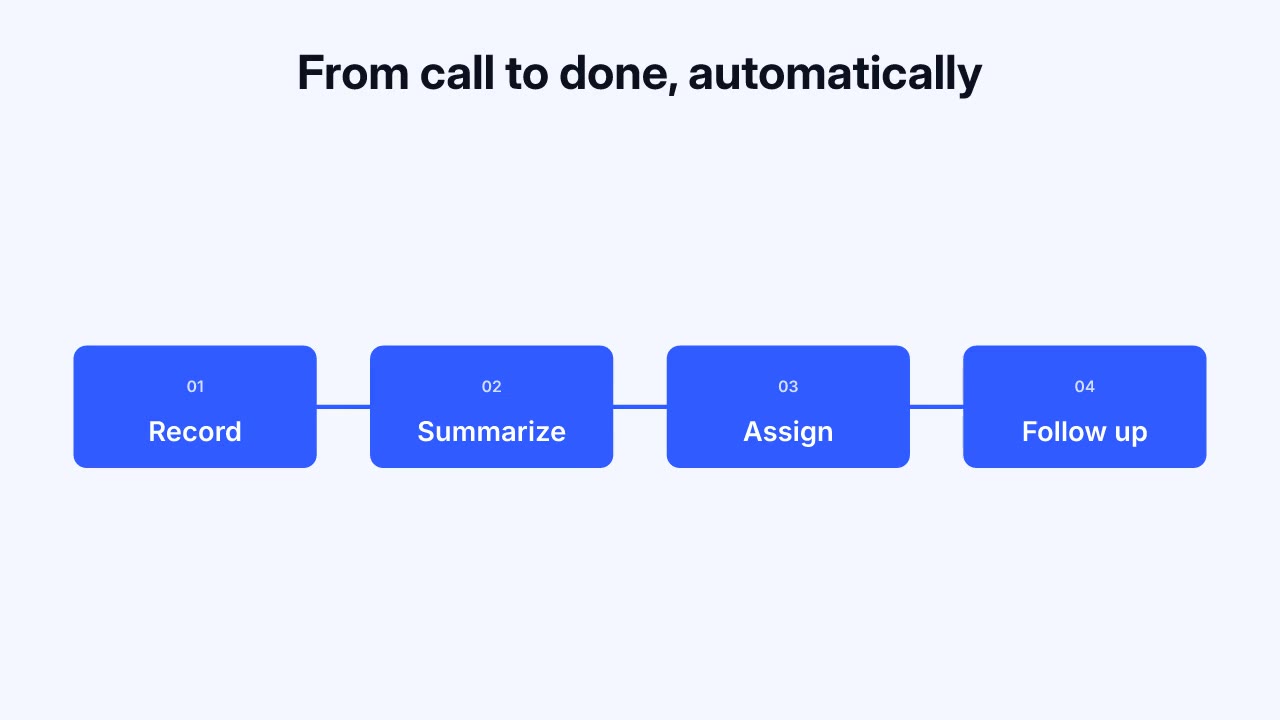 0:05
0:05LaunchMotion · Agents & flows
LaunchMotion and the other 12 skills are each sold on their own. Premium membership includes all of them. Compare access →
Show the app doing its job in under 40 seconds.
Start with: Product UIAnnounce a feature with a prompt box, a live dashboard and one proof number.
Start with: Prompt boxesReveal a name or logo with kinetic type and a clean sign-off.
Start with: RevealsA 30-second portrait cut with a hook that works on mute.
Start with: Launch filmsOne project.json lists all 24 scenes with their example copy. One render command produced this film, its music bed and a separate MP4 for every scene on this page.
Codex and Cursor work the same way; only the skills folder changes.
Download the Skillrove CLI, sign in once and install the skill into your project.
curl -fsSL https://skillrove.dev/install/cli.mjs -o skillrove-cli.mjs
node skillrove-cli.mjs login
node skillrove-cli.mjs install launchmotion ./.claude/skills/launchmotion
Give the product name, the key line, one sourced number and your logo or screenshots.
It picks one of 24 scenes per beat, fits your copy to each slot and keeps your facts exact. Review it in the offline studio and swap any scene.
Export 16:9, 9:16 and 1:1 MP4s up to 4K with one music bed that fades out at the end, check the inspection frames, then post wherever your audience is.
Installing needs a purchase or membership. Restart Claude Code after installing so it loads the skill. Claude Code skills docs ↗
Example session. Kite and its figures are fictional.
| Aspect | AI product video generators | Motion design studio | Skillrove launch skills |
|---|---|---|---|
| Starting point | A prompt or product URL | A creative brief and calls | Your brief, screenshots and logo |
| Your product UI | Generated look-alike screens | Rebuilt by hand | Your real screens and copy, kept exact |
| Motion | Different every run | Custom, one film at a time | Designed scenes, timed to be read |
| Edits | Regenerate and hope | A revision round | Change a line, render again |
| What you get | A video file | Final files after the project | MP4s plus an editable project |
A short film, usually 30–90 seconds, that introduces a new product or feature: what it is, why it matters and what to do next.
Most land between 30 and 60 seconds. For X and LinkedIn, aim for 30–45 seconds with the product on screen in the first three. Four or five beats are usually enough.
Install LaunchMotion into Claude Code, Codex or Cursor, then describe the launch. The agent picks one scene per beat, adapts the copy to your facts, shows you the storyboard and renders the film locally.
Yes. LaunchMotion has screenshot, photo and logo slots for PNG or JPEG files you own. Without a screenshot, product scenes draw a generic illustrative interface, so use real screenshots whenever the film makes product-specific claims.
Yes. LaunchMotion synthesizes one continuous music bed locally from the theme, tempo and cut points, and fades it out at the end, with no API key. You can pass your own licensed track instead, or render silent. It does not generate voiceover.
Yes. Each video skill on this page is sold on its own, and Premium membership includes all of them. Your agent subscription and any model costs are separate.
LaunchMotion exports 16:9, 9:16 and 1:1 MP4s up to 4K, optionally one MP4 per scene, plus project.json, a storyboard, SRT/VTT captions, inspection frames and an offline studio. Other skills list their exact deliverables on their pages.
Not in the usual sense. It does not generate footage from a prompt. Your agent builds each shot from designed, editable scenes and your own material, so the same project renders the same film every time.
Every released skill that renders video.
A guide to demo films your team can verify.
Pages, press and social assets for the same launch.
Free folding device shots for your demo beat.
Skills ready to install in Claude Code.
What a skill contains and how your agent uses it.
Your agent storyboards, writes and renders the launch video. Works in Claude Code, Codex and Cursor.