 Video preview
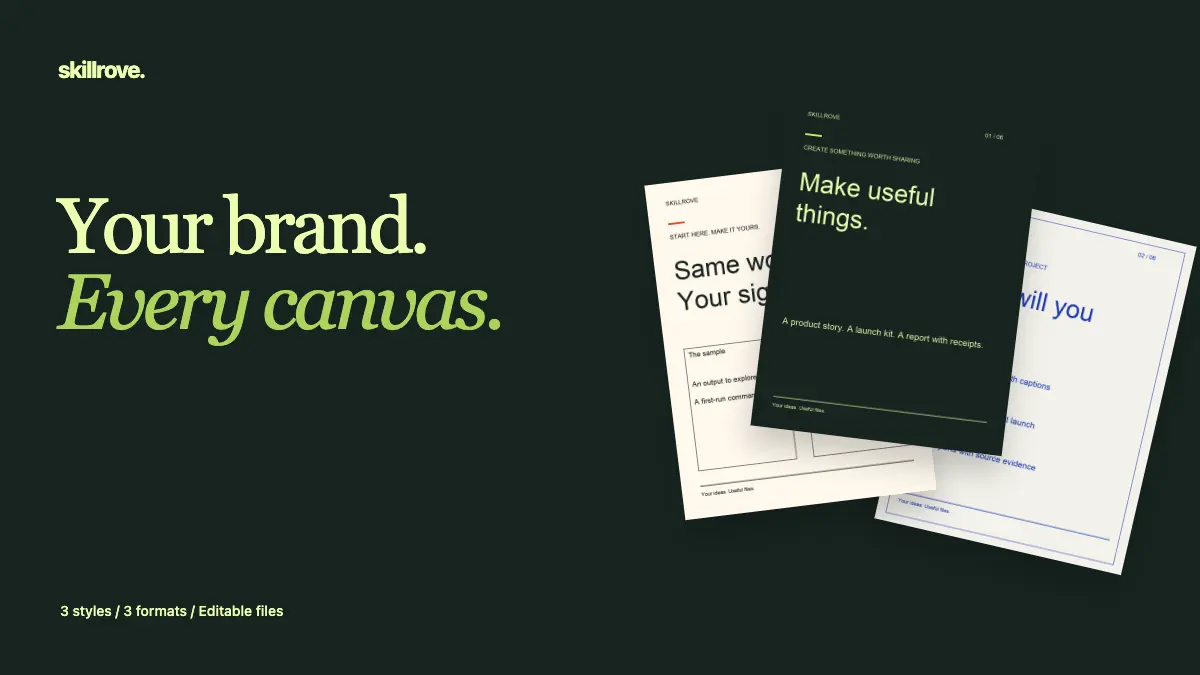
Brand Carousel Studio
A branded carousel, ready for three social formats.


 Codex +2
CHOSEN FOR YOUR ROLE
Build a design system from a brand brief, make type specimens and patterns, mock up devices and lay out pages and carousels. Each skill below is a released package with editable output.
See 56 skillsREAL OUTPUT, PREVIEW BEFORE YOU INSTALL
Video previewBrand Carousel Studio
A branded carousel, ready for three social formats.
Codex +2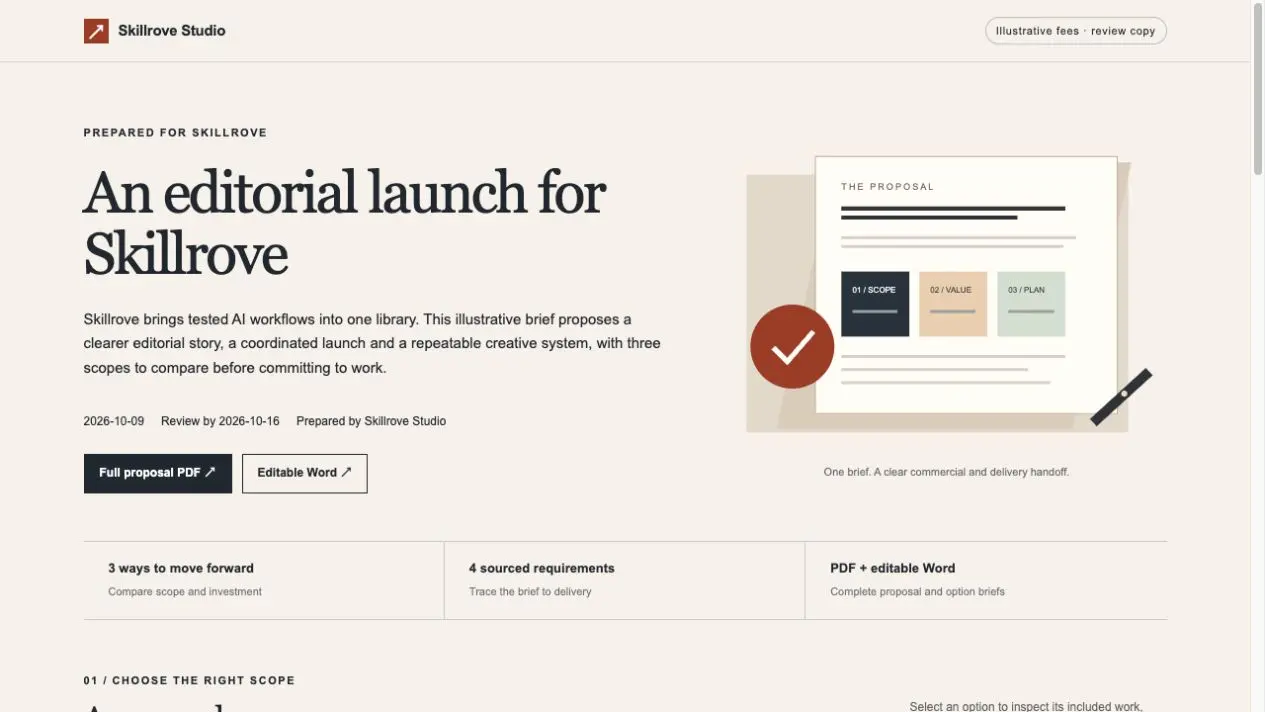 Video preview
Client Proposal Studio
Deliver a clear proposal, scope and project handoff.
Codex +2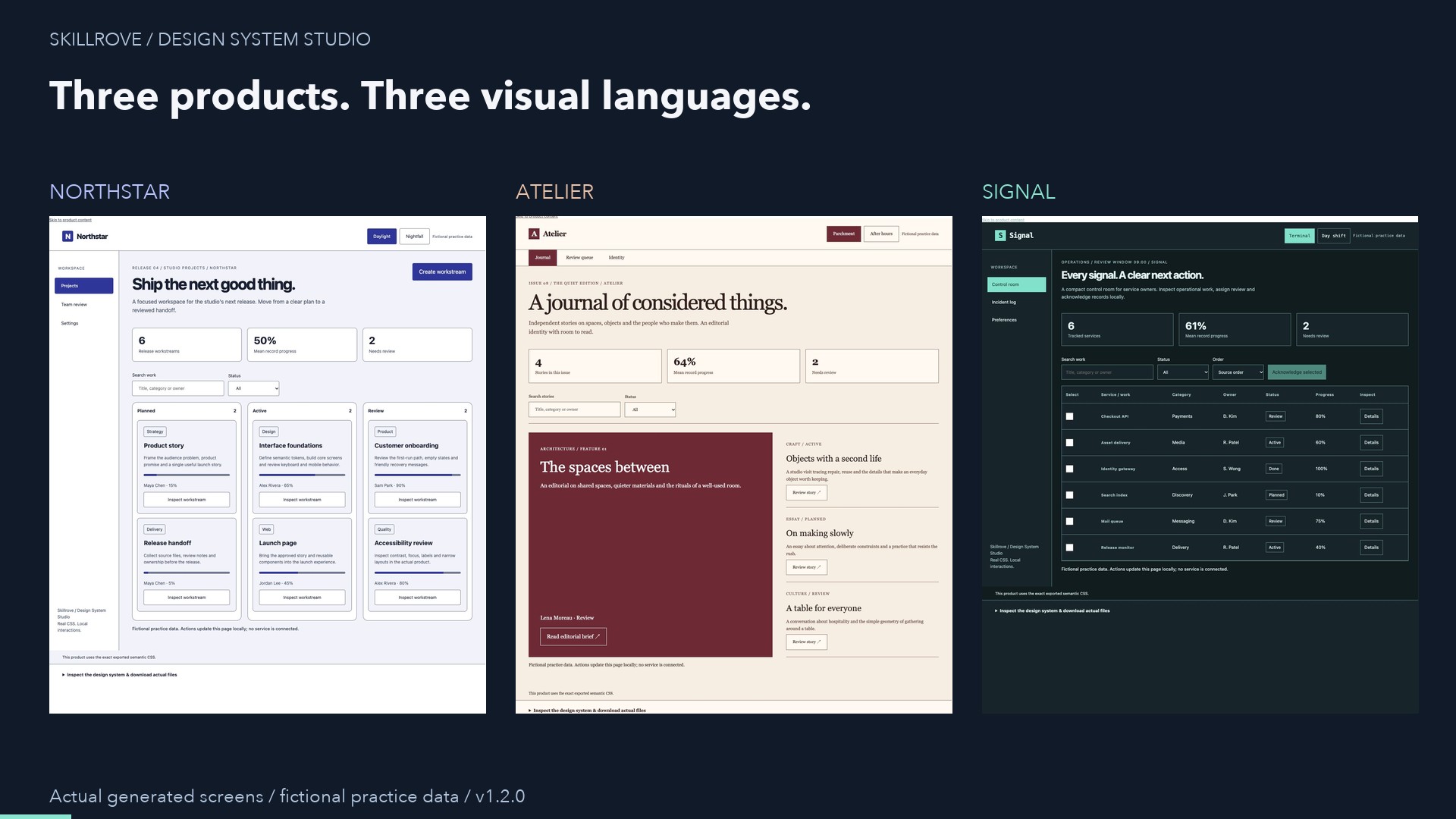 Video preview
Design System Studio
A working interface and reusable design tokens.
Codex +2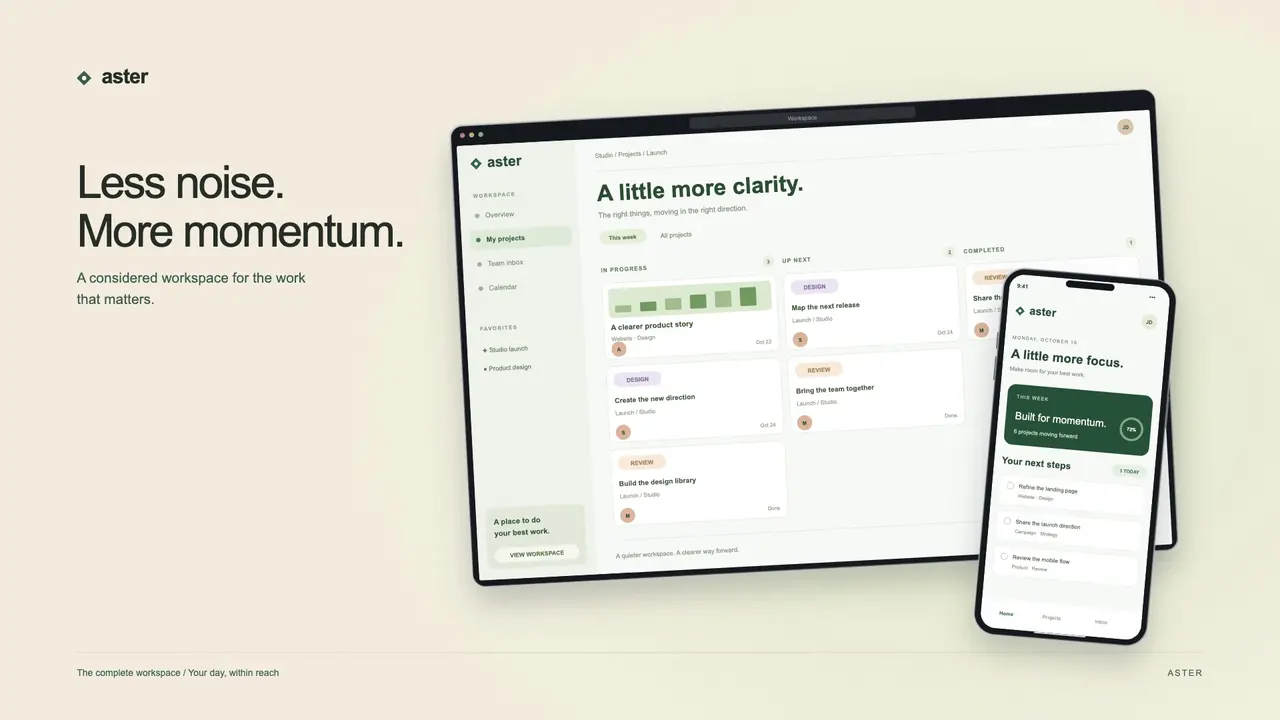 Video preview
Device Showcase Studio
Turn screenshots into campaign-ready product visuals.
Codex +2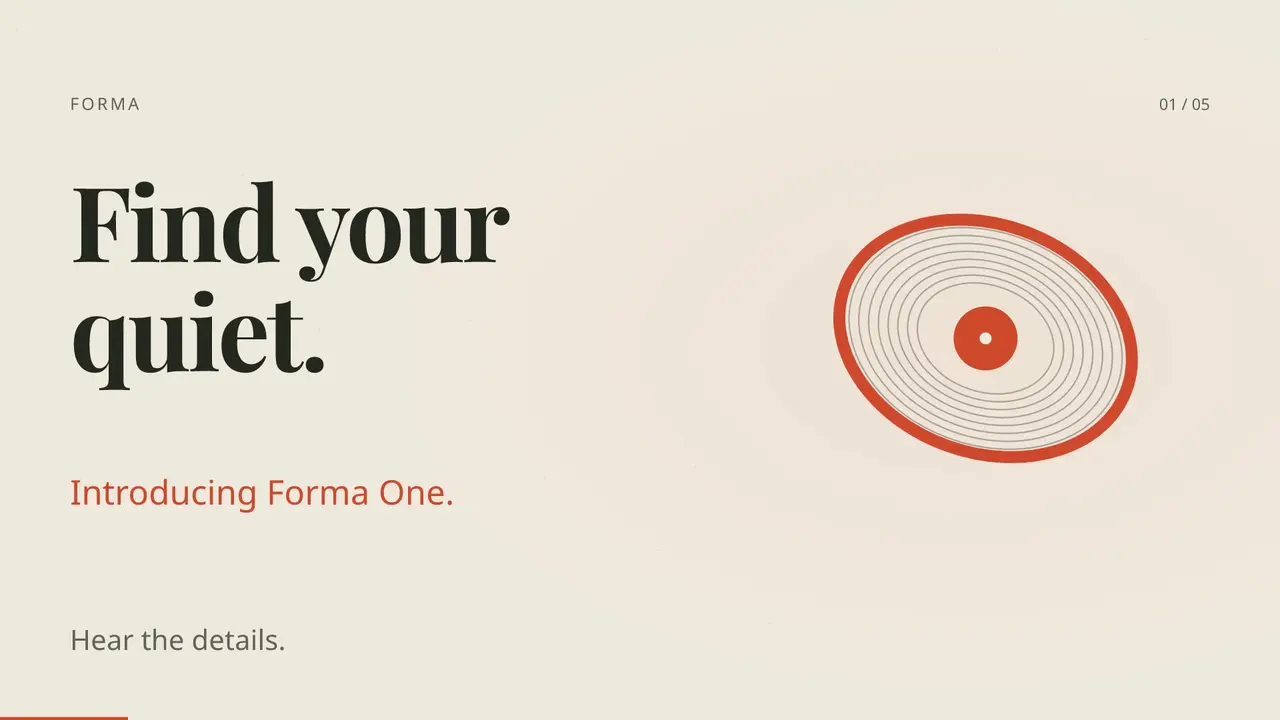 Video preview
Motion Launch Studio
A cinematic product launch in three formats.
Codex +2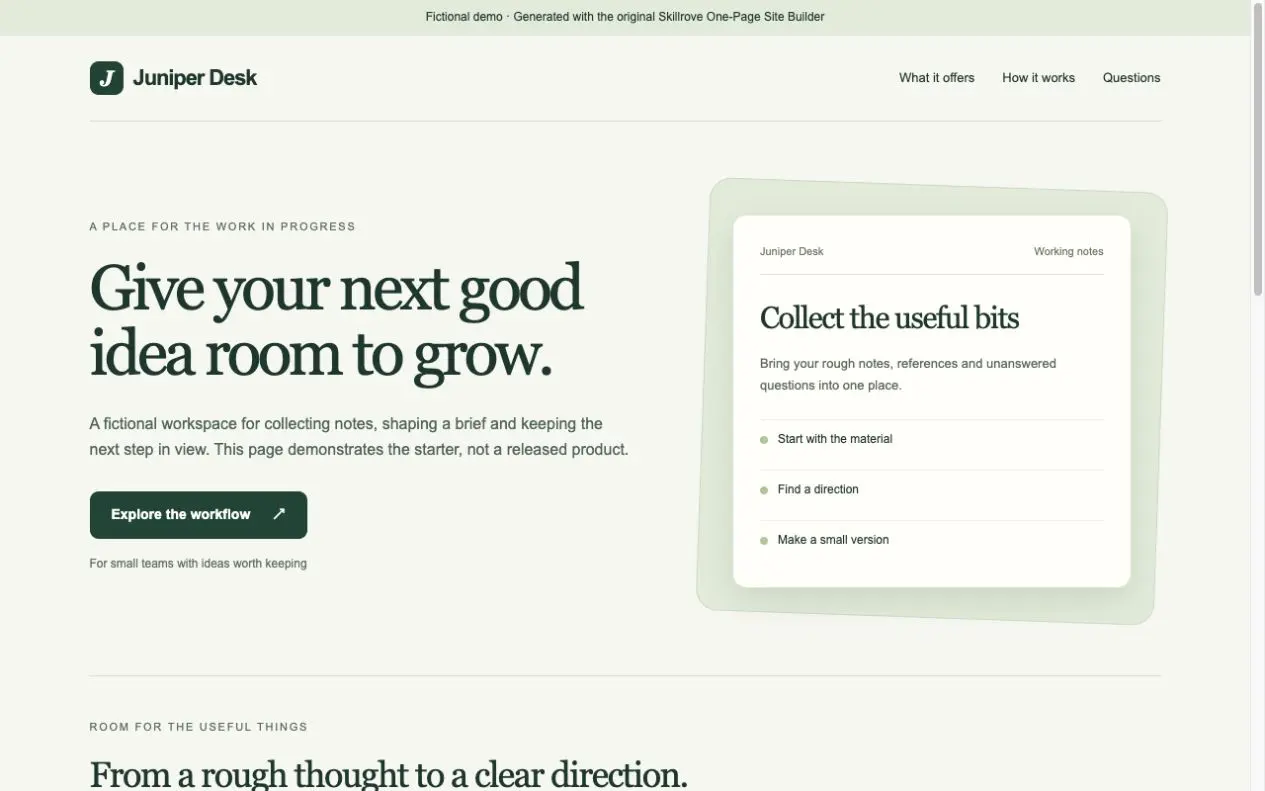 Free
One-Page Site Builder
Build your first responsive product page.
Codex +2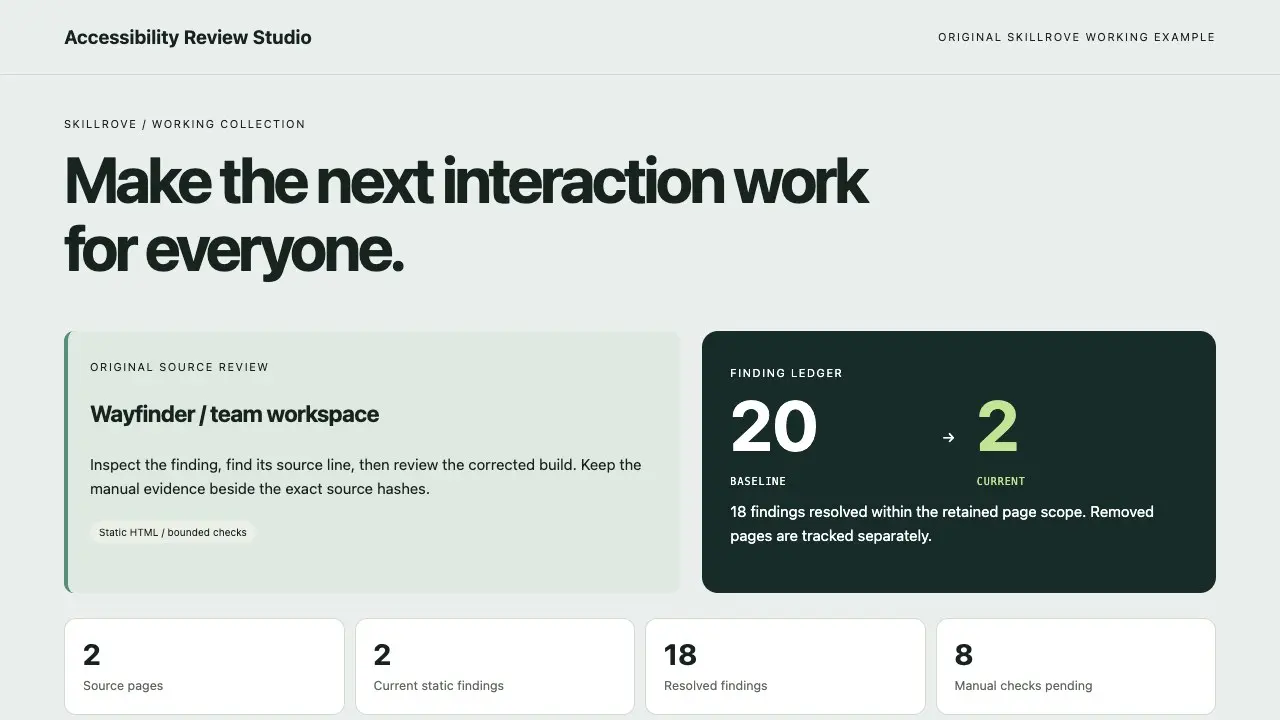 Video preview
Accessibility Review Studio
A source finding ledger and remediation comparison
Codex +2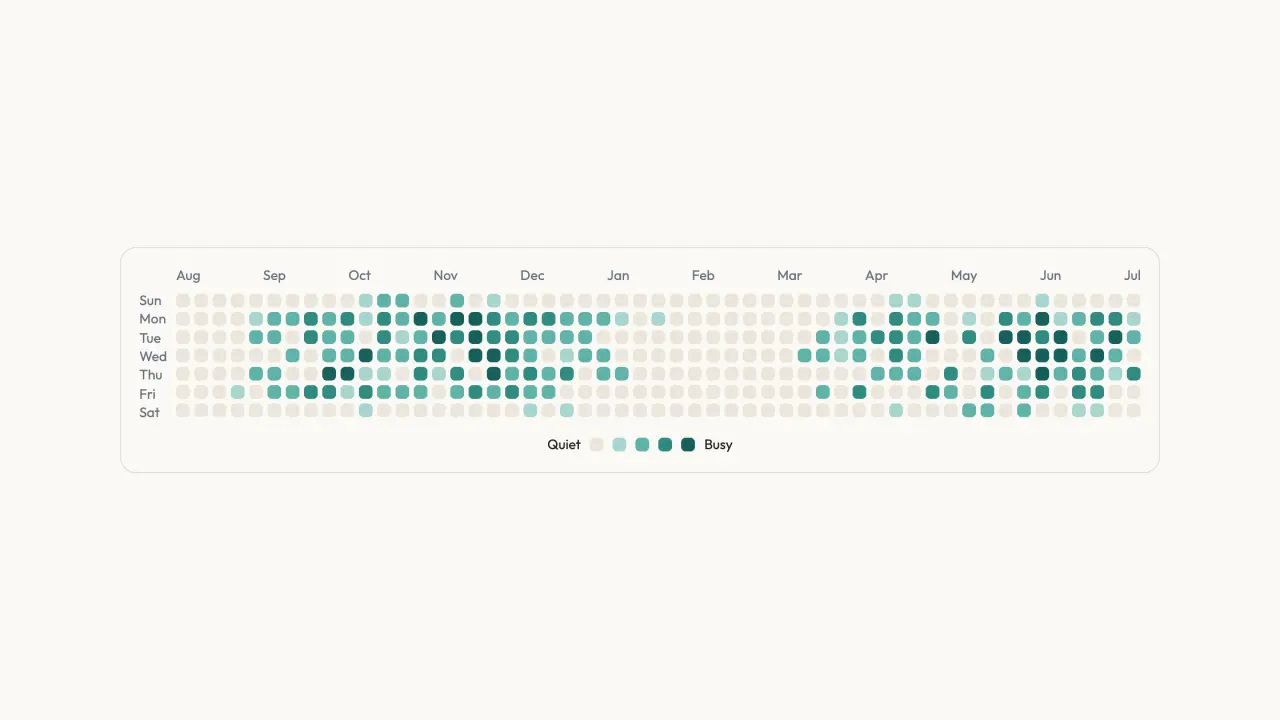 FreeVideo preview
Activity Calendar Chart
Activity Calendar Chart is a ready-to-paste data visualization, delivered as editable source with its usage example. It ships with state the visitor can change and see respond. Colour, type and radius live as tokens you edit once for the whole block.
Claude Code +8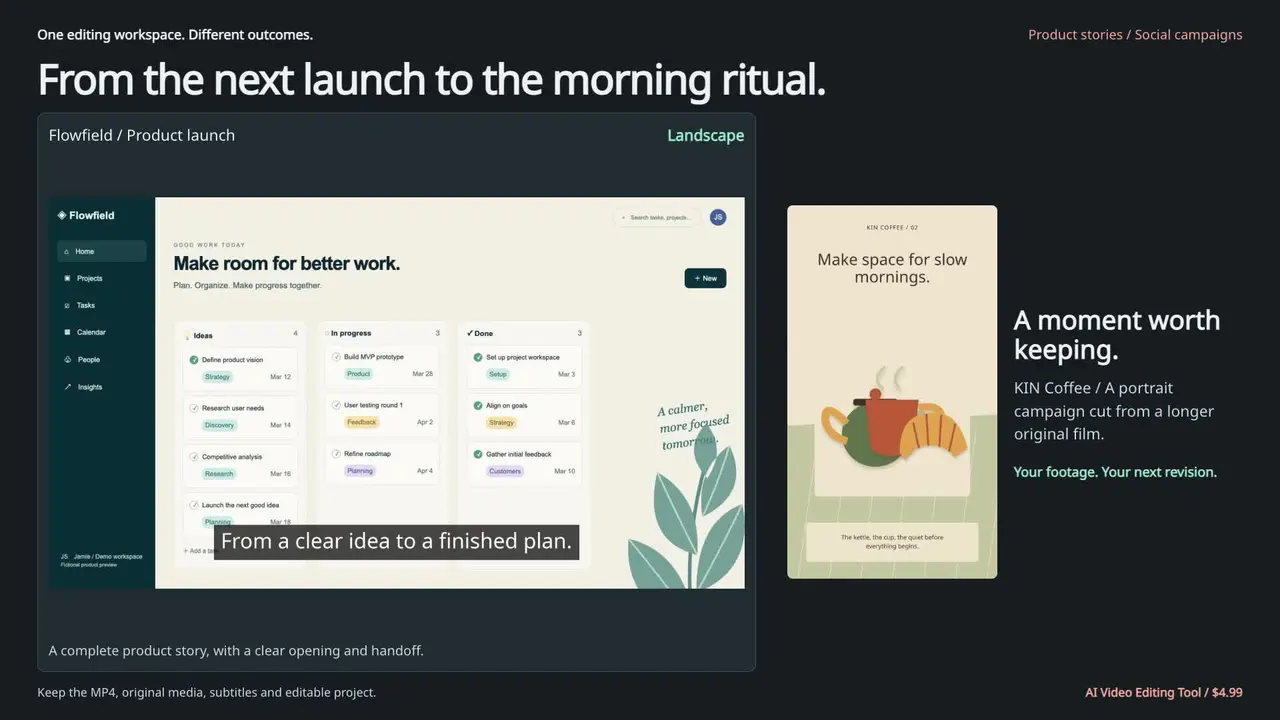 Video preview
AI Video Editing Tool
A finished cut with an editable source project
Codex +2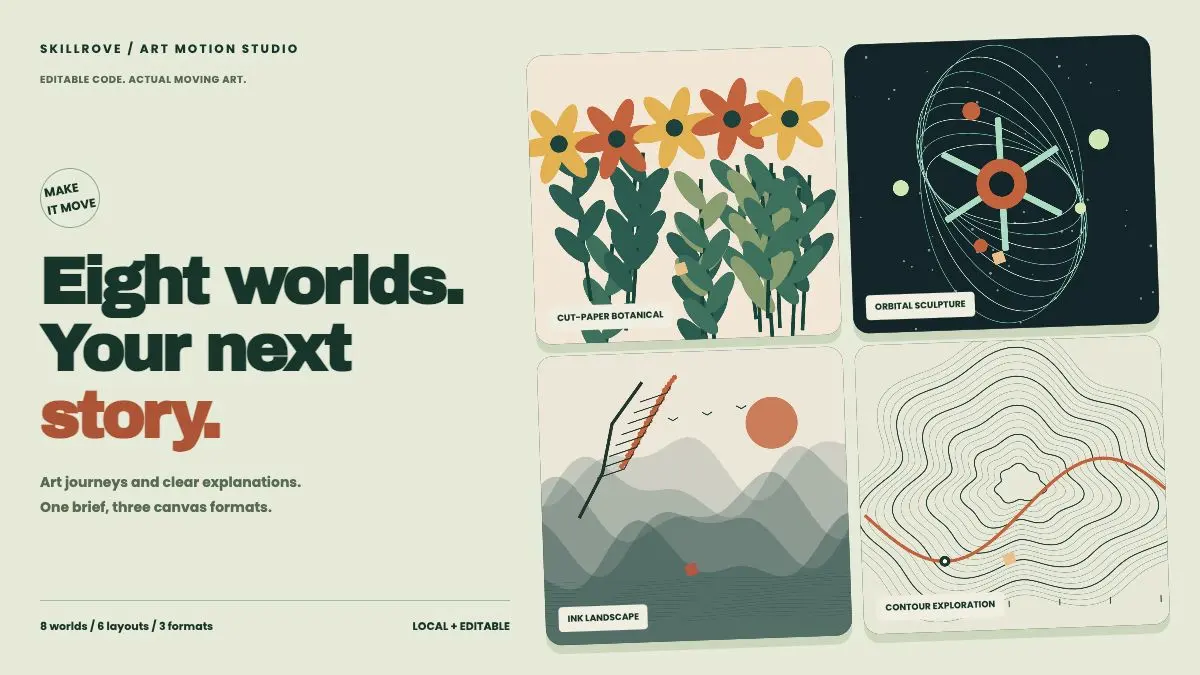 Video preview
Art Motion Studio
Editable art films and animated explainers
Codex +2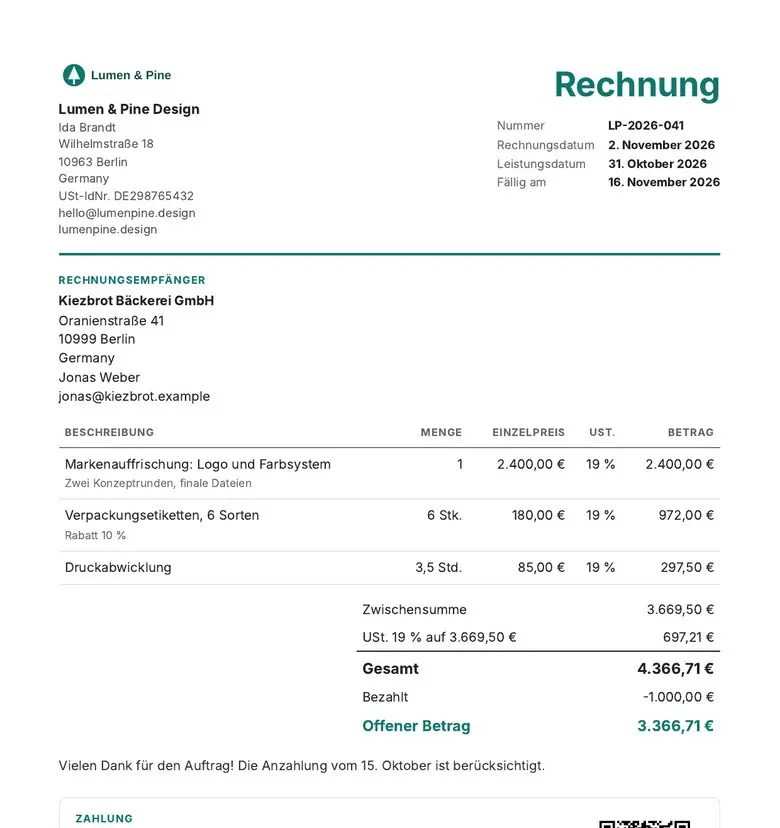 Video preview
BillPress
Invoices and quotes that add up to the cent.
Codex +2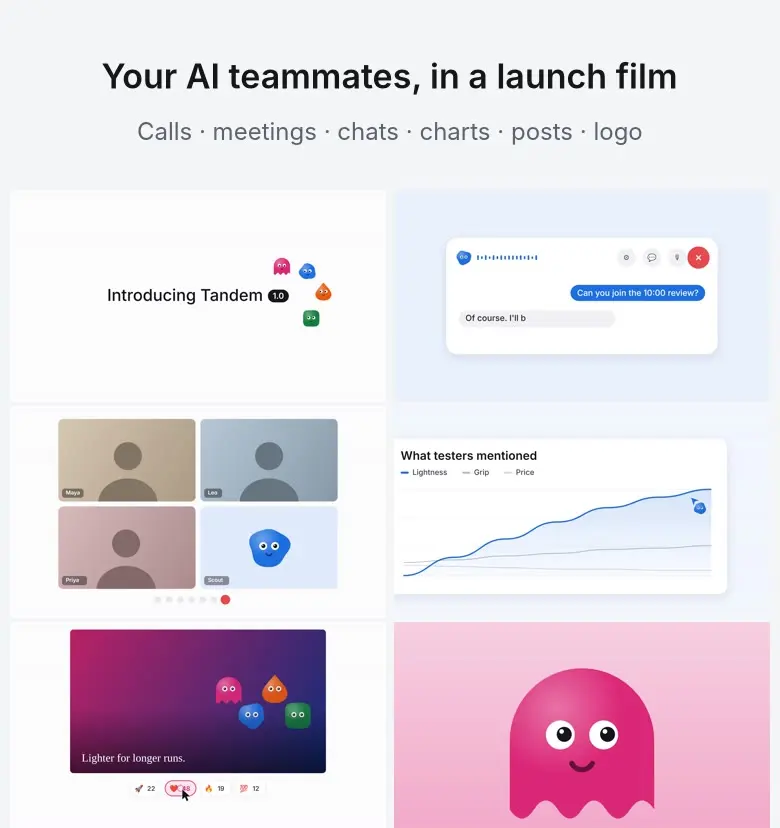 Video preview
BotReel
A launch film where your AI bots have faces and do the work.
Codex +2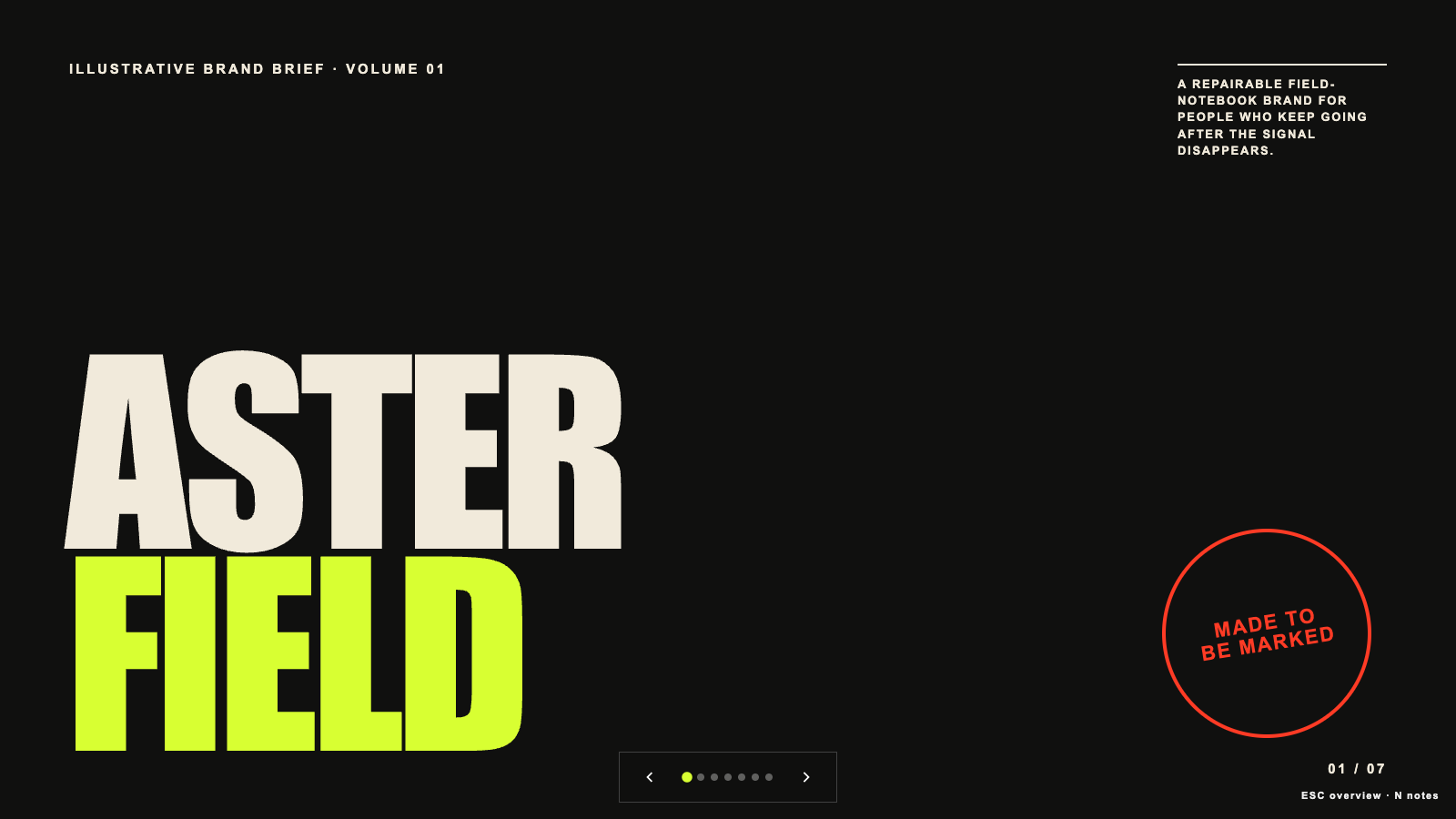 Free
Brand Story Deck
Build a high-contrast editorial brand story deck with a narrative spine, visual codes, and editable 16:9 HTML slides. Use for brand origins, positioning stories, identity rationales, launch narratives, or reframing a generic brand presentation into a distinctive magazine-like sequence.
Claude Code +8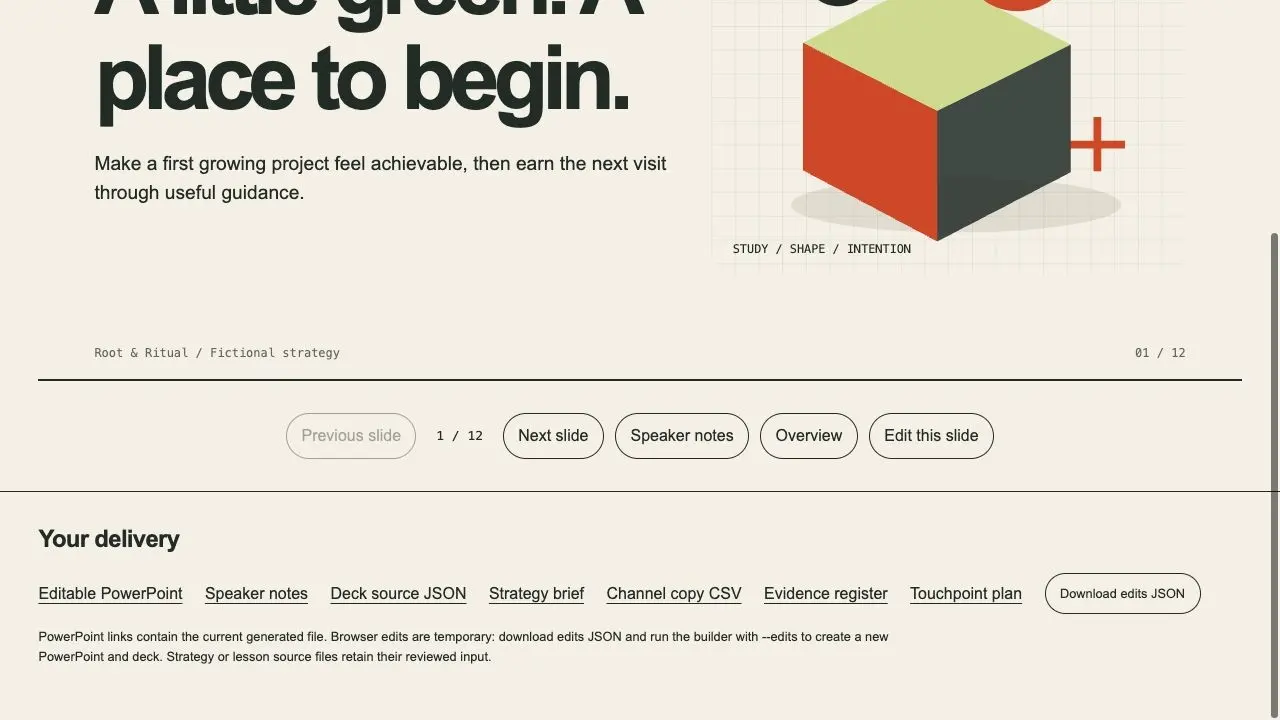
Brand Strategy Studio
A brand decision, editable presentation and channel handoff
Codex +2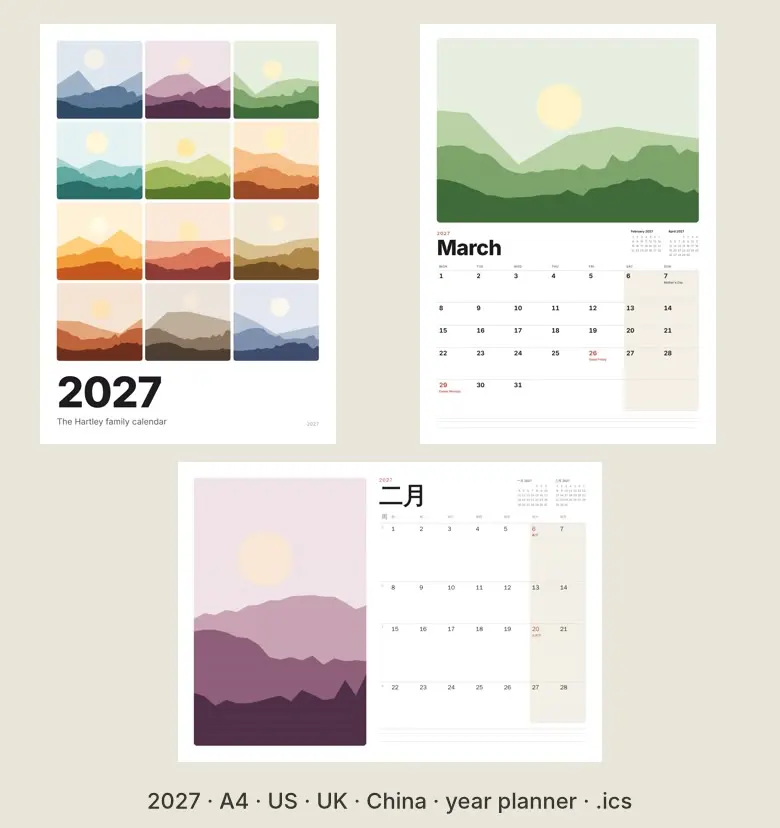 Video preview
CalendarPress
A printable 2027 calendar and year planner with your holidays.
Codex +2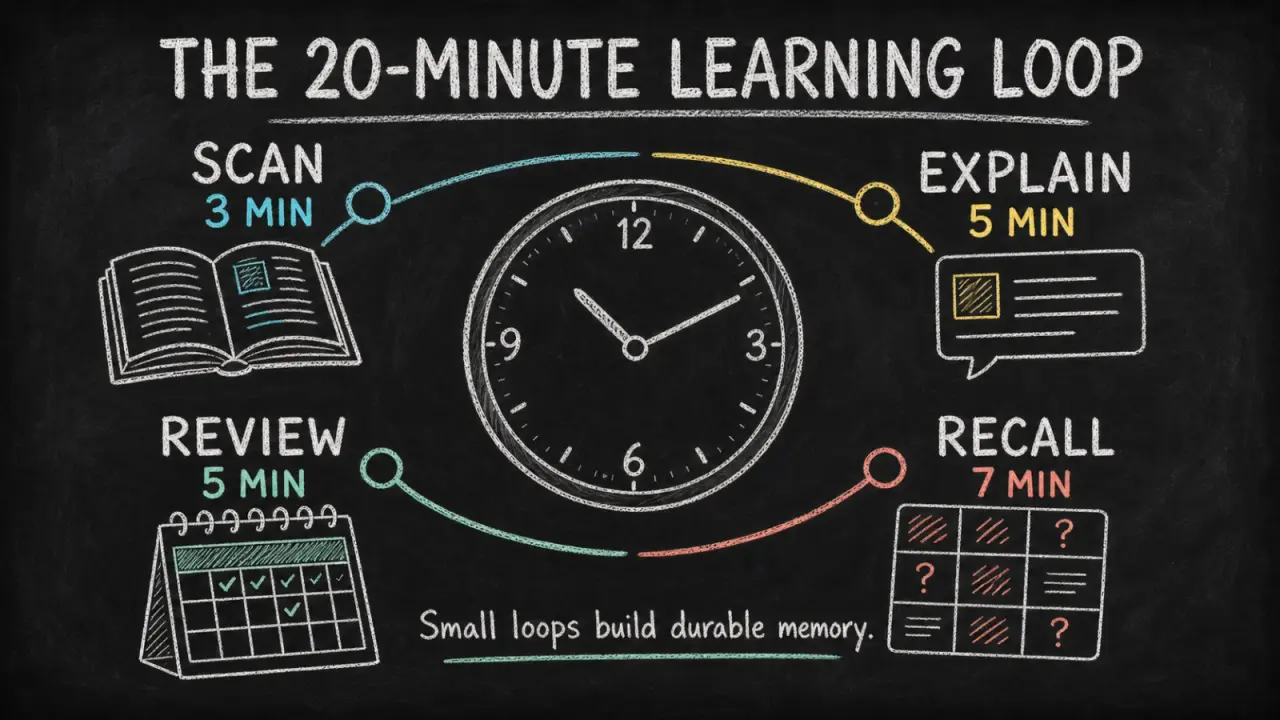 Free
Chalkboard Infographic
Turn a lesson, process, or data story into a readable chalkboard-style infographic with clear hierarchy, concise copy, and original illustrations. It helps educators, creators, and teams make one takeaway easier to grasp and share without turning the image into a dense slide.
Claude Code +8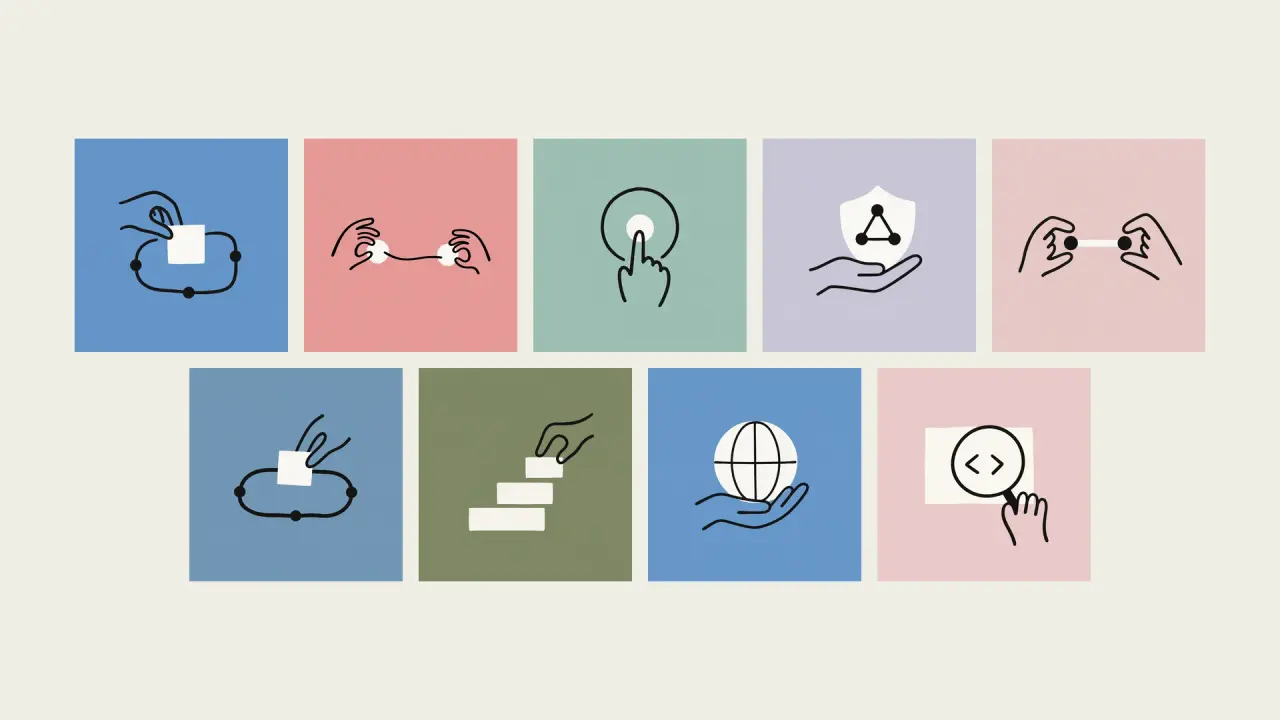 Free
Claude Style Illustration
Create an Anthropic Style editorial illustration that turns one idea into an immediately readable visual metaphor. This independent workflow helps writers and product teams add a warm, human focal image and is not affiliated with or endorsed by Anthropic.
Claude Code +8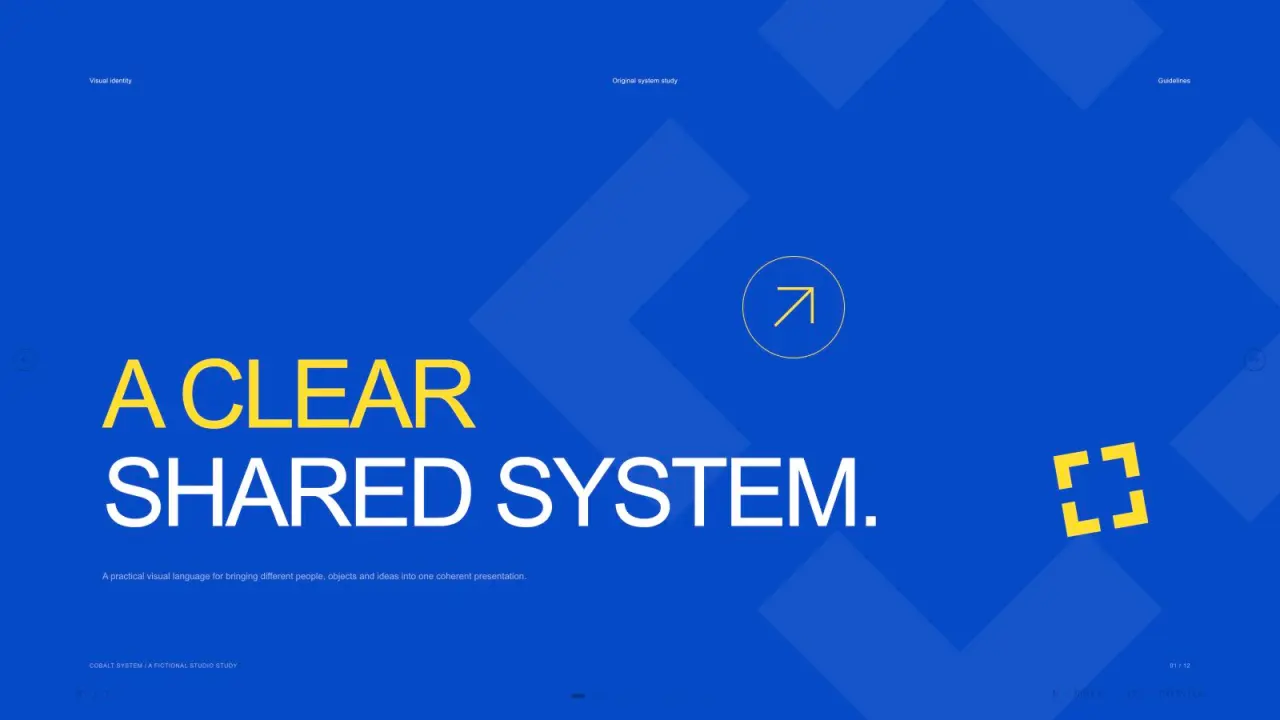 Free
Cobalt System Deck
Create crisp identity-guideline presentation pages with cobalt-blue chapter fields, lemon accents, ivory layouts, black contrast pages, editable geometric mark studies, typography specimens, color circles, stationery photography and a varied imagery board. Use this visual language to present visual identity guidelines with a clear, consistent rhythm. The slide count follows your request, with artwork planned around the content of each page.
Claude Code +8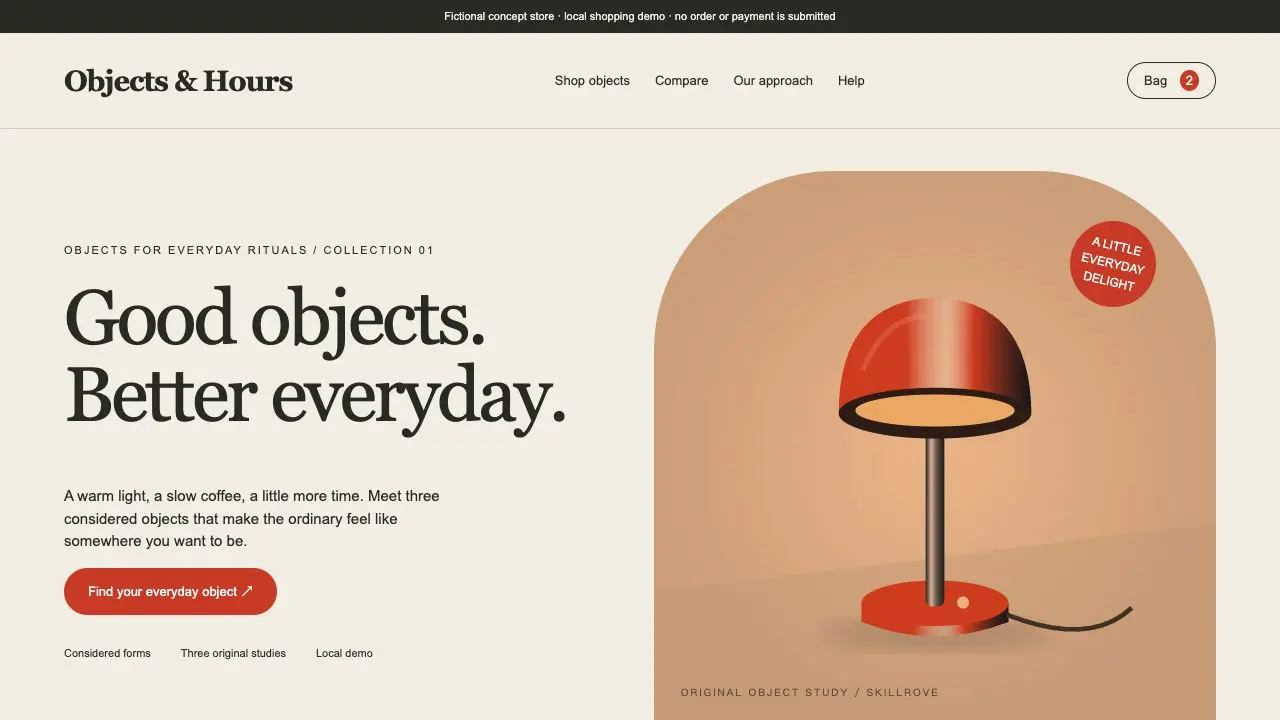 Video preview
Commerce Product Studio
A complete product storefront and order-draft handoff
Codex +2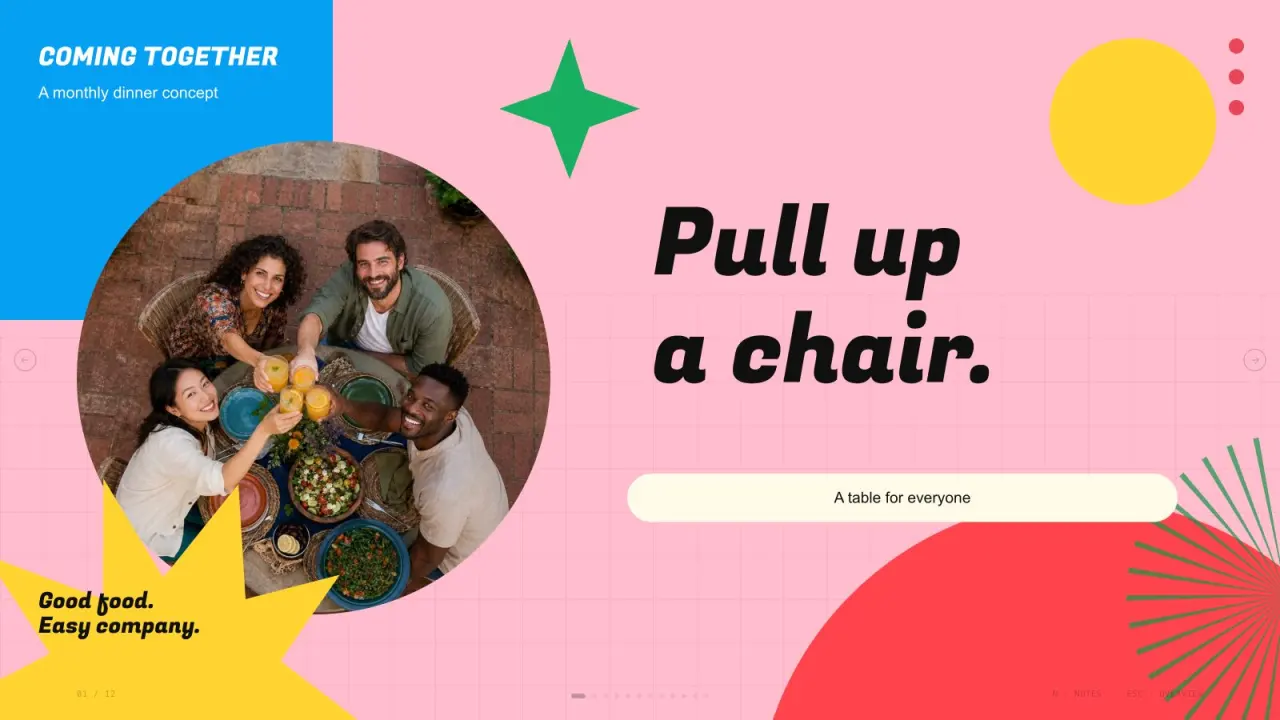 Free
Confetti Gathering Deck
Create vivid gathering presentation pages using bright pink yellow green blue and cyan fields, heavy slanted titles, fine grids, cream cards, circular candid photos, festive vector accents and independent photographs. Use this visual language to present community gathering plans with a clear, consistent rhythm. The slide count follows your brief, with original artwork planned around the content and layouts.
Claude Code +8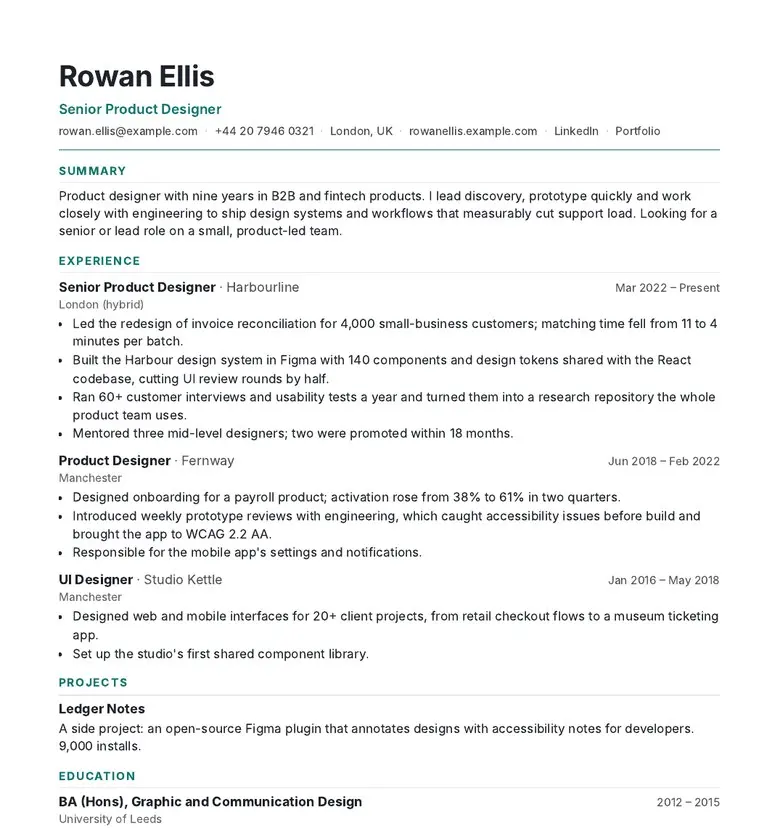 Video preview
CVForge
A resume that fits the page and the job.
Codex +2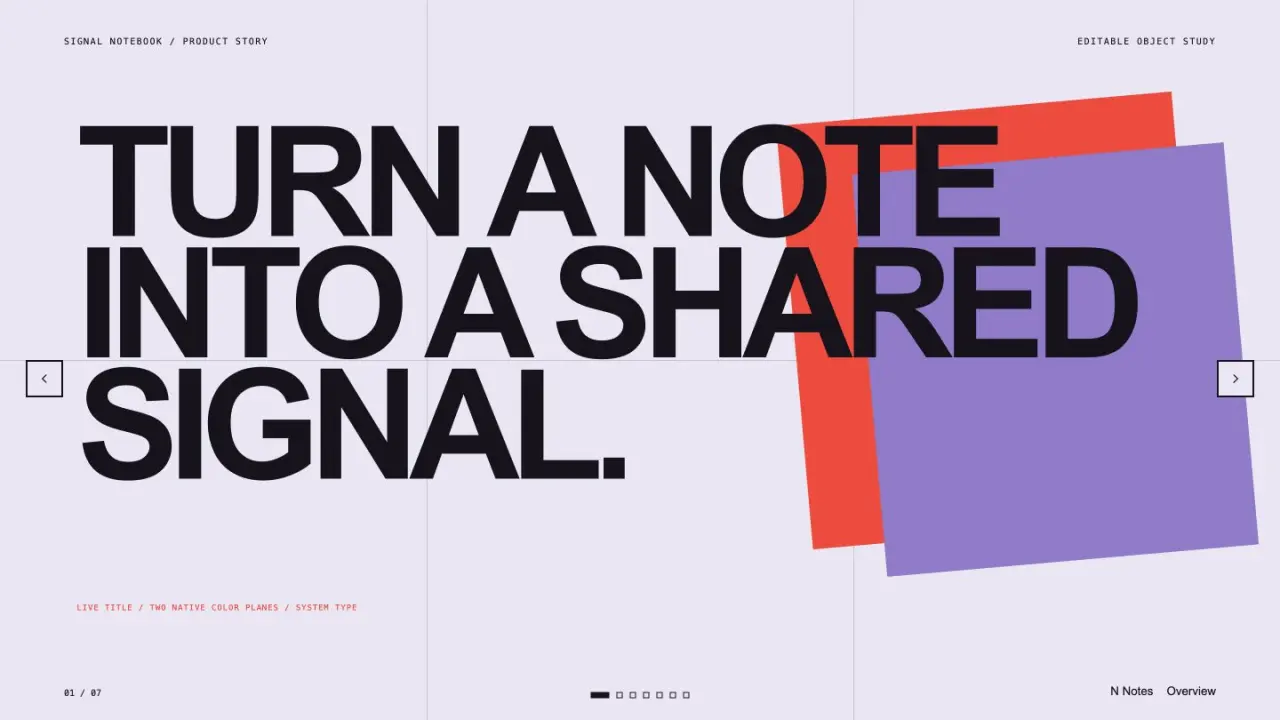 Free
Editable Visual Deck
Create a polished presentation from editable text, shapes, diagrams, and chart elements. It prioritizes a dependable browser deck while preserving a clear native-object handoff for later editable presentation export.
Claude Code +8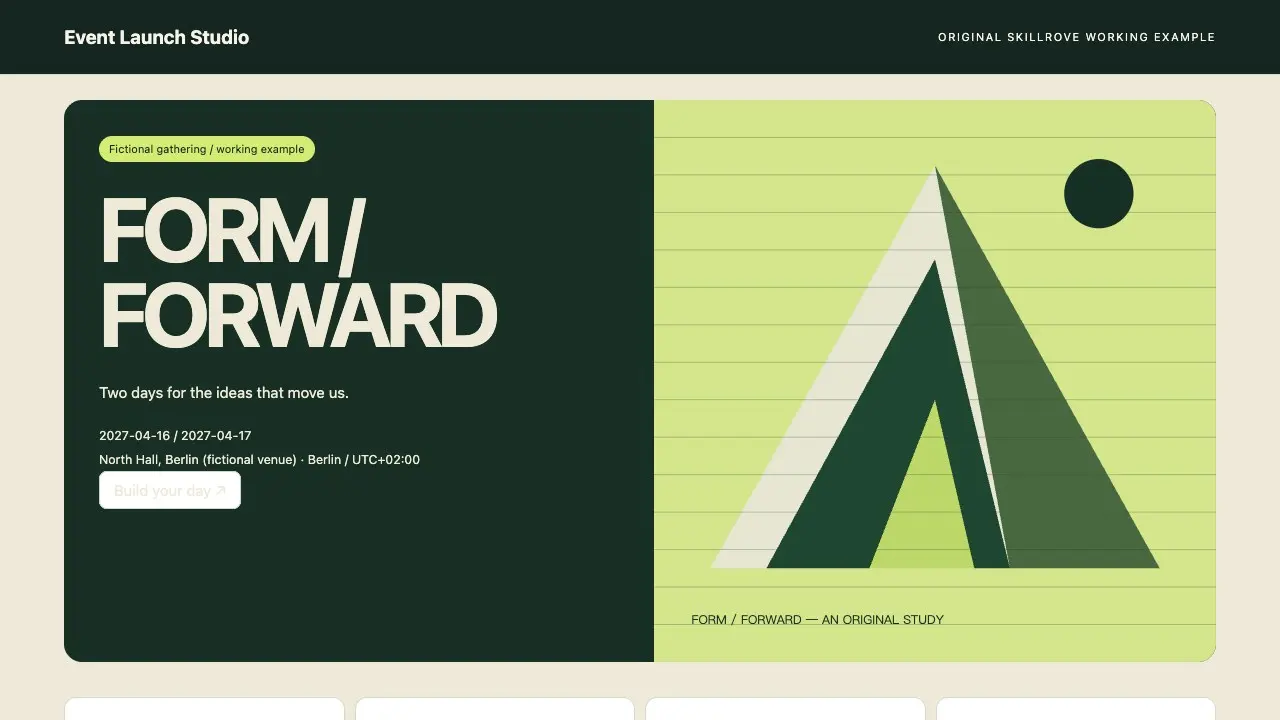 Video preview
Event Launch Studio
An event site, personal agenda and registration handoff
Codex +2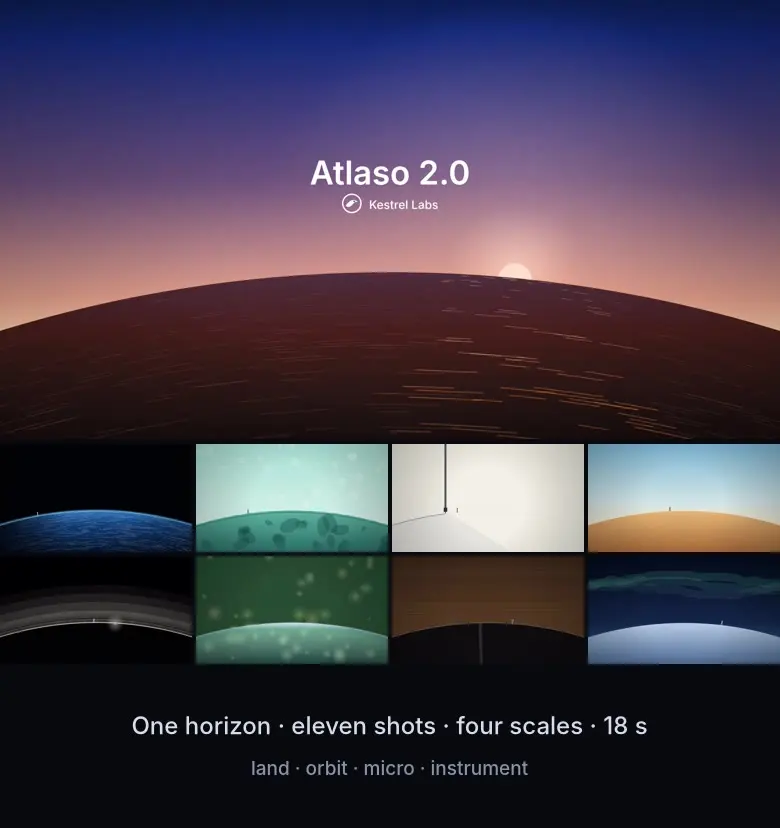 Video preview
Fable 5.2-Style Launch Video
A Fable 5.2-style launch video: one horizon held through every cut.
Codex +2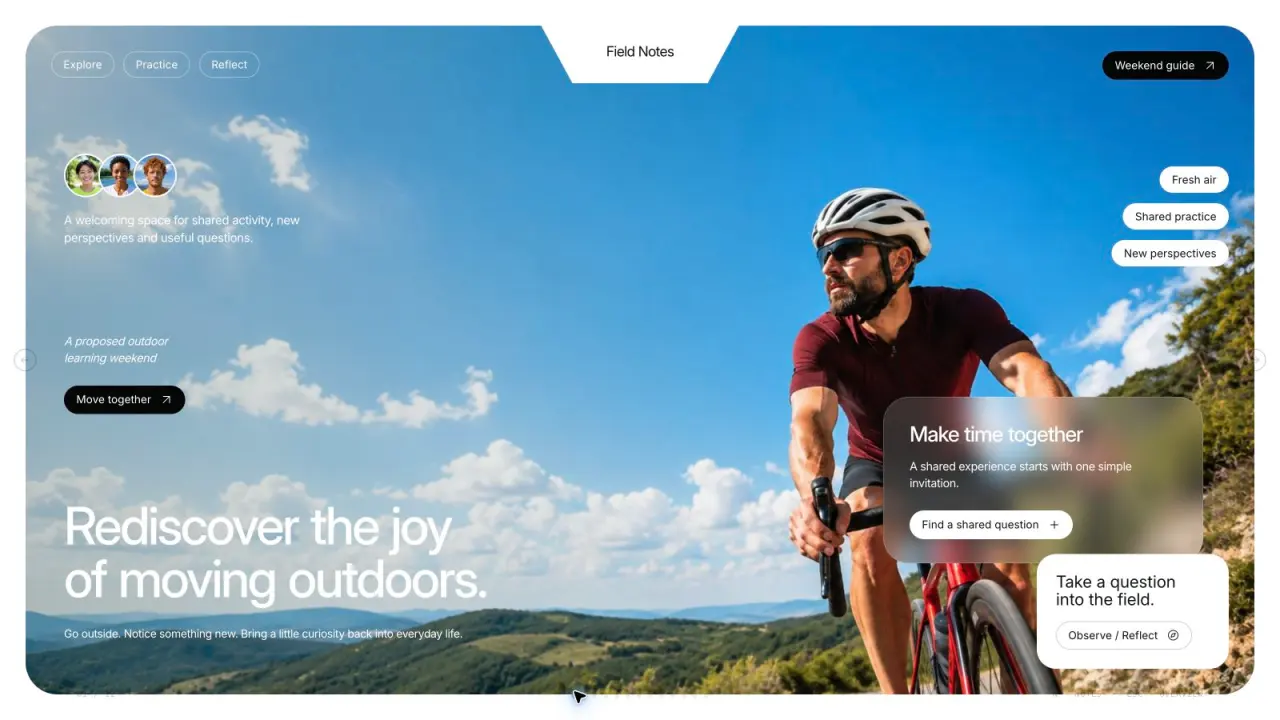 Free
Field Notes Deck
Create refined outdoor-learning presentation pages with sky-blue sports photography, sage-green cards, frosted overlays, compact capsules, asymmetrical image tiles and independent original images. Use this visual language to present outdoor-learning programs with a clear, consistent rhythm. The slide count follows your brief, with original artwork planned around the content and layouts.
Claude Code +8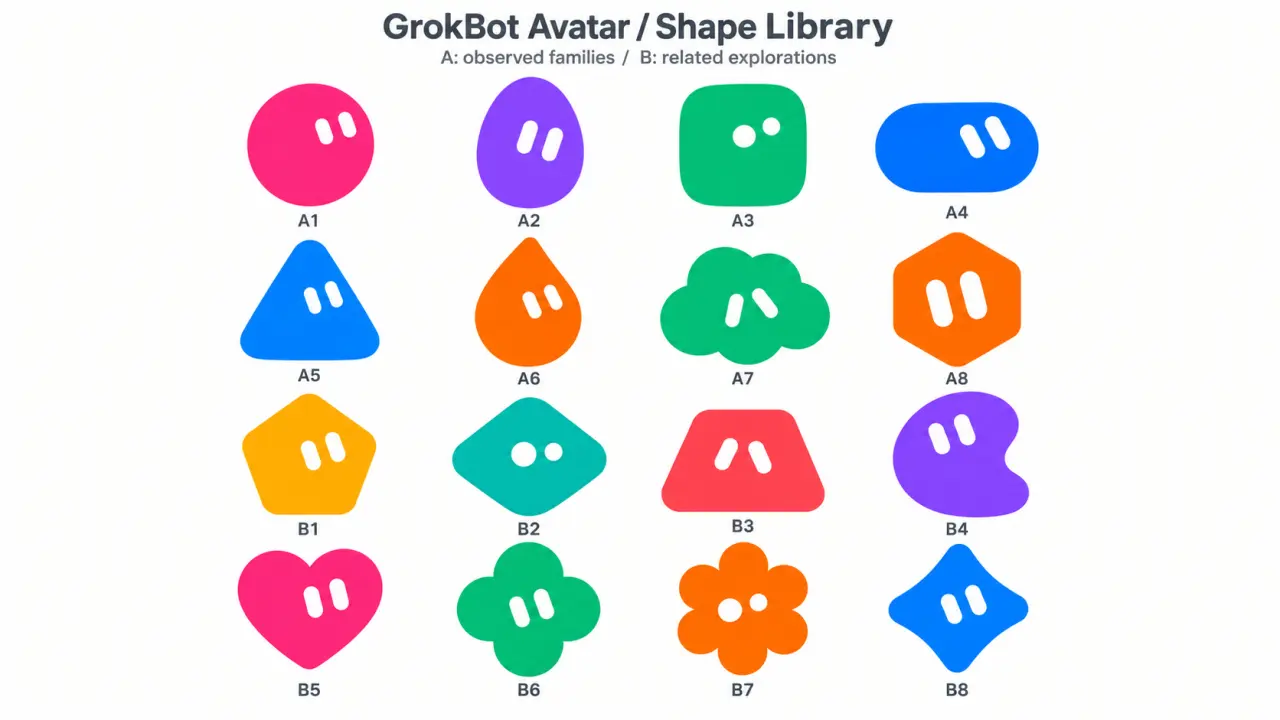 Free
GrokBot Avatar
Create rounded Original mascots or cute soft-vinyl Anime avatars with simple solid eyes and vivid colors. Follow explicit character requests first, use reliable user memories to personalize missing details for a personal avatar, and turn an approved shape into a matching toy-like character when requested.
Codex / ChatGPT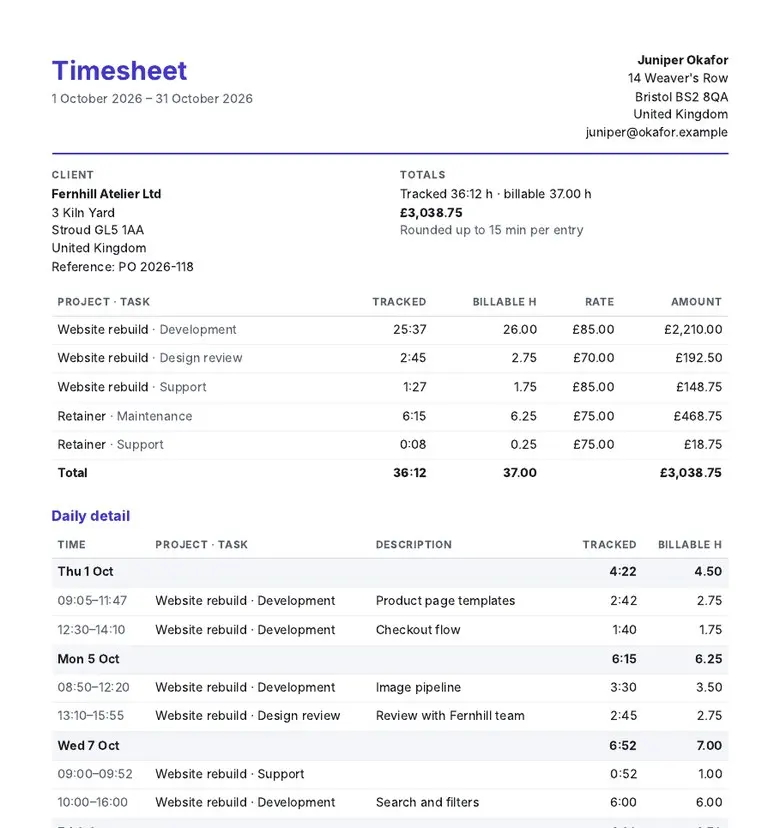 Video preview
HoursKit
Turn time logs into timesheets clients sign.
Codex +2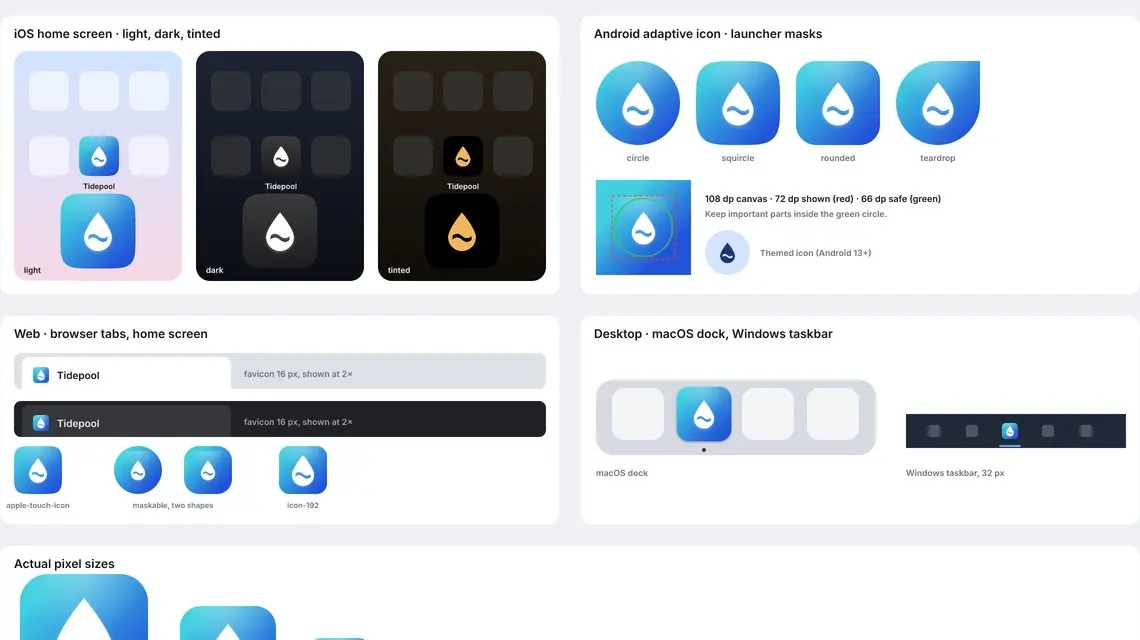 Video preview
IconForge
Make every app icon and favicon from one design.
Codex +2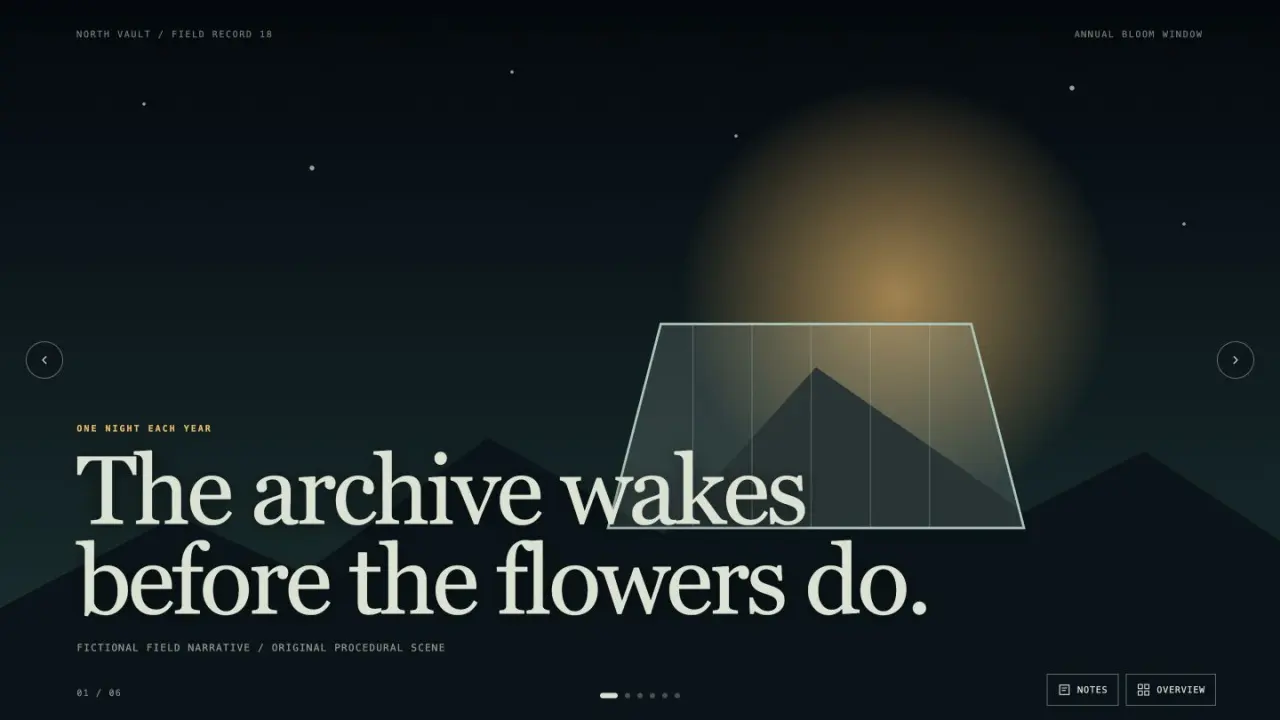 Free
Image Narrative Deck
Create an image-led presentation with cinematic pacing, editable live captions, and a coherent visual world. It is suited to documentary pitches, launch stories, cultural explainers, and narrative reports that benefit from full-frame scenes and restrained copy.
Claude Code +8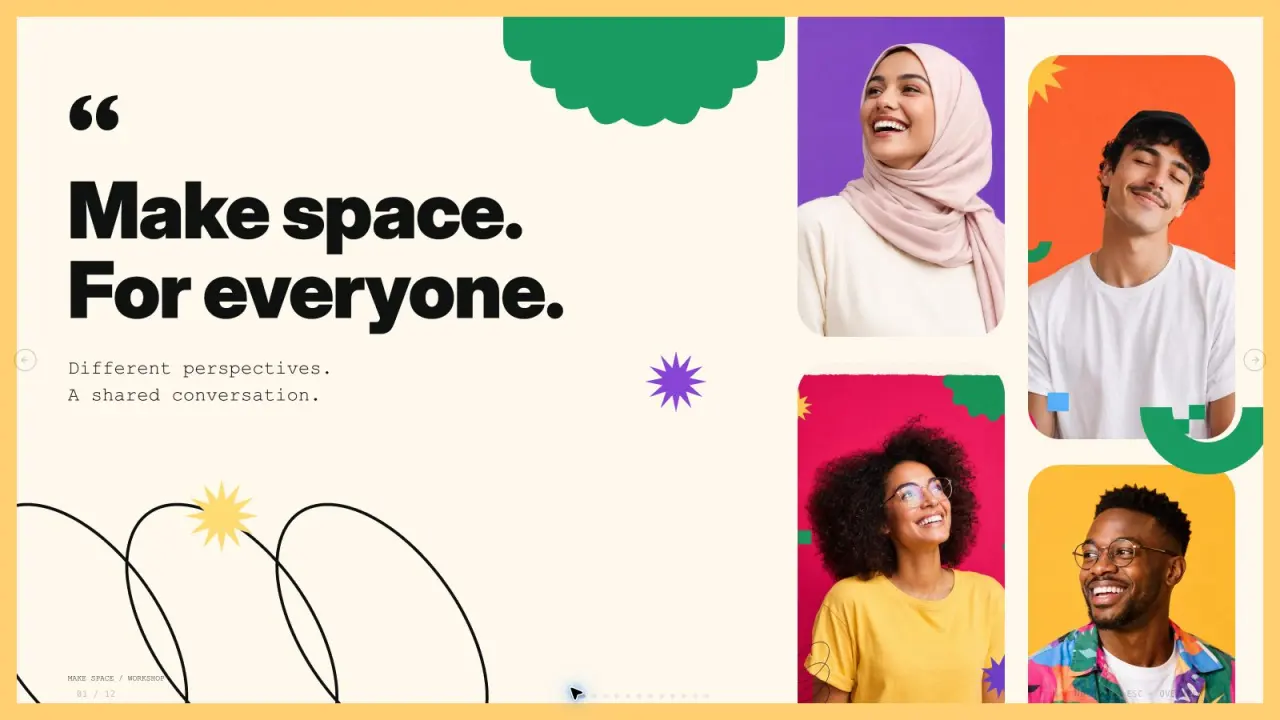 Free
Inclusive Cutpaper Deck
Create editorial workshop slides with heavy black grotesk headings, cream paper, vibrant portrait collages, highlighted monospace copy and editable cut-paper accents. Use this visual language to present collaboration workshops with a clear, consistent rhythm. Set the slide count to match the user's request.
Claude Code +8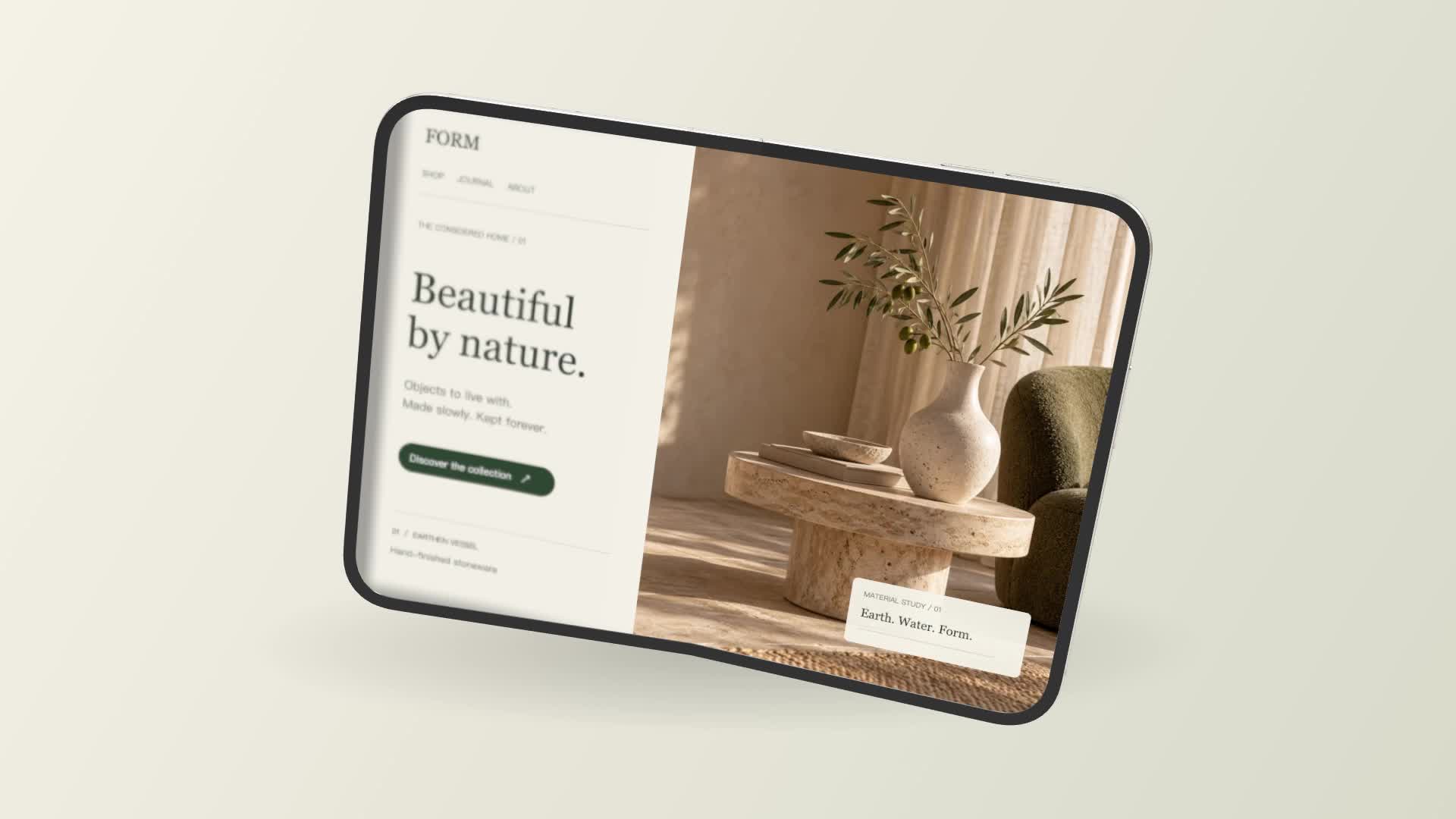 Video preview
iPhone Duo Mockup
A folding product film and a transparent mockup
Codex +2 Free
Linktree Style OG Image
Create Linktree-style OG images. Use them for social media posts.
Claude Code +8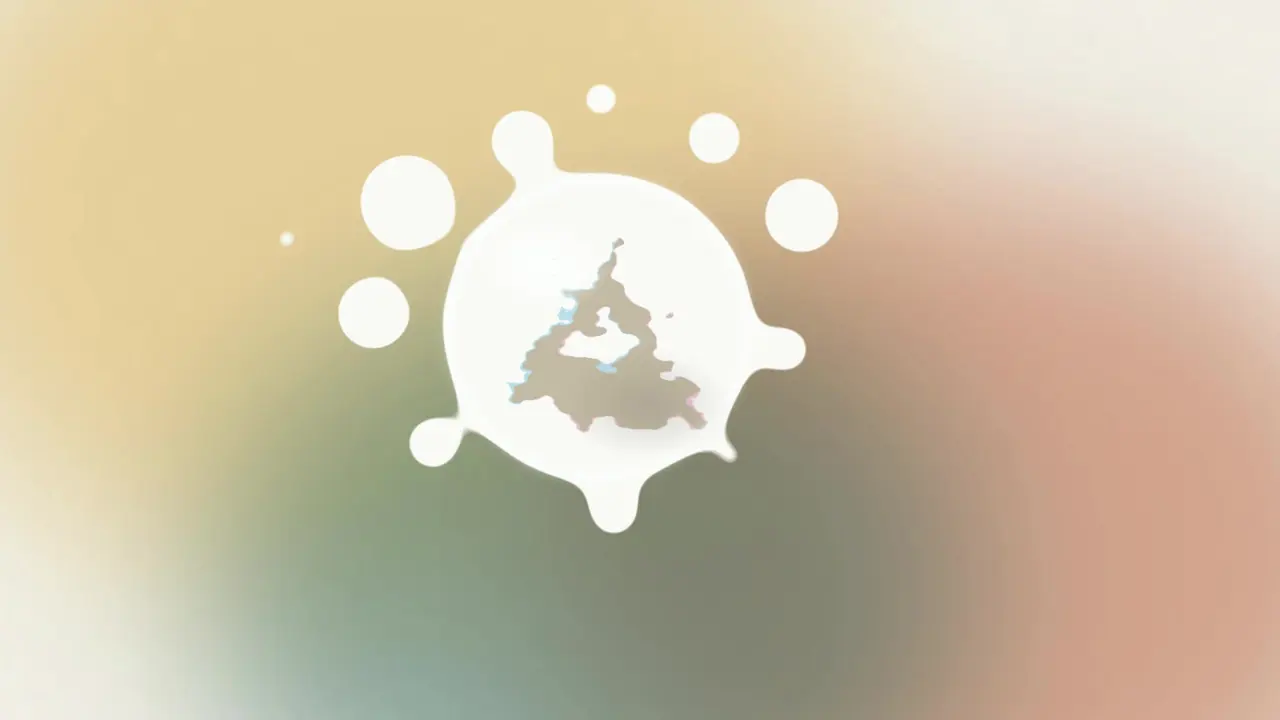 FreeVideo preview
Liquid-Rupture Logo Reveal
Build a short logo-reveal sting where the mark rides inside a bead of liquid, refracted past the point of legibility, until the bead ruptures and leaves the lockup crisp on the frame. Delivered as a rendered MP4 plus the editable project, with no 3D asset and no generation model involved.
Claude Code +8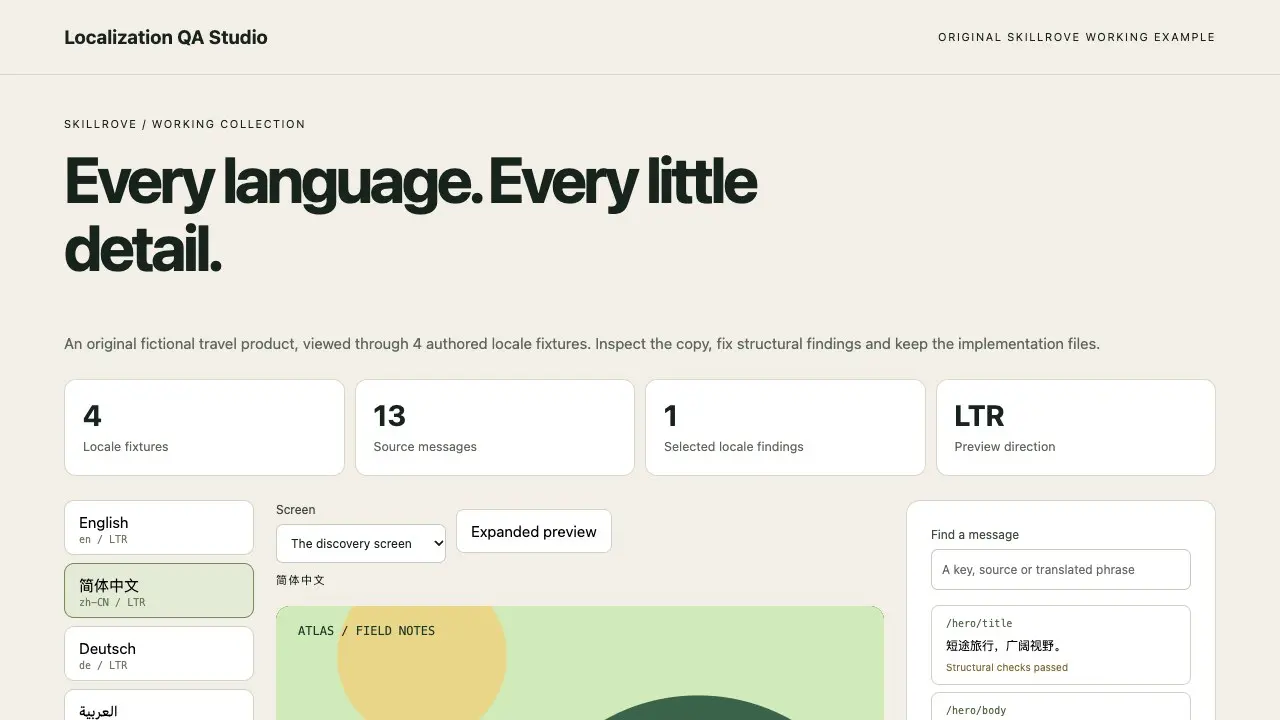 Video preview
Localization QA Studio
An editable multilingual review and translation handoff
Codex +2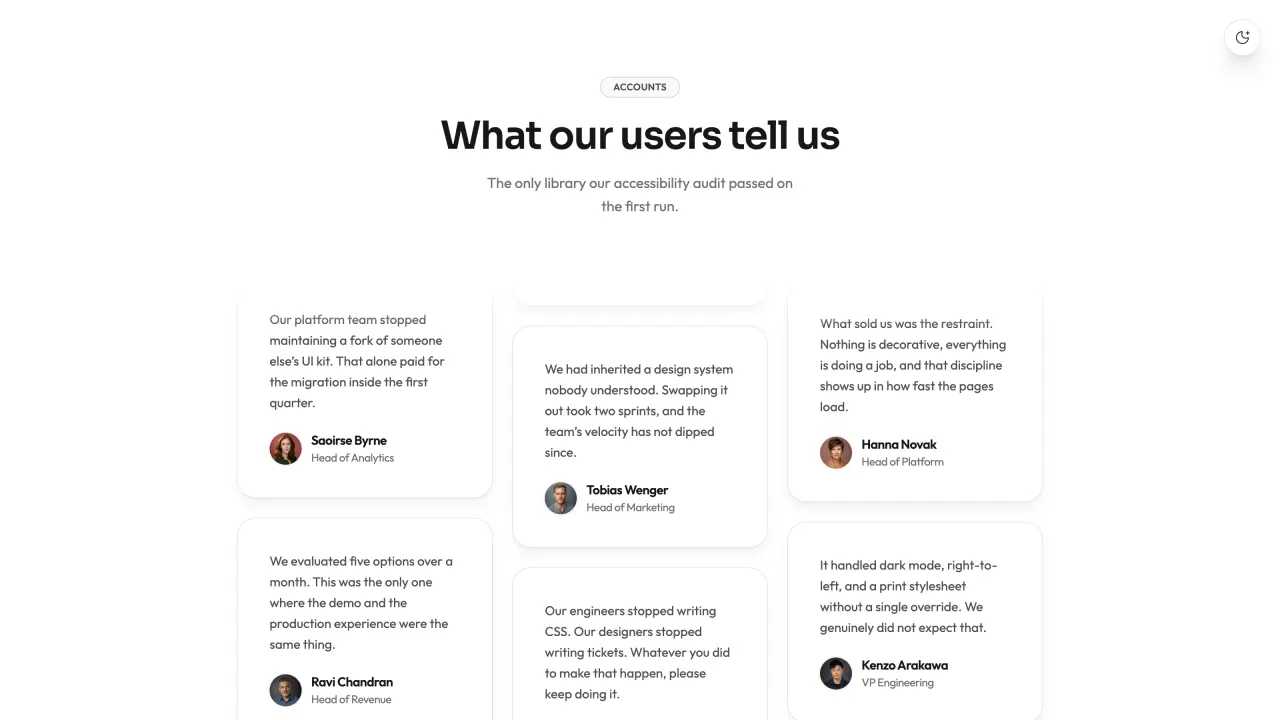 FreeVideo preview
Masonry Testimonial Wall
Masonry Testimonial Wall is a ready-to-paste testimonial section, delivered as editable source with its usage example. It ships with a canvas-rendered backdrop that runs without a WebGL library and entrance motion that settles rather than bounces. Colour, type and radius live as tokens you edit once for the whole block.
Claude Code +8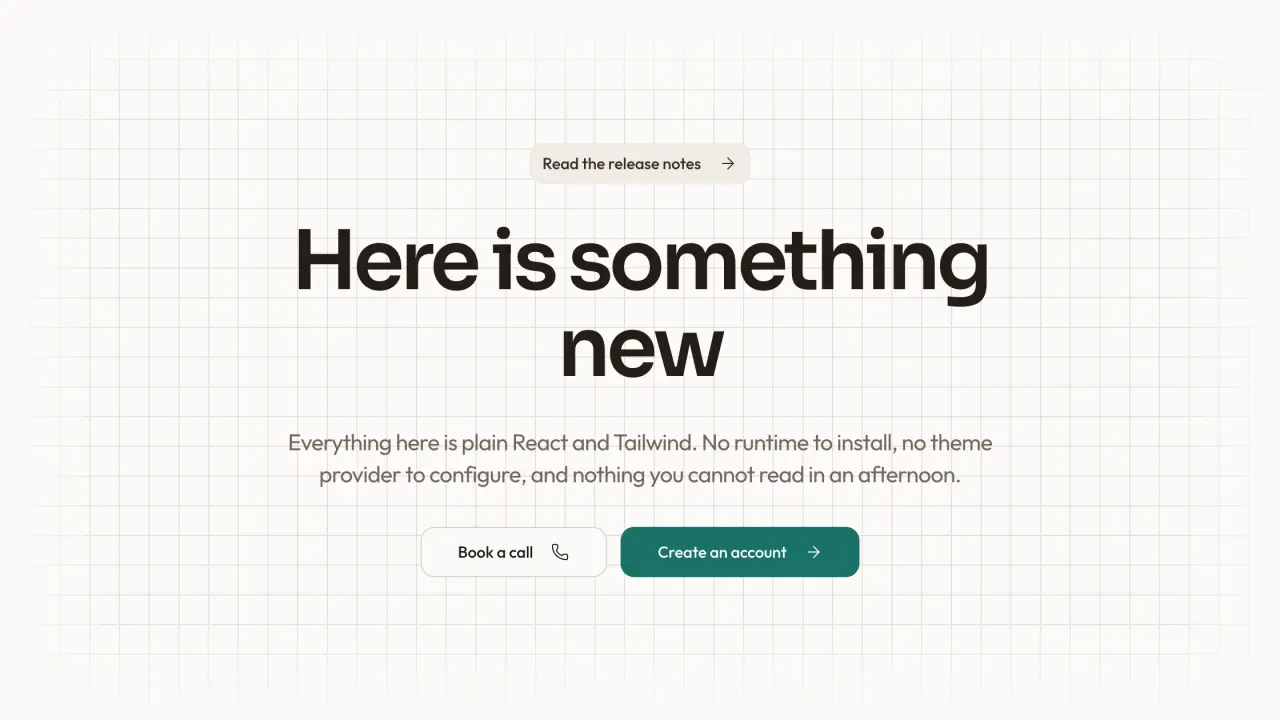 FreeVideo preview
Minimal Motion Hero
Minimal Motion Hero is a ready-to-paste hero section, delivered as editable source with its usage example. It ships with entrance motion that settles rather than bounces and state the visitor can change and see respond. Colour, type and radius live as tokens you edit once for the whole block.
Claude Code +8 Free
Monochrome Studio Portrait
Transform an authorized portrait into a refined black-and-white studio half portrait with soft directional light, natural texture, subtle grain, and deliberate negative space. It gives editors and personal brands a calm, distinctive image for profiles and social use while preserving the subject's identity and glasses on a best-effort basis.
Claude Code +8 Free
Notion Style OG Image
Create Notion-style OG images. Use them for social media posts.
Claude Code +8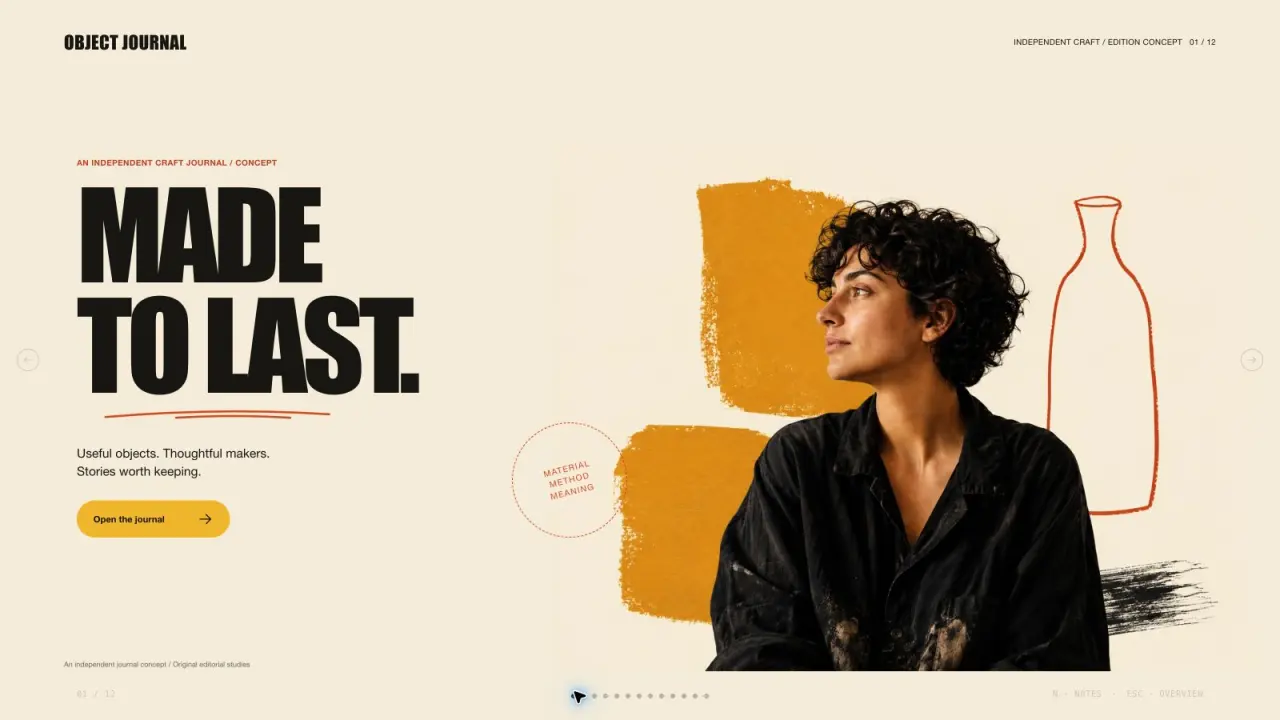 Free
Ochre Editorial Deck
Create an editorial presentation with cream paper, oversized compressed headlines, warm portrait collages, mustard and vermilion color fields, and original craft photography. Every image is independently composed and used once. The slide count follows your request, with artwork planned around the content of each page.
Claude Code +8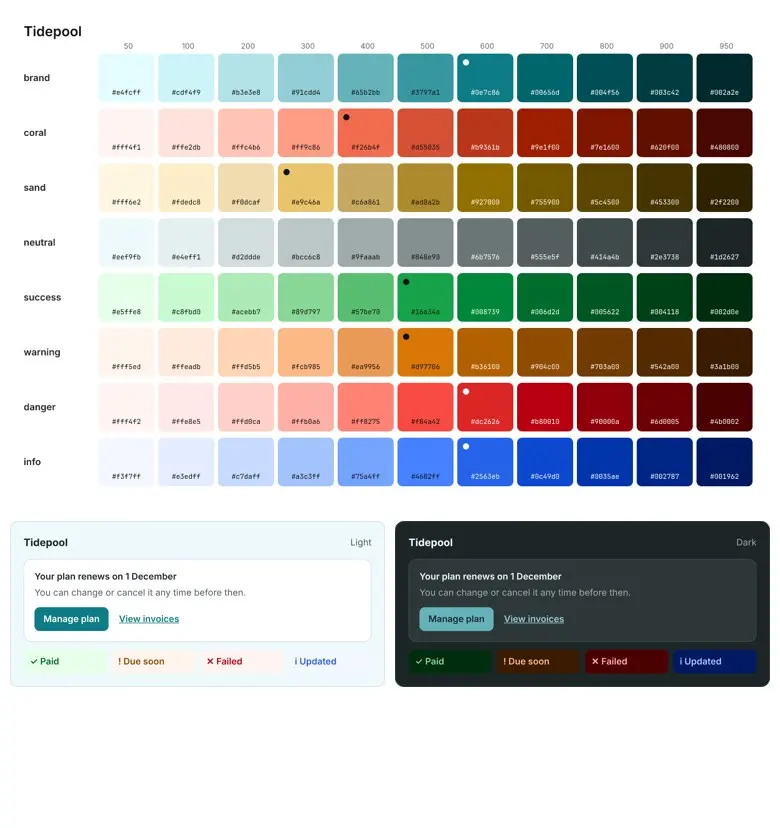 Video preview
PaletteForge
Turn brand colors into an accessible color system.
Codex +2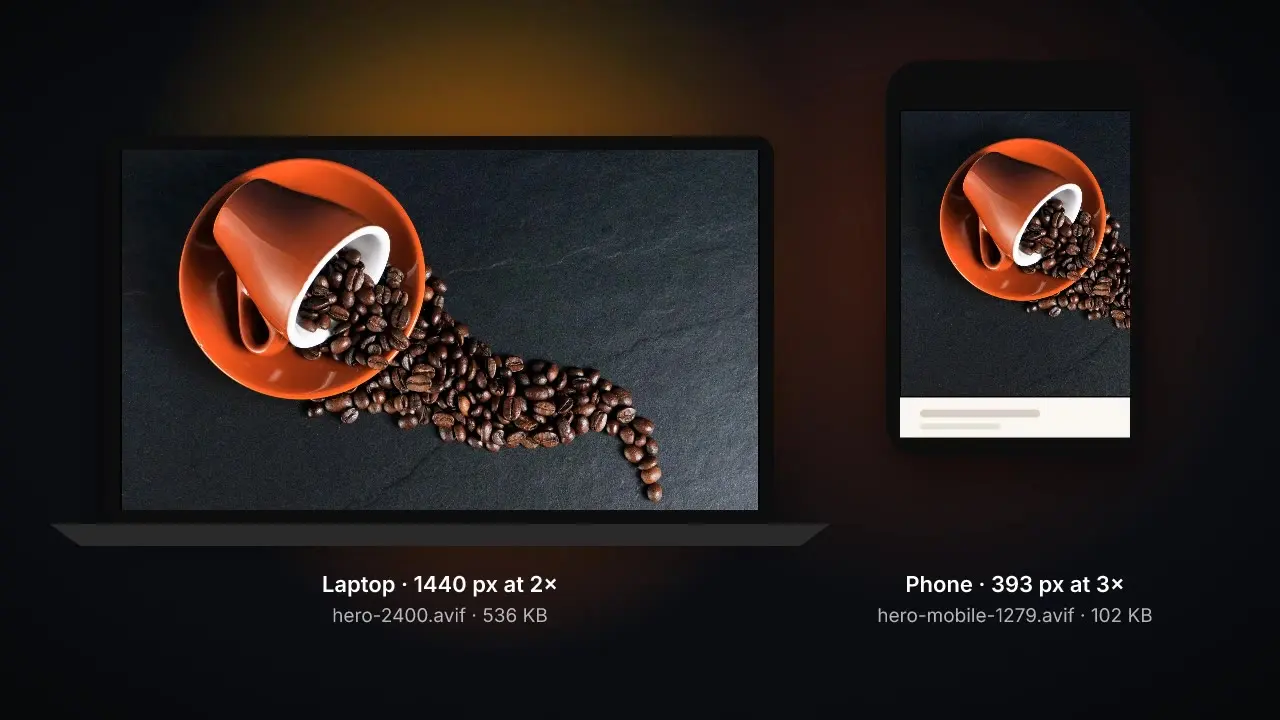 Video preview
PicturePress
Serve every screen the smallest sharp image.
Codex +2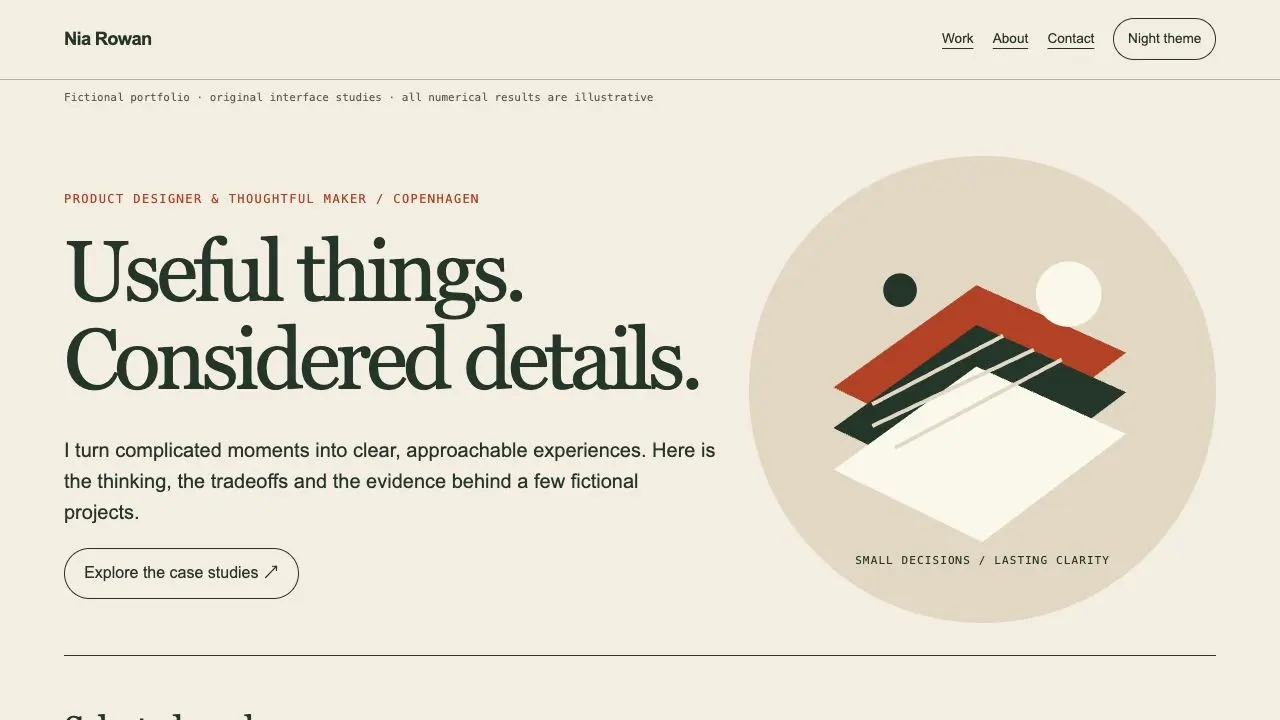
Portfolio Case Study Studio
A complete case-study portfolio and public handoff
Codex +2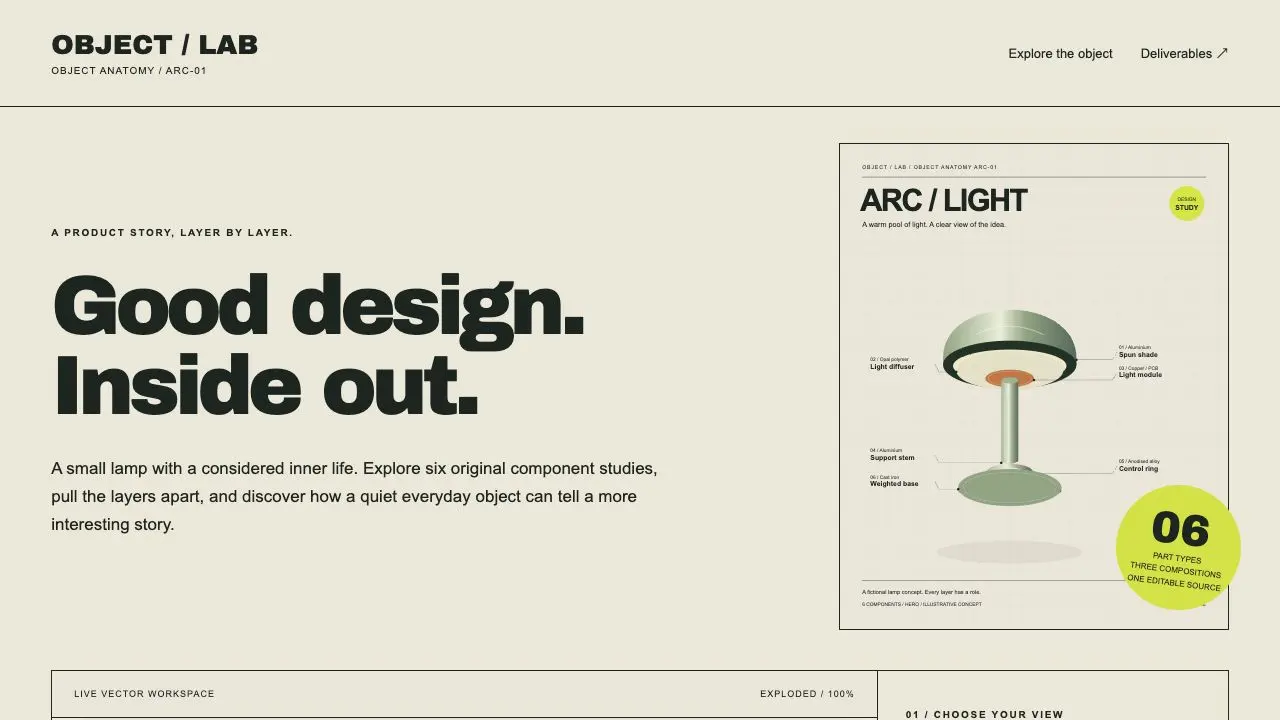 Video preview
Product Cutaway Studio
An interactive product anatomy and three export compositions
Codex +2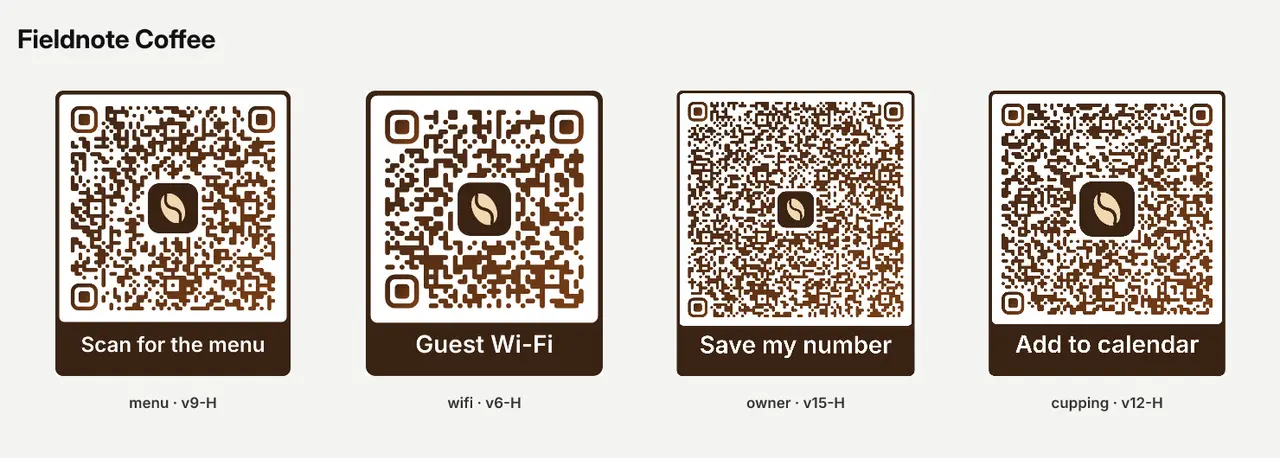 Video preview
QRCraft
Design branded QR codes that are checked to scan.
Codex +2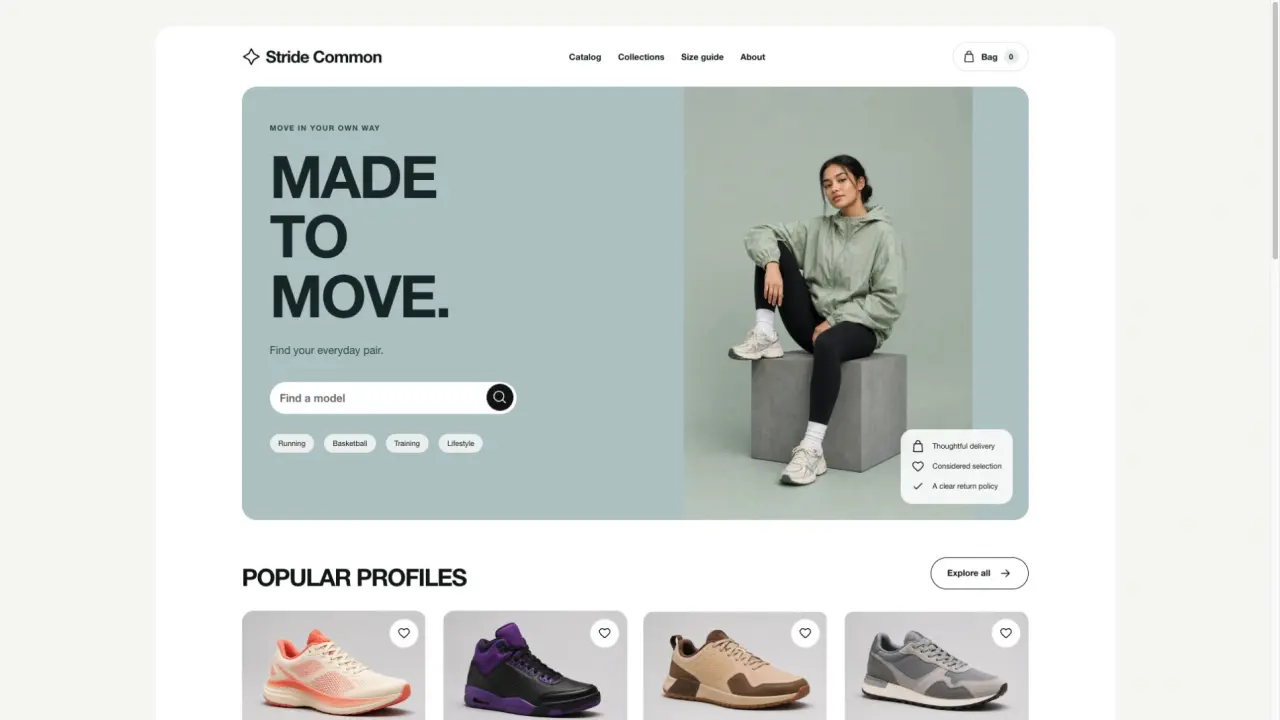 FreeVideo preview
Sage Sneaker Store
Build a complete multi-page website with a sage hero, oversized white uppercase type, an editorial model photograph, white proof cards and clean product grids. Includes connected content pages and interactive controls, with a reusable visual system for new brands and content.
Claude Code +8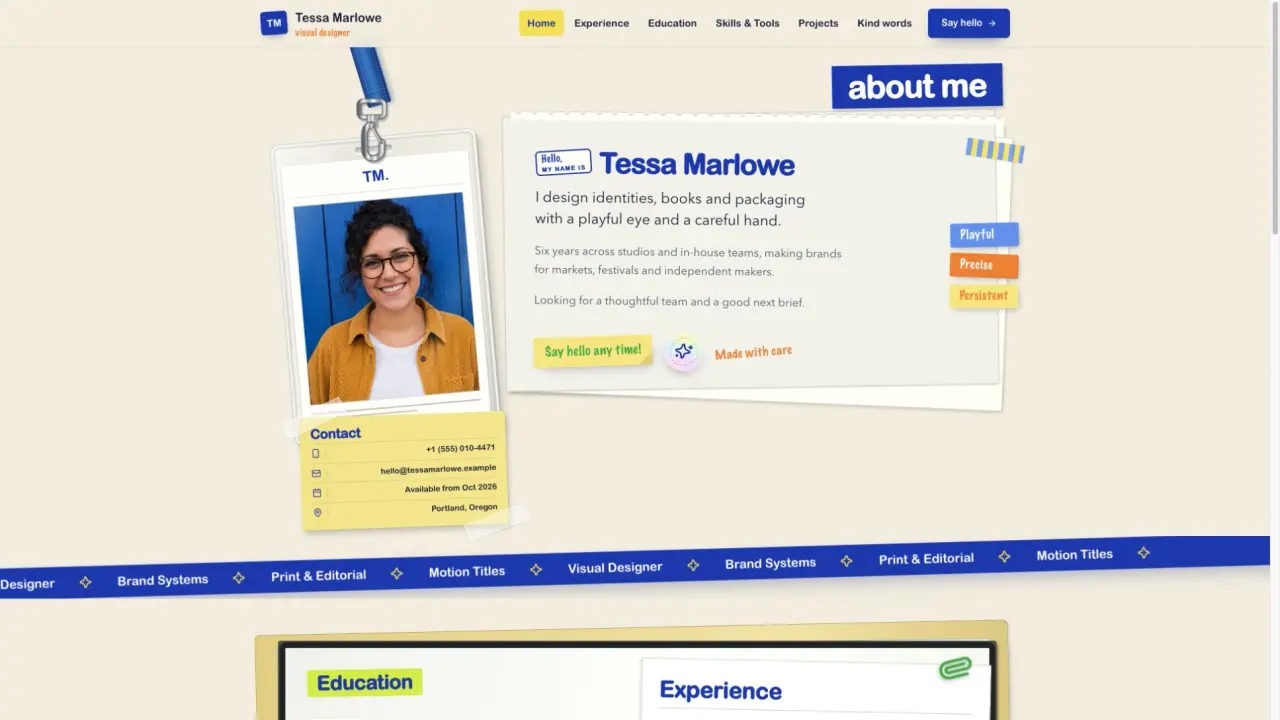 FreeVideo preview
Scrapbook Resume Site
A multi-page online resume site in a scrapbook grammar: a lanyard ID badge, a taped contact card, a torn notepaper intro, a cobalt marquee ribbon and a clipboard of sticky-note roles, with pages for Home, Experience plus three role stories, Education, Skills and Tools, Projects plus four case pages, Kind words and Contact. Every name, role and image is original, so you drop in your own story without inheriting anyone else's. Ideal for designers and job seekers who want a CV that feels handmade rather than templated.
Claude Code +8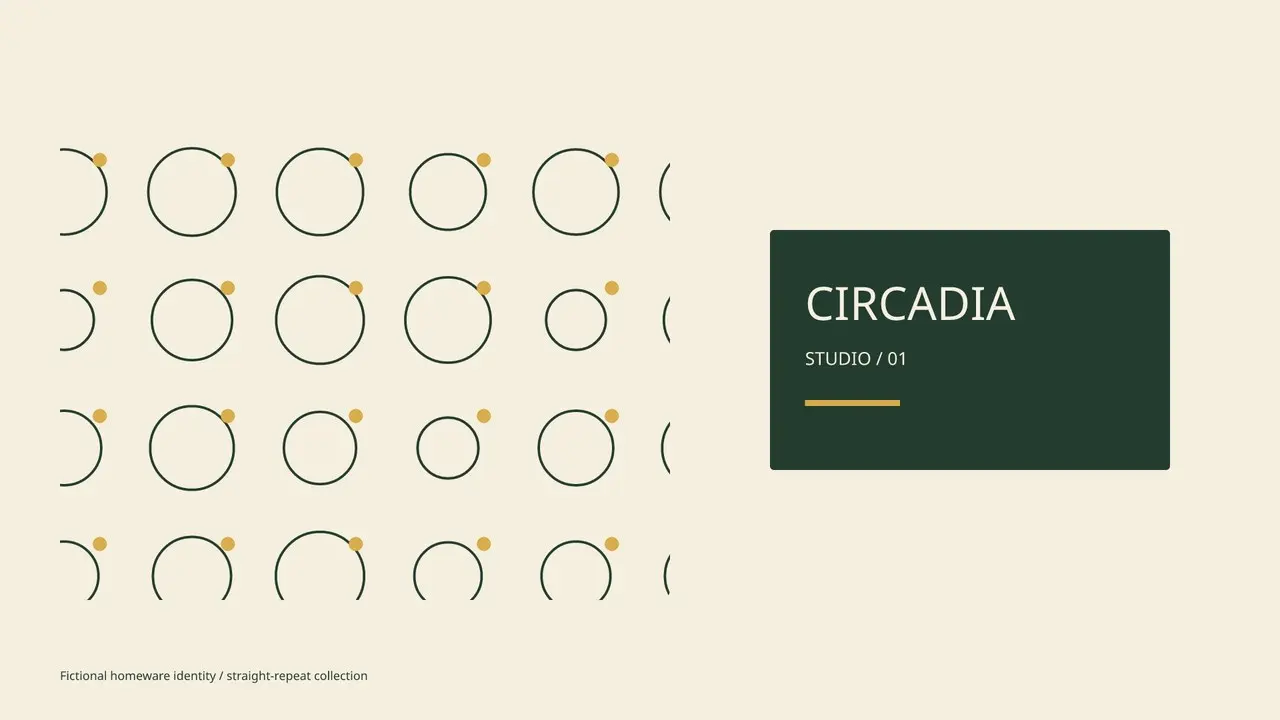 Video preview
Seamless Pattern Kit
A pattern that becomes an identity.
Codex +2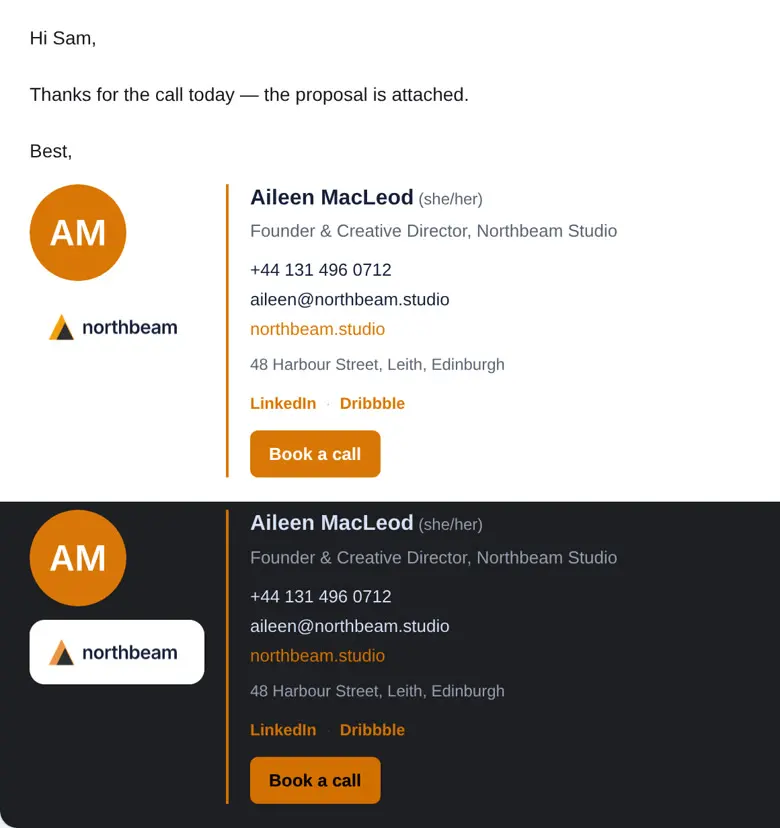 Video preview
SignKit
Give your whole team one email signature that works everywhere.
Codex +2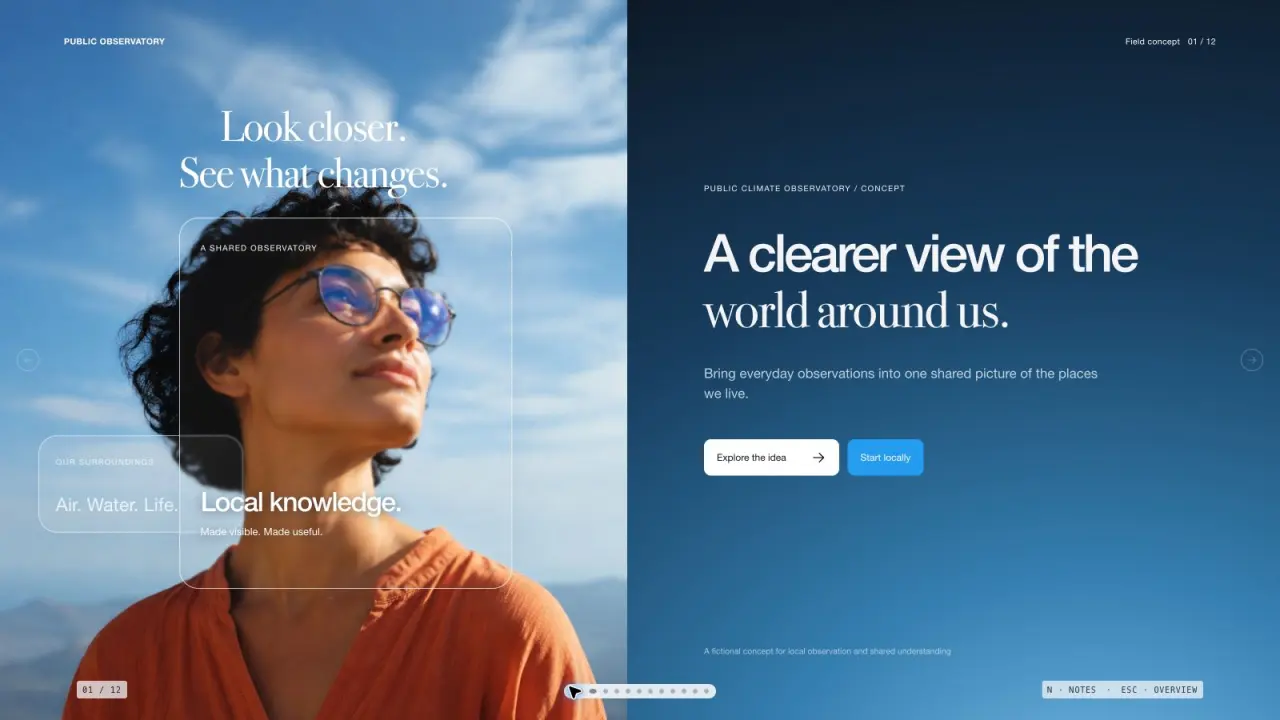 Free
Sky Glass Deck
Create a presentation with luminous sky photography, translucent glass cards, and elegant mixed typography. Use original, non-repeating imagery to make a complex subject feel approachable and clear. The slide count follows your request, with artwork planned around the content of each page.
Claude Code +8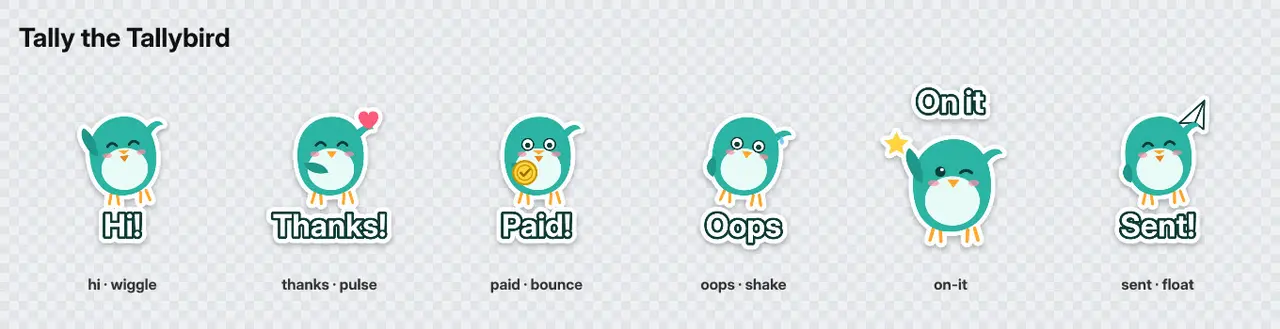 Video preview
StickerKit
Turn your mascot into sticker packs for every chat app.
Codex +2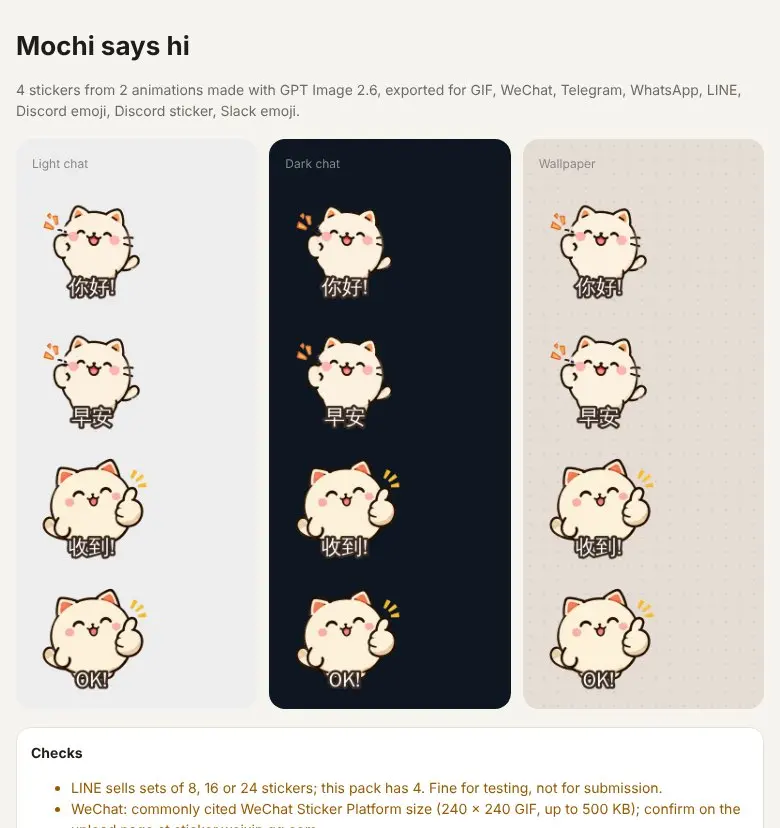 Video preview
StickerLoop
Animated sticker packs for every chat app, made with GPT Image 2.6.
Codex +2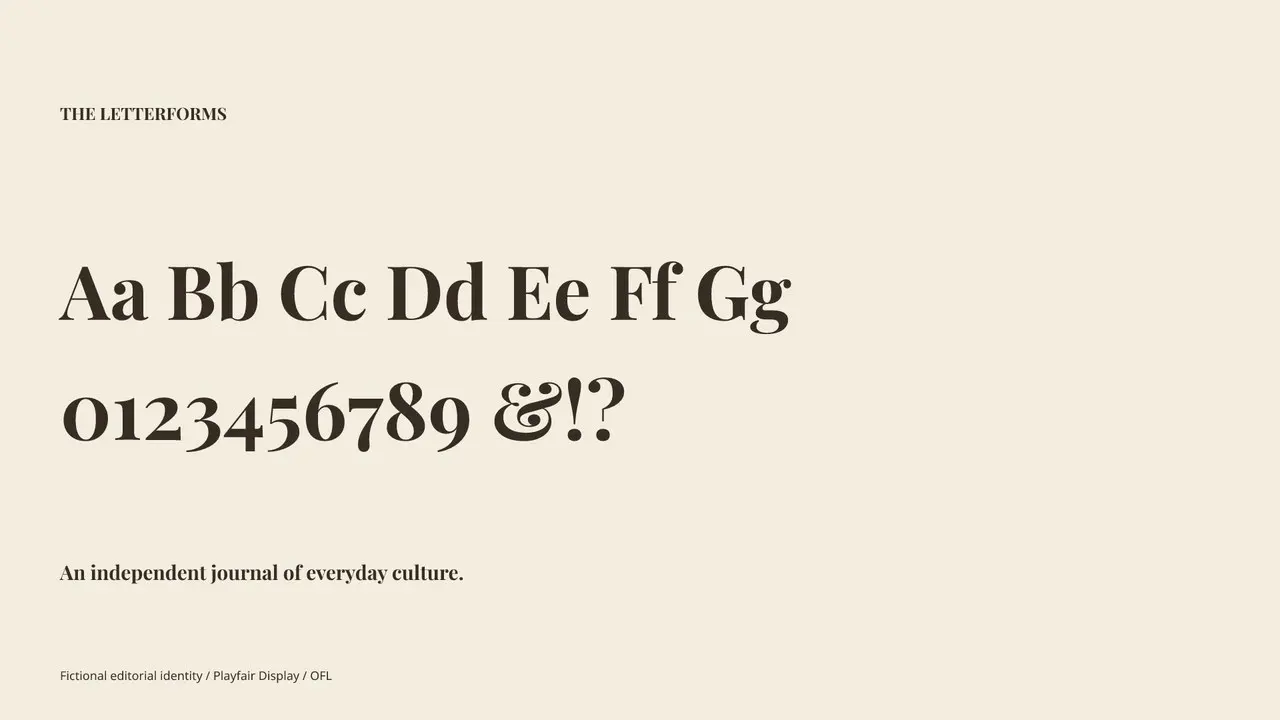 Video preview
Type Specimen
Give your type a distinct voice.
Codex +2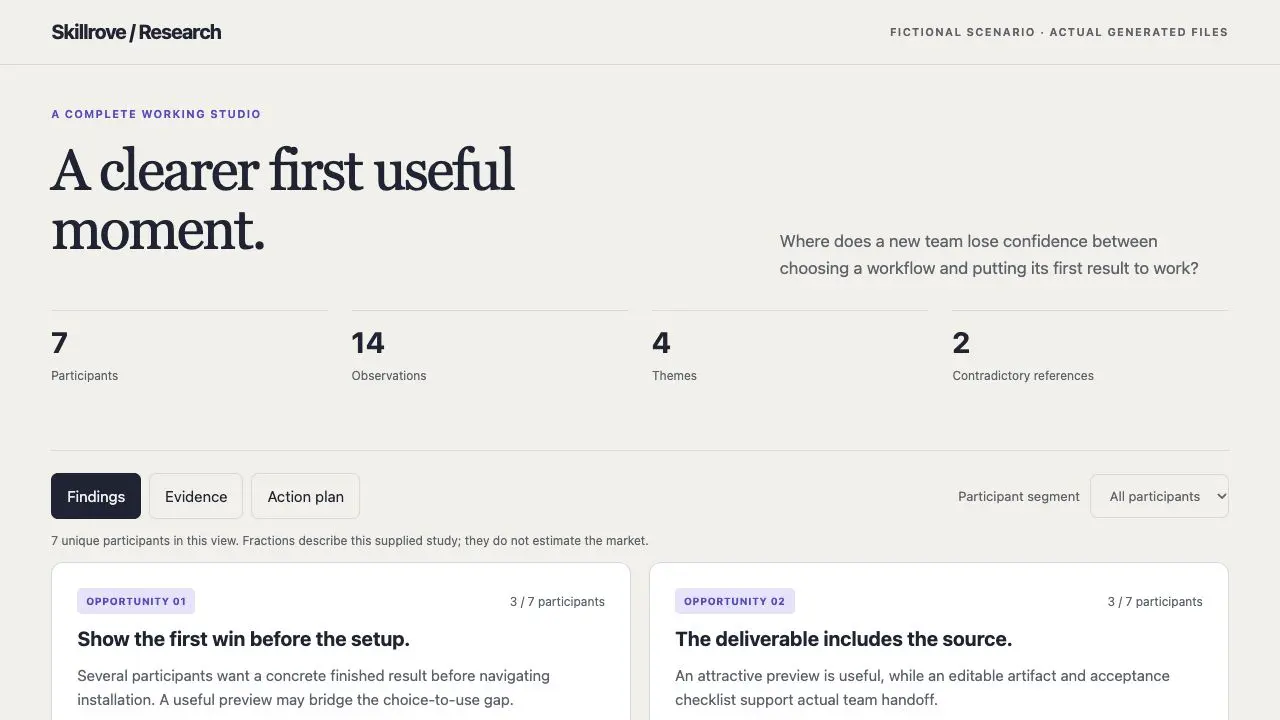
User Research Studio
A traceable research brief and action backlog
Codex +2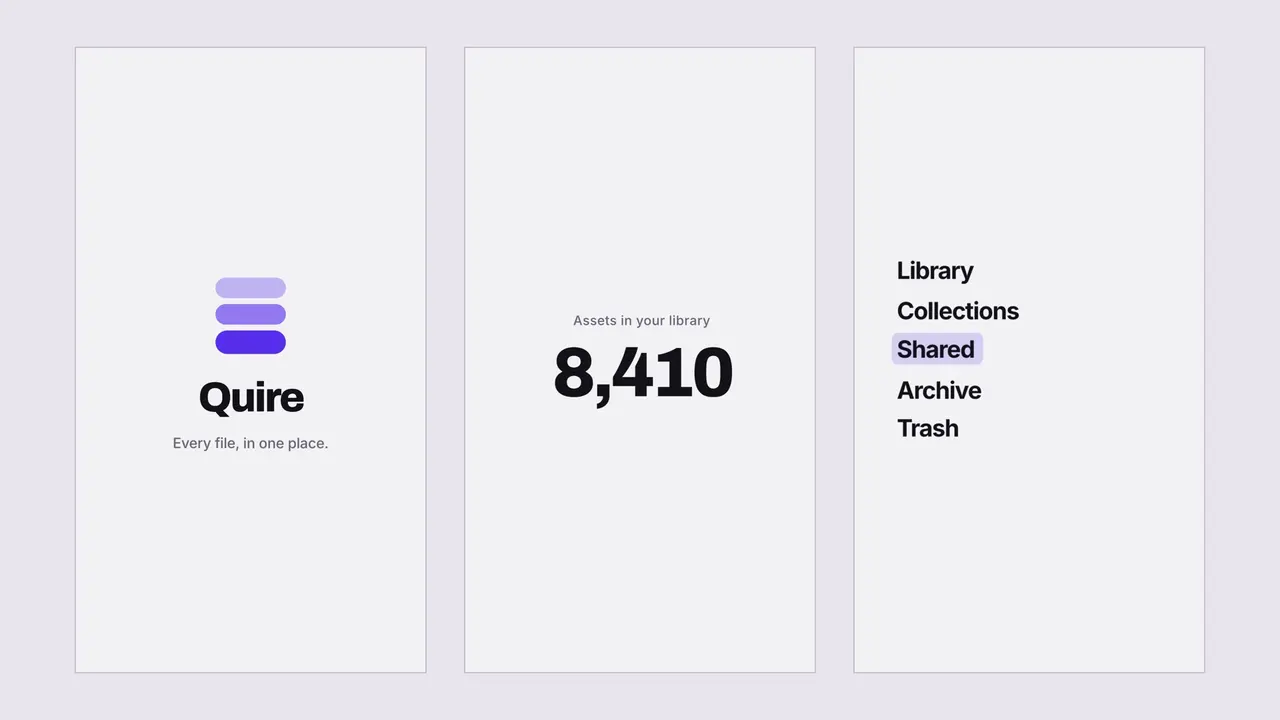 FreeVideo preview
Velocity-Matched UI Sting
Build a short product sting where every cut is velocity-matched, so seven scenes read as one continuous camera move instead of a stack of screens. Delivered as a rendered MP4 plus a single-file project carrying a seam ledger, so the piece can be re-branded later without the motion coming apart.
Claude Code +8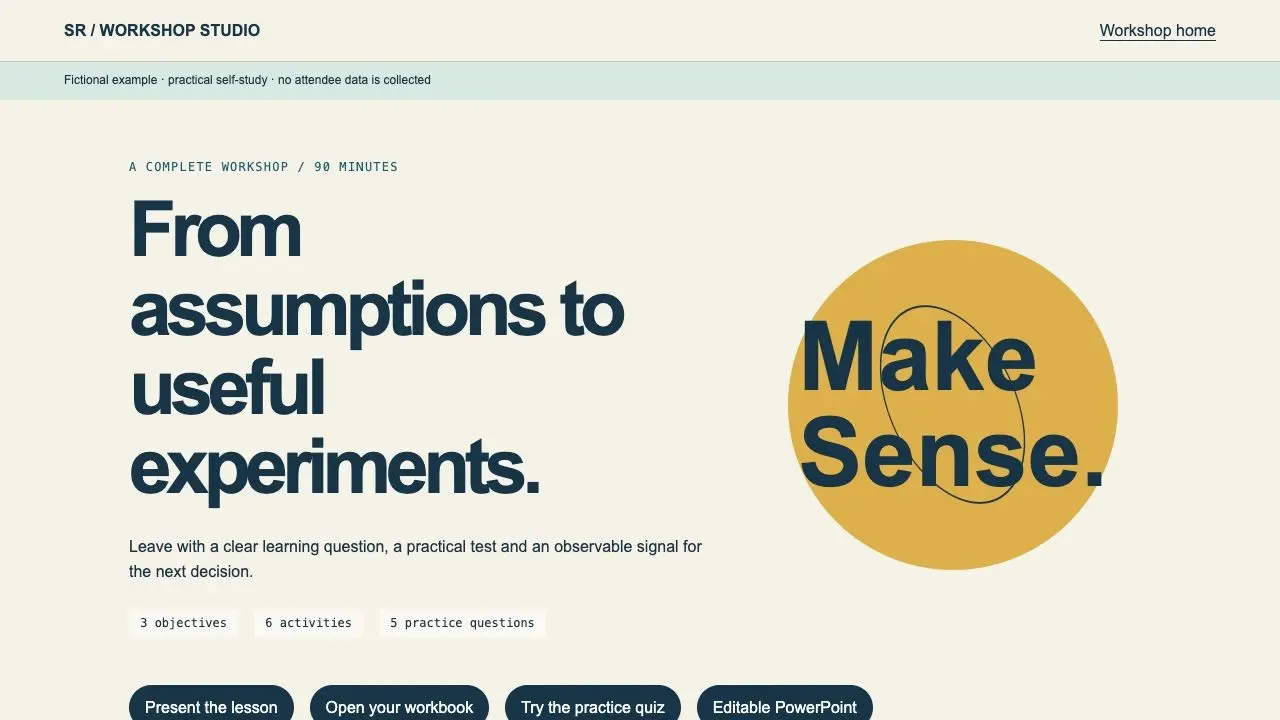
Workshop Facilitator Studio
A complete lesson, learner workbook and facilitator kit
Codex +2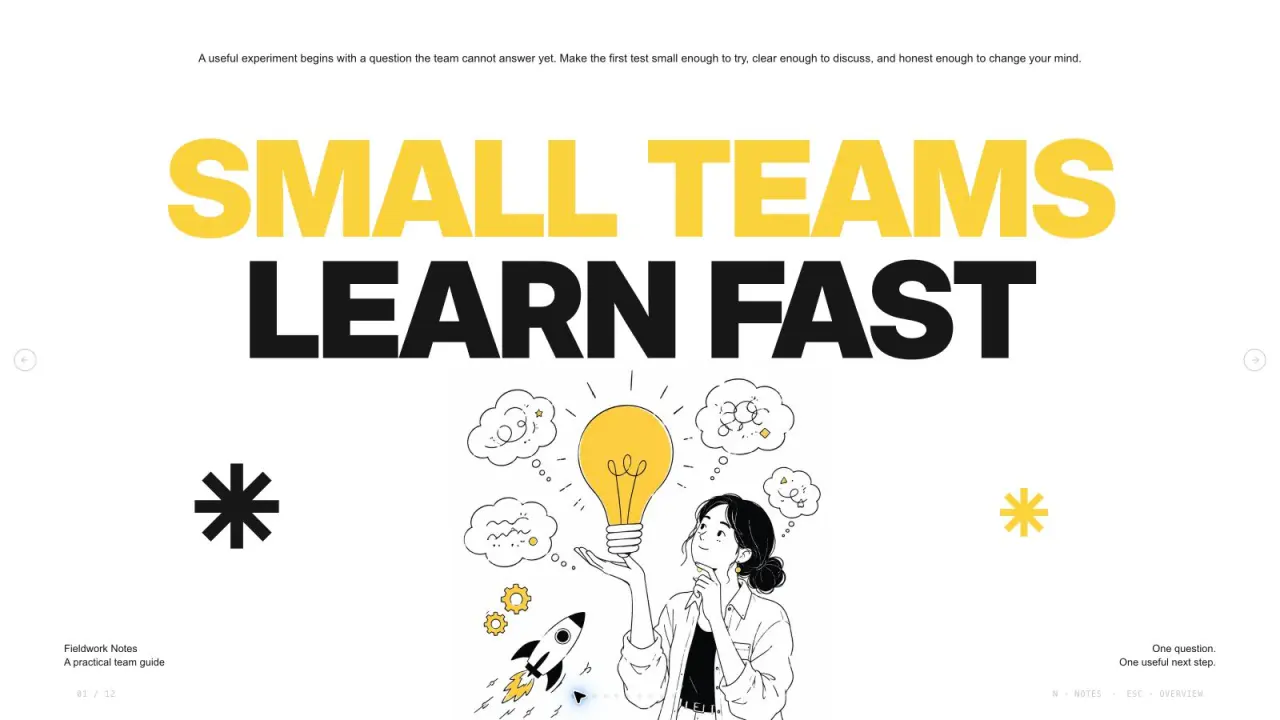 Free
Yellow Sketchnote Deck
Create bold editorial presentation pages with oversized black and yellow typography, crisp white space, asymmetric copy islands, fine ink figures and independent original illustrations. Use this visual language to present small-team experiments with a clear, consistent rhythm. The slide count follows your brief, with original artwork planned around the content and layouts.
Claude Code +8Yes. They export editable files such as HTML, CSS, SVG, project JSON or layered sources, not just flat images. Each skill page lists its exact outputs.
The list shows released packages tagged for this audience, with featured picks first and the rest by name. Every skill page shows real output, the package version and its requirements, so you can compare before installing.
Download the package and put the whole folder in your project's .claude/skills or your personal ~/.claude/skills directory, then call the skill by name in Claude Code. Codex and Cursor use their own skill folders; the installation guide has the steps.