More room for your next idea. Membership from $9.99/month.Take a look

iPhone Duo Mockupv1.0.0

Use the real folding device model with independent image or video inputs for both screens.

See what you can make

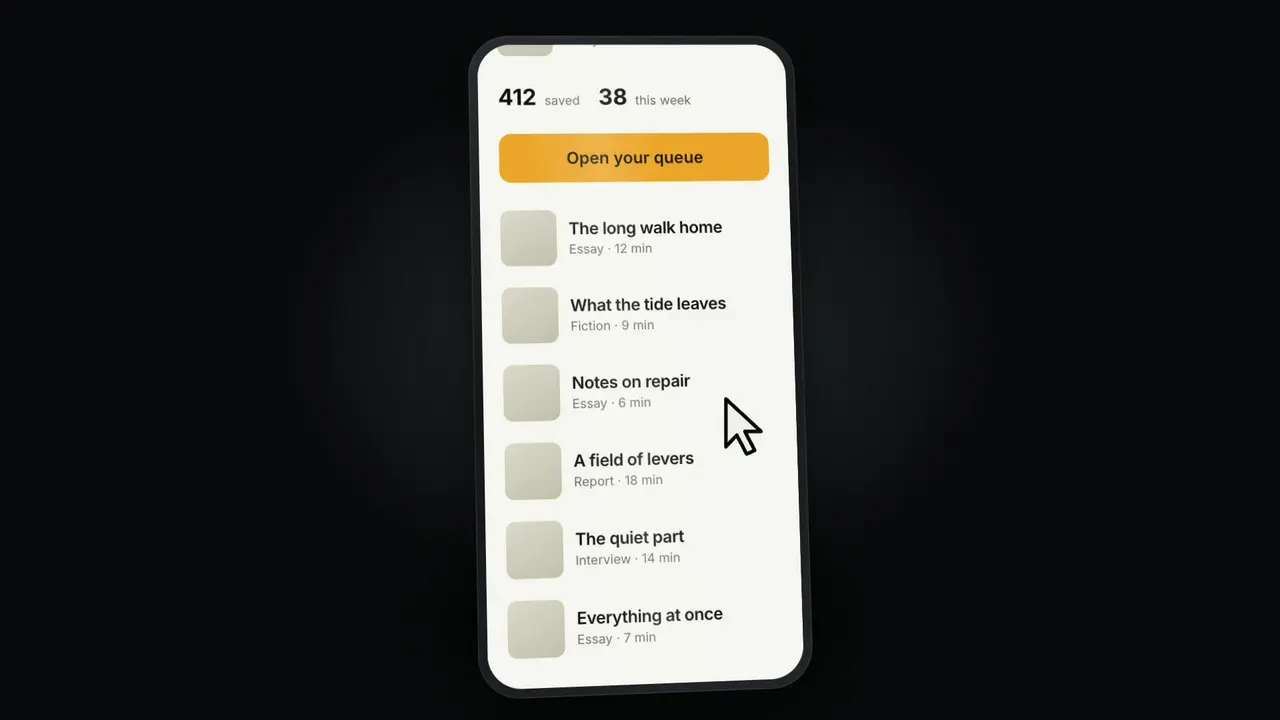
Made with this SkillA folding product film and a transparent mockup

Three product stories, one real device

Open full example

What you get

A folding product film and a transparent mockup

What you can make

  • Use the real folding device model with independent image or video inputs for both screens.
  • Create transparent PNGs and silent fold videos in wide, square and portrait formats.
  • Start from commerce, editorial or travel scenes, then change framing, crops, background and reveal layers.
  • Keep the complete local editor, source and AI workflow instructions for future projects.
Explore delivered files5 groups
  • Local 3D editor + original model materials
  • PNG up to 3840px long edge
  • Silent MP4 or supported WebM
  • Complete editor source + project settings
  • Three distinct starting scenes

Good fit

Designers, app makers and founders presenting owned product screens.

Know the limits

Requires a WebGL browser. MP4 format and maximum encoder size depend on the browser. No audio, interactive app simulation or rights to redistribute Apple assets.

About this skill

Put your app in motion on a real iPhone Duo. Make folding product videos and transparent mockups with separate inner and cover screens, three starting scenes and a local editable tool.

Use the real folding device model with independent image or video inputs for both screens.

Read the full workflow

Create transparent PNGs and silent fold videos in wide, square and portrait formats.

Start from commerce, editorial or travel scenes, then change framing, crops, background and reveal layers.

Keep the complete local editor, source and AI workflow instructions for future projects.

Requires a WebGL browser. MP4 format and maximum encoder size depend on the browser. No audio, interactive app simulation or rights to redistribute Apple assets.

FROM PACKAGE TO FIRST RESULT

Your first result, with your agent

Choose a starting point, add the content you already have, then let your agent check the setup and create one result.

View example result

Purchase access is required. Unzip the package into the project folder below, or let your agent follow the installation guide. .agents/skills/iphone-duo-mockup

Your project name, audience and the content or images you already have are enough to start. Your agent will ask for anything essential that is missing.

3. Let your agent guide the first result

Package location: .agents/skills/iphone-duo-mockup

Use iPhone Duo Mockup to put my product screenshot on the inner display and create a matching cover. Make a 6-second folding MP4 plus a transparent PNG. Ask me for the screenshot and target format, then show me the actual exported files.

Use a new output folder and preserve existing files. Inspect the actual deliverables (Local 3D editor + original model materials, PNG up to 3840px long edge, Silent MP4 or supported WebM), open the visual result and explain failed checks. An incomplete dependency check is not a successful result. Ask before paid services and do not publish automatically.
Before calling it done
  • Dependencies checked before rendering
  • Actual files open and work with your content
  • Editable source saved in a new folder
Made your first result? Share your experience →
Installation options & technical requirements

Start with your agent

Give this request to Claude Code, Codex or Cursor. Your agent can collect the missing details and guide your first result.

Use iPhone Duo Mockup to put my product screenshot on the inner display and create a matching cover. Make a 6-second folding MP4 plus a transparent PNG. Ask me for the screenshot and target format, then show me the actual exported files.

Purchase access is required to install the package. Technical commands are available below when you need them.

US$4.99 · MIT licenseWebGL browser · local files · no paid APINo API key or paid provider
  1. 01

    Choose your agent

    These steps use a project folder. Open the project in your agent and run terminal commands from its root.

    Codex directory guide

    Package folder .agents/skills/iphone-duo-mockup

  2. 02

    Add the package

    Download and unzip the package into the folder above. Keep all its files together, with SKILL.md directly inside that folder.

    Downloads require a verified account and purchase access. Choose a new folder if this Skill is already installed.

  3. 03

    Run the included sample

    Manual sample commands and technical details

    Read SKILL.md, review the generator and check its runtime requirements before running:

    cd .agents/skills/iphone-duo-mockup
    node scripts/build.mjs --input examples/launch.json --output ./my-duo
    python3 -m http.server 8080 --bind 127.0.0.1 --directory my-duo
    Your first result

    Serve my-duo on localhost. Import your screen media, inspect the cover crop, set the angle and export the actual PNG or movie. Keep the editor folder and project.json for reuse.

    Requires a WebGL browser. MP4 format and maximum encoder size depend on the browser. No audio, interactive app simulation or rights to redistribute Apple assets.

    If my-duo already exists, change the output to ./my-duo-2. Existing files are never overwritten.

    Prefer to ask your agent?

    Use iPhone Duo Mockup to put my product screenshot on the inner display and create a matching cover. Make a 6-second folding MP4 plus a transparent PNG. Ask me for the screenshot and target format, then show me the actual exported files.

Reviews0

Share your first result

Tried this workflow? Help others decide with an honest review.

Before you choose this Skill

How do I get iPhone Duo Mockup?

The listed individual package price is USD 4.99. Premium downloads require a confirmed purchase or active membership. Your agent subscription, model access and external provider credits are separate.

Which agents can use this skill?

This release lists Codex, Claude Code, Cursor as intended installation hosts. Check the package’s dependencies and permissions before running it. These labels do not certify that every workflow has been tested in every agent.

What files can this workflow generate?

The documented 1.0.0 workflow lists: Local 3D editor + original model materials; PNG up to 3840px long edge; Silent MP4 or supported WebM; Complete editor source + project settings; Three distinct starting scenes. Some files or exports are optional; follow the package’s setup and inspect the delivered result.

What should I check before using the result?

Requires a WebGL browser. MP4 format and maximum encoder size depend on the browser. No audio, interactive app simulation or rights to redistribute Apple assets.

$4.99One-time purchase