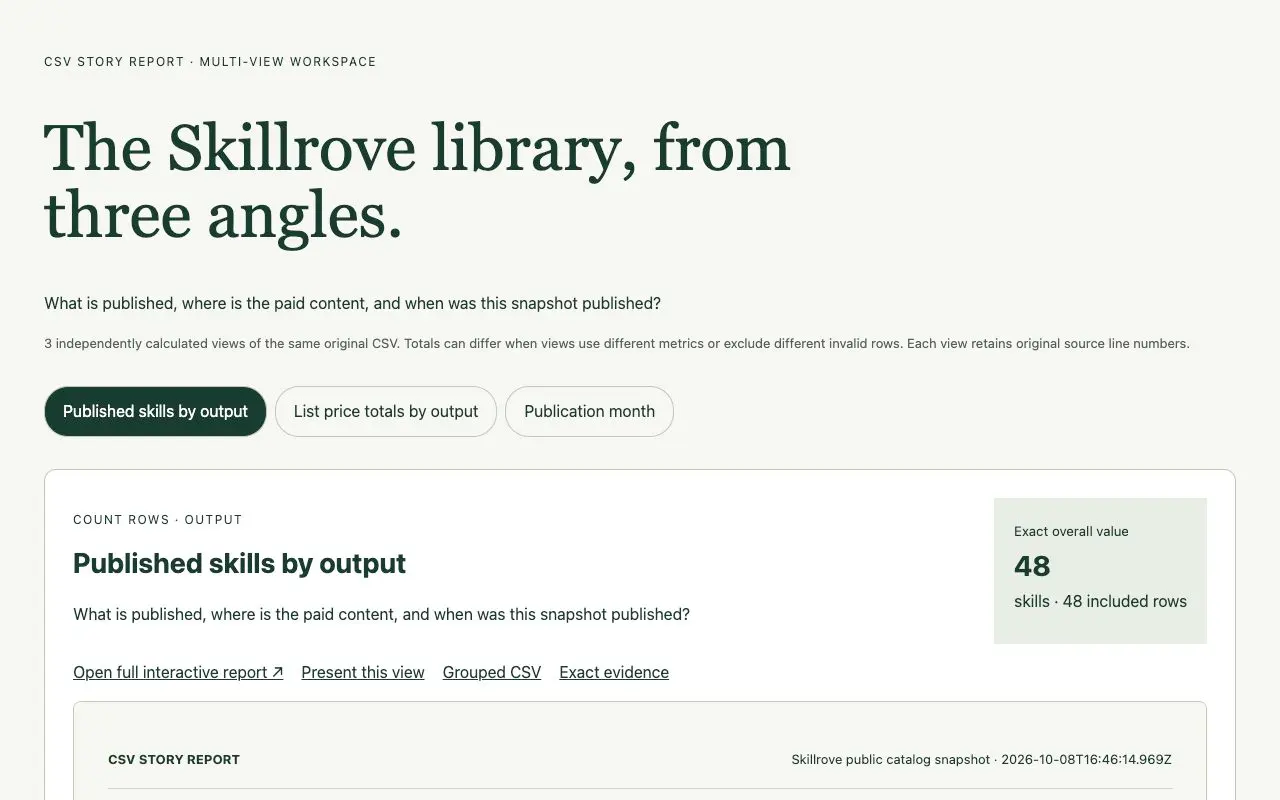
CSV Story Report
Turn a spreadsheet into a traceable visual report.


 Codex +2
CHOSEN FOR YOUR ROLE
Turn research into a roadmap, write the changelog, plan onboarding and brief a launch. Each skill below is a released package with its real output to inspect before you install.
See 17 skillsREAL OUTPUT, PREVIEW BEFORE YOU INSTALL
CSV Story Report
Turn a spreadsheet into a traceable visual report.
Codex +2 Video preview
LaunchMotion
A product launch video and its editable project
Codex +2 Video preview
Survey Path Studio
Build a form that follows each answer.
Codex +2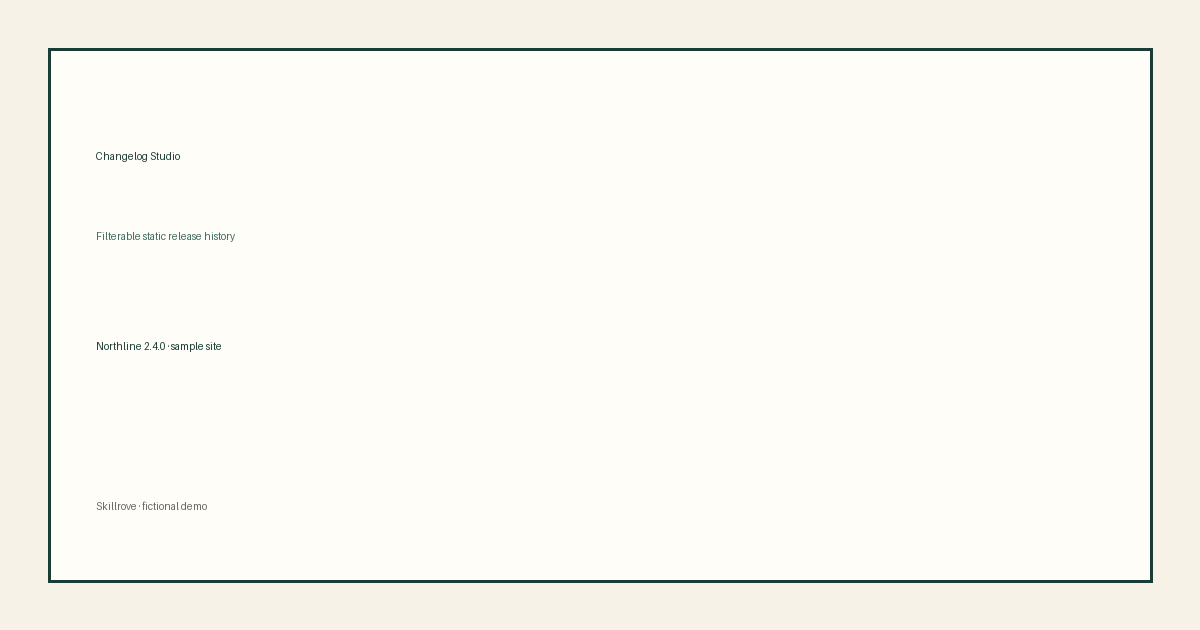
Changelog Studio
A filterable static changelog site
Codex +2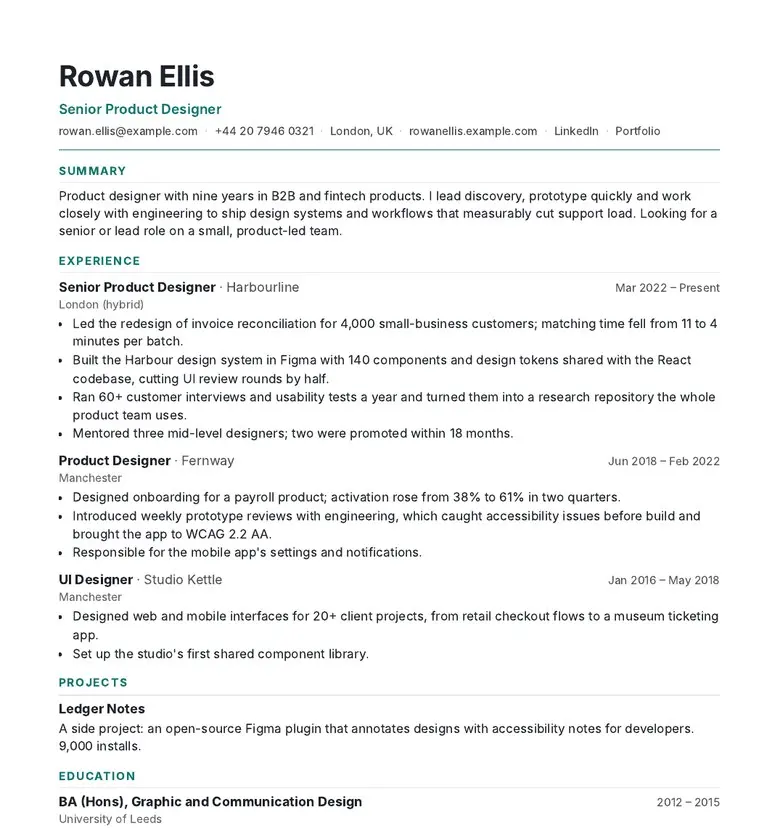 Video preview
CVForge
A resume that fits the page and the job.
Codex +2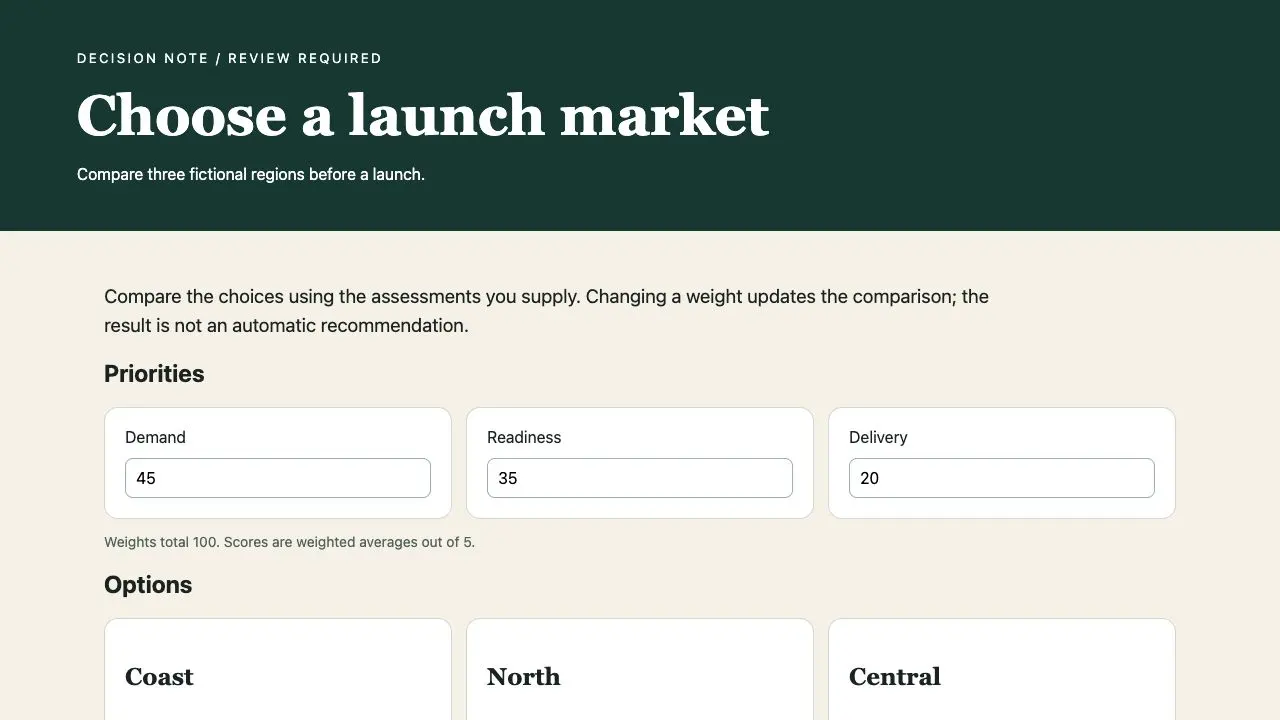 Video preview
Decision Brief
An evidence-linked decision brief
Codex +2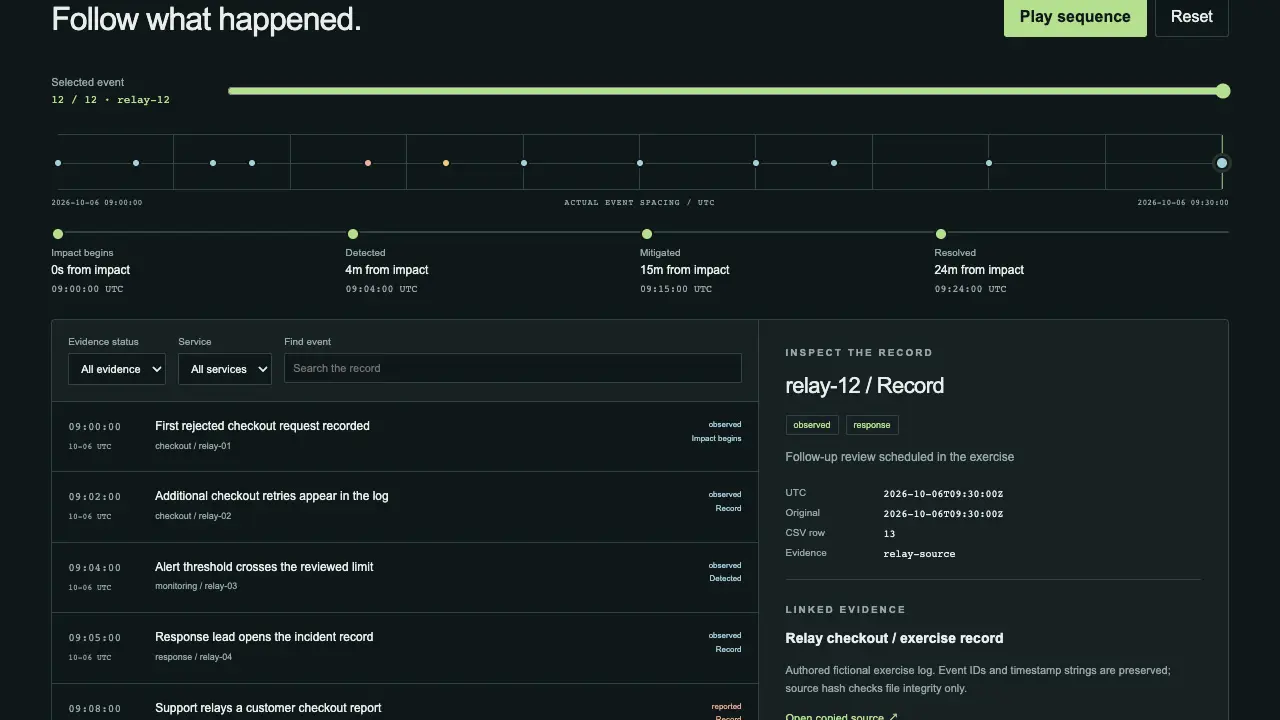 Video preview
Incident Replay Studio
A replayable evidence timeline and owned follow-ups
Codex +2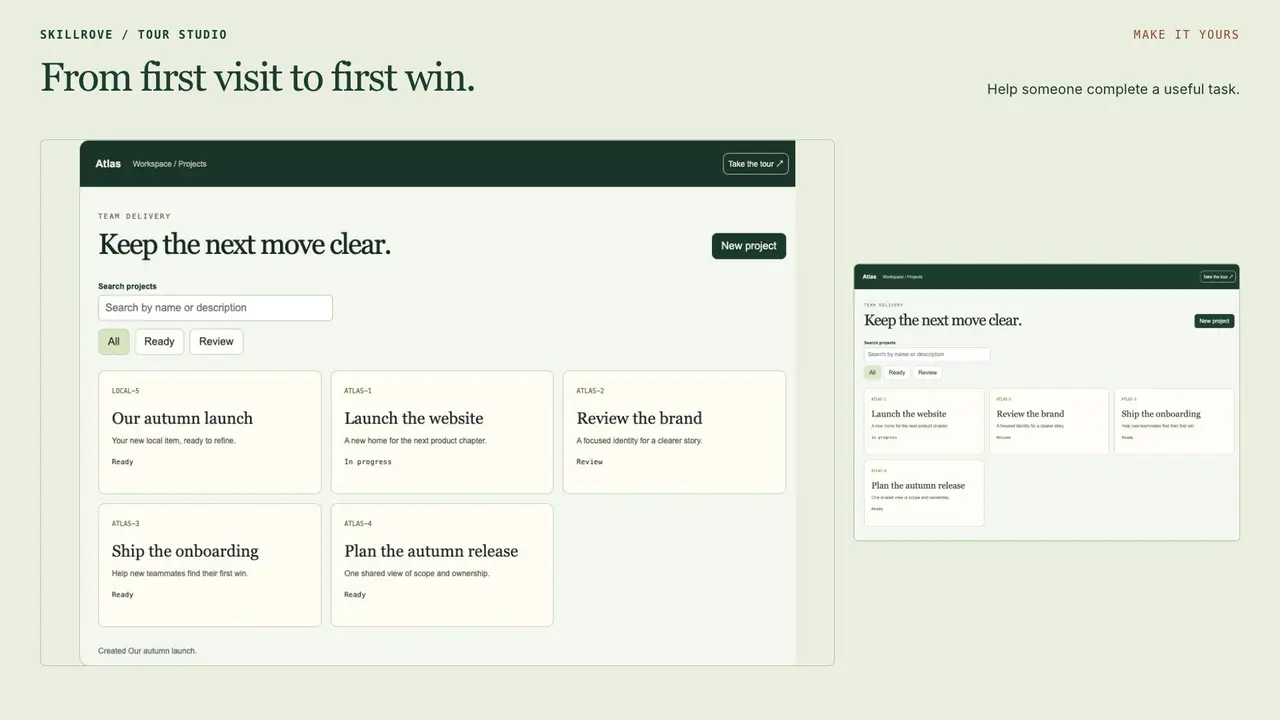 Video preview
Interactive Tour Studio
A working product tour and portable integration
Codex +2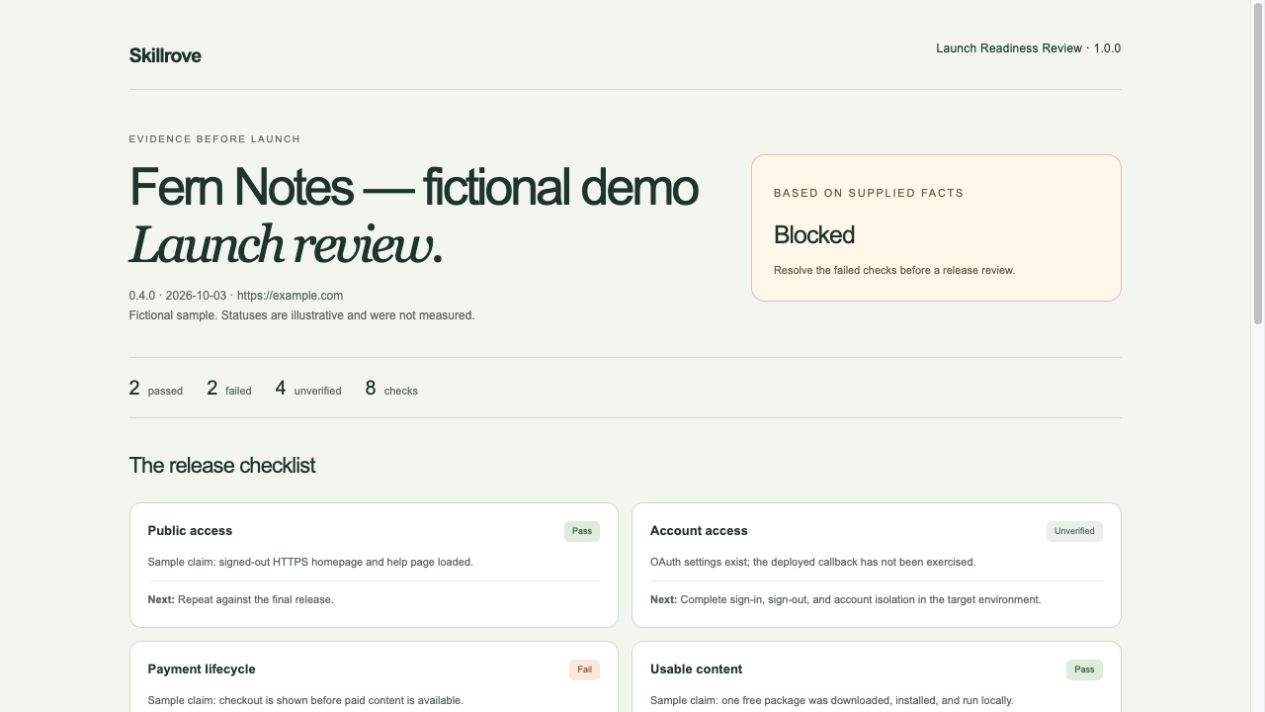 Free
Launch Readiness Review
A launch checklist
Codex +2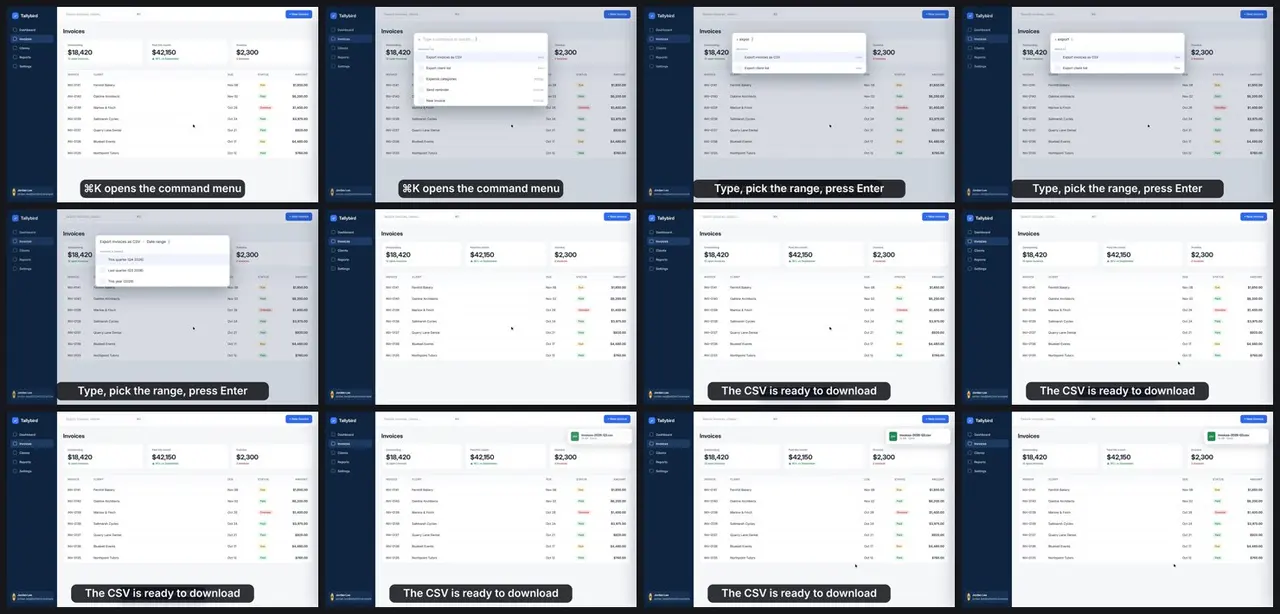 Video preview
LoopCast
Turn a screen recording into a README loop.
Codex +2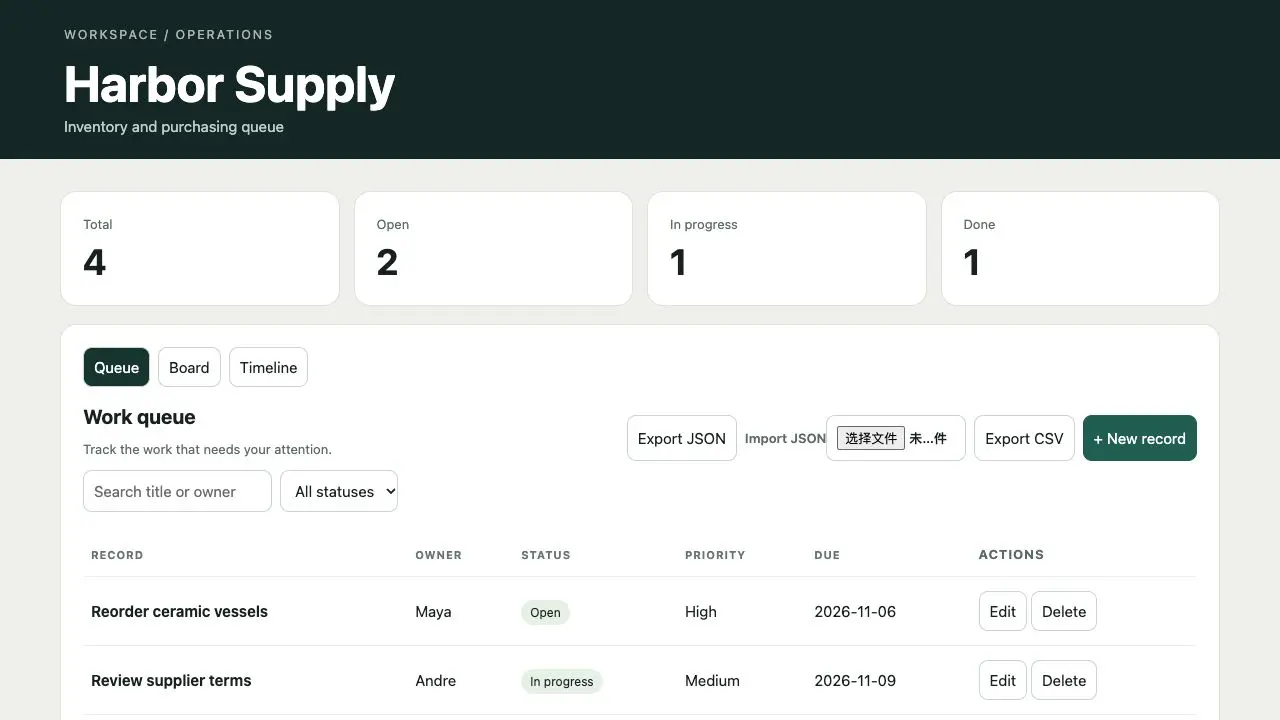 Video preview
Operations Console
A searchable operations console
Codex +2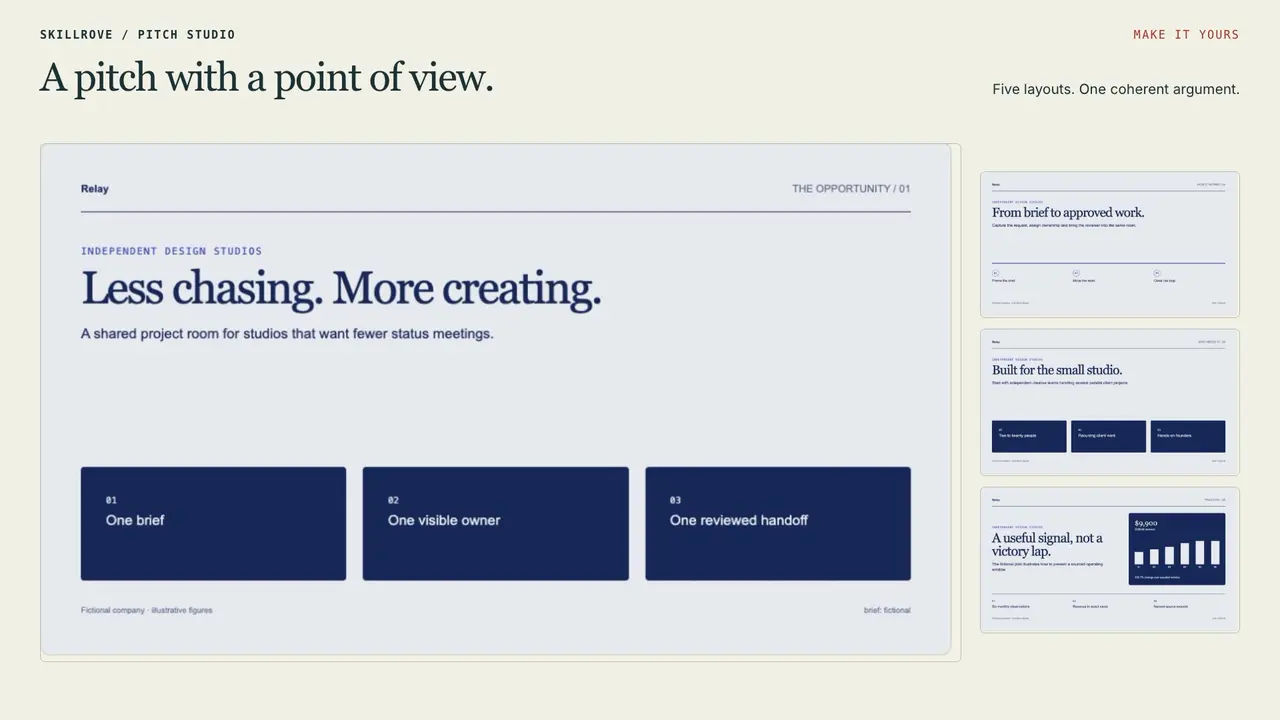 Video preview
Pitch Room Studio
A complete pitch and editable PowerPoint handoff
Codex +2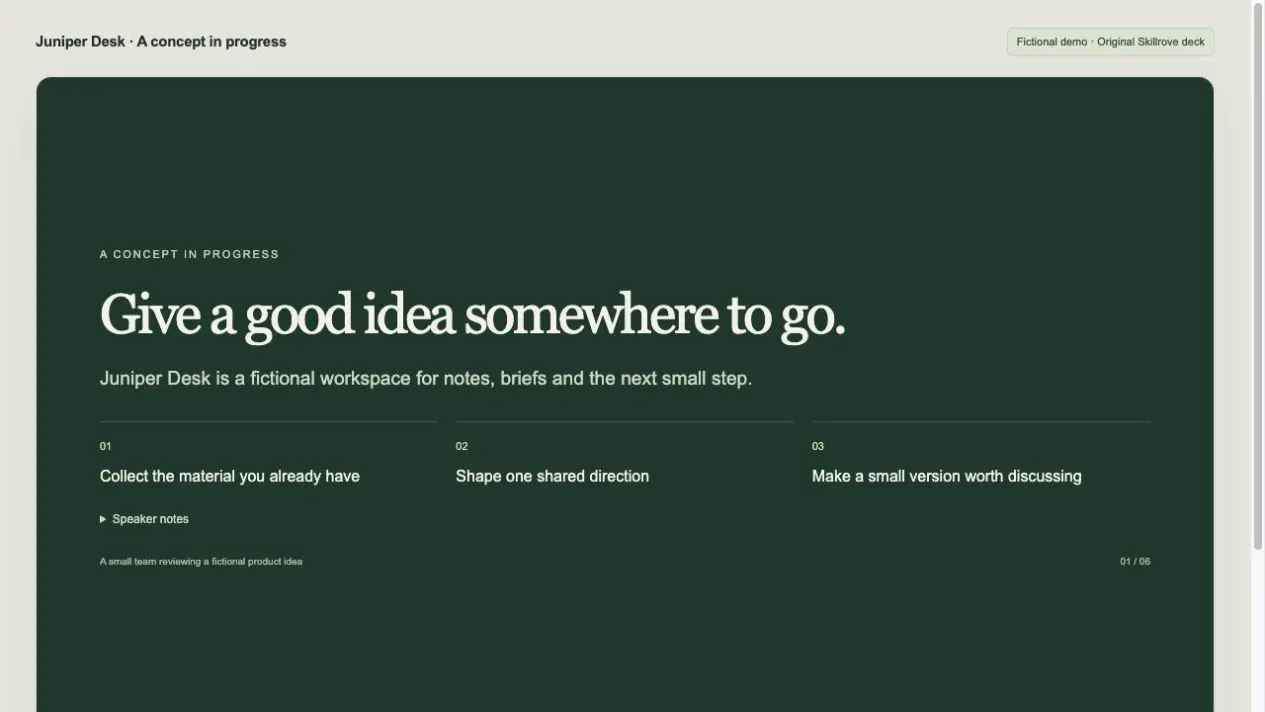 Free
Presentation Deck Builder
A browser presentation
Codex +2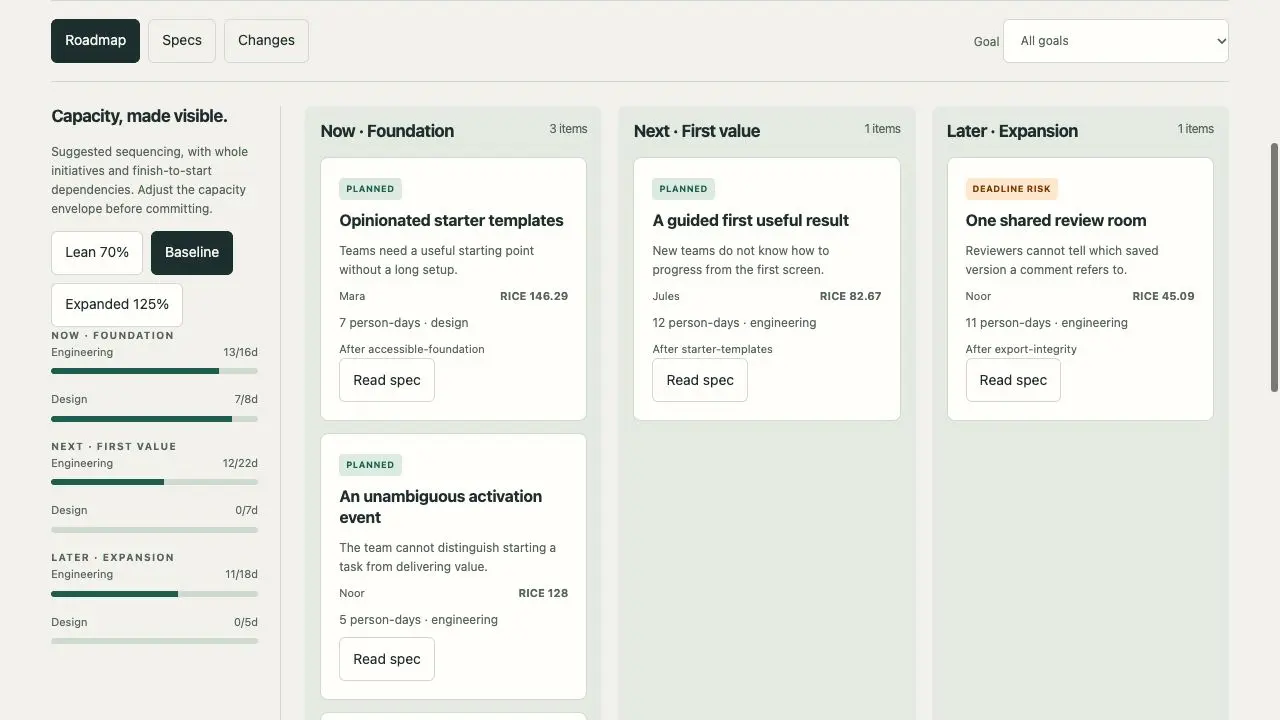
Product Roadmap Studio
A scoped roadmap and engineering handoff
Codex +2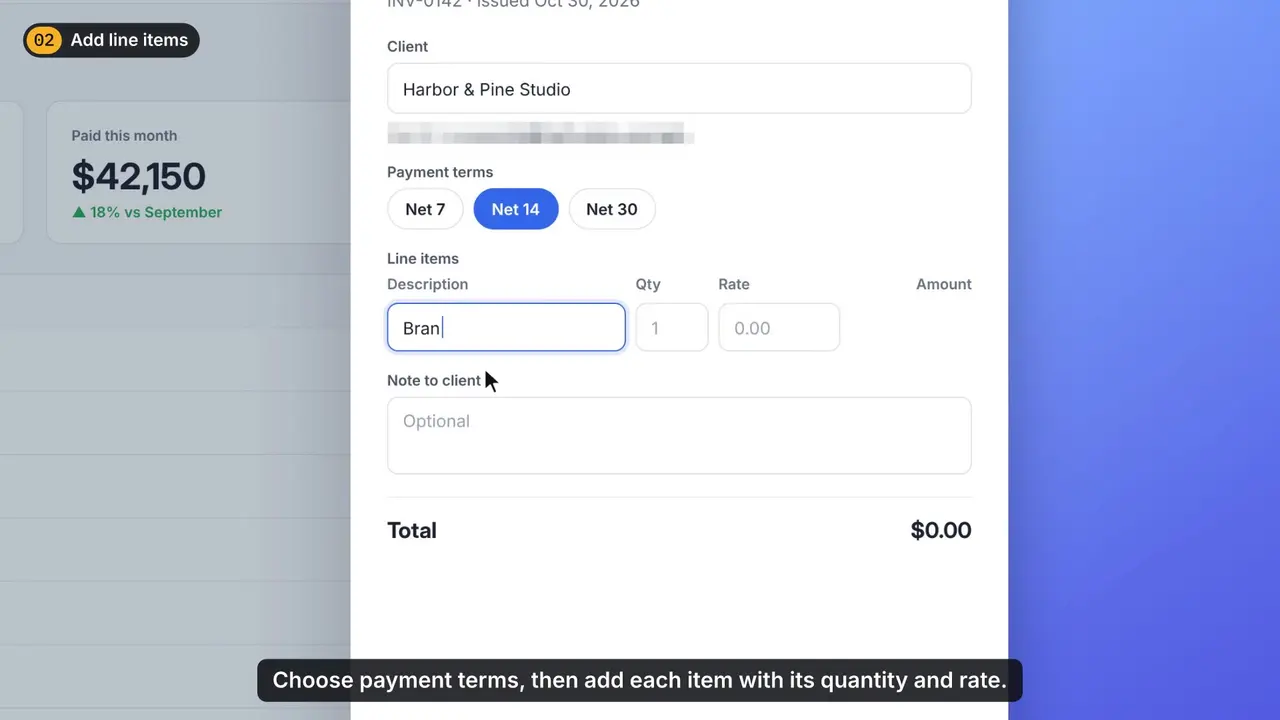 Video preview
ScreenPolish
Turn a raw screen recording into a polished tutorial.
Codex +2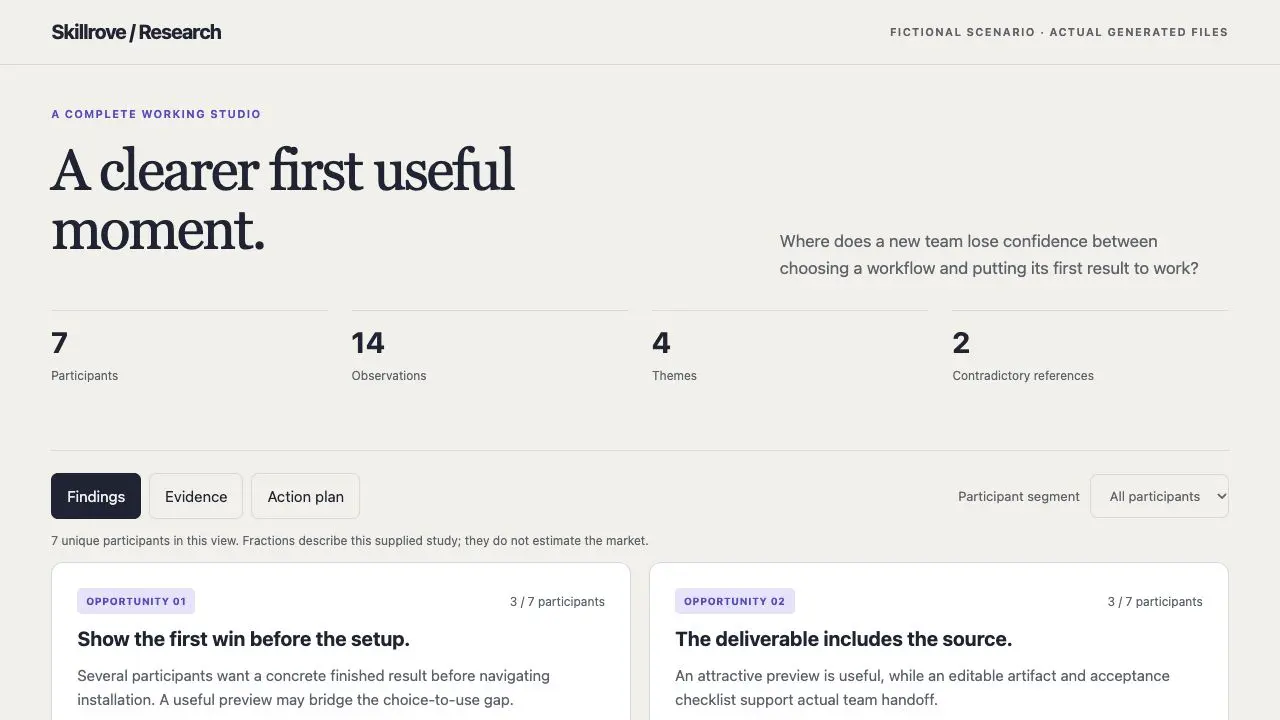
User Research Studio
A traceable research brief and action backlog
Codex +2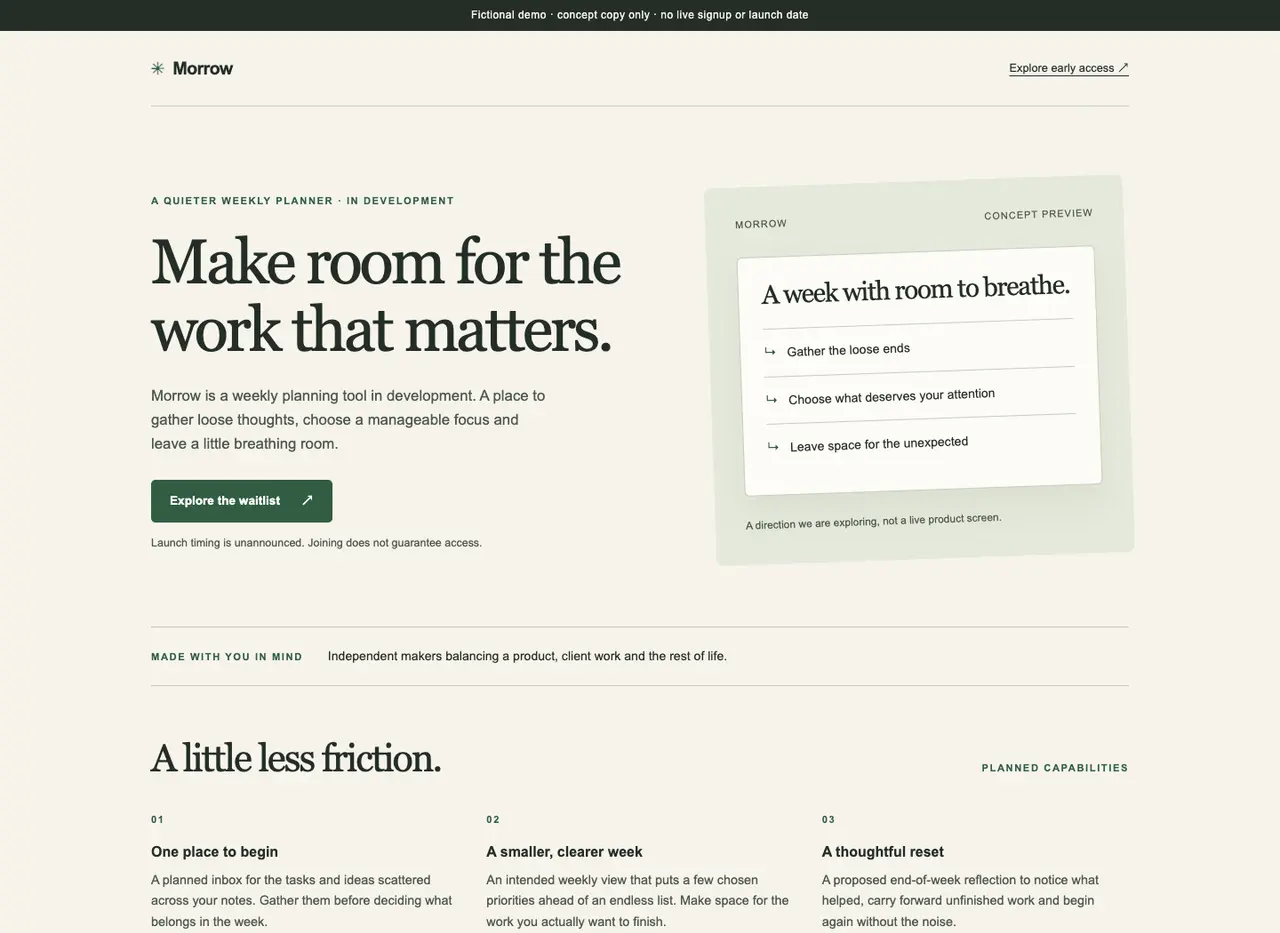 Video preview
Waitlist Landing Studio
A focused early-access waitlist page
CClaude Code +2From the files you give your agent — interview notes, CSV exports, release notes. The skills do not connect to your analytics or ticketing tools on their own.
The list shows released packages tagged for this audience, with featured picks first and the rest by name. Every skill page shows real output, the package version and its requirements, so you can compare before installing.
Download the package and put the whole folder in your project's .claude/skills or your personal ~/.claude/skills directory, then call the skill by name in Claude Code. Codex and Cursor use their own skill folders; the installation guide has the steps.