 Available1
One-Page Site Builder
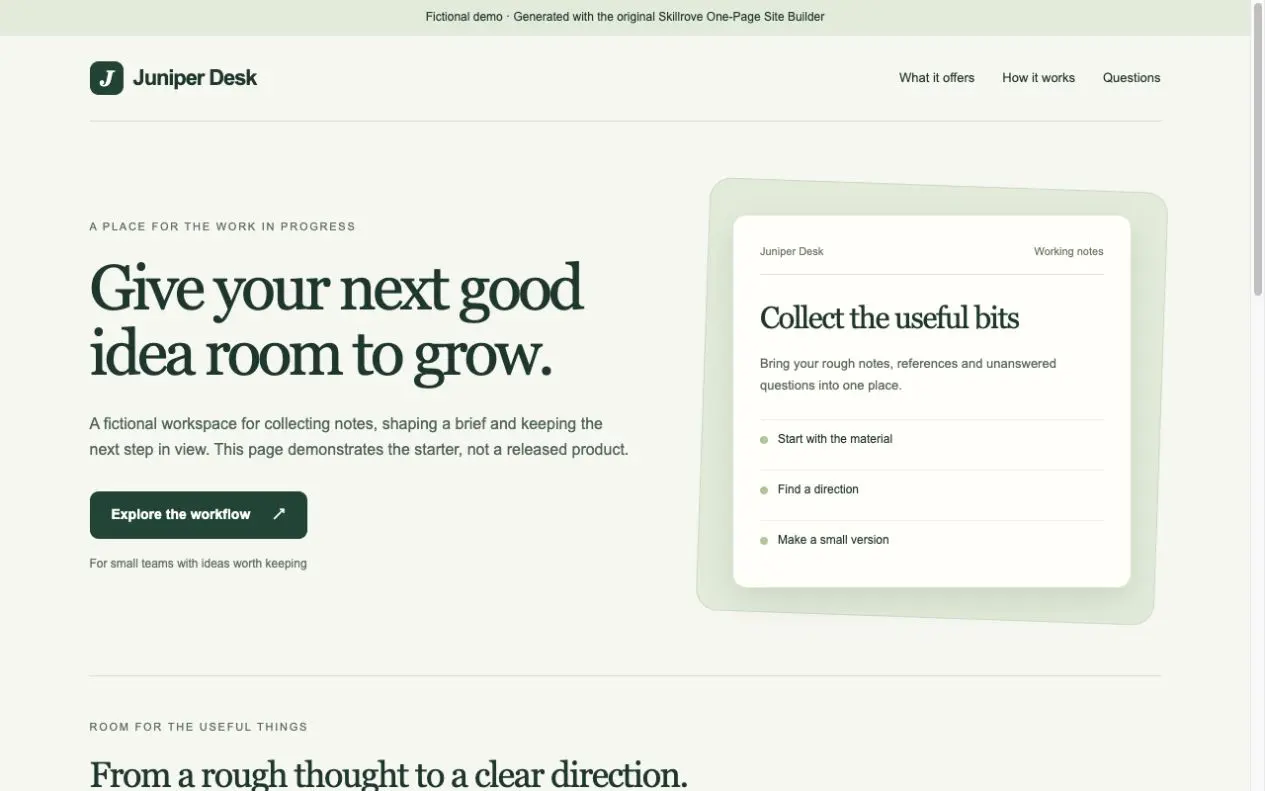
Turn your product brief into a responsive one-page website and a portable content document. An original, free Skillrove workflow with an editable fictional example.


 Codex +2
Turn launch evidence into a release checklist, prioritized next actions, and a shareable HTML and Markdown report. An original, free Skillrove workflow.
Generated example · fictional content
Turn launch evidence into a release checklist, prioritized next actions, and a shareable HTML and Markdown report. An original, free Skillrove workflow.
launch-report.htmllaunch-report.mdThe fictional sample reports “Blocked”: that is the expected result, not a failed installation.
Deliverables: an eight-check release checklist, a prioritized action list, and HTML plus Markdown reports. The ZIP includes original SKILL.md instructions, a checklist reference, a fictional sample JSON file, an offline Node.js generator, and an MIT license.
Requirements: Node.js 24 or newer. No dependency install, API key, network request, or paid provider is required by the generator. Your agent's normal usage charges may apply.
Use it for: founders and product operators organizing evidence before a web product launch. Supply facts for public access, sign-in, payments, content, mobile use, support, recovery, and product information. Missing evidence remains unverified.
How to run: from the installed package directory, run node scripts/build-report.mjs --input examples/launch.json --output ./sample-report. Use a new output directory for each report. Replace all fictional sample facts before reviewing your product.
Validation: generator behavior tested with Node.js 24.15.0, including unknown checks, HTML escaping, and refusal to overwrite an existing report. Agent instructions use portable Markdown; individual agent execution is not certified.
Limits: this workflow organizes supplied evidence. It does not inspect the target application, certify production readiness, execute payments, or publish changes. A human release owner reviews the final evidence.
Version 1.0.0: initial original Skillrove release, MIT licensed.
FROM PACKAGE TO FIRST RESULT
Use the included fictional facts to create a checklist and two reports. Then replace the example with your own evidence.
These steps use a project folder. Open the project in your agent and run terminal commands from its root.
Package folder .agents/skills/launch-readiness-review
Download and unzip the package into the folder above. Keep all its files together, with SKILL.md directly inside that folder.
Downloads require a verified account. Choose a new folder if this Skill is already installed.
Read SKILL.md, review the generator and check its runtime requirements before running:
cd .agents/skills/launch-readiness-review
node scripts/build-report.mjs --input examples/launch.json --output ./sample-reportOpen launch-report.html in sample-report. You should also see launch-report.md, eight checks, and a next-action list.
The fictional sample reports “Blocked”: that is the expected result, not a failed installation.
If sample-report already exists, change the output to ./sample-report-2. Existing files are never overwritten.
Use Launch Readiness Review at .agents/skills/launch-readiness-review. Read SKILL.md and review scripts/build-report.mjs. Run examples/launch.json into a new output folder and show me all generated files. Keep fictional sample content clearly labeled.
Tried this workflow? Help others decide with an honest review.
The package is free to download with a verified Skillrove account. Your agent subscription, model access and external provider credits are separate.
This release lists Codex, Claude Code, Cursor as intended installation hosts. Check the package’s dependencies and permissions before running it. These labels do not certify that every workflow has been tested in every agent.
The documented 1.0.0 workflow lists: launch-report.html; launch-report.md. Some files or exports are optional; follow the package’s setup and inspect the delivered result.
The fictional sample reports “Blocked”: that is the expected result, not a failed installation.