More room for your next idea. Membership from $9.99/month.Take a look

Presentation Deck Builderv1.0.0

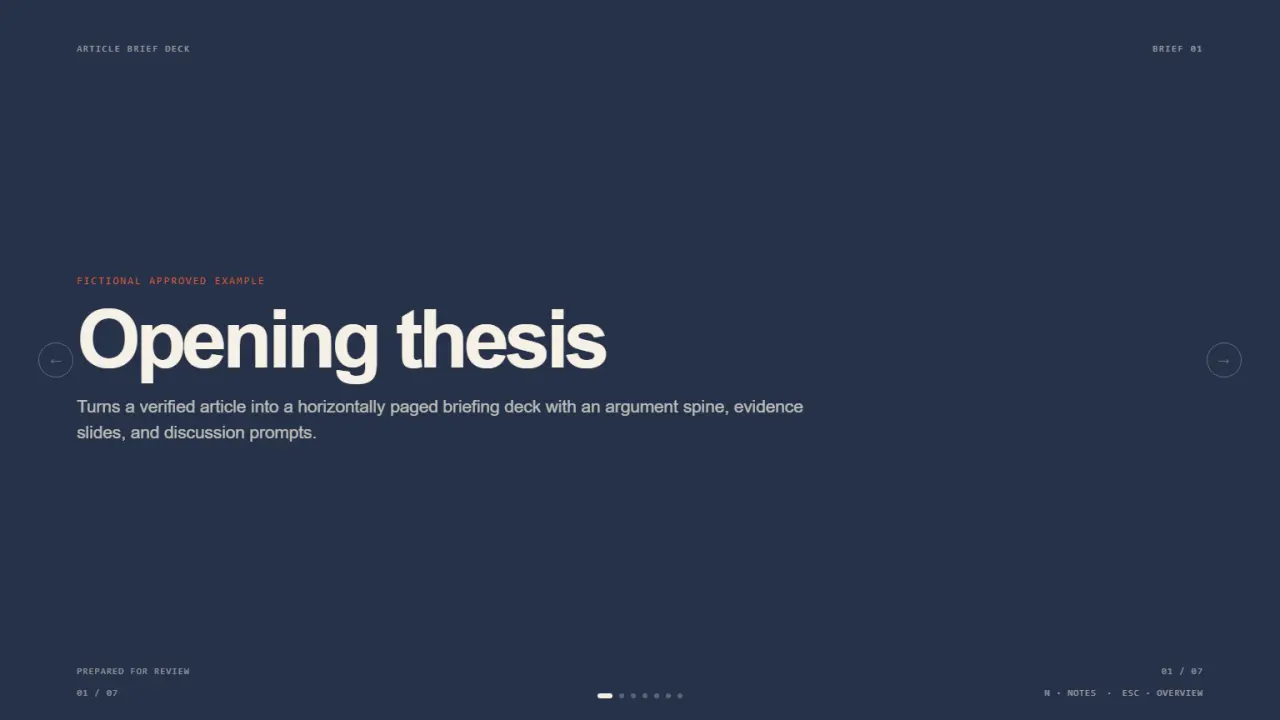
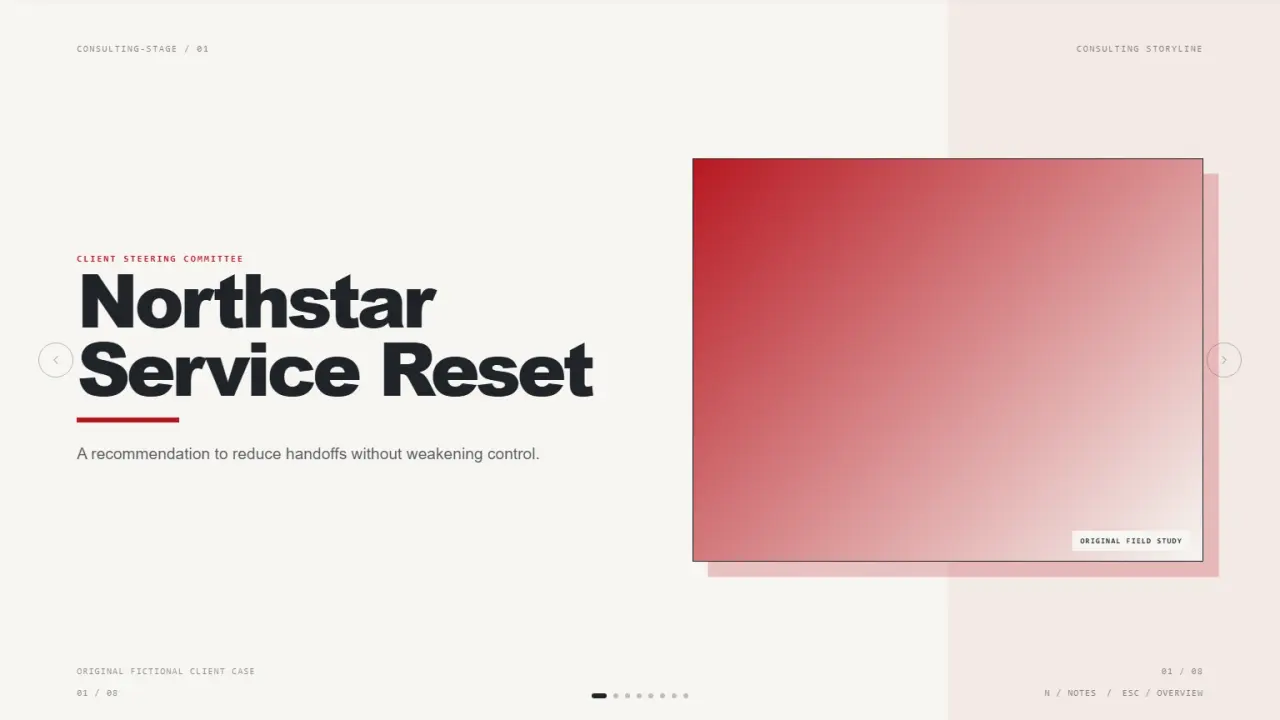
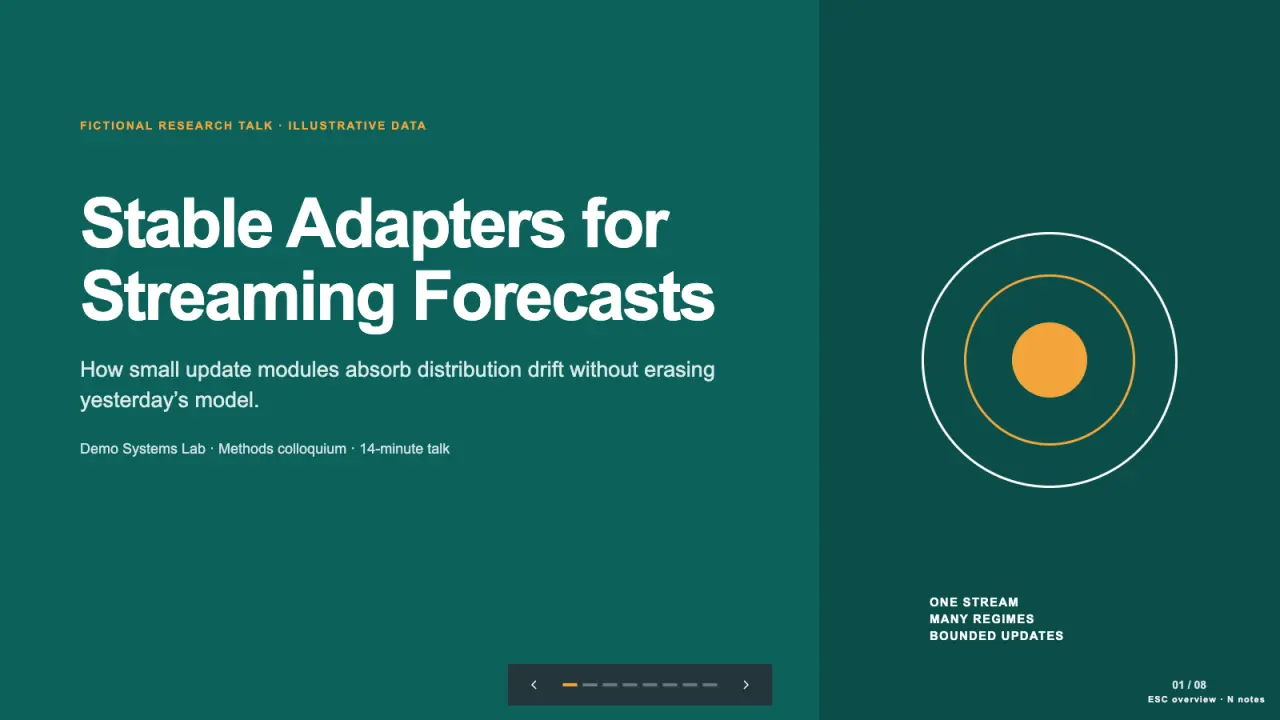
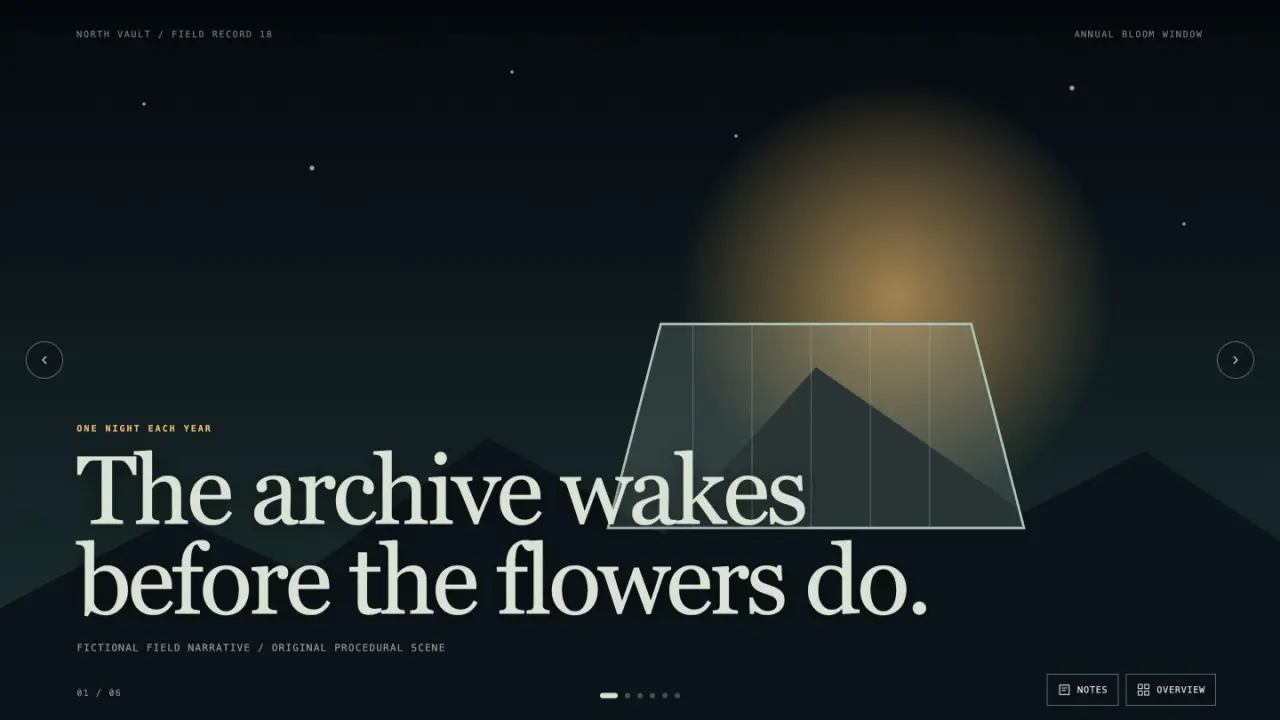
Turn a supplied story into a browser presentation with local slide navigation, speaker notes and editable JSON. An original, free Skillrove workflow with a fictional six-slide example.

See what you can make

Skip the interactive example

Loading the working example…

Open example
Interact with the sample. Scroll inside to explore.
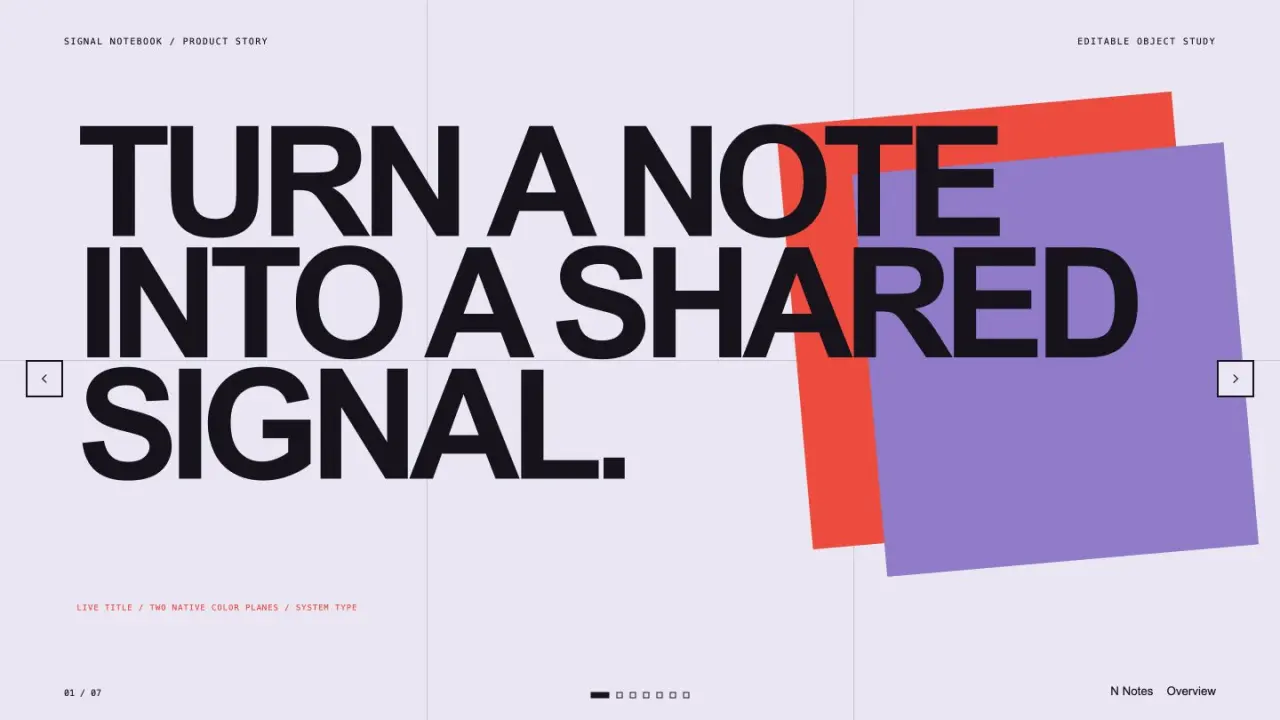
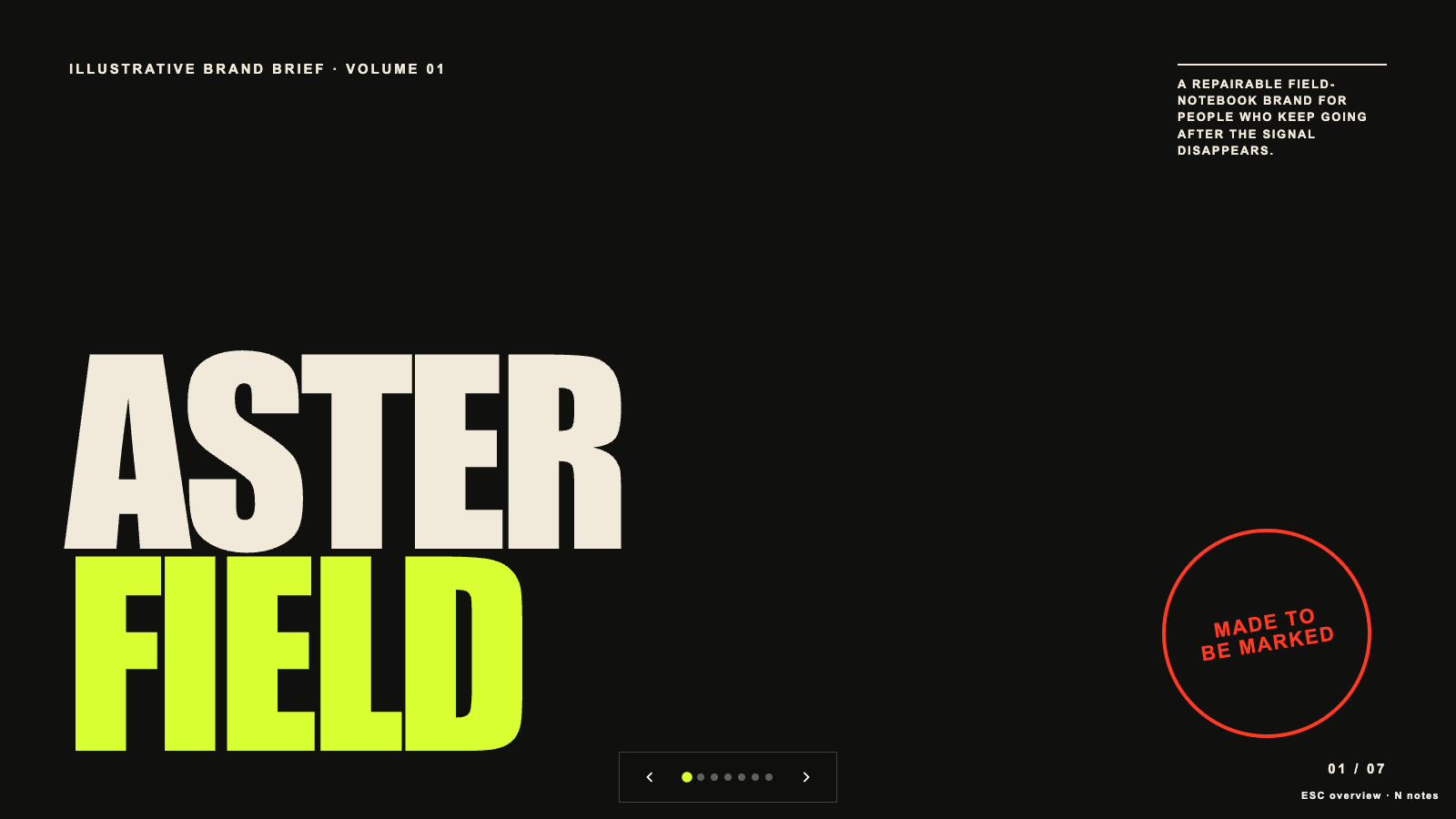
Made with this SkillA browser presentation

Generated example · fictional content

Open full example

What you get

A browser presentation

What you can make

Turn a supplied story into a browser presentation with local slide navigation, speaker notes and editable JSON. An original, free Skillrove workflow with a fictional six-slide example.

Explore delivered files2 groups
  • presentation.html
  • speaker-notes.md

Good fit

Know the limits

The sample story is fictional. Output is HTML and Markdown; PowerPoint, exported PDF and video are separate deliverables.

About this skill

Deliverables: a self-contained presentation.html with slide navigation and a speaker-notes.md document. The ZIP includes original SKILL.md instructions, an input reference, a fictional six-slide JSON example, an offline Node.js generator, and an MIT license.

Requirements: Node.js 24 or newer. No dependency install, API key, remote asset or paid provider is required by the generator. Your agent's normal usage charges may apply.

Read the full workflow

Use it for: a product demo, proposal or short presentation that can be shown in a browser. Wide screens use 16:9 slide panels; narrow screens use a readable stacked layout. Next/Previous, arrow keys, Home/End and speaker-note disclosure work locally.

How to run: from the installed package directory, run node scripts/build-deck.mjs --input examples/deck.json --output ./sample-deck. Open sample-deck/presentation.html and check speaker-notes.md. Use a new output directory for each run; replace all fictional Juniper Desk content before presenting.

Validation: offline generator tested for slide input validation, text escaping, CSP navigation-script integrity and refusal to overwrite an existing directory. Sample navigation and mobile layout inspected in a browser. Agent execution is not certified.

Limits: output is HTML plus Markdown. PowerPoint, exported PDF, video, external media and public share links are separate deliverables. Browser printing is supported, but no exported PDF is included. The generator does not research or verify supplied claims.

Version 1.0.0: original Skillrove release, MIT licensed.

FROM PACKAGE TO FIRST RESULT

Your first browser presentation.

Use the fictional six-slide story to create a presentation and speaker notes. Then give it your own audience, facts and narrative.

View example result
Free · MIT licenseNode.js 24+No API key or paid provider
  1. 01

    Choose your agent

    These steps use a project folder. Open the project in your agent and run terminal commands from its root.

    Codex directory guide

    Package folder .agents/skills/presentation-deck-builder

  2. 02

    Add the package

    Download and unzip the package into the folder above. Keep all its files together, with SKILL.md directly inside that folder.

    Downloads require a verified account. Choose a new folder if this Skill is already installed.

  3. 03

    Run the included sample

    Manual sample commands and technical details

    Read SKILL.md, review the generator and check its runtime requirements before running:

    cd .agents/skills/presentation-deck-builder
    node scripts/build-deck.mjs --input examples/deck.json --output ./sample-deck
    Your first result

    Open presentation.html in sample-deck. You should see six slides, working Next/Previous controls, and speaker-notes.md. Use the arrow keys or expand Speaker notes.

    The sample story is fictional. Output is HTML and Markdown; PowerPoint, exported PDF and video are separate deliverables.

    If sample-deck already exists, change the output to ./sample-deck-2. Existing files are never overwritten.

    Prefer to ask your agent?

    Use Presentation Deck Builder at .agents/skills/presentation-deck-builder. Read SKILL.md and review scripts/build-deck.mjs. Run examples/deck.json into a new output folder and show me all generated files. Keep fictional sample content clearly labeled.

Ready to use your own facts?

Copy examples/deck.json to a new input file, replace all fictional facts, and generate into a new folder. Review the content before using or publishing it; the generator does not independently verify claims.

Reviews0

Share your first result

Tried this workflow? Help others decide with an honest review.

Before you choose this Skill

How do I get Presentation Deck Builder?

The package is free to download with a verified Skillrove account. Your agent subscription, model access and external provider credits are separate.

Which agents can use this skill?

This release lists Codex, Claude Code, Cursor as intended installation hosts. Check the package’s dependencies and permissions before running it. These labels do not certify that every workflow has been tested in every agent.

What files can this workflow generate?

The documented 1.0.0 workflow lists: presentation.html; speaker-notes.md. Some files or exports are optional; follow the package’s setup and inspect the delivered result.

What should I check before using the result?

The sample story is fictional. Output is HTML and Markdown; PowerPoint, exported PDF and video are separate deliverables.

FreeFree package