Waitlist Landing Studiov1.0.0

Build a focused pre-launch waitlist page with value proposition, planned benefits, FAQ and share copy.

See what you can make

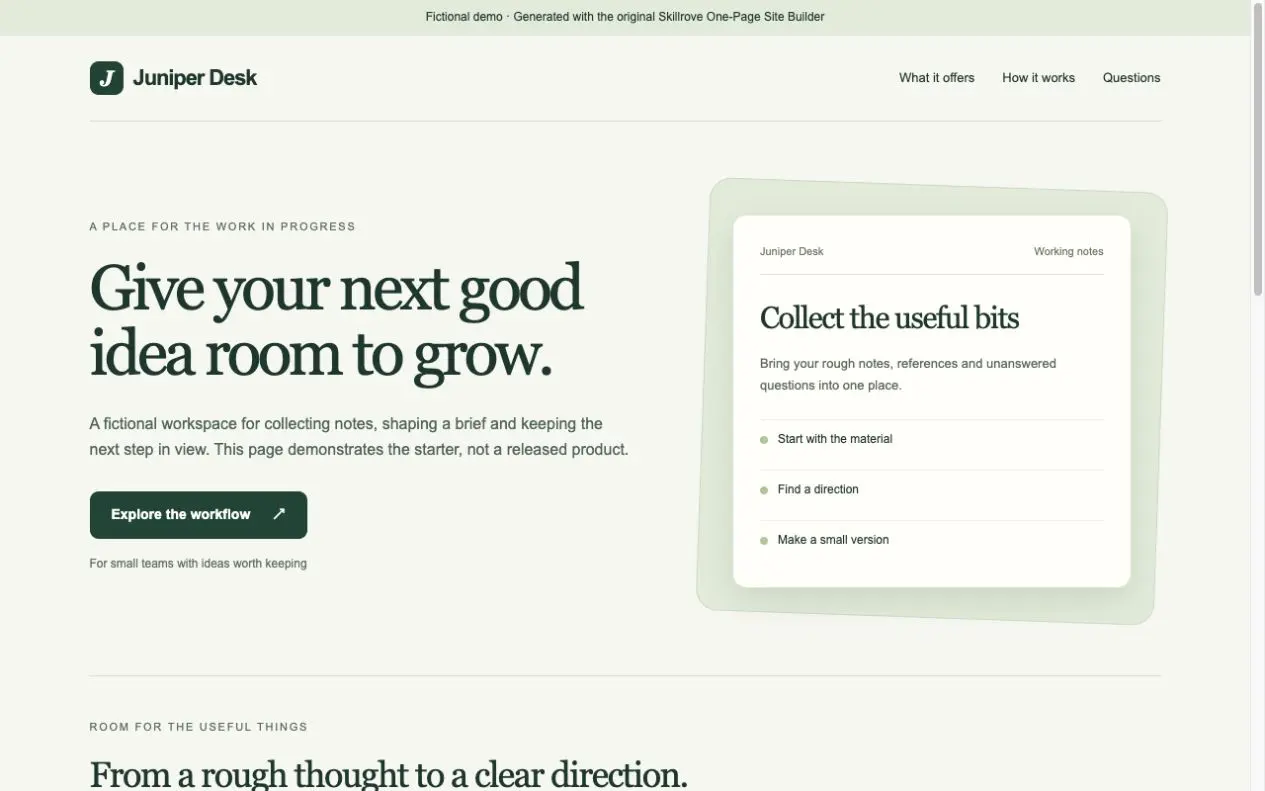
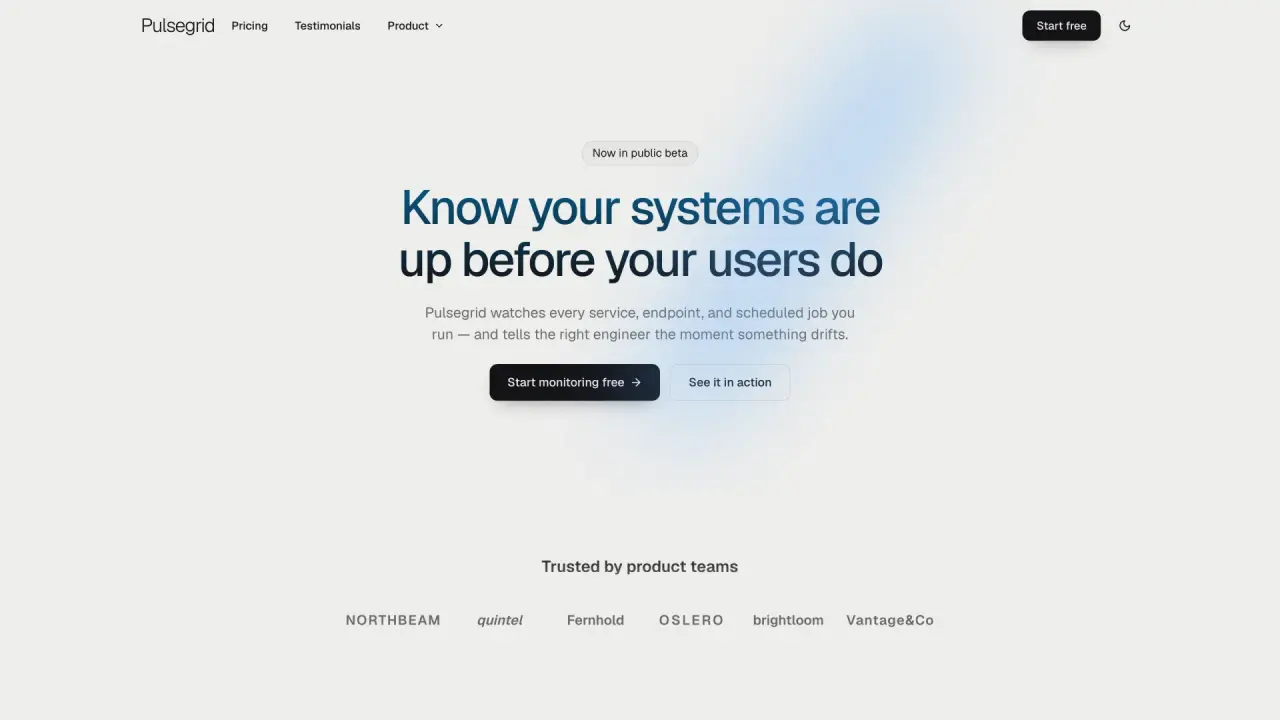
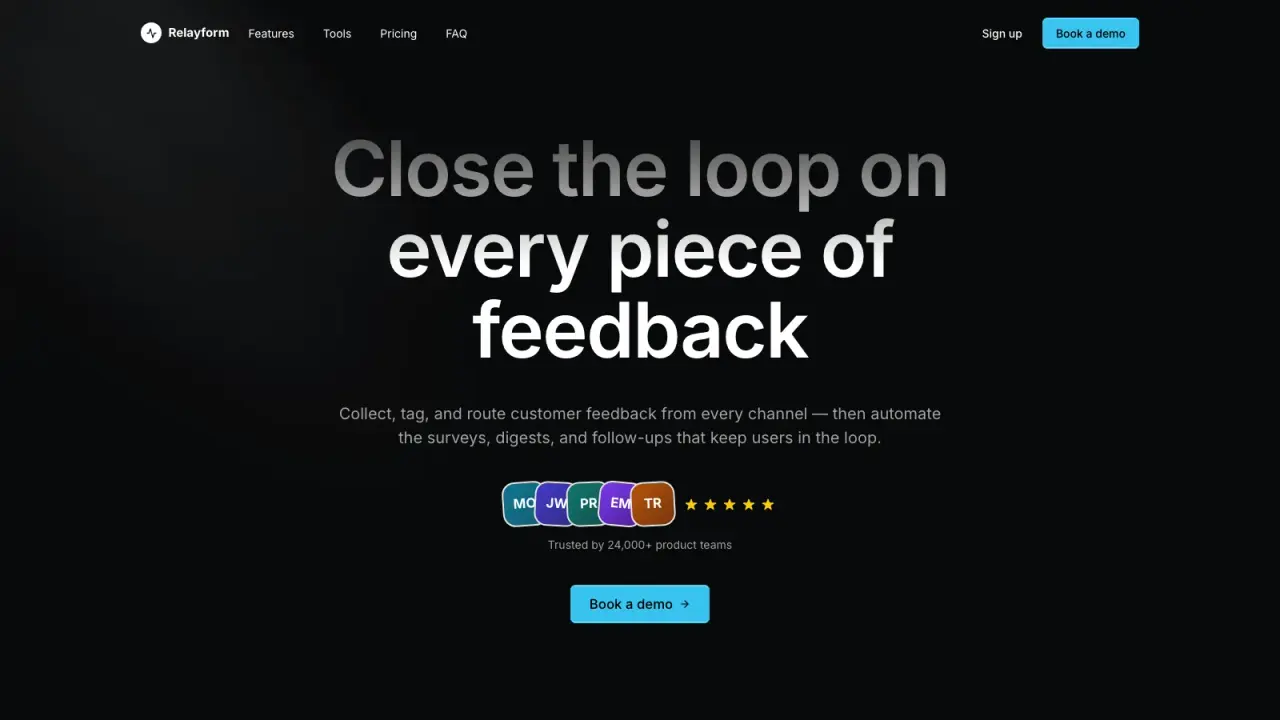
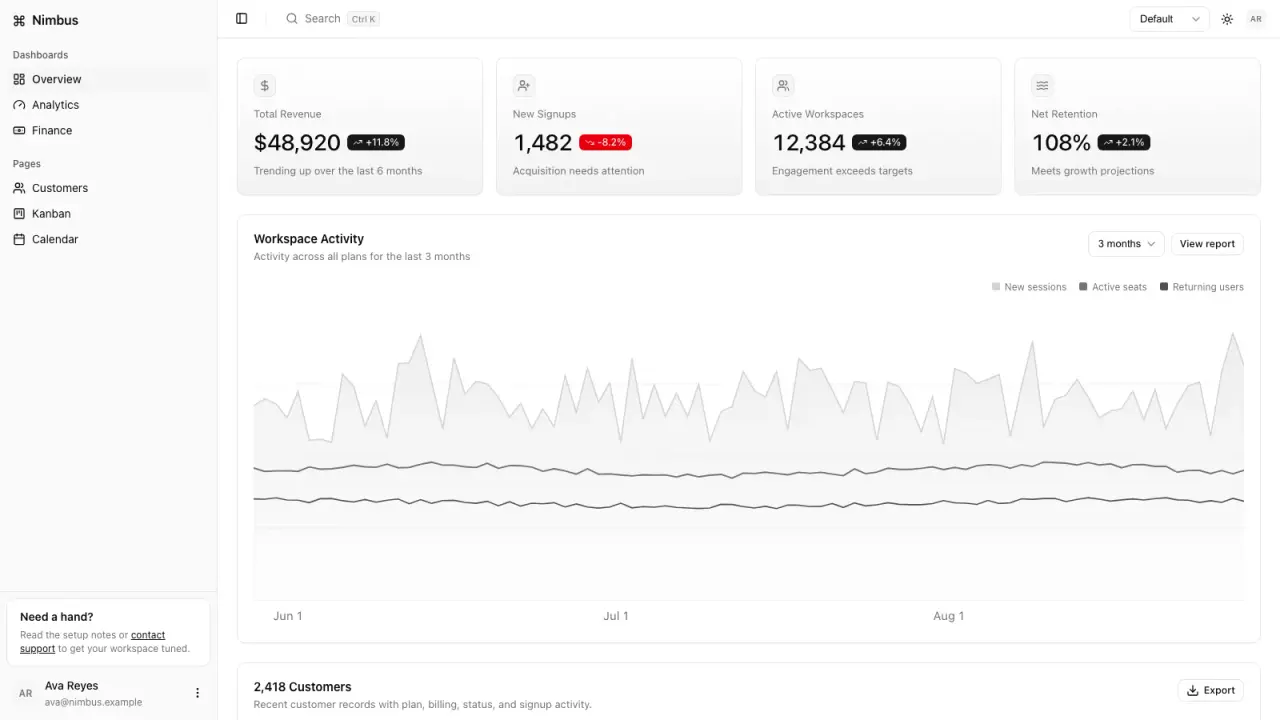
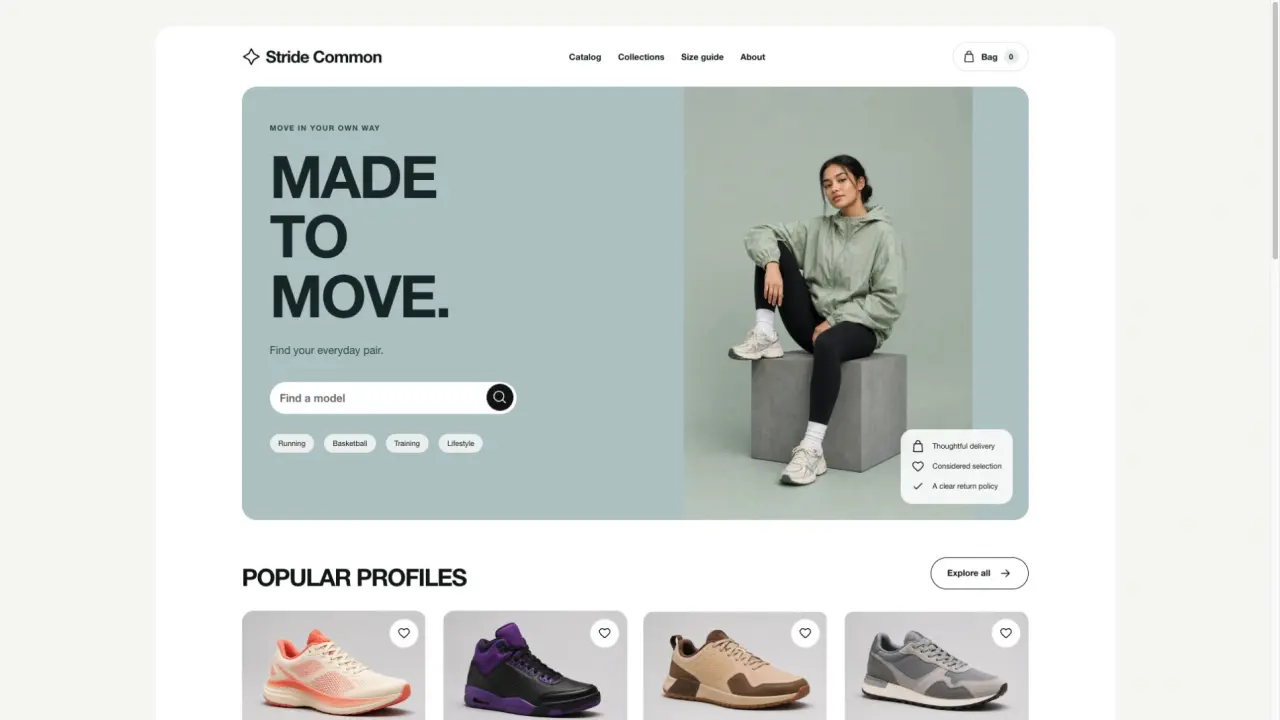
Made with this SkillA focused early-access waitlist page

Two fictional concepts · placeholder and external-form handoff

Open full example

What you get

A focused early-access waitlist page

What you can make

  • Build a focused pre-launch waitlist page with value proposition, planned benefits, FAQ and share copy.
  • Choose a disabled placeholder or an owner-supplied external form link; both disclose connection limits.
  • Export static HTML, reviewed JSON, copy CSV, share text, handoff and SHA-256 manifest offline.
Explore delivered files6 groups
  • index.html
  • waitlist.json + input.json
  • copy.csv
  • share-copy.txt
  • handoff.md
  • delivery-manifest.json

Good fit

Indies and PMs who need an early-access waitlist before launch. Works with Claude Code, Codex and Cursor.

Know the limits

No invented headcounts or promised launch dates. No ESP connection, email capture, storage or automatic publishing. Placeholder/external link only; demos are fictional. Distinct from one-page-site-builder and launch-campaign-kit.

About this skill

Capabilities: Create one pre-launch early-access waitlist page with a reviewed value proposition, planned benefits, concept preview, waitlist explanation, FAQ and selectable share copy. Warm paper and dark workspace themes.

Deliverables: index.html, waitlist.json, input.json, copy.csv, share-copy.txt, handoff.md and delivery-manifest.json (SHA-256).

Read the full workflow

Requirements and run: Python 3.10+ standard library only, offline. Works with Claude Code, Codex and Cursor. python3 scripts/build-waitlist.py --input examples/morrow.json --output ./morrow-waitlist

Validation: Two fictional demos (Morrow placeholder, Fieldwork external link). Invalid input fails before output writes; existing output folders are refused. Source, sample and archive SHA-256 values verified.

Limits: No invented waitlist counts, launch dates or scarcity. No email capture, ESP integration, storage, mail delivery or automatic publishing. External links are a handoff only. Distinct from the general one-page-site-builder and full launch-campaign-kit.

FROM PACKAGE TO FIRST RESULT

Your first result, with your agent

Choose a starting point, add the content you already have, then let your agent check the setup and create one result.

View example result

Purchase access is required. Unzip the package into the project folder below, or let your agent follow the installation guide. .agents/skills/waitlist-landing-studio

Your project name, audience and the content or images you already have are enough to start. Your agent will ask for anything essential that is missing.

3. Let your agent guide the first result

Package location: .agents/skills/waitlist-landing-studio

Use Waitlist Landing Studio at .agents/skills/waitlist-landing-studio. Read SKILL.md and check local dependencies. Start with examples/morrow.json. Make one inspectable result first, then adapt it to my content. Keep fictional examples labeled, ask for essential missing inputs and do not invent business facts.

Use a new output folder and preserve existing files. Inspect the actual deliverables (index.html, waitlist.json + input.json, copy.csv), open the visual result and explain failed checks. An incomplete dependency check is not a successful result. Ask before paid services and do not publish automatically.
Before calling it done
  • Dependencies checked before rendering
  • Actual files open and work with your content
  • Editable source saved in a new folder
Made your first result? Share your experience →
Installation options & technical requirements
US$4.99 · MIT licensePython 3.10+ · offlineNo API key or paid provider
  1. 01

    Choose your agent

    These steps use a project folder. Open the project in your agent and run terminal commands from its root.

    Codex directory guide

    Package folder .agents/skills/waitlist-landing-studio

  2. 02

    Add the package

    Download and unzip the package into the folder above. Keep all its files together, with SKILL.md directly inside that folder.

    Downloads require a verified account and purchase access. Choose a new folder if this Skill is already installed.

  3. 03

    Run the included sample

    Manual sample commands and technical details

    Read SKILL.md, review the generator and check its runtime requirements before running:

    cd .agents/skills/waitlist-landing-studio
    python3 scripts/build-waitlist.py --input examples/morrow.json --output ./morrow-waitlist
    Your first result

    Open morrow-waitlist/index.html at desktop and mobile widths. Inspect the disabled placeholder, expand FAQ items and select the share copy. Build examples/fieldwork.json into a fresh folder to inspect the external-form handoff. Review exports and recompute manifest hashes.

    Python 3.10+ standard library, offline. Demos are fictional. No email capture, ESP connection, invented waitlist counts, promised launch dates or automatic publishing. Placeholder or owner-supplied HTTPS link only. Distinct from one-page-site-builder and launch-campaign-kit.

    If morrow-waitlist already exists, change the output to ./morrow-waitlist-2. Existing files are never overwritten.

    Prefer to ask your agent?

    Use Waitlist Landing Studio at .agents/skills/waitlist-landing-studio. Read SKILL.md and review scripts/build-waitlist.py. Run examples/morrow.json into a new output folder and show me all generated files. Keep fictional sample content clearly labeled.

Reviews

Share your first result

Tried this workflow? Help others decide with an honest review.

Before you choose this Skill

How do I get Waitlist Landing Studio?

The listed individual package price is USD 4.99. Premium downloads require a confirmed purchase or active membership. Your agent subscription, model access and external provider credits are separate.

Which agents can use this skill?

This release lists Claude Code, Codex, Cursor as intended installation hosts. Check the package’s dependencies and permissions before running it. These labels do not certify that every workflow has been tested in every agent.

What files can this workflow generate?

The documented 1.0.0 workflow lists: index.html; waitlist.json + input.json; copy.csv; share-copy.txt; handoff.md; delivery-manifest.json. Some files or exports are optional; follow the package’s setup and inspect the delivered result.

What should I check before using the result?

Python 3.10+ standard library, offline. Demos are fictional. No email capture, ESP connection, invented waitlist counts, promised launch dates or automatic publishing. Placeholder or owner-supplied HTTPS link only. Distinct from one-page-site-builder and launch-campaign-kit.

$4.99One-time purchase