 Available1
One-Page Site Builder
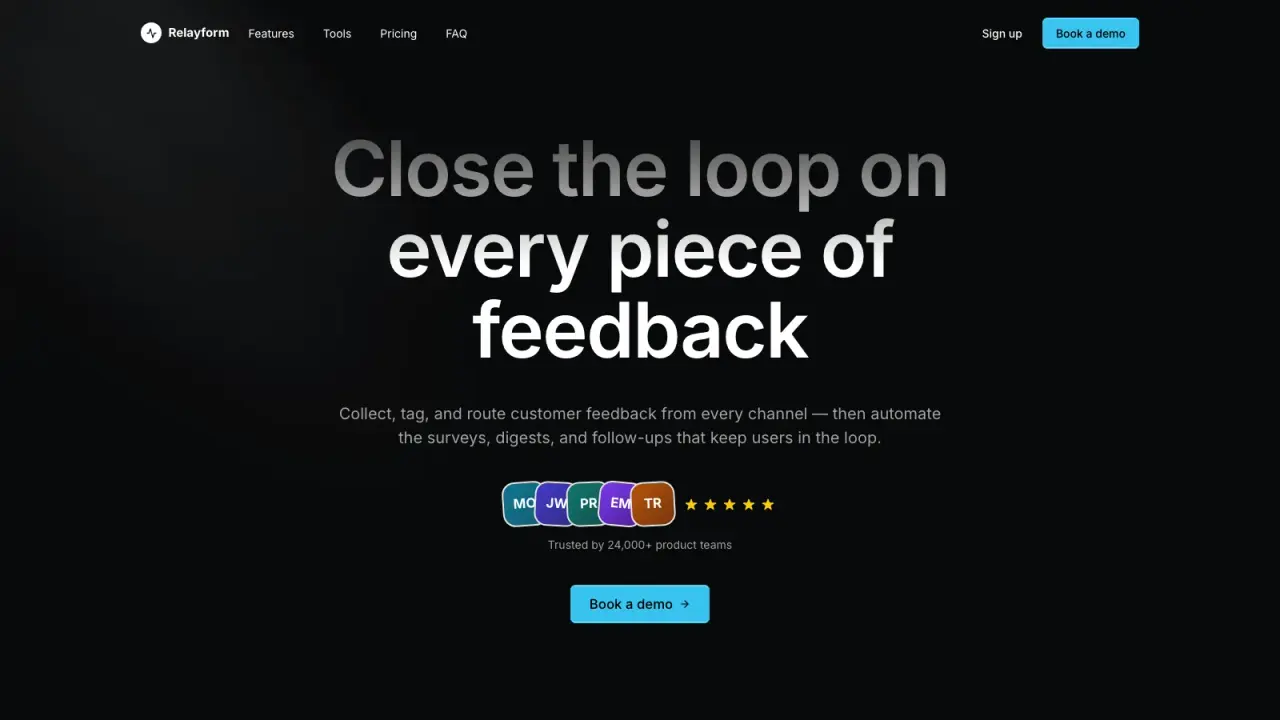
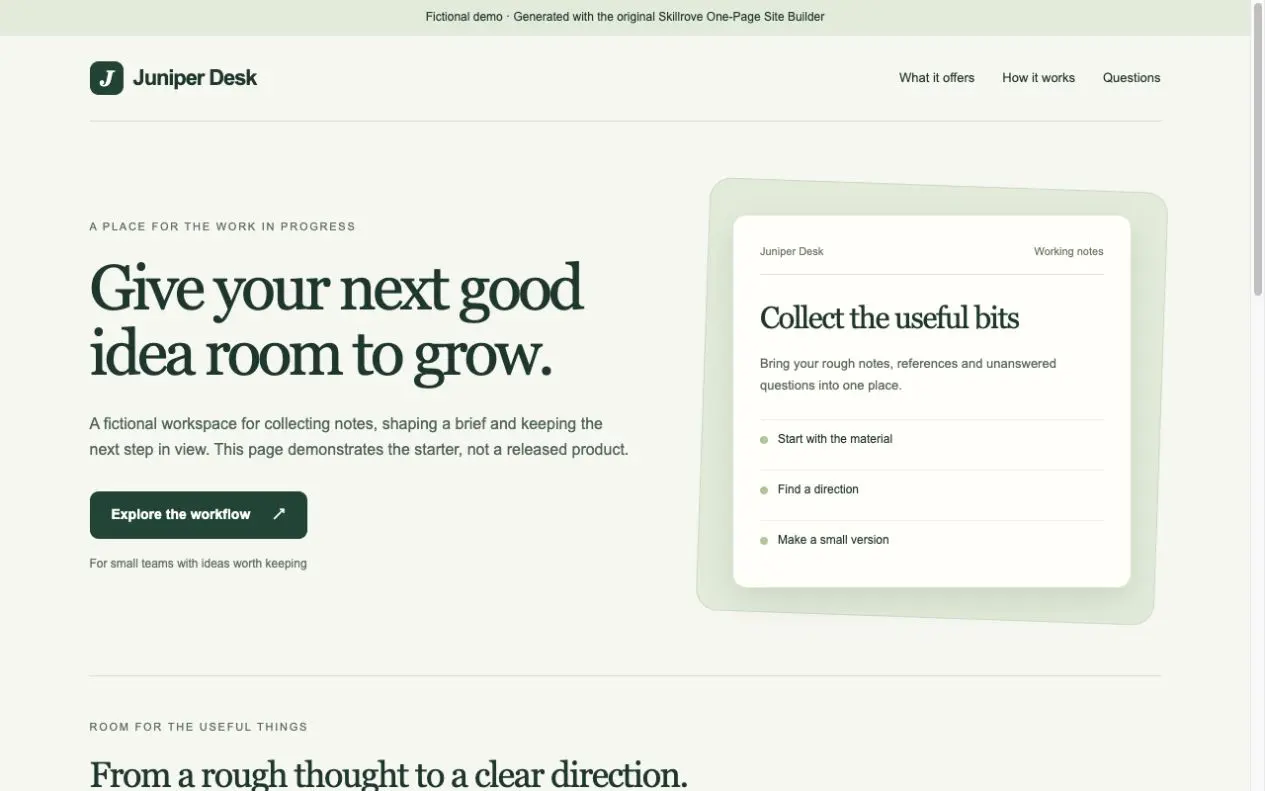
Turn your product brief into a responsive one-page website and a portable content document. An original, free Skillrove workflow with an editable fictional example.


 Codex +2
Guide users to a completed task. Pick targets on the page, validate inputs and continue after your app confirms the result, with a reusable component ready to embed.
Three product journeys · guidance that waits for a result
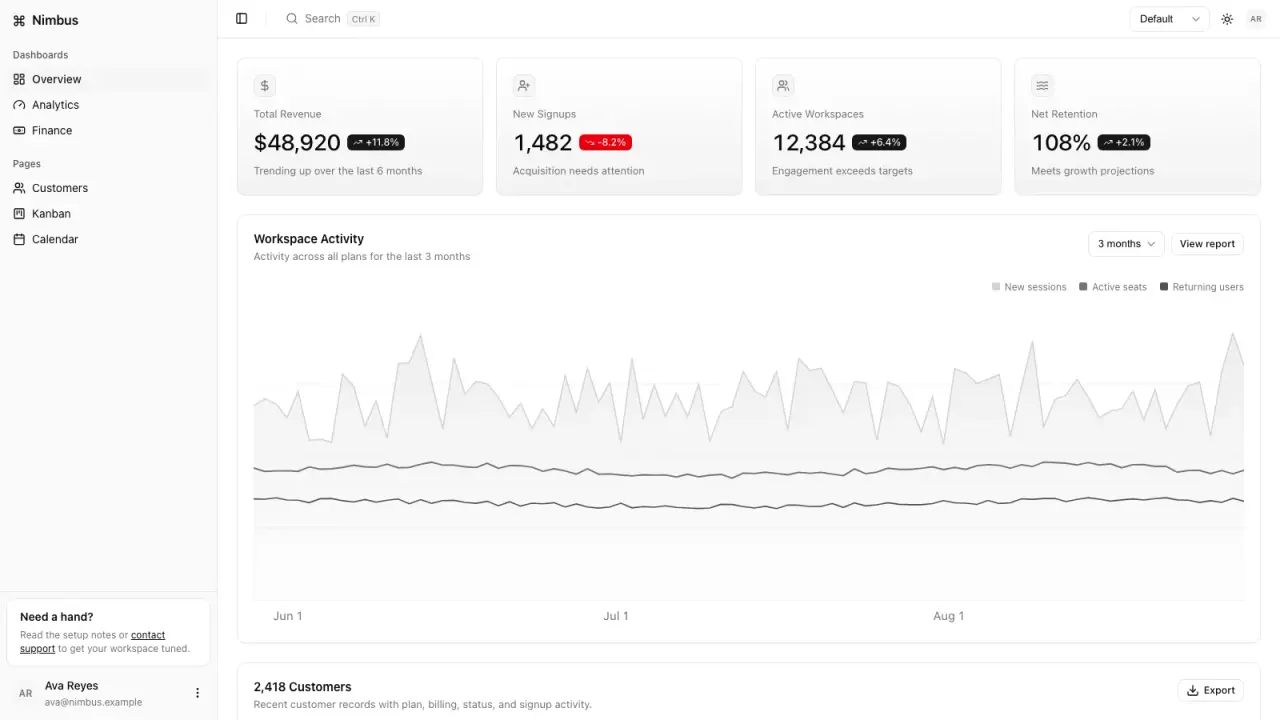
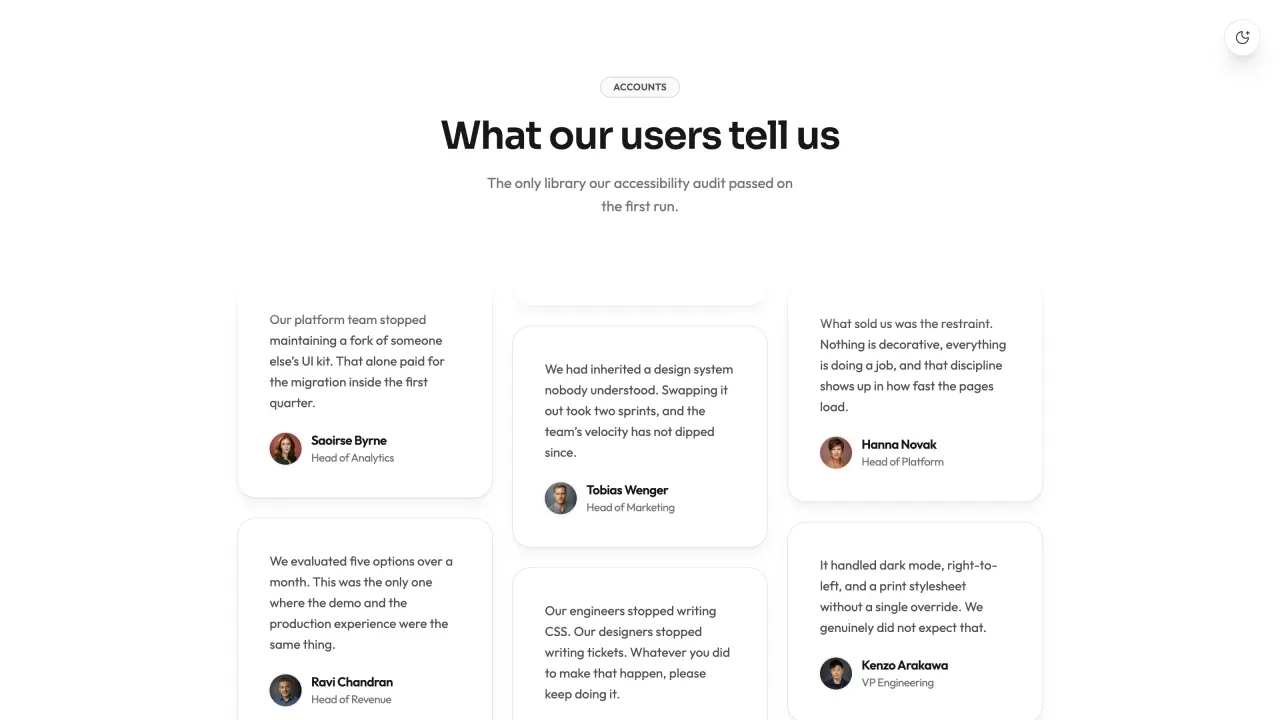
Embeddable tour component + stylesEditable tour configurationThree complete product examplesIntegration notes + local event exportProduct teams improving onboarding, help journeys and first-run guidance in web applications.
Connect targets and a fresh success marker in your own app. The component checks your app’s signal; it does not independently verify backend persistence.
Build onboarding around a completed task. Pick targets on the page, require valid inputs and wait for your application’s success signal before moving on.
Start with one command. Pick a target visually, write the action and set input or result conditions. Complete the sample journey, then export the same component into your app. Test pending, rejected and successful outcomes on the actual page.
Applied edits support undo, redo and local draft recovery. Keep a portable project copy with your exported delivery.
FROM PACKAGE TO FIRST RESULT
Build onboarding around a completed task. Pick targets on the page, require valid inputs and wait for your application’s success signal before moving on.
A working product tour and portable integration
Use Interactive Tour Studio at .agents/skills/interactive-tour-studio. Read SKILL.md. Create an onboarding tour for my authorized application. Identify one useful first task and visible selectors, then write concise action-based steps. Check dialogs, missing targets and pause/resume. Export the component and validate it on the actual host page. Ask for essential missing facts, preserve unknowns, and prepare a reviewed input. Check dependencies, generate into a new folder, inspect the actual files and explain any failed checks. You may open the bundled local studio for editing. Do not publish or purchase external services.Copy this request to your agent after installing the package. The local studio runs on your computer; the public preview is an example, not a hosted generation service.
These steps use a project folder. Open the project in your agent and run terminal commands from its root.
Package folder .agents/skills/interactive-tour-studio
Download and unzip the package into the folder above. Keep all its files together, with SKILL.md directly inside that folder.
Downloads require a verified account and purchase access. Choose a new folder if this Skill is already installed.
Ask your agent to check the package dependencies, then launch the editor. Change the fields, generate real files, and download the complete delivery ZIP. Every run keeps previous results.
cd .agents/skills/interactive-tour-studio
node scripts/start.mjs --preset atlasRead SKILL.md, review the generator and check its runtime requirements before running:
cd .agents/skills/interactive-tour-studio
node scripts/start.mjs --preset atlasStart with one command. Pick a target visually, write the action and set input or result conditions. Complete the sample journey, then export the same component into your app. Test pending, rejected and successful outcomes on the actual page.
Node.js 24+ serves the local room. The supplied apps use fictional records and local state; no external records or analytics are created.
If my-project already exists, change the output to ./my-project-2. Existing files are never overwritten.
Use Interactive Tour Studio at .agents/skills/interactive-tour-studio. Read SKILL.md and review scripts/build.mjs. Run examples/atlas.json into a new output folder and show me all generated files. Keep fictional sample content clearly labeled.
Tried this workflow? Help others decide with an honest review.
The listed individual package price is USD 4.99. Premium downloads require a confirmed purchase or active membership. Your agent subscription, model access and external provider credits are separate.
This release lists Codex, Claude Code, Cursor as intended installation hosts. Check the package’s dependencies and permissions before running it. These labels do not certify that every workflow has been tested in every agent.
The documented 1.1.0 workflow lists: Embeddable tour component + styles; Editable tour configuration; Three complete product examples; Integration notes + local event export. Some files or exports are optional; follow the package’s setup and inspect the delivered result.
Node.js 24+ serves the local room. The supplied apps use fictional records and local state; no external records or analytics are created.