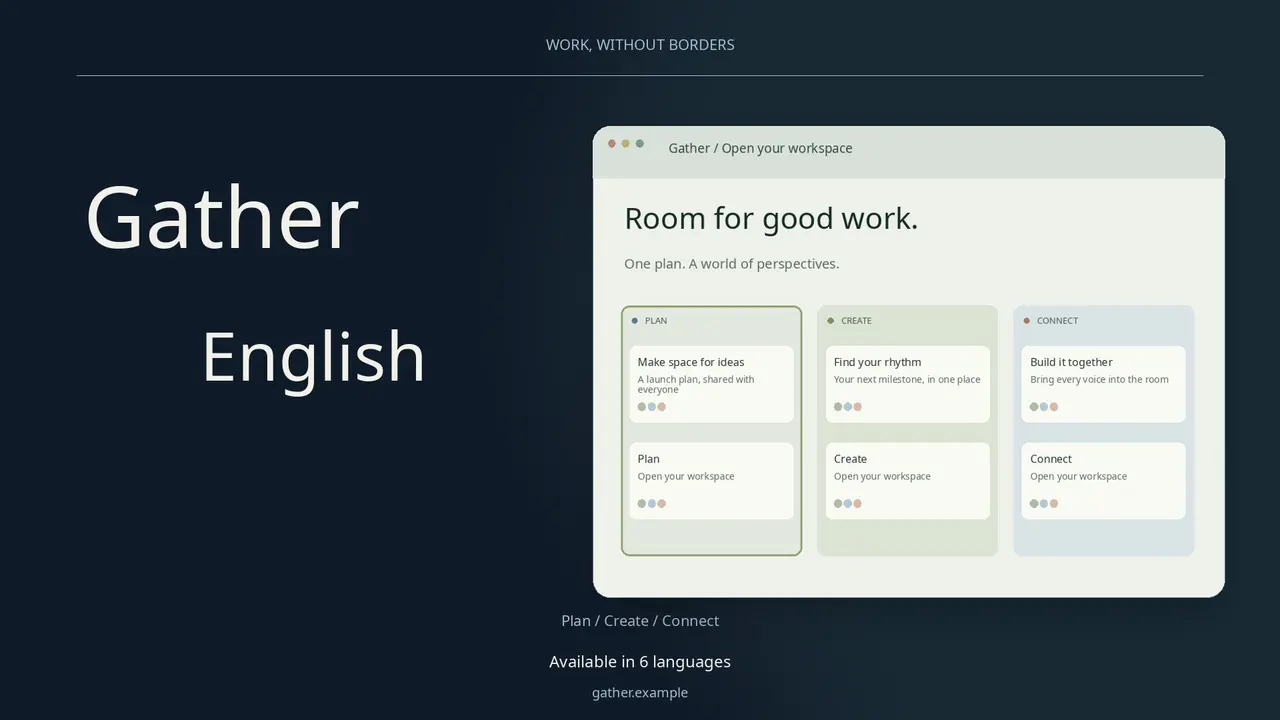
 Video preview
Language Launch Film
One product story, ready for multiple languages.


 Codex +2
CHOSEN FOR YOUR ROLE
Plan launches, audit a site for search, report on social posts and build email sequences with your agent. Each skill below is a released package with a preview of its real output.
See 51 skillsREAL OUTPUT, PREVIEW BEFORE YOU INSTALL
Video previewLanguage Launch Film
One product story, ready for multiple languages.
Codex +2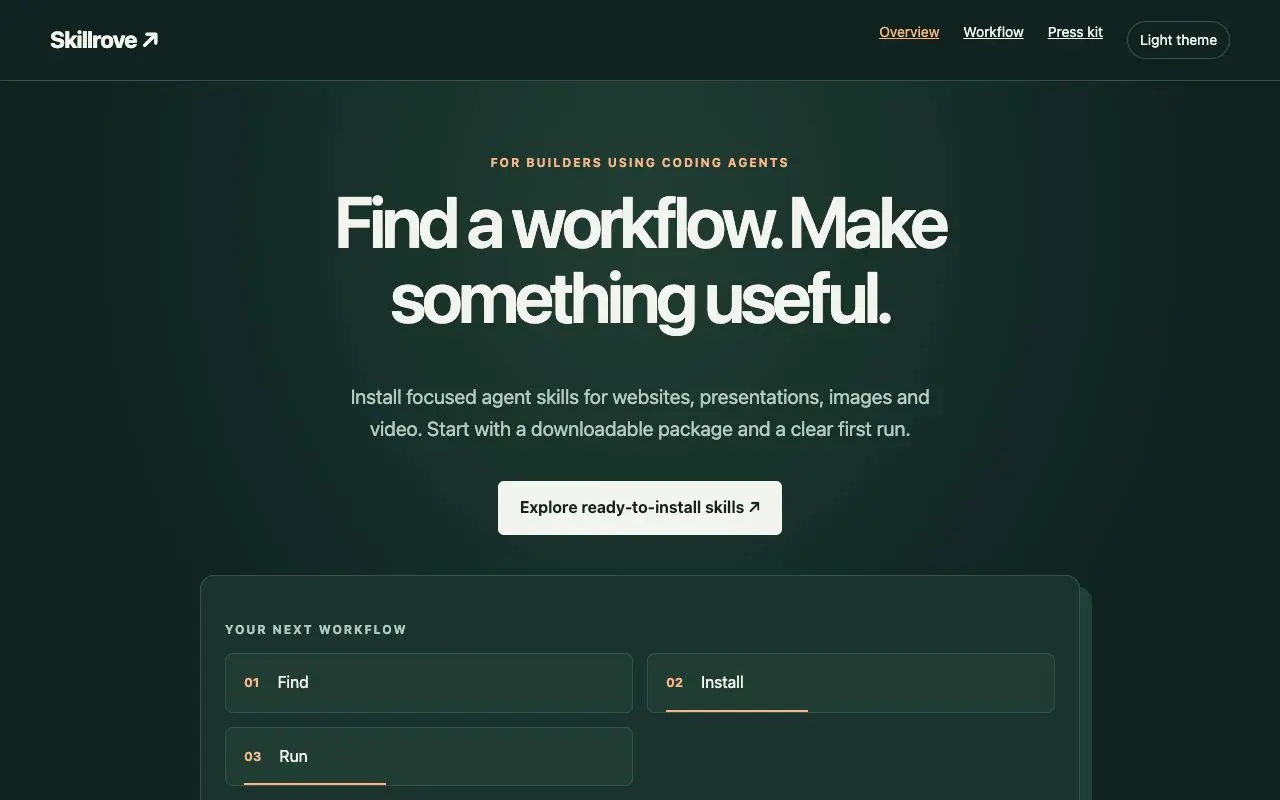
Launch Campaign Kit
Create a coordinated product launch kit.
Codex +2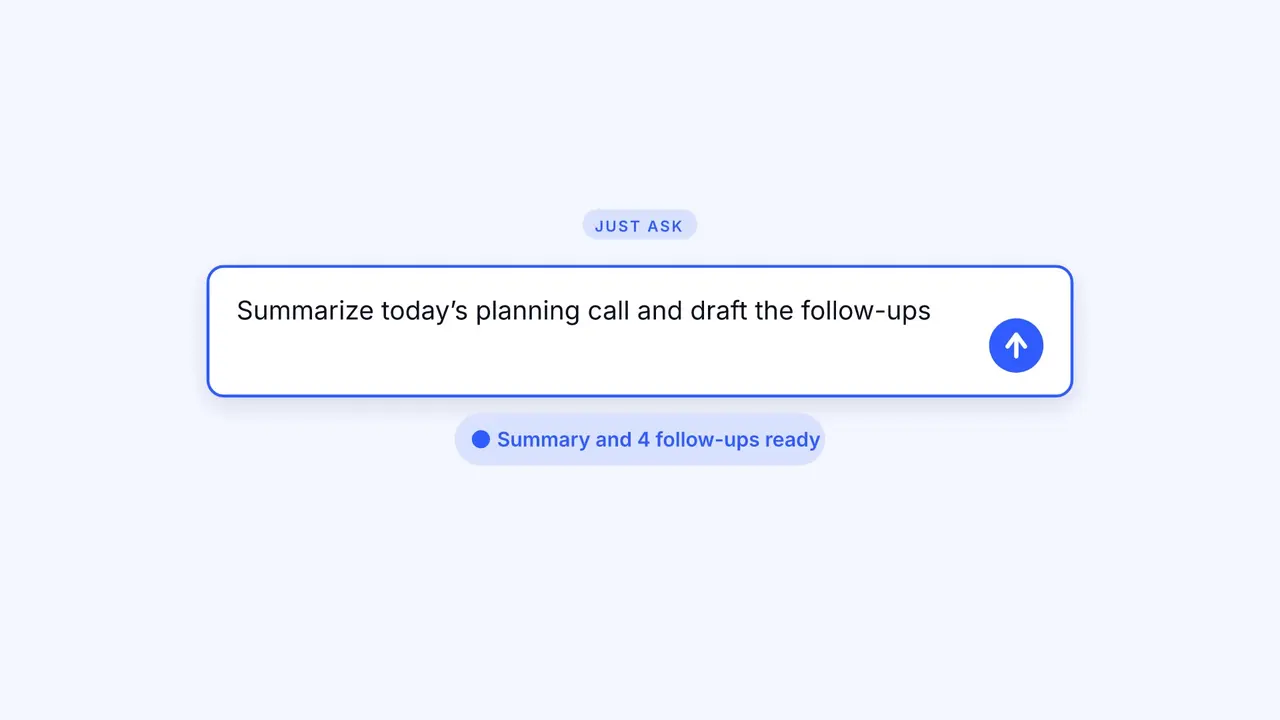 Video preview
LaunchMotion
A product launch video and its editable project
Codex +2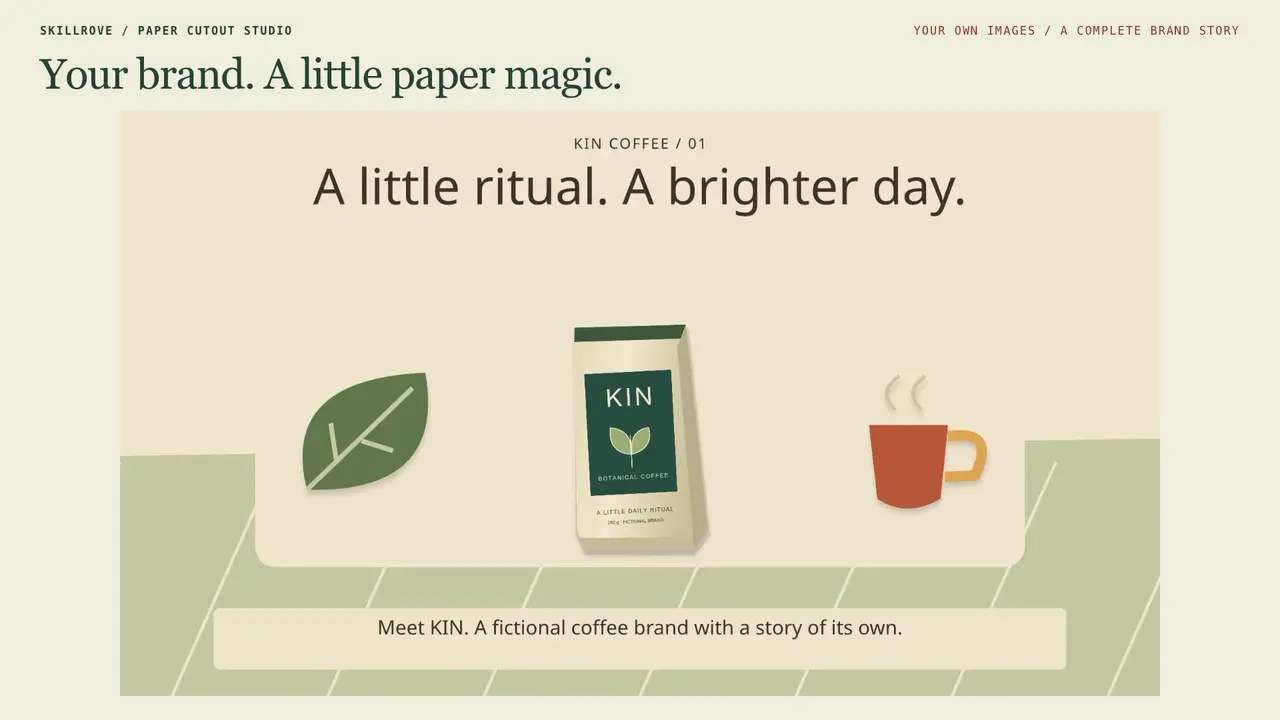 Video preview
Paper Cutout Studio
Create layered paper worlds with your own images.
Codex +2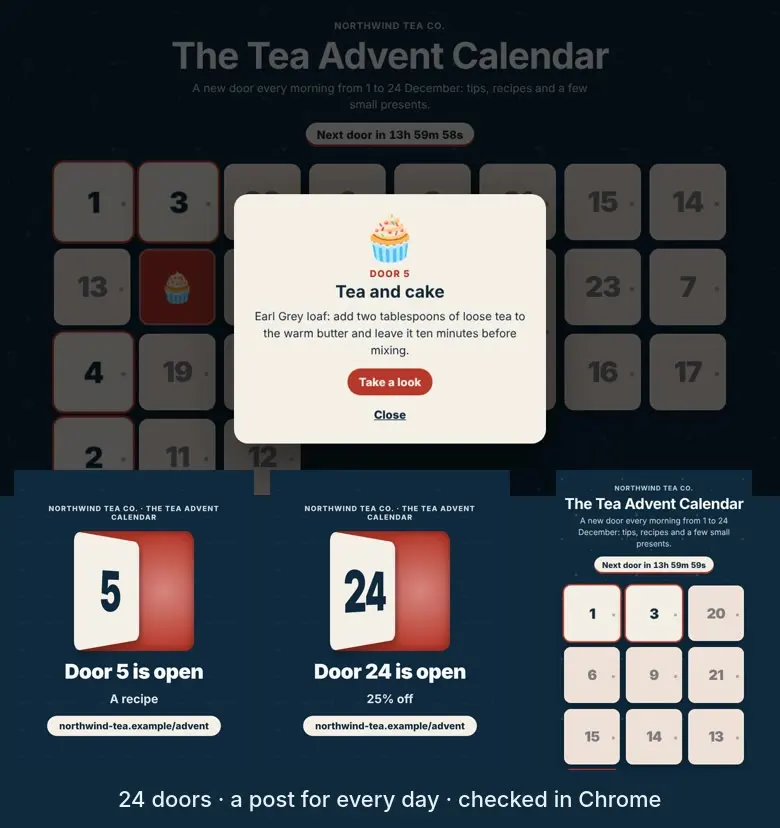 Video preview
AdventBox
An advent calendar page where a door opens every day.
Codex +2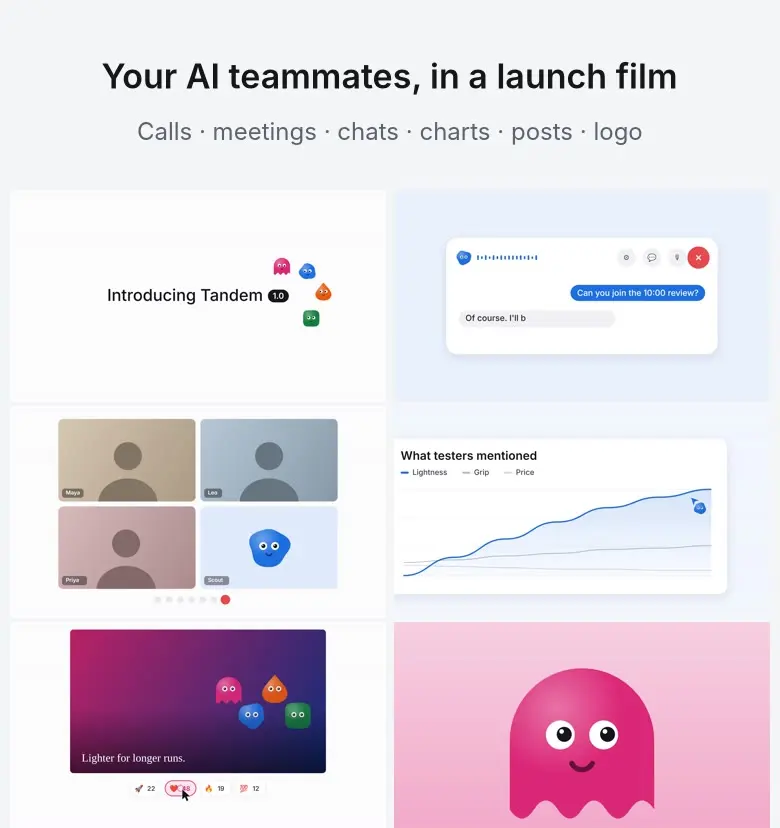 Video preview
BotReel
A launch film where your AI bots have faces and do the work.
Codex +2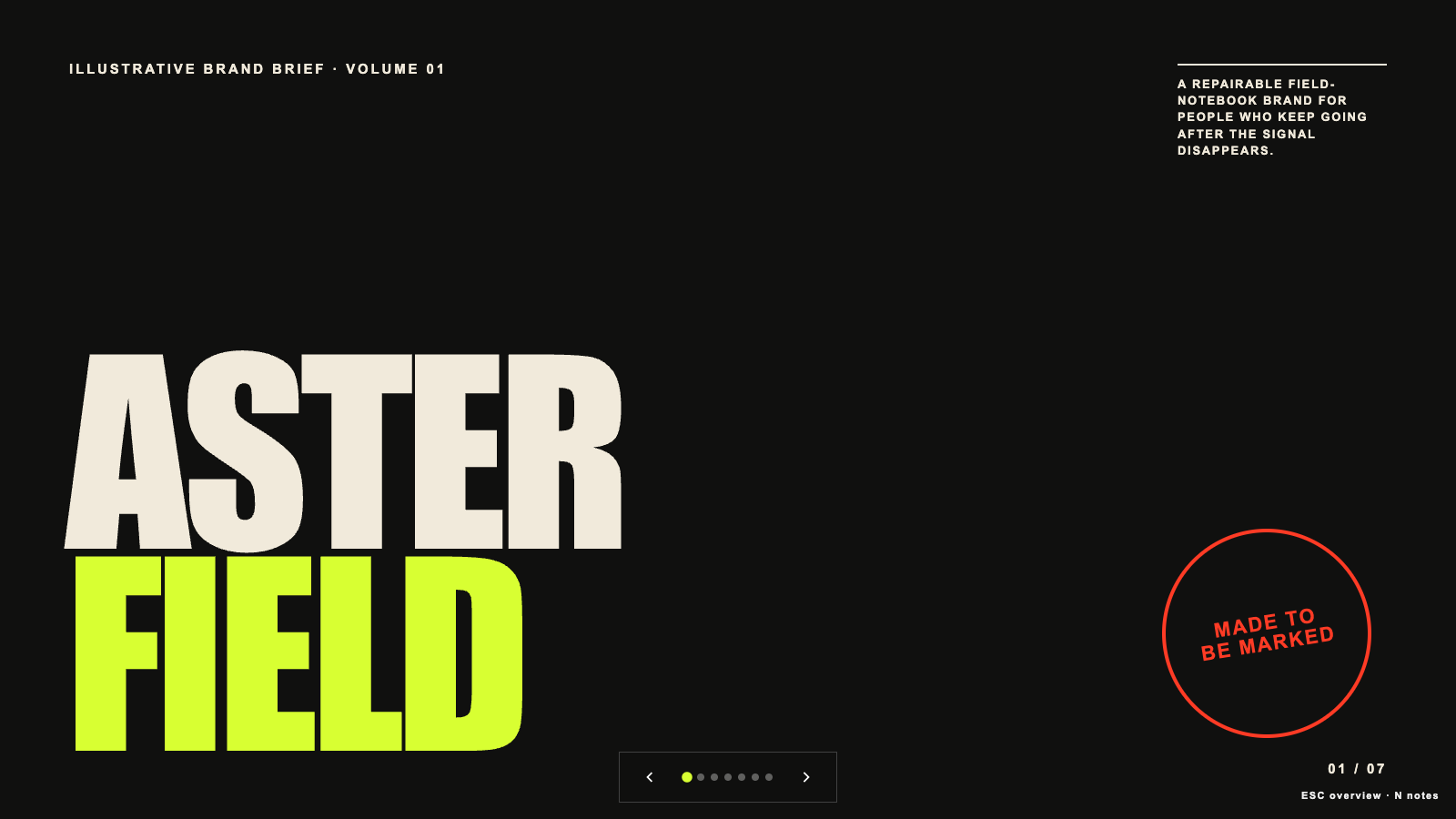 Free
Brand Story Deck
Build a high-contrast editorial brand story deck with a narrative spine, visual codes, and editable 16:9 HTML slides. Use for brand origins, positioning stories, identity rationales, launch narratives, or reframing a generic brand presentation into a distinctive magazine-like sequence.
Claude Code +8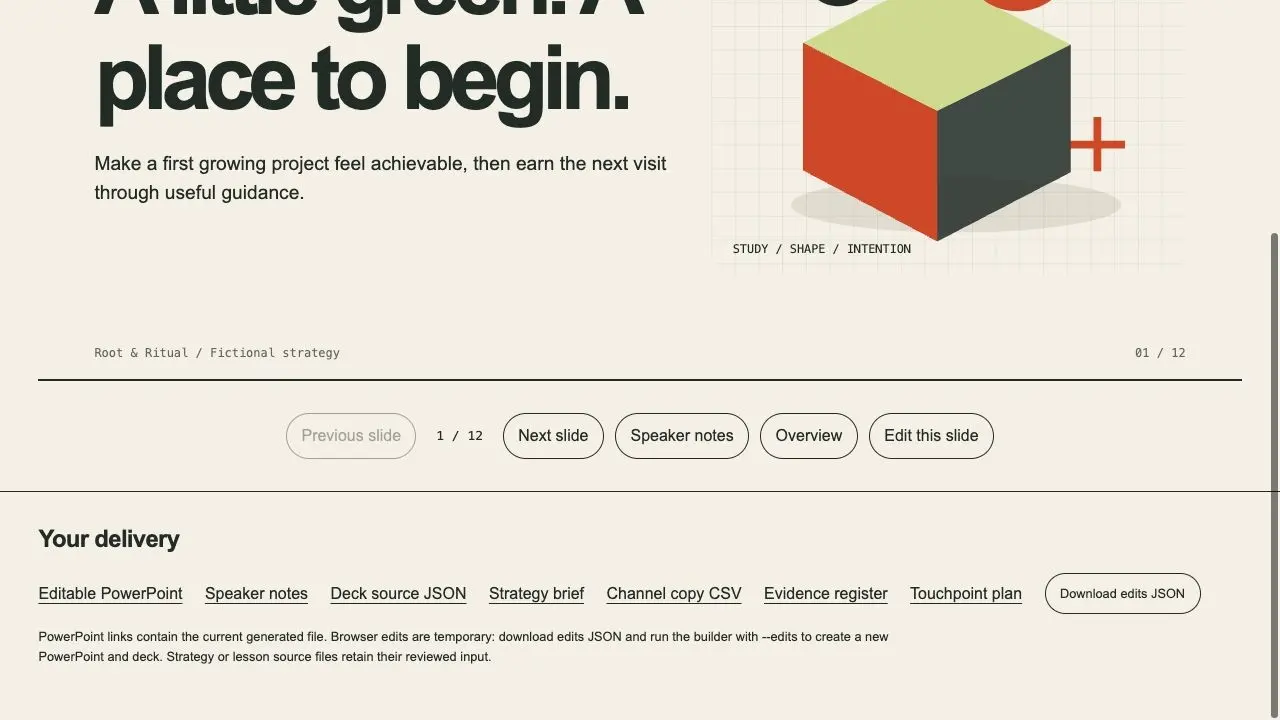
Brand Strategy Studio
A brand decision, editable presentation and channel handoff
Codex +2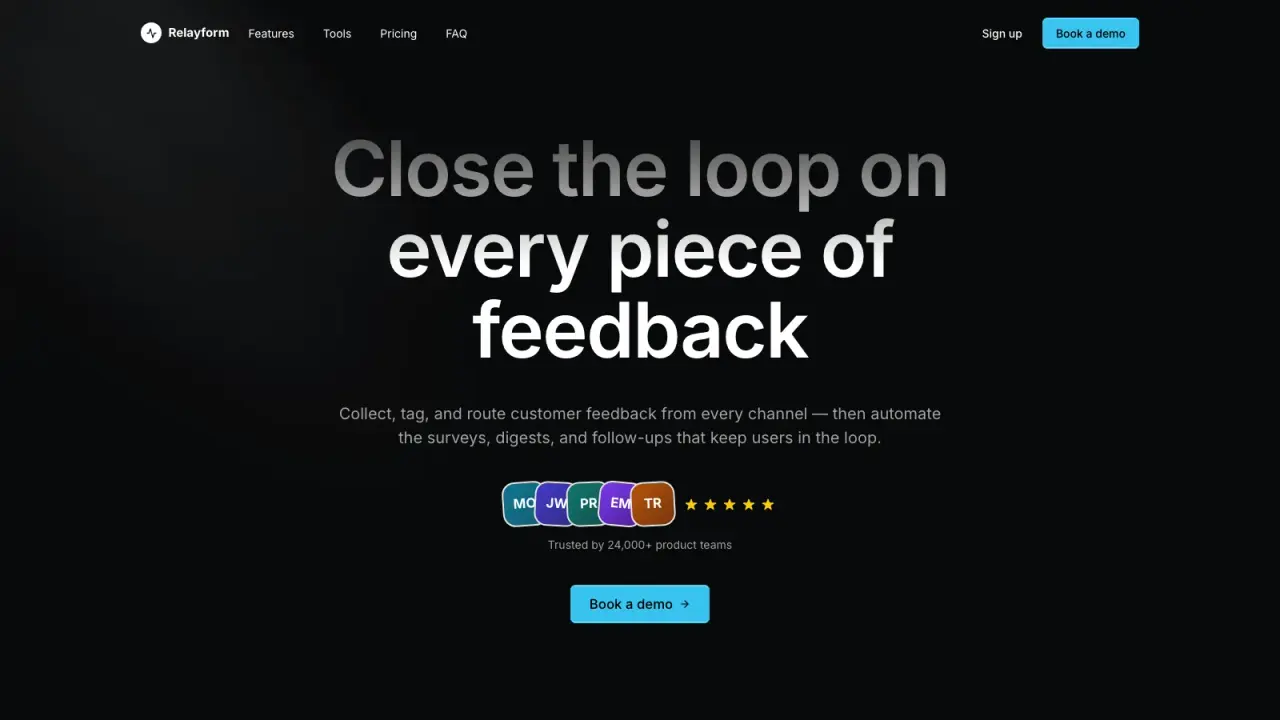 FreeVideo preview
Cadence Marketing Landing
Create a dark, motion-rich SaaS landing page that guides visitors through a continuous product story with focused calls to action. It helps launch teams make a modern software offer feel distinctive and easy to understand without relying on generic sections or inflated claims.
Claude Code +8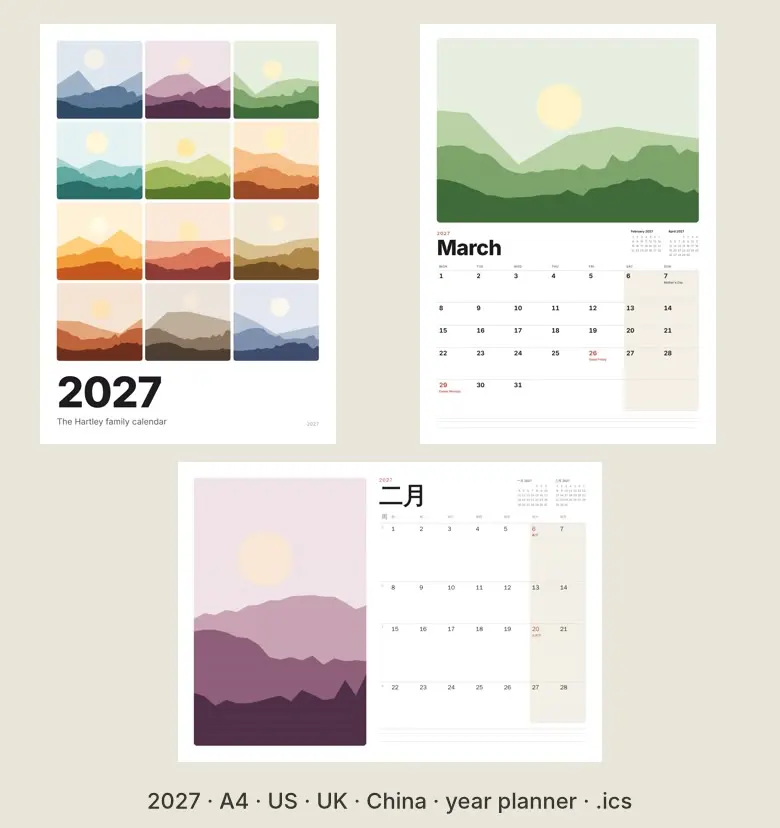 Video preview
CalendarPress
A printable 2027 calendar and year planner with your holidays.
Codex +2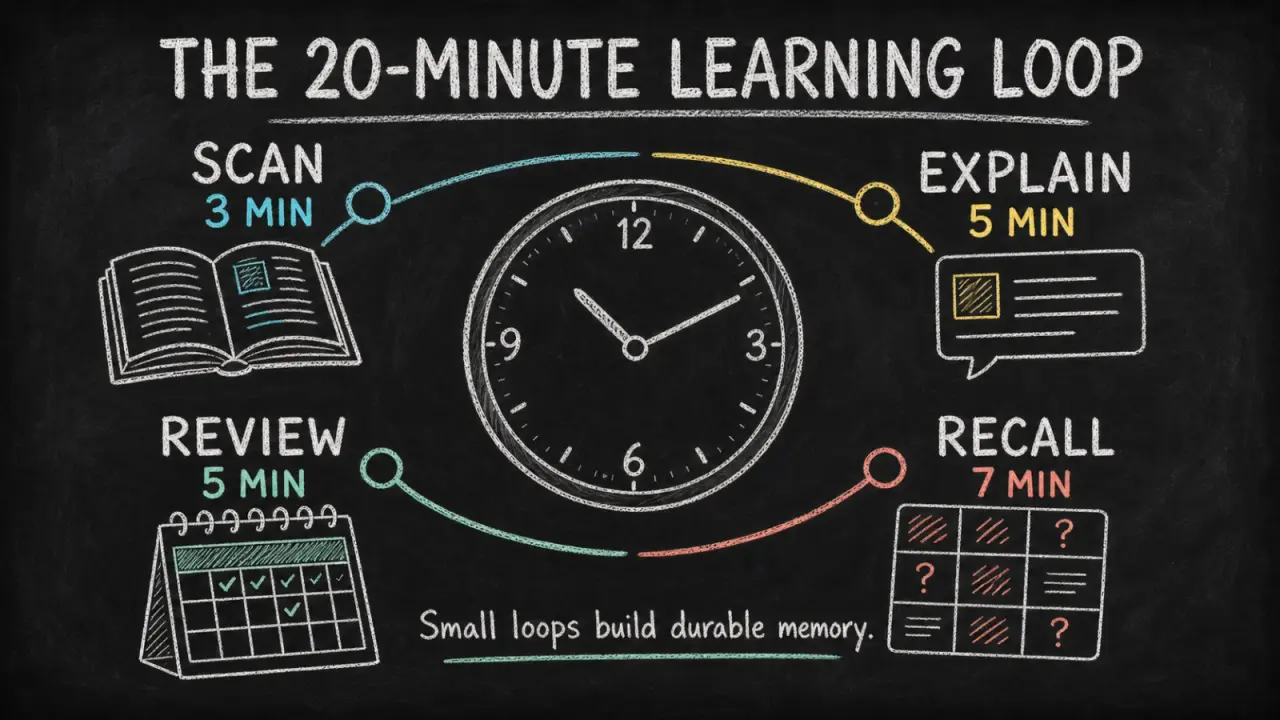 Free
Chalkboard Infographic
Turn a lesson, process, or data story into a readable chalkboard-style infographic with clear hierarchy, concise copy, and original illustrations. It helps educators, creators, and teams make one takeaway easier to grasp and share without turning the image into a dense slide.
Claude Code +8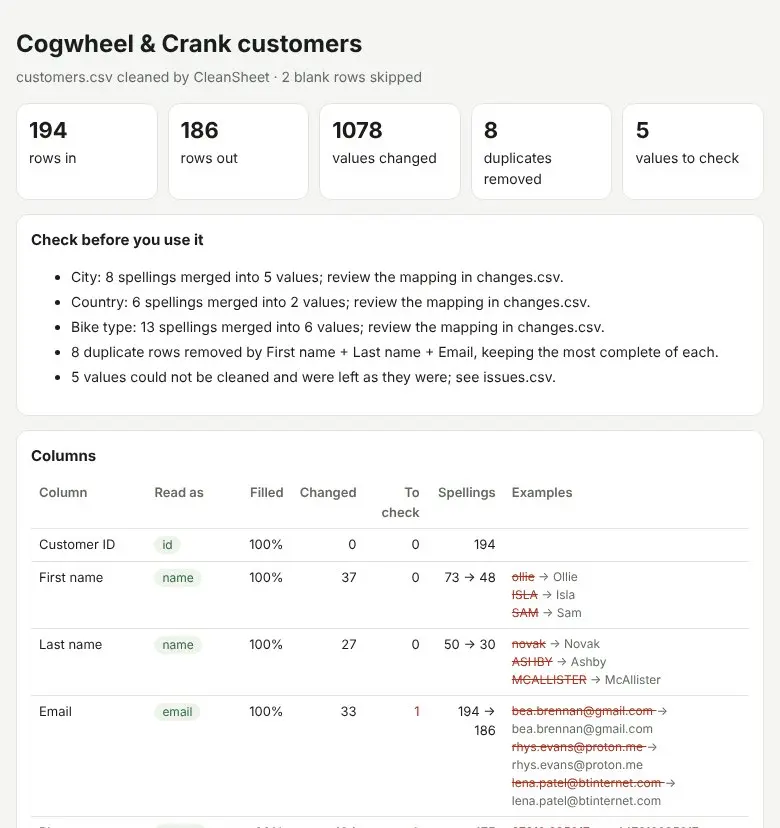 Video preview
CleanSheet
Clean a messy CSV and keep a record of every change.
Codex +2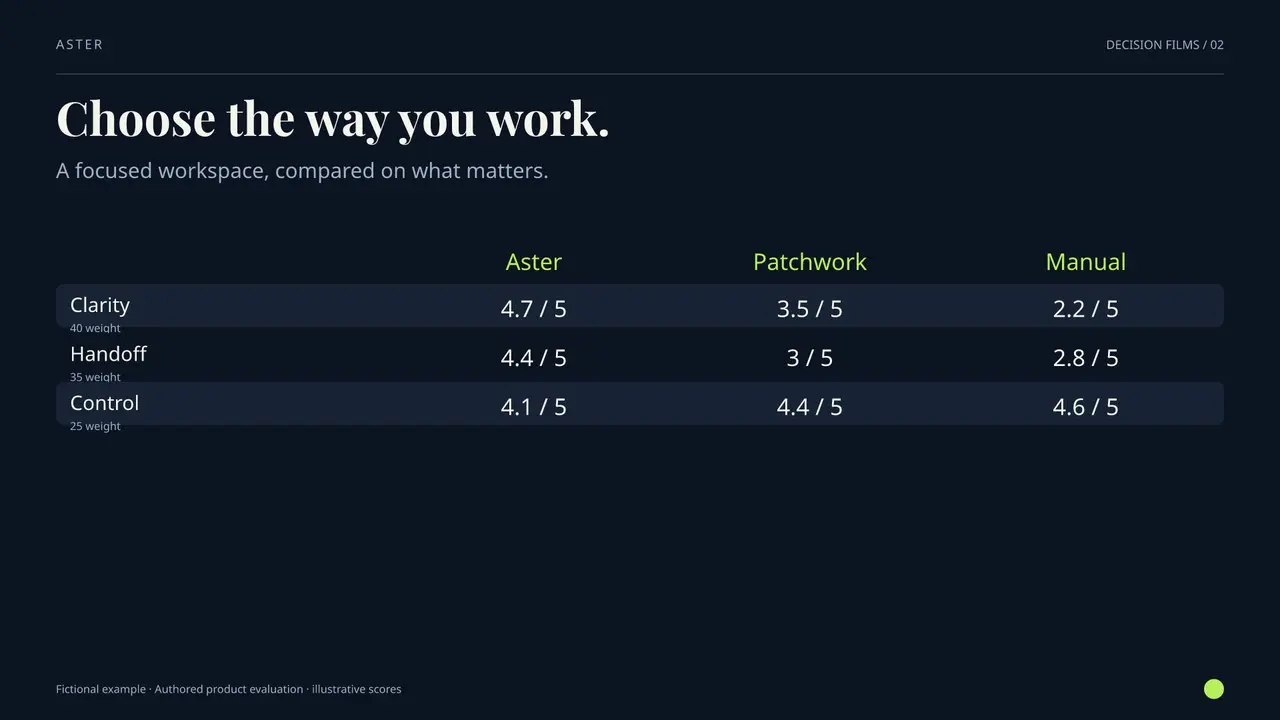 Video preview
Compare Story Film
A weighted comparison, made visible.
Codex +2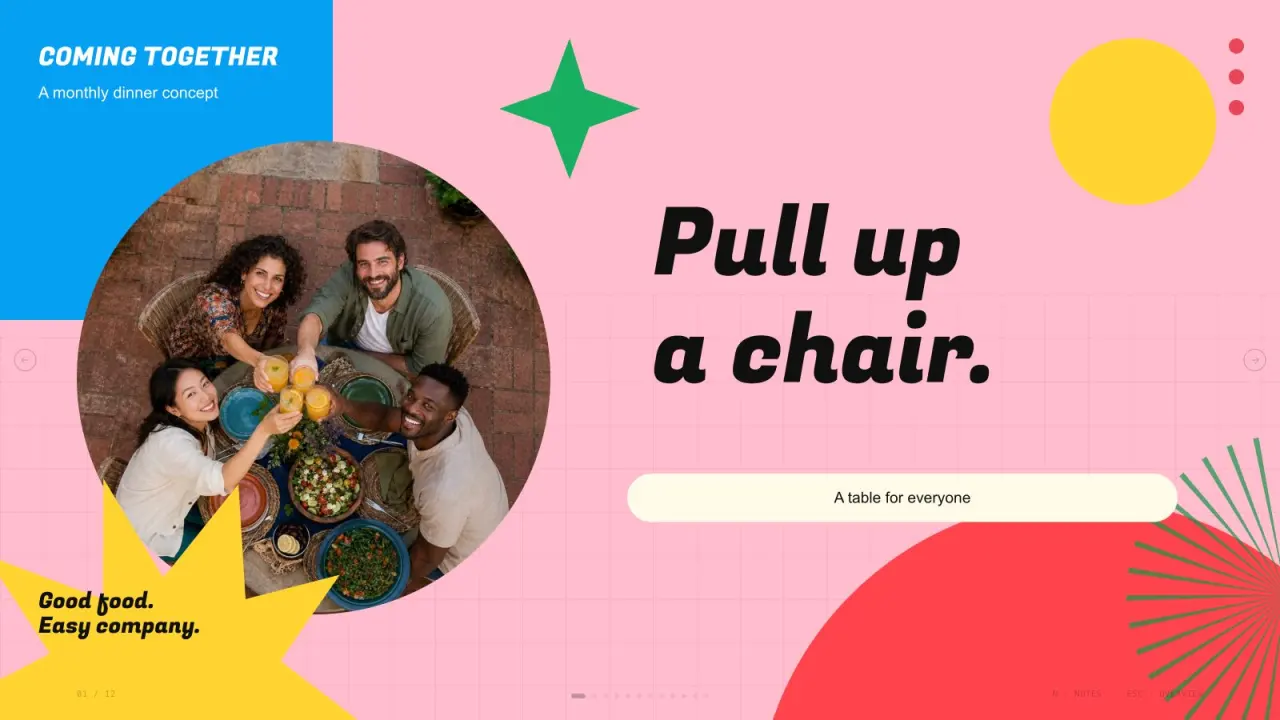 Free
Confetti Gathering Deck
Create vivid gathering presentation pages using bright pink yellow green blue and cyan fields, heavy slanted titles, fine grids, cream cards, circular candid photos, festive vector accents and independent photographs. Use this visual language to present community gathering plans with a clear, consistent rhythm. The slide count follows your brief, with original artwork planned around the content and layouts.
Claude Code +8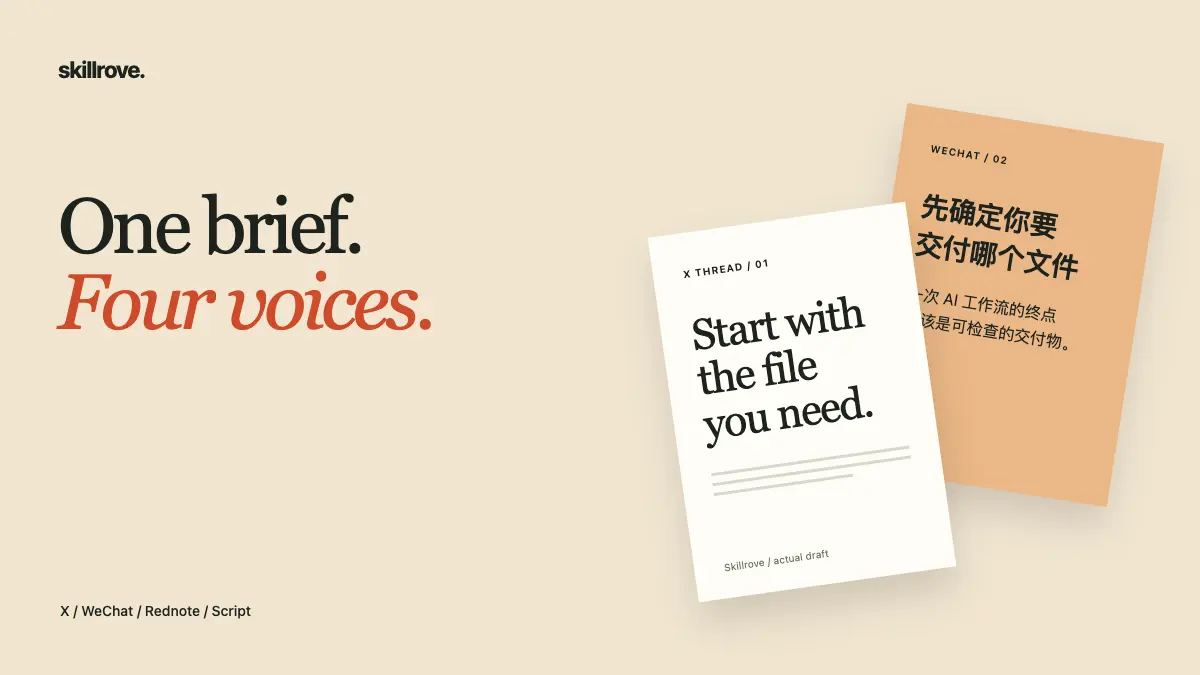
Content Repurpose Studio
Source-linked native content drafts
Codex +2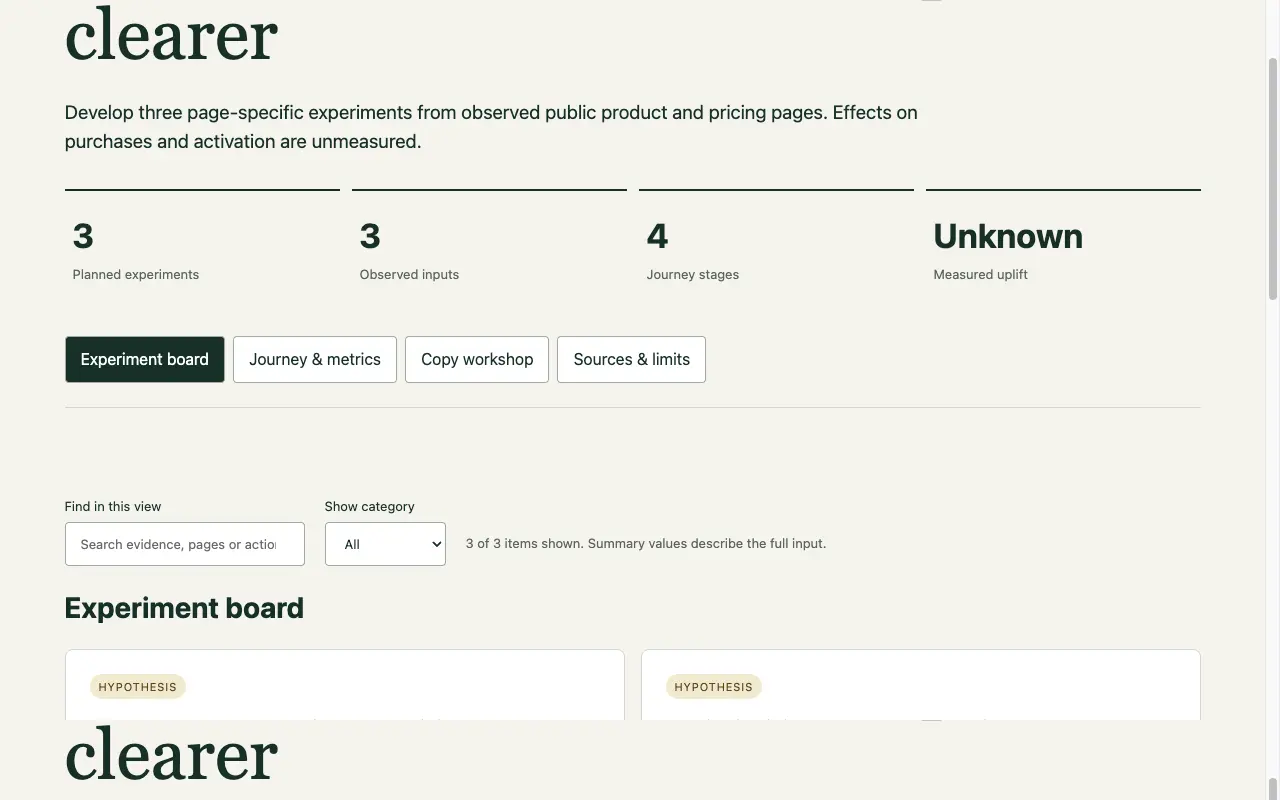
Conversion Experiment Lab
An evidence-led experiment plan
Codex +2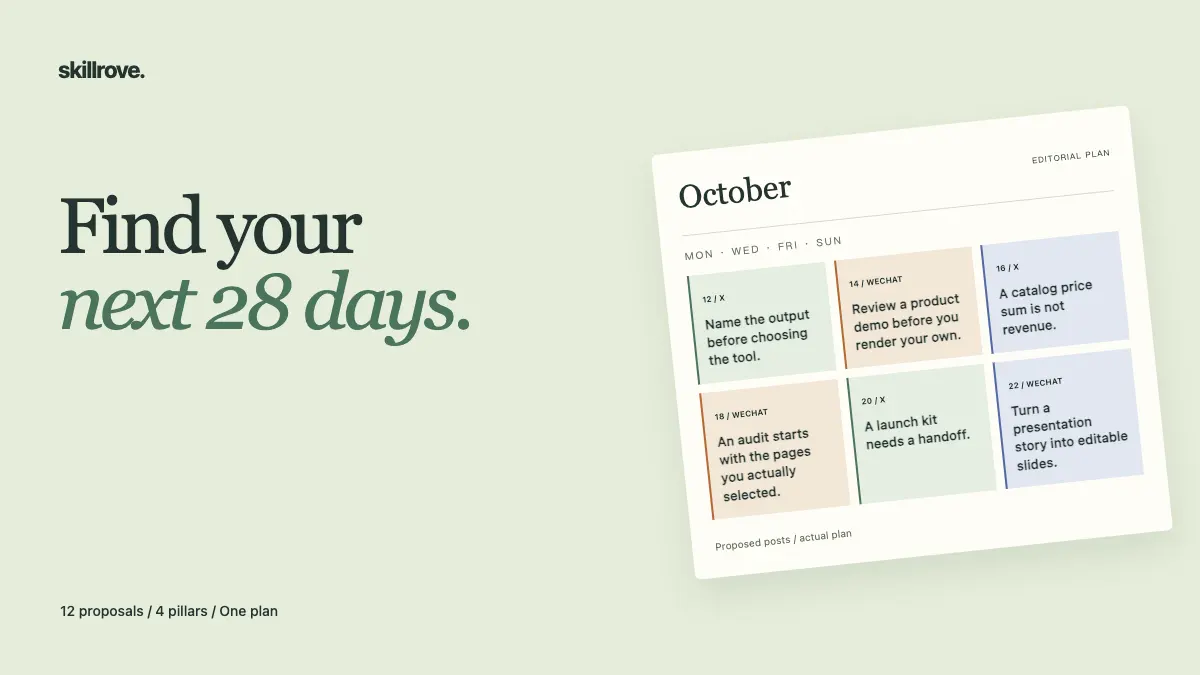
Creator Strategy Lab
An evidence-linked editorial strategy
Codex +2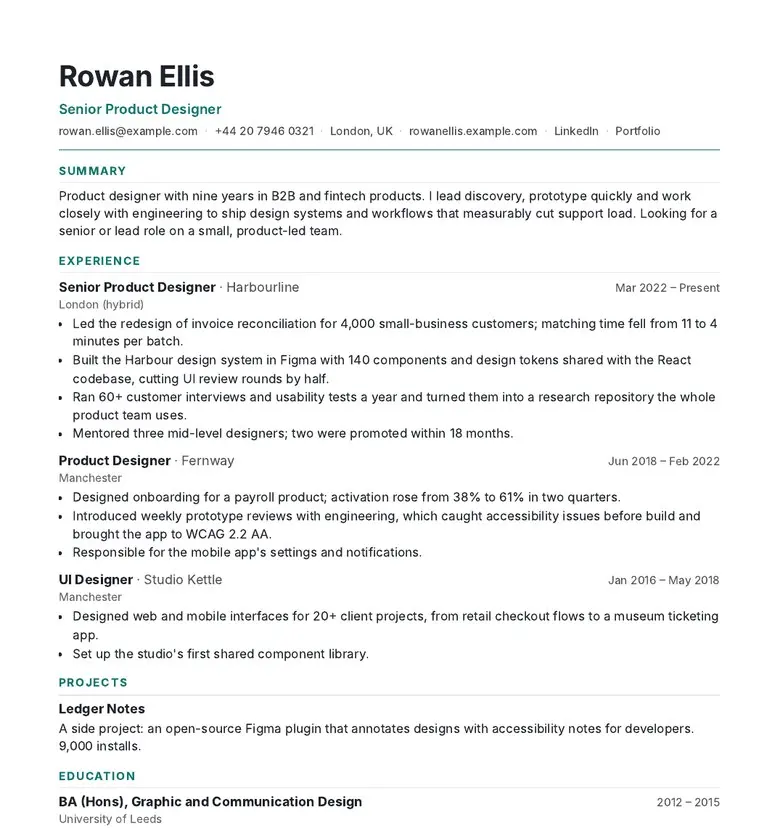 Video preview
CVForge
A resume that fits the page and the job.
Codex +2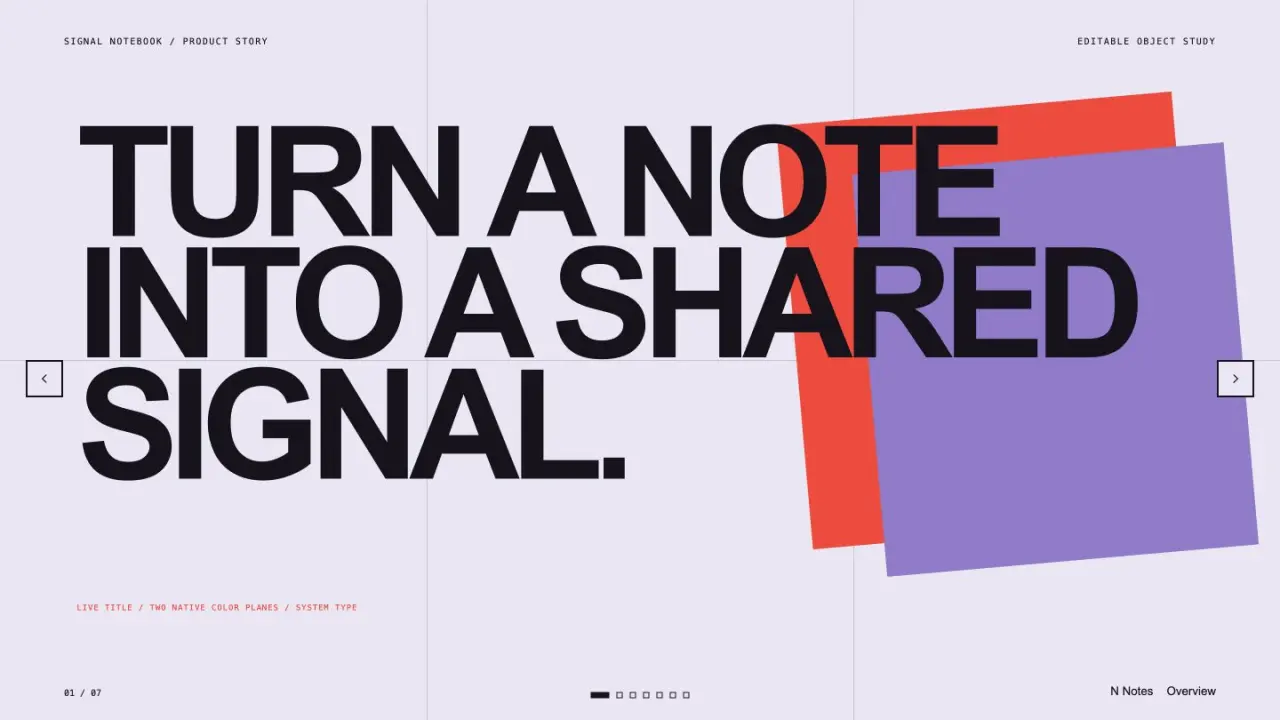 Free
Editable Visual Deck
Create a polished presentation from editable text, shapes, diagrams, and chart elements. It prioritizes a dependable browser deck while preserving a clear native-object handoff for later editable presentation export.
Claude Code +8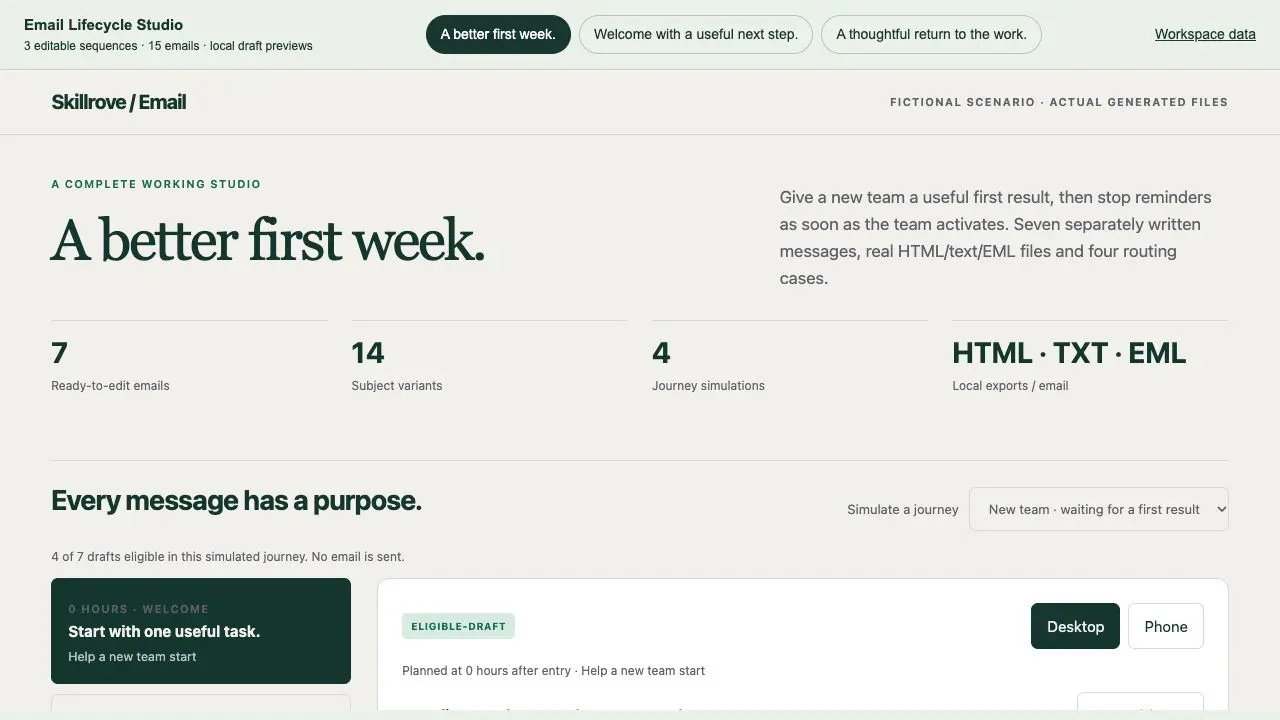
Email Lifecycle Studio
Three lifecycle journeys with actual email exports
Codex +2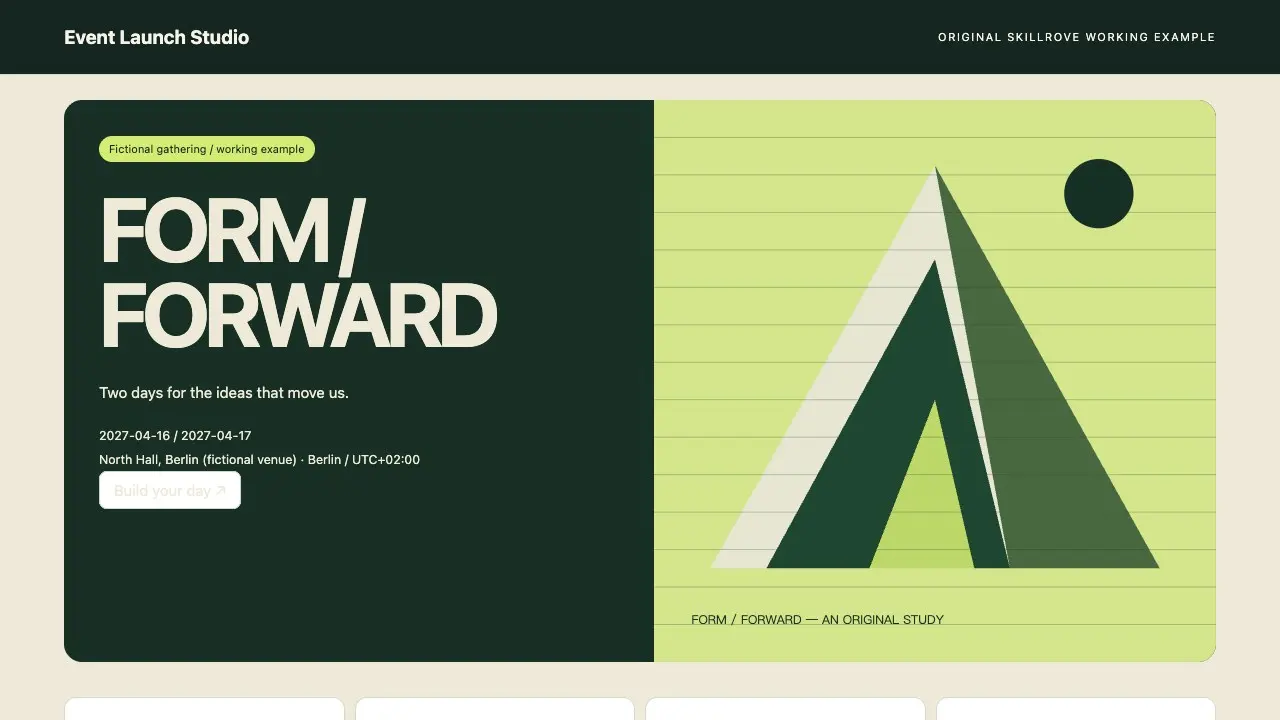 Video preview
Event Launch Studio
An event site, personal agenda and registration handoff
Codex +2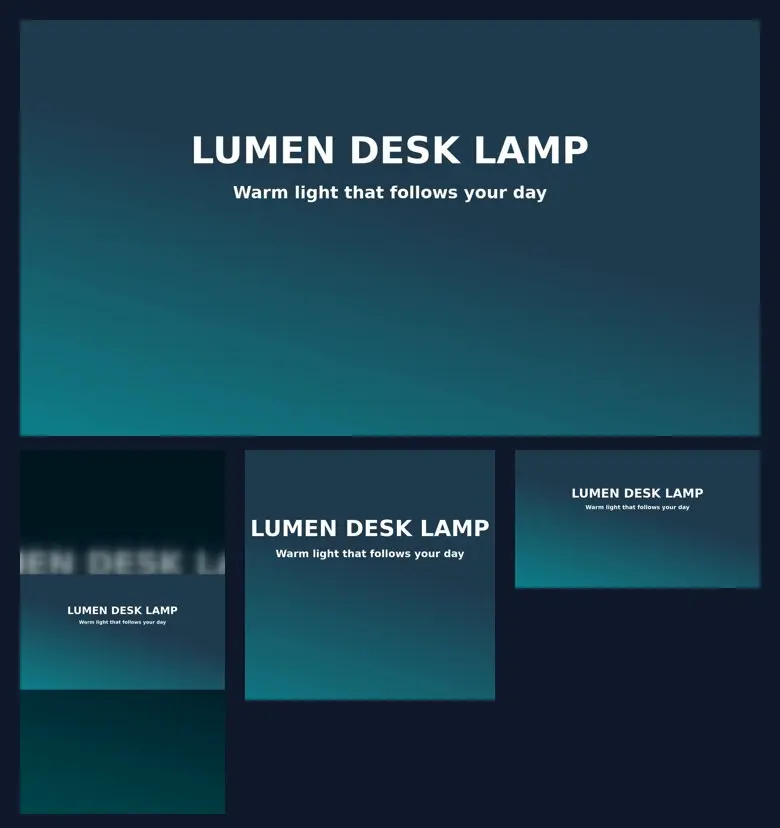 Video preview
ExportKit
One video master, checked uploads for every platform.
Codex +2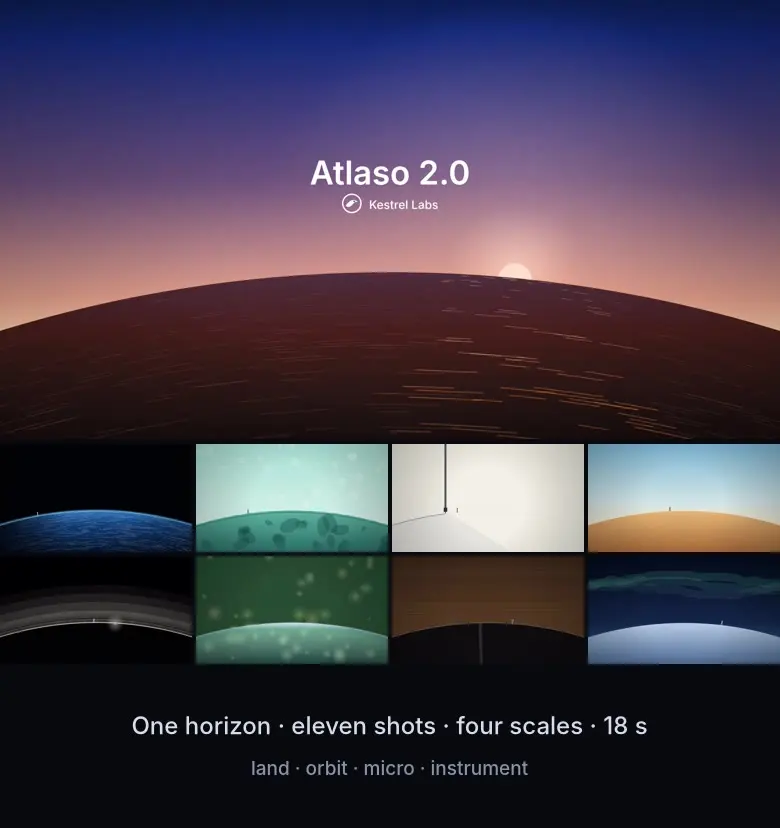 Video preview
Fable 5.2-Style Launch Video
A Fable 5.2-style launch video: one horizon held through every cut.
Codex +2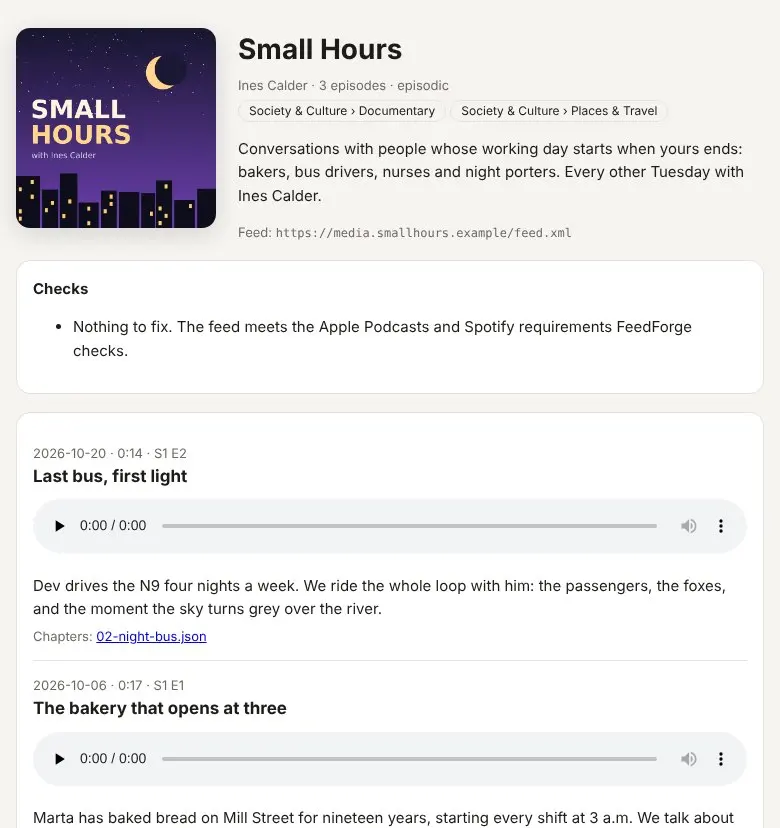 Video preview
FeedForge
A podcast feed Apple and Spotify accept, self-hosted.
Codex +2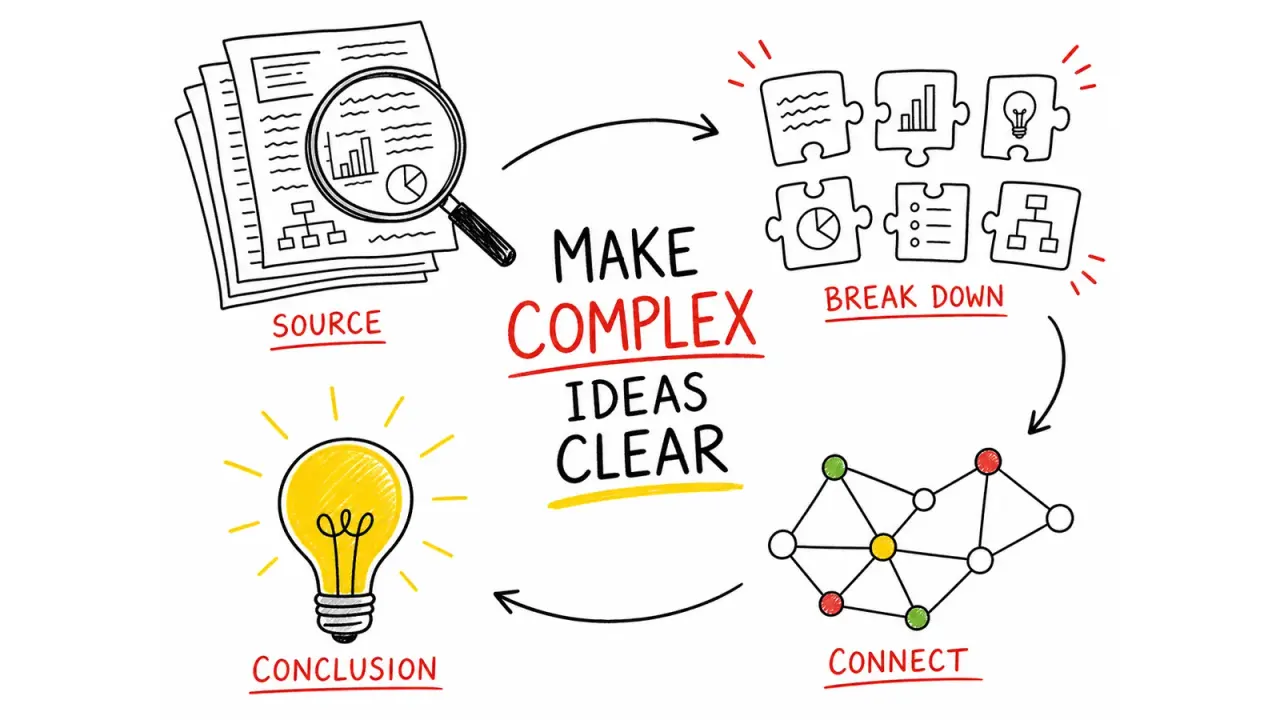 Free
Hand-Drawn Visual Notes
Turn source material into one focused 4:3 visual note, using hand-drawn illustrations, a strong English title, and a small set of accurate labels. It helps educators, creators, and teams make a process or idea easier to understand at a glance without reducing it to a dense slide.
Claude Code +8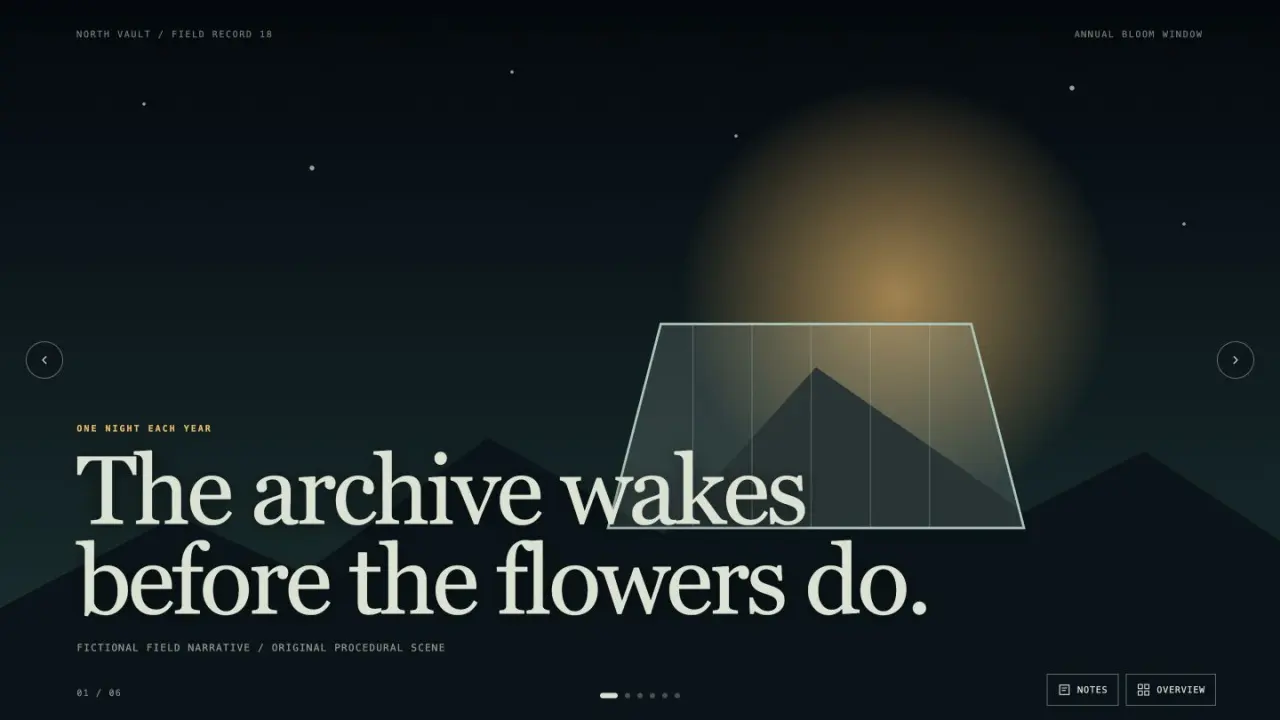 Free
Image Narrative Deck
Create an image-led presentation with cinematic pacing, editable live captions, and a coherent visual world. It is suited to documentary pitches, launch stories, cultural explainers, and narrative reports that benefit from full-frame scenes and restrained copy.
Claude Code +8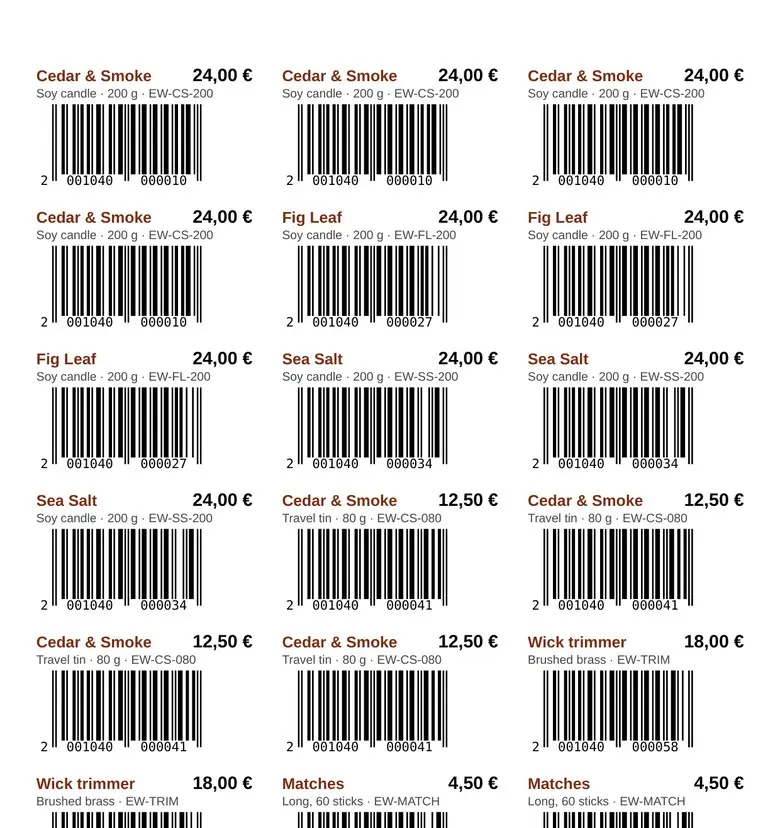 Video preview
LabelKit
Barcode labels that line up with the sheet and scan.
Codex +2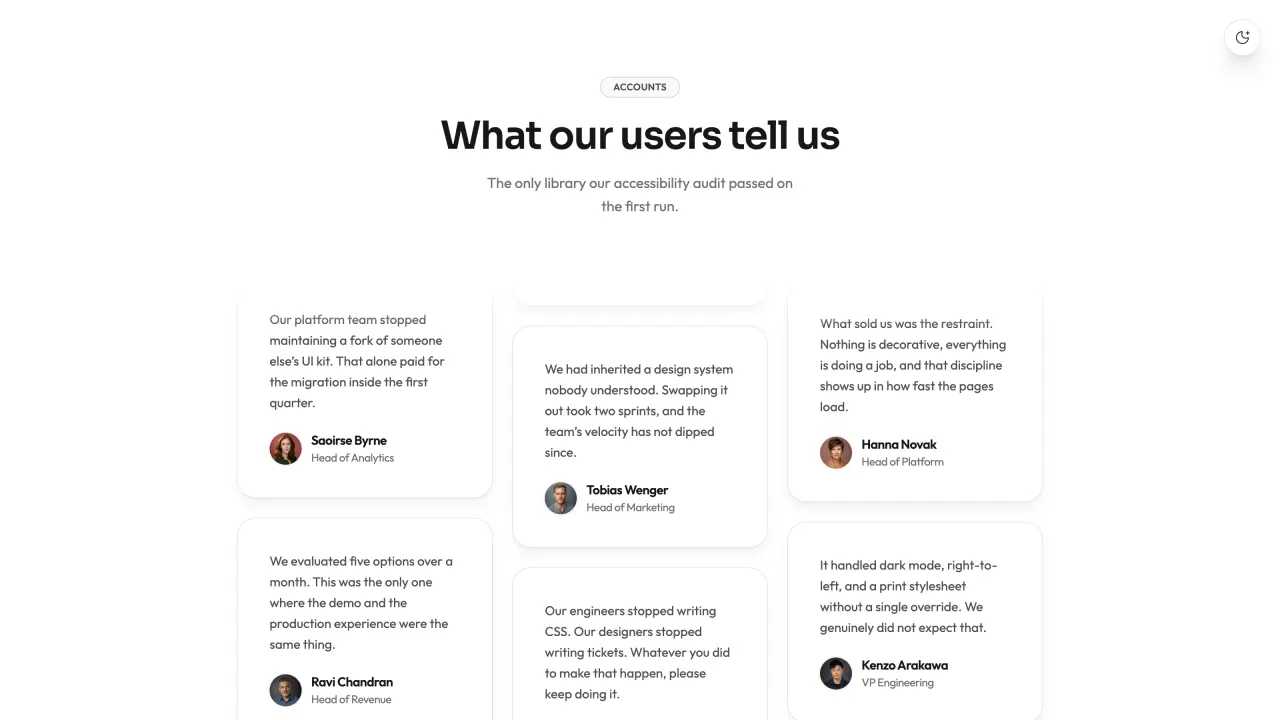 FreeVideo preview
Masonry Testimonial Wall
Masonry Testimonial Wall is a ready-to-paste testimonial section, delivered as editable source with its usage example. It ships with a canvas-rendered backdrop that runs without a WebGL library and entrance motion that settles rather than bounces. Colour, type and radius live as tokens you edit once for the whole block.
Claude Code +8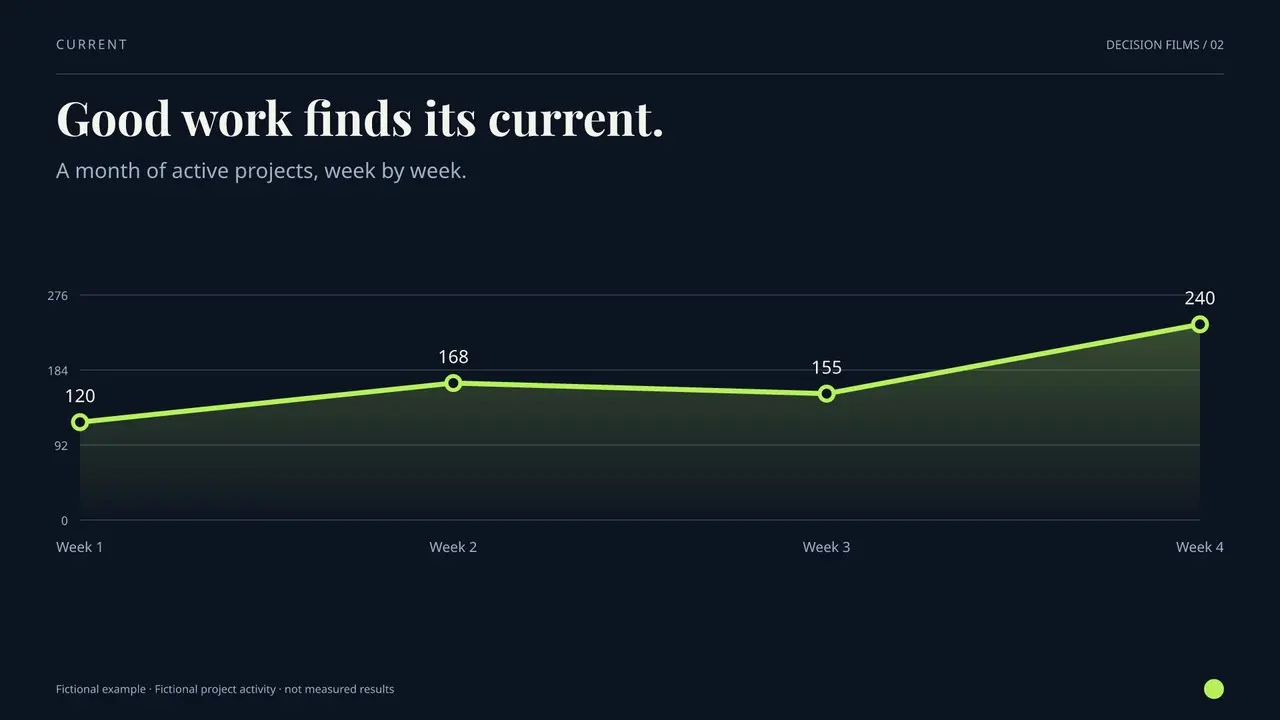 Video preview
Metric Story Film
A data change, told with clarity.
Codex +2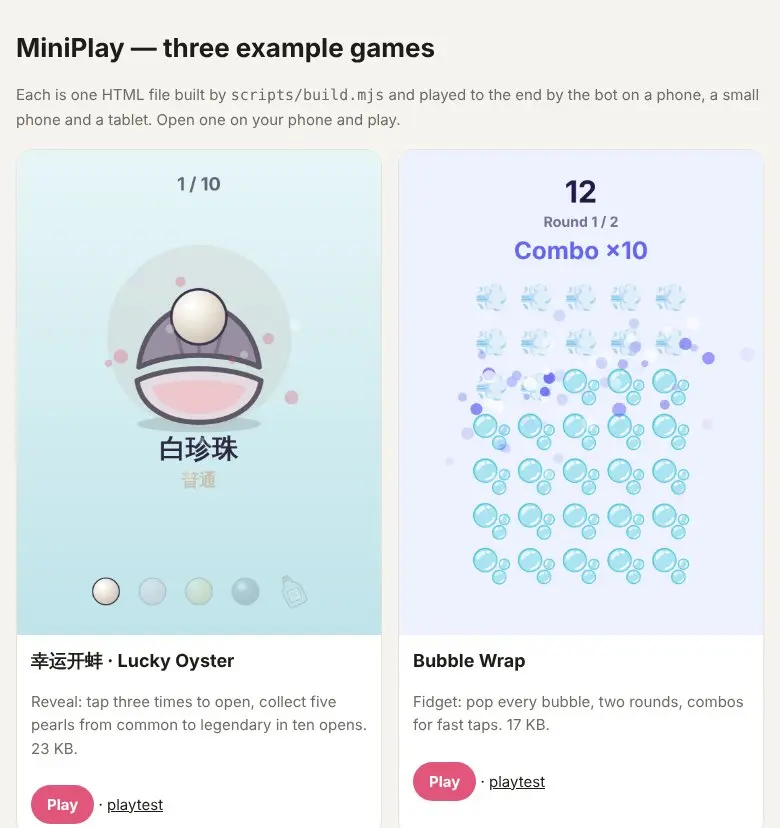 Video preview
MiniPlay
A mini game for a post, in one HTML file, bot-tested.
Codex +2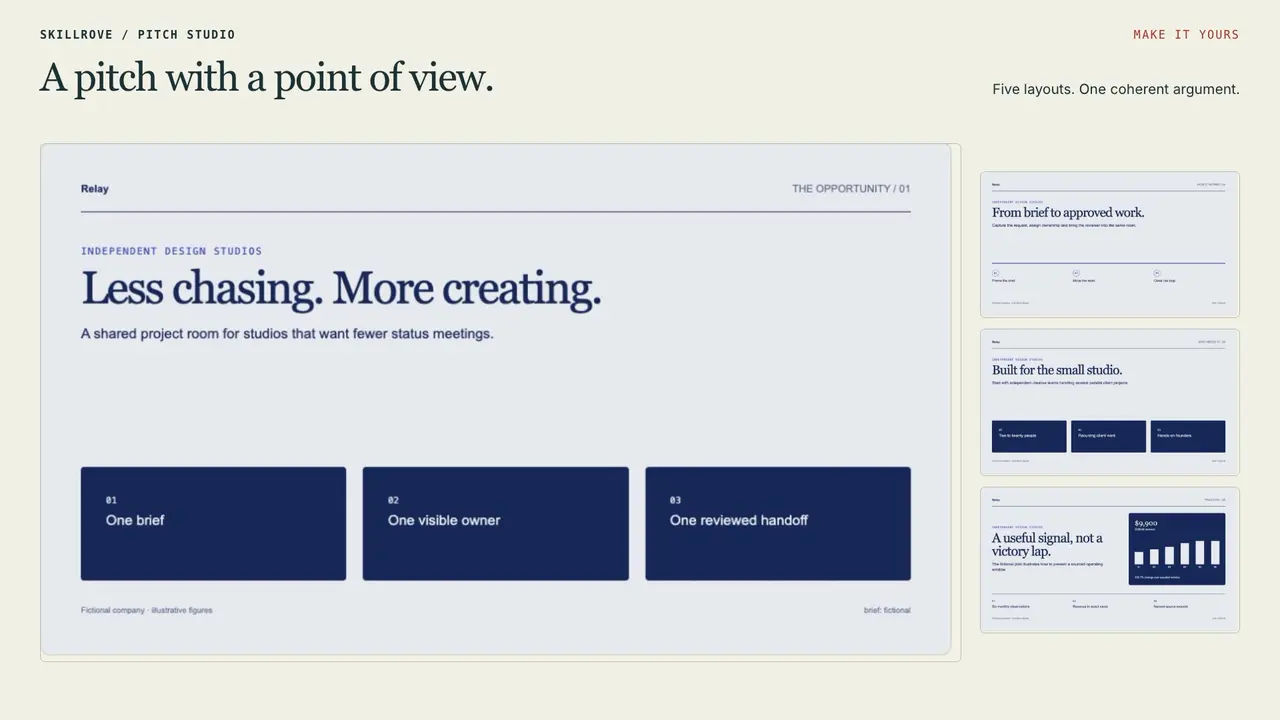 Video preview
Pitch Room Studio
A complete pitch and editable PowerPoint handoff
Codex +2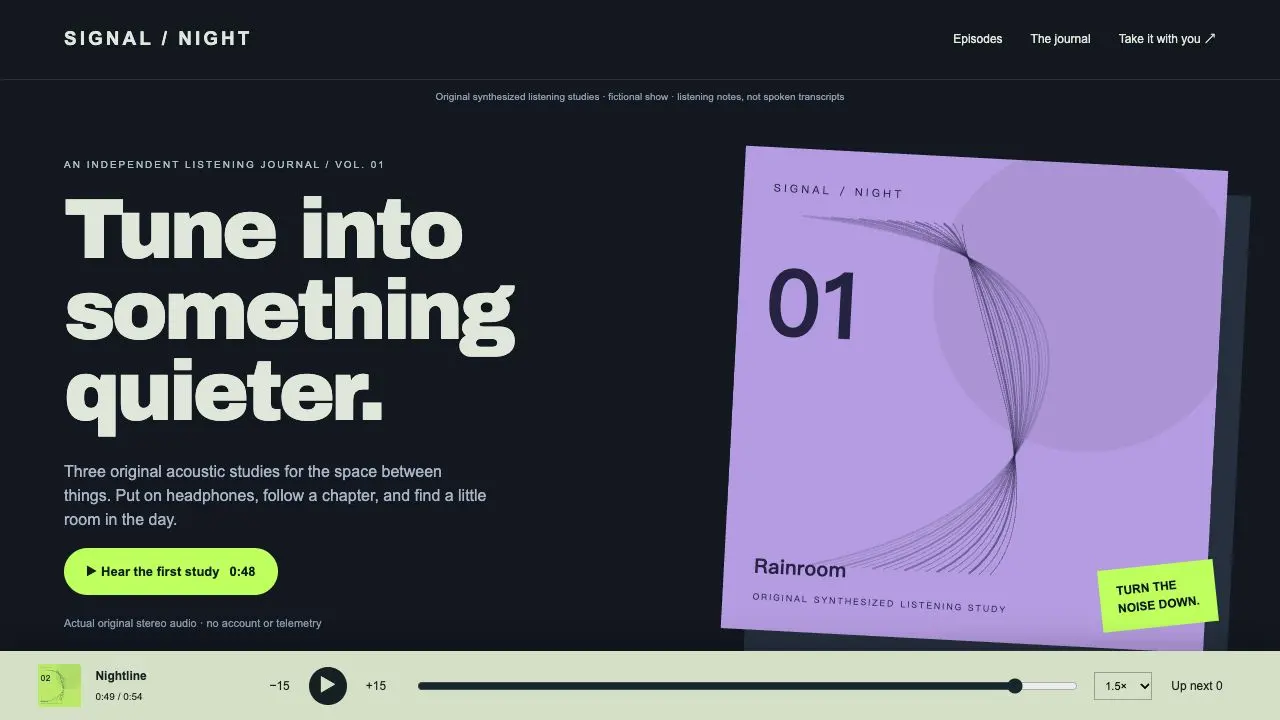 Video preview
Podcast Publisher Studio
A real-audio episode site and feed handoff
Codex +2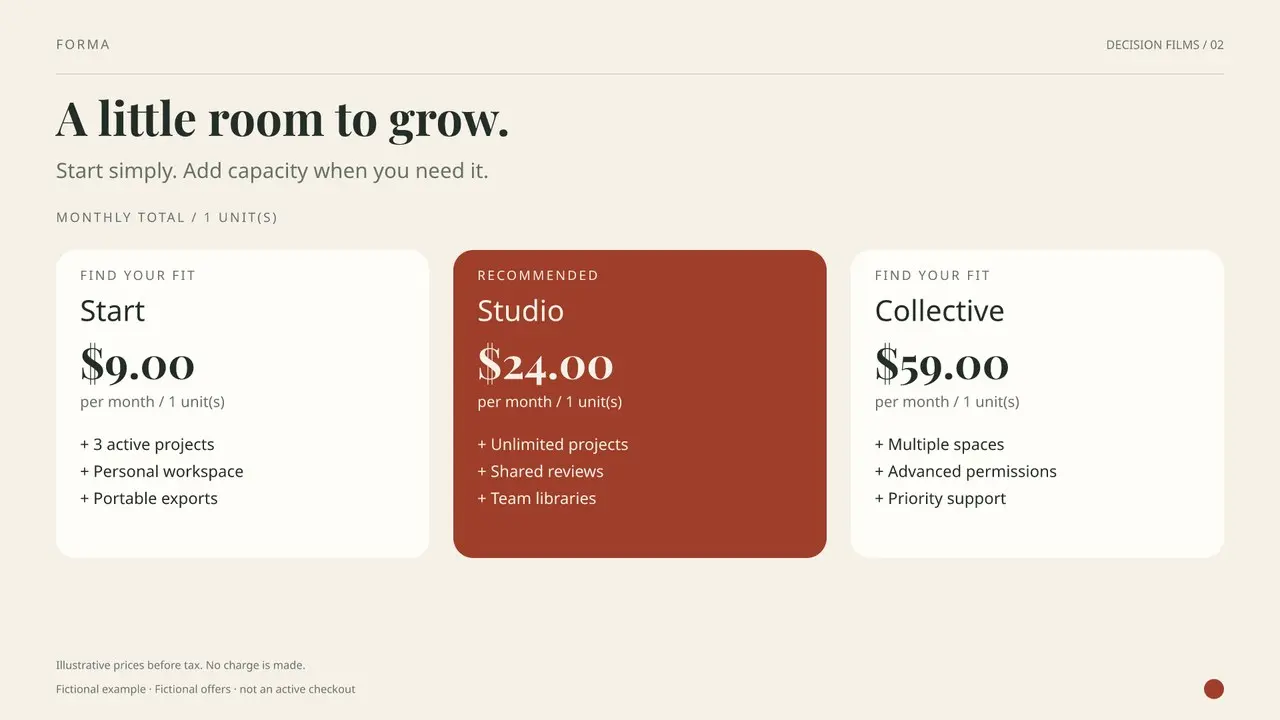 Video preview
Pricing Story Film
A pricing story with clear billing.
Codex +2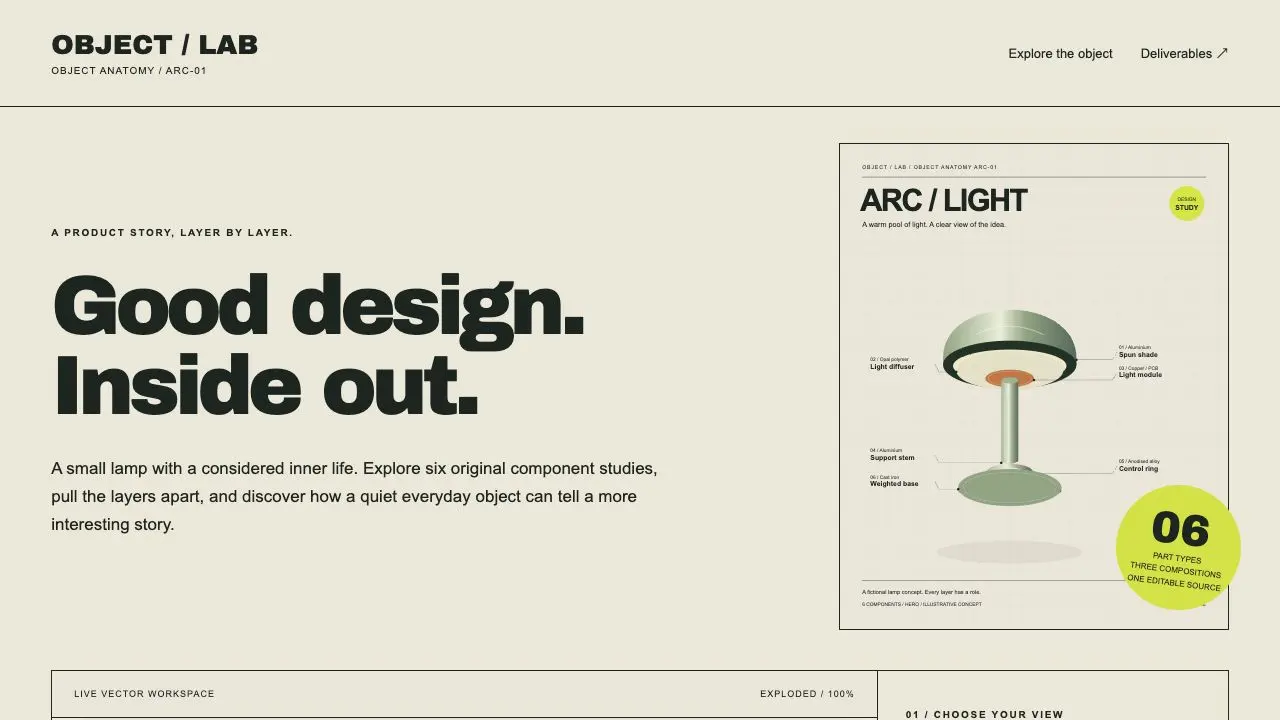 Video preview
Product Cutaway Studio
An interactive product anatomy and three export compositions
Codex +2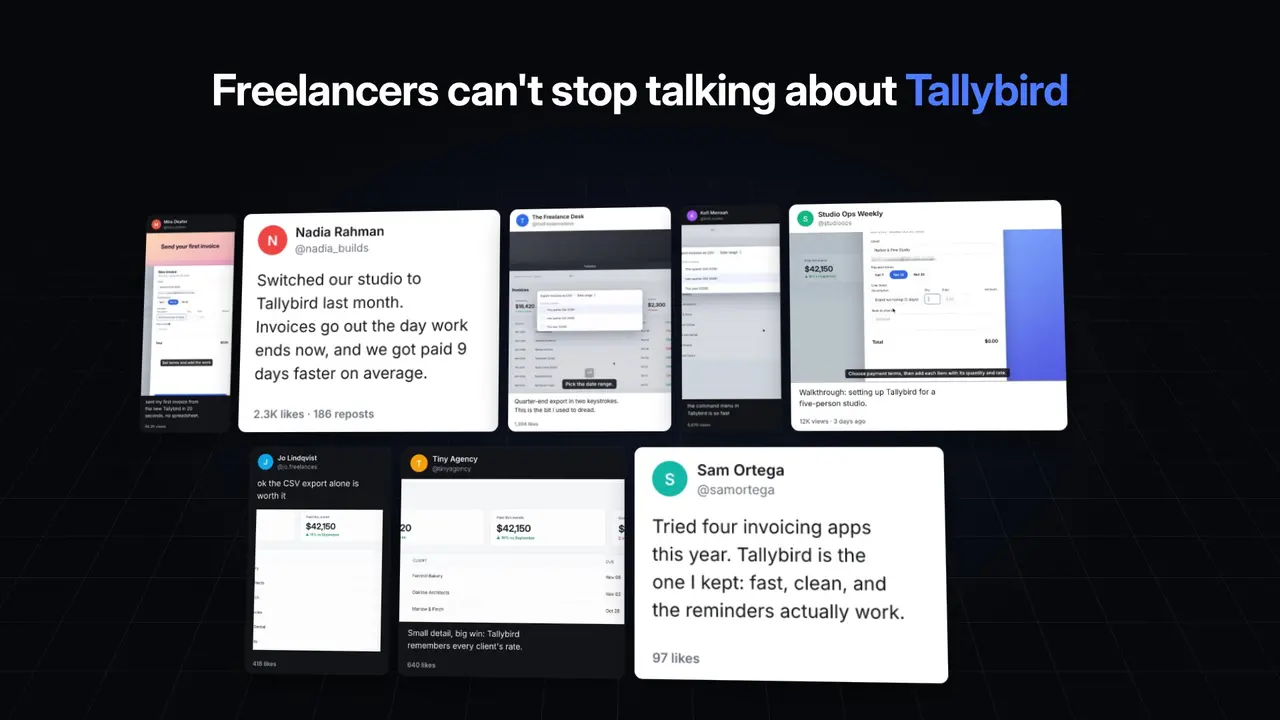 Video preview
ProofWall
Turn posts about your product into a social proof wall.
Codex +2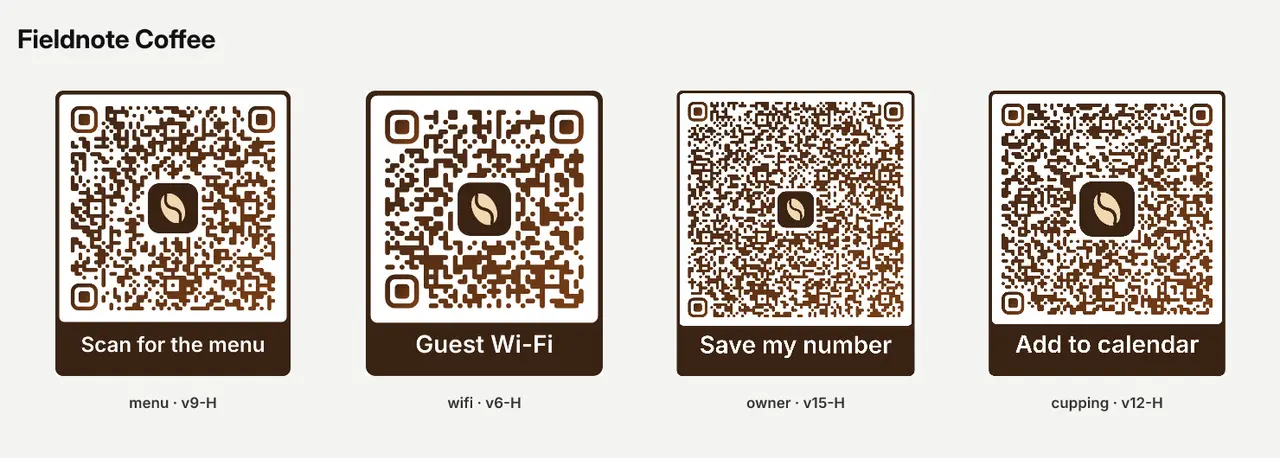 Video preview
QRCraft
Design branded QR codes that are checked to scan.
Codex +2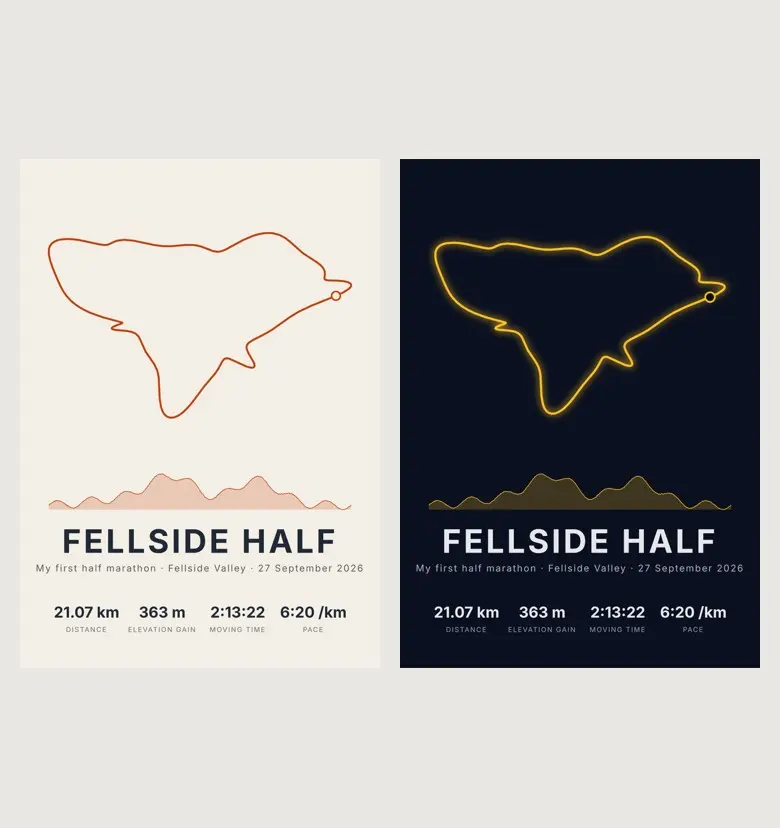 Video preview
RoutePoster
Turn a GPX run or ride into a print-ready poster.
Codex +2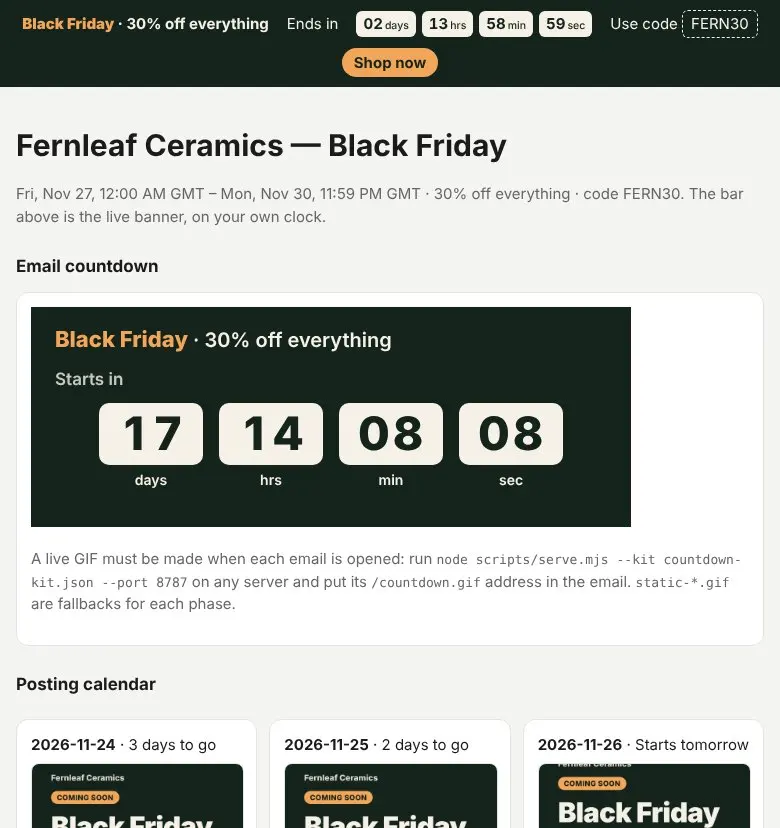 Video preview
SaleClock
Every countdown a Black Friday sale needs, agreeing to the second.
Codex +2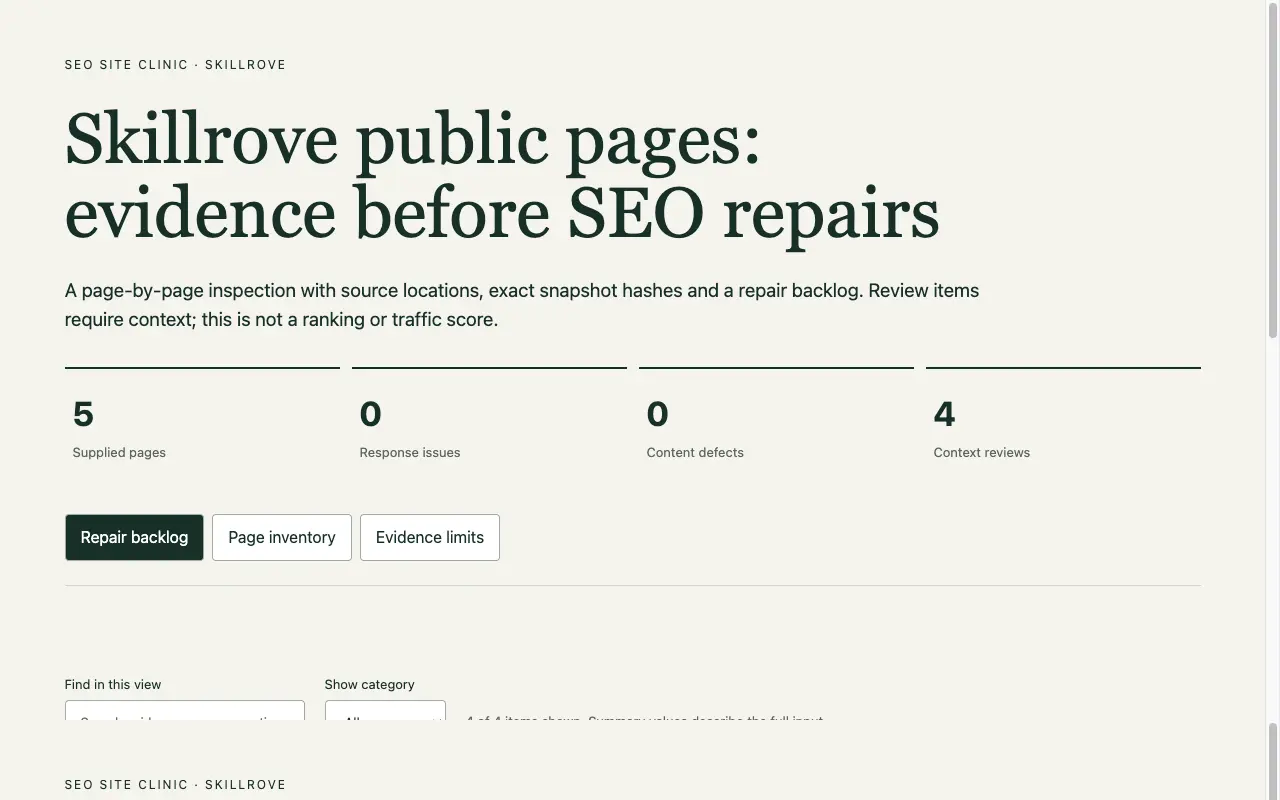
SEO Site Clinic
A sourced SEO repair backlog
Codex +2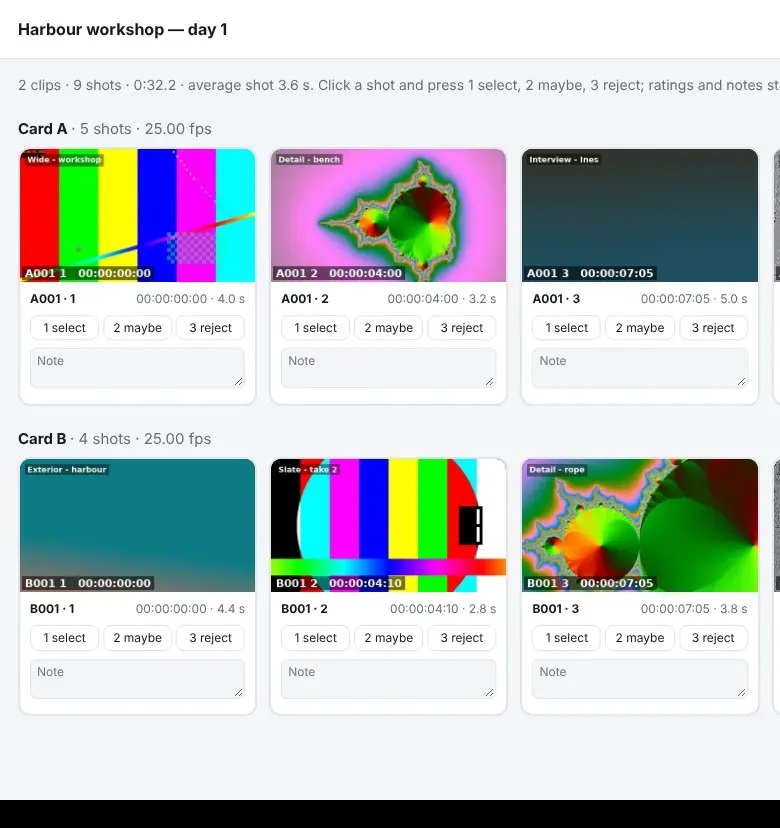 Video preview
ShotLog
Find every shot in your footage and pick selects fast.
Codex +2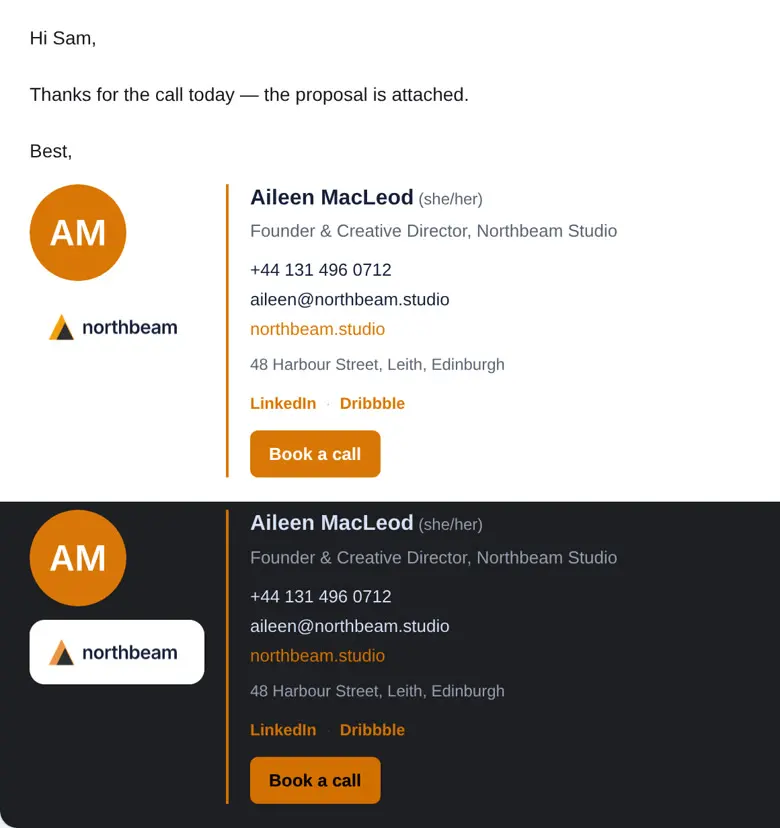 Video preview
SignKit
Give your whole team one email signature that works everywhere.
Codex +2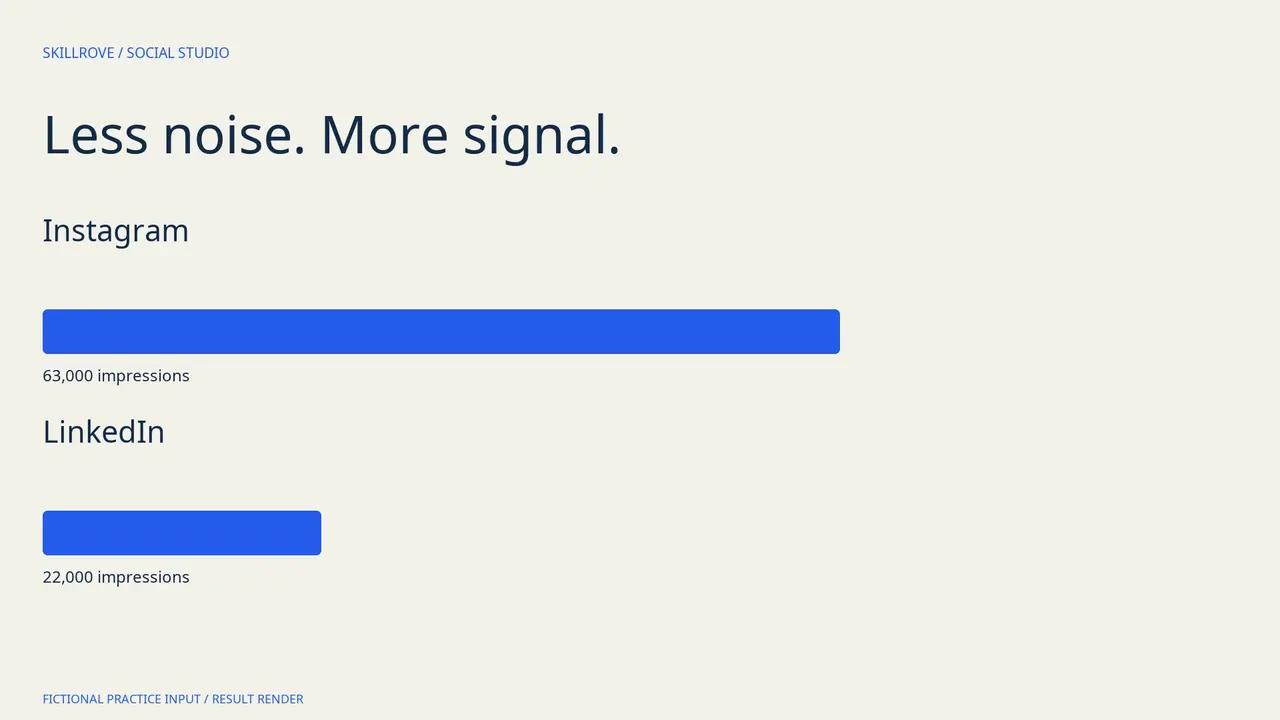 Video preview
Social Performance Studio
A traceable social review, editable deck and result video
Codex +2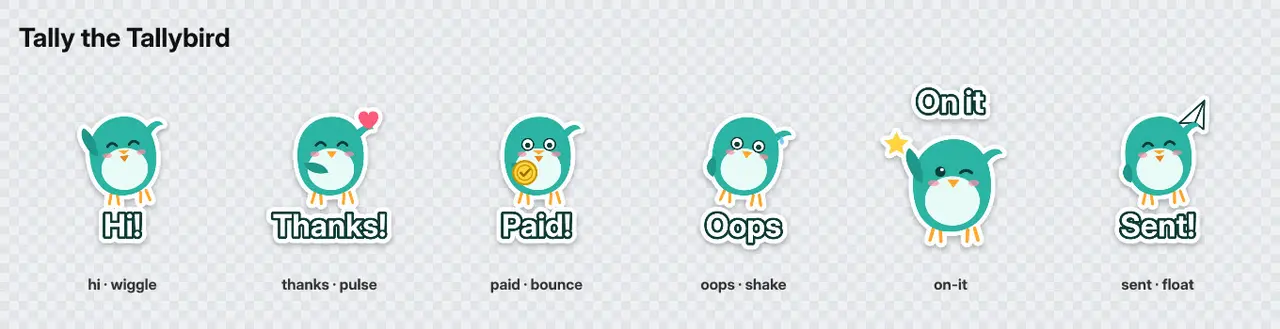 Video preview
StickerKit
Turn your mascot into sticker packs for every chat app.
Codex +2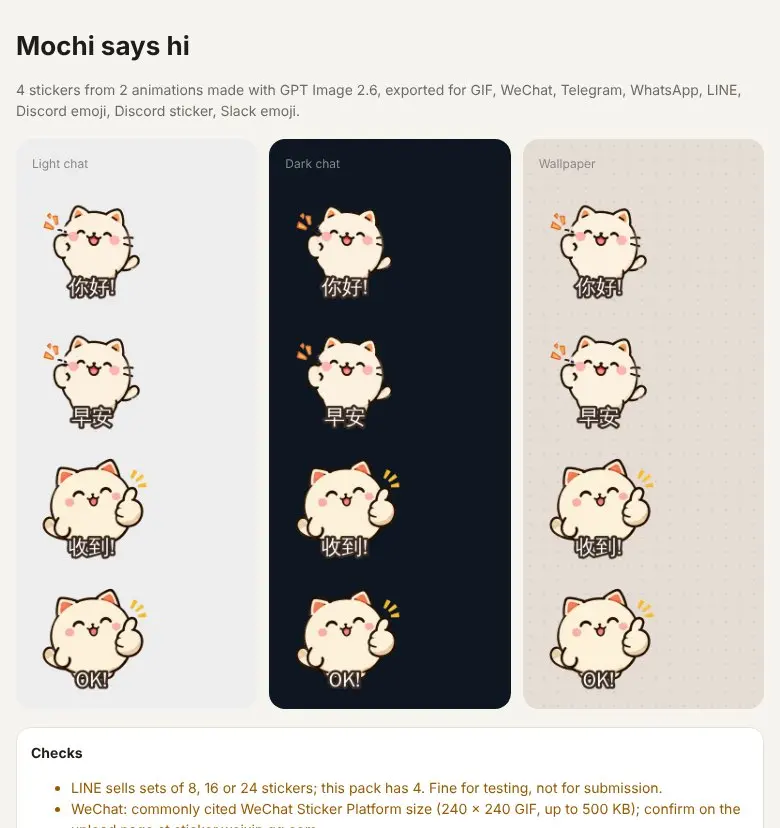 Video preview
StickerLoop
Animated sticker packs for every chat app, made with GPT Image 2.6.
Codex +2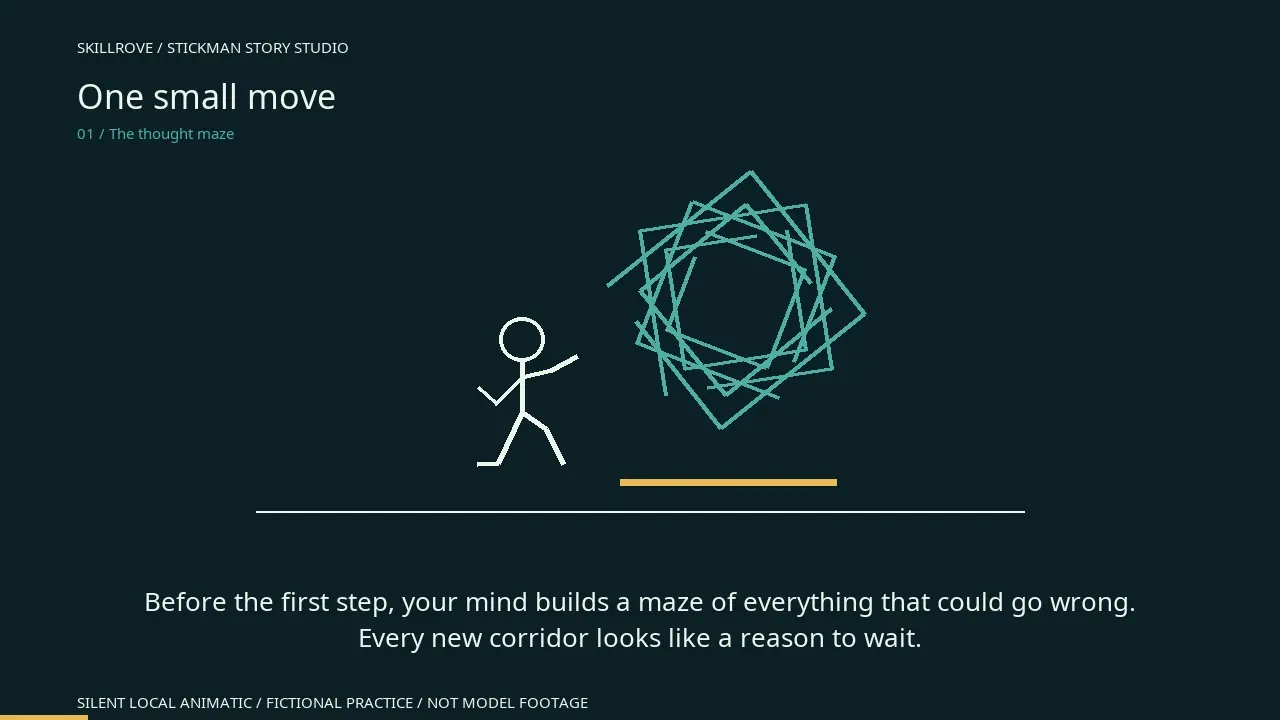 Video preview
Stickman Story Studio
A reviewed story, prompts and subtitles
Codex +2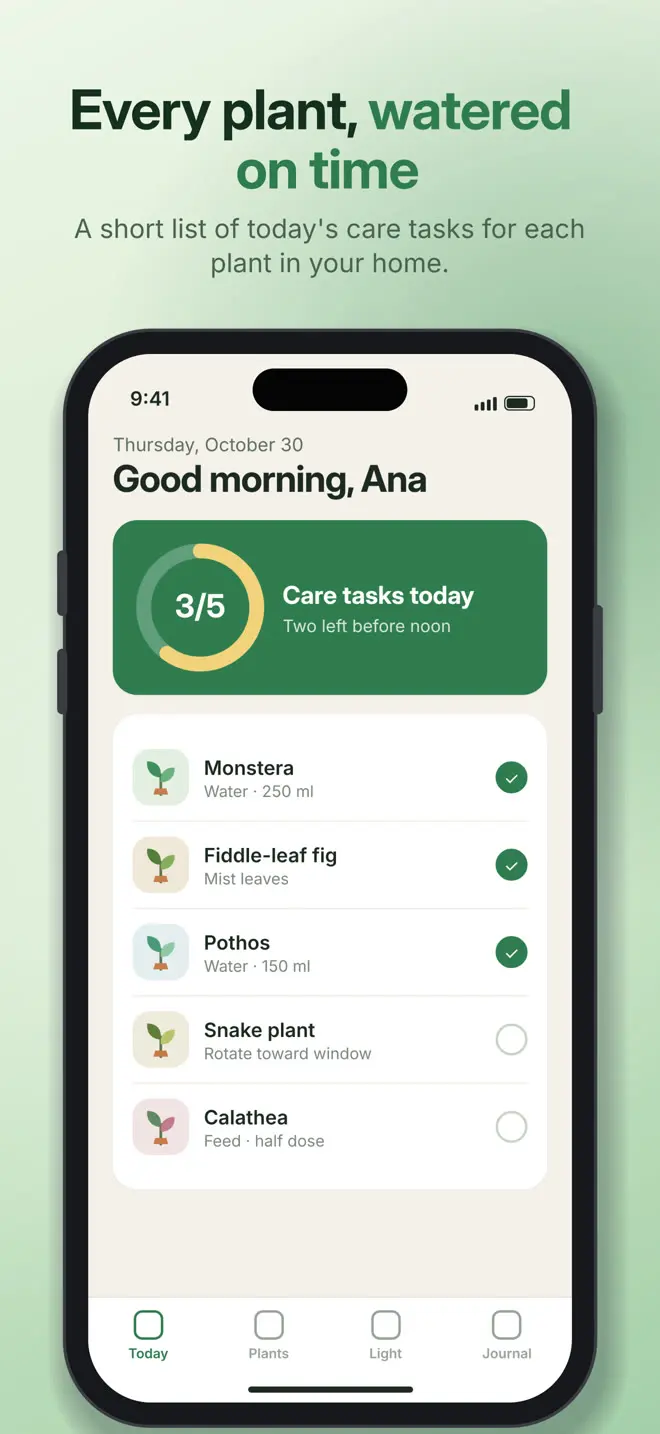 Video preview
StoreShots
Turn app screenshots into a store-ready set.
Codex +2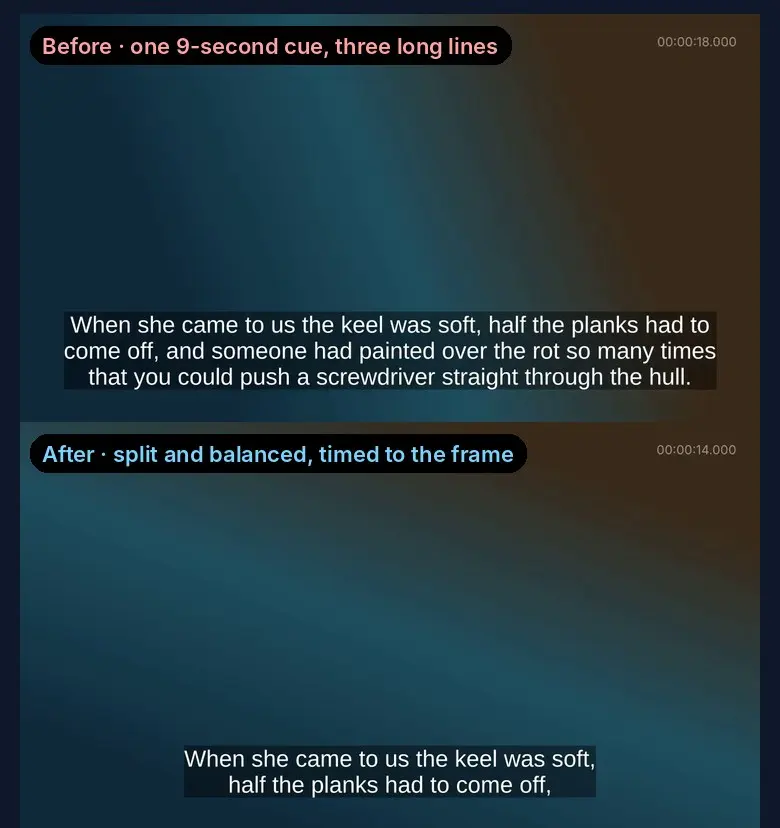 Video preview
SubtitleForge
Subtitles timed to the frame and easy to read.
Codex +2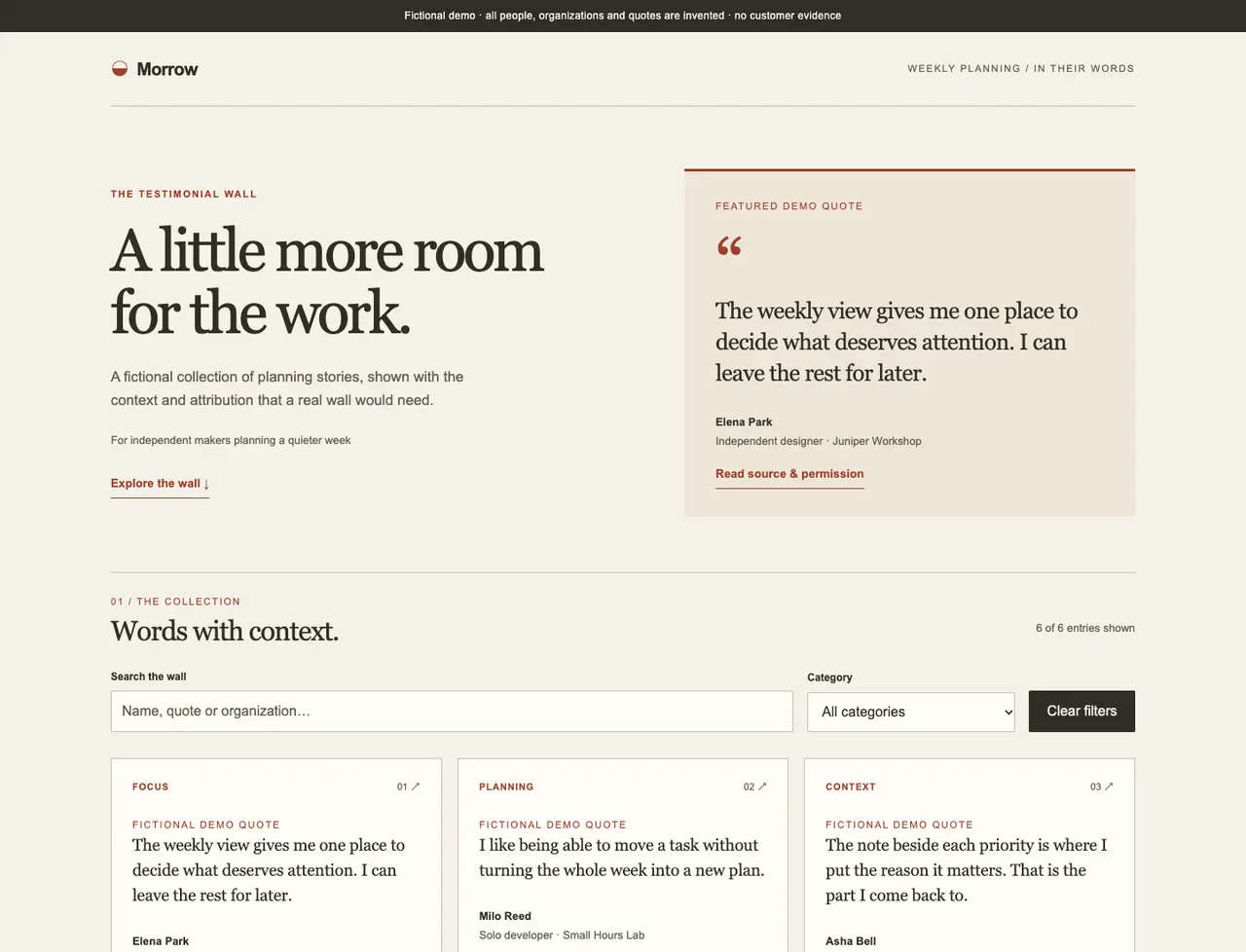 Video preview
Testimonial Wall Studio
A searchable, filterable testimonial wall
CClaude Code +2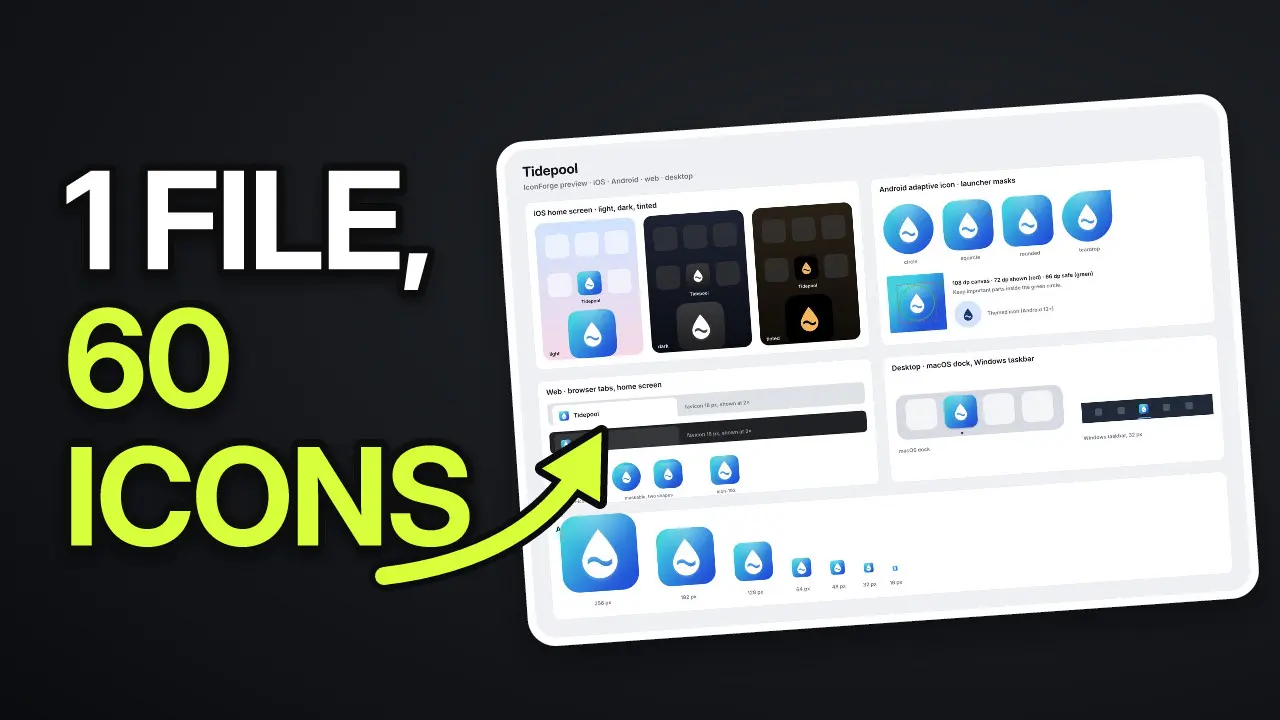 Video preview
ThumbLab
Design thumbnails that read at feed size.
Codex +2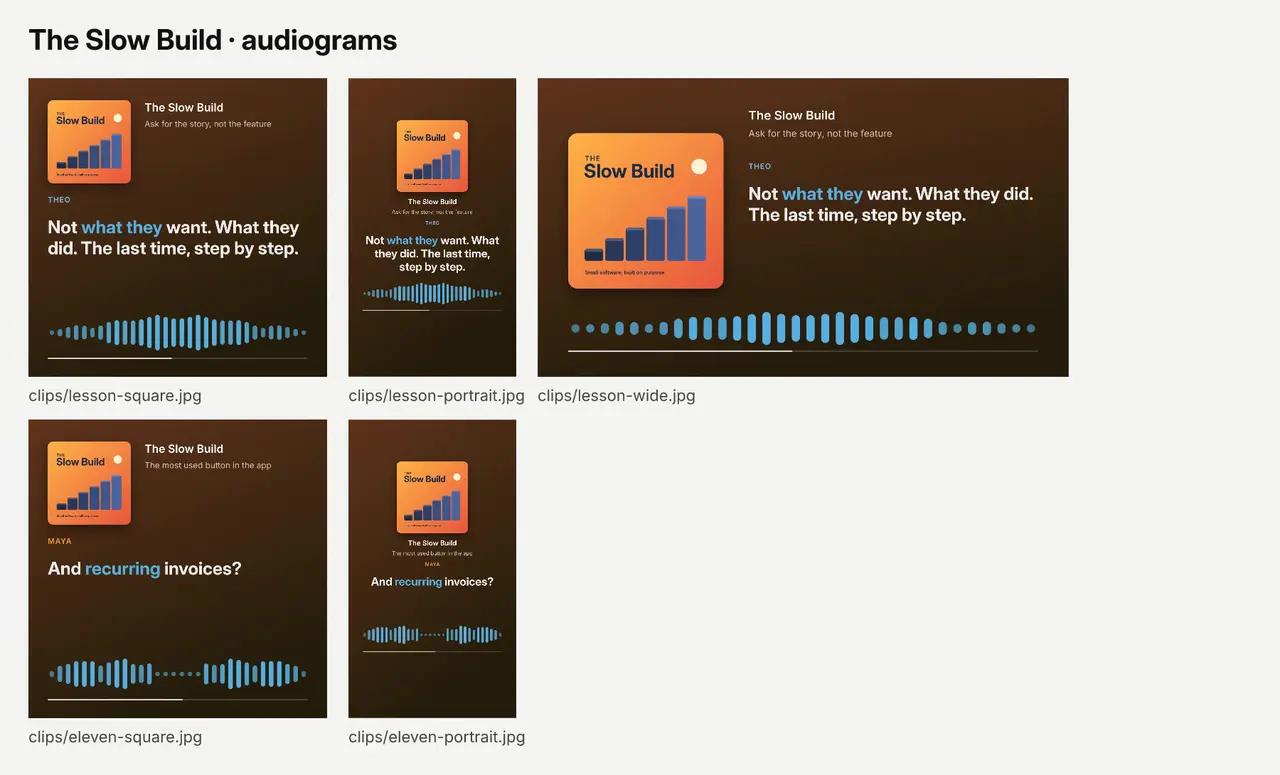 Video preview
WaveCard
Turn podcast moments into captioned audiograms.
Codex +2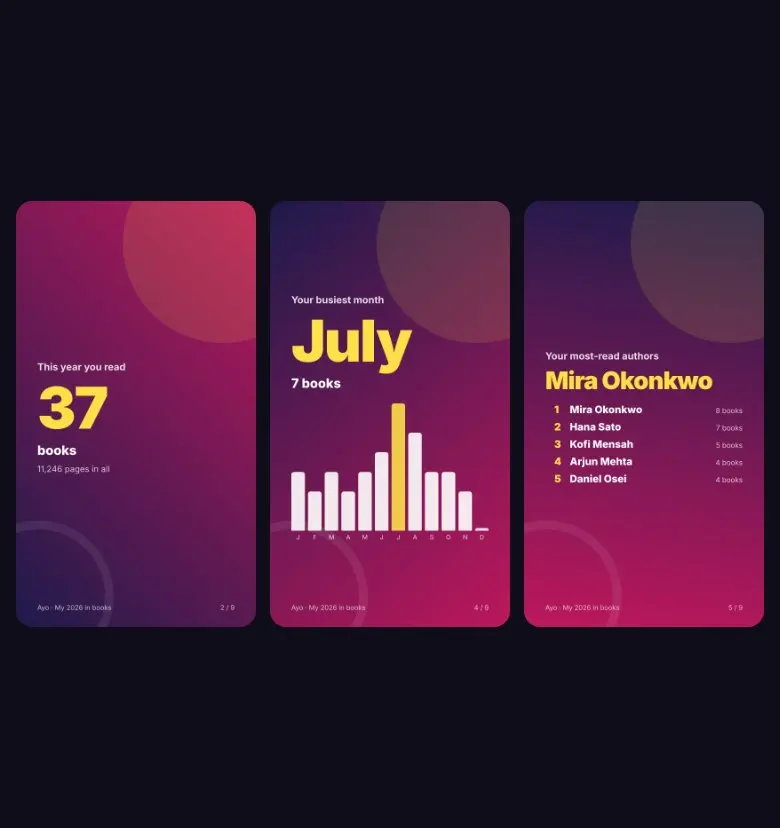 Video preview
WrapUp
Your own Wrapped year in review, from your own data.
Codex +2No. They produce files you review: campaign kits, reports, email drafts and images. Publishing, sending and ad spend stay in your own tools.
The list shows released packages tagged for this audience, with featured picks first and the rest by name. Every skill page shows real output, the package version and its requirements, so you can compare before installing.
Download the package and put the whole folder in your project's .claude/skills or your personal ~/.claude/skills directory, then call the skill by name in Claude Code. Codex and Cursor use their own skill folders; the installation guide has the steps.