Browser editing and still exports need no installation. Native 720/1080 MP4 needs Node.js 24.15+, npm and FFmpeg. Bundled Latin fonts; examples are fictional. No generated footage, narration or publication service.
About this skill
Use 2–3 options, 2–5 weighted criteria and supplied 0–5 scores. Matrix, split comparison and ranked bars serve different decisions. Unknown values never become zero; incomplete evidence never produces a winner.
Open the included studio.html, choose a starting point and edit labeled fields. Preview landscape, portrait or square, undo changes, recover an optional browser draft and save a portable project or editable HTML. Export SVG, PNG and formula-safe CSV. Render silent 12–30 second MP4s locally at 720 or 1080 short-edge pixels, with source calculations and an integrity manifest.
Read the full workflow
Browser editing and still exports need no installation. Local MP4 export requires Node.js 24.15+, npm install and FFmpeg. Fonts are bundled for Latin text; other writing systems need a suitable licensed font and export review. Example brands and data are fictional. No generated footage, voice, source fetching or publishing service is included.
Purchase access is required. Unzip the package into the project folder below, or let your agent follow the installation guide. .agents/skills/compare-story-film
Your project name, audience and the content or images you already have are enough to start. Your agent will ask for anything essential that is missing.
3. Let your agent guide the first result
Package location: .agents/skills/compare-story-film

Use compare-story-film. Read SKILL.md and start with examples/default.json. My goal: compare priorities, scores and evidence. Ask for my audience, approved facts, sources and brand. Replace fictional data only with facts I supply. Create a small preview first, then check the calculations and export landscape, portrait and square MP4s into a new folder. Show finished results only. Keep project JSON, the editable studio and source evidence.

Use a new output folder and preserve existing files. Inspect the actual deliverables (Silent MP4 · landscape / portrait / square, Editable studio HTML + project JSON, SVG / PNG frames + data CSV), open the visual result and explain failed checks. An incomplete dependency check is not a successful result. Ask before paid services and do not publish automatically.
Give this request to Claude Code, Codex or Cursor. Your agent can collect the missing details and guide your first result.
Use compare-story-film. Read SKILL.md and start with examples/default.json. My goal: compare priorities, scores and evidence. Ask for my audience, approved facts, sources and brand. Replace fictional data only with facts I supply. Create a small preview first, then check the calculations and export landscape, portrait and square MP4s into a new folder. Show finished results only. Keep project JSON, the editable studio and source evidence.
Purchase access is required to install the package. Technical commands are available below when you need them.
US$4.99 · MIT licenseBrowser editor · optional local MP4 rendererNo API key or paid provider
01
Choose a home for your studio
Unzip into a new folder and open the studio directly. Choose an agent below if you would like help reviewing sources or writing your own content.
Download and unzip the package into the folder above. Keep all its files together, with SKILL.md directly inside that folder.
Downloads require a verified account and purchase access. Choose a new folder if this Skill is already installed.
03
Open studio.html
Open studio.html, choose a story and edit the labeled fields. Apply changes, preview the film and save your project. Export still frames and data directly; ask your agent to render the approved project as MP4.
Browser editing and portable exports need no dependency installation. Save HTML and project JSON to keep your work. The optional command-line builder is described below.
Optional command-line delivery
Read SKILL.md, review the generator and check its runtime requirements before running:
cd .agents/skills/compare-story-film
npm install
node scripts/build.mjs --input examples/default.json --output ./my-project
Your first result
Choose a starting point, edit the visible fields and apply changes. Check the preview and calculations, save your project, and render into a fresh folder. Review all three scene states and each canvas format before delivery.
Browser editing and still exports need no installation. Local MP4 export requires Node.js 24.15+, npm install and FFmpeg. Fonts are bundled for Latin text; other writing systems need a suitable licensed font and export review. Example brands and data are fictional. No generated footage, voice, source fetching or publishing service is included.
If my-project already exists, change the output to ./my-project-2. Existing files are never overwritten.
Prefer to ask your agent?
Use compare-story-film. Read SKILL.md and start with examples/default.json. My goal: compare priorities, scores and evidence. Ask for my audience, approved facts, sources and brand. Replace fictional data only with facts I supply. Create a small preview first, then check the calculations and export landscape, portrait and square MP4s into a new folder. Show finished results only. Keep project JSON, the editable studio and source evidence.
Reviews0
Share your first result
Tried this workflow? Help others decide with an honest review.
Before you choose this Skill
How do I get Compare Story Film?
The listed individual package price is USD 4.99. Premium downloads require a confirmed purchase or active membership. Your agent subscription, model access and external provider credits are separate.
This release lists Codex, Claude Code, Cursor as intended installation hosts. Check the package’s dependencies and permissions before running it. These labels do not certify that every workflow has been tested in every agent.
The documented 1.0.0 workflow lists: Silent MP4 · landscape / portrait / square; Editable studio HTML + project JSON; SVG / PNG frames + data CSV; Calculations + storyboard + integrity manifests. Some files or exports are optional; follow the package’s setup and inspect the delivered result.
Browser editing and still exports need no installation. Local MP4 export requires Node.js 24.15+, npm install and FFmpeg. Fonts are bundled for Latin text; other writing systems need a suitable licensed font and export review. Example brands and data are fictional. No generated footage, voice, source fetching or publishing service is included.
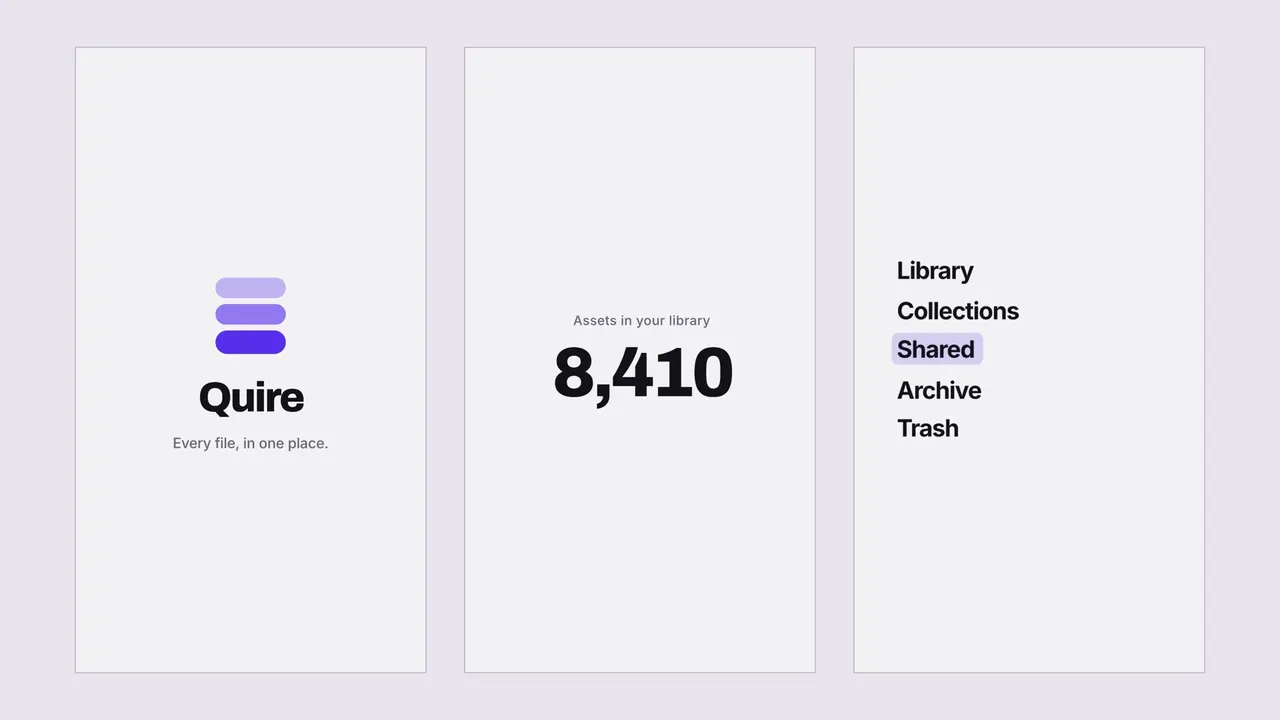 AvailableVideo preview

 Claude Code +8