PaletteForgev1.0.0

Builds 11-step scales in OKLCH around each brand color, keeping the color itself exact, plus a tinted neutral and success, warning, danger and info scales.

See what you can make

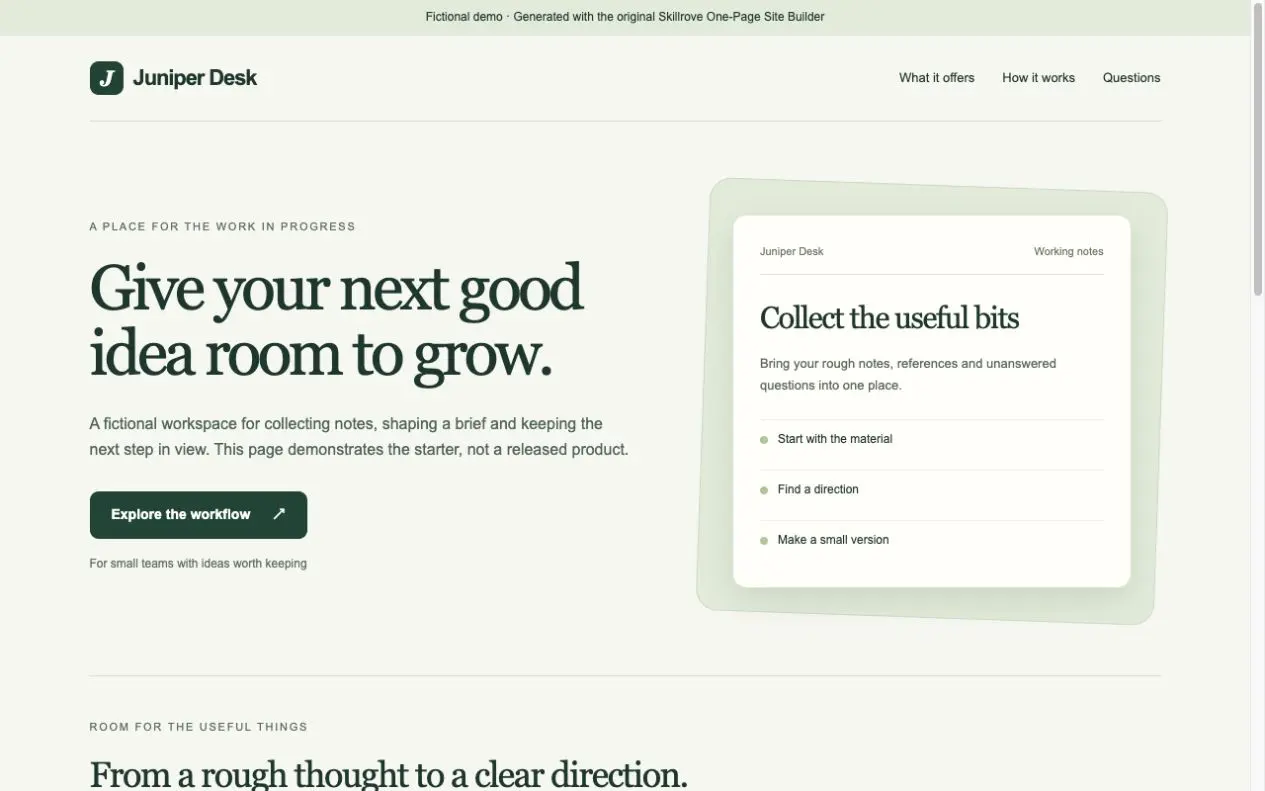
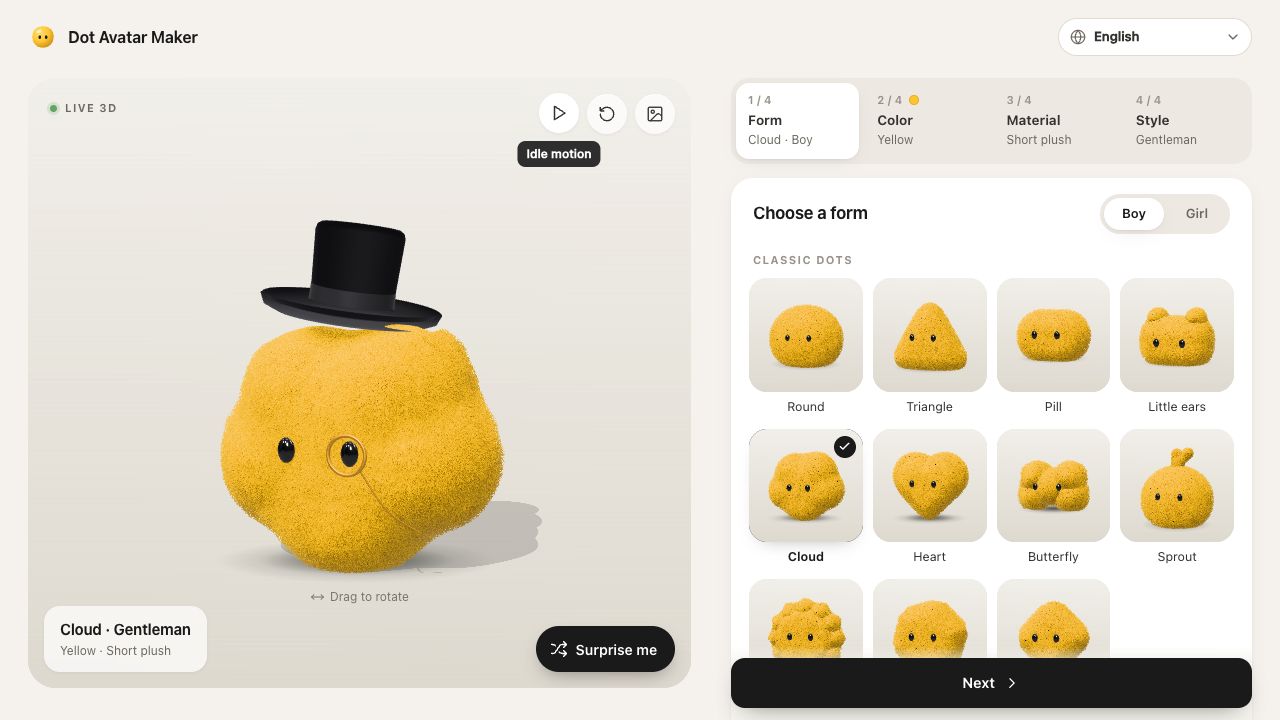
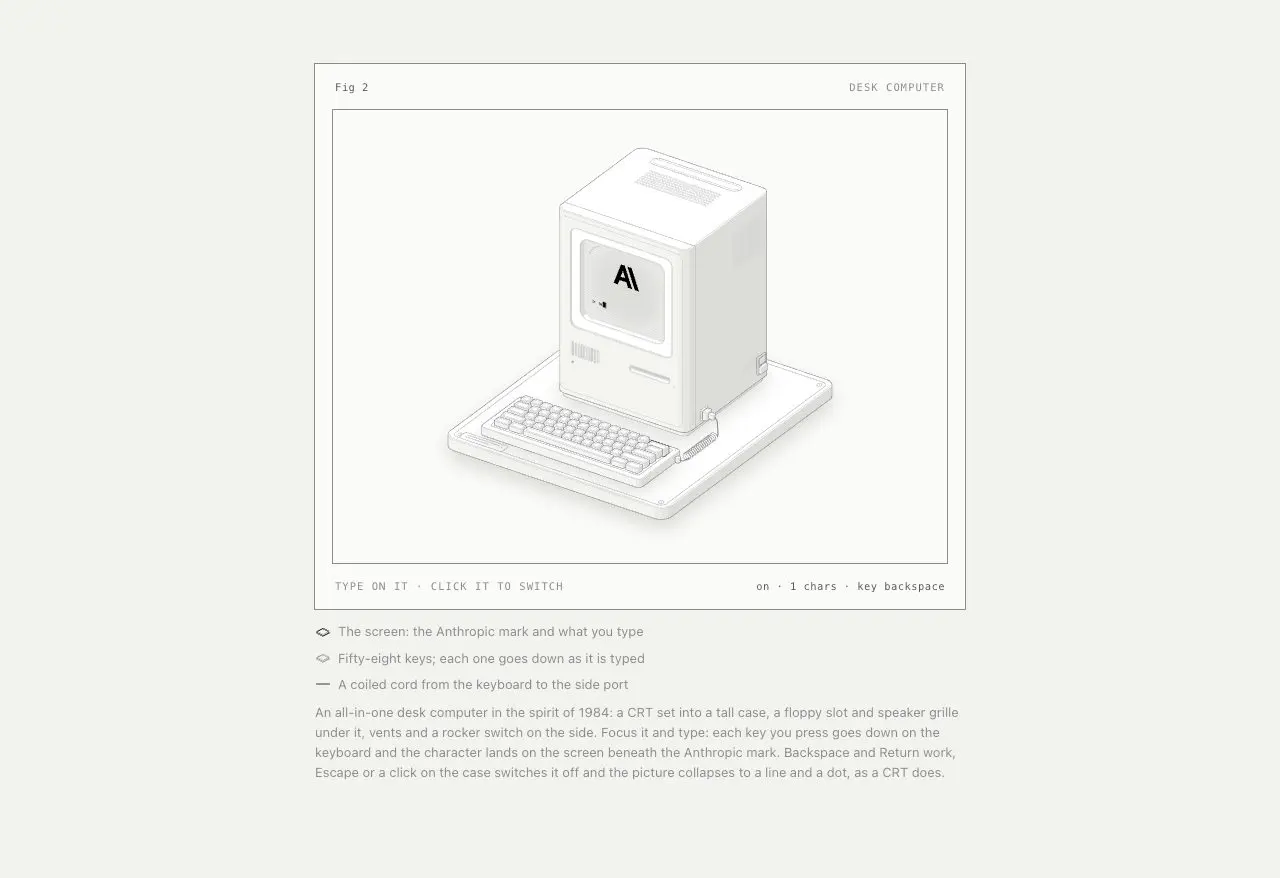
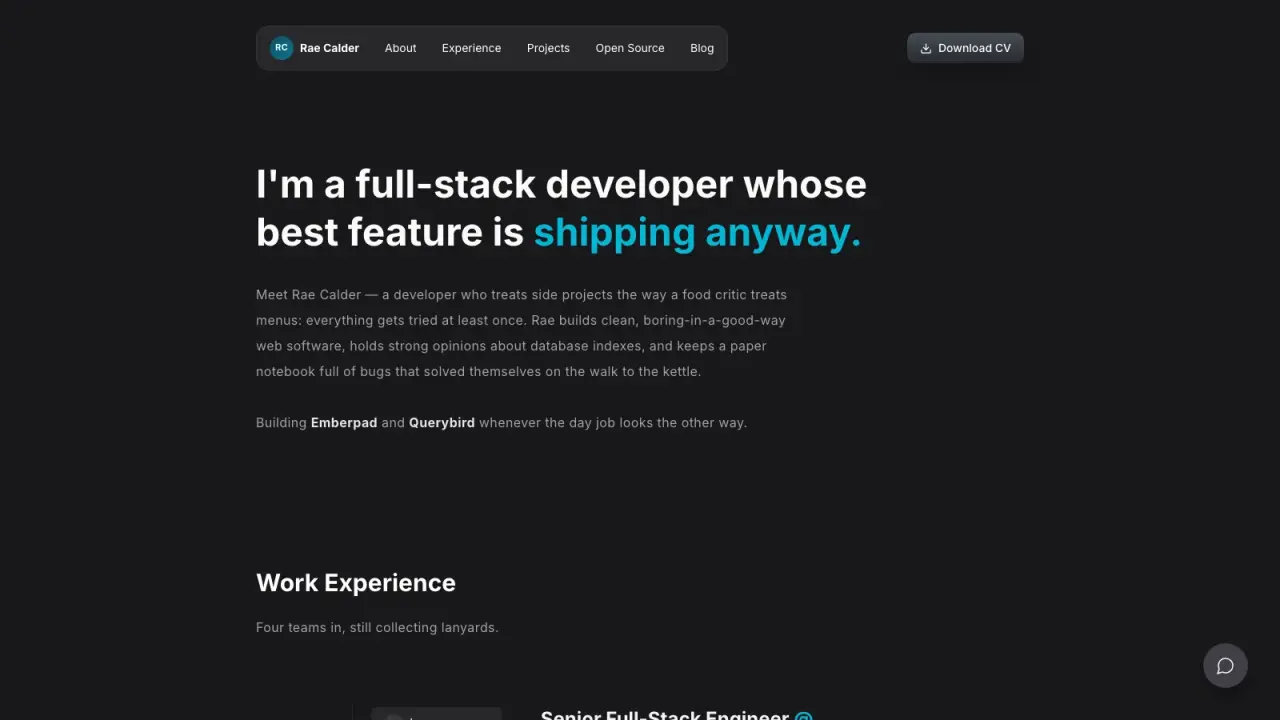
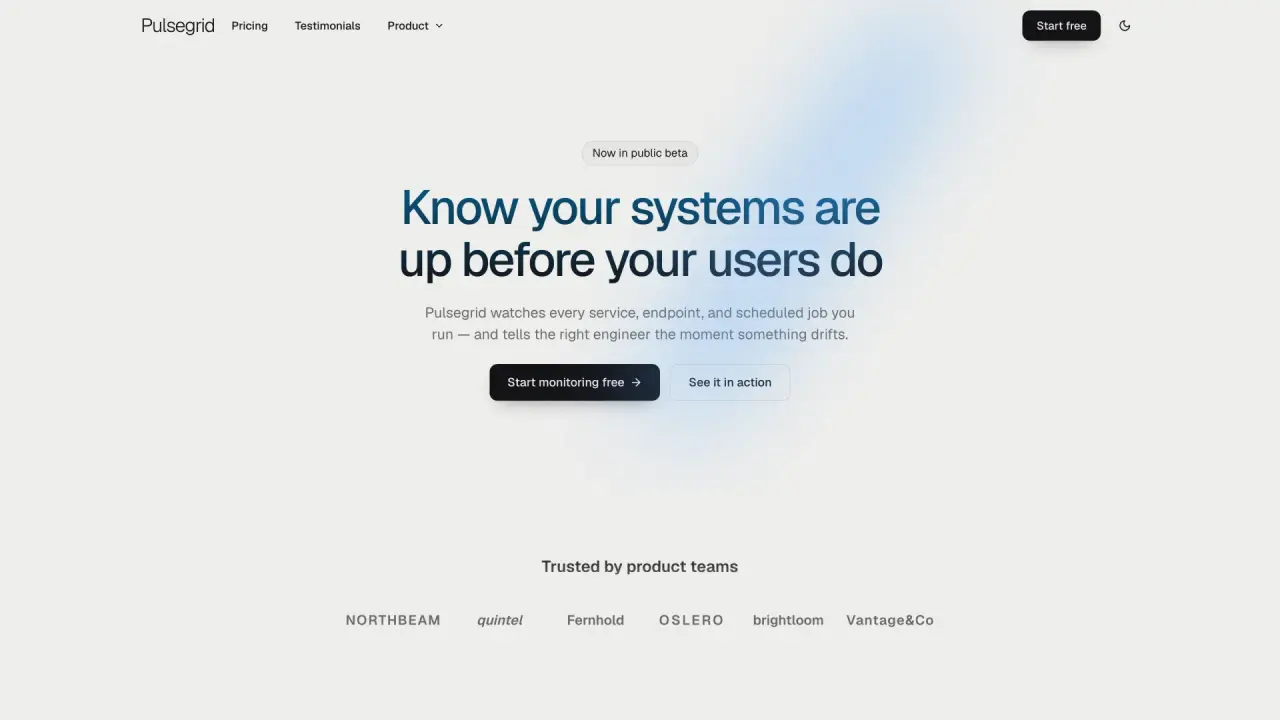
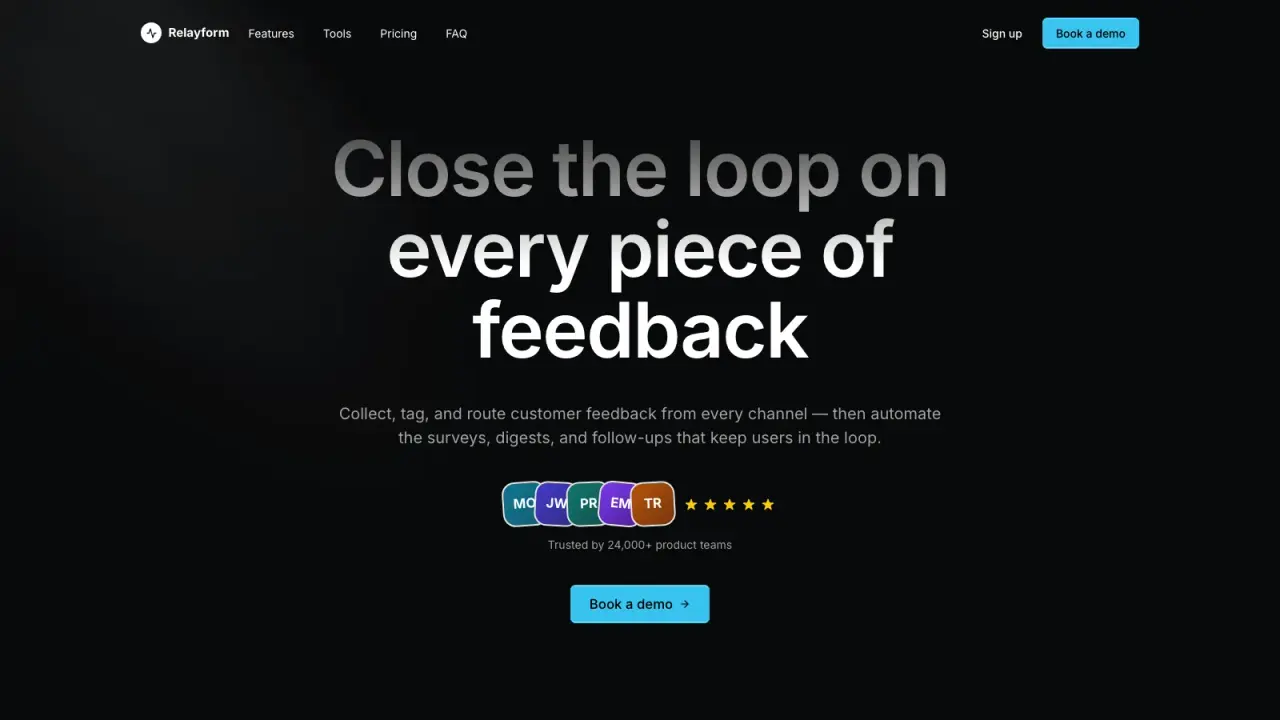
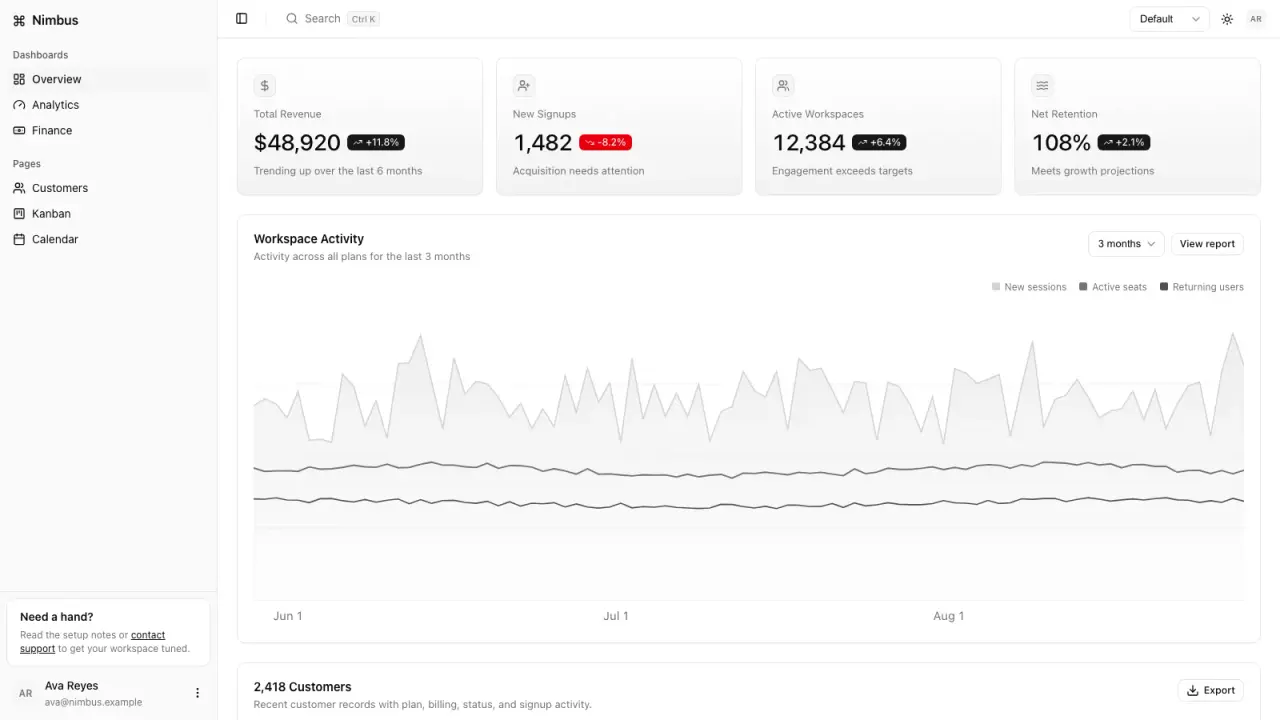
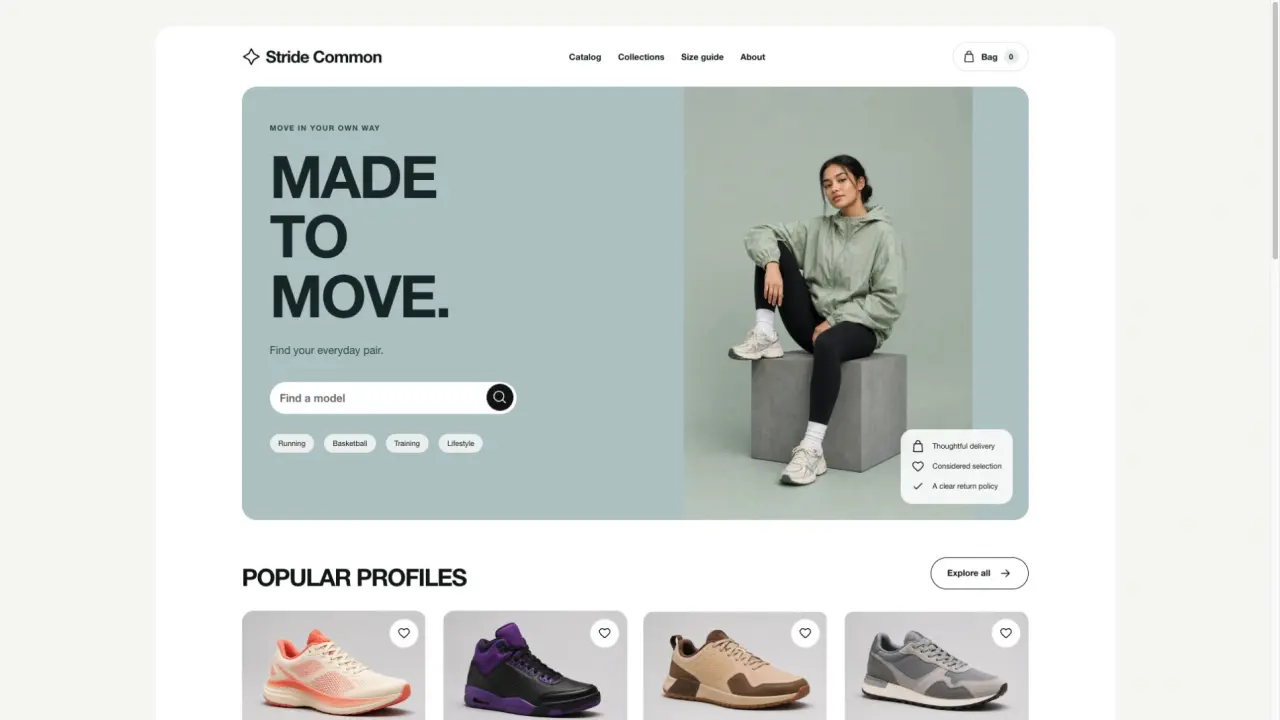
Made with this SkillAn accessible color system with CSS, Tailwind and design tokens

Three brand colors, eight scales

Open full example

What you get

An accessible color system with CSS, Tailwind and design tokens

What you can make

  • Builds 11-step scales in OKLCH around each brand color, keeping the color itself exact, plus a tinted neutral and success, warning, danger and info scales.
  • Picks light and dark role tokens by WCAG 2.2 contrast, so text, buttons, links and status badges pass, and says when a brand color cannot carry white text.
  • Simulates protanopia, deuteranopia and tritanopia for status colors and writes CSS custom properties, Tailwind v3 and v4 themes and Design Tokens.
Explore delivered files6 groups
  • tokens.css with light and dark role tokens
  • tailwind-theme.css (v4) and tailwind.colors.js (v3)
  • tokens.json in the Design Tokens format
  • swatches.svg
  • index.html guide with contrast and color-vision checks
  • Offline studio to adjust colors live

Good fit

Founders, designers and developers giving a brand a product-ready, accessible palette with dark mode.

Know the limits

Makes colors, not typography, spacing or components, and does not edit existing code. Contrast uses WCAG 2.2 ratios; color-vision previews are simulations.

About this skill

Your agent takes one to eight brand colors and PaletteForge builds an 11-step scale around each in OKLCH, keeping the brand color itself exact at its own step, plus a neutral tinted by your main color and success, warning, danger and info scales. For light and dark themes it picks role tokens for backgrounds, text, muted text, borders, buttons, links and status badges by WCAG 2.2 contrast, and tells you when a brand color cannot carry white text and which step buttons use instead. Status colors are simulated for protanopia, deuteranopia and tritanopia, and pairs that look alike are reported. You get tokens.css with light and dark themes, a Tailwind v4 @theme block and a v3 config, tokens.json in the Design Tokens format for Tokens Studio and Style Dictionary, a swatch sheet and a guide page with a sample interface and the full contrast table. Includes an offline studio. Requires Node.js 20+; no installation.

FROM PACKAGE TO FIRST RESULT

Your first result, with your agent

Choose a starting point, add the content you already have, then let your agent check the setup and create one result.

View example result

Purchase access is required. Unzip the package into the project folder below, or let your agent follow the installation guide. .agents/skills/paletteforge

Your project name, audience and the content or images you already have are enough to start. Your agent will ask for anything essential that is missing.

3. Let your agent guide the first result

Package location: .agents/skills/paletteforge

Use PaletteForge to turn the two colors in our logo into a full UI palette with dark mode. Start from examples/tidepool.json.

Use a new output folder and preserve existing files. Inspect the actual deliverables (tokens.css with light and dark role tokens, tailwind-theme.css (v4) and tailwind.colors.js (v3), tokens.json in the Design Tokens format), open the visual result and explain failed checks. An incomplete dependency check is not a successful result. Ask before paid services and do not publish automatically.
Before calling it done
  • Dependencies checked before rendering
  • Actual files open and work with your content
  • Editable source saved in a new folder
Made your first result? Share your experience →
Installation options & technical requirements

Start with your agent

Give this request to Claude Code, Codex or Cursor. Your agent can collect the missing details and guide your first result.

Use PaletteForge to turn the two colors in our logo into a full UI palette with dark mode. Start from examples/tidepool.json.

Purchase access is required to install the package. Technical commands are available below when you need them.

US$4.99 · MIT licenseNode.js 20+ · no installation · no API keyNo API key or paid provider
  1. 01

    Choose your agent

    These steps use a project folder. Open the project in your agent and run terminal commands from its root.

    Codex directory guide

    Package folder .agents/skills/paletteforge

  2. 02

    Add the package

    Download and unzip the package into the folder above. Keep all its files together, with SKILL.md directly inside that folder.

    Downloads require a verified account and purchase access. Choose a new folder if this Skill is already installed.

  3. 03

    Run the included sample

    Manual sample commands and technical details

    Read SKILL.md, review the generator and check its runtime requirements before running:

    cd .agents/skills/paletteforge
    No installation needed
    node scripts/render.mjs --input examples/tidepool.json --output ./colors
    Your first result

    Import tokens.css or the Tailwind theme, use the role tokens for text, buttons and status, and share index.html with the team.

    Tidepool is a fictional brand. Contrast follows WCAG 2.2 ratios and color-vision previews are simulations; PaletteForge makes colors, not typography or components.

    If colors already exists, change the output to ./colors-2. Existing files are never overwritten.

    Prefer to ask your agent?

    Use PaletteForge to build my color system. Take my brand colors, make full tonal scales that keep each brand color exact, pick accessible light and dark theme colors, check color blindness, and give me CSS, Tailwind and design-token files.

Reviews

Share your first result

Tried this workflow? Help others decide with an honest review.

Before you choose this Skill

How do I get PaletteForge?

The listed individual package price is USD 4.99. Premium downloads require a confirmed purchase or active membership. Your agent subscription, model access and external provider credits are separate.

Which agents can use this skill?

This release lists Codex, Claude Code, Cursor as intended installation hosts. Check the package’s dependencies and permissions before running it. These labels do not certify that every workflow has been tested in every agent.

What files can this workflow generate?

The documented 1.0.0 workflow lists: tokens.css with light and dark role tokens; tailwind-theme.css (v4) and tailwind.colors.js (v3); tokens.json in the Design Tokens format; swatches.svg; index.html guide with contrast and color-vision checks; Offline studio to adjust colors live. Some files or exports are optional; follow the package’s setup and inspect the delivered result.

What should I check before using the result?

Tidepool is a fictional brand. Contrast follows WCAG 2.2 ratios and color-vision previews are simulations; PaletteForge makes colors, not typography or components.

$4.99One-time purchase