More room for your next idea. Membership from $9.99/month.Take a look

Workshop Facilitator Studiov1.0.0

Turn a learning goal into a complete workshop people can practice. Align objectives, timed activities, an editable lesson, a local workbook, explained practice questions and a peer-review rubric, then deliver native PowerPoint and a facilitator handoff.

See what you can make

Skip the interactive example

Loading the working example…

Open example
Interact with the sample. Scroll inside to explore.
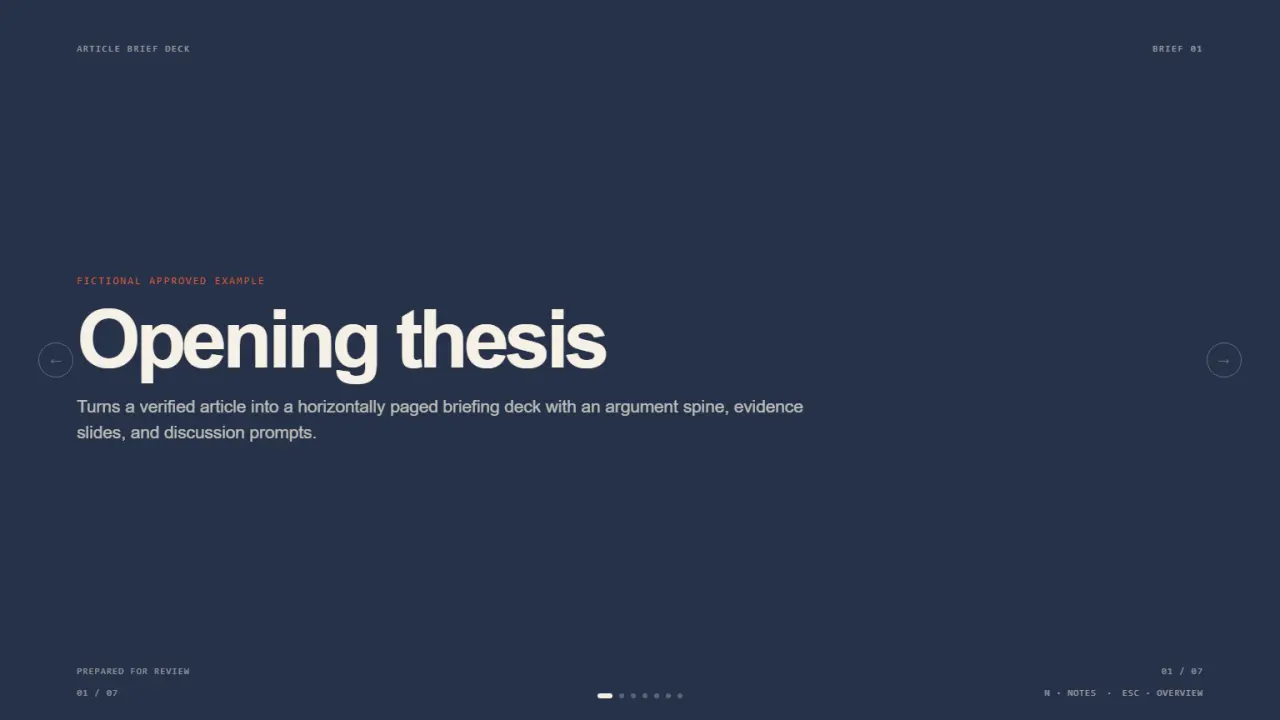
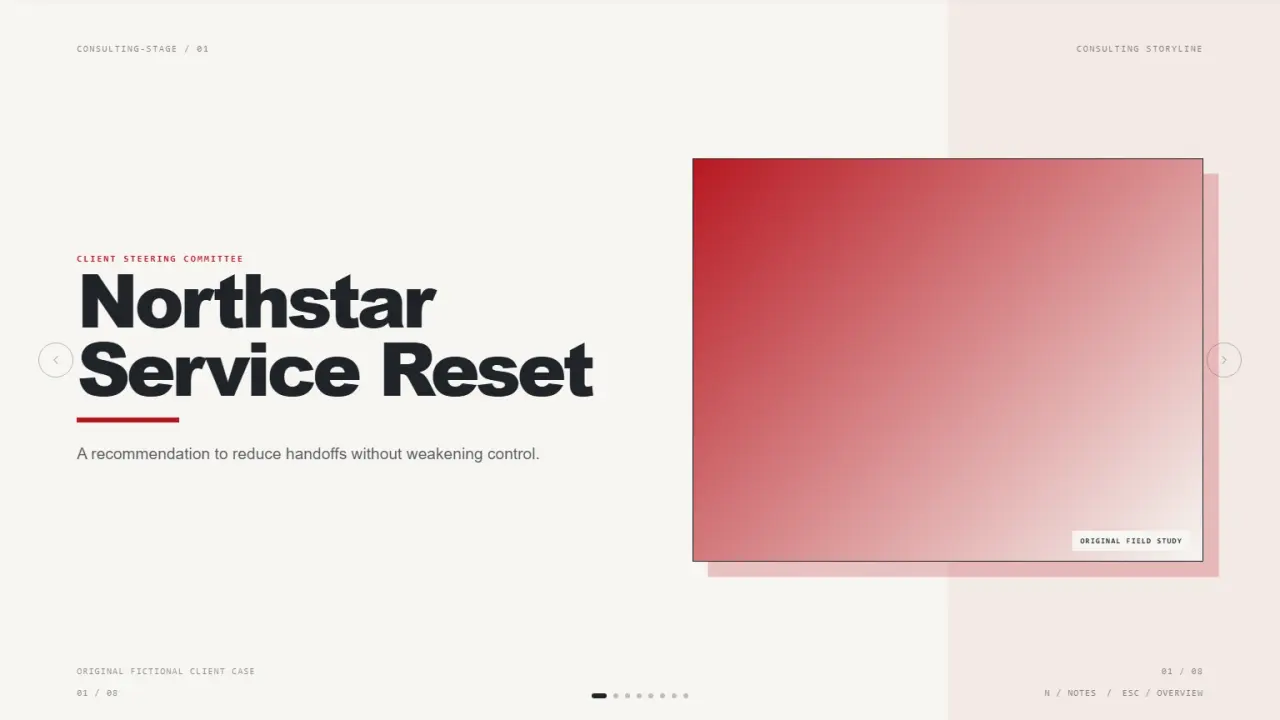
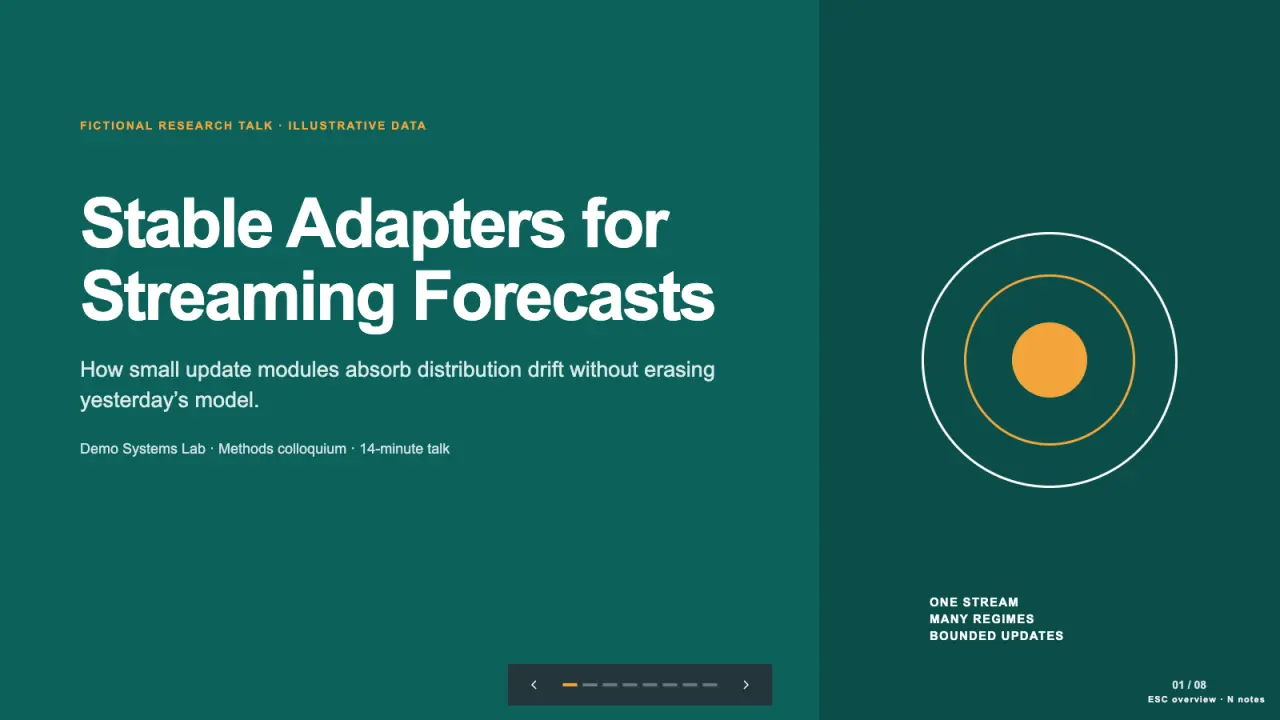
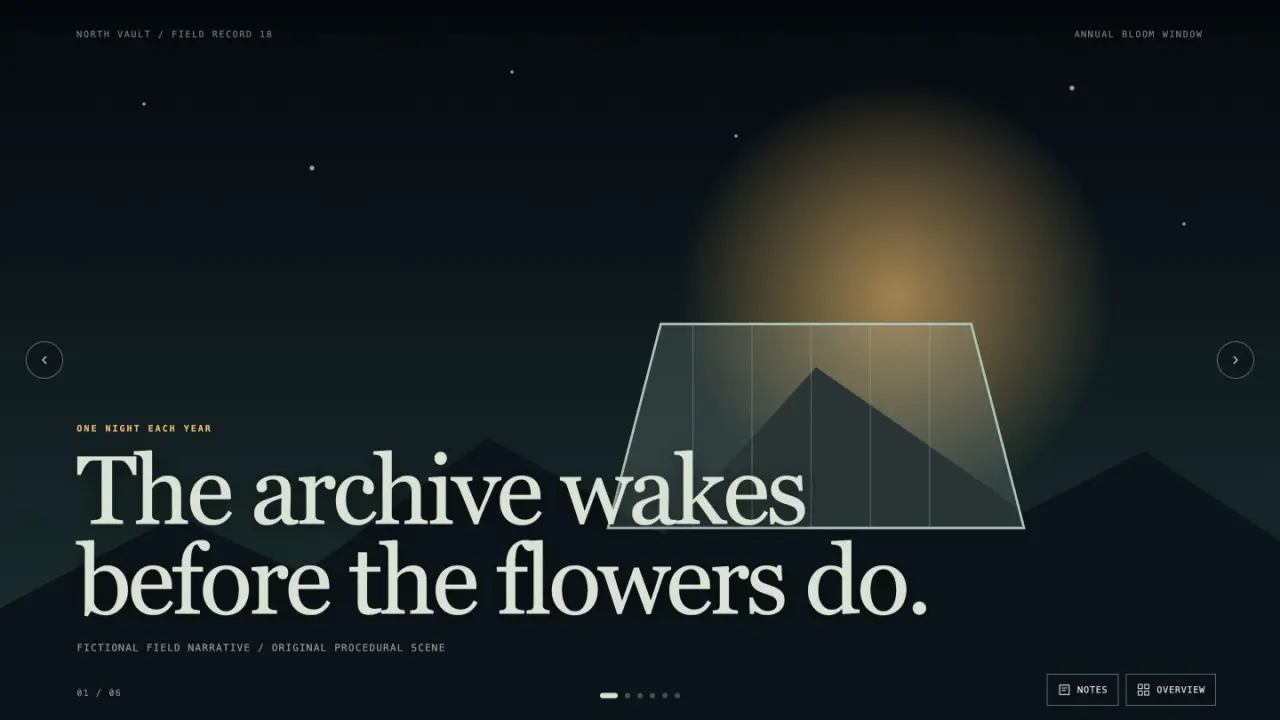
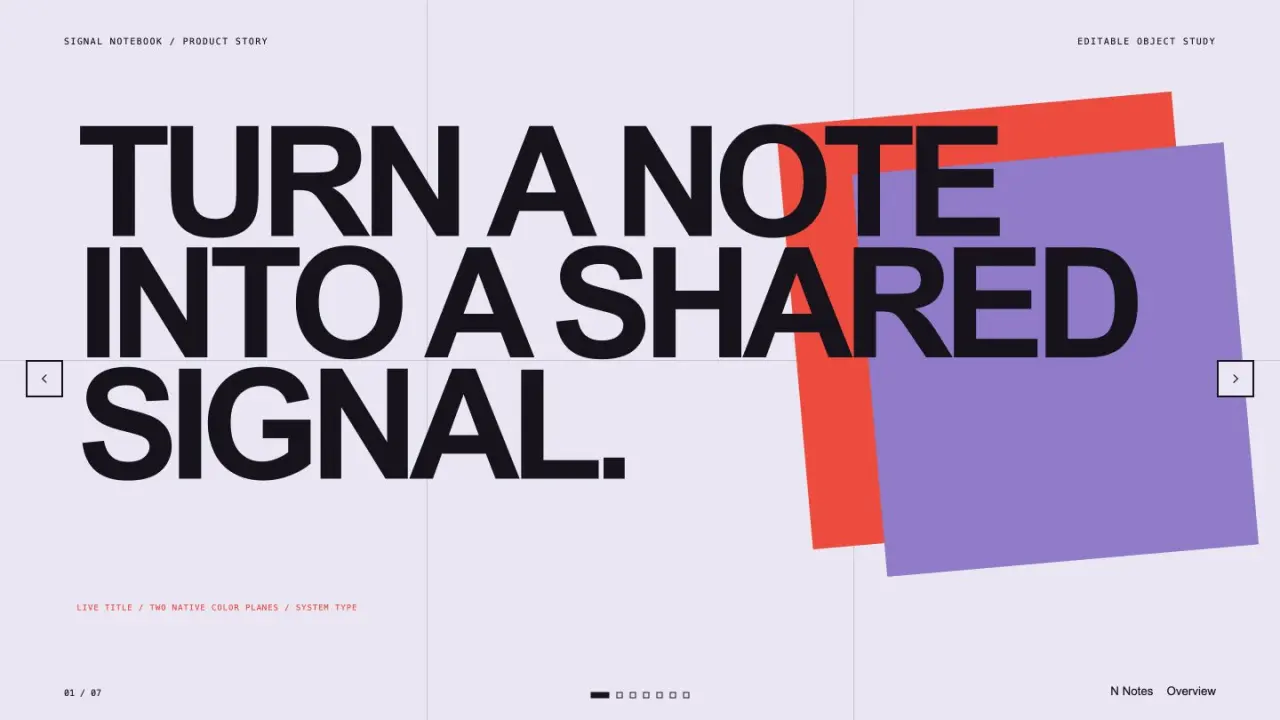
Made with this SkillA complete lesson, learner workbook and facilitator kit

Ninety-minute workshop · actual editable slides · workbook and explained practice

Open full example

What you get

A complete lesson, learner workbook and facilitator kit

What you can make

  • Align learning objectives, timed activities and explained practice questions.
  • Facilitate with a pause/resume timer, editable lesson and learner workbook.
  • Deliver native PowerPoint, speaker notes, a peer-review rubric and facilitator guide.
Explore delivered files6 groups
  • index.html + presentation.html + presentation.pptx
  • workbook.html + practice.html
  • speaker-notes.md + deck.json
  • facilitator-guide.md + answer-key.md
  • agenda.json + agenda.csv + alignment.csv + rubric.csv
  • input.json + quality.json + delivery-manifest.json

Good fit

Facilitators preparing a complete learn-by-doing session and learner handoff.

Know the limits

Practice scores are local feedback; real instructional effectiveness requires a learner pilot.

About this skill

Capabilities: objective-to-activity/practice coverage checks, exact duration reconciliation, group-count calculation, facilitator prompts and full steps, a local pause/resume/reset timer, editable themed slides with notes, workbook JSON downloads, practice feedback by objective and answer-change/reset handling.

Deliverables: a fictional ninety-minute workshop with three objectives, six activities, twelve slides and five practice questions; workshop/lesson/workbook/practice HTML, native PowerPoint, notes, deck JSON, facilitator guide, answer key, timed agenda, alignment and rubric CSVs, editable input, quality notes and a SHA-256 manifest.

Read the full workflow

First run: Python 3.10+ and python-pptx 1.0.2 in a virtual environment. Run scripts/build-workshop.py --input examples/workshop.json --demo --output ./workshop-room. Rehearse activities, revise slides, rebuild with downloaded edits JSON and check the actual learner worksheet and practice feedback.

Validation: actual native PowerPoint and PDF rendering, independent 0–10/10–25/25–40/40–60/60–80/80–90 time windows, five groups for eighteen learners, invalid coverage and answer rejection, real timer controls, incomplete/full/mixed quiz scoring, objective feedback, reset, worksheet download, keyboard controls and mobile layout.

Version 1.0.0: original Skillrove adult-team lesson, workflow, implementation and artwork under MIT, informed by public workshop-deck benchmarks. Coverage does not establish instructional effectiveness. Practice answers are client-side and inspectable; this is not a secure exam or certification. No invitations or attendee data are sent. $4.99 one-time; active Premium memberships cover this package.
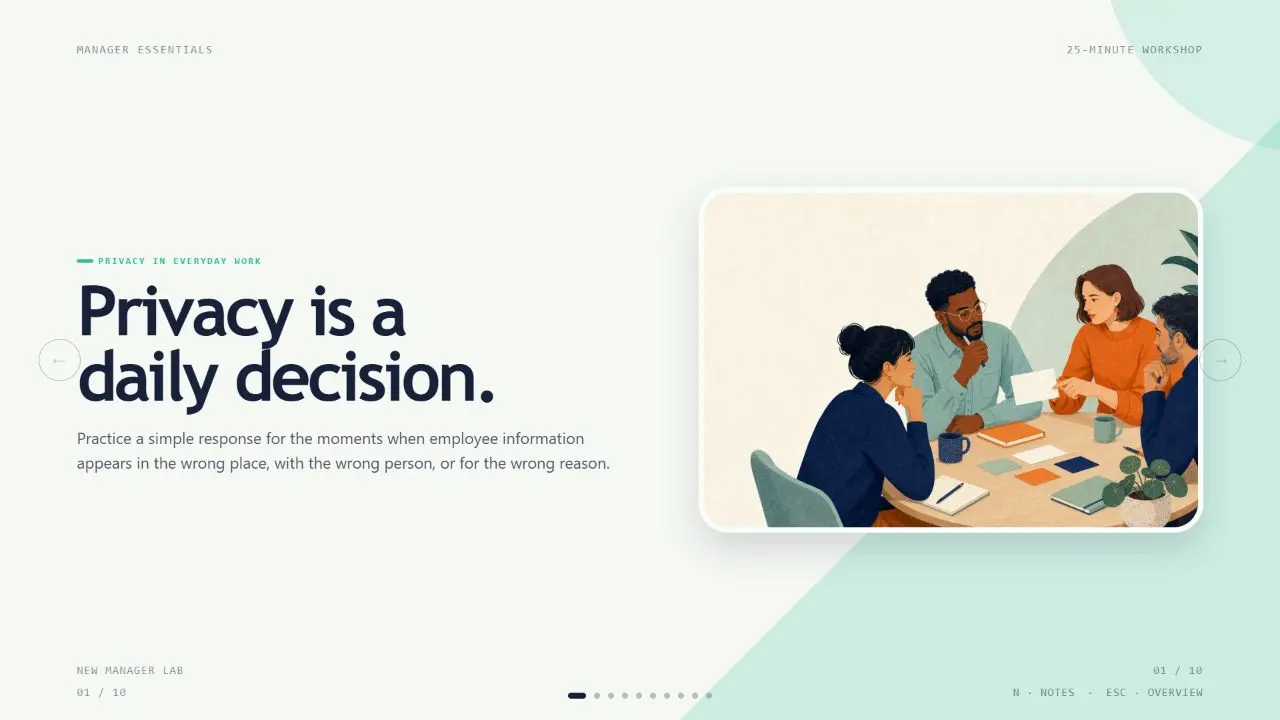
FROM PACKAGE TO FIRST RESULT

Your first complete learn-by-doing workshop.

Generate the fictional ninety-minute From assumptions to useful experiments workshop. Its lesson, workbook and five explained questions share three explicit learning objectives and a reconciled six-activity agenda.

View example result
US$4.99 · MIT licensePython 3.10+ · python-pptx 1.0.2 · offlineNo API key or paid provider
  1. 01

    Choose your agent

    These steps use a project folder. Open the project in your agent and run terminal commands from its root.

    Codex directory guide

    Package folder .agents/skills/workshop-facilitator-studio

  2. 02

    Add the package

    Download and unzip the package into the folder above. Keep all its files together, with SKILL.md directly inside that folder.

    Downloads require a verified account and purchase access. Choose a new folder if this Skill is already installed.

  3. 03

    Run the included sample

    Manual sample commands and technical details

    Read SKILL.md, review the generator and check its runtime requirements before running:

    cd .agents/skills/workshop-facilitator-studio
    python3 -m venv .venv
    .venv/bin/python -m pip install -r requirements.txt
    .venv/bin/python scripts/build-workshop.py --input examples/workshop.json --demo --output ./workshop-room
    Your first result

    Choose an activity, start/pause/reset the timer, then present all twelve slides and revise the notes. Try incomplete answers, all correct and a mixed practice set; inspect objective totals and reset. Fill the workbook and download its actual JSON. Reconcile all ninety minutes and the facilitator handoff.

    Python 3.10+ with pinned python-pptx 1.0.2; the generated kit is offline. Participant notes remain in the current tab until downloaded. Quiz answers are inspectable and scores are local practice feedback. Presentation edits need an explicit rebuild. Pilot with real learners before making instructional-effectiveness claims.

    If workshop-room already exists, change the output to ./workshop-room-2. Existing files are never overwritten.

    Prefer to ask your agent?

    Use Workshop Facilitator Studio at .agents/skills/workshop-facilitator-studio. Read SKILL.md and review scripts/build-workshop.py. Run examples/workshop.json into a new output folder and show me all generated files. Keep fictional sample content clearly labeled.

Ready to use your own facts?

Copy examples/workshop.json to a new input file, replace all fictional facts, and generate into a new folder. Review the content before using or publishing it; the generator does not independently verify claims.

Reviews0

Share your first result

Tried this workflow? Help others decide with an honest review.

Before you choose this Skill

How do I get Workshop Facilitator Studio?

The listed individual package price is USD 4.99. Premium downloads require a confirmed purchase or active membership. Your agent subscription, model access and external provider credits are separate.

Which agents can use this skill?

This release lists Codex, Claude Code, Cursor as intended installation hosts. Check the package’s dependencies and permissions before running it. These labels do not certify that every workflow has been tested in every agent.

What files can this workflow generate?

The documented 1.0.0 workflow lists: index.html + presentation.html + presentation.pptx; workbook.html + practice.html; speaker-notes.md + deck.json; facilitator-guide.md + answer-key.md; agenda.json + agenda.csv + alignment.csv + rubric.csv; input.json + quality.json + delivery-manifest.json. Some files or exports are optional; follow the package’s setup and inspect the delivered result.

What should I check before using the result?

Python 3.10+ with pinned python-pptx 1.0.2; the generated kit is offline. Participant notes remain in the current tab until downloaded. Quiz answers are inspectable and scores are local practice feedback. Presentation edits need an explicit rebuild. Pilot with real learners before making instructional-effectiveness claims.

$4.99One-time purchase