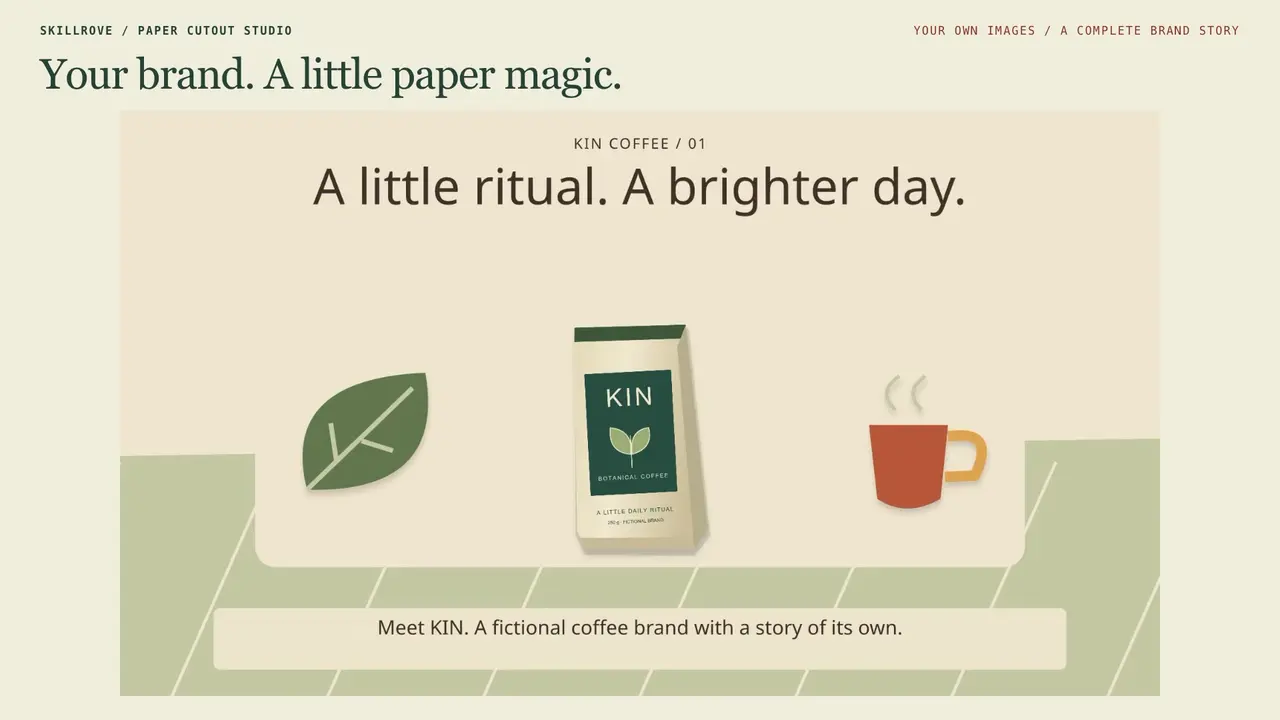
 AvailableVideo preview
Paper Cutout Studio
Your story, your images, a finished paper film


 Codex +2
EXPLORE · MAKE · REPEAT
Reusable workflows for Claude Code, Codex and Cursor. Choose what you want to make.
AvailableVideo previewPaper Cutout Studio
Your story, your images, a finished paper film
Codex +2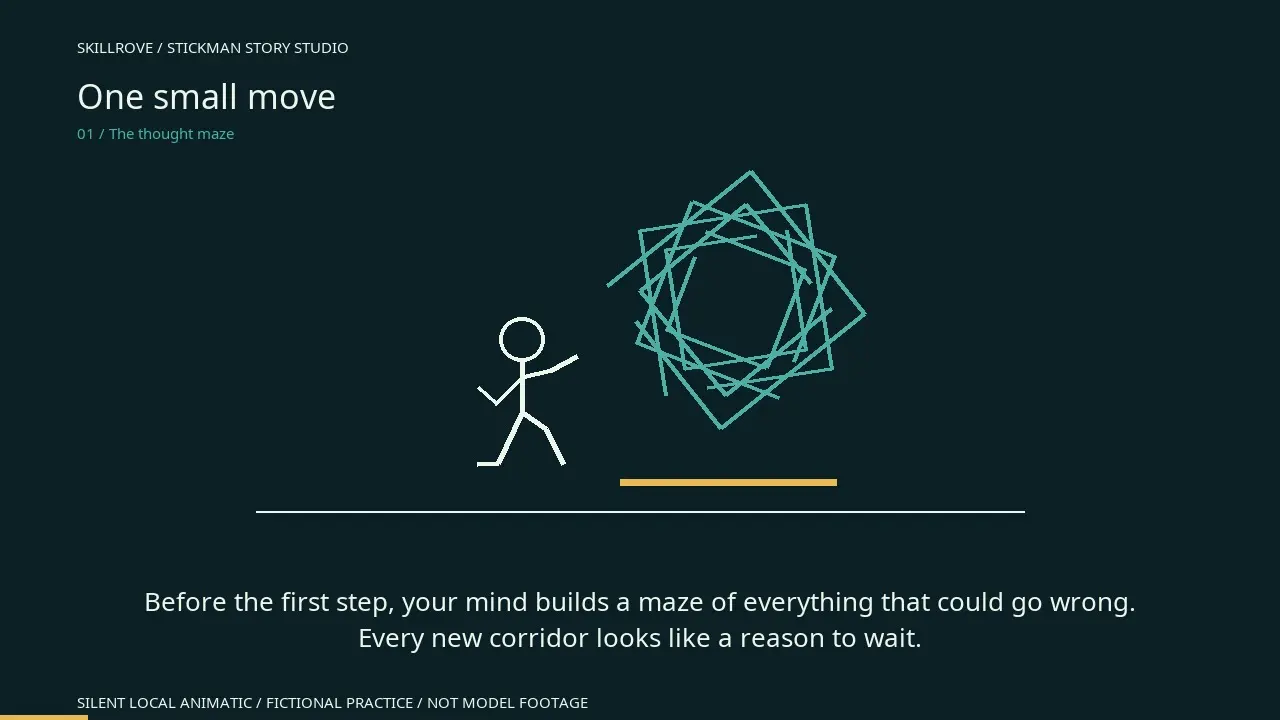 AvailableVideo preview
Stickman Story Studio
A reviewed story, prompts and subtitles
Codex +2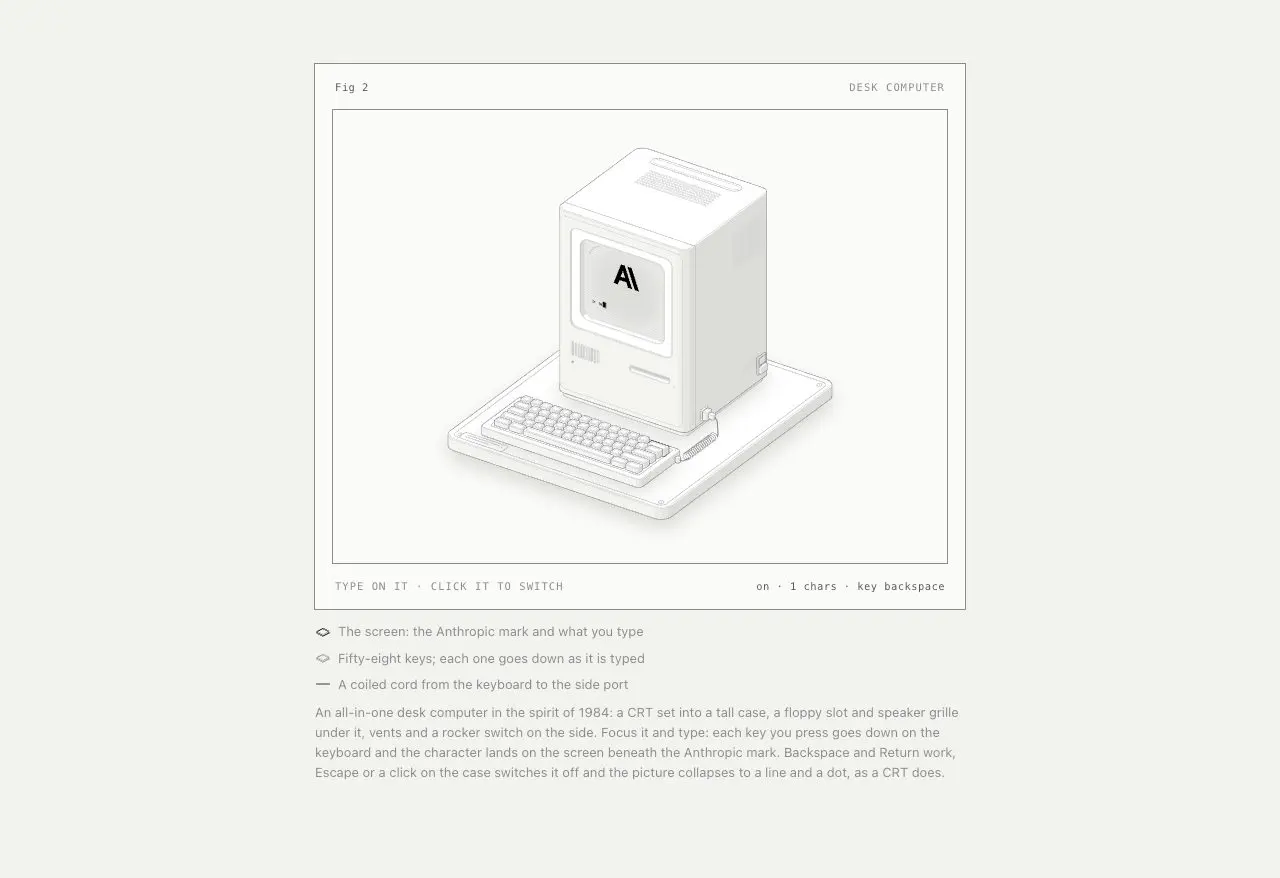 Available1
Anatomy
Interactive isometric machine illustrations
Codex +1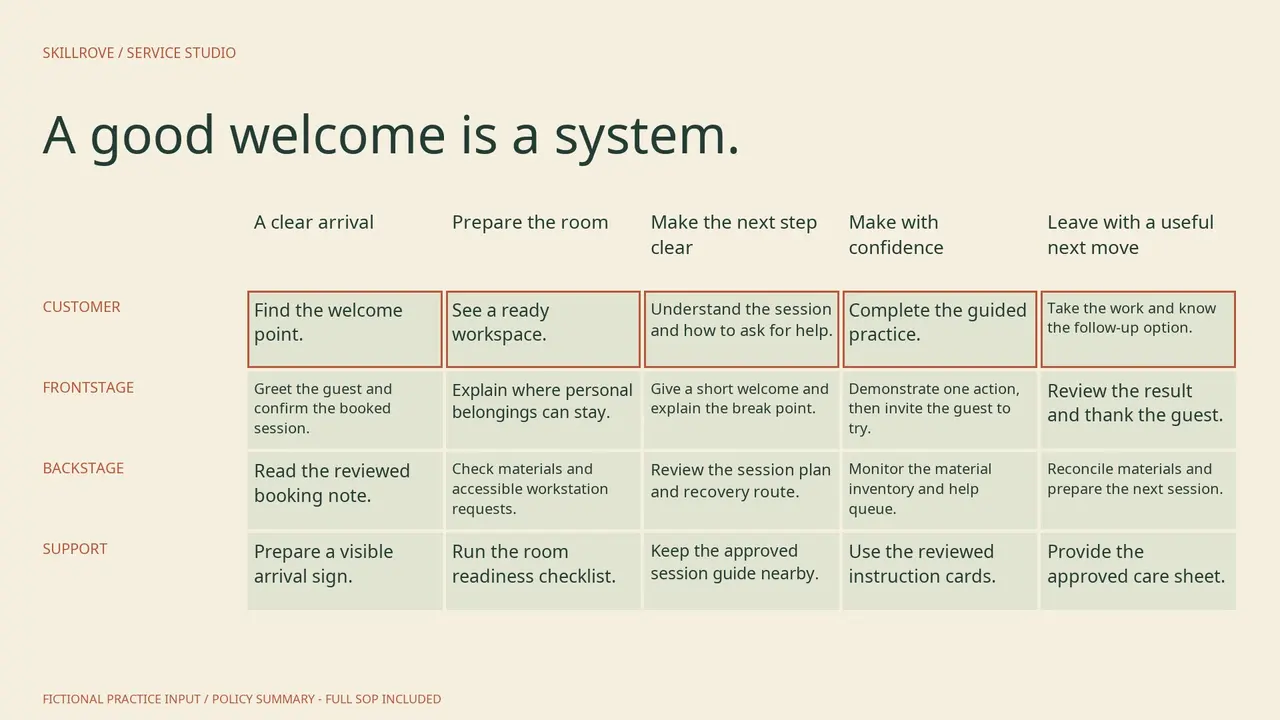 AvailableVideo preview
Service Blueprint Studio
An accountable service blueprint and training handoff
Codex +2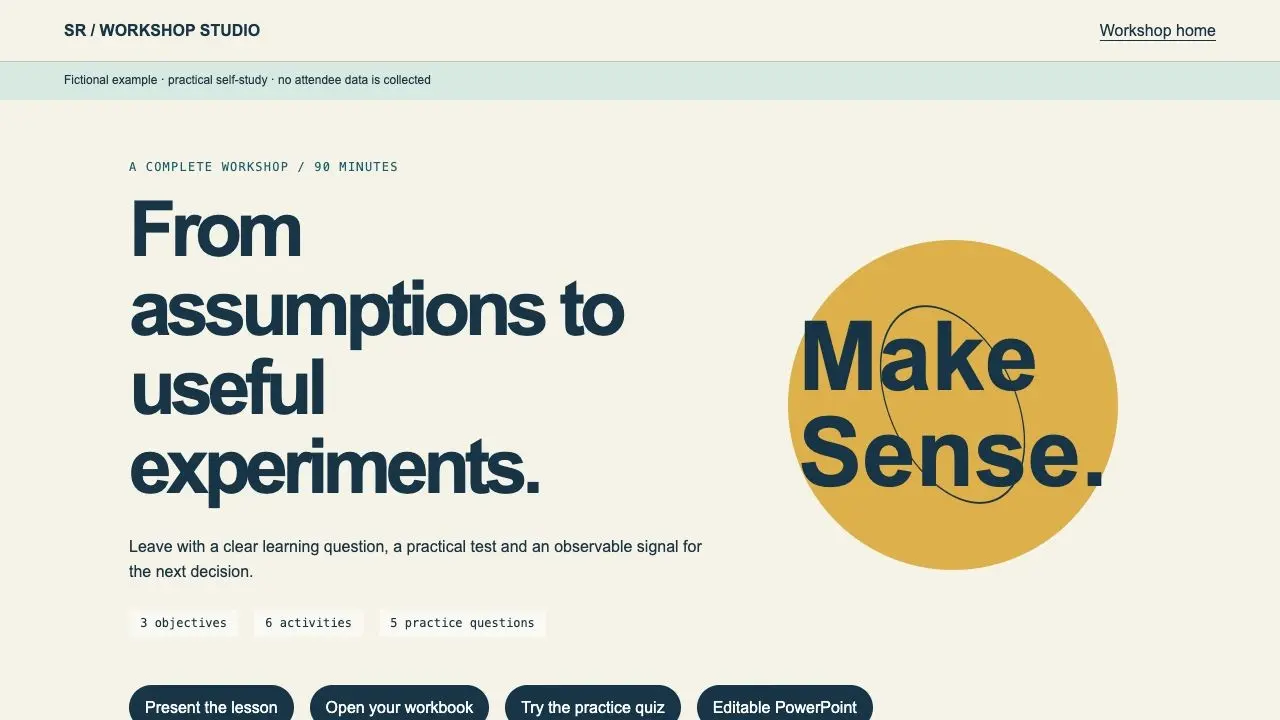 Available
Workshop Facilitator Studio
A complete lesson, learner workbook and facilitator kit
Codex +2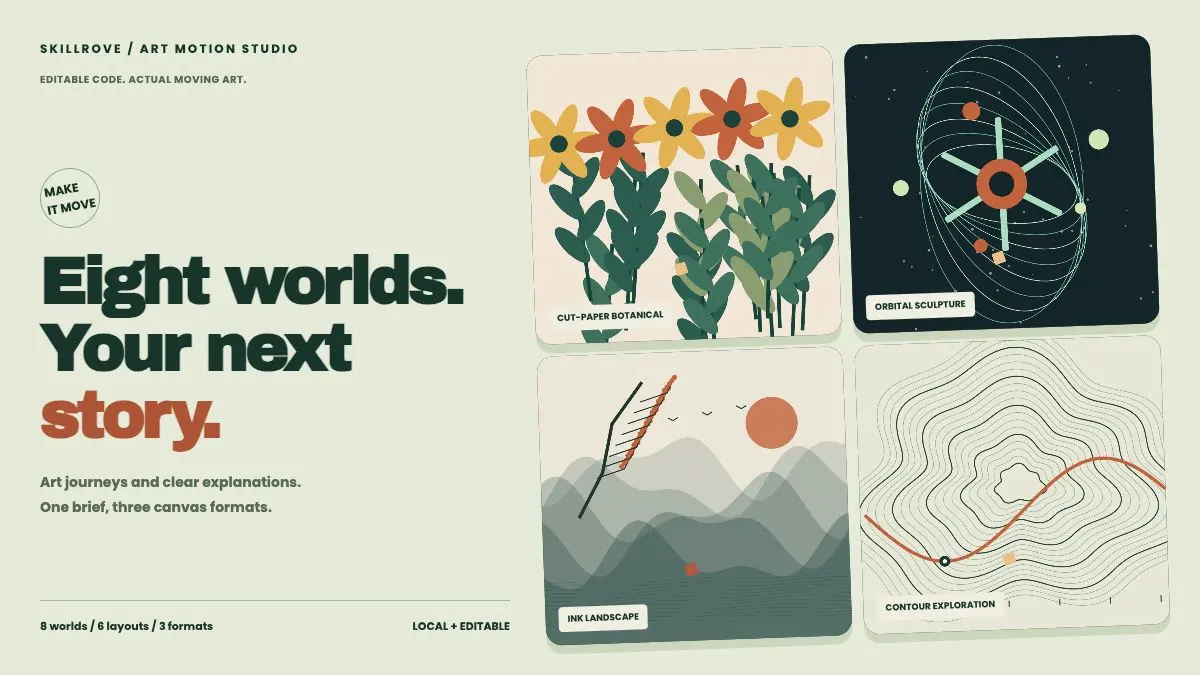 AvailableVideo preview
Art Motion Studio
Editable art films and animated explainers
Codex +2 Available
Inclusive Cutpaper Deck
Create editorial workshop slides with heavy black grotesk headings, cream paper, vibrant portrait collages, highlighted monospace copy and editable cut-paper accents. Use this visual language to present collaboration workshops with a clear, consistent rhythm. Set the slide count to match the user's request.
Claude Code +8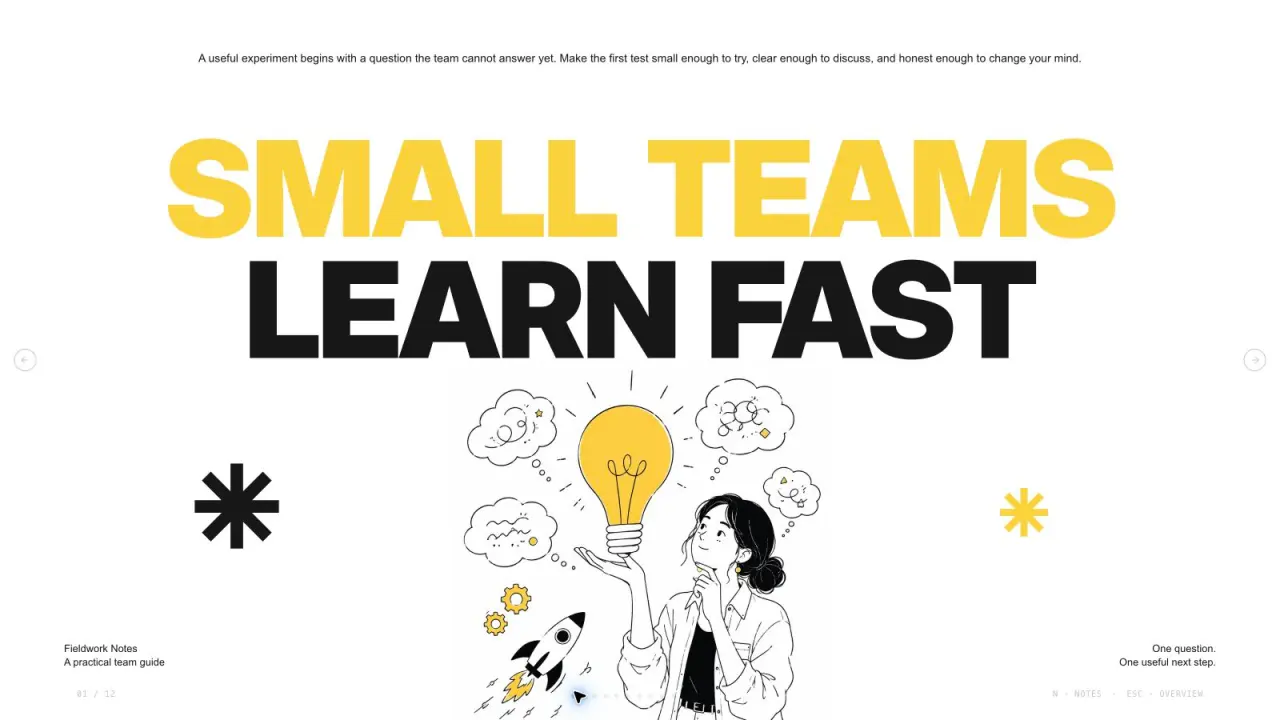 Available
Yellow Sketchnote Deck
Create bold editorial presentation pages with oversized black and yellow typography, crisp white space, asymmetric copy islands, fine ink figures and independent original illustrations. Use this visual language to present small-team experiments with a clear, consistent rhythm. The slide count follows your brief, with original artwork planned around the content and layouts.
Claude Code +8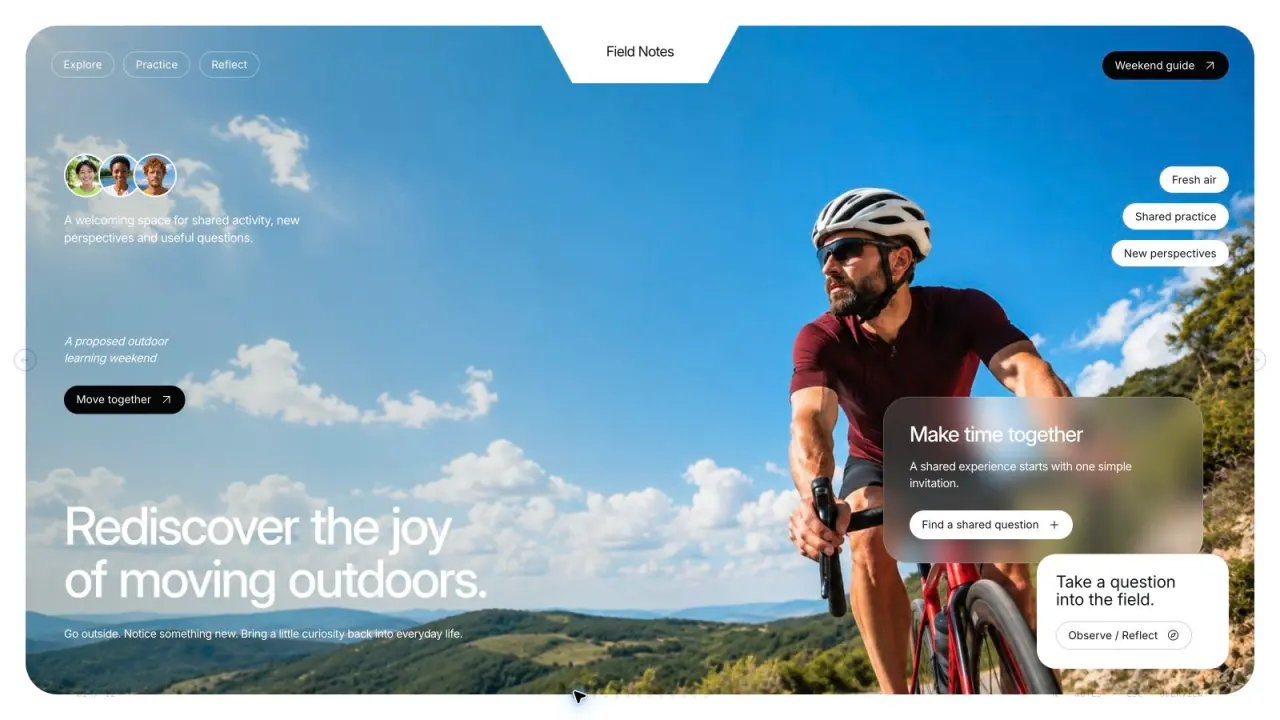 Available
Field Notes Deck
Create refined outdoor-learning presentation pages with sky-blue sports photography, sage-green cards, frosted overlays, compact capsules, asymmetrical image tiles and independent original images. Use this visual language to present outdoor-learning programs with a clear, consistent rhythm. The slide count follows your brief, with original artwork planned around the content and layouts.
Claude Code +8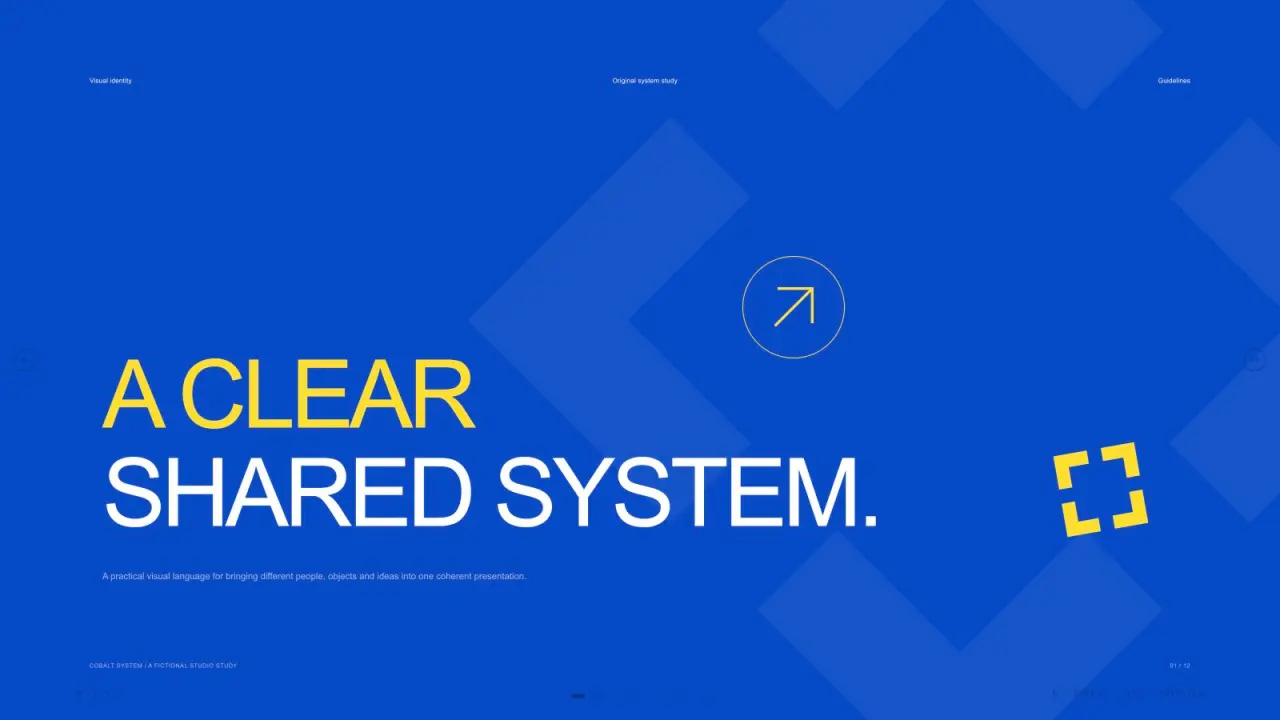 Available
Cobalt System Deck
Create crisp identity-guideline presentation pages with cobalt-blue chapter fields, lemon accents, ivory layouts, black contrast pages, editable geometric mark studies, typography specimens, color circles, stationery photography and a varied imagery board. Use this visual language to present visual identity guidelines with a clear, consistent rhythm. The slide count follows your request, with artwork planned around the content of each page.
Claude Code +8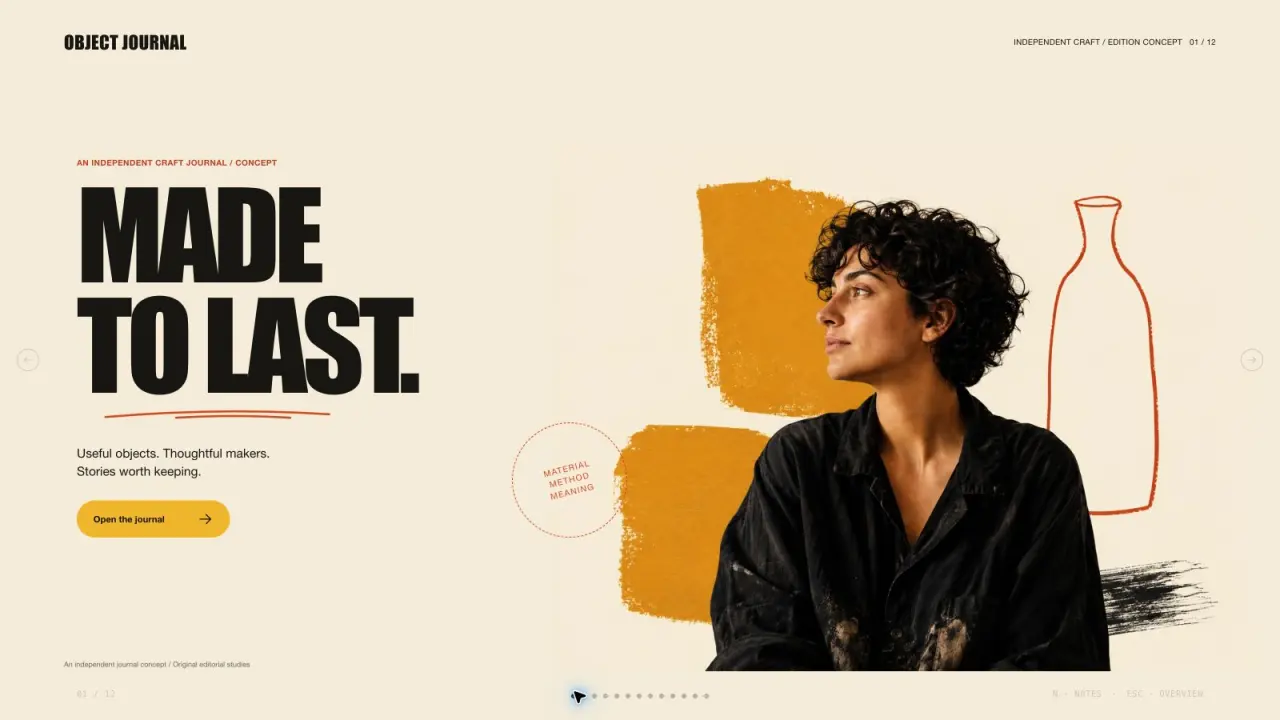 Available
Ochre Editorial Deck
Create an editorial presentation with cream paper, oversized compressed headlines, warm portrait collages, mustard and vermilion color fields, and original craft photography. Every image is independently composed and used once. The slide count follows your request, with artwork planned around the content of each page.
Claude Code +8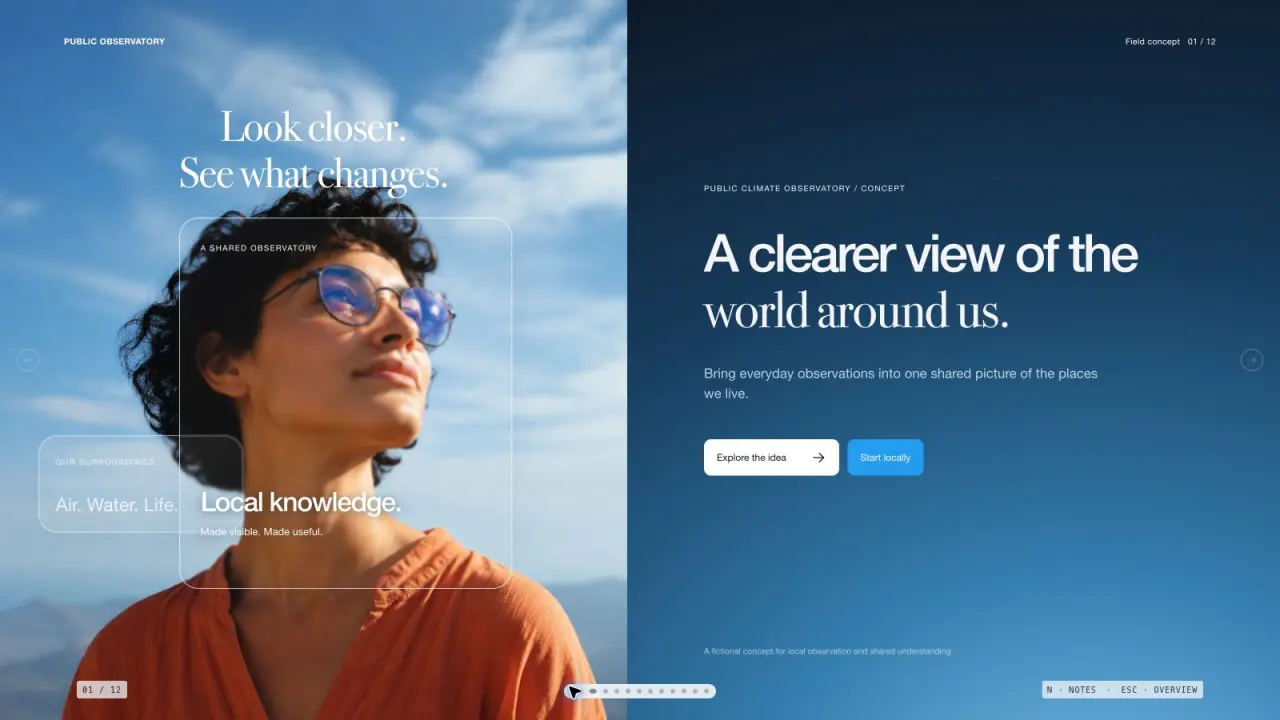 Available
Sky Glass Deck
Create a presentation with luminous sky photography, translucent glass cards, and elegant mixed typography. Use original, non-repeating imagery to make a complex subject feel approachable and clear. The slide count follows your request, with artwork planned around the content of each page.
Claude Code +8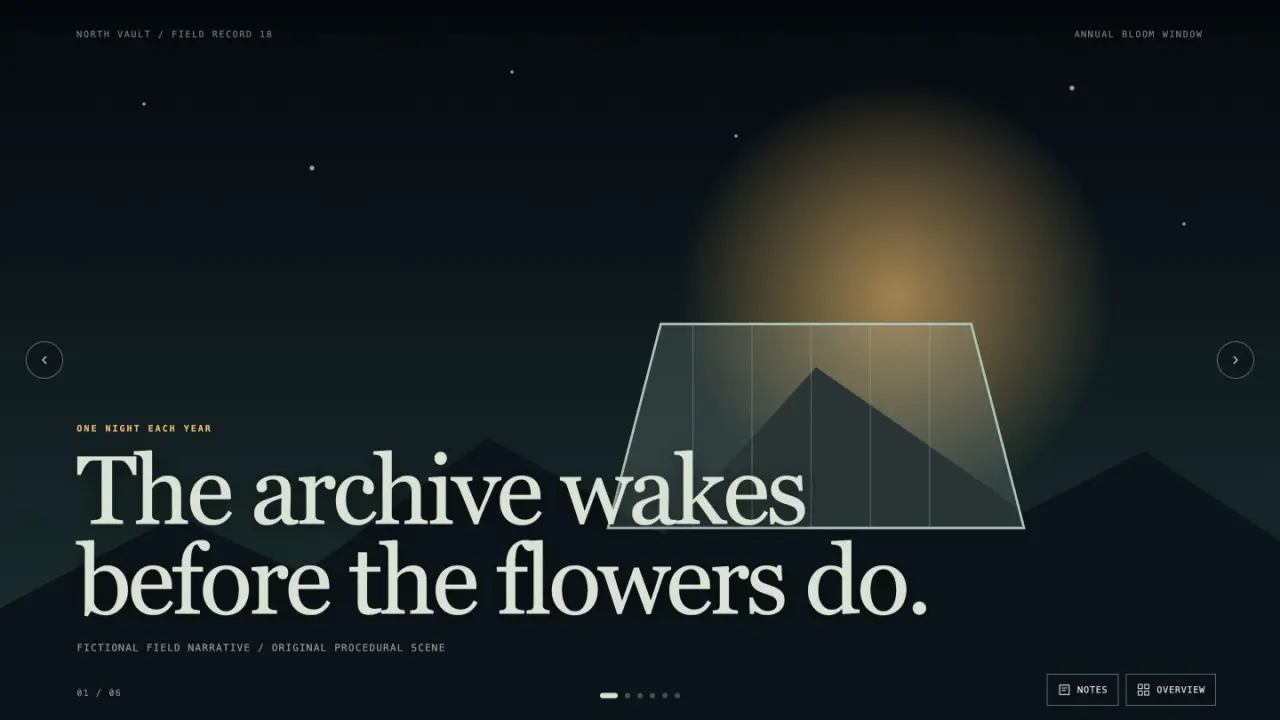 Available
Image Narrative Deck
Create an image-led presentation with cinematic pacing, editable live captions, and a coherent visual world. It is suited to documentary pitches, launch stories, cultural explainers, and narrative reports that benefit from full-frame scenes and restrained copy.
Claude Code +8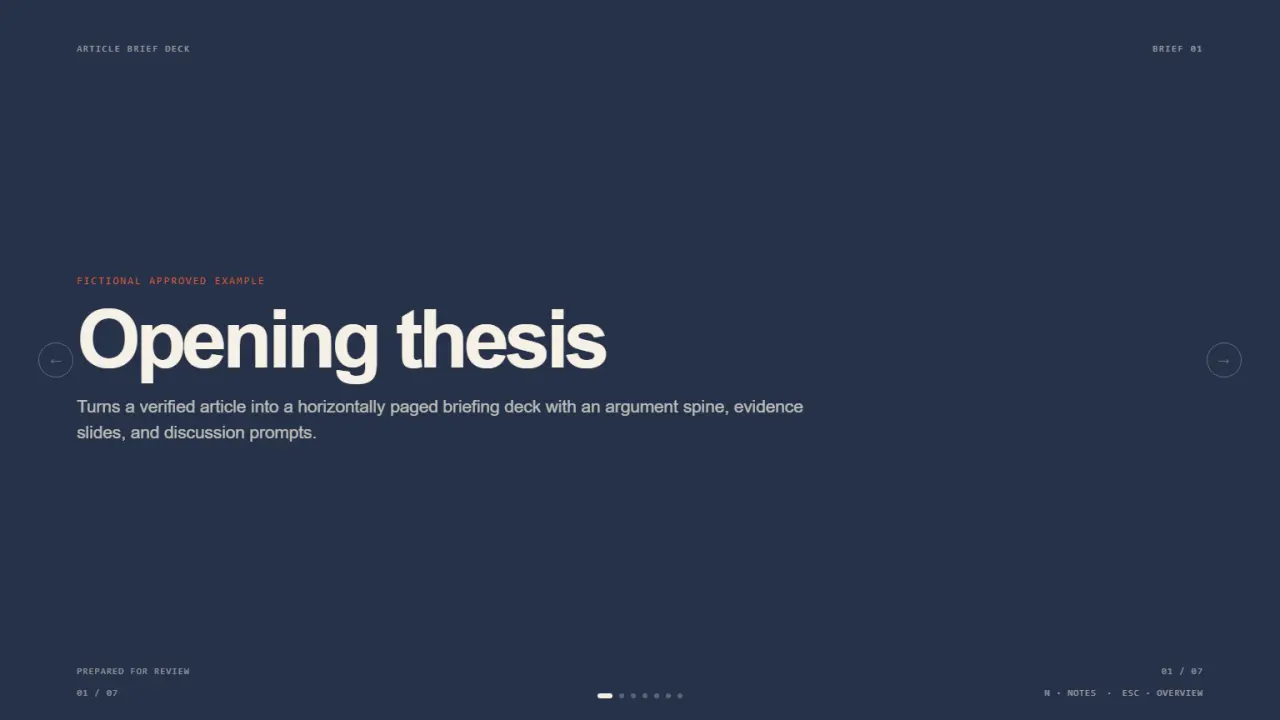 Available
Article Brief Deck
Turns a verified article into a horizontally paged briefing deck with an argument spine, evidence slides, and discussion prompts. It delivers a complete horizontally paged example deck with speaker notes and three finished 16:9 previews.
Claude Code +8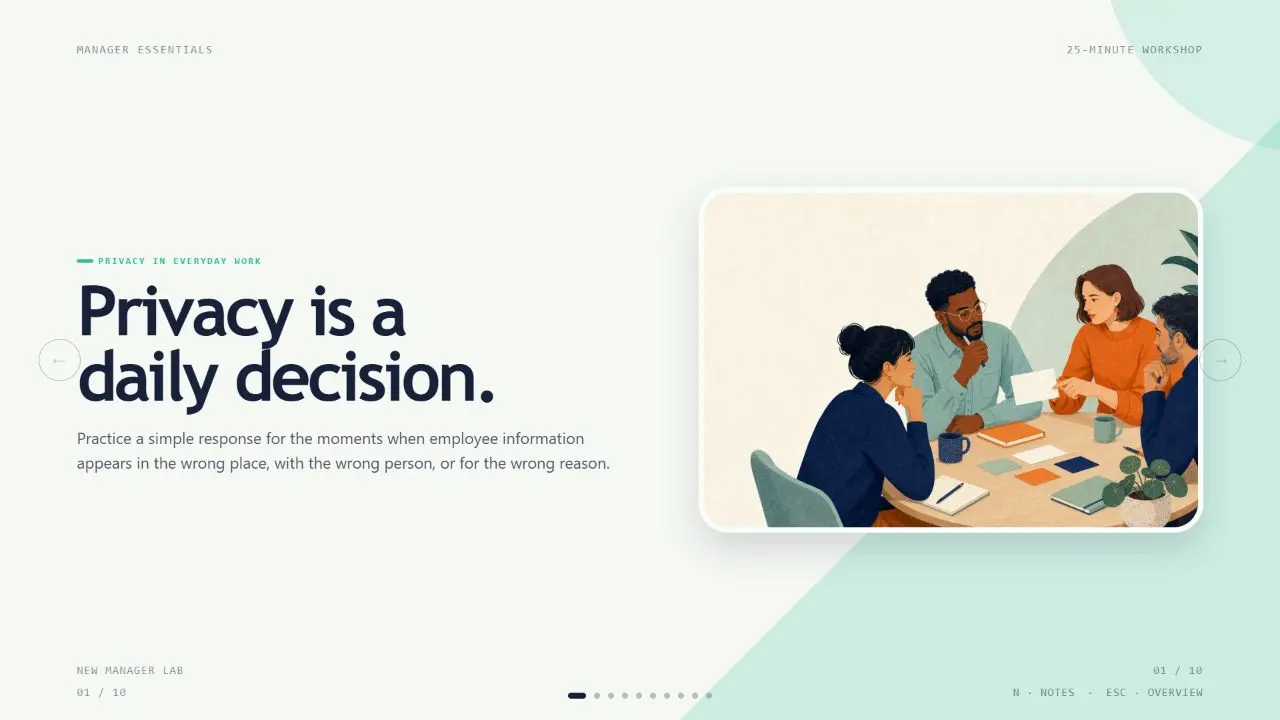 Available
Learning Loop Deck
Turn rough training material into a bright, learner-centered HTML deck with explicit outcomes, short explain-engage-apply loops, practice, feedback, and an action commitment. Use this whenever a user needs a workshop, onboarding, enablement, or instructional presentation that people must act on rather than merely read.
Claude Code +8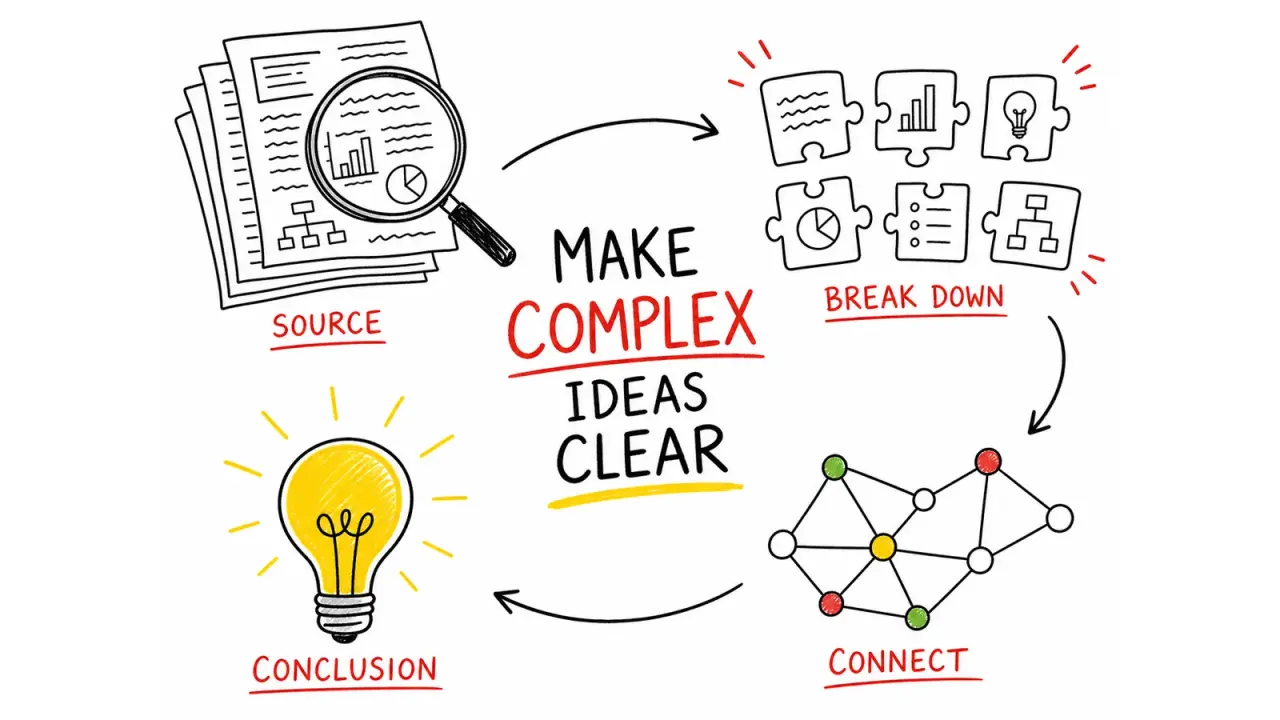 Available
Hand-Drawn Visual Notes
Turn source material into one focused 4:3 visual note, using hand-drawn illustrations, a strong English title, and a small set of accurate labels. It helps educators, creators, and teams make a process or idea easier to understand at a glance without reducing it to a dense slide.
Claude Code +8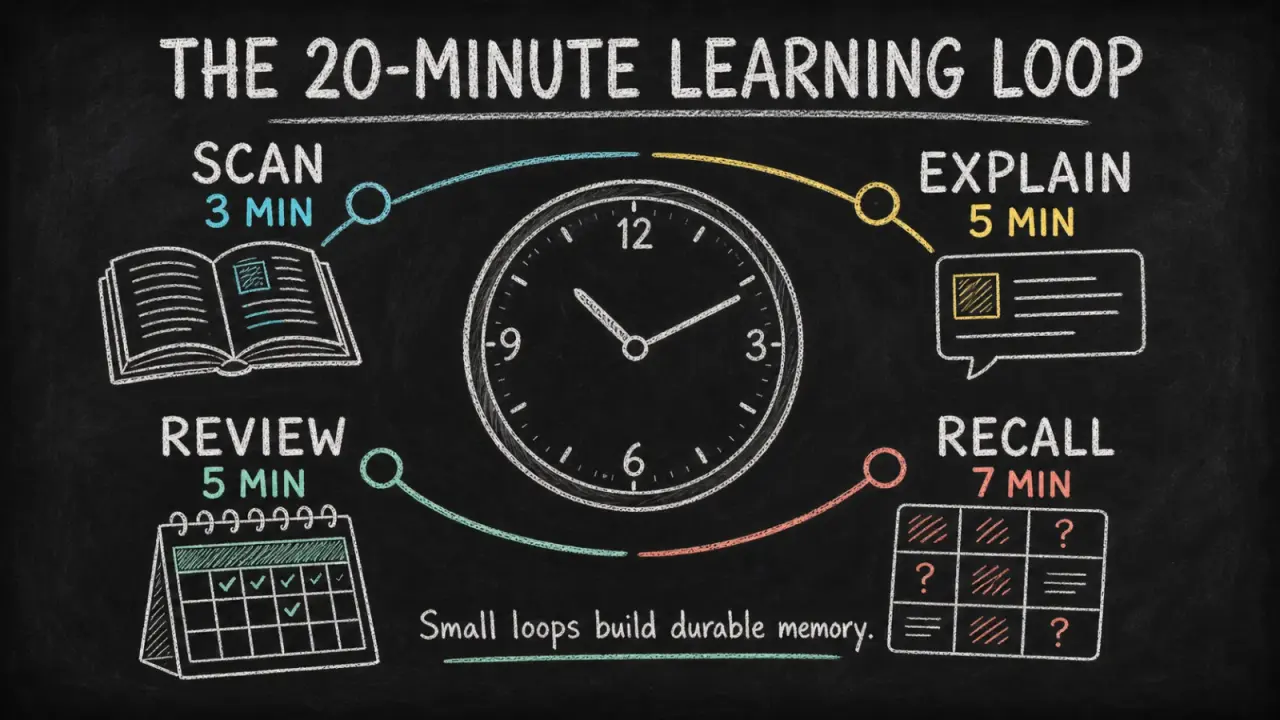 Available
Chalkboard Infographic
Turn a lesson, process, or data story into a readable chalkboard-style infographic with clear hierarchy, concise copy, and original illustrations. It helps educators, creators, and teams make one takeaway easier to grasp and share without turning the image into a dense slide.
Claude Code +8