 免费视频预览
Velocity-Matched UI Sting
制作速度匹配转场的短产品动画,让七场景呈现连续镜头运动。交付实际 MP4 和包含接缝记录的单文件项目,便于后续修改品牌而保持动画连贯。


 Claude Code +8
把原始录屏扫描成带时间戳的接触表,并生成包含建议剪切、加速和放大的剪辑草稿。
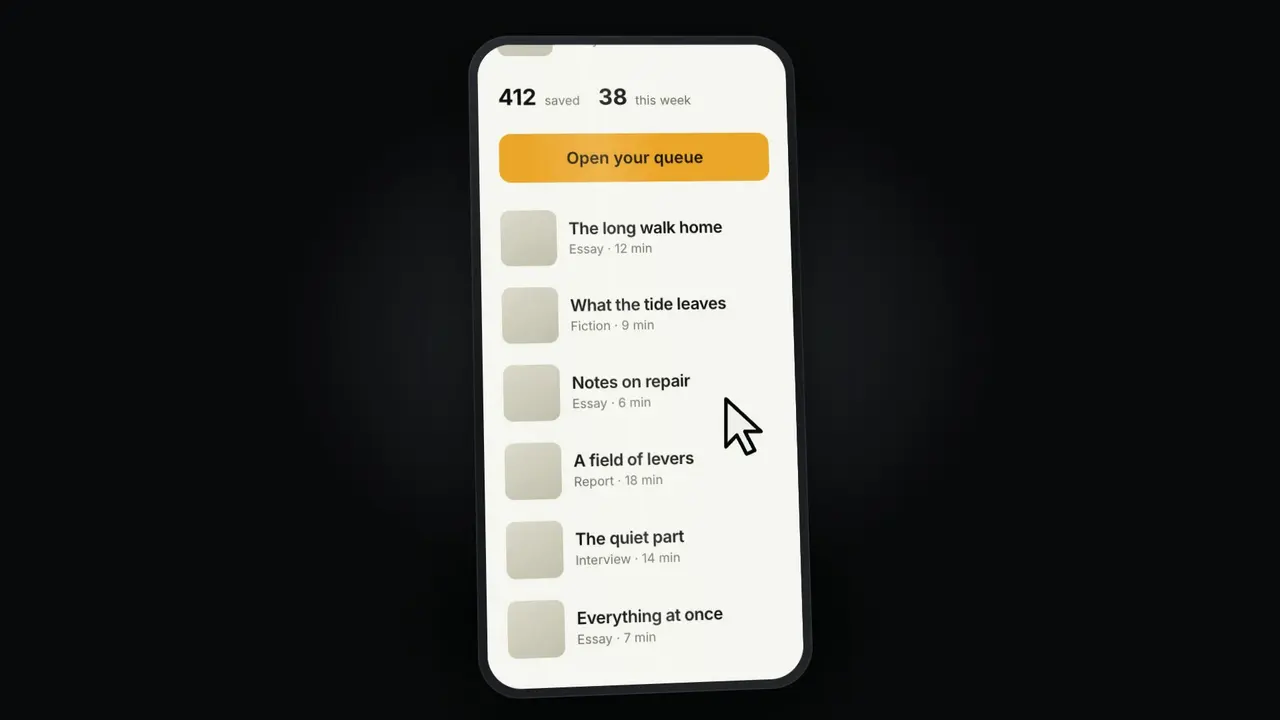
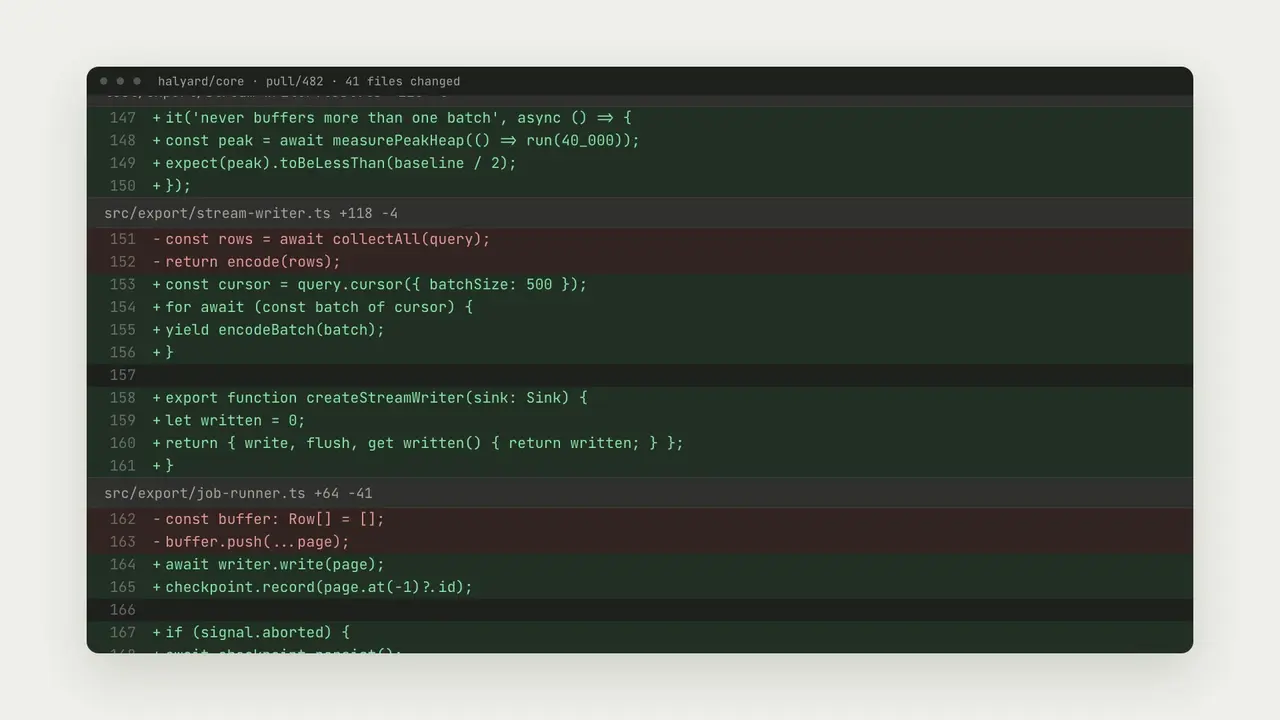
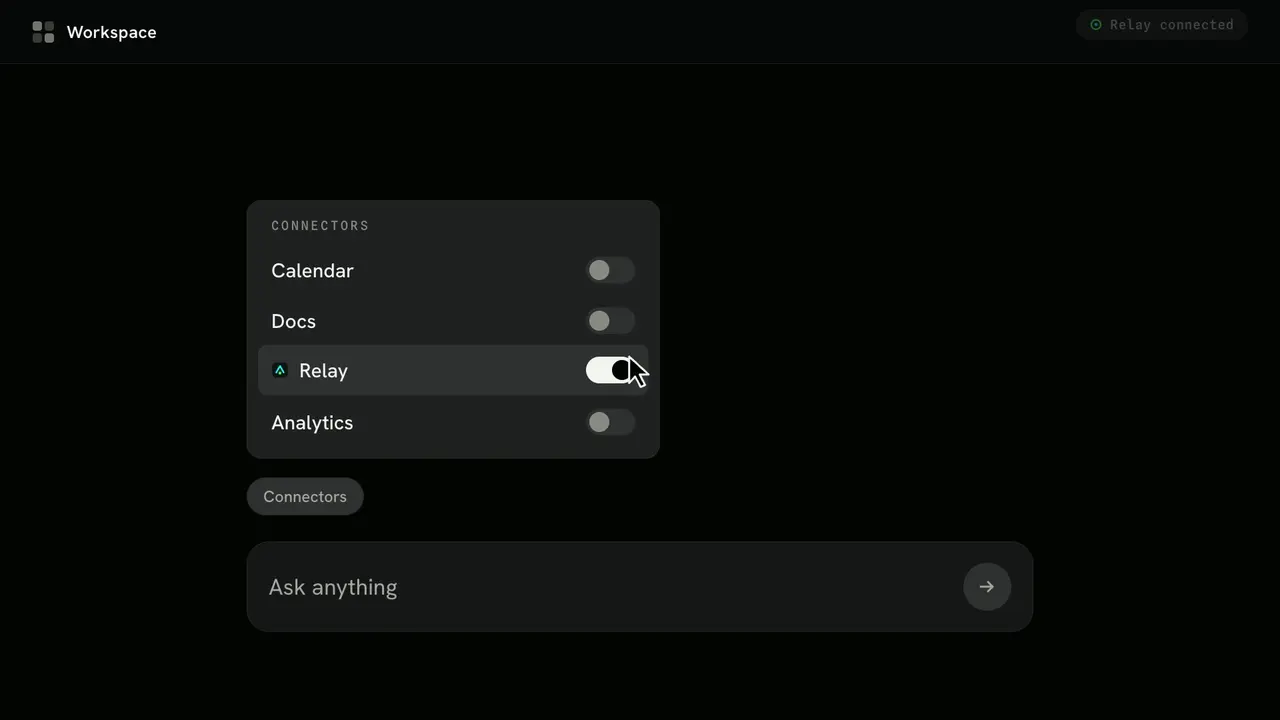
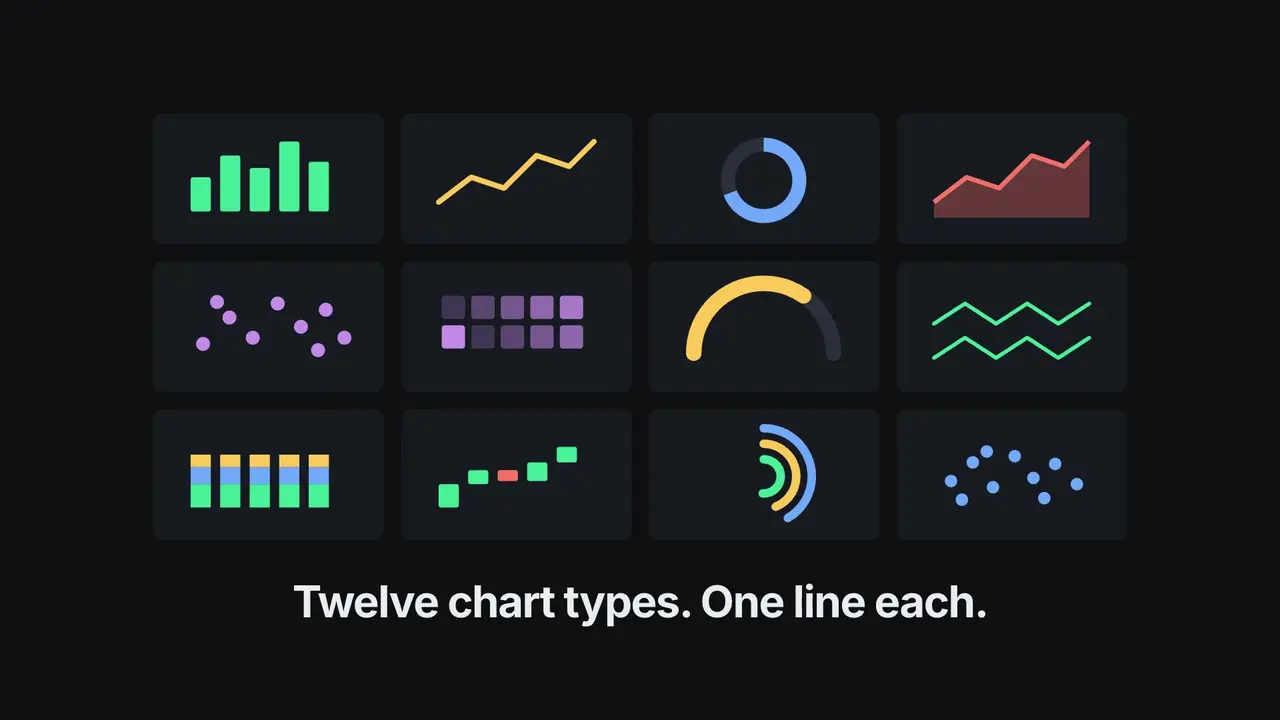
两段原始录屏的四种成片
MP4 in 16:9, 9:16 or 1:1 up to 4K, with a poster frameZooms, click rings, keycaps, callouts, spotlights and redactionsCaptions (SRT / VTT), YouTube chapters and an edit listScan contact sheets and a draft edit of the raw recordingOffline studio to preview the edit and place events适合需要录制软件操作、又想不用剪辑软件就做出清晰教程、演示或短视频的开发者、产品团队、教育者和帮助文档作者。
每个项目编辑一段已有录屏。不负责录屏,不生成旁白或音乐,不追踪鼠标,也不自动识别点击和按键;中文、日文和韩文需要提供自己的字体文件。
助手先把录屏扫描成带时间戳的接触表,并生成包含建议剪切、加速和放大的剪辑草稿,再写成一个 project.json:保留哪些片段、镜头在哪里放大和平移、点击光圈、按键提示、标注、聚光、字幕、章节,以及马赛克或模糊遮挡,背景可选渐变或品牌色,并配浏览器或窗口边框。用 FFmpeg 在本地渲染,最高 4K,附封面帧、字幕、YouTube 章节、剪辑清单和检查帧,另有离线工作室可预览剪辑、点击画面放置事件。需要 Node.js 20+ 和 FFmpeg。中文、日文和韩文需要提供自己的字体文件。
从内容包到第一次产出
选择起点,提供已有内容,让助手检查环境并先完成一份成果。
需要购买权限。将内容包解压到下方项目目录,或让助手按照安装指南完成安装。 .agents/skills/screenpolish
提供项目名称、受众,以及已有内容或图片即可开始;助手会追问缺少的必要信息。
内容包位置: .agents/skills/screenpolish

使用 ScreenPolish 处理我录的 2 分钟导出功能演示:剪掉加载等待,逐步放大,加上字幕和章节,渲染 1080p 的 16:9 版本放进文档。

将成果写入全新目录,保留已有文件。检查实际输出(MP4 in 16:9, 9:16 or 1:1 up to 4K, with a poster frame、Zooms, click rings, keycaps, callouts, spotlights and redactions、Captions (SRT / VTT), YouTube chapters and an edit list),打开可视成果并说明失败项。未完成的依赖检查不能算成功;任何付费服务先征求同意,不自动发布。将此请求交给 Claude Code、Codex 或 Cursor,让助手补齐必要信息并引导首次产出。
使用 ScreenPolish 处理我录的 2 分钟导出功能演示:剪掉加载等待,逐步放大,加上字幕和章节,渲染 1080p 的 16:9 版本放进文档。安装内容包需要购买权限。需要时可查看下方技术命令。
下载并解压到上面的目录,保留所有文件,并让 SKILL.md 直接位于该目录中。
下载需要已验证账号与购买权限。如果技能已安装,请选择新目录。
查看 SKILL.md 和生成脚本,确认运行依赖后执行:
cd .agents/skills/screenpolish
npm install
node scripts/render.mjs --input examples/send-invoice.json --output ./my-videoOpen wide.mp4, then check frames/ for every zoom, callout and redaction. Edit project.json or the studio and render again to a new folder.
Tallybird, its clients and its data are fictional, recorded from a mock-up for these examples. ScreenPolish edits a recording you already have; it does not record the screen or add voice-over, and clicks and keystrokes are placed by your agent from the recording rather than detected. Chinese, Japanese or Korean text needs a font file passed with --font.
如果 my-video 已存在,请将输出改为 ./my-video-2。现有文件不会被覆盖。
使用 ScreenPolish 把我的录屏做成精修教程。先向我索取录屏、观众要学会什么、画幅(16:9 或 9:16)以及画面中需要隐藏的信息。先扫描录屏,剪掉空等,为每个操作放大镜头,标出点击和快捷键,用我的原话加简短字幕,遮挡隐私信息,给我看剪辑清单,再渲染并展示检查帧。
使用过这个工作流?用真实评价帮助其他人选择。
此版本列出的预期安装助手为 Codex, Claude Code, Cursor。运行前请检查内容包的依赖与权限。标签不代表每项工作流已在所有助手中测试。
版本 1.0.0 的说明列出:MP4 in 16:9, 9:16 or 1:1 up to 4K, with a poster frame;Zooms, click rings, keycaps, callouts, spotlights and redactions;Captions (SRT / VTT), YouTube chapters and an edit list;Scan contact sheets and a draft edit of the raw recording;Offline studio to preview the edit and place events。部分文件或导出为可选项,请按内容包的要求配置并检查最终结果。
Tallybird, its clients and its data are fictional, recorded from a mock-up for these examples. ScreenPolish edits a recording you already have; it does not record the screen or add voice-over, and clicks and keystrokes are placed by your agent from the recording rather than detected. Chinese, Japanese or Korean text needs a font file passed with --font.