 免费视频预览
Velocity-Matched UI Sting
制作速度匹配转场的短产品动画,让七场景呈现连续镜头运动。交付实际 MP4 和包含接缝记录的单文件项目,便于后续修改品牌而保持动画连贯。


 Claude Code +8
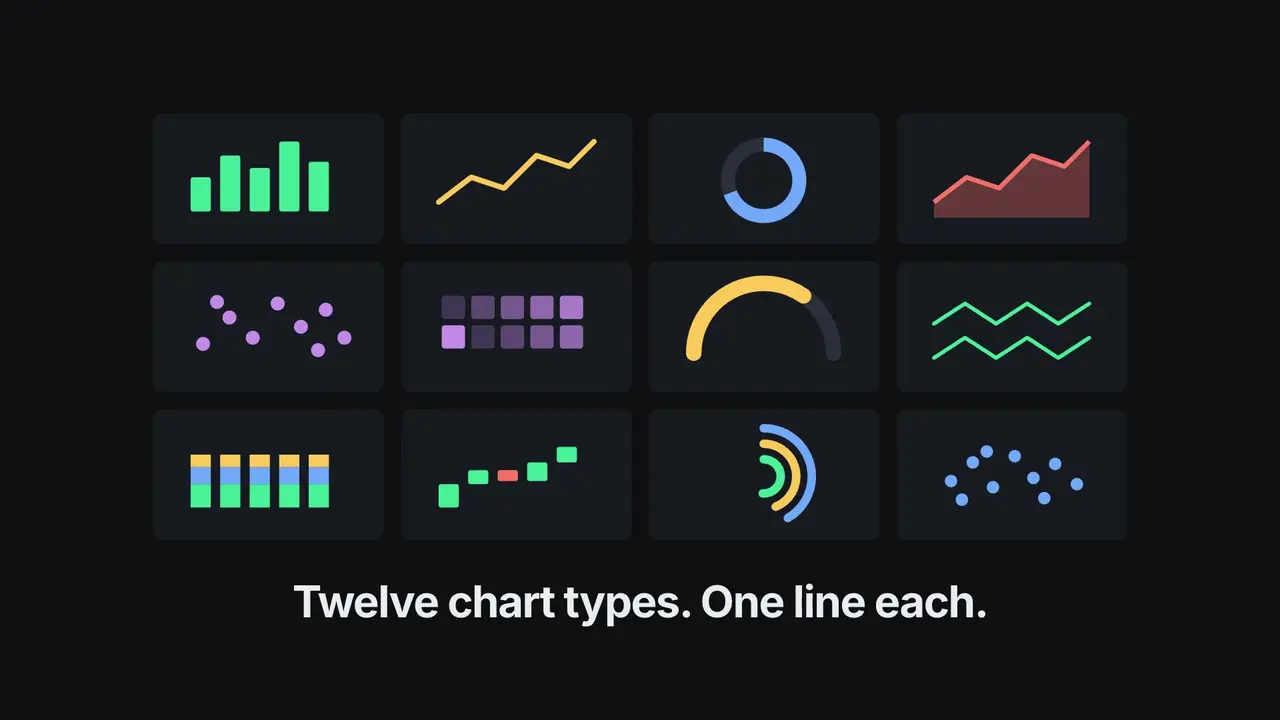
8 个系列共 33 个可编辑 B-roll 动效:动态文字、章节、图表、流程、卡片清单、证据、出镜布局和叠加层。
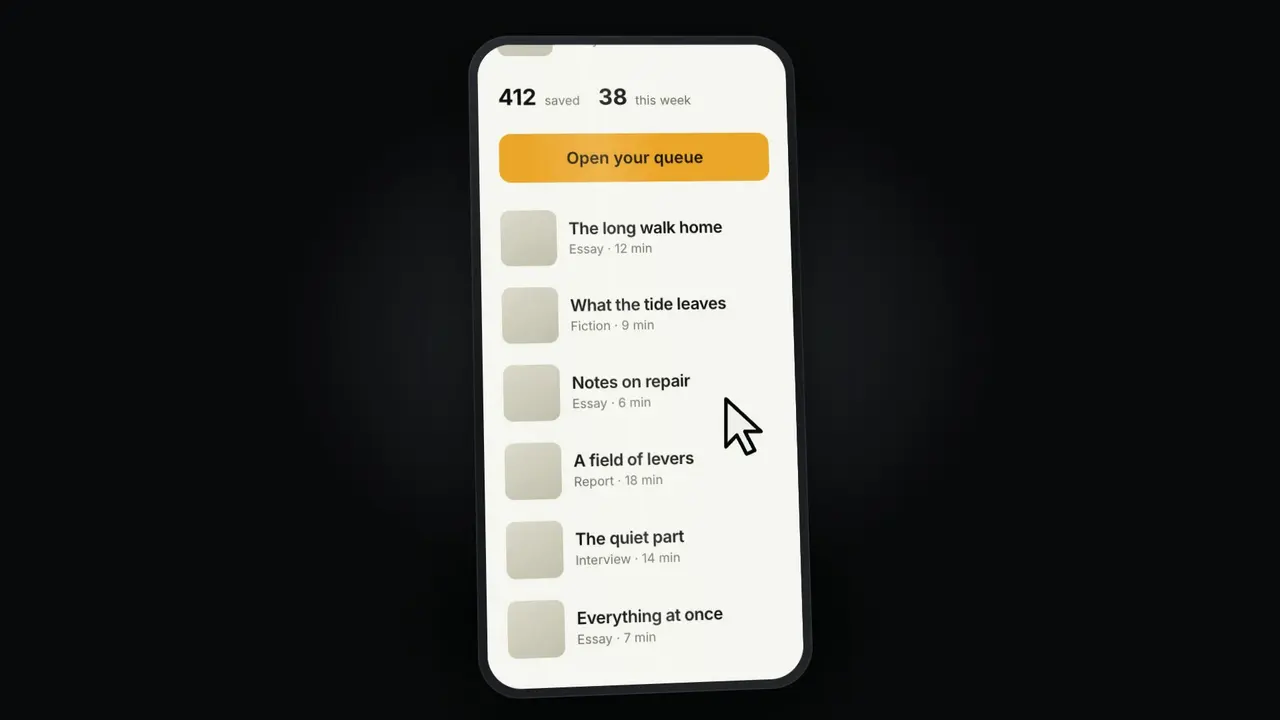
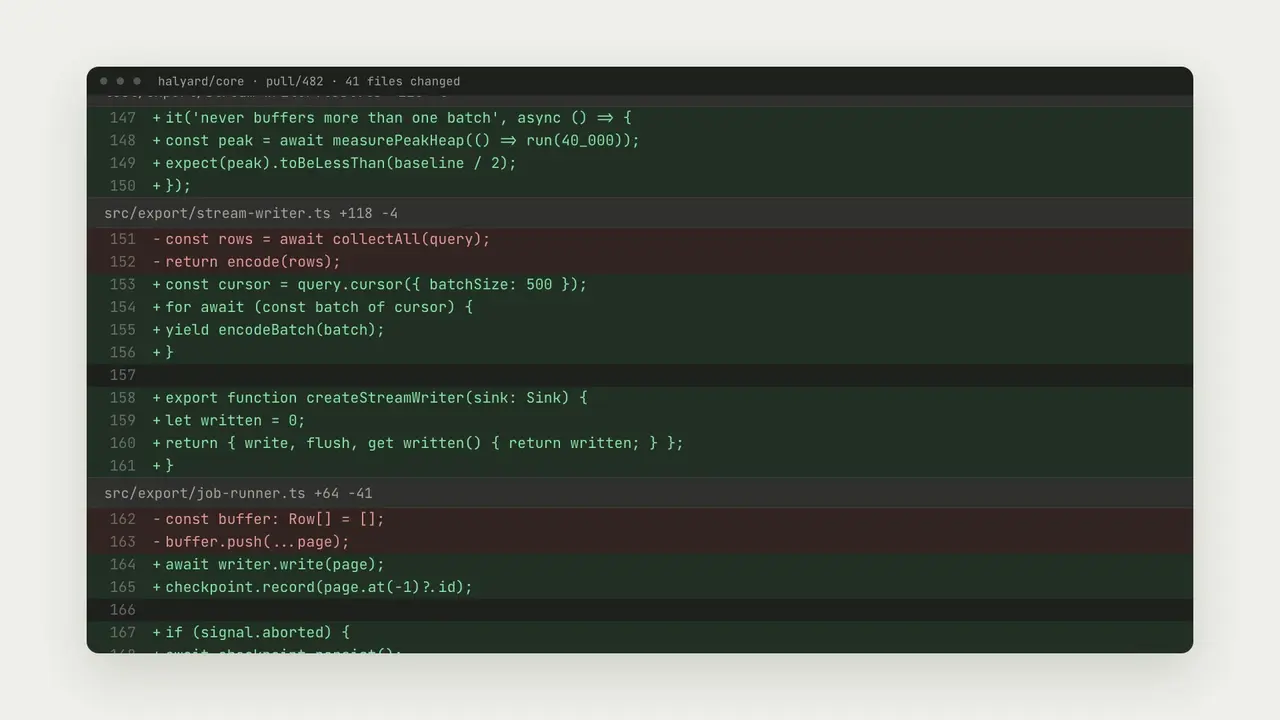
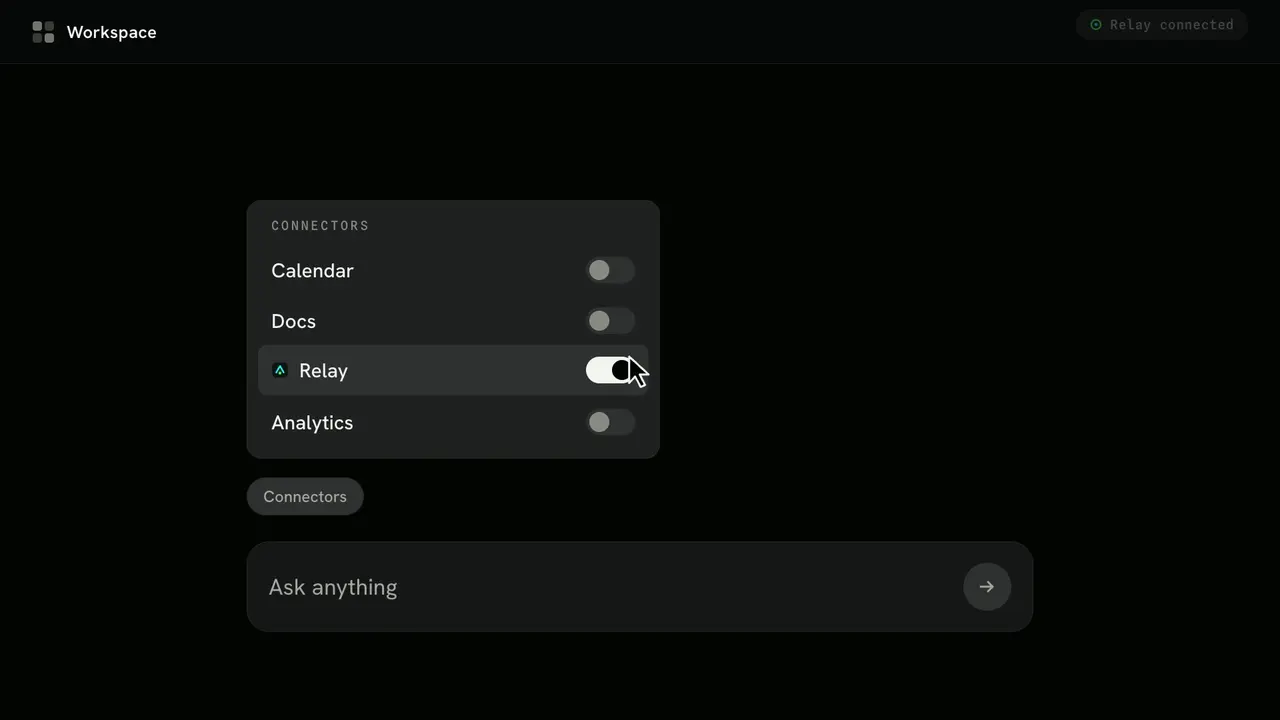
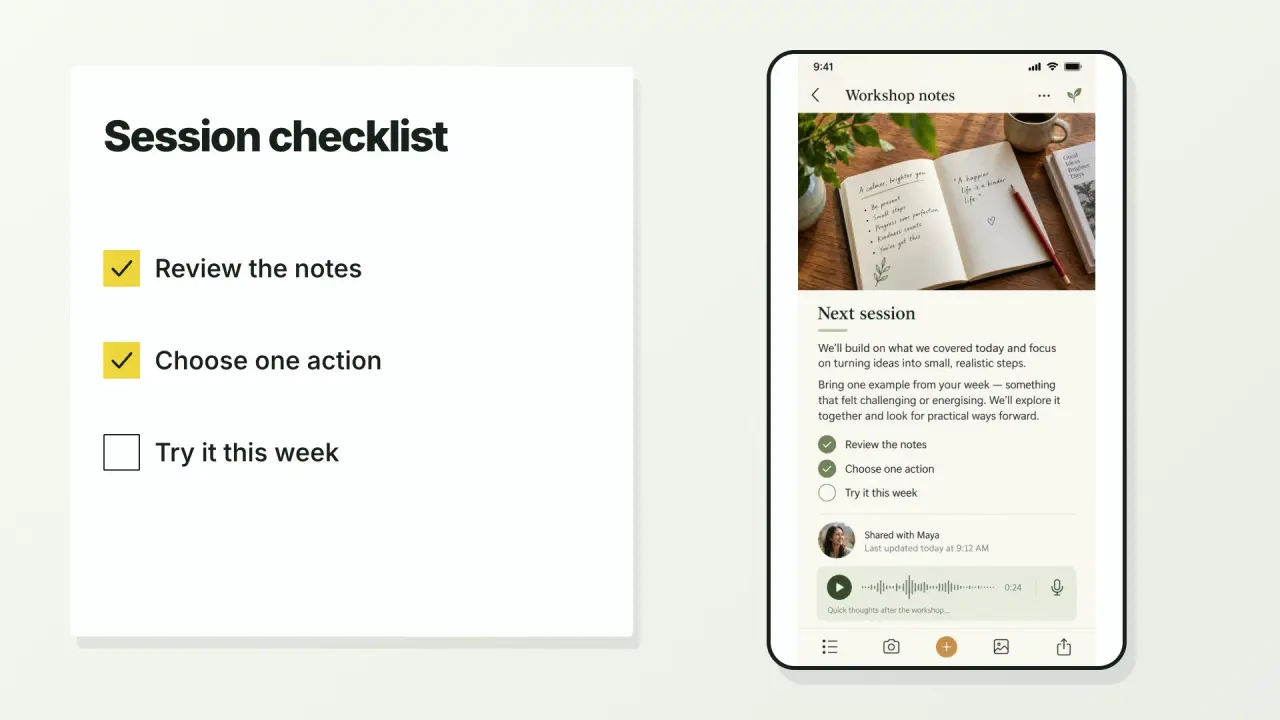
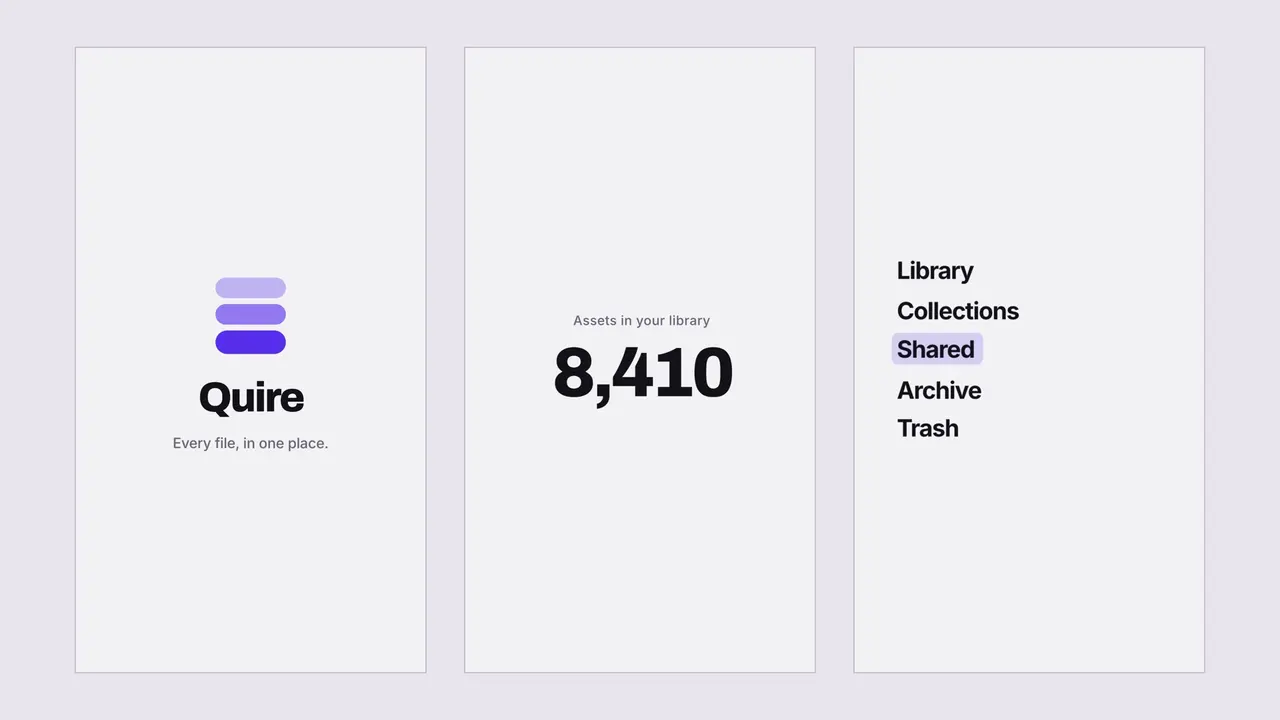
同一动效库制作的三支创作者视频
One MP4 per segment in 16:9, 9:16 or 1:1, up to 4KYour take composited into presenter and overlay effectsOptional transparent ProRes overlays and a joined review reelproject.json, storyboard, SRT / VTT captions from the scriptOffline studio for review助手把脚本拆成段落,并从 8 个系列中为每段挑选一个动效:动态文字、章节、图表、流程、卡片清单、证据、出镜布局和叠加层。可使用日光黄、石墨绿、牛皮纸橙或黑白配色及任意品牌色。出镜布局和叠加层会连同原声合成你的口播素材。逐段导出最高 4K 的 MP4,可选透明 ProRes 叠加层和预览合集,并附 project.json、分镜、按脚本生成的字幕,以及离线工作室用于预览。需要 Node.js 20+ 和 FFmpeg。中文、日文和韩文需要提供自己的字体文件。
从内容包到第一次产出
选择起点,提供已有内容,让助手检查环境并先完成一份成果。
需要购买权限。将内容包解压到下方项目目录,或让助手按照安装指南完成安装。 .agents/skills/creatormotion
提供项目名称、受众,以及已有内容或图片即可开始;助手会追问缺少的必要信息。
内容包位置: .agents/skills/creatormotion

使用 CreatorMotion 把我 60 秒的脚本做成 B-roll,每个关键段落一个动效。以 examples/focus-sprints.json 为起点,数字保留来源,渲染 16:9 片段。

将成果写入全新目录,保留已有文件。检查实际输出(One MP4 per segment in 16:9, 9:16 or 1:1, up to 4K、Your take composited into presenter and overlay effects、Optional transparent ProRes overlays and a joined review reel),打开可视成果并说明失败项。未完成的依赖检查不能算成功;任何付费服务先征求同意,不自动发布。将此请求交给 Claude Code、Codex 或 Cursor,让助手补齐必要信息并引导首次产出。
使用 CreatorMotion 把我 60 秒的脚本做成 B-roll,每个关键段落一个动效。以 examples/focus-sprints.json 为起点,数字保留来源,渲染 16:9 片段。安装内容包需要购买权限。需要时可查看下方技术命令。
下载并解压到上面的目录,保留所有文件,并让 SKILL.md 直接位于该目录中。
下载需要已验证账号与购买权限。如果技能已安装,请选择新目录。
查看 SKILL.md 和生成脚本,确认运行依赖后执行:
cd .agents/skills/creatormotion
npm install
node scripts/render.mjs --input examples/focus-sprints.json --output ./my-broll --reelDrop the files in segments/ into your editor on top of your narration. Check frames/ for every segment, edit project.json or the studio, and render again to a new folder.
The example creators, figures and messages are fictional. Presenter effects show a labelled placeholder until you add your own take. Chinese, Japanese or Korean text needs a font file passed with --font. No footage, voice-over, music or final edit is generated.
如果 my-broll 已存在,请将输出改为 ./my-broll-2。现有文件不会被覆盖。
使用 CreatorMotion 把我的视频脚本做成 B-roll。先向我索取脚本、画幅(16:9 或 9:16)、配色或品牌色、我的出镜素材和截图。把脚本拆成段落,按画面要表达的变化为每段挑选一个动效,原话和数字保持不变,先给我看分镜,再逐段渲染并展示检查帧。
使用过这个工作流?用真实评价帮助其他人选择。
此版本列出的预期安装助手为 Codex, Claude Code, Cursor。运行前请检查内容包的依赖与权限。标签不代表每项工作流已在所有助手中测试。
版本 1.0.0 的说明列出:One MP4 per segment in 16:9, 9:16 or 1:1, up to 4K;Your take composited into presenter and overlay effects;Optional transparent ProRes overlays and a joined review reel;project.json, storyboard, SRT / VTT captions from the script;Offline studio for review。部分文件或导出为可选项,请按内容包的要求配置并检查最终结果。