 Available1
One-Page Site Builder
Build your first responsive product page.


 Codex +2
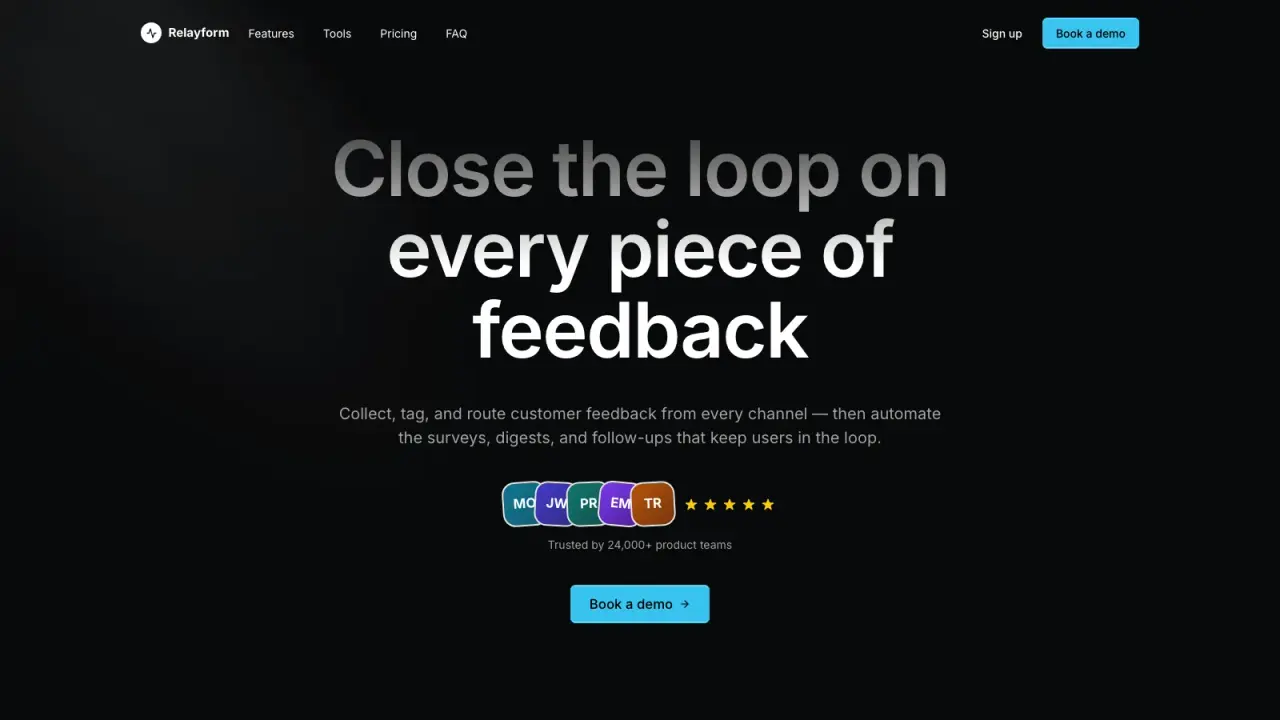
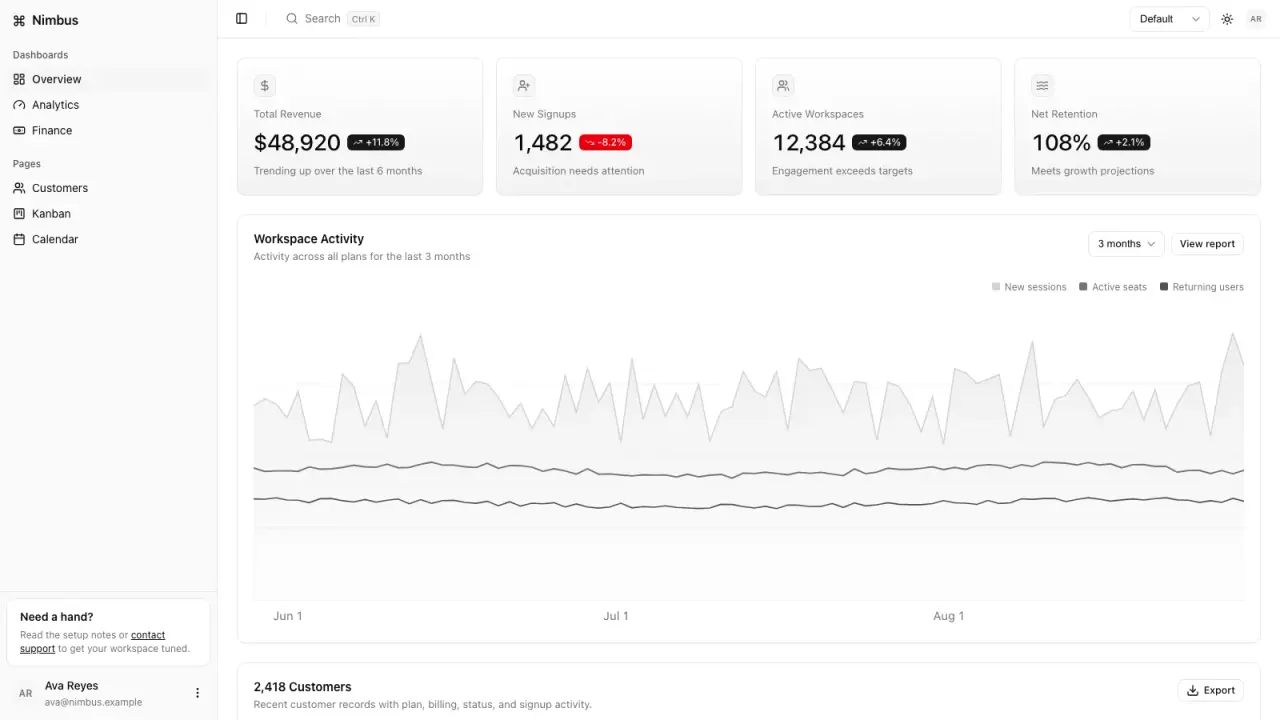
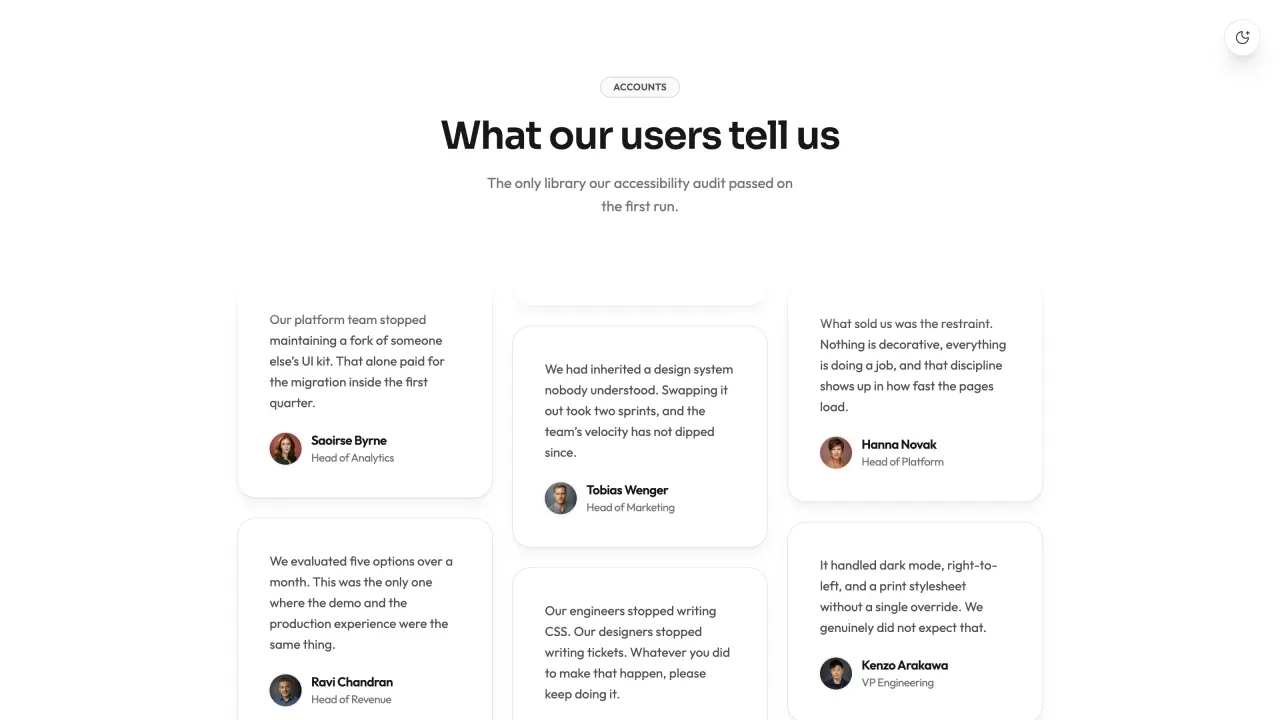
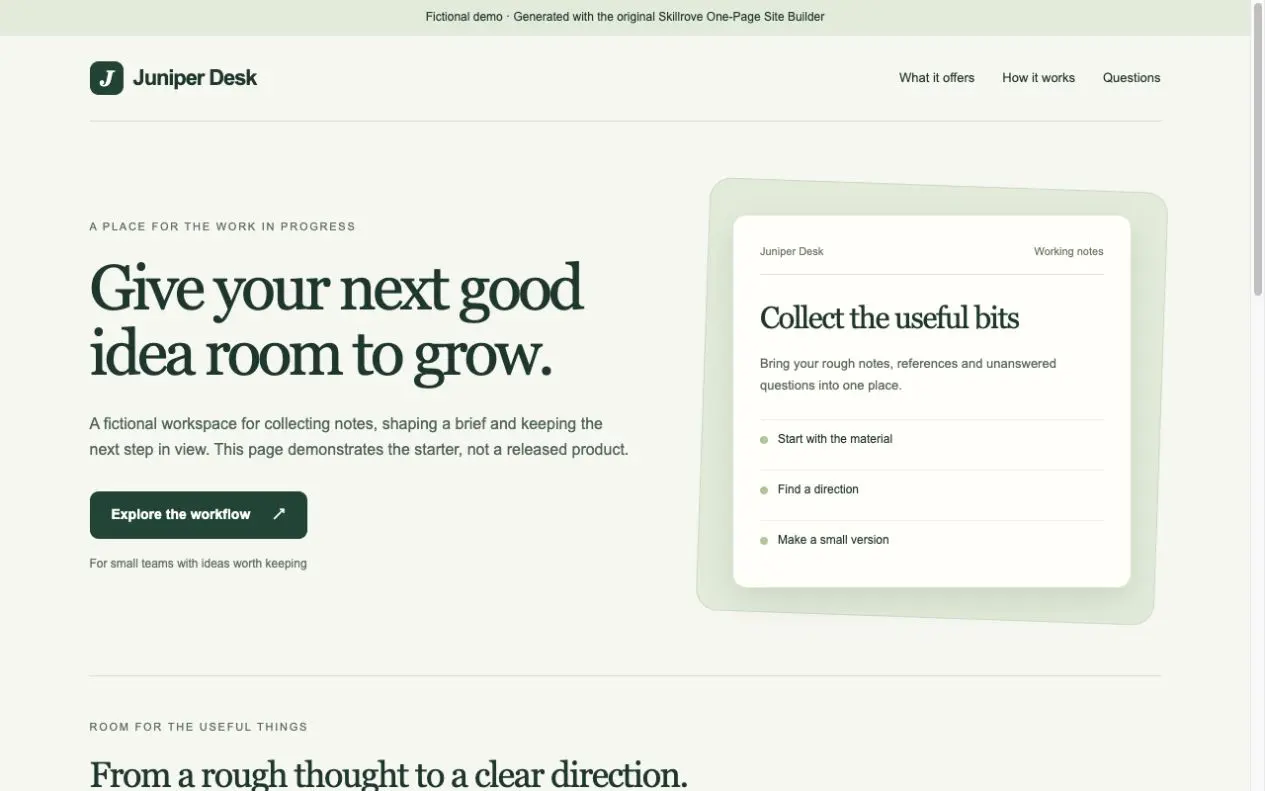
Give your next story a complete, beautifully organised press kit.
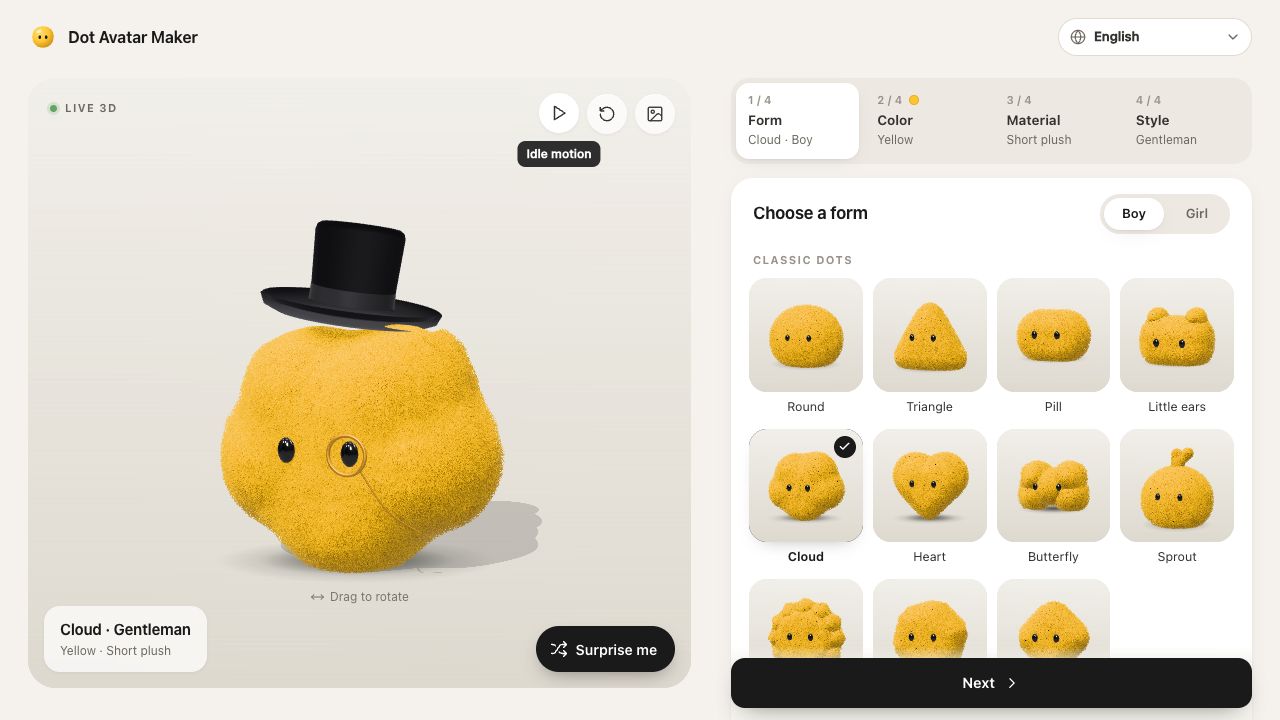
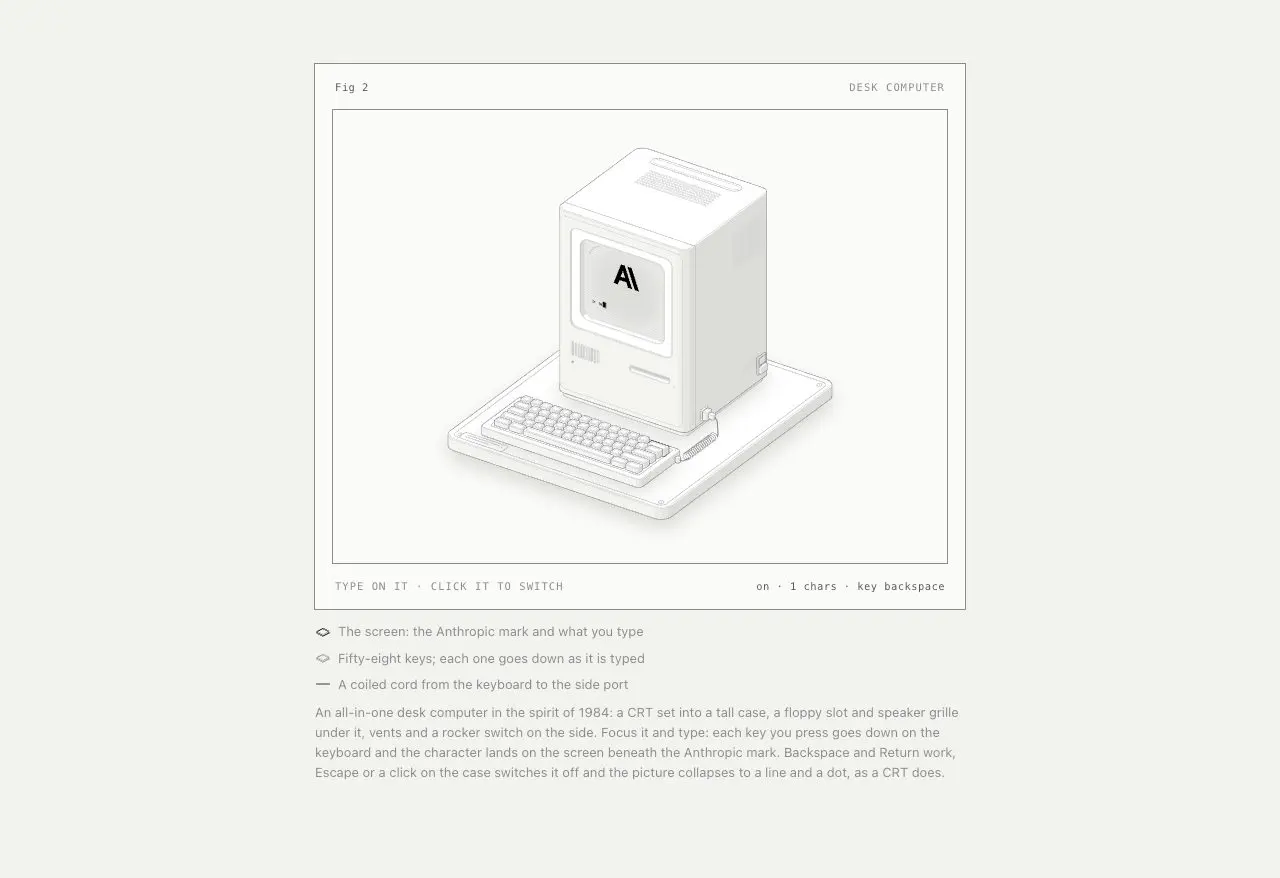
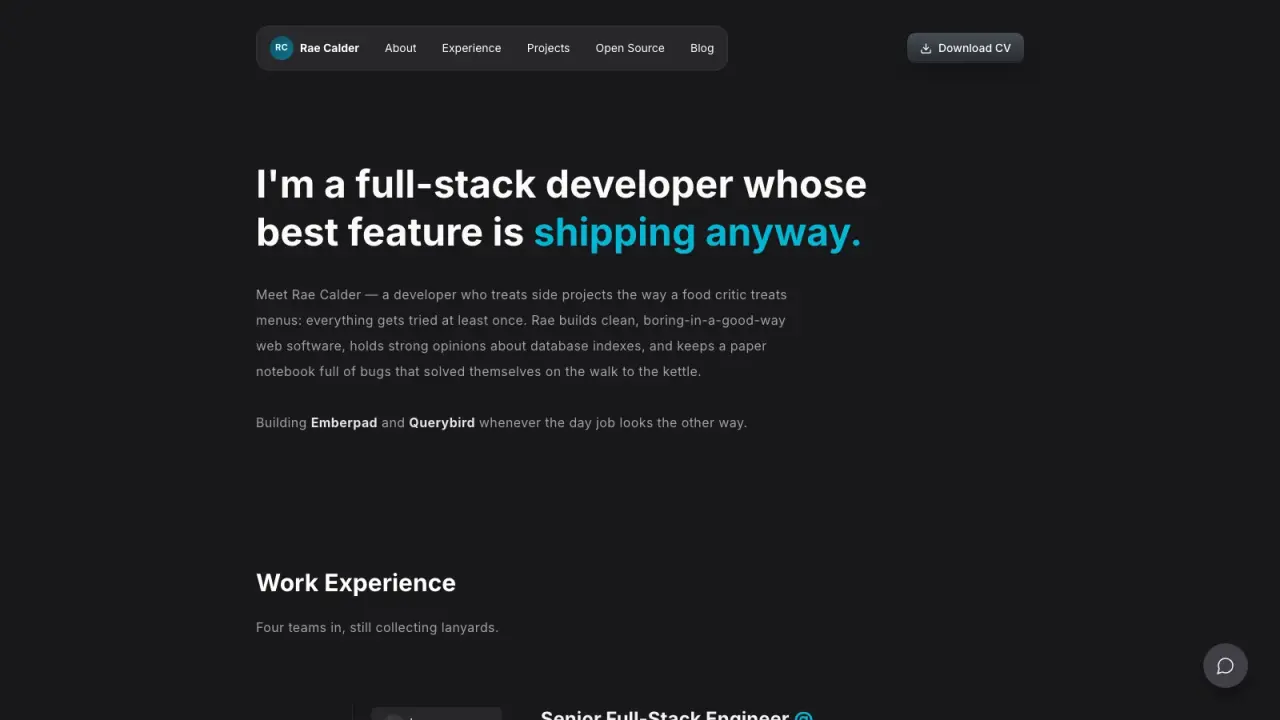
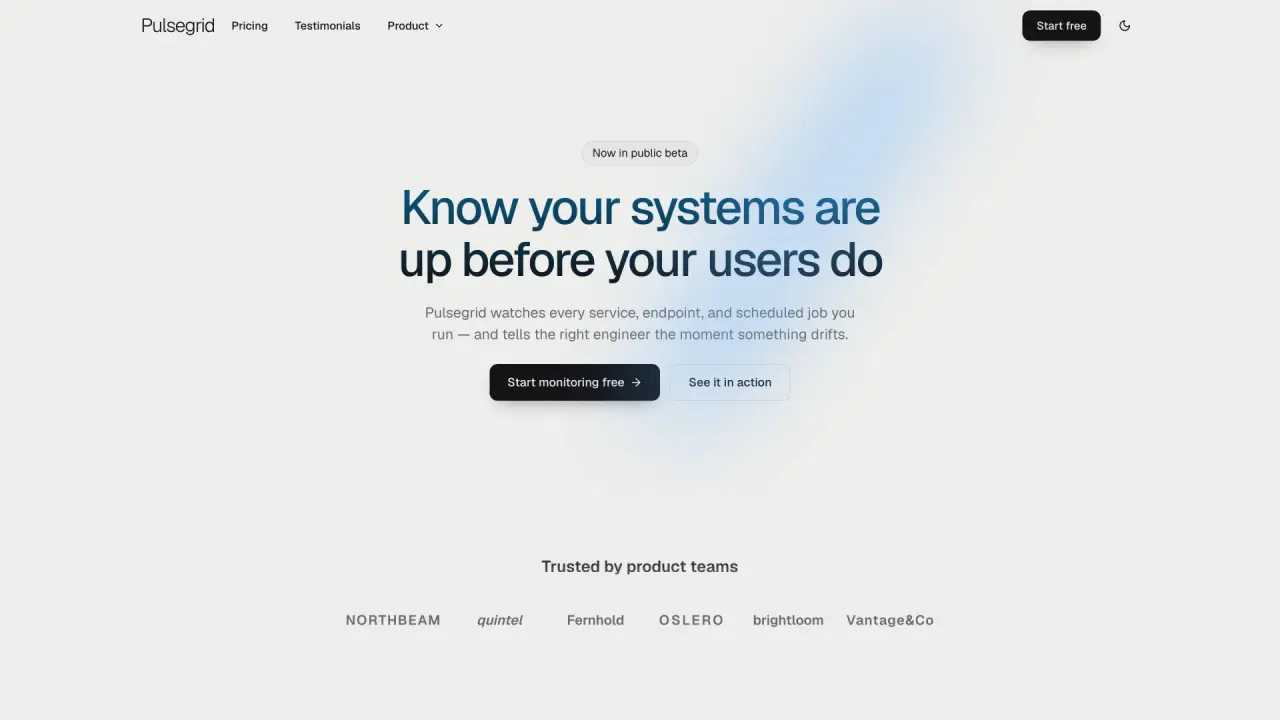
Three distinct briefs. Make one your own.
Ready-to-use interactive HTMLEditable HTML + project JSONSVG / PNG overviewCSV + MarkdownSilent MP4 + integrity manifestBrands preparing authorized materials for media.
Only publish authorized images and verified facts. Local files, not a hosted newsroom, mailing service or rights-clearance system. Optional silent 1080p videos need Node.js 24.15+, FFmpeg and pinned npm dependencies. Examples are fictional. Videos and overview images show selected highlights; the complete HTML retains all records.
Give your next story a complete, beautifully organised press kit. Create a brand introduction, fact sheet and downloadable visual assets with credits, usage notes and your own images.
Choose a starting point, edit labeled fields and preview your complete result. Export a ready-to-use HTML page, save editable HTML or JSON, and reuse CSV, Markdown and a 3840px overview image. Browser editing needs no installation or account.
Only publish authorized images and verified facts. Local files, not a hosted newsroom, mailing service or rights-clearance system. Optional silent 1080p videos need Node.js 24.15+, FFmpeg and pinned npm dependencies. Examples are fictional. Videos and overview images show selected highlights; the complete HTML retains all records.
FROM PACKAGE TO FIRST RESULT
Choose a starting point, add the content you already have, then let your agent check the setup and create one result.
Purchase access is required. Unzip the package into the project folder below, or let your agent follow the installation guide. .agents/skills/press-kit
Your project name, audience and the content or images you already have are enough to start. Your agent will ask for anything essential that is missing.
Package location: .agents/skills/press-kit

Build a press kit from my approved brand introduction, verified facts and authorized images. Keep credits and usage notes, and make the finished assets downloadable.

Use a new output folder and preserve existing files. Inspect the actual deliverables (Ready-to-use interactive HTML, Editable HTML + project JSON, SVG / PNG overview), open the visual result and explain failed checks. An incomplete dependency check is not a successful result. Ask before paid services and do not publish automatically.These steps use a project folder. Open the project in your agent and run terminal commands from its root.
Package folder .agents/skills/press-kit
Download and unzip the package into the folder above. Keep all its files together, with SKILL.md directly inside that folder.
Downloads require a verified account and purchase access. Choose a new folder if this Skill is already installed.
Read SKILL.md, review the generator and check its runtime requirements before running:
cd .agents/skills/press-kit
node scripts/build.mjs --input examples/default.json --output my-resultChoose a starting point, edit labeled fields and preview your complete result. Export a ready-to-use HTML page, save editable HTML or JSON, and reuse CSV, Markdown and a 3840px overview image. Browser editing needs no installation or account.
Only publish authorized images and verified facts. Local files, not a hosted newsroom, mailing service or rights-clearance system. Optional silent 1080p videos need Node.js 24.15+, FFmpeg and pinned npm dependencies. Examples are fictional. Videos and overview images show selected highlights; the complete HTML retains all records.
If my-result already exists, change the output to ./my-result-2. Existing files are never overwritten.
Use Press Kit at .agents/skills/press-kit. Read SKILL.md and review scripts/build.mjs. Run examples/default.json into a new output folder and show me all generated files. Keep fictional sample content clearly labeled.
Tried this workflow? Help others decide with an honest review.
The listed individual package price is USD 4.99. Premium downloads require a confirmed purchase or active membership. Your agent subscription, model access and external provider credits are separate.
This release lists Codex, Claude Code, Cursor as intended installation hosts. Check the package’s dependencies and permissions before running it. These labels do not certify that every workflow has been tested in every agent.
The documented 1.0.0 workflow lists: Ready-to-use interactive HTML; Editable HTML + project JSON; SVG / PNG overview; CSV + Markdown; Silent MP4 + integrity manifest. Some files or exports are optional; follow the package’s setup and inspect the delivered result.
Only publish authorized images and verified facts. Local files, not a hosted newsroom, mailing service or rights-clearance system. Optional silent 1080p videos need Node.js 24.15+, FFmpeg and pinned npm dependencies. Examples are fictional. Videos and overview images show selected highlights; the complete HTML retains all records.